Best Keyboards
Find the best keyboards for work, gaming, and everyday typing, ranked based on customer review ratings. Whether you prefer a compact layout, wireless connectivity, or responsive keys, explore top-rated options to find the right fit for your setup and typing style.
What to look for in the best keyboards
1. Switch Type and Typing Feel
2. Size and Comfort
3. Connectivity and Compatibility
4. Features for Your Tasks
-
1
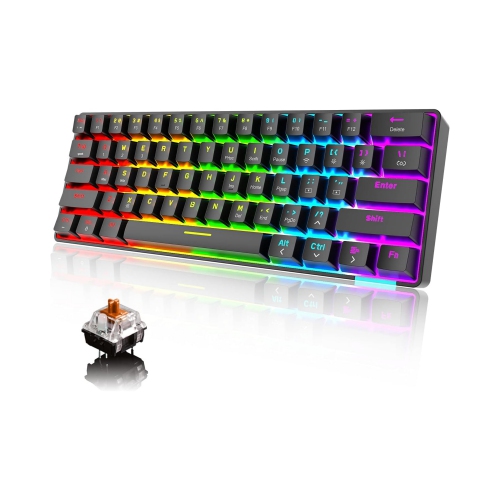
NIERBO 60% Wireless Mechanical Gaming Keyboard w Rainbow RGB Backlight Compact 61 Key Ergonomic Rechargeable Anti-Ghosting Bluetooth 5.0 Type-C USB
About this product
A compact wireless mechanical keyboard featuring rainbow RGB backlighting, anti-ghosting, and Bluetooth 5.0 connectivity.
$99.99Your price for this item is $99.99SAVE $43 -
2
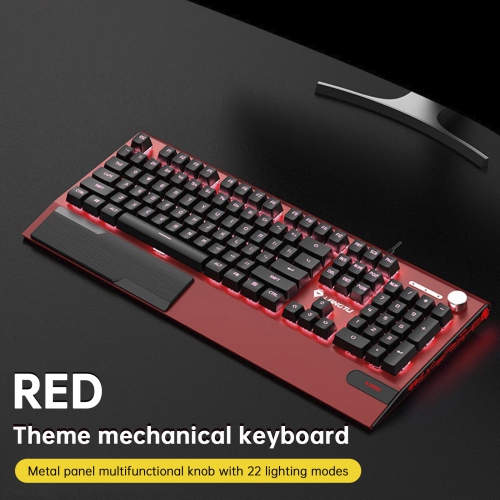
TOPTENG K1000 Hot-Swappable Mechanical Keyboard - 104 Key Switch, RGB Backlit, Pbt Keycaps, Knob Control for Gaming - In Red
About this product
A red mechanical keyboard featuring hot-swappable linear switches, RGB backlighting, PBT keycaps, and a control knob.
(1)$89.99Your price for this item is $89.99SAVE $50 -
3
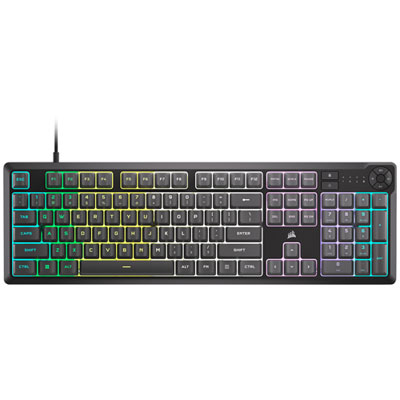
Corsair K55 Core RGB Backlit Gaming Keyboard - Grey - Only at Best Buy
About this product
A grey gaming keyboard featuring ten-zone RGB backlighting, 12-key rollover, and spill resistance.
$69.95 Your price for this item is $69.95 -
4
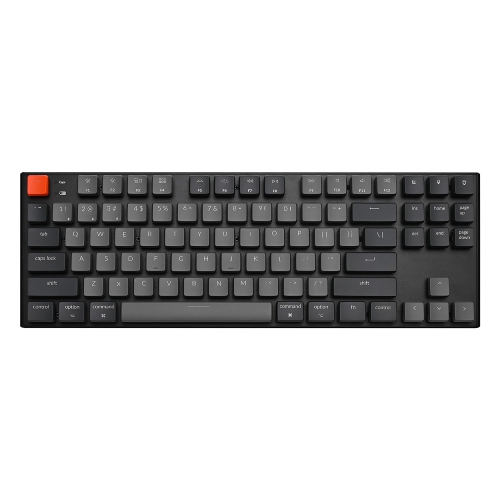
KEYCHRON K1 V2 RGB Wireless Low Profile Mechanical Gaming Keyboard – Tkl Layout, Gateron Switches – Compatible w Windows, Macos & Android
About this product
A wireless low-profile mechanical keyboard with RGB lighting, black aluminum frame, and Gateron switches.
$286.68 Your price for this item is $286.68 -
5
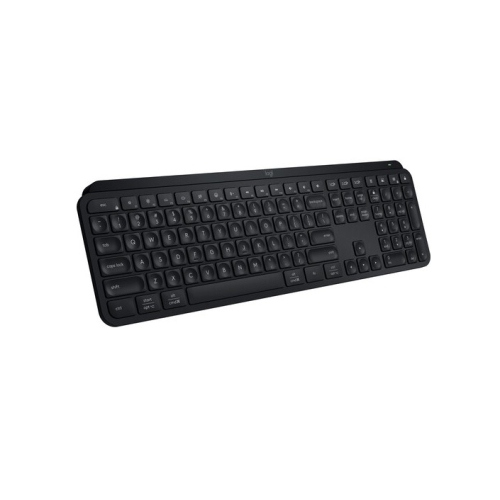
LOGITECH Mx Keys S Wireless Keyboard (Black)
About this product
A low-profile wireless keyboard with laptop-like keys for fast, precise, and quiet typing experiences.
(3)$144.47Your price for this item is $144.47SAVE $25 -
6
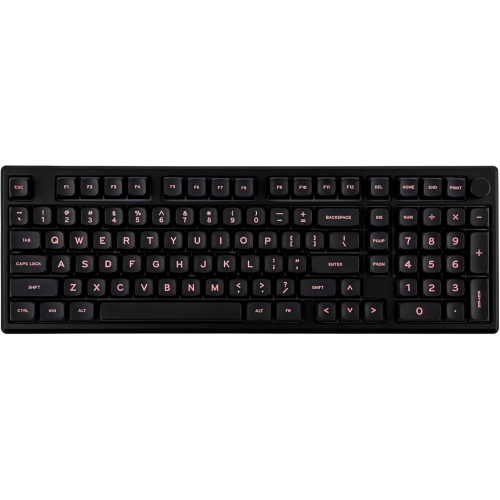
EPOMAKER - Galaxy100 Qmk/via Gaming Keyboard w 8000Mah Battery, 1800 Aluminum Mechanical Keyboard, USB-C/bt5.0/2.4Ghz (Black, Marble Switch)
About this product
A black aluminium mechanical keyboard with marble switches, numpad, metal knob, and versatile wireless connectivity.
$139.15Your price for this item is $139.15SAVE $34 -
7
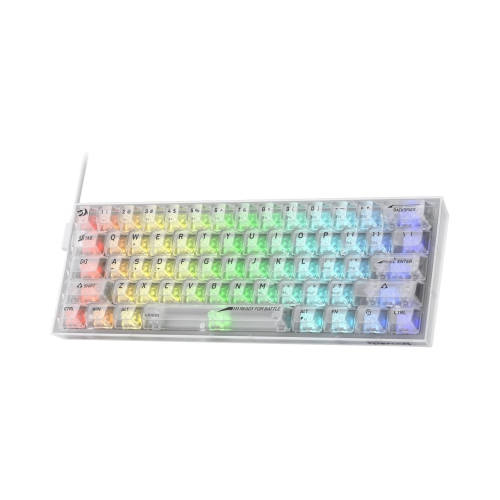
NIERBO 60% Wired RGB Gaming Keyboard, 61 Keys Compact Full-Transparent Mechanical Keyboard W/translucent Board, Custom Linear Switch, Pro
About this product
A compact wired mechanical keyboard featuring RGB lighting, translucent board, custom linear switches, and macro support.
$129.99Your price for this item is $129.99SAVE $56 -
8
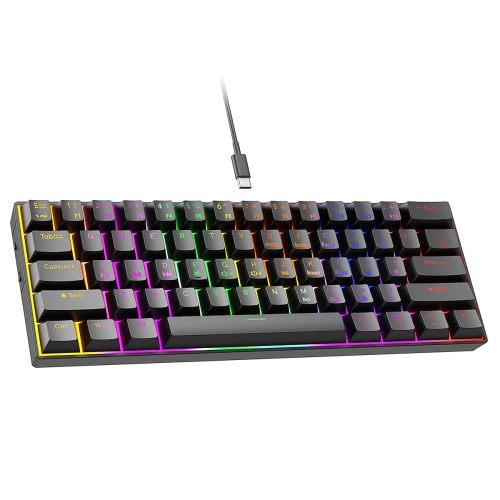
GREENSCENIC 61-Key Wired RGB Mechanical Keyboard, Tactile Switches, 24 Rainbow Backlight Effects, Compact Portable Design for Fast Typing, Precision
About this product
A blue wired mechanical keyboard with tactile switches, RGB backlighting, and a compact plug-and-play 60% layout.
$53.99 Your price for this item is $53.99 -
9
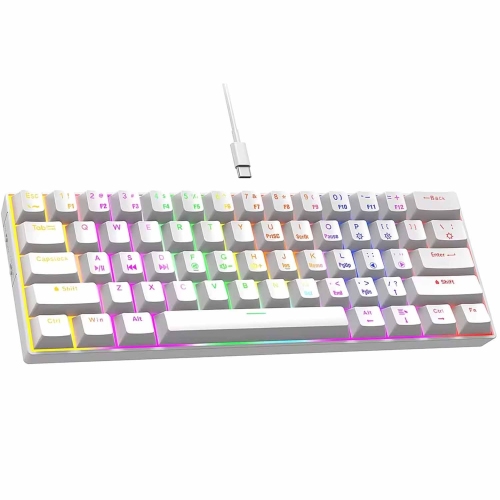
GREENSCENIC 61-Key Wired RGB Mechanical Keyboard, Tactile Switches, 24 Rainbow Backlight Effects, Compact Portable Design for Fast Typing, Precision
About this product
A blue 61-key mechanical keyboard with tactile switches, USB plug-and-play connectivity, and 24 RGB backlight effects.
$53.99 Your price for this item is $53.99 -
10
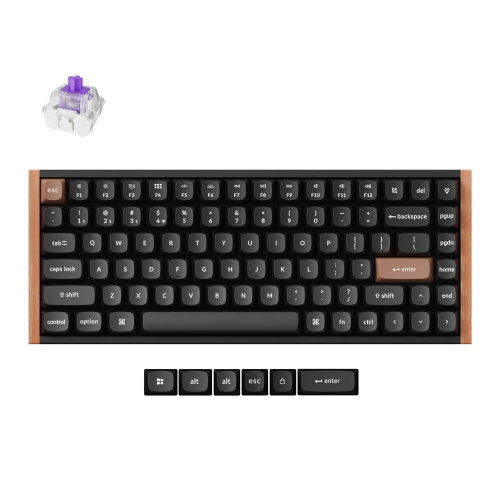
KEYCHRON - K2 He Wireless RGB Mechanical Keyboard for Gaming - 75% Compact Layout, Customizable Switches, Fast 1000Hz Polling, for Windows & Macos
About this product
A black wireless gaming keyboard with a compact 75% layout, RGB lighting, and customizable magnetic switches.
$174.29 Your price for this item is $174.29
FAQ
Mechanical keyboards use individual switches beneath the keys, with options for a smooth, tactile, or clicky feel. Membrane keyboards use a flexible membrane layer to register key presses and typically have a softer feel. The choice comes down to your preferred typing feel and sound.
Keyboards can connect through a wired USB cable, Bluetooth, or a wireless USB receiver. Wired models draw power from the connected device, while wireless models use replaceable or rechargeable batteries. Some keyboards support multiple connection modes and switching between paired devices.
Many keyboards support both Windows and macOS, but key labels, shortcuts, and customization software can differ. Some include a system-selection switch or alternate keycaps for each operating system. Check the stated compatibility, connection requirements, and software support for your device.
Single-colour backlighting illuminates the keys in one colour, often with adjustable brightness. RGB backlighting offers multiple colours and may include preset lighting patterns, lighting zones, or individual key controls. Available settings depend on the keyboard and its companion software.
Programmable keys let you assign functions such as keyboard shortcuts, media controls, or sequences of keystrokes called macros. Customization may use onboard controls or companion software. Some keyboards store profiles in onboard memory, while others require software to keep custom settings active.
Top selling and popular products
Discover more categories related to Best Keyboards

Some products may be subject to Environmental Handling Fees (EHF) depending on your province. Learn more about EHFs.