Best Low Profile Keyboards

Find your ideal typing setup with the best low profile keyboards, ranked by user review ratings. With slim designs and shorter keys, these keyboards offer a streamlined option for work, gaming, and everyday tasks. Explore top-rated options and compare features such as key feel, connectivity, and backlighting to find the right fit for your desk.

Read More

What to look for in low-profile keyboards

1. Key Feel and Switch Type

Low-profile keyboards typically have shorter keys and less key travel than standard models. Choose scissor switches for a laptop-like feel, or low-profile mechanical switches for linear, tactile or clicky feedback.

2. Layout and Comfort

A full-size layout includes a number pad, while tenkeyless and compact layouts leave more room for your mouse. Check the keyboard’s height, tilt options and key spacing to find a design that supports a comfortable typing position.

3. Connectivity and Compatibility

Compare wired USB, Bluetooth and USB wireless receiver options based on your devices and available ports. Confirm operating system compatibility, and look for multi-device switching if you regularly move between a computer and other devices.

4. Features for Work and Gaming

Backlit keys, media controls and programmable shortcuts can make everyday tasks easier. For gaming, look for low-latency connectivity and support for simultaneous key presses; for wireless use, compare battery life with backlighting enabled and disabled.
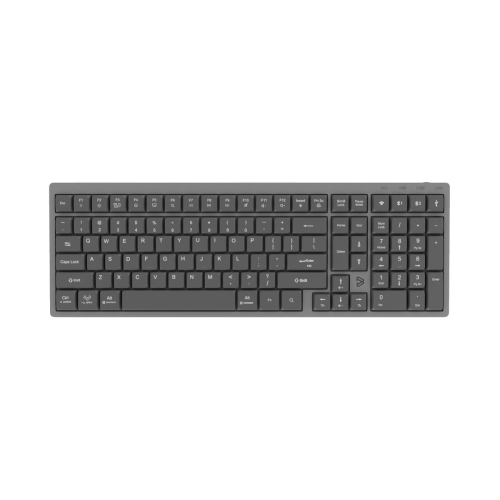
  1. 1

    BLUEDIAMOND Wireless Low Profile Mechanical Keyboard Bluetooth & 2.4G Connectivity Windows & Mac Compatible - English Layout

    About this product

    A sleek low-profile mechanical keyboard with Bluetooth and 2.4G connectivity, white LED backlighting, and customizable keymapping.

    $94.99 Your price for this item is $94.99
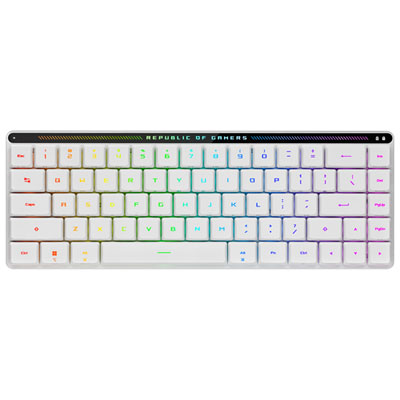
  2. 2

    ASUS ROG M603 Falchion RX Red Low Profile Bluetooth Backlit Mechanical Gaming Keyboard - White - Only at Best Buy

    About this product

    A white low-profile mechanical keyboard with red switches, RGB backlighting, and Bluetooth connectivity for gaming.

    What customers like

    • Compact and portable design
    • Responsive and fast red switches
    • Vibrant RGB lighting and sleek appearance
    • Smooth and comfortable typing experience
    • Versatile connectivity options including Bluetooth
    (32)
    $183.98 Your price for this item is $183.98
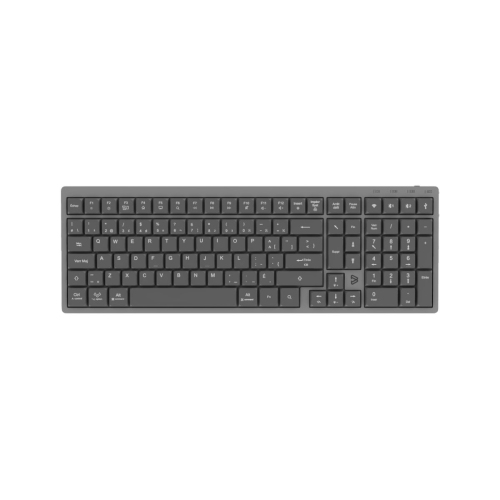
  3. 3

    BLUEDIAMOND Wireless Low Profile Mechanical Keyboard Bluetooth & 2.4G Connectivity Windows & Mac Compatible - French Layout

    About this product

    A sleek low-profile mechanical keyboard with French layout, wireless connectivity, white LED backlighting, and USB-C charging.

    (1)
    $94.99 Your price for this item is $94.99
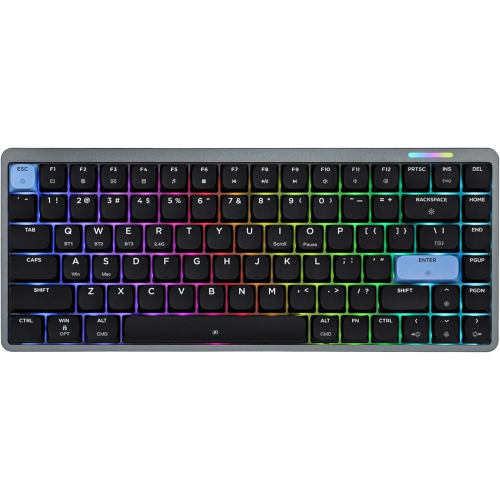
  4. 4

    EPOMAKER - Luma84 Low-Profile Aluminum Mechanical Keyboard, Tri-Mode Wireless Qmk/via Hot-Swappable RGB Keyboard, Black/blue, Gateron Low-Profile

    About this product

    A low-profile black and blue aluminum mechanical keyboard with tri-mode wireless, RGB lighting, and hot-swappable switches.

    $144.99
    SAVE $27
    Your price for this item is $144.99
  5. 5

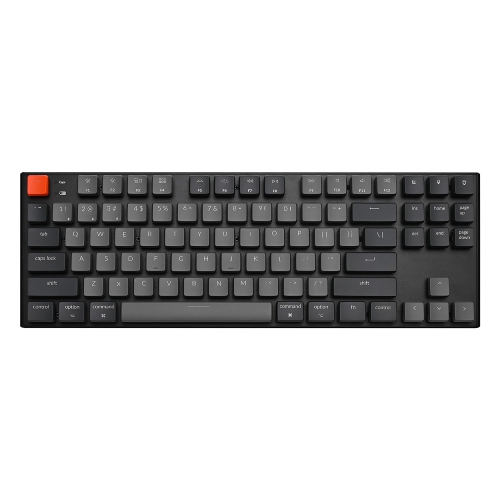
    KEYCHRON K1 V2 RGB Wireless Low Profile Mechanical Gaming Keyboard – Tkl Layout, Gateron Switches – Compatible w Windows, Macos & Android

    About this product

    A wireless low-profile mechanical keyboard with RGB lighting, black aluminum frame, and Gateron switches.

    $286.68 Your price for this item is $286.68
  6. 6

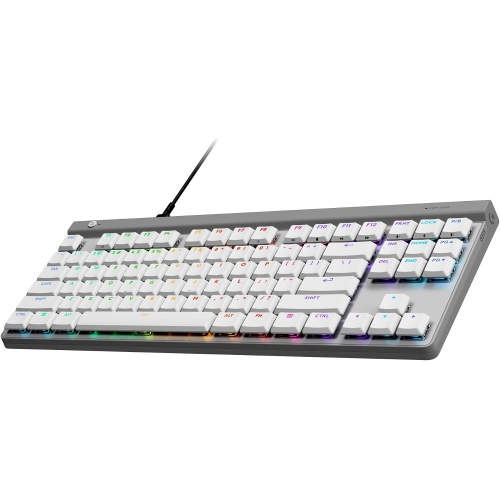
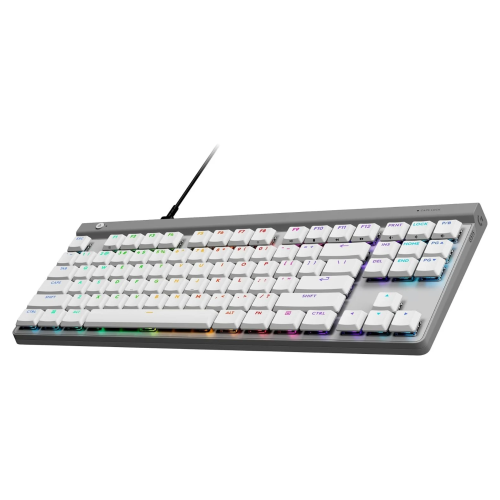
    LOGITECH - G G515 Tkl Wired Low-Profile Mechanical Gaming Keyboard - In White

    About this product

    A compact white wired keyboard featuring low-profile mechanical switches, RGB lighting, and durable PBT keycaps.

    (1)
    $199.00 Your price for this item is $199
  7. 7

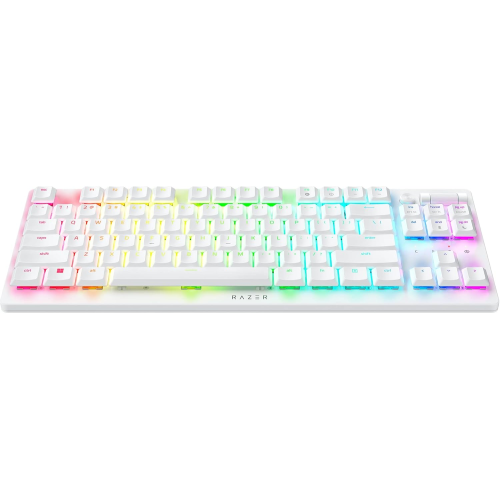
    RAZER Deathstalker V2 Pro Tkl Wireless Gaming Keyboard: Low Profile Optical Switches Linear - Hyperspeed Wireless & Bluetooth In Red

    About this product

    A wireless gaming keyboard featuring low profile linear optical switches, HyperSpeed connectivity, and vibrant Chroma RGB lighting.

    What customers like

    • Excellent wireless connectivity
    • Smooth and quiet keypress
    • Comfortable and responsive typing experience
    • Customizable RGB lighting
    • Compact and minimalistic design
    (109)
    $179.99
    SAVE $149
    Your price for this item is $179.99
  8. 8

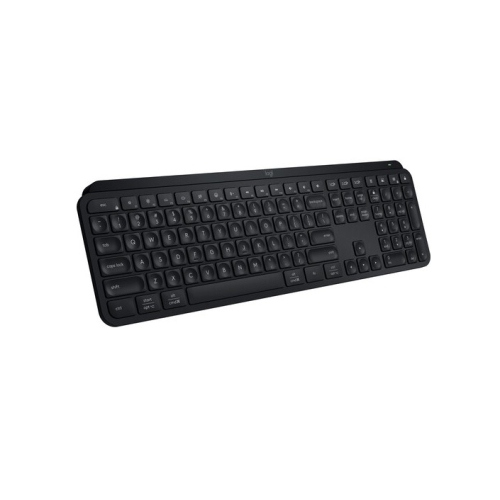
    LOGITECH Mx Keys S Wireless Keyboard (Black)

    About this product

    A low-profile wireless keyboard with laptop-like keys for fast, precise, and quiet typing experiences.

    (3)
    $144.47
    SAVE $25
    Your price for this item is $144.47
  9. 9

    LOGITECH G515 Tkl Wired Low Profile Gaming Keyboard - (920-012869) In White

    About this product

    A white tenkeyless mechanical keyboard with low-profile switches, durable PBT keycaps, and customizable LIGHTSYNC RGB lighting.

    $139.99
    SAVE $10
    Your price for this item is $139.99
  10. 10

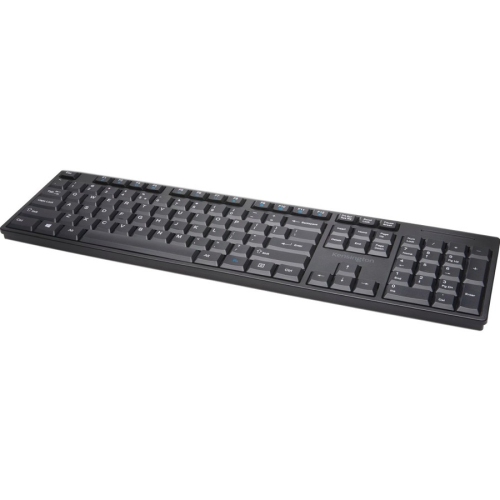
    KENSINGTON Low-Profile Wireless Keyboard (75229)

    About this product

    A wireless keyboard featuring a low-profile design, number pad, directional keys, and convenient multimedia shortcuts.

    (1)
    $37.99 Your price for this item is $37.99

Typing comfort takes more than a slim design

The best low-profile keyboards combine a slim design with a typing feel that suits the way they are used, whether that means writing reports, managing spreadsheets, studying, or playing games. A low-profile keyboard typically has a shallow case and flatter keycaps; mechanical versions also use shorter switches than conventional full-height mechanical keyboards. The result is a typing surface that sits closer to the desk, often with less key travel between the resting position and a fully pressed key. That familiar, laptop-like height can appeal to anyone moving between a notebook computer and a desktop setup, although the feel varies considerably across keyboard designs. Scissor-switch keyboards generally offer a short, controlled press and a relatively quiet sound, making them well suited to shared workspaces and late-night writing. Low-profile mechanical keyboards provide more distinct switch choices: linear switches move smoothly through the press, tactile switches add a noticeable bump, and clicky switches produce an audible click alongside their feedback. A tactile bump can help a typist feel when a key has registered, while a smooth linear action may suit someone who prefers an uninterrupted keystroke. Neither design is automatically better for every task, and a thin keyboard is not necessarily silent. Keycap material, case construction, desk surface, and typing force all influence the sound heard across a room or through a microphone. The strongest fit for everyday use balances key spacing, resistance, sound, and layout rather than relying on slimness alone. A shallow front edge may make it easier to keep the wrists in a neutral position without a tall wrist rest, but comfort also depends on chair height, desk height, and where the keyboard sits. For someone typing through a full workday, a stable board with easy-to-read legends and predictable feedback can matter more than decorative lighting or an especially small footprint. A flatter typing angle may also feel more natural than raised rear feet, particularly when the desk already sits high relative to the elbows.

Layout determines how a low-profile keyboard fits both the desk and daily routines. Full-size keyboards retain a dedicated number pad, which is useful for entering figures, working with invoices, or navigating large spreadsheets. Tenkeyless layouts remove that number pad while keeping a separate navigation area and arrow keys, leaving more room for a mouse without making common editing controls difficult to find. Compact layouts bring the keys closer together or place less-used commands behind a function layer. This can free up a crowded study desk or make a keyboard easier to carry, but frequent use of shortcuts, function keys, or page navigation deserves attention before choosing a smaller format. For a programmer, clearly placed brackets and dependable access to navigation keys may outweigh the appeal of saving a few extra centimetres. For a student carrying a keyboard between home and campus, weight, thickness, and a protective sleeve may be more important. Connection options shape that flexibility as well. A wired USB connection avoids battery management and provides a straightforward setup, while Bluetooth can support a cleaner desk and convenient switching between compatible devices. Some wireless keyboards use a dedicated USB receiver, which can offer lower latency than Bluetooth, depending on the design. Multi-device pairing is useful when moving from a work computer to a personal laptop, but the number of saved connections and the method of switching vary. Operating system support also matters: key legends, media controls, shortcut behaviour, and configuration software do not always work identically across platforms. Battery life depends on usage, lighting brightness, connection mode, and power-saving settings, so backlighting can be a practical trade-off rather than a feature to leave at maximum brightness. For play-focused setups, Low-Profile Gaming Keyboards bring the same shallow form factor to designs where input responsiveness and gaming controls are central considerations. Low latency, reliable simultaneous key registration, and accessible shortcuts matter more to gaming performance than case height alone. Short travel can feel quick under the fingers, but switch sensitivity should still suit the user’s touch to help limit unintended presses.

Materials and construction influence how a slim keyboard feels after months of daily use. An aluminium top plate or case can add rigidity and a substantial feel, while a well-built plastic housing may keep weight down for travel. Neither material guarantees quality on its own: secure feet, a steady chassis, and keys that remain consistent across the board are equally important. Wider keys such as the space bar and Enter key benefit from stable support that limits wobble and rattling. Keycaps are commonly made from ABS or PBT plastic. ABS can provide a smooth finish and crisp legends, while PBT is often chosen for its textured feel and resistance to developing a polished surface through use. The method used to apply the legends also affects how well the lettering withstands wear. Anyone interested in changing switches or keycaps should check compatibility carefully, because low-profile components are not universally interchangeable, even when a keyboard supports hot-swapping. For a keyboard that travels in a bag, a snug sleeve or rigid cover helps protect the keycaps from loose cables and other objects pressing against them. At a permanent desk, keeping drinks away from the typing area and removing crumbs before they settle between the keys can prevent avoidable trouble. Routine care usually means disconnecting the keyboard or switching it off, gently clearing loose dust, and wiping accessible surfaces with a soft cloth lightly dampened according to the manufacturer’s directions. Liquid should never be sprayed directly onto the keys, and keycaps should only be removed when the design and care instructions allow it. A low-profile keyboard can also make a thoughtful gift for a remote worker, student, writer, or gamer, provided its layout, connection options, and typing sound match the recipient’s habits. Someone sharing a dining table may appreciate a quiet, compact design that slips into a drawer after work; someone with a dedicated workstation may prefer a number pad and a heavier base. The most useful choice is one that feels natural through ordinary tasks, stays steady on the desk, and fits comfortably into the space where it will be used.
Read More

FAQ

Some products may be subject to Environmental Handling Fees (EHF) depending on your province. Learn more about EHFs.