Best MacBook

Find your next laptop with our top-rated picks, ranked by customer review ratings. Whether you’re studying, working, or creating on the go, explore the options below and compare customer feedback to find the right fit for your needs and budget.

Read More

What to look for in the best MacBooks

1. Performance

Choose a chip that suits your daily tasks, from browsing and coursework to video editing and software development. MacBook Air models are well suited to everyday use, while MacBook Pro models offer active cooling for demanding, sustained workloads.

2. Display Size and Quality

A smaller display keeps your MacBook easier to carry, while a larger screen gives you more room for multitasking. Compare resolution, brightness, and refresh rate, especially if you edit photos, work with video, or watch HDR content.

3. Memory and Storage

More unified memory helps when using demanding apps or working across several applications, while a larger SSD provides space for files and software. Memory and internal storage cannot be upgraded after purchase on Apple silicon MacBooks, so choose capacity with your future needs in mind.

4. Battery Life and Connectivity

Compare weight and battery life if you plan to work away from your desk, keeping in mind that battery runtime varies by task and settings. Check the available ports and external display support for the specific model to ensure it works with your monitors and accessories.
Citrus catapult arrow
  1. 1

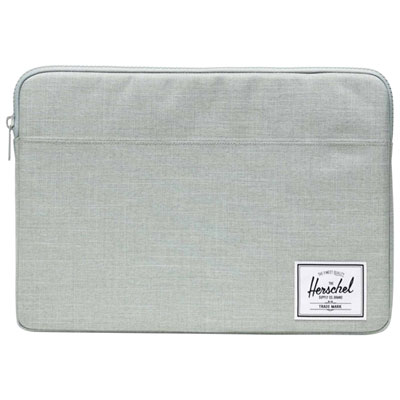
    Herschel Supply Co. Anchor 15-16" MacBook Sleeve - Iceberg Green Crosshatch

    About this product

    A padded fleece-lined sleeve with a durable 600D polyester exterior in iceberg green crosshatch for secure transport.

    What customers like

    • High quality and durable construction
    • Perfect fit for 15-16" MacBooks
    • Sturdy, reliable zipper for easy access
    • Stylish design and attractive colour options
    • Soft, fleece-lined interior for added protection
    (31)
    $41.97
    SAVE $13
    Your price for this item is $41.97
  2. 2

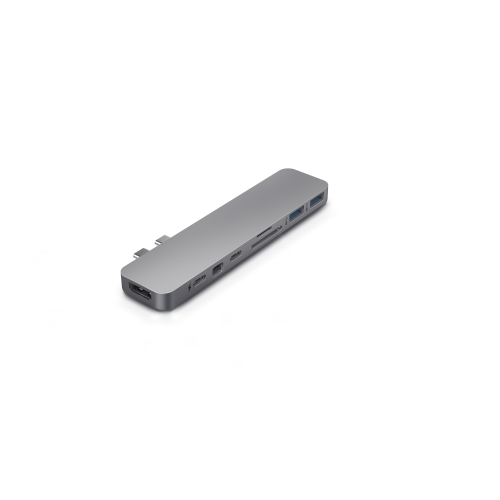
    TARGUS Hyperdrive Pro 8-In-2 USB-C Hub for Macbook Pro/air

    About this product

    A form-fitting USB-C hub that adds 8 ports, including 4K HDMI and power delivery, to MacBook.

    (4)
    $39.99 Your price for this item is $39.99
  3. 3

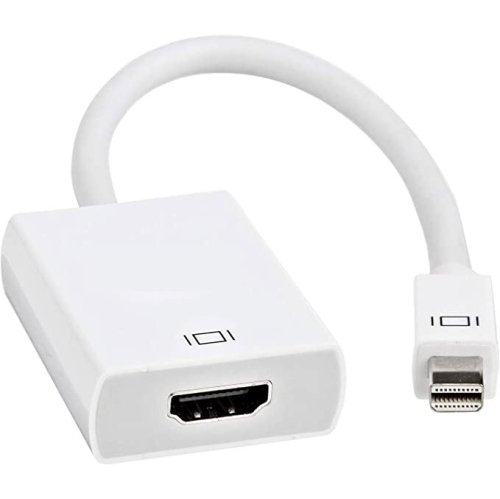
    TELZE Mini Displayport Thunderbolt to HDMI Adapter - Compatible With Apple Imac And Macbook

    About this product

    A high-quality adapter enabling 4K HDMI connectivity from Mini DisplayPort or Thunderbolt devices to monitors.

    (1)
    $14.99
    SAVE $10
    Your price for this item is $14.99
  4. 4

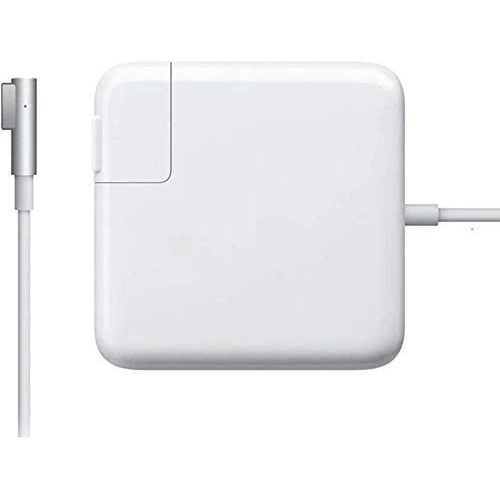
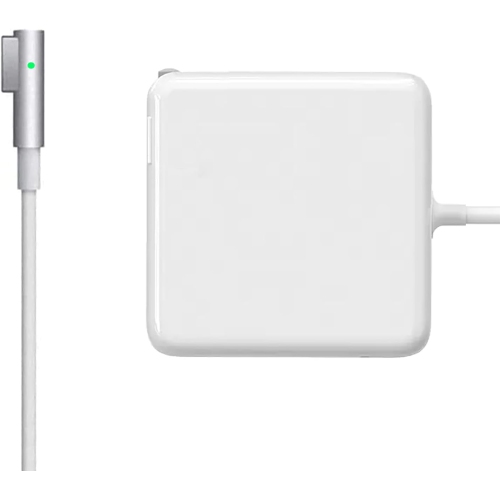
    WINGOMART Macbook Pro 60W Magsafe Charger With L-Tip Power Adapter for Apple Magsafe Macbook (A1278, A1344, A1181, A1184)

    About this product

    A 60W MagSafe 1 L-tip power adapter compatible with select MacBook and MacBook Pro models.

    (1)
    $23.99
    SAVE $46
    Your price for this item is $23.99
  5. 5

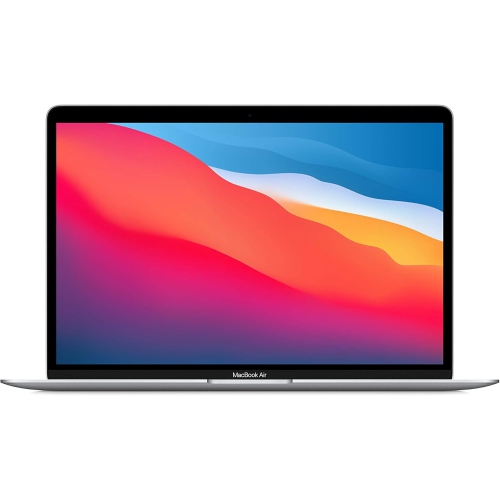
    APPLE Refurbished (Good) - Macbook Air 13" 2020 - ( M1 Chip / 512GB SSD / 16GB Ram) - En In Silver

    About this product

    A refurbished MacBook Air with M1 Chip, 512GB SSD, and 16GB RAM in sleek silver.

    (1)
    $1,549.00
    SAVE $450
    Your price for this item is $1549
  6. 6

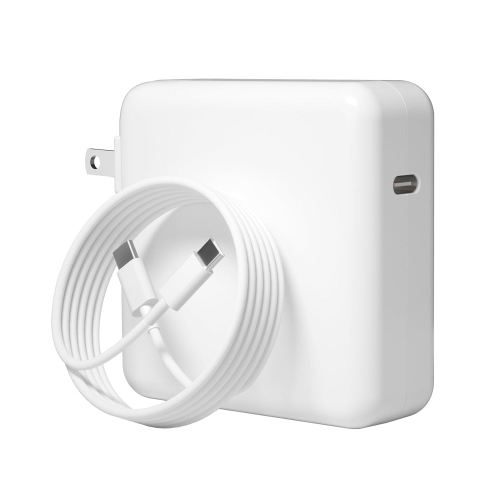
    140W USB C Fast Charger Power Adapter for MacBook Pro and MacBook Air: Compatible w MacBook Pro 16, 15, 14, 13 Inch, MacBook Air 13 Inch - Includes 5.9 ft USB C to C Cable

    About this product

    A 140W USB C fast charger for MacBook Pro and Air, with 5.9 ft cable included.

    (1)
    $59.00 Your price for this item is $59
  7. 7

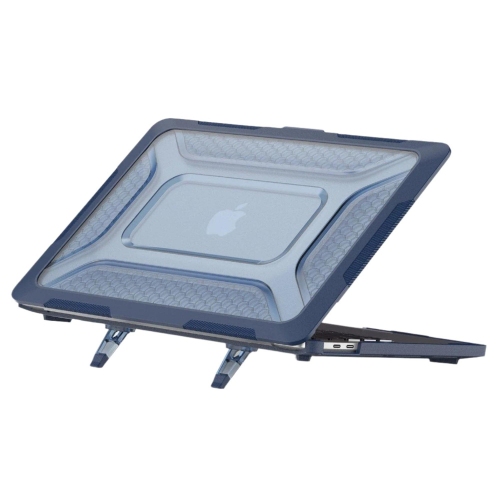
    SAHARA CASE Sahara - Raider Ultra-Duty Series Case With Stand for Macbook Air 15" (2024)

    About this product

    A rugged hard shell case with built-in stand, designed for the 2024 MacBook Air 15".

    (1)
    $102.00 Your price for this item is $102
  8. 8

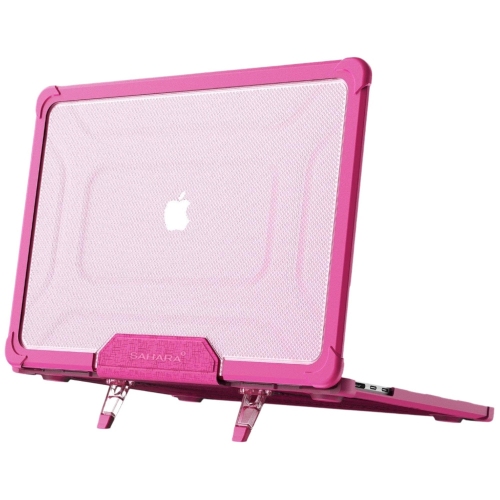
    SAHARA CASE Sahara - Heavy-Duty Raider Series Case With Stand for Macbook Air 15" (2024)

    About this product

    A heavy-duty hard shell case with built-in stand, offering rugged protection for your MacBook Air.

    (1)
    $102.00 Your price for this item is $102
  9. 9

    BESTCHARGER Macbook Pro Charger, 60W L-Tip Magsafe 1 Power Adapter Replacement for Macbook Pro Charger 13Inch (Compatible Before Mid 2012)

    About this product

    A powerful 60W charger with L-Tip Magsafe 1 compatibility for 13-inch Macbook Pro (pre-Mid 2012).

    (17)
    $22.00 Your price for this item is $22
  10. 10

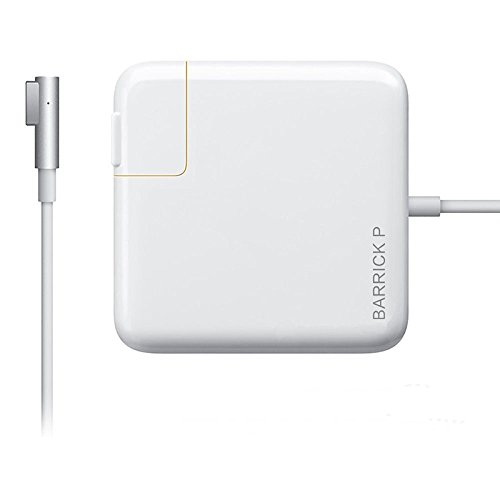
    BARRICK Macbook Pro Charger, Replacement 60W L-Tip Power Adapter Charger for Mac Book Pro 13-Inch (Before Mid 2012 )

    About this product

    A reliable 60W L-Tip power adapter designed for 13-inch MacBook Pro models released before mid-2012.

    (11)
    $19.99
    SAVE $50
    Your price for this item is $19.99

Why your workload matters when comparing MacBook configurations

The best MacBook for everyday use balances comfortable portability, responsive performance, and battery life that suits the way it will be used. For a student carrying a laptop between lectures, that might mean a lighter notebook with enough memory for research tabs, lecture notes, and video calls. For someone working with large photo libraries or complex design files, processing power, storage capacity, and display quality can matter more than the smallest possible footprint. There is no single configuration that is best for every task: a notebook used mainly for writing and streaming has different demands from one used to compile software or edit high-resolution video. MacBook laptops bring a built-in screen, keyboard, trackpad, camera, and rechargeable battery into a portable aluminium chassis, making them suitable for work at a desk and away from it. Their metal construction provides a solid feel, although the finish can still pick up scratches or dents during daily travel. Size affects more than how easily a laptop slips into a bag. A compact screen can be comfortable for focused writing, while a larger display leaves more room for a spreadsheet beside a document or a video preview above an editing timeline. Weight is worth considering alongside the charger, sleeve, and accessories carried on a typical commute. Keyboard spacing, trackpad responsiveness, and the position of the screen also influence comfort during longer sessions. At a permanent workstation, a laptop stand and separate keyboard can help place the display at a more comfortable height. For someone who moves frequently between a desk, meeting room, and shared workspace, a notebook that feels easy to carry may be more useful than additional performance that rarely gets used. The strongest fit is a laptop whose everyday handling feels as well suited to its owner as its technical specifications.

Performance depends on the combination of the processor, graphics capabilities, memory, and the demands of the software being used. Everyday activities such as email, document editing, browsing, and watching videos generally require less processing power than detailed animation, large music projects, or lengthy video exports. Memory helps support active applications and their working data, so a person who keeps many browser tabs open while switching between a presentation, a spreadsheet, and a call may benefit from more headroom than someone who works in one application at a time. Unified memory is shared across processing tasks, making capacity an important consideration for workloads that involve both general computing and graphics. Built-in storage serves a different purpose: it holds applications, documents, downloaded media, and project files. A collection of short written assignments takes up far less space than a library of high-resolution footage, and creative projects often need additional room for temporary files as well as finished work. Memory and internal storage generally cannot be upgraded after purchase in these notebooks, so the chosen configuration should accommodate likely needs beyond the first few projects. External drives can provide space for archives and backups, but they add another device to carry and connect. Cooling design also affects how a notebook handles demanding work over time. A fanless design operates without fan noise, while active cooling can help maintain performance during extended processing tasks. Neither characteristic alone determines the best fit for a particular person. Battery life varies with screen brightness, applications, wireless activity, and connected accessories; a day spent writing notes is not equivalent to a day spent rendering video. Software compatibility deserves equal attention, especially when a course or workplace requires particular applications, plug-ins, or specialist equipment. For gaming, the availability and compatibility of the intended games matter as much as graphics capability. A well-matched notebook supports the actual workload rather than simply offering specifications that sound impressive.

Display quality and connectivity shape the experience long after a laptop has been set up. Sharp text can make lengthy reading sessions more comfortable, while colour accuracy matters to photographers, illustrators, and anyone preparing visual work for a client. Brightness and reflections affect screen visibility in rooms with strong lighting, and a larger display can reduce the need to move repeatedly between overlapping windows. Built-in microphones, speakers, and camera quality are useful considerations for remote lessons, interviews, and frequent meetings, although a headset can provide greater privacy in a shared room. Port types and quantities vary, so the connections needed for an external monitor, storage drive, memory card reader, or wired accessory should match the intended setup. Support for external displays also differs between configurations; a workstation with multiple monitors needs more attention than a laptop used entirely on its own. Reliable Wi-Fi supports online collaboration, but connection quality also depends on the network and distance from the router. For shoppers weighing a portable setup against a computer that stays at a desk, Best Mac Computers offers a broader view of the category. Day-to-day care helps protect both the notebook and the files it holds. A padded sleeve with dimensions suited to the chassis can limit rubbing against other belongings, while a separate pocket keeps keys and charging accessories away from the lid. A soft, lint-free cloth is suitable for routine exterior cleaning; liquids should never be sprayed directly onto the screen or keyboard, and cleaning should follow the manufacturer's directions. Keeping ventilation openings clear, handling charging cables by their connectors, and avoiding pressure on the closed lid can help prevent unnecessary wear. Regular backups and software updates are part of dependable ownership, particularly when a laptop holds coursework, family photos, or client files. As a gift for a student, graduate, or family member, the right notebook reflects the recipient's software needs, preferred screen size, and daily routine. Those practical details make it useful well beyond the first unboxing.
Read More

FAQ

Some products may be subject to Environmental Handling Fees (EHF) depending on your province. Learn more about EHFs.