Best Mac Computers
Find your next computer with help from shoppers who have put theirs to the test. Ranked by user review ratings, this selection makes it easy to explore top-rated options for work, study, and everyday use. Compare features, read customer feedback, and narrow down your choices to find a computer that fits your needs and budget.
What to look for in the best Mac computers
1. Processor and Performance
2. Desktop or Laptop
3. Memory and Storage
4. Ports and Display Support
-
1
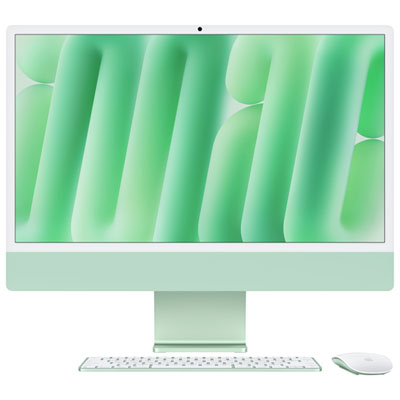
Apple iMac 24" (Fall 2024) - Green (Apple M4 Chip / 8-Core GPU / 16GB RAM / 256GB SSD) - English
About this product
A sleek green all-in-one desktop featuring an M4 chip, 8-core GPU, 16GB RAM, and 256GB SSD.
What customers like
(48)$2,099.99 Your price for this item is $2099.99 -
2
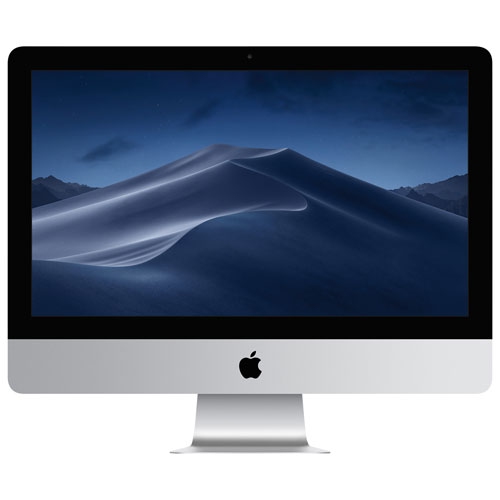
APPLE Refurbished (Good) - Imac (Mrt42Ll/a) 21.5" Intel Core I5 6-Core 3.0Ghz Computer - English
About this product
A refurbished all-in-one desktop featuring a 21.5" Retina display and 6-core Intel Core i5 processor.
$799.77Your price for this item is $799.77SAVE $700 -
3
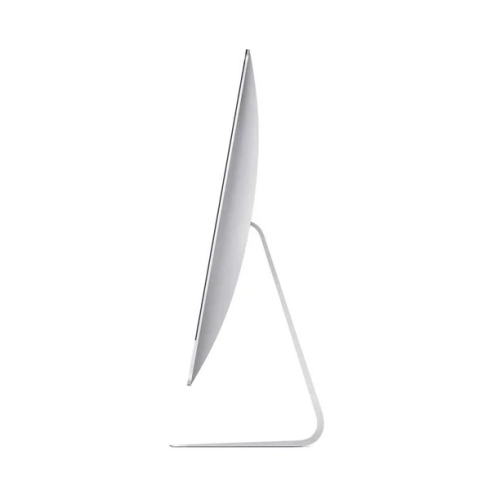
APPLE Refurbished (Good) - Imac 21.5-Inch, Core I7 - 3.6 Ghz - 16GB Ram, 256GB SSD - Keyboard-Mouse- ( 2017) Mac Os - Ventura(Grade A)
About this product
A refurbished desktop featuring a 3.6GHz Core i7, 16GB RAM, 256GB SSD, and macOS Ventura.
(1)$585.00Your price for this item is $585SAVE $615 -
4
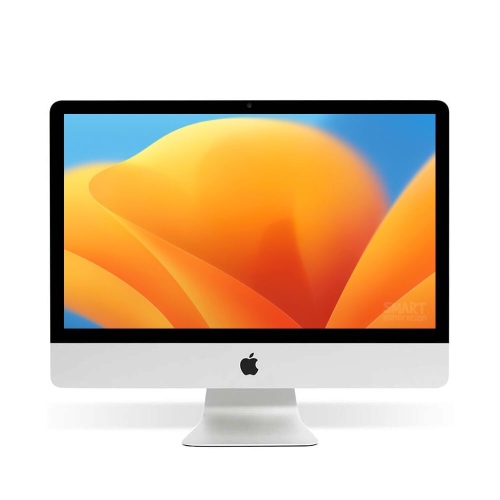
APPLE Refurbished (Good) - Imac 21.5-Inch – Dual Core I5- 7360U – 2.30 Ghz –16GB Ram– 256GB SSD – (2017) Mac Os – Ventura – Window Keyboard-Mouse
About this product
A refurbished desktop featuring a dual-core i5 processor, 16GB RAM, 256GB SSD, and Mac OS Ventura.
$360.00 Your price for this item is $360 -
5
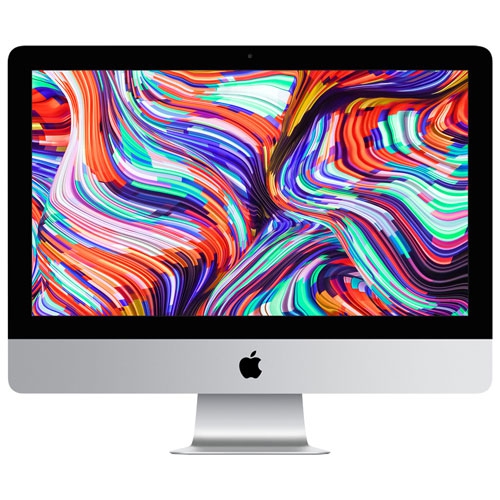
APPLE - Imac (Mhk33Ll/a) 21.5" Intel Core I5 Hexa-Core 8Th Gen 3.0Ghz Computer - English
About this product
A powerful desktop featuring an 8th Gen Intel Core i5, Radeon Pro 560X graphics, and 4K Retina display.
$959.50Your price for this item is $959.50SAVE $840
FAQ
Start with the apps you use and whether you need a laptop or desktop. Consider the chip, memory, storage and ports required for your workflow. A MacBook offers portability, while a desktop Mac can suit a dedicated workspace with your preferred accessories.
MacBook laptops combine a display, keyboard, trackpad and battery in one portable computer. Desktop Macs are designed for stationary use. An iMac includes a built-in display, while a Mac mini or Mac Studio requires a separate display, keyboard and mouse or trackpad.
Memory supports the apps and files you actively work with, while storage holds your documents, photos, software and other saved content. Macs with Apple silicon use unified memory shared by the chip's processing components. Internal memory and storage generally cannot be upgraded after purchase on these models, so consider your future needs when choosing a configuration.
Many popular apps, including Microsoft Word, Excel and PowerPoint, have macOS versions. You can also access many services through a web browser. App features and system requirements can differ between Windows and macOS, so check compatibility for any software, plug-ins or peripherals you rely on.
Compatible Apple devices can share files through AirDrop, copy and paste content with Universal Clipboard, and continue supported tasks using Handoff. You can also use a compatible iPad as an additional Mac display with Sidecar. Feature availability depends on the devices, software versions and account settings.
Top selling and popular products
Discover more categories related to Best Mac Computers

Some products may be subject to Environmental Handling Fees (EHF) depending on your province. Learn more about EHFs.