Best Mechanical Keyboards for Work
The best mechanical keyboards for work pair responsive typing with comfort and practical features for your daily tasks. Whether you’re drafting reports, writing code, or managing spreadsheets, the right layout and switch type can make a difference. Explore mechanical keyboards ranked by user review ratings, and compare options for desk space, connectivity, and typing noise to find the right fit for your workspace.
What to look for in mechanical keyboards for work
1. Switch Feel and Noise
2. Layout and Comfort
3. Connectivity and Compatibility
4. Productivity and Customization
-
1
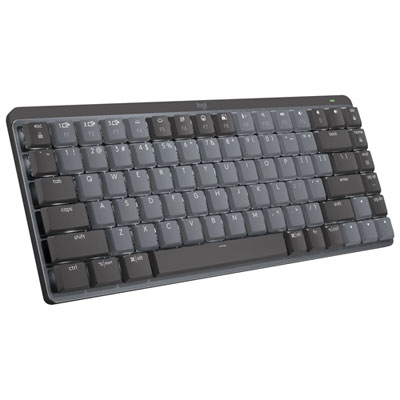
Logitech MX Mechanical Mini Wireless Compact Backlit Tactile Keyboard - Graphite
About this product
A compact graphite wireless keyboard with tactile low-profile switches, backlit keys, and tenkeyless layout.
What customers like
(401)$219.99 Your price for this item is $219.99 -
2
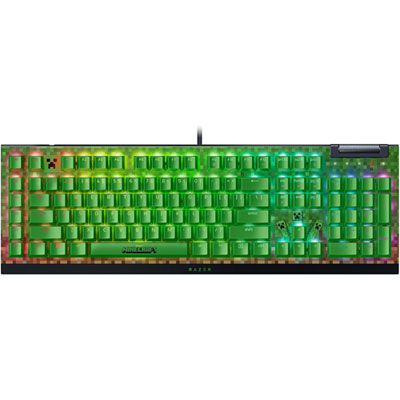
Razer BlackWidow V4X Minecraft Backlite Green Mechanical Switches Full-Size Gaming Keyboard
About this product
A full-size green gaming keyboard featuring tactile mechanical switches, six macro keys, and dedicated media controls.
(6)$249.99 Your price for this item is $249.99 -
3
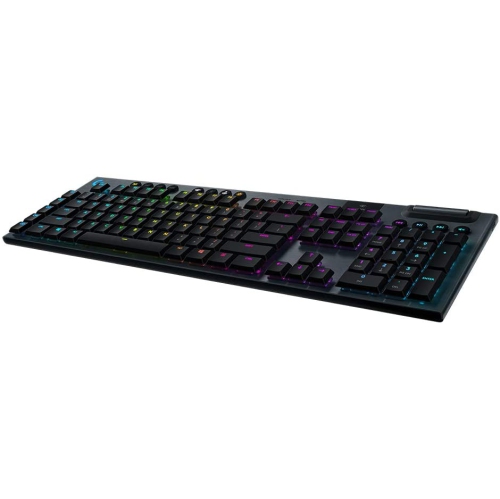
LOGITECH Refurbished (Good) - 920-009103 G915 Wireless Mechanical Gaming Keyboard (Clicky)
About this product
A refurbished wireless mechanical gaming keyboard featuring LIGHTSYNC RGB lighting and customizable clicky keys.
(2)$279.35Your price for this item is $279.35SAVE $40 -
4
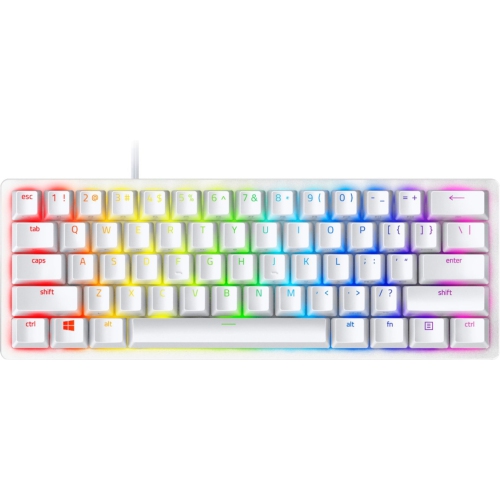
RAZER Refurbished (Excellent) - Huntsman Mini 60% Mechanical Clicky Gaming Keyboard - Mercury - English In White
About this product
A compact, high-performance gaming keyboard with fast switches, PBT keycaps, and onboard memory in a sleek white design.
(1)$112.68Your price for this item is $112.68SAVE $15 -
5
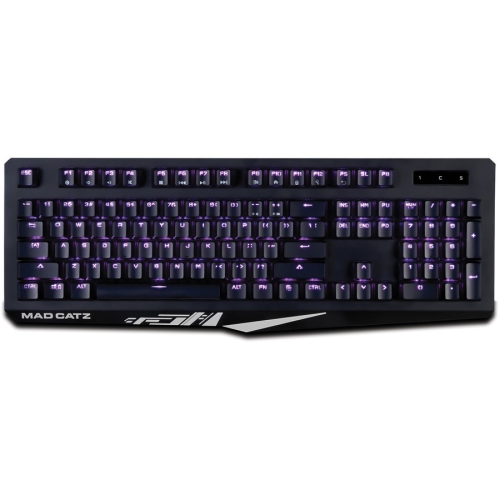
MAD CATZ The Authentic S.t.r.i.k.e. 4 Mechanical Gaming Keyboard
About this product
A black mechanical gaming keyboard with cable connectivity and multimedia hot keys for Windows systems.
(1)$88.00 Your price for this item is $88 -
6
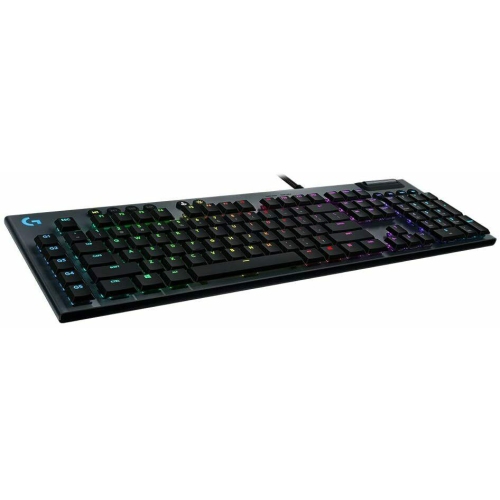
LOGITECH Refurbished (Good) G815 Lightsync RGB Mechanical Gaming Keyboard PC & Mac Gl Clicky Switch
About this product
A refurbished mechanical gaming keyboard with GL Clicky switches and customizable Lightsync RGB for PC and Mac.
(1)$139.99Your price for this item is $139.99SAVE $160 -
7
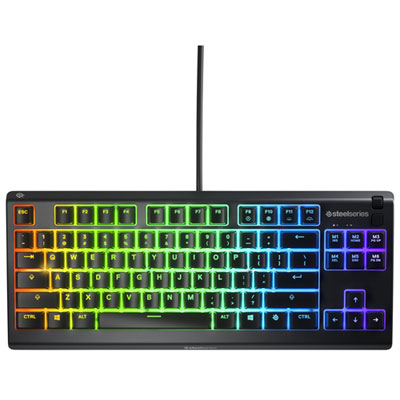
SteelSeries Apex 3 TKL Backlit Mechanical Tactile Gaming Keyboard
About this product
A black backlit keyboard featuring whisper-quiet tactile switches, anti-ghosting, and IP32 water and dust resistance.
What customers like
(213)$61.98 Your price for this item is $61.98 -
8
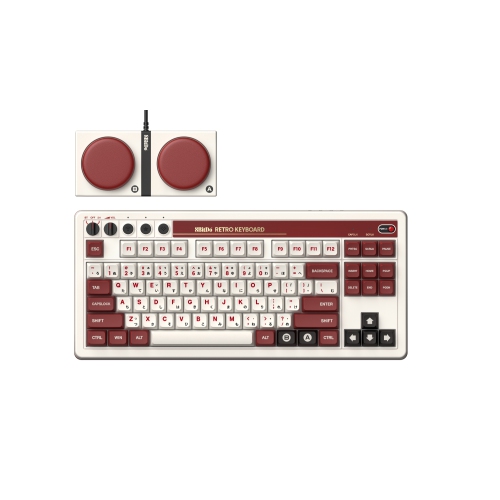
8BITDO Retro Mechanical Keyboard - Fami Edition
About this product
A retro-inspired mechanical keyboard with programmable keys, multi-device connectivity, and compatibility with Windows and Android.
(3)$159.00Your price for this item is $159SAVE $40 -
9
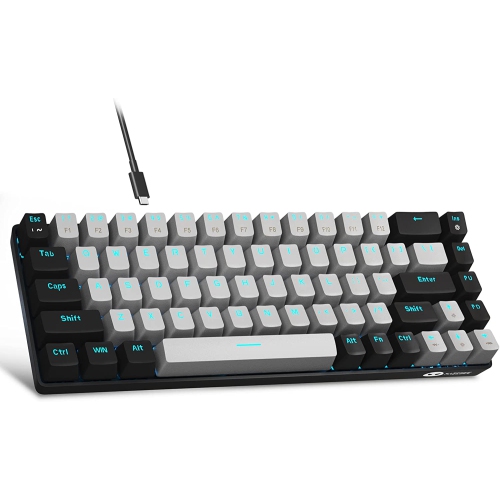
DOLAER M Portable 60% Mechanical Gaming Keyboard, Mk-Box Led Backlit Compact 68 Keys Mini Wired Office Keyboard w Switch for Windows Laptop PC Mac
About this product
A compact 68-key mechanical gaming keyboard with blue switches and blue LED backlighting.
(2)$44.99Your price for this item is $44.99SAVE $74 -
10
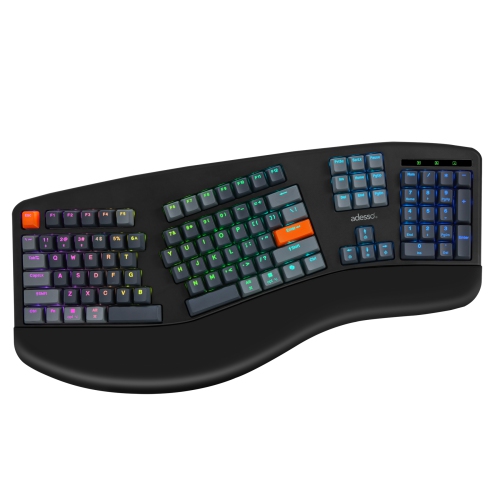
ADESSO Easytouch 1500 Ergonomic RGB Mechanical Keyboard – 104-Key, Cherry Mx Red, Wired/wireless/bluetooth, Via/qmk, Copilot Key
About this product
An ergonomic mechanical keyboard with Cherry MX Red switches, RGB lighting, and wired, wireless, or Bluetooth connectivity.
(2)$232.68Your price for this item is $232.68SAVE $15
FAQ
Common switch types include linear, tactile and clicky. Linear switches have a smooth keypress, tactile switches have a noticeable bump, and clicky switches add a distinct clicking sound. Silent switch variants use internal dampening to soften keystroke noise, though the keyboard’s case and keycaps also affect its sound.
Mechanical keyboards may connect through a USB cable, Bluetooth or a dedicated USB wireless receiver. Some models support multiple connection methods and let you switch between paired devices. Wireless models may use replaceable batteries or a built-in rechargeable battery.
Many mechanical keyboards support both Windows and macOS, but shortcut keys and customization software can vary by operating system. Some include an operating system toggle and interchangeable keycaps for Windows, Command and Option keys. Compatibility details indicate which functions are available on each platform.
Depending on the model, customization options can include key remapping, programmable macros, lighting controls and saved profiles. Some keyboards store settings in onboard memory, while others rely on desktop software. Hot-swappable models also allow compatible switches to be replaced without soldering.
ABS and PBT are common keycap plastics. ABS often has a smoother feel and can develop a glossy surface with use, while PBT typically has a more textured finish. Keycap legends may be printed, dye-sublimated or double-shot moulded, and some designs let backlighting shine through the lettering.
Top selling and popular products
Discover more categories related to Best Mechanical Keyboards for Work


Some products may be subject to Environmental Handling Fees (EHF) depending on your province. Learn more about EHFs.