Best Mesh Routers
Find the best mesh routers for reliable Wi-Fi coverage throughout your home. Ranked by user review ratings, this selection highlights highly rated options to help you reduce dead zones and stay connected while streaming, gaming, or working from home. Compare features and customer feedback to find a mesh system that suits your space, connected devices, and budget.
What to look for in the best mesh routers
1. Coverage and Placement
2. Wi-Fi Standard and Speed
3. Backhaul and Wired Connections
4. Setup and Security
-
1
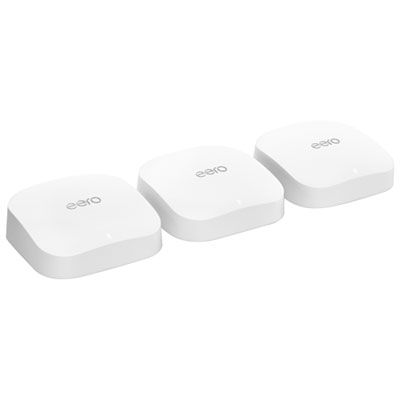
eero Pro 6E Tri-Band Whole Home Mesh Wi-Fi 6E System (S010312) - 3 Pack
About this product
A tri-band mesh Wi-Fi 6E system in white that delivers fast, reliable coverage and reduced network congestion.
What customers like
(1,374)$629.99 Your price for this item is $629.99 -
2
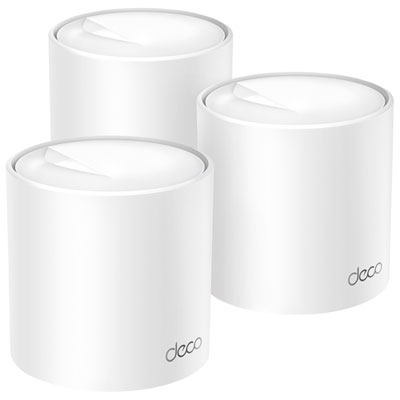
TP-Link Deco X50 AX3000 Whole Home Mesh Wi-Fi 6 System - 3 Pack
About this product
A three-unit mesh system delivering fast Wi-Fi 6 speeds and HomeShield security throughout your home.
What customers like
(1,080)$249.99 Your price for this item is $249.99 -
3
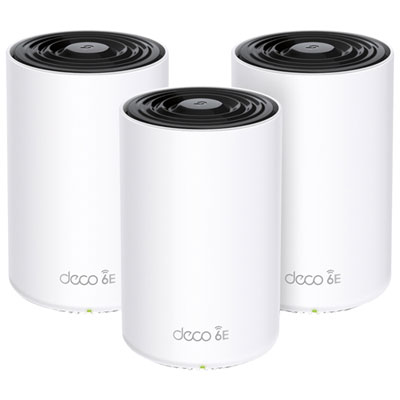
TP-Link Deco XE75 Pro AXE5400 Whole Home Mesh Wi-Fi 6E System - 3 Pack
About this product
A tri-band mesh system with Wi-Fi 6E, 2.5GB port, and coverage for up to 200 devices.
What customers like
(975)$429.99Your price for this item is $429.99SAVE $20 -
4

eero 6+ Dual-Band Whole Home Mesh Wi-Fi 6 Router (R010112)
About this product
A dual-band mesh router in white delivering fast, reliable Wi-Fi 6 coverage for seamless whole-home connectivity.
What customers like
(640)$189.99 Your price for this item is $189.99 -
5
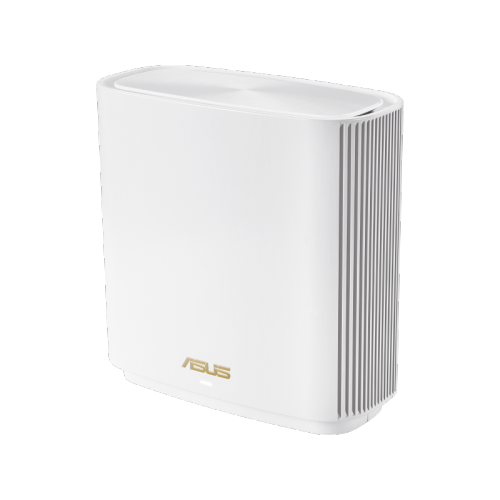
ASUS Et9 Wifi 6E Axe5400 Dual-Band Mesh Router – 3 Pack
About this product
A tri-band mesh WiFi system featuring WiFi 6E technology for faster speeds and lower latency.
What customers like
(87)$679.99 Your price for this item is $679.99 -
6
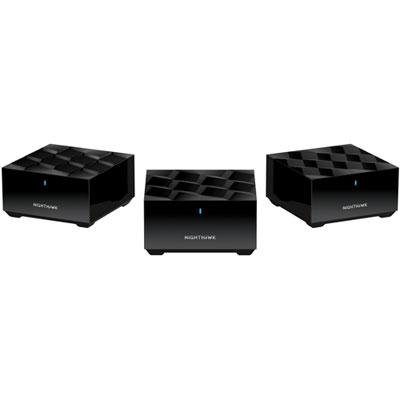
NETGEAR Nighthawk AX1800 Whole Home Mesh Wi-Fi 6 System (MK63S-100CNS) - 3 Pack - Only at Best Buy
About this product
A high-powered mesh Wi-Fi 6 system delivering up to 1.8Gbps speeds and reliable whole-home coverage.
What customers like
(45)$399.97 Your price for this item is $399.97 -
7
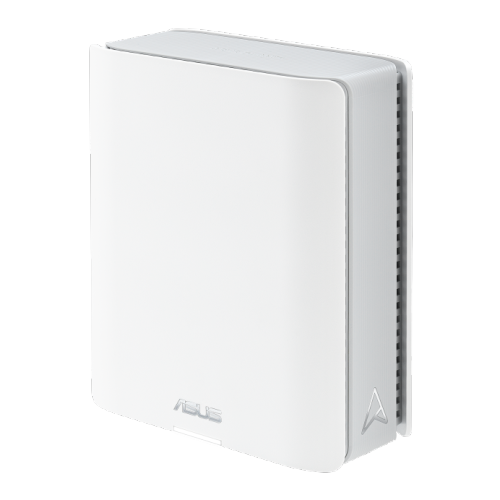
ASUS Bt6 Ax1800 Wi-Fi 6 Mesh System – Dual Band, Whole Home Coverage
About this product
A tri-band WiFi 7 router with 6 GHz support, AiMesh, advanced security, and parental controls.
(7)$970.44Your price for this item is $970.44SAVE $97 -
8

eero Pro 7 Tri-Band Whole Home Mesh Wi-Fi 7 Router (ME10112)
About this product
A tri-band mesh router in white delivering up to 3.9Gbps Wi-Fi 7 speeds with minimized interference.
(3)$429.99 Your price for this item is $429.99 -
9
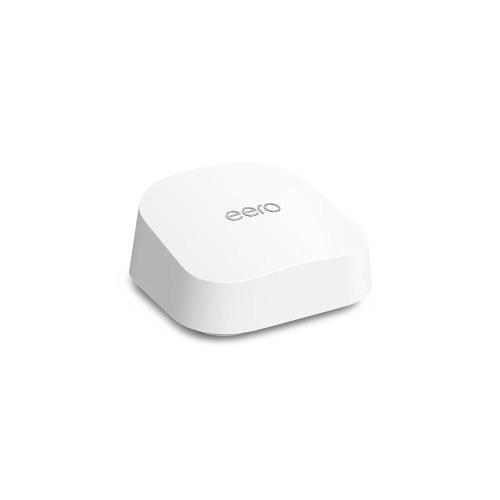
EERO 7 Dual-Band Whole Home Mesh Wi-Fi 7 Router (Pa10001)
About this product
A dual-band mesh router delivering seamless, high-speed Wi-Fi 7 connectivity for large homes or offices.
(1)$249.00 Your price for this item is $249 -
10
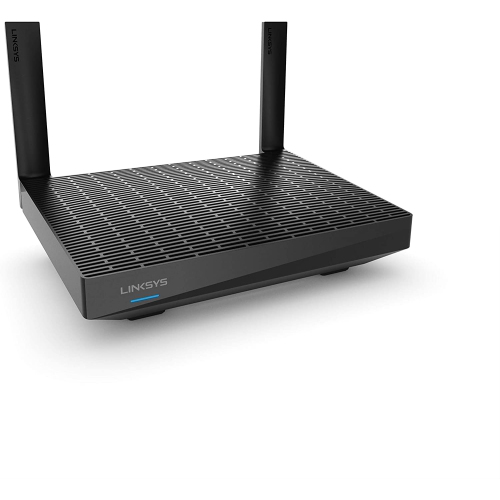
LINKSYS - Mesh Wifi 6 Router, Dual-Band, 1, 700 Sq. Ft Coverage
About this product
A dual-band Wi-Fi 6 mesh router offering fast, reliable coverage for up to 20+ devices.
$117.25Your price for this item is $117.25SAVE $27
FAQ
A mesh router system uses a main router and additional units, often called nodes or satellites, to form a single Wi-Fi network. The main router connects to your internet source, while the other units communicate through wireless connections or Ethernet cables.
Mesh routers are available with standards such as Wi-Fi 6, Wi-Fi 6E and Wi-Fi 7. Wi-Fi 6 uses the 2.4 GHz and 5 GHz bands, while Wi-Fi 6E adds the 6 GHz band. Wi-Fi 7 introduces features such as Multi-Link Operation on compatible hardware. Check which standards your devices support and which bands the mesh system includes.
Backhaul is the connection that carries data between mesh units. Wireless backhaul uses a Wi-Fi connection, while Ethernet backhaul uses cables. Some mesh systems dedicate a wireless band to backhaul; others share bands with connected devices. Ethernet backhaul requires compatible ports and support on the mesh units.
Most mesh router systems connect to a modem using an Ethernet cable. If your internet provider supplies a combined modem and router, setup may involve enabling bridge mode on that device or access point mode on the mesh system. Available options depend on the equipment and your provider’s requirements.
Many mesh router systems use a mobile app for setup and network management, while some also offer a browser-based interface. Depending on the system, you can change the Wi-Fi network name and password, view connected devices, create a guest network and manage firmware updates. Account requirements and available controls vary.
Top selling and popular products
Discover more categories related to Best Mesh Routers
Some products may be subject to Environmental Handling Fees (EHF) depending on your province. Learn more about EHFs.