Best Mesh Wi-Fi for Gaming
Find the best mesh Wi-Fi systems for gaming to help keep you connected from room to room. Whether you’re competing online or downloading the latest releases, look for reliable coverage, fast speeds, and features that prioritize gaming traffic. Ranked by user review ratings, these mesh Wi-Fi systems offer a starting point for comparing options that suit your home, gaming setup, and budget.
What to look for in mesh Wi-Fi systems for gaming
1. Latency and Traffic Prioritization
2. Backhaul and Wired Connections
3. Wi-Fi Standard and Device Support
4. Coverage and Mesh Placement
-
1
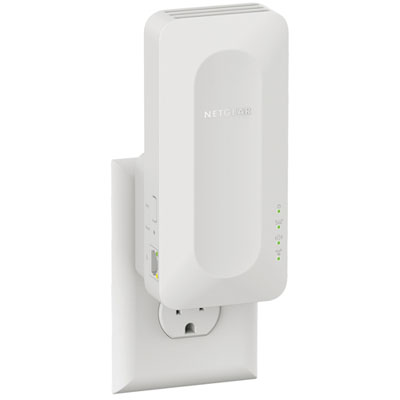
NETGEAR Wireless AX1600 Dual-Band Wi-Fi 6 Mesh Extender (EAX12)
About this product
A dual-band Wi-Fi 6 mesh extender delivering up to 1600Mbps for seamless streaming and gaming.
What customers like
(879)$99.99 Your price for this item is $99.99 -
2
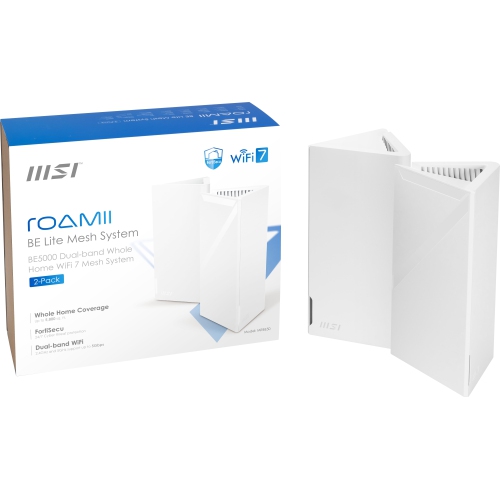
MSI Roamii Be Lite Mesh System - 2 Pack (Wifi 7, Be 5000, Up to 5, 800 Sq.ft. Of Coverage, Supporting 120+ Devices, 2.5GBps Ethernet Port, Mu-Mimo
About this product
A dual-pack mesh system in arctic white offering WiFi 7 (802.11Be) and backward compatibility.
(5)$269.99 Your price for this item is $269.99 -
3
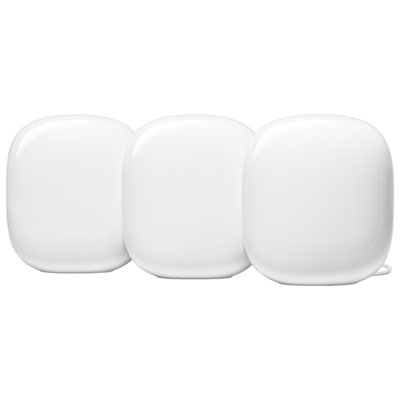
Google Nest WiFi Pro Wi-Fi 6E Router - Snow - 3 Pack
About this product
A three-pack mesh system in snow color delivering fast, stable Wi-Fi 6E coverage and 1Gbps wired speeds.
What customers like
(2,049)$529.99 Your price for this item is $529.99 -
4

eero 6+ Dual-Band Whole Home Mesh Wi-Fi 6 Router (R010112)
About this product
A dual-band mesh router in white delivering fast, reliable Wi-Fi 6 coverage for seamless whole-home connectivity.
What customers like
(640)$189.99 Your price for this item is $189.99 -
5
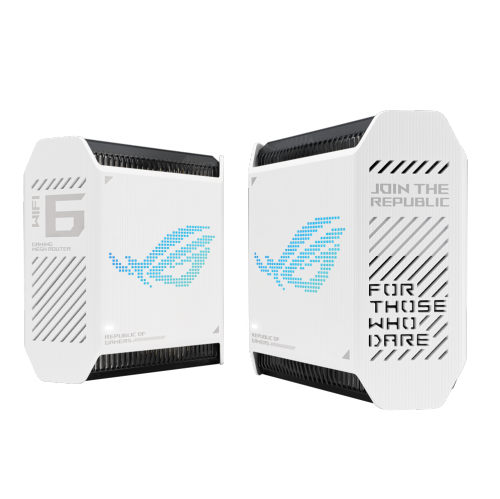
ASUS Gt6 Tri-Band Wifi 6 Mesh Wifi System, Covers Up to 5, 800 Sq Ft, 2.5 G Port, Triple-Level Game Acceleration, Rangeboost Plus, 5.9 Ghz, Free
About this product
A high-performance tri-band WiFi 6 mesh system in black with triple-level game acceleration and internet security.
(2)$629.99 Your price for this item is $629.99 -
6
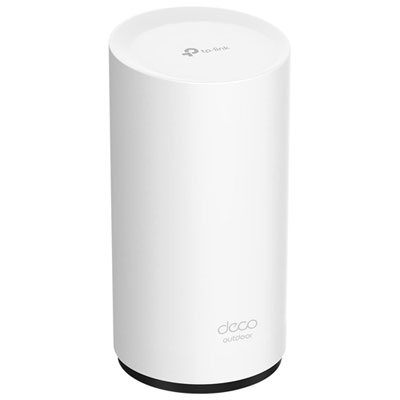
TP-Link Deco X50 AX3000 Whole Home Mesh Wi-Fi 6 System
About this product
A whole home mesh Wi-Fi 6 system delivering seamless, high-speed coverage and reliable wired connections.
What customers like
(122)$149.99Your price for this item is $149.99SAVE $20 -
7
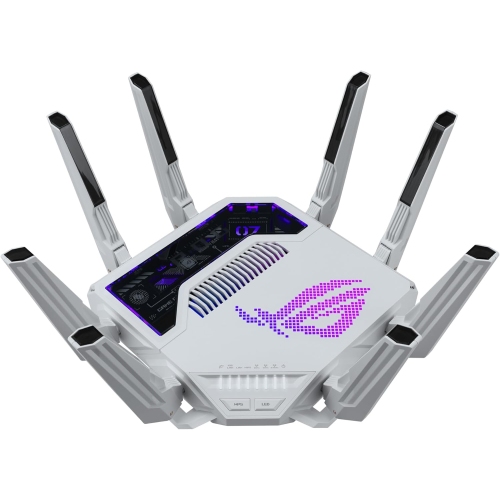
ASUS Rog Rapture Gt-Be19000Ai Tri-Band Gaming Router Wifi 7
About this product
A tri-band WiFi 7 gaming router featuring AI traffic optimization, 4K-QAM, MLO support, and game acceleration.
What customers like
(40)$1,410.14Your price for this item is $1410.14SAVE $141 -
8
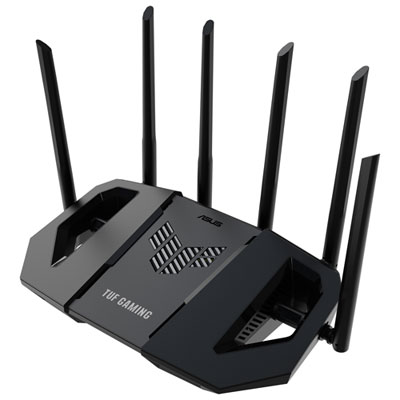
ASUS TUF Wireless Dual-Band Wi-Fi 7 Gaming Router (TUF-BE6500) - Only at Best Buy
About this product
A dual-band Wi-Fi 7 router with six antennas and quad 2.5GbE ports for ultra-fast gaming.
(19)$259.99 Your price for this item is $259.99 -
9
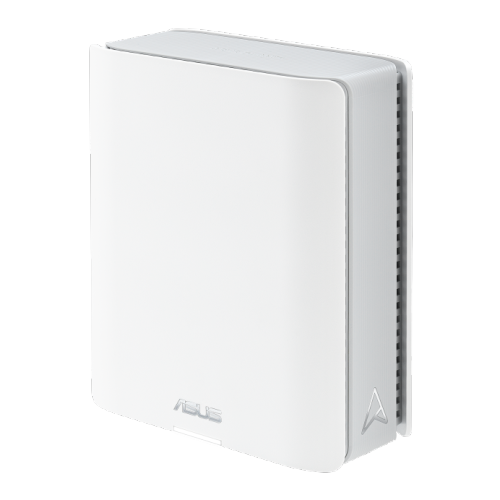
ASUS Bt6 Ax1800 Wi-Fi 6 Mesh System – Dual Band, Whole Home Coverage
About this product
A tri-band WiFi 7 router with 6 GHz support, AiMesh, advanced security, and parental controls.
(7)$970.44Your price for this item is $970.44SAVE $97 -
10
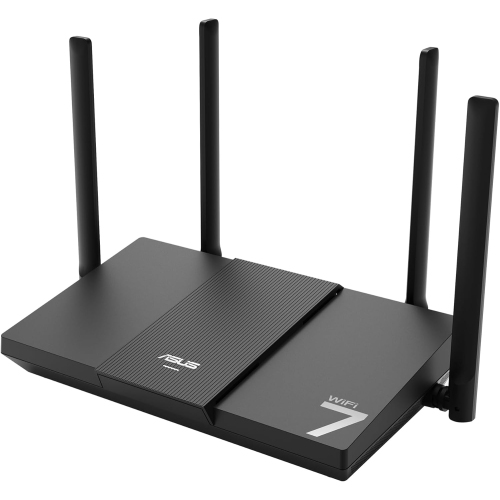
ASUS Rt-Be50
About this product
A dual-band WiFi 7 router delivering speeds up to 3600 Mbps for smooth streaming and gaming.
(3)$141.99Your price for this item is $141.99SAVE $18
FAQ
A mesh Wi-Fi system uses a main router and additional nodes to create a shared wireless network throughout your home. For a gaming setup, it can connect consoles, gaming PCs, handhelds and other devices under one network name.
Look for Ethernet ports, Quality of Service (QoS) settings, device management tools and support for your preferred Wi-Fi standard. QoS lets you assign priority to selected devices or traffic types. Some systems also include guest networks and configurable router settings.
Backhaul is the connection that carries data between mesh nodes. Wireless backhaul uses a Wi-Fi connection, while wired backhaul uses Ethernet cables. Some mesh systems reserve a wireless band for backhaul; others share wireless bands between connected devices and node-to-node traffic.
Yes, if the mesh node has an available Ethernet LAN port. Port availability varies, and some nodes have no Ethernet ports. Connecting your gaming device to a node by cable does not necessarily make the entire connection wired: the node may still communicate wirelessly with the main router.
Many mesh systems connect to an internet provider’s modem or gateway using Ethernet. If your gateway already acts as a router, setup may involve putting the gateway into bridge mode or using the mesh system in access point mode. Available modes depend on both devices, and some mesh features may require router mode.
Top selling and popular products
Discover more categories related to Best Mesh Wi-Fi for Gaming
Some products may be subject to Environmental Handling Fees (EHF) depending on your province. Learn more about EHFs.