Antivirus Cleaners
Protect your devices from harmful viruses with our selection of antivirus cleaners. These essential tools are designed to safeguard your smartphones, tablets, laptops, and desktop computers from malicious software and online threats. With advanced scanning capabilities and real-time protection, our antivirus cleaners offer peace of mind by detecting and removing malware, spyware, and ransomware before they can cause damage to your valuable data. Browse our range of antivirus cleaners to find the perfect solution for your device's security needs.
Sort









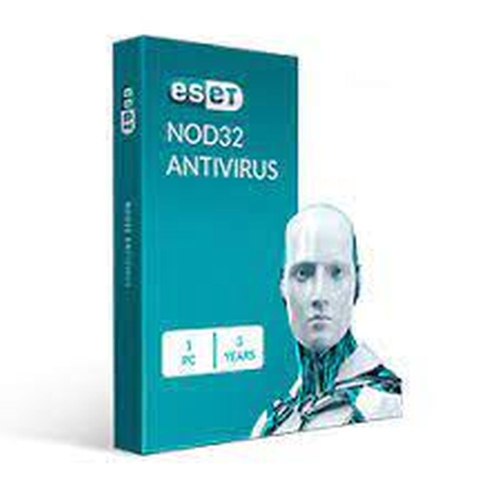
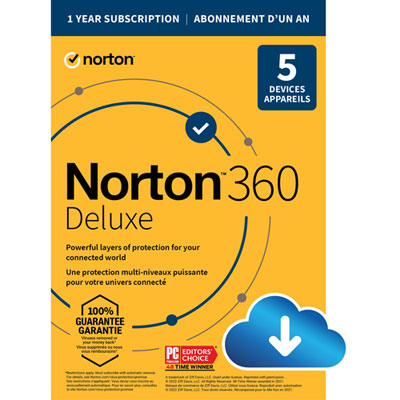
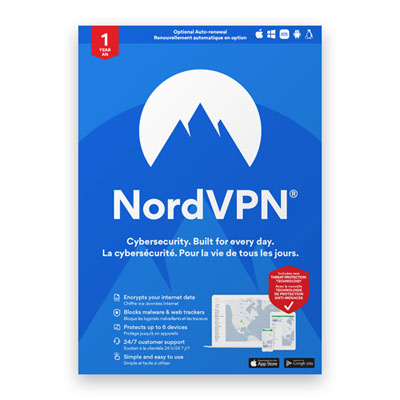
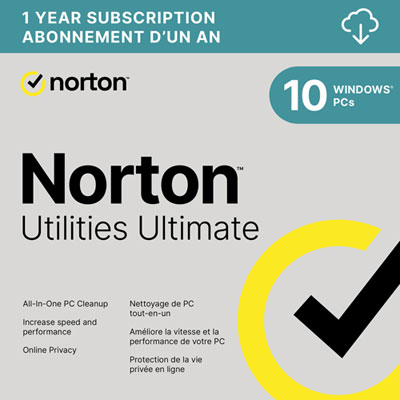
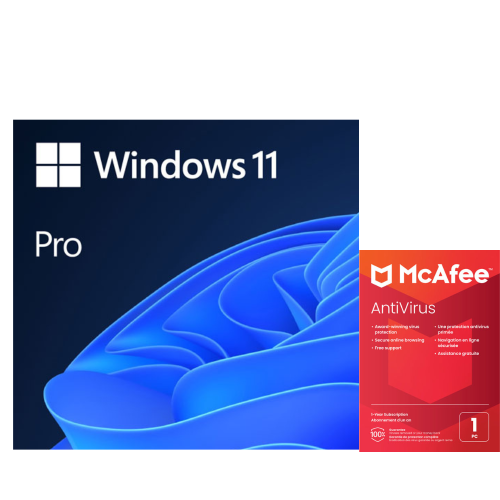

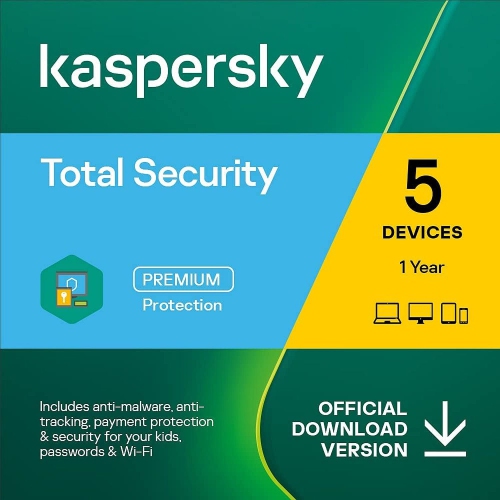
How threat scanning and device cleanup work together
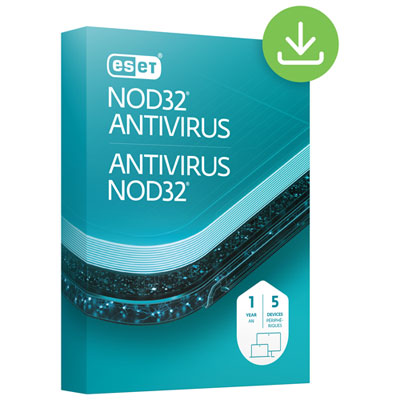
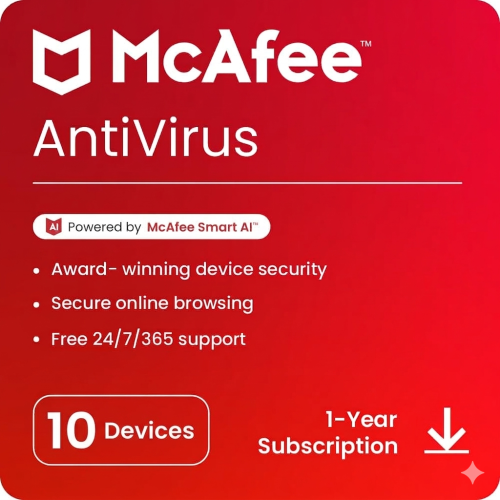
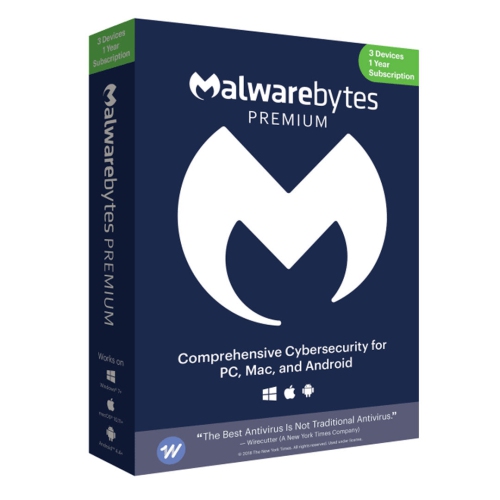
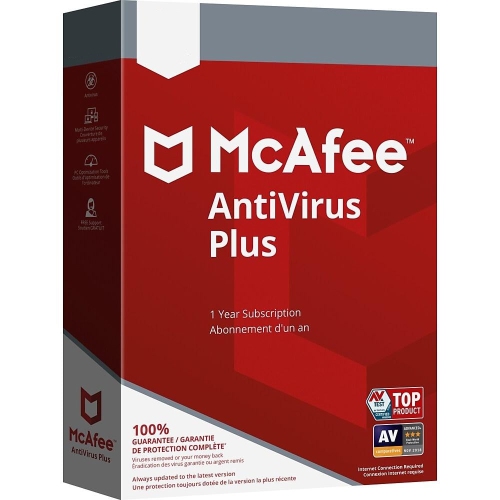
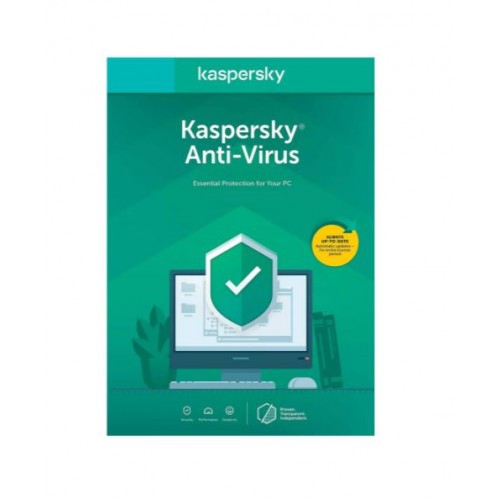
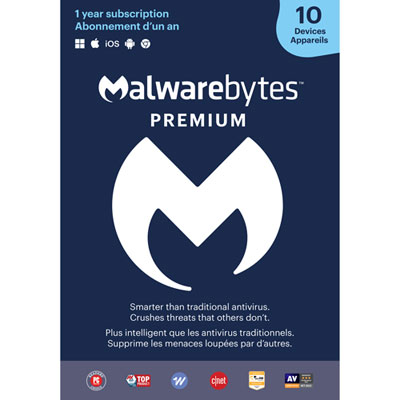
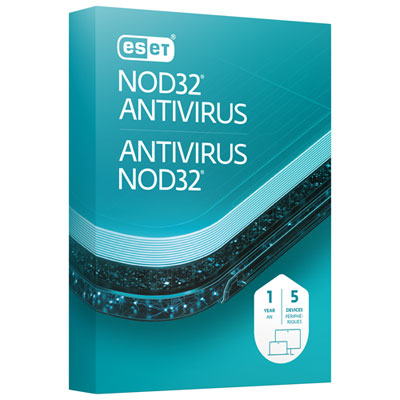
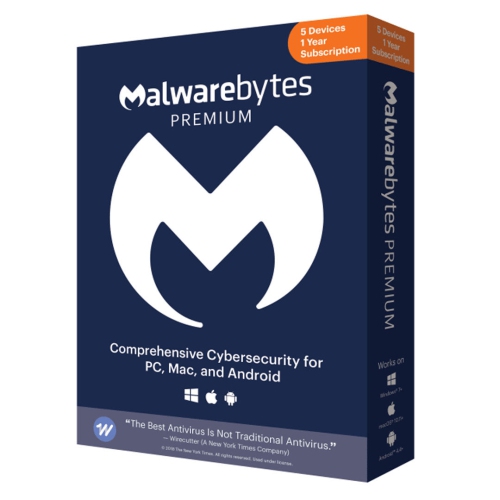
Antivirus cleaners are software tools designed to help find, isolate, and remove digital threats from computers, tablets, and mobile devices. They can scan files, applications, downloads, system memory, and other areas where malicious software may hide. Depending on the software, an antivirus cleaner may identify viruses, spyware, ransomware, trojans, phishing-related threats, and other unwanted programs, then delete or quarantine the affected files so they cannot continue causing harm. Some tools also offer cleanup features that remove temporary files, browser caches, leftover app data, and other digital clutter that can take up storage space. It is helpful to understand the distinction between security scanning and general device cleanup: antivirus protection focuses on detecting and preventing harmful software, while cleaning functions are intended to organize or remove unnecessary data. Products in this category may combine both capabilities, making them useful for people who want a more straightforward way to maintain device security and performance. A scan can be especially valuable after downloading software from an unfamiliar source, opening an unexpected attachment, connecting an external drive, or noticing unusual behaviour such as pop-ups, redirected web pages, unexplained slowdowns, or unfamiliar applications. Some antivirus cleaners provide on-demand scans that you start when needed, while others can monitor activity in the background and warn you before a suspicious file runs. When comparing options, consider whether you need protection for a Windows computer, Mac, Android device, or another supported platform, and check how many devices can be covered under one licence. Compatibility with your operating system and the availability of regular threat-definition updates are both important, since new forms of malware appear frequently. Look for clear scan reports, simple quarantine controls, automatic updates, and settings that let you choose between a quick scan and a deeper examination of your files. A well-designed interface can make a difference for anyone who would rather spend a few minutes reviewing a clear report than sort through technical terminology. For an overview of related security tools and software choices, explore Antivirus Software.
Antivirus cleaners can suit a wide range of users, from students carrying important assignments on a laptop to families sharing a home computer for banking, shopping, schoolwork, and streaming. They may also be helpful for people who regularly download documents, install new applications, use public Wi-Fi, or exchange files between several devices. A parent setting up a computer for a child may appreciate features that identify unsafe downloads and suspicious websites, while a remote worker may value protection for documents, saved passwords, and work-related communications. Older adults and less technically experienced users can benefit from automatic scans, plain-language alerts, and guided removal steps that reduce the uncertainty of dealing with a potential infection. Antivirus cleaners may also be a practical gift for a student leaving home, a family member receiving a new computer, or someone preparing a device for travel. Rather than waiting until a computer becomes noticeably sluggish or a suspicious message appears, many people use security software as part of a simple maintenance routine: keep the operating system and applications updated, scan new downloads, review alerts carefully, and remove programs that are no longer needed. During the cooler months, when more time may be spent indoors using personal devices, a quick security check can be a useful addition to routine digital housekeeping. The same applies after returning from travel, when phones and laptops may have connected to hotel, airport, café, or other shared networks. Before purchasing, check whether a tool includes real-time protection, web and email safeguards, ransomware detection, privacy controls, or support for external drives. It is also worth reviewing whether the software is intended for one person or multiple users, whether the licence lasts for a specific period, and whether it includes automatic renewal. Some products are focused primarily on threat detection and removal, while others place greater emphasis on storage cleanup, browser privacy, or performance tools. Choosing based on the device’s needs can help avoid paying for features that will not be used. For a household with several devices, a multi-device option may be simpler to manage; for a single phone or laptop, a focused solution may be all that is required.
Using an antivirus cleaner is generally straightforward, but careful habits still matter. Start by installing software from a trusted source and allowing it to complete its initial update before running a scan. A quick scan can review common locations and active processes, while a full scan may take longer because it examines a broader selection of files and storage areas. If the software identifies a potential threat, read the report before choosing to delete, repair, or quarantine the item. Quarantine is often useful when a file may need further review, because it prevents the file from running without immediately removing it permanently. Avoid restoring an item unless you are confident that it is safe and understand why it was flagged. Cleanup features should be used with similar care: temporary files and browser caches are usually suitable for removal, but personal documents, saved downloads, or application data may be important. Creating backups of valuable photos, school projects, financial records, and other essential files adds another layer of protection before making major changes. No antivirus cleaner can replace cautious browsing, strong and unique passwords, multi-factor authentication, software updates, and scepticism toward urgent messages requesting payment or personal information. These tools work best as one part of a broader approach to device care. Whether you are maintaining a well-used family computer, setting up a new phone, or helping a relative feel more confident online, the right antivirus cleaner can make routine scans and threat removal easier to understand. Clear notifications, dependable updates, flexible scan options, and compatibility with your devices can help you choose software that fits naturally into everyday use without making digital security feel complicated.
Antivirus cleaners can suit a wide range of users, from students carrying important assignments on a laptop to families sharing a home computer for banking, shopping, schoolwork, and streaming. They may also be helpful for people who regularly download documents, install new applications, use public Wi-Fi, or exchange files between several devices. A parent setting up a computer for a child may appreciate features that identify unsafe downloads and suspicious websites, while a remote worker may value protection for documents, saved passwords, and work-related communications. Older adults and less technically experienced users can benefit from automatic scans, plain-language alerts, and guided removal steps that reduce the uncertainty of dealing with a potential infection. Antivirus cleaners may also be a practical gift for a student leaving home, a family member receiving a new computer, or someone preparing a device for travel. Rather than waiting until a computer becomes noticeably sluggish or a suspicious message appears, many people use security software as part of a simple maintenance routine: keep the operating system and applications updated, scan new downloads, review alerts carefully, and remove programs that are no longer needed. During the cooler months, when more time may be spent indoors using personal devices, a quick security check can be a useful addition to routine digital housekeeping. The same applies after returning from travel, when phones and laptops may have connected to hotel, airport, café, or other shared networks. Before purchasing, check whether a tool includes real-time protection, web and email safeguards, ransomware detection, privacy controls, or support for external drives. It is also worth reviewing whether the software is intended for one person or multiple users, whether the licence lasts for a specific period, and whether it includes automatic renewal. Some products are focused primarily on threat detection and removal, while others place greater emphasis on storage cleanup, browser privacy, or performance tools. Choosing based on the device’s needs can help avoid paying for features that will not be used. For a household with several devices, a multi-device option may be simpler to manage; for a single phone or laptop, a focused solution may be all that is required.
Using an antivirus cleaner is generally straightforward, but careful habits still matter. Start by installing software from a trusted source and allowing it to complete its initial update before running a scan. A quick scan can review common locations and active processes, while a full scan may take longer because it examines a broader selection of files and storage areas. If the software identifies a potential threat, read the report before choosing to delete, repair, or quarantine the item. Quarantine is often useful when a file may need further review, because it prevents the file from running without immediately removing it permanently. Avoid restoring an item unless you are confident that it is safe and understand why it was flagged. Cleanup features should be used with similar care: temporary files and browser caches are usually suitable for removal, but personal documents, saved downloads, or application data may be important. Creating backups of valuable photos, school projects, financial records, and other essential files adds another layer of protection before making major changes. No antivirus cleaner can replace cautious browsing, strong and unique passwords, multi-factor authentication, software updates, and scepticism toward urgent messages requesting payment or personal information. These tools work best as one part of a broader approach to device care. Whether you are maintaining a well-used family computer, setting up a new phone, or helping a relative feel more confident online, the right antivirus cleaner can make routine scans and threat removal easier to understand. Clear notifications, dependable updates, flexible scan options, and compatibility with your devices can help you choose software that fits naturally into everyday use without making digital security feel complicated.
Top selling and popular products
-
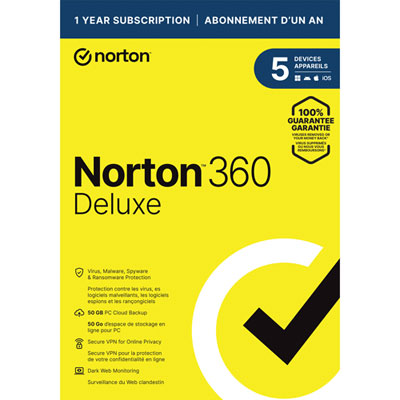 Your price for this item is $89.99
 -
 Your price for this item is $99.99
 -
 Your price for this item is $89.99
 -
 Your price for this item is $89.99
 -
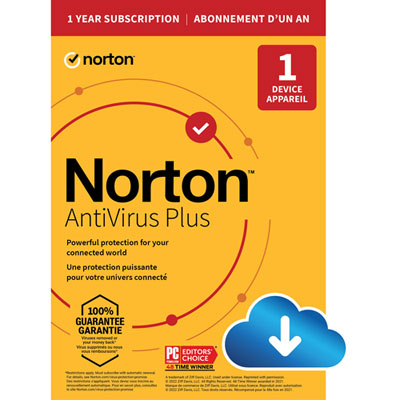 Your price for this item is $14.99
 -
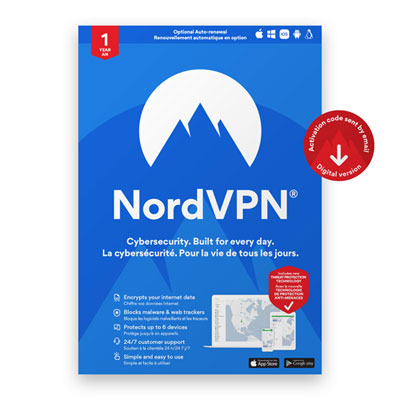 Your price for this item is $49.99
 -
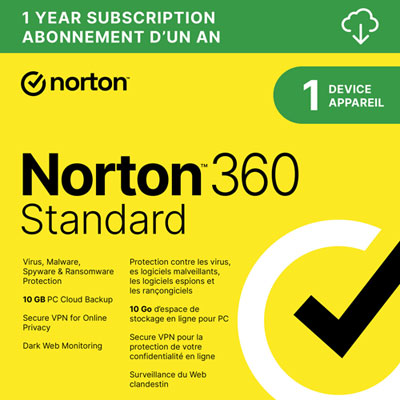 Your price for this item is $69.99
 -
 Your price for this item is $59.95
Discover more categories related to Antivirus Cleaners
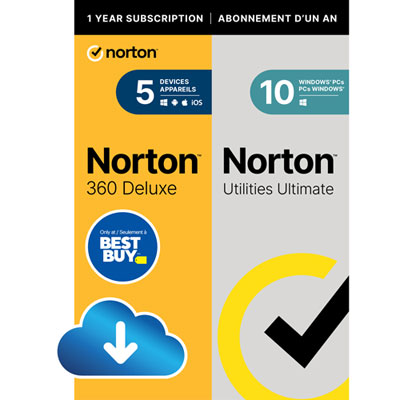

Top Collections:
Pokemon Centers, Kindle Devices, Best Budget Office Chairs, Apple iPhones 16, Best Laptops for Writers, iPhone 15 Apple, Canon G7X Cameras, Refurbished Apple Laptops, Alarm Clock, Motorola Razr Phones
Some products may be subject to Environmental Handling Fees
(EHF) depending on your province.
Learn more about EHFs.