Best Monitors for Photo Editing
Bring your photos into focus with the best monitors for photo editing, ranked by user review ratings. Whether you’re refining portraits or adjusting landscape shots, look for accurate colours, sharp resolution, and wide colour gamut coverage to help you edit with confidence. Compare top-rated options to find a monitor that suits your workspace, budget, and creative workflow.
What to look for in monitors for photo editing
1. Colour Accuracy and Coverage
2. Screen Size and Resolution
3. Panel Type and Uniformity
4. Connectivity and Ergonomics
-
1
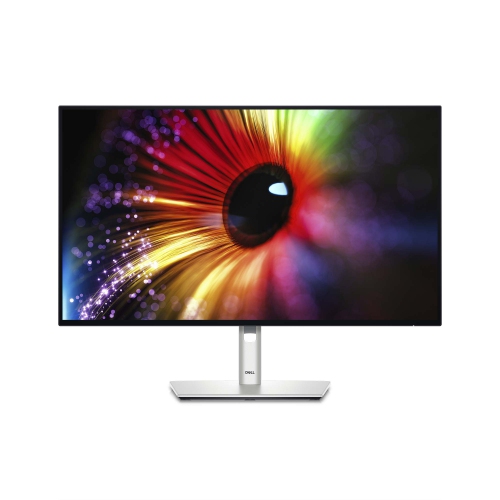
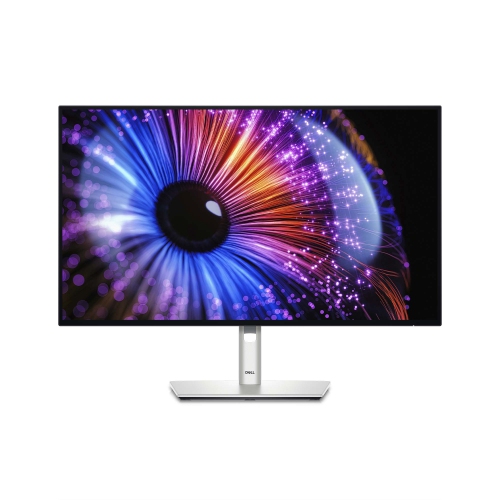
DELL Ultrasharp 27" 1440P Qhd Ips Led Monitor (U2724D) - Light - 120Hz - Platinum Silver In Blue
About this product
A high-resolution 27-inch monitor delivering vibrant visuals, ideal for professional and creative workspaces.
(4)$544.99Your price for this item is $544.99SAVE $35 -
2
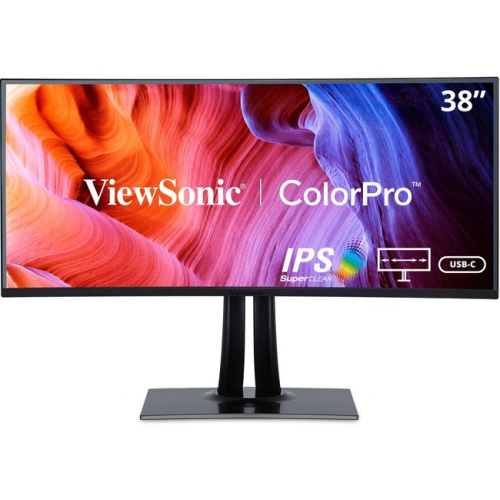
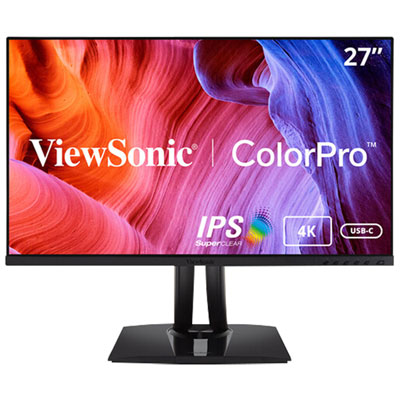
VIEWSONIC Colorpro Vp3881A 38" Ultrawide Curved Wqhd+ Ips Lcd Monitor (Vp3881A) - HDr10 - 100% Srgb/rec 709
About this product
A 38" IPS display with 3840 x 1600 resolution from ViewSonic, currently on sale.
(1)$1,742.99Your price for this item is $1742.99SAVE $321 -
3
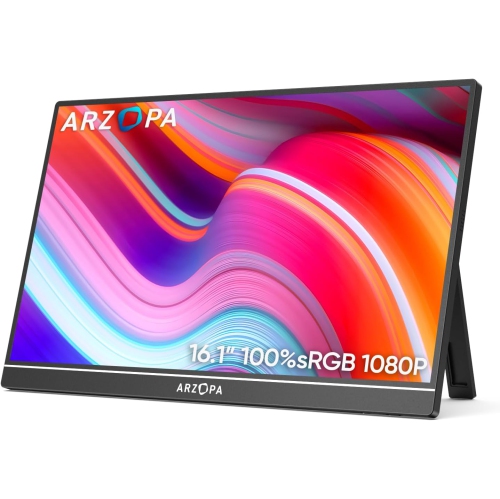
ARZOPA 16.1" 1080P HD Ips Lcd Portable Monitor (Z1C) - USB-C - HDr
About this product
A portable metal monitor with 1080P FHD resolution, 100% sRGB color, and adjustable built-in kickstand.
(1)$109.99Your price for this item is $109.99SAVE $70 -
4
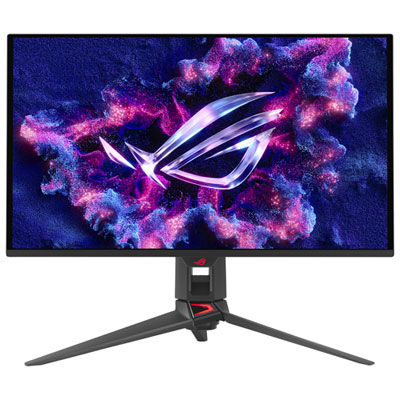
ASUS ROG Swift 27" 4K UHD QD-OLED Gaming Monitor (PG27UCDM) - G-SYNC - 0.03ms GTG - 240Hz Only at Best Buy
About this product
A 27-inch black QD-OLED monitor with 4K resolution, 240Hz refresh rate, and 0.03ms response time.
What customers like
(121)$1,599.99 Your price for this item is $1599.99 -
5
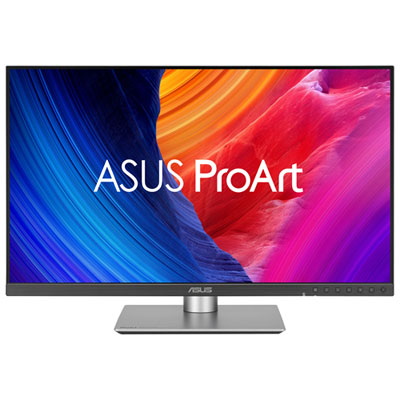
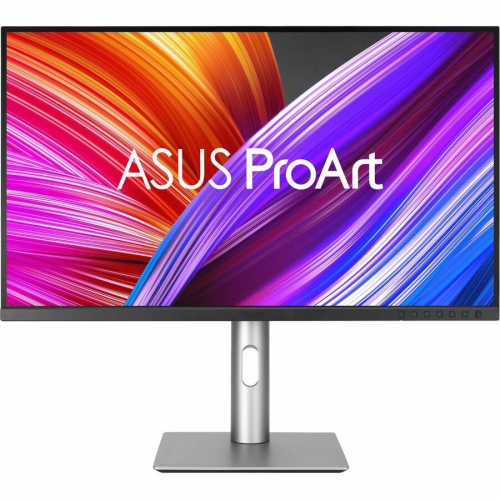
ASUS ProArt 27" 5K HDR IPS LED Monitor (PA27JCV) - 99% DCI-P3 - 100% sRGB - 95% Adobe RGB
About this product
A professional-grade 27" 5K LED monitor with wide colour coverage, auto KVM, and adaptive brightness sensors.
What customers like
(90)$1,099.99 Your price for this item is $1099.99 -
6

BenQ 27" 4K UHD IPS LCD Monitor for MacBook (MA270U) - Silver
About this product
A silver IPS LCD monitor offering 4K Ultra HD resolution, 60Hz refresh rate, and MacBook compatibility.
(13)$629.99 Your price for this item is $629.99 -
7

BenQ DesignVue 31.5" 4K Ultra HD 60Hz 5ms GTG IPS LED Monitor (PD3205U)
About this product
A 31.5" 4K Ultra HD IPS monitor with multiple ports, ergonomic design, and eye-care technologies.
(8)$719.99 Your price for this item is $719.99 -
8
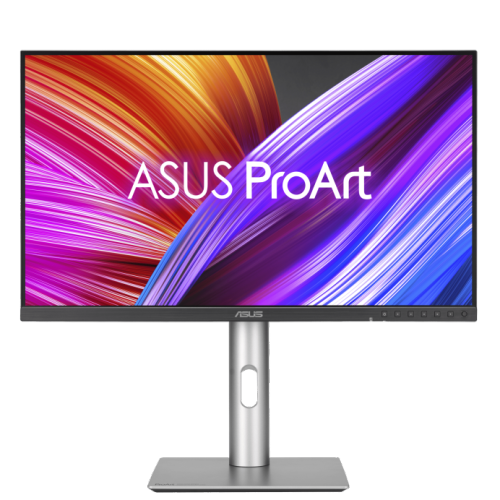
ASUS Proart 27" 1440P Qhd Ips Creator Monitor (Pa278Cfrv) - Displayhdr 400 - 95% Dci-P3 - 100Hz
About this product
A professional 27-inch QHD IPS monitor with 100Hz refresh rate, 95% DCI-P3, and ergonomic stand.
(3)$499.00 Your price for this item is $499 -
9
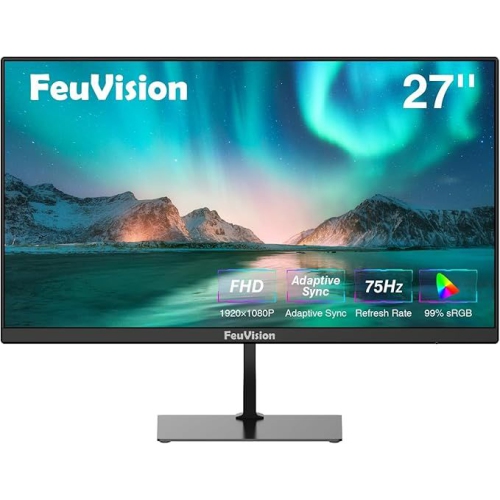
FEUVISION 27" 1080P HD Led Monitor - 75Hz - Adaptive Sync - Built-In Speakers
About this product
A Full HD monitor with 99% sRGB, 75Hz refresh rate, built-in speakers, and wide viewing angles.
$209.00 Your price for this item is $209 -
10
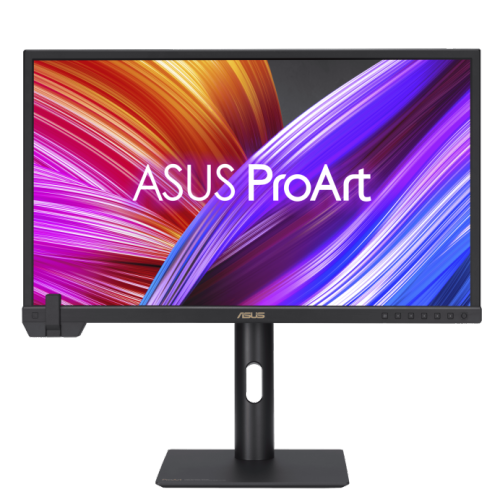
ASUS Proart Display 23.6" 4K Uhd Ips Monitor (Pa24Us) - Vesa Displayhdr 600 - 99% Adobe RGB - 95% Dci-P3
About this product
A professional 24-inch 4K UHD IPS monitor with built-in colorimeter, HDR-10, and wide color gamut.
$1,799.00 Your price for this item is $1799
FAQ
Look for accurate colour reproduction, consistent brightness across the screen, wide viewing angles, and support for your preferred colour gamut. Calibration controls and an adjustable stand are also useful for a dedicated photo-editing setup.
The right colour gamut depends on your workflow. sRGB is widely used for web images, while Adobe RGB is useful for print workflows that support its broader range of colours. Display P3 is also relevant when preparing photos for compatible displays and digital platforms.
IPS panels typically offer consistent colours across wide viewing angles, making them a common choice for photo editing. VA panels generally provide higher contrast than IPS panels, though colour and contrast can shift more when viewed off-centre. OLED panels offer deep blacks and strong contrast, but brightness behaviour and colour controls vary by monitor.
Factory calibration adjusts a monitor before it leaves the manufacturer, usually for specified picture modes and colour targets. Hardware calibration uses a compatible measuring device to adjust supported settings within the monitor itself. Factory-calibrated monitors can still benefit from periodic checks as display characteristics change over time.
A matte finish diffuses reflections, which can make it easier to work in a room with windows or overhead lighting. A glossy finish can give images a crisp appearance but makes reflections more noticeable. Choose a finish based on how much control you have over lighting in your workspace.
Top selling and popular products
Discover more categories related to Best Monitors for Photo Editing
Some products may be subject to Environmental Handling Fees (EHF) depending on your province. Learn more about EHFs.