HP Monitors for Photo Editing
If you're a photographer who likes to edit their own photos, or a photo enthusiast who wants to get more out of their images, then you'll want to consider getting a monitor that can handle the job. Monitors are one of the most important parts of any editing setup, and if you want to get the most out of your photos, then you'll need a monitor that can display all the detail and nuance that you want. Here are some of the best monitors from HP.
Sort
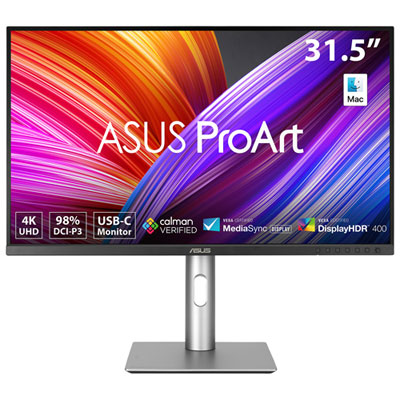
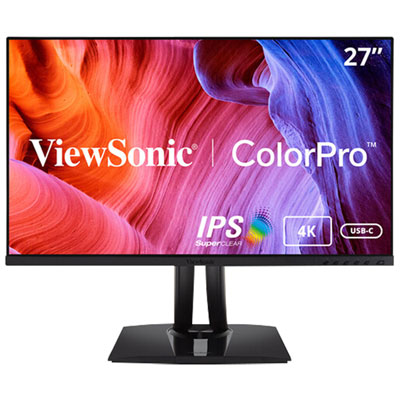

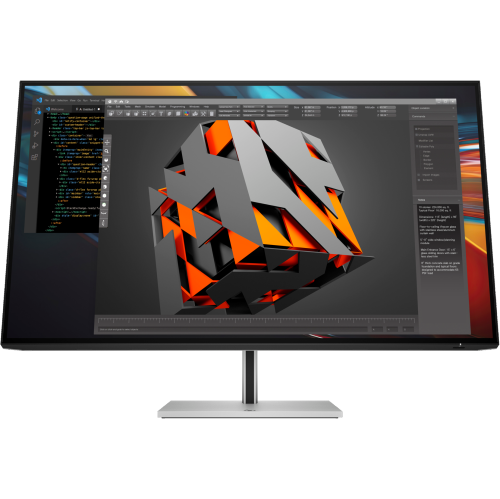
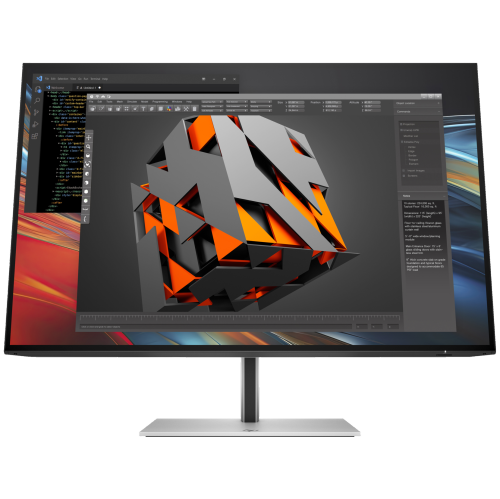

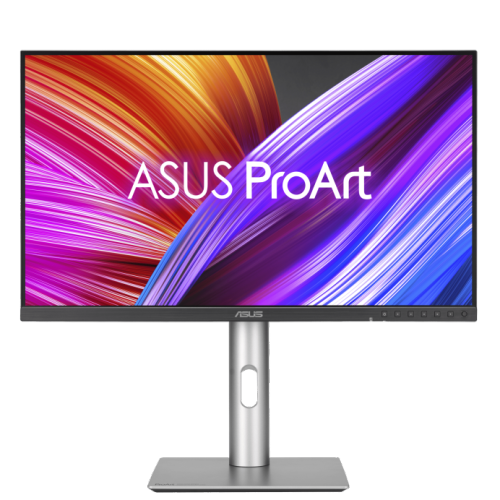
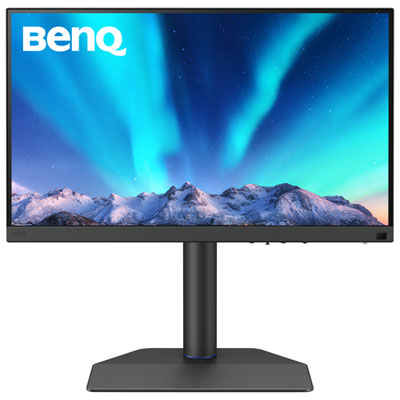
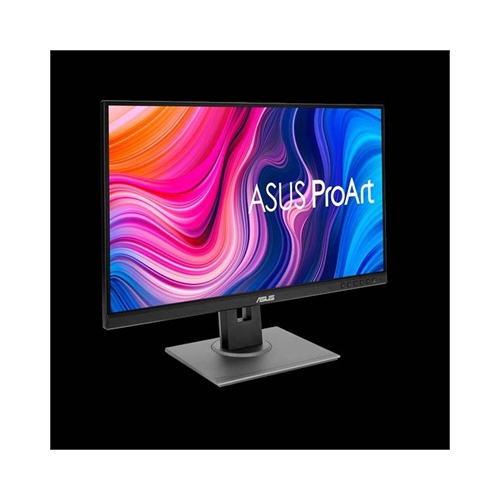
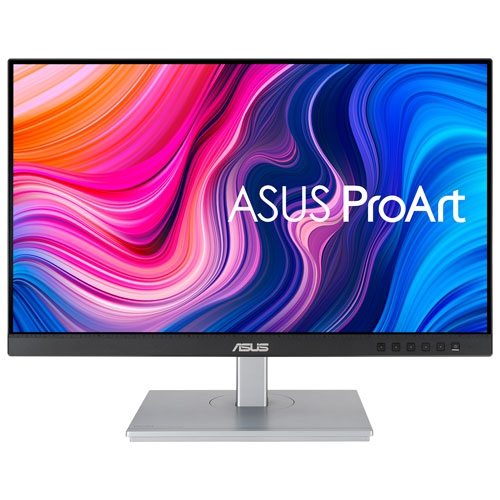
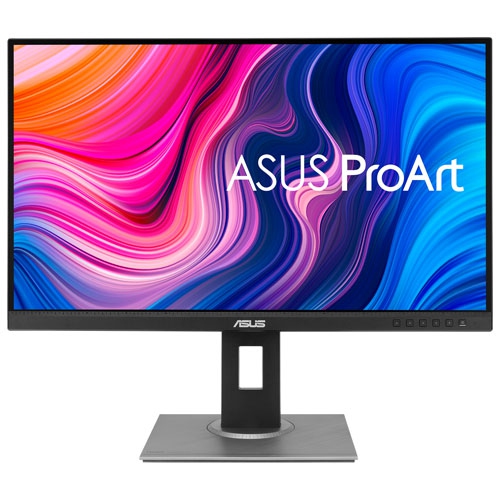
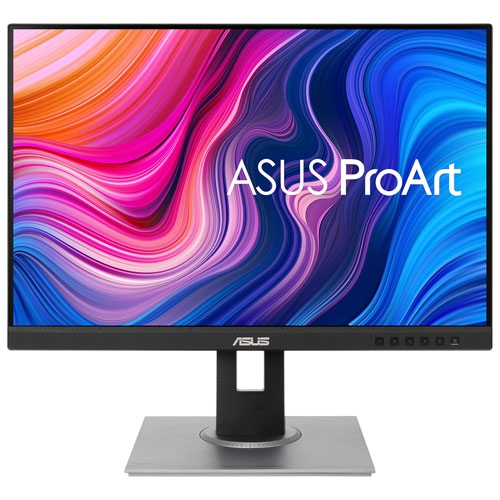
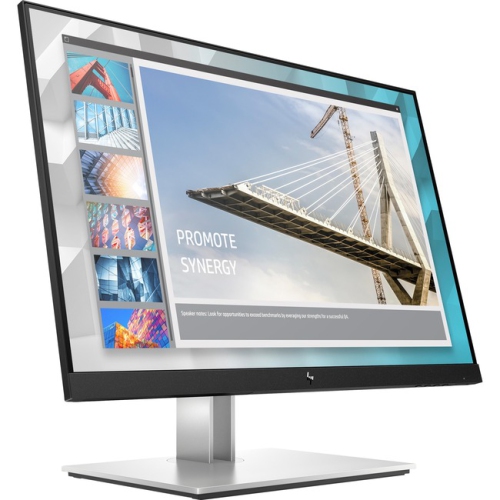
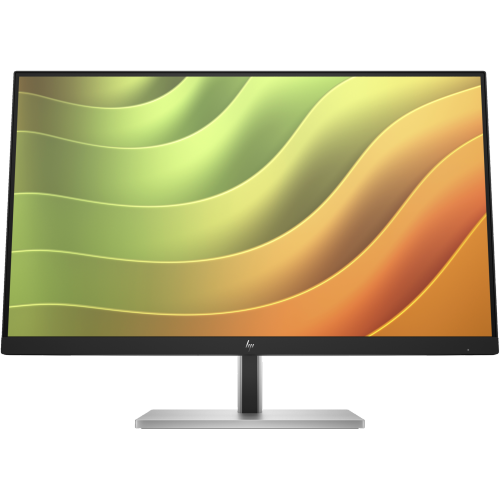
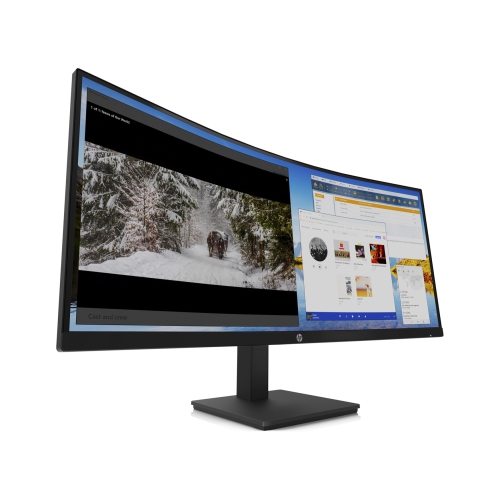
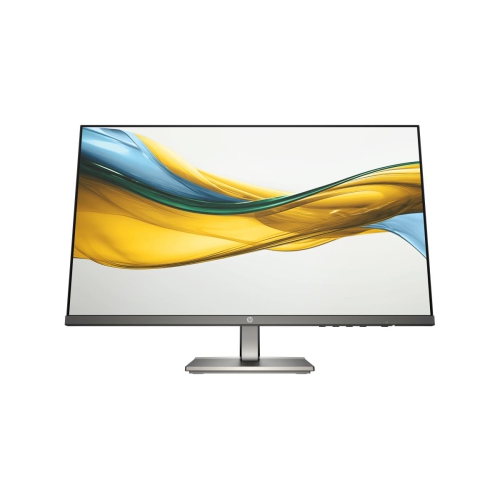
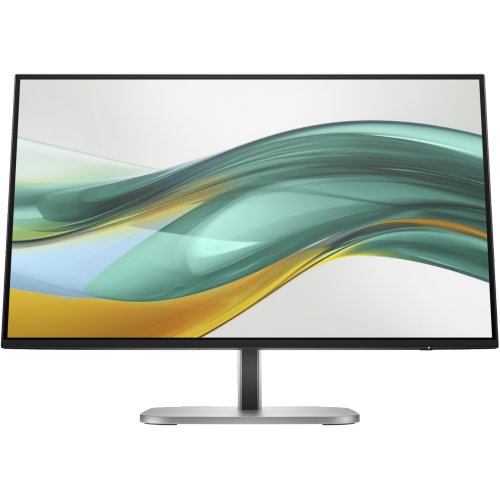
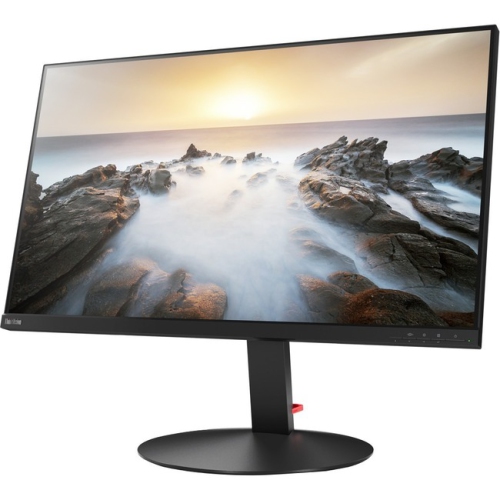
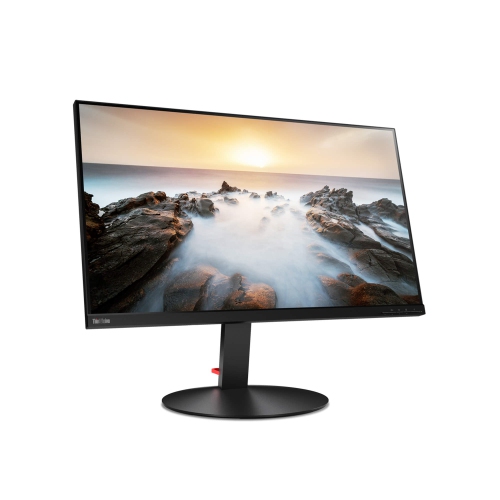
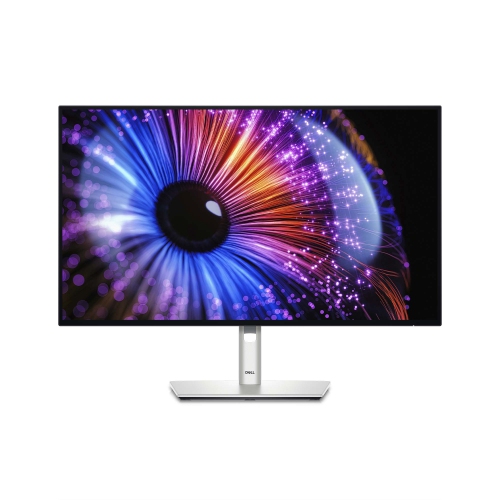
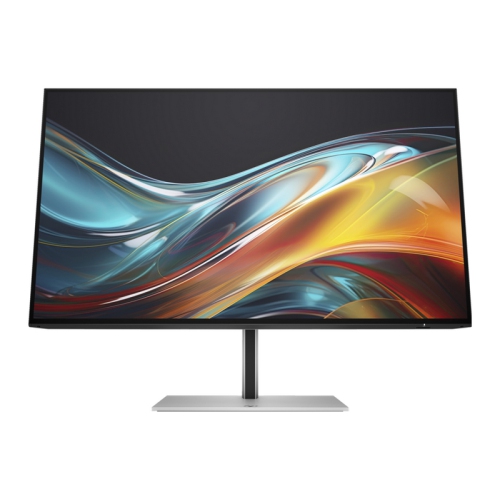
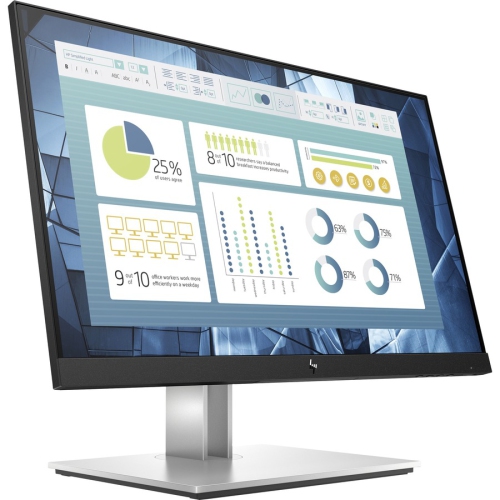
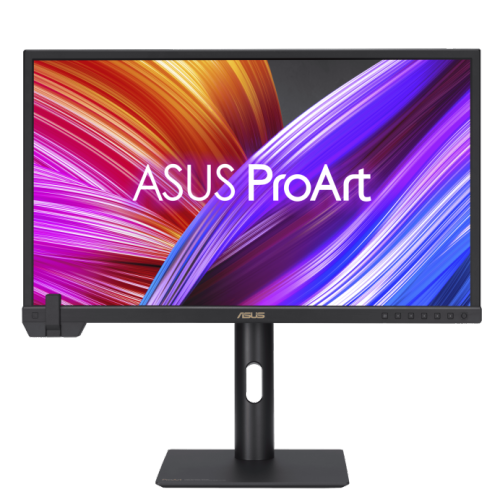
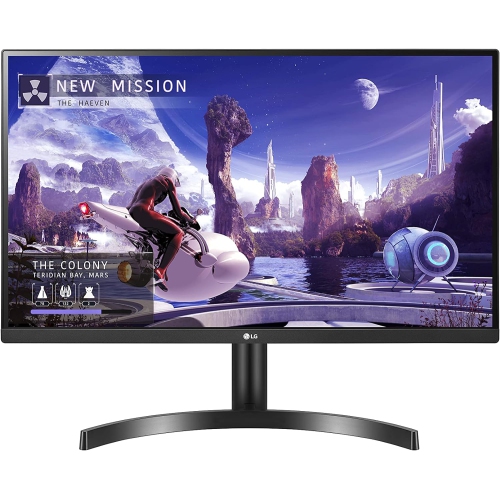


The display details that shape every edited image
When searching for the ideal monitor for photo editing, it’s important to consider how every detail—from colour accuracy to screen size—can impact your creative workflow. Whether you’re a professional photographer meticulously retouching high-resolution images, a graphic designer working on digital art, or an enthusiastic hobbyist perfecting family photos, the right monitor is an essential tool in your arsenal. During the winter months, as many Canadians spend more time indoors refining their craft, investing in a high-quality display can make those long editing sessions more comfortable and productive. The best buy HP monitor options for photo editing typically feature IPS panels, which are renowned for their wide viewing angles and precise colour reproduction. This ensures that what you see on the screen matches your creative vision, regardless of your position at your desk or the lighting in your workspace.
Key features to look for in a monitor dedicated to photo editing include high resolution for sharp, detailed images and a wide colour gamut for accurate, vibrant colours. Monitors that cover 99% or more of the sRGB spectrum are well-suited for most editing needs, while those offering DCI-P3 or Adobe RGB coverage are particularly valuable for professionals who require even greater colour fidelity. A 4K Ultra HD display is ideal for working with large image files, allowing you to zoom in on fine details without losing clarity, but a Full HD monitor can also serve well for those just starting out or working with smaller projects. Screen size plays a significant role in comfort and efficiency—27 inches is a popular sweet spot, providing ample workspace without overwhelming your desk, while larger screens, such as 32 inches or more, are perfect for multitasking or comparing multiple images side by side. Features like low blue light modes and anti-glare coatings can help reduce eye strain during those marathon editing sessions, making them a thoughtful gift for the creative in your life, whether they’re building a home studio or upgrading their current setup.
For anyone looking to expand their creative toolkit, a monitor designed for photo editing is a practical and appreciated gift—especially as the new year inspires fresh projects and artistic resolutions. Students studying digital media, professionals working from home, and passionate hobbyists alike can all benefit from a display that brings out the best in their work. When considering your options, it’s helpful to compare different brands and models to find the perfect fit for your needs. If you’re interested in exploring alternatives, you might also want to browse our selection of LG Monitor For Photo Editing to see how other leading brands measure up in terms of colour accuracy, resolution, and ergonomic features. Whichever path you choose, upgrading to a monitor that’s tailored for photo editing can transform your workspace and help you achieve results you’ll be proud to share and display.
Key features to look for in a monitor dedicated to photo editing include high resolution for sharp, detailed images and a wide colour gamut for accurate, vibrant colours. Monitors that cover 99% or more of the sRGB spectrum are well-suited for most editing needs, while those offering DCI-P3 or Adobe RGB coverage are particularly valuable for professionals who require even greater colour fidelity. A 4K Ultra HD display is ideal for working with large image files, allowing you to zoom in on fine details without losing clarity, but a Full HD monitor can also serve well for those just starting out or working with smaller projects. Screen size plays a significant role in comfort and efficiency—27 inches is a popular sweet spot, providing ample workspace without overwhelming your desk, while larger screens, such as 32 inches or more, are perfect for multitasking or comparing multiple images side by side. Features like low blue light modes and anti-glare coatings can help reduce eye strain during those marathon editing sessions, making them a thoughtful gift for the creative in your life, whether they’re building a home studio or upgrading their current setup.
For anyone looking to expand their creative toolkit, a monitor designed for photo editing is a practical and appreciated gift—especially as the new year inspires fresh projects and artistic resolutions. Students studying digital media, professionals working from home, and passionate hobbyists alike can all benefit from a display that brings out the best in their work. When considering your options, it’s helpful to compare different brands and models to find the perfect fit for your needs. If you’re interested in exploring alternatives, you might also want to browse our selection of LG Monitor For Photo Editing to see how other leading brands measure up in terms of colour accuracy, resolution, and ergonomic features. Whichever path you choose, upgrading to a monitor that’s tailored for photo editing can transform your workspace and help you achieve results you’ll be proud to share and display.
Top selling and popular products
-
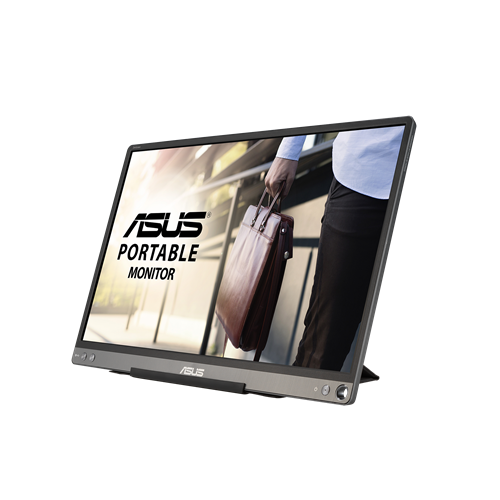 Your price for this item is $299
 -
 Your price for this item is $599
 -
 Your price for this item is $94.99
 -
 Your price for this item is $329.99
 -
 Your price for this item is $499
 -
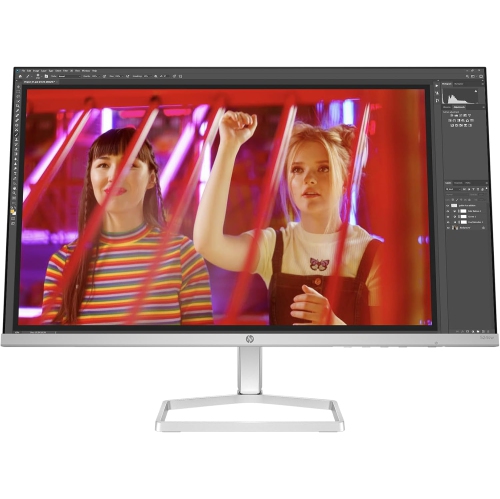 Your price for this item is $265.99
 -
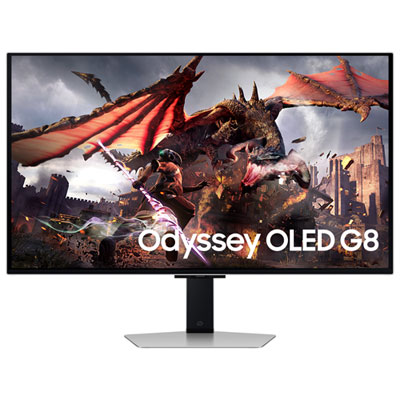 Your price for this item is $1299.97
 -
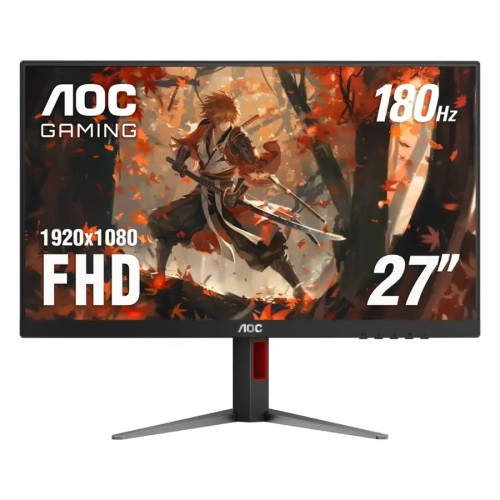 Your price for this item is $249.99
Discover more categories related to HP Monitors for Photo Editing
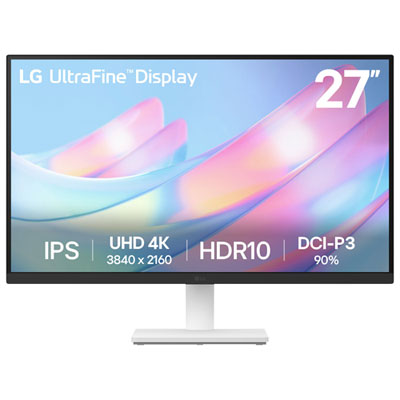

Top Collections:
Pokemon Centers, Kindle Devices, Best Budget Office Chairs, Apple iPhones 16, Best Laptops for Writers, iPhone 15 Apple, Canon G7X Cameras, Refurbished Apple Laptops, Alarm Clock, Motorola Razr Phones
Some products may be subject to Environmental Handling Fees
(EHF) depending on your province.
Learn more about EHFs.