Best Monitors for Video Editing

Bring your creative vision into focus with the best monitors for video editing, ranked by user review ratings. Whether you’re fine-tuning colour or reviewing detailed footage, look for features such as accurate colour reproduction, high resolution, and ample screen space to support your workflow. Explore top-rated options to find the right fit for your editing setup and budget.

Read More

What to look for in monitors for video editing

1. Screen Size and Resolution

A 27-inch or 32-inch 4K monitor provides sharp detail and room for timelines, preview windows and editing tools. To view 4K footage at full resolution while keeping editing controls visible, consider a display with a resolution higher than 4K.

2. Colour Accuracy and Gamut

Look for strong coverage of the colour space used in your projects, such as Rec. 709 for SDR video or DCI-P3 for cinema work. Factory calibration and a low Delta E rating can help improve colour accuracy, while hardware calibration support is useful for maintaining consistency over time.

3. HDR Performance and Contrast

For HDR editing, compare sustained brightness, peak brightness, black levels and local dimming capabilities rather than relying on HDR compatibility alone. A display with 10-bit colour support can show smoother gradients when paired with compatible hardware and software.

4. Connectivity and Ergonomics

Check that the monitor’s HDMI, DisplayPort or USB-C inputs support your computer and intended resolution and refresh rate. USB-C power delivery can simplify a laptop setup, while height, tilt and swivel adjustments help you stay comfortable during longer editing sessions.
Citrus catapult arrow
  1. 1

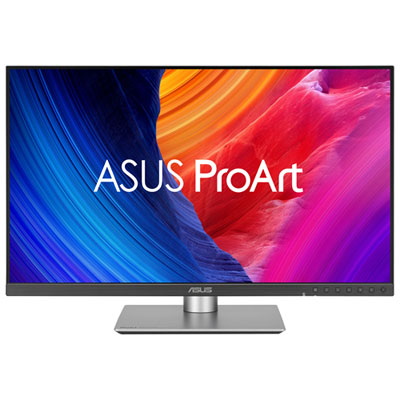
    ASUS ProArt 27" 5K HDR IPS LED Monitor (PA27JCV) - 99% DCI-P3 - 100% sRGB - 95% Adobe RGB

    About this product

    A professional-grade 27" 5K LED monitor with wide colour coverage, auto KVM, and adaptive brightness sensors.

    What customers like

    • Exceptional 5K resolution and image clarity
    • Easy setup and user-friendly controls
    • Highly accurate and vibrant colour reproduction
    • Adjustable ergonomic stand with sturdy build quality
    • Versatile connectivity with multiple ports including USB-C and KVM support
    (90)
    $1,099.99 Your price for this item is $1099.99
  2. 2

    BenQ 27" 4K UHD IPS LCD Monitor for MacBook (MA270U) - Silver

    About this product

    A silver IPS LCD monitor offering 4K Ultra HD resolution, 60Hz refresh rate, and MacBook compatibility.

    (13)
    $629.99 Your price for this item is $629.99
  3. 3

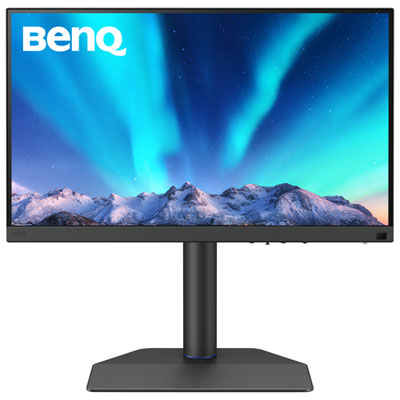
    BenQ DesignVue 31.5" 4K Ultra HD 60Hz 5ms GTG IPS LED Monitor (PD3205U)

    About this product

    A 31.5" 4K Ultra HD IPS monitor with multiple ports, ergonomic design, and eye-care technologies.

    (8)
    $719.99 Your price for this item is $719.99
  4. 4

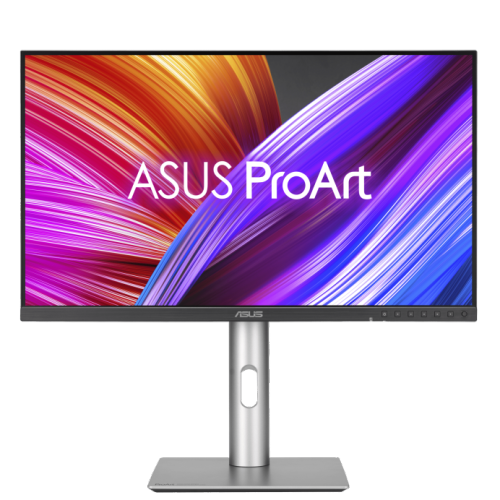
    ASUS Proart 27" 1440P Qhd Ips Creator Monitor (Pa278Cfrv) - Displayhdr 400 - 95% Dci-P3 - 100Hz

    About this product

    A professional 27-inch QHD IPS monitor with 100Hz refresh rate, 95% DCI-P3, and ergonomic stand.

    (3)
    $499.00 Your price for this item is $499
  5. 5

    BenQ PhotoVue 27" 4K UHD IPS LCD Creator Monitor (SW272U) - HDR - 99% Adobe RGB - Metallic Grey

    About this product

    A metallic grey 27" 4K UHD IPS monitor offering exceptional colour accuracy, HDR support, and USB-C connectivity.

    (2)
    $1,899.99 Your price for this item is $1899.99
  6. 6

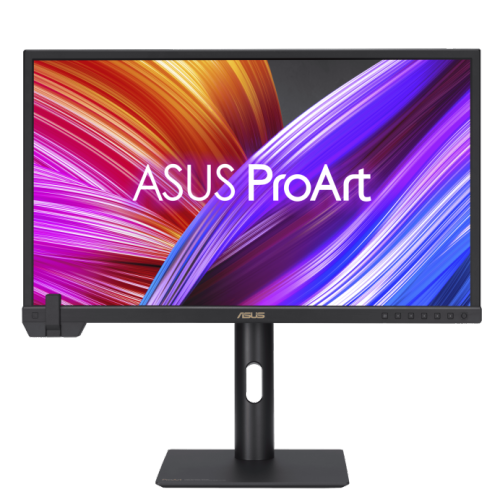
    ASUS Proart Display 23.6" 4K Uhd Ips Monitor (Pa24Us) - Vesa Displayhdr 600 - 99% Adobe RGB - 95% Dci-P3

    About this product

    A professional 24-inch 4K UHD IPS monitor with built-in colorimeter, HDR-10, and wide color gamut.

    $1,799.00 Your price for this item is $1799
  7. 7

    AOC - 27" Curved 1080P HD Va Led Gaming Monitor (C27G2) - Freesync - 1Ms Gtg - 165Hz - In Black/red

    About this product

    A 27" curved gaming monitor with Full HD resolution, 165Hz refresh rate, and 1ms response time.

    What customers like

    • High refresh rate
    • Value for money
    • Curved design
    • Easy setup
    • Vibrant colors
    (2,150)
    $275.00 Your price for this item is $275
  8. 8

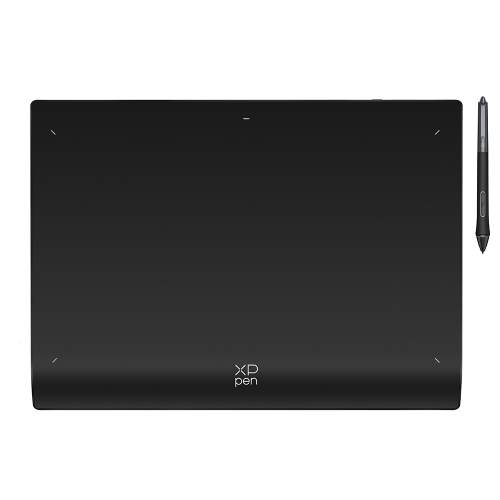
    XPPEN Deco Pro Xlw 2Nd Wireless Graphic Tablet 15"x9" Bluetooth Drawing Tablet Paper-Feeling 16384 Pen Levels Digital Art Tablet w X3 Pro Stylus

    About this product

    A wireless drawing tablet with 16K pressure levels, Bluetooth 5.0, X3 Pro stylus, and mini key-dial.

    (2)
    $199.99
    SAVE $80
    Your price for this item is $199.99
  9. 9

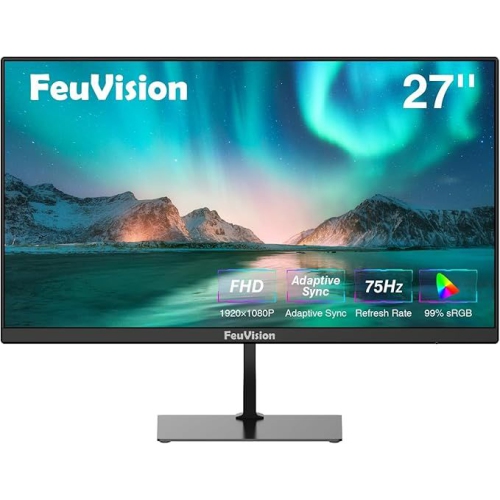
    FEUVISION 27" 1080P HD Led Monitor - 75Hz - Adaptive Sync - Built-In Speakers

    About this product

    A Full HD monitor with 99% sRGB, 75Hz refresh rate, built-in speakers, and wide viewing angles.

    $209.00 Your price for this item is $209
  10. 10

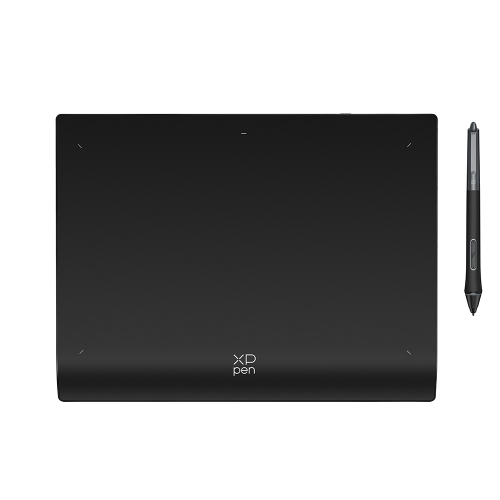
    XPPEN Deco Pro Lw 2Nd Wireless Drawing Tablet 11"x7" Paper-Feeling Bluetooth Digital Drawing Pad w 16384 Pen Pressure X3 Pro Stylus & Mini Key-Dial

    About this product

    A wireless Bluetooth drawing tablet featuring 16K pressure sensitivity, simulated paper surface, and X3 Pro stylus.

    $199.99
    SAVE $40
    Your price for this item is $199.99

Why accurate colour matters from preview to final cut

The best monitors for video editing bring together accurate colour, clear detail, consistent brightness and enough workspace to keep a project moving comfortably. For editors working on documentaries, wedding films, short-form videos or family footage, those qualities make a practical difference: skin tones look believable, subtle shadow detail stays visible, and neighbouring shots are easier to match. Resolution is an important part of that experience. A QHD display offers more working space than Full HD, while a 4K UHD monitor has 3840 × 2160 pixels, giving editors a detailed view of high-resolution footage and room for timelines, audio tracks and preview panels. A 27-inch screen can suit a compact desk, while a 32-inch display makes fine details and interface elements easier to see at a comfortable viewing distance. Shoppers exploring 4K Monitors for Video Editing will find that screen size and resolution work together: the same pixel count looks denser on a smaller panel, so interface scaling may be needed to keep text readable. Viewing a full 4K frame pixel for pixel also requires sufficient screen space; editing controls placed around the preview reduce the area left for the image. A separate preview display can help when checking focus, fine textures or sharpening without constantly rearranging panels. Ultrawide monitors offer a different advantage, stretching the timeline across the desk so longer sequences and multiple tracks are easier to follow, although an ultrawide label alone does not guarantee enough pixels to display a full 4K image at native resolution. Flat screens are often preferred for judging composition and straight lines, while a gently curved screen may feel comfortable across a particularly wide workspace. The right fit depends on both the footage being edited and the desk where the work happens. Students cutting their first short film, content creators balancing several projects and experienced editors finishing client work may need different layouts, but all benefit from a screen that makes small visual decisions easier to judge.

Colour performance is what separates a detailed monitor from one that can be trusted for editing. For many standard dynamic range video workflows, Rec. 709 coverage is especially relevant, while wider-gamut work may call for strong P3 coverage and suitable colour-management support. Although sRGB and Rec. 709 share the same primary colours, their intended viewing conditions and transfer characteristics differ, so an sRGB specification alone does not establish suitability for every video workflow. Gamut coverage describes the range of colours a monitor can show; colour accuracy describes how closely those colours match their intended values. Both matter when a navy jacket needs to remain navy or a sunset needs to retain its subtle transitions rather than becoming a flat orange band. Factory calibration can provide a useful starting point, particularly when supported by a calibration report, but periodic measurement with a compatible calibration device helps maintain consistency as the display ages. A low measured Delta E generally indicates a closer colour match, though results depend on the test method, picture mode and colours measured. Screen uniformity matters too: a bright centre and darker corners can complicate decisions about exposure or vignetting. IPS panels are valued for wide viewing angles and relatively stable colour when moving across the screen, while OLED panels offer deep blacks and strong contrast, with care needed around persistent interface elements because of burn-in risk. Mini-LED backlighting can improve local contrast on LCD displays, although bright objects against dark backgrounds may show halos depending on the dimming system. For high dynamic range work, an HDR input label is not enough to establish grading capability. Useful HDR evaluation depends on brightness, black levels, colour volume, tone handling and the display’s ability to sustain appropriate output across different image areas. Ten-bit colour support can help preserve smooth gradients in skies and studio backdrops, but the computer, connection, software and footage must also support the intended signal path. Serious colour-critical finishing may require a dedicated reference display rather than relying on a general-purpose editing monitor alone.

Everyday usability becomes just as important during a long edit as the headline display specifications. A height-adjustable stand with tilt and swivel makes it easier to place the screen at a comfortable level, while a compatible monitor arm can free up room for a keyboard, control surface or notebook. Check the mounting pattern, screen weight and arm capacity together, especially with a larger panel. A stable base and sturdy stand joints help limit wobble when typing or adjusting the display, and easy-to-reach controls make switching picture modes less disruptive. Matte screen finishes reduce distracting reflections, while glossy surfaces can deliver a crisp-looking image but require more careful placement around windows and lamps. Neutral, consistent room lighting helps prevent a warm desk lamp or direct daylight from influencing colour decisions. Connectivity also deserves attention: HDMI, DisplayPort and USB-C capabilities vary, so the connection must support the desired resolution, refresh rate and colour depth at the same time. USB-C power delivery can simplify a laptop setup when the monitor provides enough power for that laptop, and a built-in USB hub can keep a keyboard or calibration device within reach. Cable quality and dock limitations can affect which display modes are possible. Refresh rate is less central than colour accuracy for many editing tasks, but support for rates that align with the footage can make motion easier to assess; smooth interface movement is not a substitute for accurate playback. For shared workspaces, wide viewing angles help a collaborator see a more consistent picture without sitting directly in front of the screen. Durable housings, accessible ports and sensible cable routing support frequent adjustments and daily use. Routine care is straightforward: remove dust with a clean, soft microfibre cloth, avoid pressing on the panel, and follow the manufacturer’s cleaning directions rather than spraying liquid directly onto the screen. For a film student or an aspiring creator receiving a monitor as a gift, matching the display to the recipient’s computer, desk space and usual projects is more valuable than choosing by screen size alone. A well-matched editing monitor supports everything from an initial assembly to the final check of titles, transitions and colour.
Read More

FAQ

Some products may be subject to Environmental Handling Fees (EHF) depending on your province. Learn more about EHFs.