Best PC Components for Competitive eSports
Build a gaming PC ready for competitive esports with components that support high frame rates, responsive gameplay, and smooth multitasking. From processors and graphics cards to memory and storage, explore PC components ranked by customer review ratings to help you compare your options. Whether you’re upgrading your setup or starting a new build, find parts that suit your performance goals and budget.
What to look for in PC components for competitive esports
1. Processor Performance
2. Graphics Card Capability
3. Memory and Storage
4. Compatibility, Power and Cooling
-
1
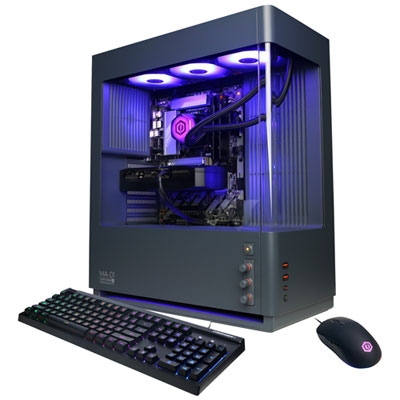
CyberPowerPC Gamer Xtreme Gaming PC - RTX 5070, Intel Core Ultra 7 270K Plus, 32GB Memory, 2TB SSD, Dark Grey
About this product
A dark grey desktop featuring Intel Core Ultra 7, 32GB RAM, 2TB SSD, and GeForce RTX 5070.
What customers like
(27)$2,999.99Your price for this item is $2999.99SAVE $200 -
2

CLX Horus Gaming PC - Rtx 5080 16GB, Intel Core Ultra 9 285K, 96GB Memory, 2Tb SSD + 8Tb HDD, Win 11 Home, Liquid Cooled
About this product
A liquid-cooled powerhouse with a 24-core processor, 96GB DDR5 RAM, and RTX 5080 graphics.
What customers like
(29)$12,239.99 Your price for this item is $12239.99 -
3
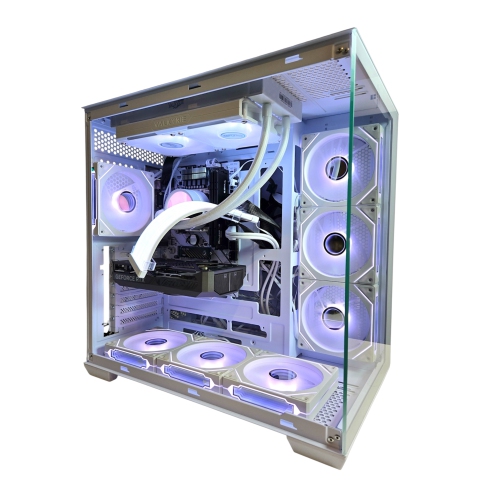
TECHBYTES Beast Gaming PC - Rtx 5060, Amd Ryzen 7 7700, 32GB Memory, 1Tb SSD, Win 11 Pro In White
About this product
A sleek white desktop featuring RTX 5060 graphics, Intel i7-12700KF, 32GB DDR5 RAM, and Wi-Fi connectivity.
(2)$2,399.99Your price for this item is $2399.99SAVE $600 -
4
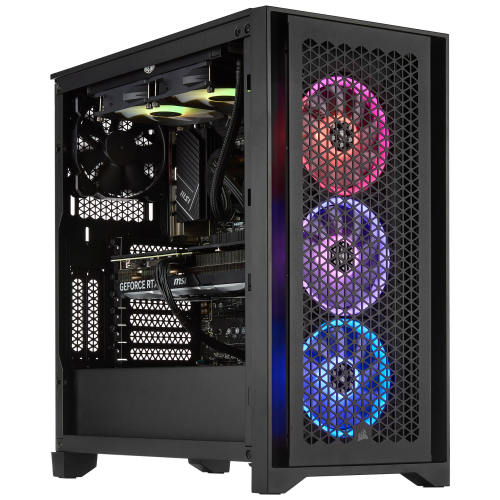
TECHNOID Ultimate Gaming PC - Rtx 5070, Amd Ryzen 7 7800X3D, 32GB Memory, 1Tb SSD, Win 11 Pro
About this product
A high-performance gaming desktop featuring RTX 5070 graphics, Ryzen 7 processor, and 32GB DDR5 RAM.
(2)$2,999.99Your price for this item is $2999.99SAVE $600 -
5
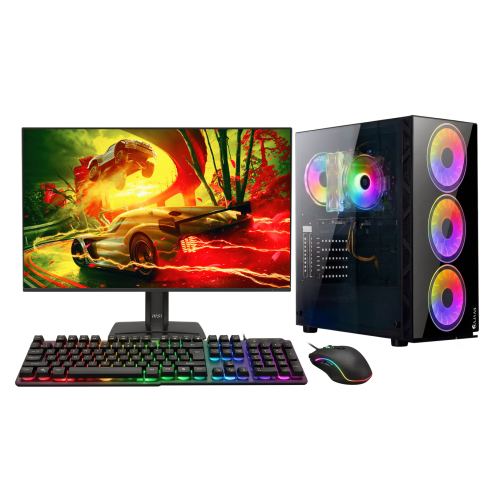
HAJAAN Gaming PC - Rtx 3050, Intel Core I7, 16GB Memory, 2Tb SSD, Win 11 Pro + Msi 27" Monitor
About this product
A powerful desktop featuring an Intel i7 processor, 16GB RAM, 1TB SSD, and RX 580 graphics.
(3)$1,659.99Your price for this item is $1659.99SAVE $440 -
6
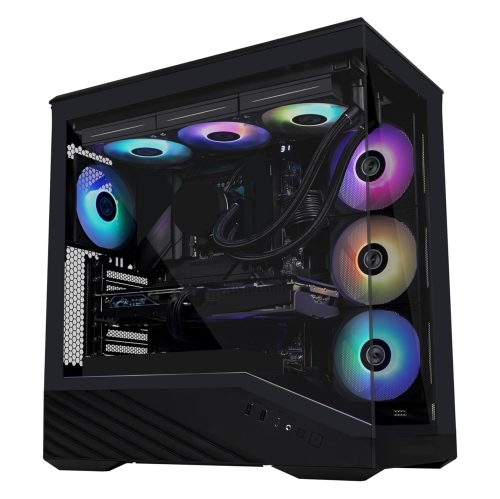
ZONIC Gaming PC (Intel Ultra7 265Kf, Rtx 5070, 32GB Ddr5 Ram, 1Tb M.2 SSD, Wifi, Window 11, Ai Ready)
About this product
A high-performance gaming desktop with Intel Ultra 7, RTX 5070, 32GB DDR5 RAM, Wi-Fi, and AI-ready capabilities.
(3)$3,599.97Your price for this item is $3599.97SAVE $899 -
7
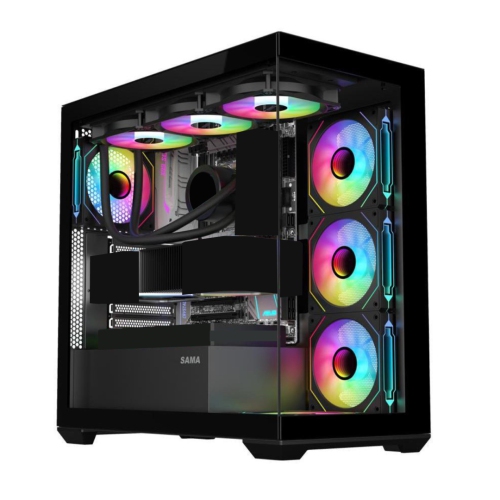
ZONIC Gaming PC Intel Core Ultra 7 270K Plus, Rtx 5070 Ti 16GB, 64GB Ddr5, 2Tb M.2 SSD, Wifi, Window 11
About this product
A gaming desktop with Core Ultra 7, RTX 5070 Ti graphics, 64GB DDR5, and 2TB SSD.
(1)$5,270.97Your price for this item is $5270.97SAVE $899 -
8
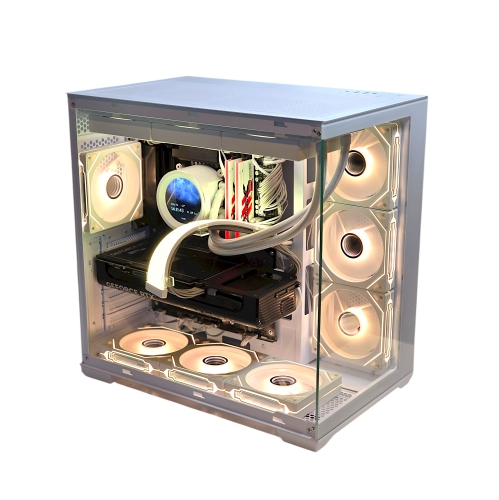
TECHBYTES Sparta | Gaming PC | RTX 5070 ti | Ryzen 7 3.7 GHz (4.6 GHz Turbo) | 32GB Ram Memory | 1TB NVMe SSD | | Wi-Fi | Win 11 PRO | AI Ready | 3-Year Warranty | Black
About this product
A powerful white desktop featuring RTX 5080 graphics, Intel i7 processor, 32GB DDR5 RAM, and Wi-Fi.
(1)$3,179.99 Your price for this item is $3179.99 -
9
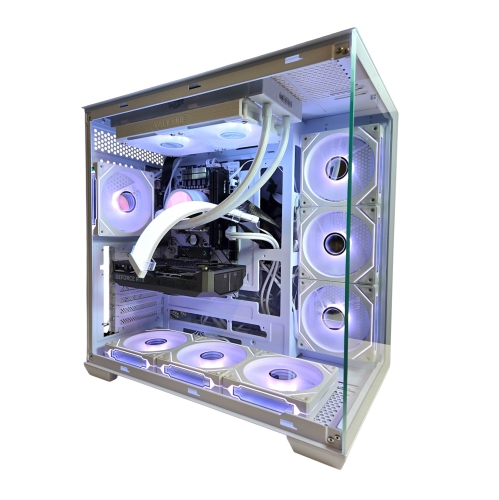
TECHBYTES Beast Gaming PC - Rtx 5060 Ti, Amd Ryzen 7 7700, 32GB Memory, 1Tb SSD, Win 11 Pro In White
About this product
A powerful white desktop featuring RTX 5060Ti graphics, Intel i7-12700KF, 32GB DDR5 RAM, and Wi-Fi.
(1)$2,599.99Your price for this item is $2599.99SAVE $800 -
10
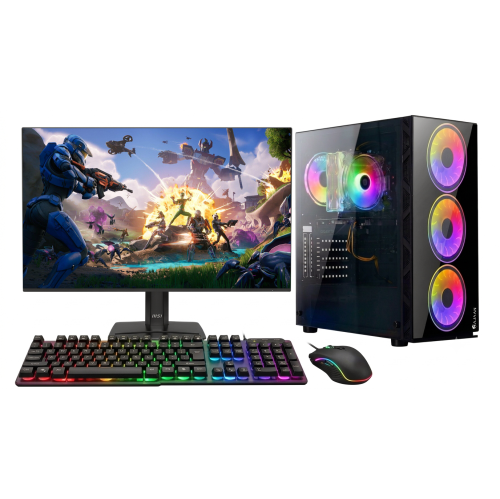
HAJAAN Gaming PC - Rtx 3050, Intel Core I7, 16GB Memory, 1Tb SSD, Win 11 Pro + 27" Monitor
About this product
A powerful desktop featuring an Intel i7 processor, 32GB RAM, 1TB SSD, and RTX 3050 graphics.
(1)$1,549.99Your price for this item is $1549.99SAVE $350
FAQ
The CPU handles game logic, player inputs and instructions sent to the graphics card. The GPU renders the images shown on your display. Their workloads vary by game, so both components belong in the planning process for an esports build.
Check that the motherboard supports your CPU’s socket and processor generation, including any required BIOS version. Confirm its supported memory standard, graphics card connection and storage interfaces. USB ports, Ethernet and built-in Wi-Fi are also useful features to review for your setup.
DDR4 and DDR5 are different memory generations with distinct electrical requirements and slot designs. They are not interchangeable, so your CPU and motherboard determine which type you can use. Memory kits also list data rates and timings, while supported profile features can vary by platform.
SATA SSDs use the SATA interface, while NVMe SSDs communicate through PCIe. M.2 describes a physical connection format rather than a storage protocol, so an M.2 drive may use SATA or NVMe. Check the motherboard documentation to confirm which drive types each connection supports.
An air cooler transfers heat from the CPU through a heatsink, typically with a fan attached. An all-in-one liquid cooler uses a pump, coolant loop, radiator and fans. The two approaches involve different mounting hardware, cable connections and maintenance considerations, so check CPU socket support and case mounting options before choosing.
Top selling and popular products
Discover more categories related to Best PC Components for Competitive eSports


Some products may be subject to Environmental Handling Fees (EHF) depending on your province. Learn more about EHFs.