Best PC Components for Gamers
Build or upgrade your gaming rig with the best PC components for gamers, ranked by user review ratings. Whether you’re aiming for smoother frame rates, faster load times, or reliable cooling, explore top-rated options to help you find the right fit for your setup, performance goals, and budget.
What to look for in PC components for gamers
1. Gaming Performance
2. Component Compatibility
3. Memory and Storage
4. Power and Cooling
-
1
![CRUCIAL X10 Pro 2Tb Portable SSD Ct2000X10Prossd9 [Video Game]](https://multimedia.bbycastatic.ca/multimedia/products/500x500/179/17977/17977182.png)
CRUCIAL X10 Pro 2Tb Portable SSD Ct2000X10Prossd9 [Video Game]
About this product
A high-speed 2TB portable SSD offering reliable storage for gaming, backups, and file transfers.
What customers like
(220)$744.68 Your price for this item is $744.68 -
2
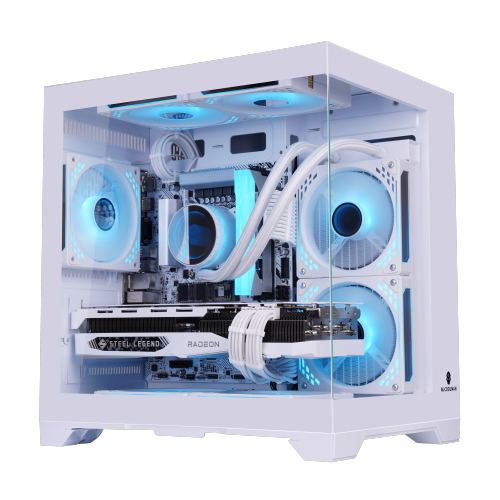
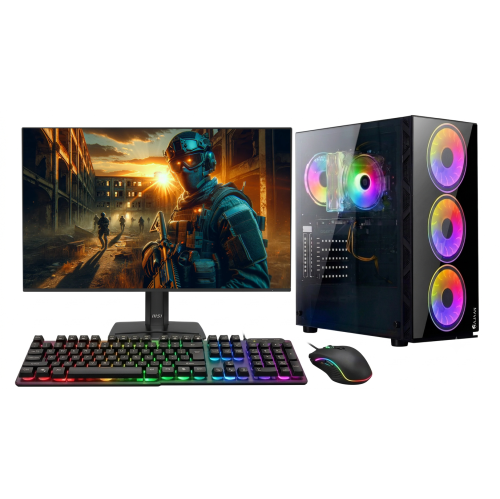
UNIWAY Gaming PC - Rtx 5060 Ti, Amd Ryzen 7 5700X, 32GB Memory, 1Tb SSD, Win 11 Pro
About this product
A powerful desktop featuring an Intel Core i5 processor, 16GB RAM, 1TB SSD, and RTX 4060 graphics.
(12)$1,829.99Your price for this item is $1829.99SAVE $350 -
3
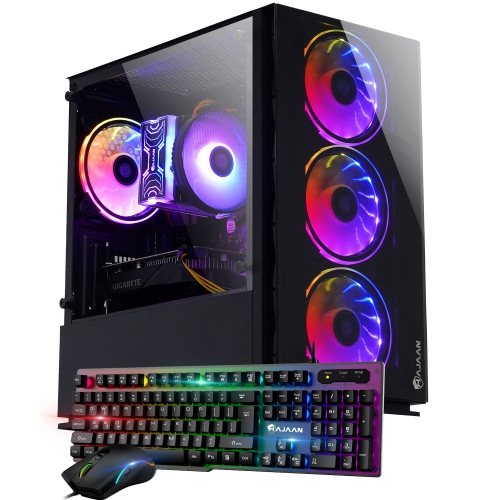
HAJAAN Gaming PC - Rtx 3050 6GB, Intel Core I5 (13Th Gen), 32GB Memory, 1Tb SSD, Win 11 Pro
About this product
A powerful desktop featuring an Intel i5-13th Gen processor, RTX 3050 graphics, 32GB RAM, and 1TB SSD.
$1,629.99Your price for this item is $1629.99SAVE $470 -
4
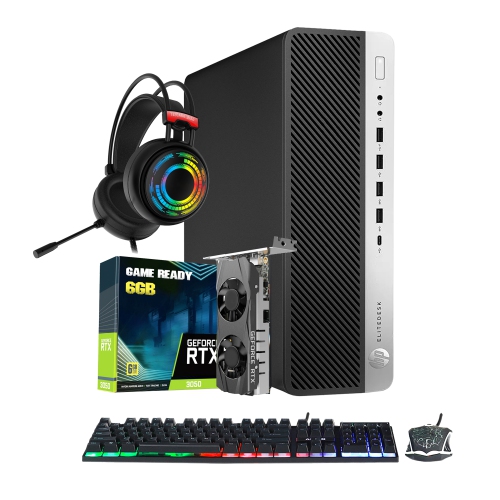
HP Refurbished(Excellent) - Gaming PC Sff Windows 11 Pro Gaming PC | Intel I7 Quad-Core Cpu | Geforce Rtx 3050 Gddr6 | 16GB Ddr4 Ram | 512GB Nvme
About this product
A powerful HP gaming desktop with an Intel i7 quad-core CPU, GeForce RTX 3050 graphics, and RGB headset.
$1,199.99 Your price for this item is $1199.99 -
5
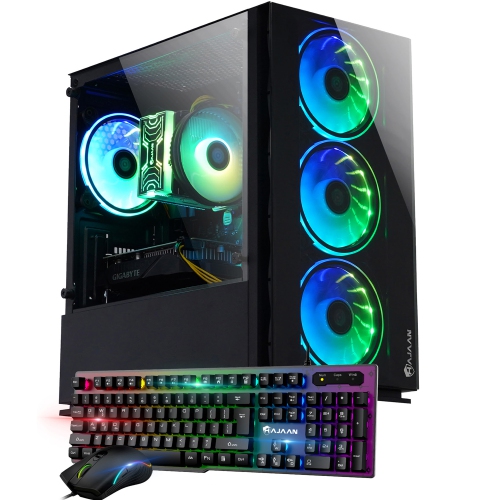
HAJAAN Breeze Gaming PC - Rtx 5060 8GB, Intel Core I5-13400F, 32GB Memory, 1Tb SSD, Win 11 Pro
About this product
A high-performance desktop with RTX 4060 graphics, Intel i5-13400F, 32GB RAM, 1TB SSD, and Wi-Fi.
$1,869.99Your price for this item is $1869.99SAVE $530 -
6

HAJAAN Breeze Gaming PC - Rtx 3050 6GB, Intel Core I5 (12Th Gen), 32GB Memory, 1Tb SSD, Win 11 Pro In Black
About this product
A powerful black gaming desktop featuring RTX 3050 graphics, Intel i5-12400F, 32GB RAM, and 1TB SSD.
$1,599.99Your price for this item is $1599.99SAVE $450 -
7
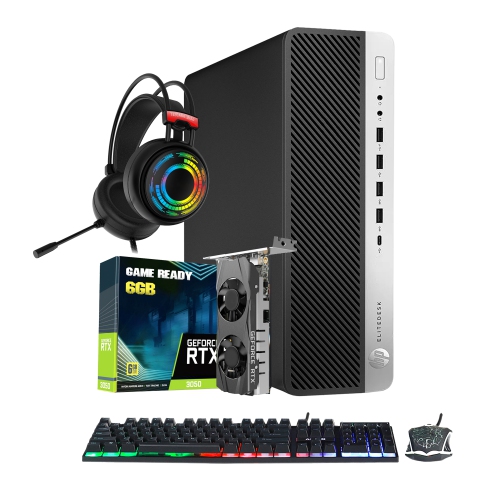
HP Refurbished (Excellent) - Gaming PC | Intel I7 Processor | Geforce Rtx 3050 Gddr6 | 16GB Ddr4 Ram | 512GB Nvme SSD | RGB Headset | Windows 11 Pro
About this product
A powerful HP gaming desktop with an Intel i7 quad-core CPU and GeForce RTX 3050 graphics.
$1,279.99 Your price for this item is $1279.99 -
8
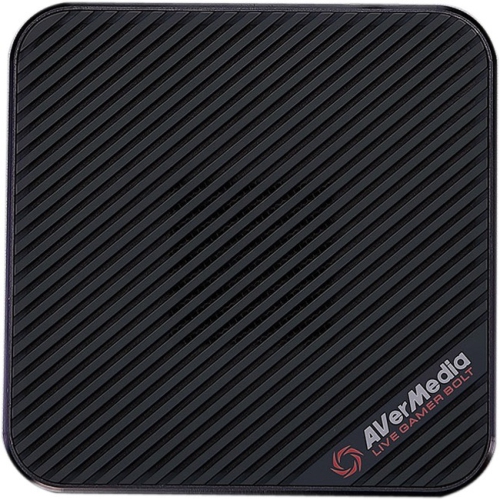
AVERMEDIA Gc555 Live Gamer Bolt (Gc555) (Gc555)
About this product
A high-performance video capture device supporting 4K60 HDR, 240fps, Thunderbolt 3, and multi-platform compatibility.
$286.68 Your price for this item is $286.68 -
9

QUOTED TECH Horizon Gaming PC - Rtx 5080, Amd Ryzen 7 7800X3D, 64GB Memory, 2Tb SSD, Win 11, Black, Ai-Ready, 3-Year Warranty
About this product
A powerful gaming PC with Ryzen 9 7950X3D, RTX 4090, 64GB RAM, 2TB SSD, and AI readiness.
$5,999.99 Your price for this item is $5999.99 -
10
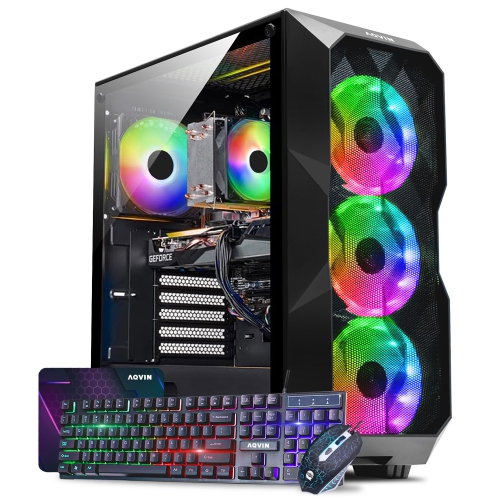
AQVIN Aqb70 Gaming PC Tower - Rtx 3050 6GB, Intel Core I7, 32GB Memory, 2Tb SSD, Win 11 Pro, Black, RGB
About this product
A high-performance black desktop featuring an Intel i7 processor, RTX 3050 graphics, and 32GB DDR4 RAM.
$1,899.99 Your price for this item is $1899.99
FAQ
A gaming PC typically includes a processor (CPU), graphics card (GPU), motherboard, memory (RAM), storage, power supply, case and CPU cooler. Some processors include integrated graphics, while dedicated graphics cards have their own graphics processor and video memory.
Start by matching the CPU socket and supported chipset to the motherboard. Check the motherboard’s supported RAM generation, storage interfaces and BIOS requirements. Also confirm that the power supply has the connectors required by the motherboard and graphics card.
The CPU handles general computing tasks, game logic and instructions from applications. The GPU handles graphics rendering, including textures, lighting and visual effects. A dedicated GPU connects to the motherboard, while integrated graphics are built into certain processors.
Gaming PCs commonly use SATA or NVMe SSDs. SATA SSDs use a SATA interface, while NVMe SSDs communicate through PCIe and commonly connect through an M.2 slot. M.2 drives can use different interfaces, so check the drive specifications and motherboard documentation rather than relying on the connector alone.
Consider connections for your planned components and peripherals, including a PCIe slot for a graphics card, M.2 or SATA connections for storage, USB ports and audio connections. Ethernet, built-in Wi-Fi and Bluetooth are also worth considering based on how you connect your PC and accessories.
Top selling and popular products
Discover more categories related to Best PC Components for Gamers
Some products may be subject to Environmental Handling Fees (EHF) depending on your province. Learn more about EHFs.