Best PC Processors

Power your next build or upgrade with the best PC processors, ranked by user review ratings. Whether you’re gaming, creating content, or juggling everyday tasks, explore top-rated options to find the right balance of speed, multitasking performance, and value. Consider core count, clock speed, and motherboard compatibility to choose a processor that fits your setup.

Read More

What to look for in the best PC processors

1. Performance for Your Workload

For gaming, compare processor benchmarks in the games you play rather than relying on clock speed alone. Video editing, 3D rendering, and heavy multitasking can benefit from more cores and threads, while everyday browsing and office work typically need less processing power.

2. Motherboard and Memory Compatibility

Choose a processor that matches your motherboard’s socket and supported chipset, and check whether a BIOS update is required. Confirm memory compatibility as well, since DDR4 and DDR5 are not interchangeable.

3. Cooling and Power Requirements

Higher-performance processors can require more capable cooling and additional power capacity, especially under sustained workloads. Check whether a cooler is included, whether its mounting hardware supports the processor socket, and whether it fits inside your case.

4. Graphics and Overall Value

A processor with integrated graphics may suit everyday computing without a separate graphics card, while many gaming and creative workloads benefit from a dedicated card. Compare the total cost of the processor, motherboard, memory, and cooling to find the best value for your build.
Citrus catapult arrow
  1. 1

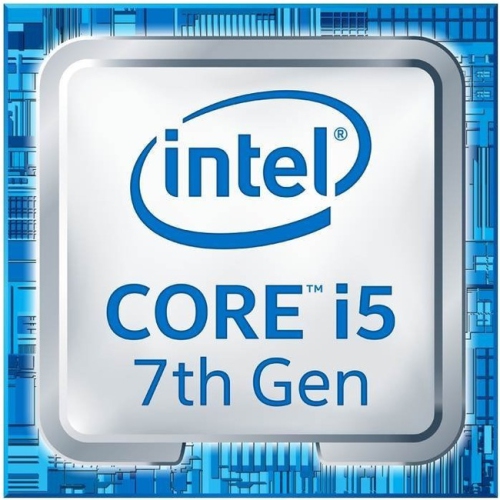
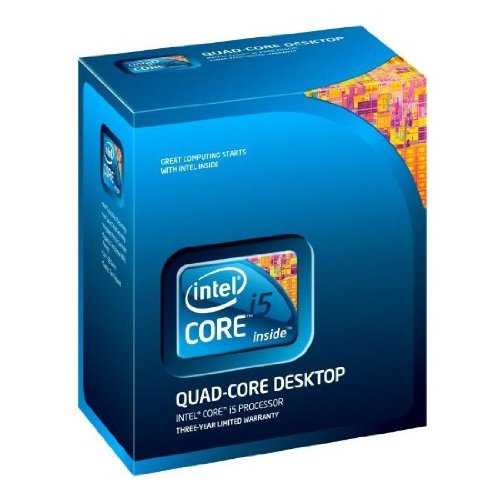
    INTEL Core I5 I5-7500 Quad-Core (4 Core) 3.40 Ghz Processor - Socket H4 Lga-1151 Oem Pack-Tray Packaging

    About this product

    A quad-core 3.40 GHz processor with 6 MB cache and integrated HD Graphics 630 for LGA-1151 sockets.

    (2)
    $98.00 Your price for this item is $98
  2. 2

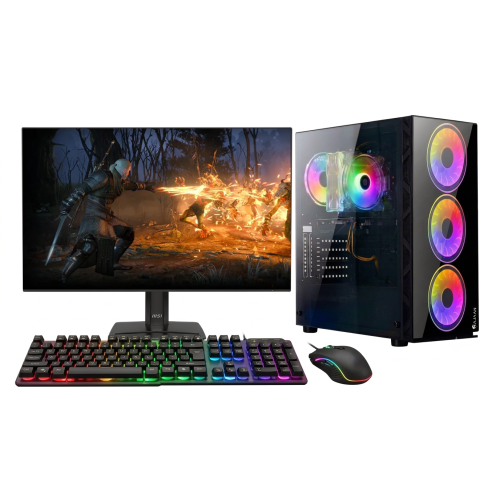
    HAJAAN Gaming PC - Rtx 3050, Amd Ryzen 7, 16GB Memory, 1Tb SSD, Win 11 + 27" Curved Monitor

    About this product

    A powerful gaming PC tower with AMD Ryzen 5 3600 processor, 32GB DDR4 RAM, and Nvidia GeForce GTX 1650 graphics.

    (1)
    $1,699.99
    SAVE $450
    Your price for this item is $1699.99
  3. 3

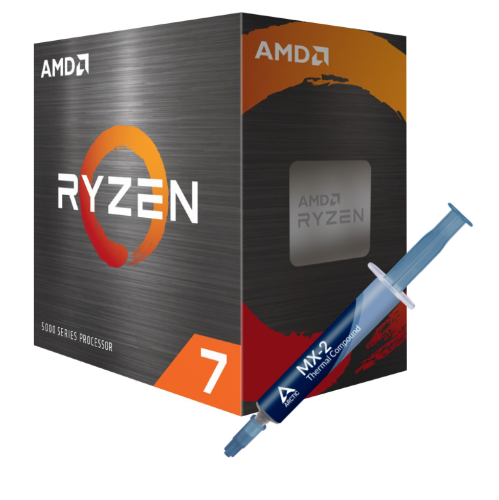
    AMD Ryzen 7 5800X 4Th Gen 8-Core, 16-Threads Unlocked Desktop Processor Without Cooler + Arctic Mx-2 Thermal Compound 4G

    About this product

    An unlocked 8-core, 16-thread desktop processor bundle with Arctic MX-2 thermal compound for optimal performance.

    $669.99 Your price for this item is $669.99
  4. 4

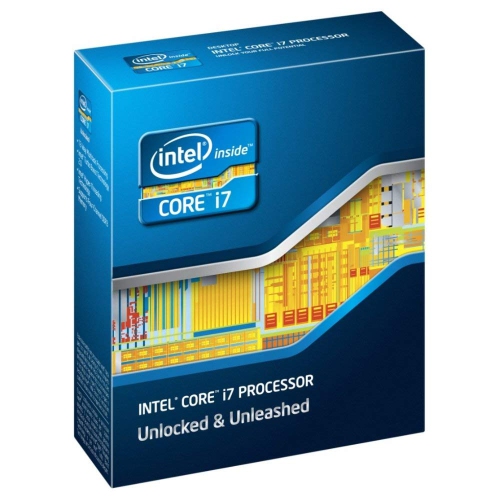
    INTEL Core I7-3930K Hexa-Core Processor 3.2 Ghz 12 Mb Cache Lga 2011 - Bx80619I73930K

    About this product

    A powerful hexa-core processor with 3.2 GHz speed and 12MB cache for high-performance computing.

    $484.99 Your price for this item is $484.99
  5. 5

    INTEL I5-680 Bx80616I5680 Dual Core 3.6Ghz 4M 1156Pin Box Cpu

    About this product

    A dual-core processor with Hyper-Threading, Turbo Boost up to 3.86GHz, and integrated HD graphics.

    $229.99 Your price for this item is $229.99
  6. 6

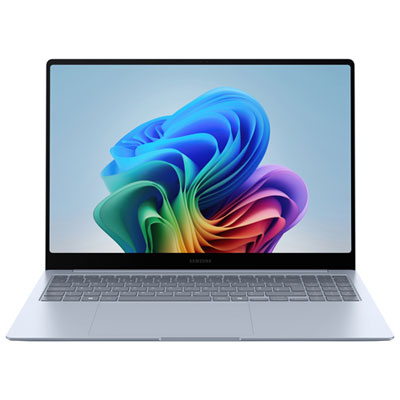
    Samsung Galaxy Book4 Edge 16" Touchscreen Copilot+ PC Laptop - Snapdragon X Elite - 16GB LPDDR5X - 512GB SSD - Windows 11 Home

    About this product

    A powerful AI-driven laptop featuring a 16" touchscreen, Snapdragon X Elite processor, and 16GB RAM.

    What customers like

    • Smooth and powerful performance
    • Vibrant and high-quality touchscreen display
    • Long battery life and power efficiency
    • Innovative AI and Copilot+ features
    • Lightweight and thin design
    (634)
    $2,299.99 Your price for this item is $2299.99
  7. 7

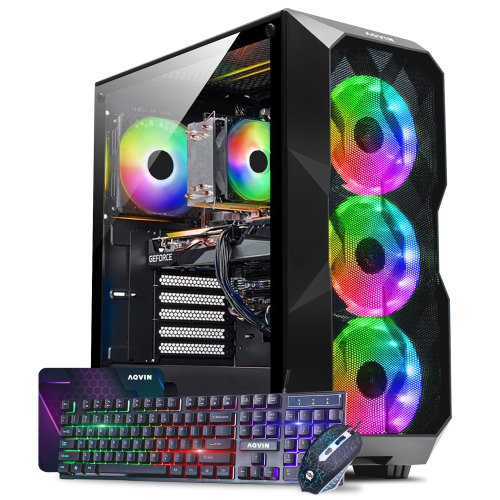
    AQVIN Gaming PC Tower - Rtx 5060, Intel Core I7, 32GB Memory, 2Tb SSD, Win 11 Pro

    About this product

    A powerful gaming PC with Ray Tracing Nvidia Graphics Card, Intel Core i7, and 32GB RAM.

    (2)
    $2,599.99 Your price for this item is $2599.99
  8. 8

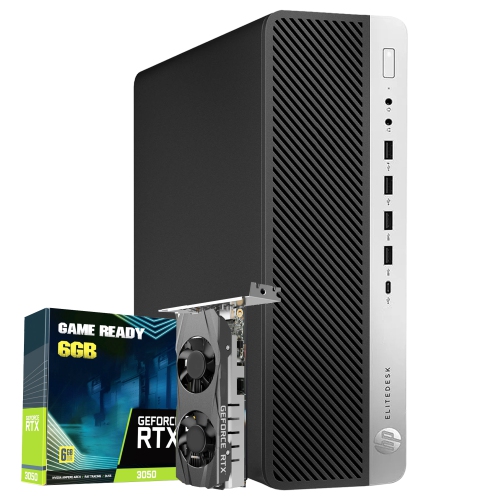
    HP Refurbished (Excellent) - Elitedesk 800 G4 Gaming PC Small Form Factor - Rtx 3050, Intel Core I5, 16GB Memory, 512GB SSD, Win 11 Pro

    About this product

    A refurbished gaming desktop featuring an Intel i5 hexa-core processor, RTX 3050 graphics, and Windows 11 Pro.

    $1,399.99 Your price for this item is $1399.99
  9. 9

    HPE 4410Y Xeon Xeon 4410Y Dodeca-Core 2 Ghz Server Processor Upgrade (P49610B21) In Silver

    About this product

    A silver 12-core server processor upgrade with 2 GHz base speed, 30 MB L3 cache, and 24 threads.

    $2,127.68 Your price for this item is $2127.68
  10. 10

    HP Refurbished (Excellent) - Elitedesk 800 G9 Mini PC - Intel Core I5-13500T, 16GB Ram, 512GB SSD, Windows 11 Pro

    About this product

    A compact black desktop featuring a 14-core i5 processor, 16GB RAM, 512GB SSD, and Windows 11 Pro.

    $699.22
    SAVE $375
    Your price for this item is $699.22

Why core counts only tell part of the story

The best PC processors deliver the right balance of responsiveness, computing power, and compatibility for the way a desktop is used. A processor, also called a central processing unit or CPU, carries out the instructions behind everything from opening a spreadsheet to running a game or exporting a video. For everyday browsing, schoolwork, and office applications, strong performance on individual tasks can matter more than having a very high core count. For demanding creative work, additional cores and threads can help compatible software complete several operations at once. Cores are processing units within the chip, while threads represent sequences of instructions that the processor handles. Some designs allow a core to work on more than one thread; others combine different types of cores to divide demanding and lighter tasks. These differences mean that core counts alone do not tell the whole story. Clock speed, measured in gigahertz, describes how many processing cycles occur each second, but a higher figure does not automatically make one CPU faster than another with a different architecture. Cache, the small pool of fast memory close to the processing cores, also affects how quickly a CPU can access frequently needed data. The most useful performance comparisons reflect the applications someone actually uses rather than a single headline specification. A desktop that spends its day switching between browser tabs, video meetings, and documents has different needs from one that spends hours rendering detailed scenes. Likewise, a powerful CPU cannot compensate for every limitation elsewhere in the computer: insufficient memory, slow storage, or an underpowered graphics card can still hold back the experience. Desktop processors are therefore best understood as part of a complete system. A well-matched CPU helps applications feel responsive, keeps demanding tasks moving, and supports the other components without adding capabilities that the intended workload rarely uses. That balance matters whether the goal is a first desktop build, a focused upgrade, or a workstation used every day.

Gaming processors need to keep pace with the calculations happening behind the action, including physics, character behaviour, and the instructions sent to the graphics card. Strong gaming performance is not simply a matter of choosing the processor with the most cores. Fast individual cores, suitable cache capacity, and the way a particular game uses the CPU can all influence frame rates and consistency. In a fast-moving competitive match, steady frame delivery helps movement look smooth and controls feel responsive. In a large strategy game or a busy simulation, the processor may also be managing hundreds of units or complex background calculations. Higher resolutions and more demanding visual effects often shift more of the workload to the graphics card, so the benefit of a faster CPU depends on the game, display settings, and the rest of the system. The Best Processors for Gaming PC collection focuses on CPUs suited to these gaming demands. For someone who also streams, chats with teammates, or records gameplay, enough processing headroom can help keep background tasks from competing with the game, although supported graphics hardware can handle some streaming and recording work. Creative applications bring another set of priorities. Video editing can involve decoding footage, applying effects, generating previews, and exporting finished projects, with each stage placing different demands on the CPU and graphics hardware. Three-dimensional rendering and some software development tasks can make good use of many cores, while photo editing and design work may rely more heavily on responsiveness during individual operations. Application-specific benchmarks are especially valuable when the same task fills much of the working day. Integrated graphics can be useful for office desktops, basic display output, and certain supported media functions, but not every processor includes them. A CPU without integrated graphics generally needs a separate graphics card for display output. For students, home-office users, gamers, and creators alike, the strongest choice is the one that supports their regular workload and any genuinely demanding tasks they expect to add.

Physical and electrical compatibility are essential when fitting a processor into a new or existing desktop. The CPU must match the motherboard socket, and the motherboard must explicitly support that processor through its chipset and firmware. A matching socket alone is not always enough; some combinations require a firmware update before the system can start with the new CPU installed. Memory support also matters because the processor and motherboard determine which memory generation can be used, while achievable speeds depend on the complete configuration. Expansion support can affect the connections available to graphics cards and storage, although the motherboard determines how many of those connections are accessible. Cooling deserves equal attention. Depending on the model and package, a processor may or may not include a cooler, and an existing cooler may require different mounting hardware. The cooler needs to fit the socket and case while handling the processor’s demands under sustained use. Power supply capacity and the motherboard’s power delivery should also suit the build. A desktop CPU typically contains a silicon chip beneath a protective package, often topped by a metal heat spreader that transfers heat towards the cooler. Thermal interface material between the processor and cooler helps fill microscopic gaps; some coolers arrive with this material already applied. Careful handling protects the delicate contacts or pins, whose location varies by socket design. Holding the processor by its edges, following the socket alignment marks, and using appropriate static precautions help prevent damage during installation. Once installed, a processor has no moving parts and generally requires little direct maintenance. Long-term reliability depends more on secure installation, suitable cooling, clear airflow, and operation within the manufacturer’s specifications. Dust removal from fans and heatsinks, performed with the computer safely powered down, helps the cooling system do its job. For an experienced builder, a compatible processor can also be a thoughtful gift, but the exact motherboard model and intended use should be confirmed first. Those details turn an impressive specification into a component that fits properly, works reliably, and makes a meaningful difference to everyday computing.
Read More

FAQ

Some products may be subject to Environmental Handling Fees (EHF) depending on your province. Learn more about EHFs.