Desktop Processors
Upgrade your computer's performance with this wide selection of desktop processors. Whether you're a gamer looking for lightning-fast speeds or a professional seeking powerful multitasking capabilities, this range of desktop processors has something for everyone. With advanced technology and impressive processing power, these processors are designed to handle even the most demanding tasks with ease.
Sort
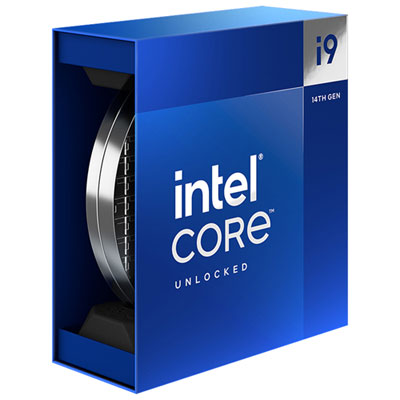
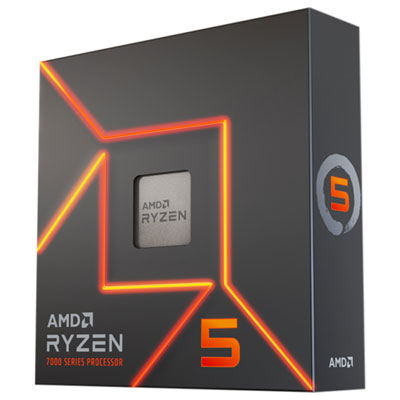
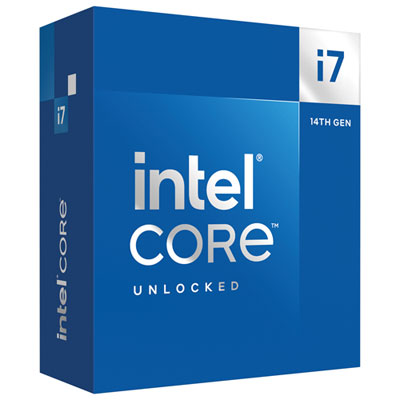
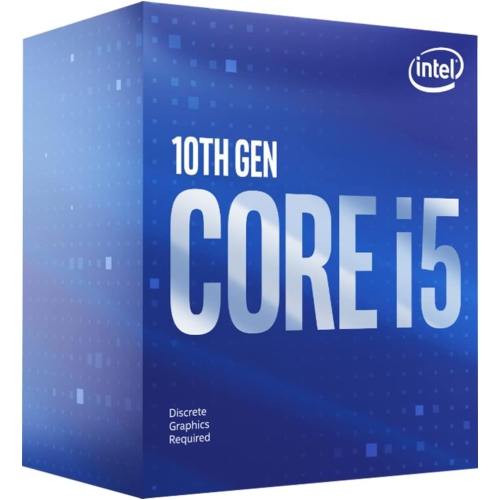
![INTEL Refurbished (Good) - Core I7 6700K 4.00 Ghz Unlocked Quad Core Skylake Desktop Processor, Socket Lga 1151 [Bx80662I76700K] Best price anywhere and is great for gaming](https://multimedia.bbycastatic.ca/multimedia/products/500x500/144/14431/14431223.jpg)

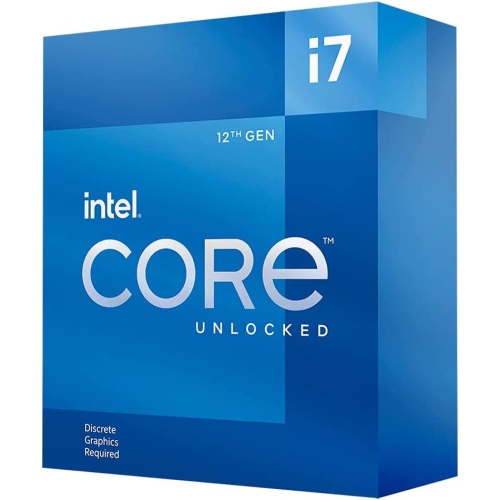
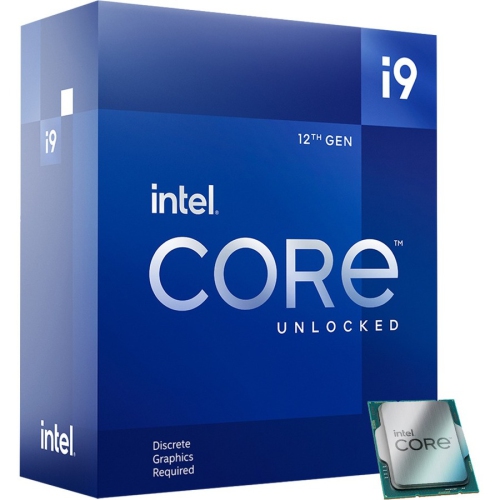
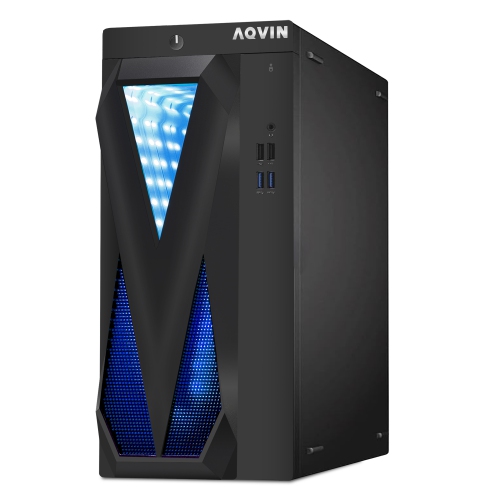




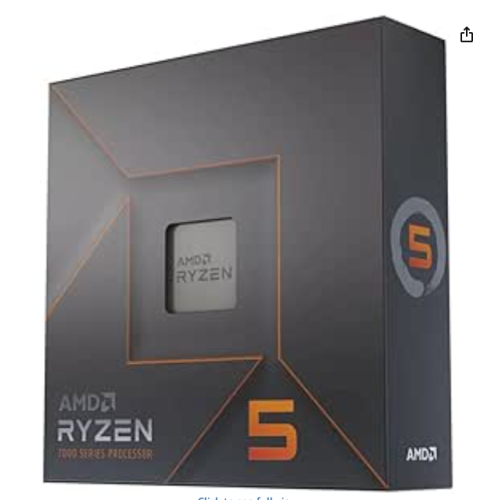
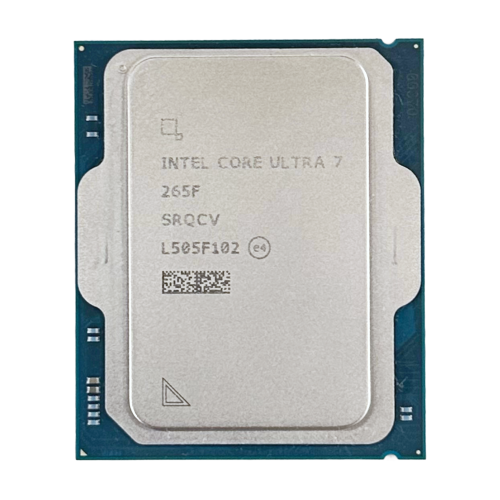
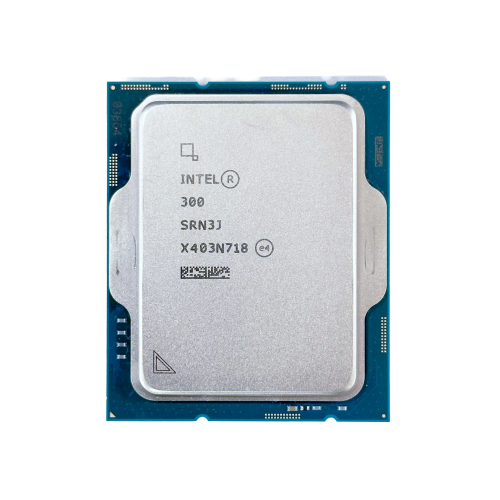
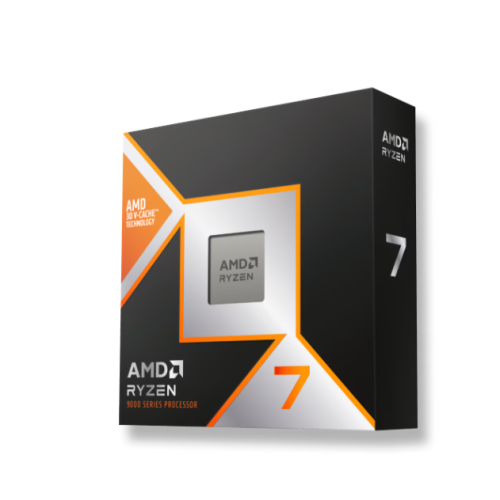








Why core count alone cannot predict CPU performance
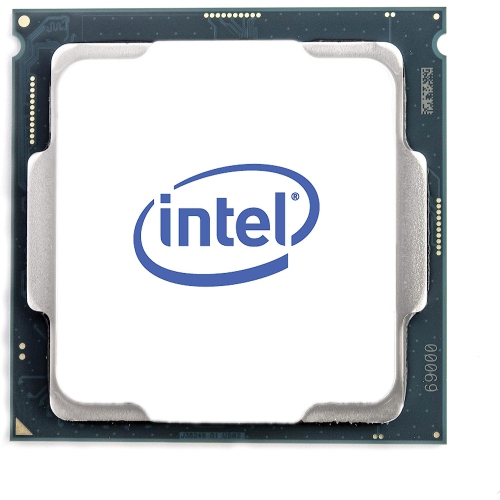
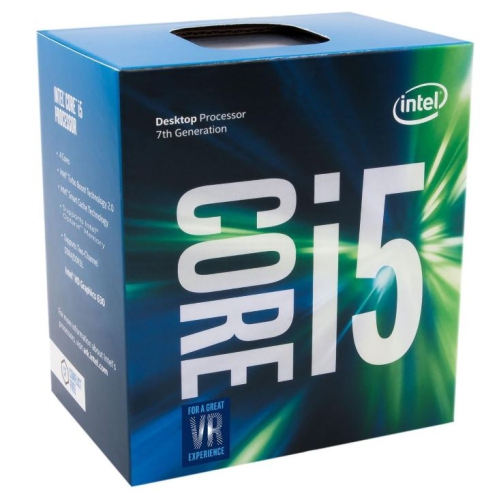
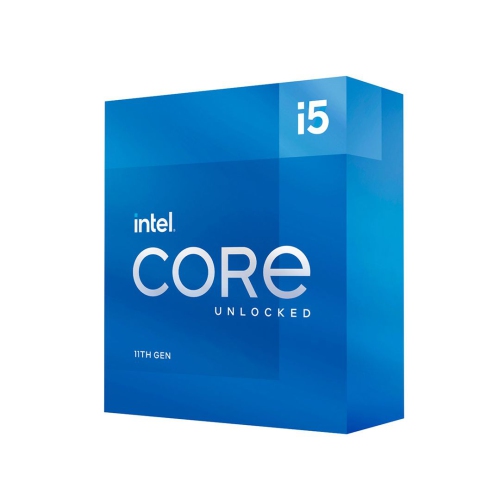
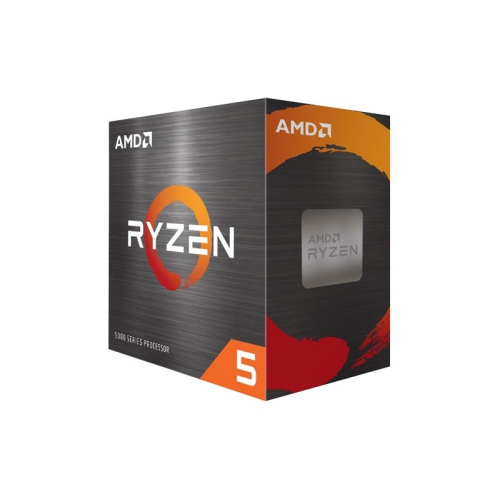
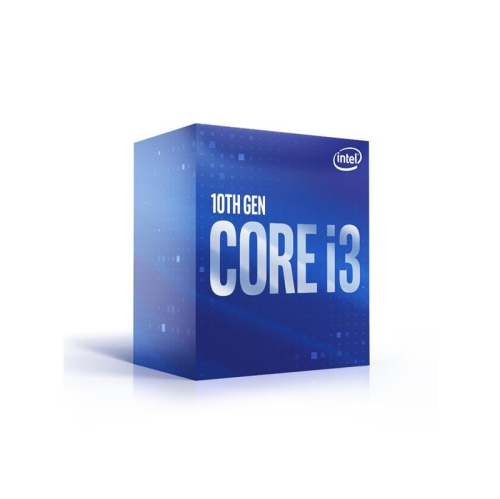
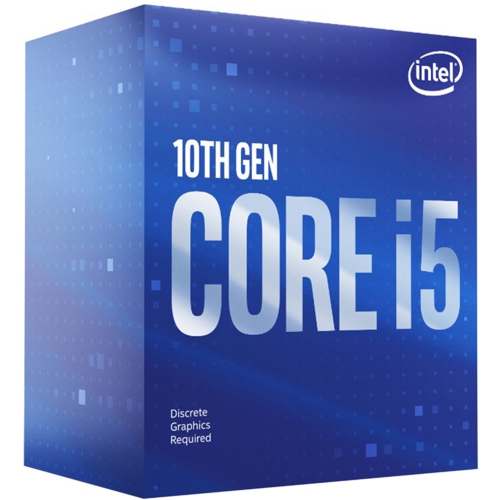
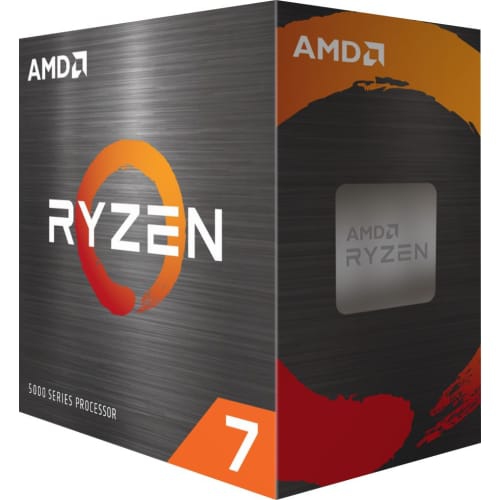
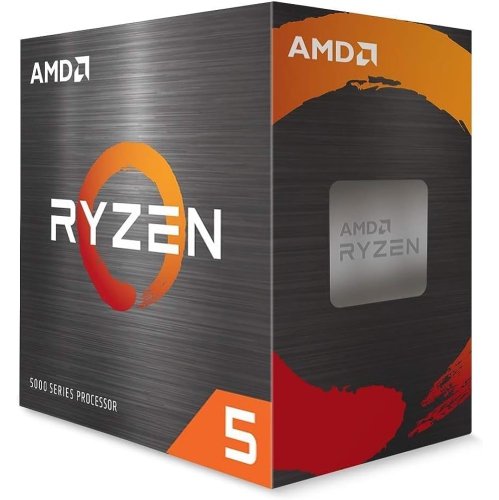
Desktop processors, also called central processing units or CPUs, execute the instructions that keep a desktop computer running, from opening applications and calculating spreadsheet formulas to preparing game frames and processing video. The processor works alongside memory, storage, and graphics hardware, so its capabilities influence the whole computer without determining performance on their own. A responsive home office desktop needs a different balance of resources than a workstation used for animation, software development, or large media projects. For everyday browsing, document editing, and video calls, strong performance in common applications matters more than a very high core count. For heavier workloads, additional processing resources can help keep several demanding tasks moving at once. Cores are processing units within a CPU, while threads describe the streams of instructions it can handle; some designs allow a core to work on more than one thread. Applications that divide work across many threads, such as certain rendering and video encoding tools, can benefit from higher core counts. Other tasks depend more heavily on the speed of individual cores. Clock speed, measured in gigahertz, indicates operating frequency, but it is not a reliable comparison by itself across different processor designs or generations. Architecture, cache, power limits, and software behaviour also affect the work completed. Cache is fast memory built into the processor that keeps frequently needed data close to its computing cores, reducing some trips to system memory. Certain desktop CPUs combine different types of cores to balance demanding tasks with background activity, which makes a simple core-count comparison less informative. The most useful performance comparisons reflect the applications someone actually uses: compiling a large coding project, exporting a recorded presentation, or running a game while voice chat and recording software remain open. A processor suited to those routines provides a more meaningful match than specifications chosen without considering the rest of the desktop.
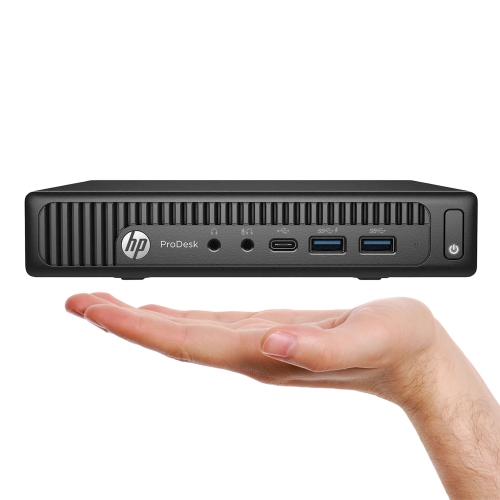
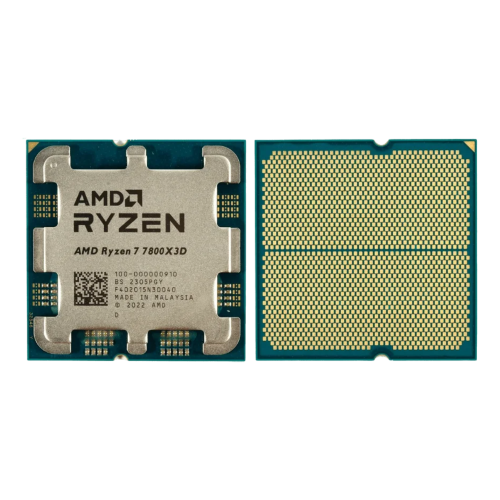
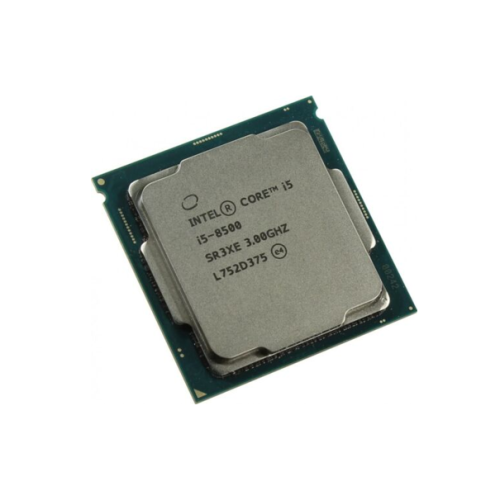
Compatibility is central to choosing a desktop CPU, whether it is going into a new build or replacing the processor in an existing tower. The motherboard socket must match the processor, but a matching socket alone does not guarantee support. The motherboard chipset, firmware version, and manufacturer’s CPU support list also matter. Some motherboards require a firmware update before they can recognize a compatible processor, and the update method can affect how straightforward an upgrade will be. Memory compatibility deserves equal attention: the processor and motherboard together determine the supported memory generation, while usable speeds and capacities depend on the complete configuration. Memory from an older desktop cannot automatically be carried over to a newer platform. Physical fit involves more than the CPU’s footprint, too. A processor sits beneath a cooler, and that cooler needs the correct mounting hardware, enough clearance around nearby components, and sufficient room inside the case. Compact desktops may have tighter cooling and power constraints than larger towers. Desktop processors typically contain a silicon chip or multiple chips mounted on a substrate, often beneath a metal heat spreader that transfers heat to the cooler. Thermal interface material fills microscopic gaps between those contact surfaces; it should be applied according to the cooler manufacturer’s directions, accounting for any material already applied. A cooler may be included with a processor or may need to be selected separately, and its capacity should suit the CPU’s expected workload. Published power ratings are useful reference points, but actual power use can change with boost behaviour, motherboard settings, and application demands. The power supply needs to support the complete system, including any dedicated graphics card. For an upgrade, the practical question is which components can genuinely remain in place. A processor change may also call for a motherboard, memory, or cooling change, whereas another compatible upgrade may work within the existing setup. Checking those relationships helps avoid a build that looks suitable on paper but cannot be assembled or operated as intended.
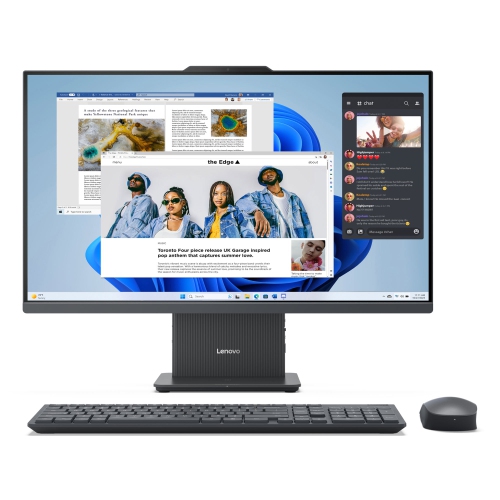
Different desktop uses place different demands on the processor and its supporting hardware. In a gaming computer, the CPU handles work such as game logic, simulation, and preparing instructions for the graphics card. High frame-rate targets can make processor performance particularly important, while higher resolutions and demanding visual effects often put more pressure on the graphics card. Neither component can fully compensate for a major limitation in the other. For photo editing, audio production, and content creation, the software and project size help determine the right balance of core performance, thread capacity, and memory. A desktop used to record multiple audio tracks needs dependable performance at the chosen latency settings; one used to render complex scenes may spend long periods using many cores. Integrated graphics can handle desktop display duties and some lighter visual tasks, but not every desktop processor includes them. Motherboard display ports generally require a processor with compatible integrated graphics to function. More demanding gaming, rendering, and some AI workloads may require a dedicated graphics card, while hardware acceleration depends on support within the application. Some CPUs include dedicated AI-processing hardware, but its usefulness varies with the software and the tasks it can accelerate. For anyone comparing options across these uses, the Best Processors page offers another place to explore processors with the intended workload and platform in mind. Long-term reliability also depends on installation and care. Processors have no moving parts, but their contacts, socket connections, and surrounding components need careful handling. Holding the processor by its edges, following alignment markings, and avoiding force during installation help protect delicate connections. Once assembled, clear airflow paths and periodic dust removal support consistent cooling, while a firmly mounted cooler helps the CPU maintain its intended operating behaviour. A processor can be a thoughtful gift for a PC-building enthusiast, though the exact motherboard compatibility and planned use should be confirmed first. Whether the desktop supports coursework, a home office, creative projects, or gaming, a well-matched CPU gives the system the processing capacity its everyday tasks require.
Compatibility is central to choosing a desktop CPU, whether it is going into a new build or replacing the processor in an existing tower. The motherboard socket must match the processor, but a matching socket alone does not guarantee support. The motherboard chipset, firmware version, and manufacturer’s CPU support list also matter. Some motherboards require a firmware update before they can recognize a compatible processor, and the update method can affect how straightforward an upgrade will be. Memory compatibility deserves equal attention: the processor and motherboard together determine the supported memory generation, while usable speeds and capacities depend on the complete configuration. Memory from an older desktop cannot automatically be carried over to a newer platform. Physical fit involves more than the CPU’s footprint, too. A processor sits beneath a cooler, and that cooler needs the correct mounting hardware, enough clearance around nearby components, and sufficient room inside the case. Compact desktops may have tighter cooling and power constraints than larger towers. Desktop processors typically contain a silicon chip or multiple chips mounted on a substrate, often beneath a metal heat spreader that transfers heat to the cooler. Thermal interface material fills microscopic gaps between those contact surfaces; it should be applied according to the cooler manufacturer’s directions, accounting for any material already applied. A cooler may be included with a processor or may need to be selected separately, and its capacity should suit the CPU’s expected workload. Published power ratings are useful reference points, but actual power use can change with boost behaviour, motherboard settings, and application demands. The power supply needs to support the complete system, including any dedicated graphics card. For an upgrade, the practical question is which components can genuinely remain in place. A processor change may also call for a motherboard, memory, or cooling change, whereas another compatible upgrade may work within the existing setup. Checking those relationships helps avoid a build that looks suitable on paper but cannot be assembled or operated as intended.
Different desktop uses place different demands on the processor and its supporting hardware. In a gaming computer, the CPU handles work such as game logic, simulation, and preparing instructions for the graphics card. High frame-rate targets can make processor performance particularly important, while higher resolutions and demanding visual effects often put more pressure on the graphics card. Neither component can fully compensate for a major limitation in the other. For photo editing, audio production, and content creation, the software and project size help determine the right balance of core performance, thread capacity, and memory. A desktop used to record multiple audio tracks needs dependable performance at the chosen latency settings; one used to render complex scenes may spend long periods using many cores. Integrated graphics can handle desktop display duties and some lighter visual tasks, but not every desktop processor includes them. Motherboard display ports generally require a processor with compatible integrated graphics to function. More demanding gaming, rendering, and some AI workloads may require a dedicated graphics card, while hardware acceleration depends on support within the application. Some CPUs include dedicated AI-processing hardware, but its usefulness varies with the software and the tasks it can accelerate. For anyone comparing options across these uses, the Best Processors page offers another place to explore processors with the intended workload and platform in mind. Long-term reliability also depends on installation and care. Processors have no moving parts, but their contacts, socket connections, and surrounding components need careful handling. Holding the processor by its edges, following alignment markings, and avoiding force during installation help protect delicate connections. Once assembled, clear airflow paths and periodic dust removal support consistent cooling, while a firmly mounted cooler helps the CPU maintain its intended operating behaviour. A processor can be a thoughtful gift for a PC-building enthusiast, though the exact motherboard compatibility and planned use should be confirmed first. Whether the desktop supports coursework, a home office, creative projects, or gaming, a well-matched CPU gives the system the processing capacity its everyday tasks require.
Top selling and popular products
-
 Your price for this item is $1599
 -
 Your price for this item is $1629.79
 -
 Your price for this item is $1999.99
 -
 Your price for this item is $1459.79
 -
 Your price for this item is $879
 -
 Your price for this item is $1199.99
 -
 Your price for this item is $1839
 -
 Your price for this item is $879
Discover more categories related to Desktop Processors
Top Collections:
Pokemon Centers, Kindle Devices, Best Budget Office Chairs, Apple iPhones 16, Best Laptops for Writers, iPhone 15 Apple, Canon G7X Cameras, Refurbished Apple Laptops, Alarm Clock, Motorola Razr Phones
Some products may be subject to Environmental Handling Fees
(EHF) depending on your province.
Learn more about EHFs.