Best Phones for Taking Pictures
Capture life’s best moments with phones that make taking great pictures simple. Whether you’re snapping portraits, sweeping landscapes, or low-light scenes, features like sharp detail, responsive autofocus, and versatile camera modes can help you get the shot. Explore our best phones for taking pictures, ranked by user review ratings, to find the right fit for your photography style and everyday needs.
What to look for in phones for taking pictures
1. Image Quality
2. Lens Options and Zoom
3. Shooting Modes and Controls
4. Storage and Battery Life
-
1
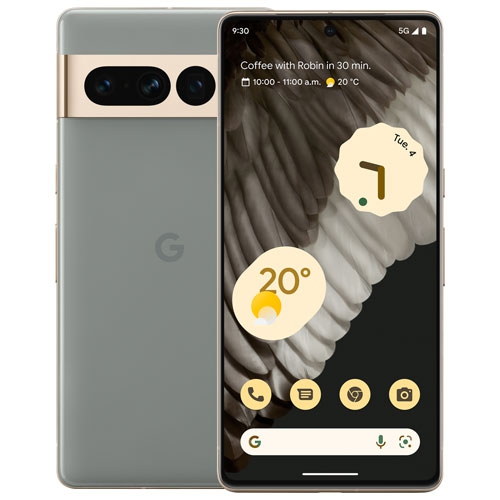
GOOGLE Refurbished (Good) - Pixel 7 Pro 128GB - Hazel - Unlocked
About this product
A refurbished unlocked smartphone in hazel with 128GB storage, pro-level camera, and advanced security features.
What customers like
(330)$589.99Your price for this item is $589.99SAVE $190 -
2
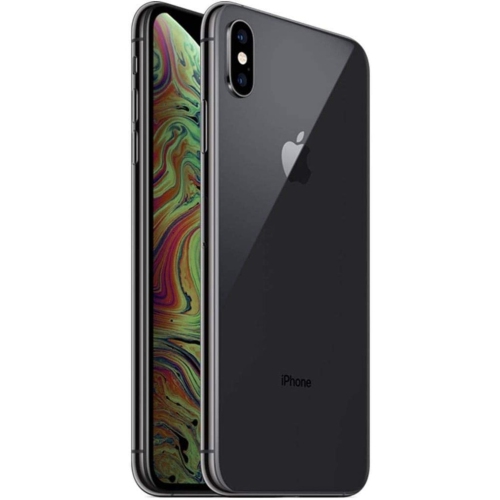
APPLE Refurbished (Excellent) - Iphone Xs Max 64GB Smartphone - Space - Unlocked In Gray
About this product
An expertly refurbished unlocked smartphone in gray featuring a Super Retina OLED display and dual-lens camera.
What customers like
(300)$325.96Your price for this item is $325.96SAVE $273 -
3
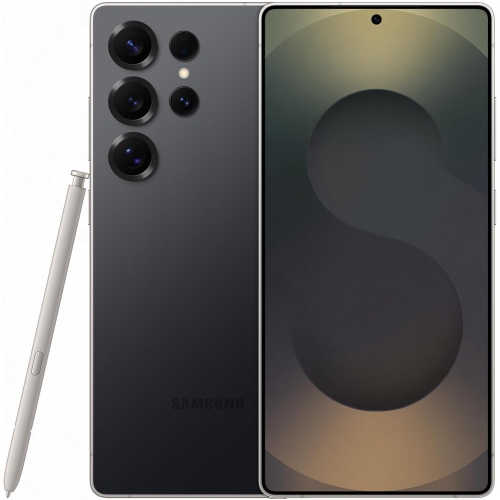
SAMSUNG Brand New- Galaxy S25 Ultra 512GB - Titanium - Unlocked In Black
About this product
A powerful unlocked smartphone in black titanium with advanced AI features, 512GB storage, and next-gen processor.
What customers like
(34,730)$1,396.99Your price for this item is $1396.99SAVE $702 -
4
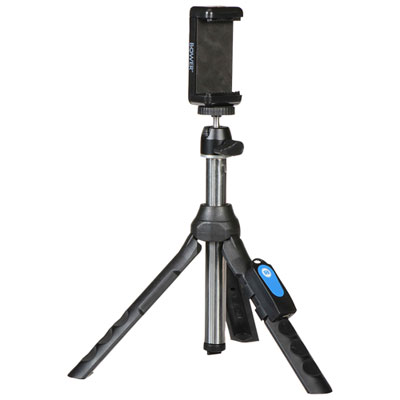
Bowers Smart Photography 6-in-1 Multipod
About this product
A versatile black multipod offering six configurations, including selfie stick and tripod, with 360-degree camera angles.
What customers like
(2,148)$29.49 Your price for this item is $29.49 -
5
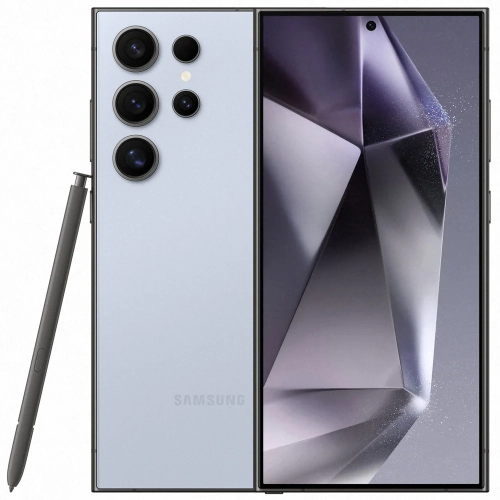
SAMSUNG - Galaxy S24 Ultra 512GB - Titanium - Unlocked In Blue
About this product
A powerful unlocked smartphone in titanium blue featuring Galaxy AI and 512GB of storage.
What customers like
(671)$1,239.99Your price for this item is $1239.99SAVE $960 -
6
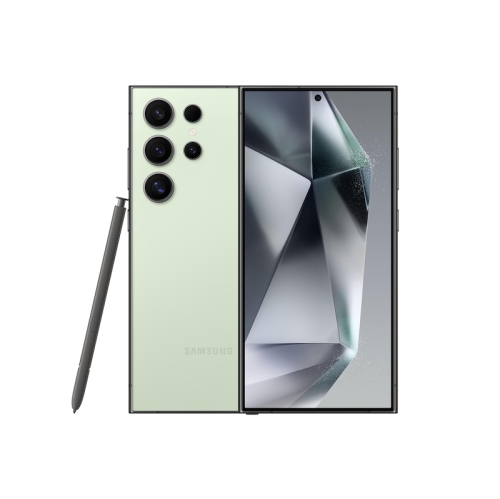
SAMSUNG - Galaxy S24 Ultra 512GB - Titanium Green- Unlocked
About this product
A powerful unlocked smartphone in titanium green featuring Galaxy AI and 512GB of storage.
What customers like
(670)$2,199.00 Your price for this item is $2199 -
7
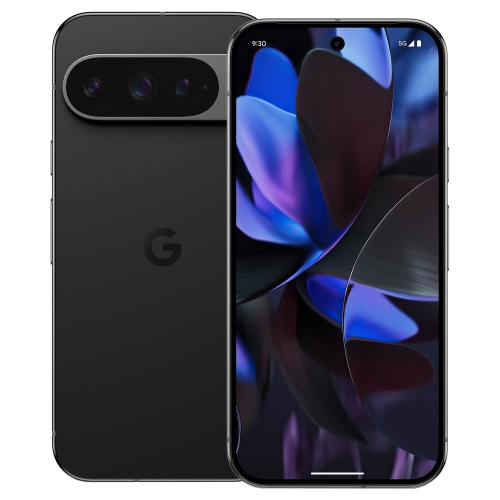
GOOGLE - Pixel 9 Pro 256GB - Obsidian - Unlocked
About this product
An obsidian-colored smartphone with AI features and a powerful camera for stunning photos and videos.
(2)$1,284.99Your price for this item is $1284.99SAVE $184 -
8
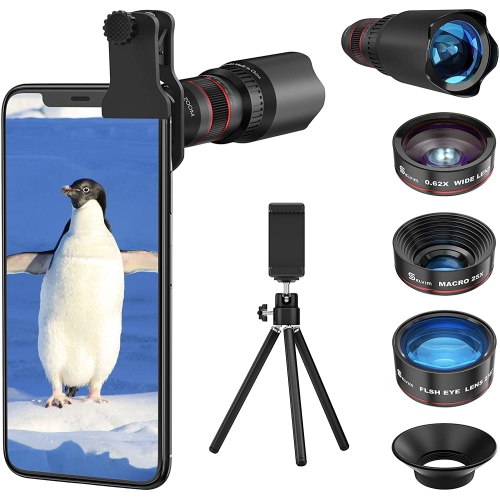
HLD Phone Camera Lens Kit 4 In 1, 22X Telephoto Lens, 235° Fisheye Lens, 25X Macro Lenses, 0.62X Wide Angle Lens, Cell Phone Lens Kits
About this product
A versatile 4-in-1 lens kit offering telephoto, fisheye, macro, and wide-angle options for smartphones.
(1)$81.96Your price for this item is $81.96SAVE $23 -
9
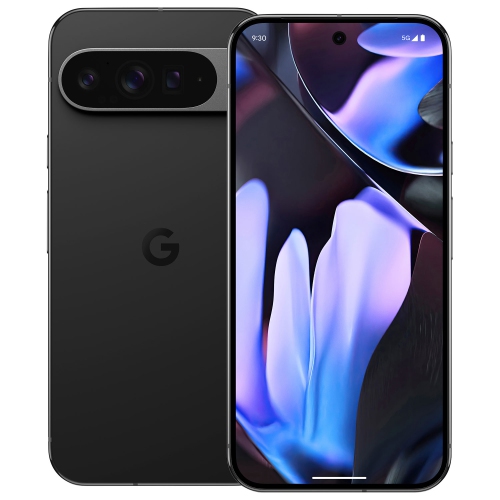
GOOGLE - Pixel 9 Pro Xl 512GB - Obsidian - Unlocked
About this product
An obsidian smartphone with AI features, powerful camera, and personal safety tools for seamless use.
(1)$1,799.99 Your price for this item is $1799.99 -
10
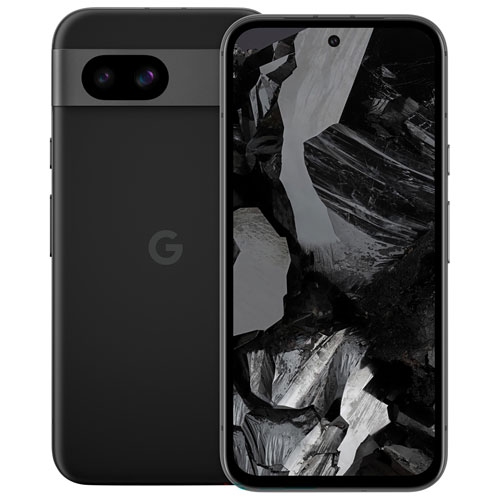
GOOGLE - Pixel 8A 128GB - Obsidian - Unlocked
About this product
An unlocked smartphone in obsidian with Google Tensor G3 chip, AI features, and advanced camera capabilities.
(1)$499.00Your price for this item is $499SAVE $500
FAQ
Look for autofocus, optical image stabilization, multiple lens options and manual camera controls. RAW capture and built-in editing tools are also useful if you enjoy adjusting your photos. Consider whether you mainly photograph people, landscapes, close-up details or everyday moments when comparing features.
A wide camera is typically the main camera used for everyday photography. An ultra-wide camera captures a broader view for landscapes, architecture and group photos. A telephoto camera offers a narrower view for framing distant subjects without relying entirely on digital cropping.
Portrait mode uses depth information, software processing or a combination of both to separate the subject from the background and apply a background blur. Some phones let you adjust the blur or choose lighting effects after taking the photo.
RAW photography saves more of the image data captured by the camera than a typical JPEG photo, giving you more flexibility to adjust exposure, white balance and colour during editing. RAW support varies by phone and camera app, and the files generally need processing before sharing.
Depending on the phone and camera app, manual controls may include shutter speed, ISO, white balance, focus and exposure compensation. These settings let you make creative choices, such as using a slower shutter speed to show motion or adjusting white balance to change the colour tone of a scene.
Top selling and popular products
Discover more categories related to Best Phones for Taking Pictures
Some products may be subject to Environmental Handling Fees (EHF) depending on your province. Learn more about EHFs.