Best Quality Memory Cards
Keep your photos, videos, and important files ready to access with the best quality memory cards for your devices. Ranked by customer review ratings, this selection helps you compare highly rated options for everything from everyday storage to high-resolution photography and 4K video recording. Look for the capacity, read and write speeds, and device compatibility that suit your needs.
What to look for in quality memory cards
1. Device Compatibility
2. Storage Capacity
3. Read and Write Speeds
4. Durability and Warranty
-
1
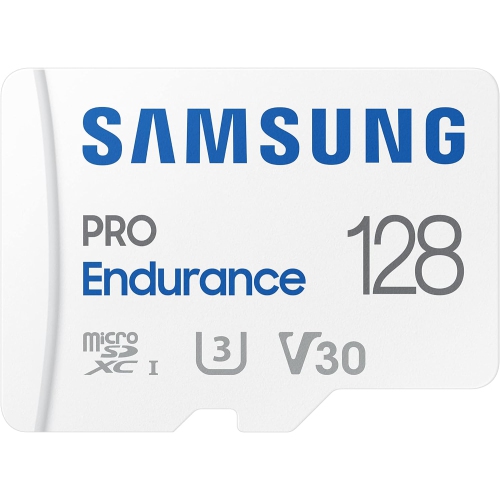
SAMSUNG Pro Endurance 128GB Microsdxc Card (Mb-Mj128Ka/am)
About this product
A high-performance memory card designed for monitoring devices, offering extreme endurance and long-lasting performance.
What customers like
(676)$95.48 Your price for this item is $95.48 -
2
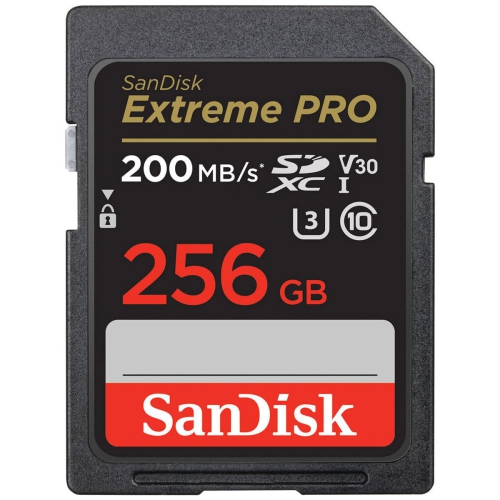
SANDISK Extreme Pro 256GB Uhs-I U3 Sdxc Memory Card
About this product
A high-speed multicolour SDXC card offering 256GB storage and rapid read/write speeds for photos and 4K video.
What customers like
(50)$135.70Your price for this item is $135.70SAVE $91 -
3
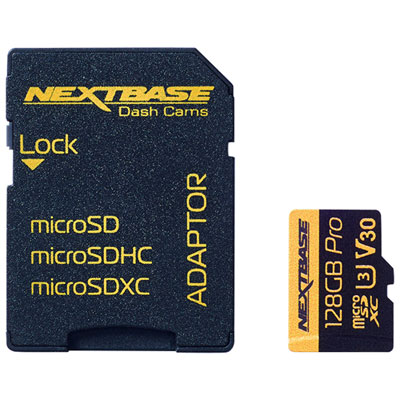
Nextbase 128GB 70MB/s microSD Memory Card
About this product
A high-speed 128GB microSD card designed for reliable dash cam video storage and quick data transfer.
What customers like
(79)$99.99 Your price for this item is $99.99 -
4
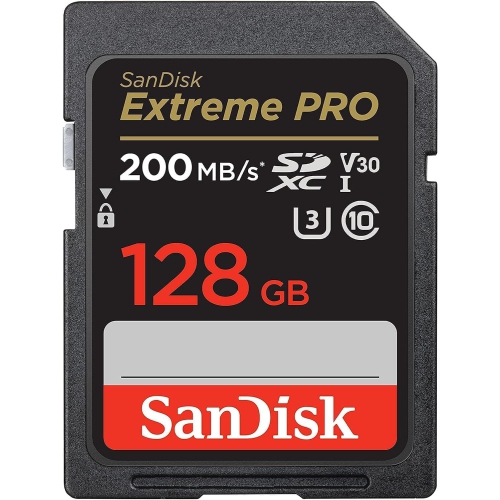
SANDISK 128GB Extreme Pro Sdxc Uhs-I Memory Card - C10, U3, V30, 4K Uhd, Sd Card - Sdsdxxd-128G-Gn4In
About this product
A high-speed SDXC memory card offering 128GB storage, 200MB/s read speeds, and 4K UHD video support.
(16)$89.18Your price for this item is $89.18SAVE $59 -
5
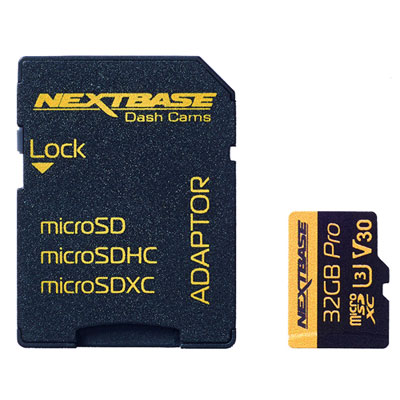
Nextbase 32GB U3 microSD Memory Card
About this product
A 32GB U3 microSD memory card designed for Nextbase Dash Cams, perfect for recording high-quality footage.
What customers like
(103)$39.99 Your price for this item is $39.99 -
6
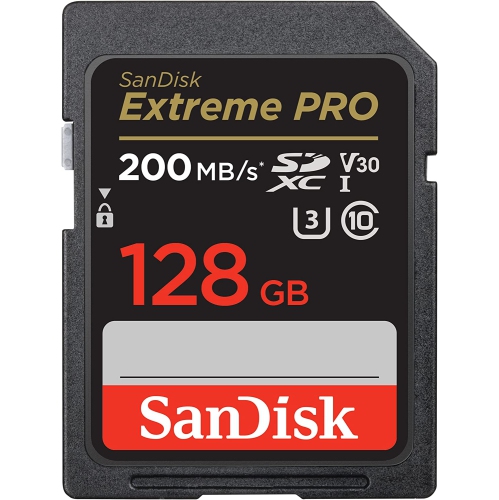
SANDISK Extreme Pro 128GB Sd Card
About this product
A durable SD card offering 128GB storage, 200MB/s transfer speeds, and reliable 4K UHD video recording.
(17)$60.99Your price for this item is $60.99SAVE $19 -
7
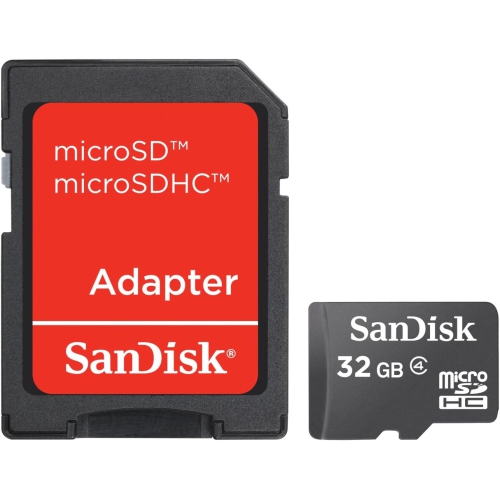
SANDISK Microsdxc Class 4 Without Adapter (32GB) (Sdsdqm-032G-B35) -Brand New
About this product
A reliable 32GB microSDXC Class 4 memory card for expanding storage in cameras and camcorders.
(11)$24.91Your price for this item is $24.91SAVE $17 -
8
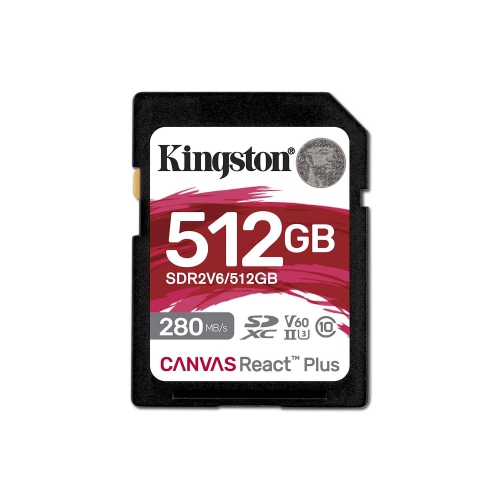
KINGSTON TECHNOLOGY - Canvas React Plus V60 Sd Memory Card, Sdxc Uhs-Ii 280R/100W U3/v60/4K, 512GB Capacity
About this product
A high-speed 512GB SDXC UHS-II memory card ideal for 4K video and rapid data transfers.
(9)$401.84Your price for this item is $401.84SAVE $268 -
9
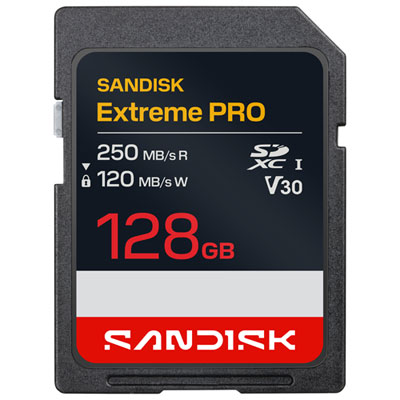
SanDisk Extreme Pro 128GB 250MB/s UHS-I SD Memory Card
About this product
A high-speed black SD card offering 128GB storage and QuickFlow technology for smooth 4K video capture.
(5)$71.99Your price for this item is $71.99SAVE $18 -
10
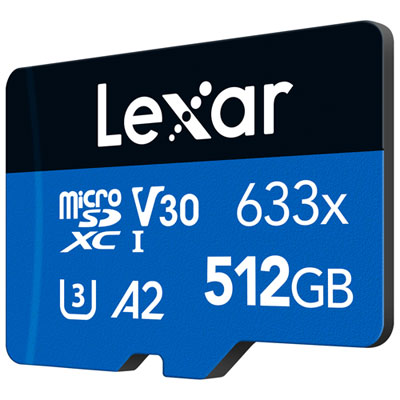
Lexar High-Performance 633x 512GB 100MB/s microSDXC Memory Card
About this product
A high-speed black and blue microSDXC card for smooth 4K video, photo, and music transfers.
(2)$157.99Your price for this item is $157.99SAVE $22
FAQ
Check your device manual for the supported card format, interface and speed class. Look for clearly labelled specifications, manufacturer warranty details and an identifiable brand. A card’s specifications should match your device’s requirements and the type of files you plan to capture.
Speed class symbols identify minimum sustained write speeds under defined test conditions. For example, U3 and V30 indicate at least 30 MB/s, while V60 indicates at least 60 MB/s. Camera and video device manuals often specify which class is required for particular capture settings.
UHS-I and UHS-II are interface standards that govern communication between a memory card and a compatible device. UHS-II cards have an additional row of contacts. Using the UHS-II interface requires support from both the card and the camera or card reader; compatible UHS-I equipment uses the older interface instead.
A card reader must support the card’s format and standard. Also check the reader’s interface support, such as UHS-I or UHS-II, and its connection type, such as USB-A or USB-C. Some computers have built-in readers, while others require an external reader.
Many manufacturers advise formatting a memory card in the camera or other device where it will be used. This lets the device create its expected file system and folder structure. Formatting erases existing files, so copy anything you want to keep beforehand and follow the device manual.
Top selling and popular products
Discover more categories related to Best Quality Memory Cards

Some products may be subject to Environmental Handling Fees (EHF) depending on your province. Learn more about EHFs.