Best Routers for Multiple Devices
Keep your household connected with the best routers for multiple devices, ranked by user review ratings. Whether you’re streaming, gaming, working from home or managing smart home devices, find a Wi-Fi router that can handle your busiest days. Compare options for speed, coverage and capacity to find the right fit for your home network.
What to look for in routers for multiple devices
1. Wi-Fi Standard and Capacity
2. Speed and Frequency Bands
3. Coverage and Mesh Support
4. Connection Management and Security
-
1
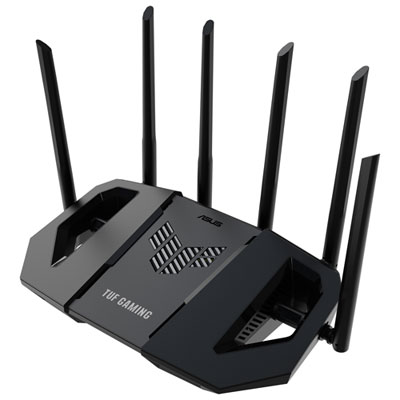
ASUS TUF Wireless Dual-Band Wi-Fi 7 Gaming Router (TUF-BE6500) - Only at Best Buy
About this product
A dual-band Wi-Fi 7 router with six antennas and quad 2.5GbE ports for ultra-fast gaming.
(12)$259.99 Your price for this item is $259.99 -
2
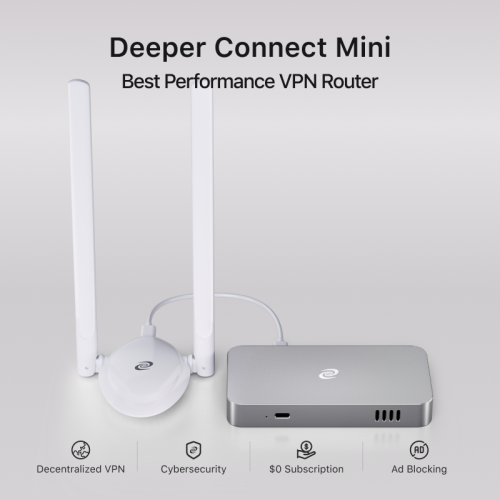
DEEPER NETWORK Deeper Connect Mini - Best Performance Decentralized Vpn w A 7-Layer Enterprise-Grade Firewall. Lifetime Free Vpn Router for Home
About this product
A decentralized VPN router with a 7-layer firewall, ad blocking, parental controls, and lifetime free service.
(5)$549.00 Your price for this item is $549 -
3
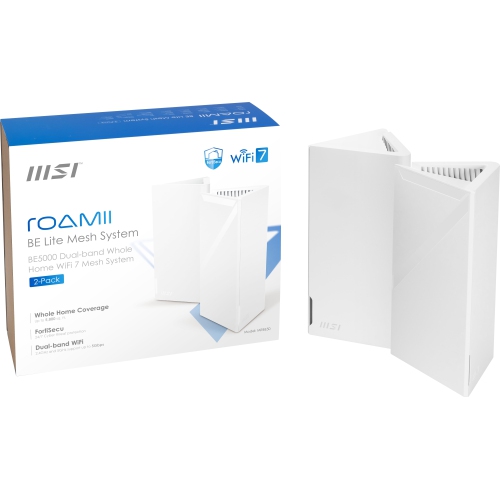
MSI Roamii Be Lite Mesh System - 2 Pack (Wifi 7, Be 5000, Up to 5, 800 Sq.ft. Of Coverage, Supporting 120+ Devices, 2.5GBps Ethernet Port, Mu-Mimo
About this product
A dual-pack mesh system in arctic white offering WiFi 7 (802.11Be) and backward compatibility.
(5)$269.99 Your price for this item is $269.99 -
4
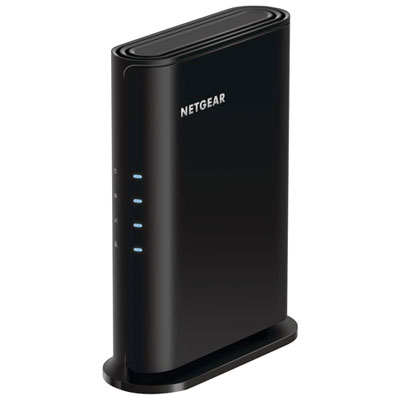
NETGEAR AX1600 Dual-Band Wi-Fi 6 Router (RAX5-100PAS)
About this product
A dual-band Wi-Fi 6 router offering faster speeds, wider coverage, parental controls, and guest access.
(3)$69.99Your price for this item is $69.99SAVE $30 -
5

eero Pro 7 Tri-Band Whole Home Mesh Wi-Fi 7 Router (ME10112)
About this product
A tri-band mesh router in white delivering up to 3.9Gbps Wi-Fi 7 speeds with minimized interference.
(3)$324.99Your price for this item is $324.99SAVE $105 -
6
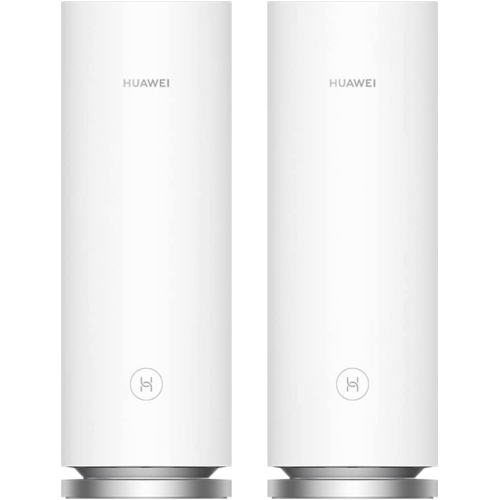
HUAWEI Wifi Mesh 7 Ax6600 - Whole Home Mesh Wifi System, Seamless & Speedy, Up to 6600Mbps, Connect 250+ Devices, Ultra-Fast Connection In Big-Multi
About this product
A tri-band mesh Wi-Fi system delivering up to 6600Mbps speeds and stable connections for 250+ devices.
(1)$207.68Your price for this item is $207.68SAVE $15 -
7
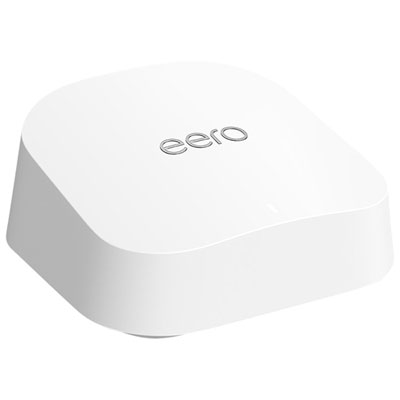
eero 7 Dual-Band Whole Home Mesh Wi-Fi 7 Router (PA10112)
About this product
A dual-band mesh router in white that delivers reliable, high-speed Wi-Fi 7 coverage for multiple devices.
(1)$209.99Your price for this item is $209.99SAVE $40 -
8
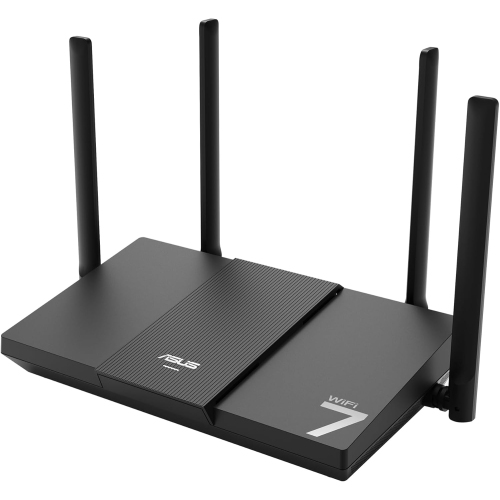
ASUS Rt-Be50
About this product
A dual-band WiFi 7 router delivering speeds up to 3600 Mbps for smooth streaming and gaming.
(1)$159.99 Your price for this item is $159.99 -
9
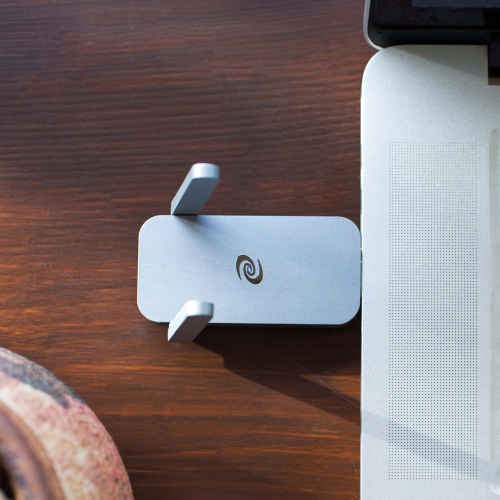
DEEPER NETWORK Deeper Connect Air -This Vpn Router Is Like Your Vpn, But Better(And Cheaper), No Monthly Fees, The Ability to Connect Up to All
About this product
A compact VPN router offering military-grade encryption, ad blocking, and fast, secure, decentralized browsing for five devices.
(12)$479.00 Your price for this item is $479 -
10
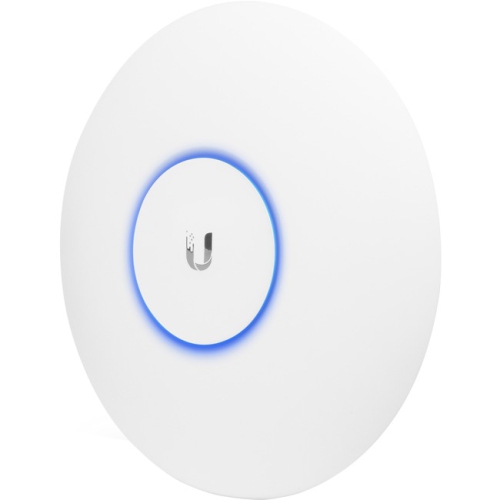
UBIQUITI Unifi Uap-Ac-Pro Ieee 802.11Ac 1.27 GBit/s Wireless Access Point
About this product
A high-speed wireless access point with dual-band MIMO technology and versatile wall or ceiling mounting options.
(4)$234.99 Your price for this item is $234.99
FAQ
Dual-band routers typically offer 2.4 GHz and 5 GHz Wi-Fi bands. Tri-band routers add another band, which may be a second 5 GHz band or a 6 GHz band, depending on the model. Devices connect to bands supported by both the router and the device.
Wi-Fi 6 operates on the 2.4 GHz and 5 GHz bands, while Wi-Fi 6E adds support for the 6 GHz band. Wi-Fi 7 introduces features such as Multi-Link Operation, which allows compatible devices to use multiple bands together. Available bands and features vary by router, and connected devices must support a feature to use it.
A standalone router provides Wi-Fi from one central unit. A mesh Wi-Fi system uses a main router and additional nodes that work together as one network. The nodes communicate through a wireless link or, on supported systems, an Ethernet connection.
Yes. Routers with Ethernet LAN ports can connect wired devices, such as desktop computers, TVs and gaming consoles, while also connecting devices over Wi-Fi. An Ethernet switch can add wired connection ports if the router supports that setup.
Depending on the model, a router’s app or browser-based dashboard may let you view connected devices, assign device names, create profiles, schedule internet access and set up a guest network. Some routers also include Quality of Service settings for assigning priority to selected devices or types of traffic.
Top selling and popular products
Discover more categories related to Best Routers for Multiple Devices

Some products may be subject to Environmental Handling Fees (EHF) depending on your province. Learn more about EHFs.