Best Routers for Multiple Devices And Gaming
Keep your household connected and your gameplay smooth with the best routers for multiple devices and gaming, ranked by user review ratings. Whether you’re playing online, streaming in 4K, or taking video calls, explore options with fast Wi-Fi, reliable coverage, and features that help prioritize gaming traffic when your network gets busy.
What to look for in routers for multiple devices and gaming
1. Wi-Fi Standards and Device Capacity
2. Gaming Traffic Prioritization
3. Wired Connections and Port Speeds
4. Coverage and Band Options
-
1

NETGEAR Nighthawk X6 R8000 Ieee 802.11Ac Ethernet Wireless Router
About this product
A high-performance wireless router offering fast 802.11ac speeds and reliable Ethernet connectivity for your network.
What customers like
(11,118)$219.00 Your price for this item is $219 -
2

Google Nest WiFi Pro Wi-Fi 6E Router - Snow
About this product
A sleek snow-colored router delivering fast, stable Wi-Fi 6E connectivity with dual 1Gbps Ethernet ports.
What customers like
(1,986)$269.99 Your price for this item is $269.99 -
3
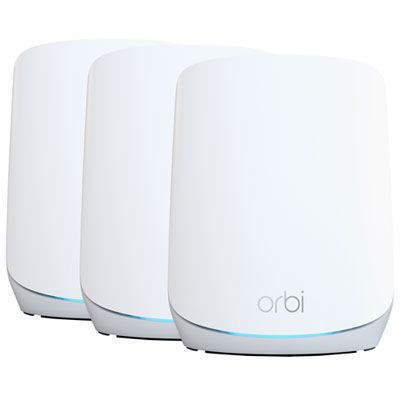
NETGEAR Tri-Band AX5400 Whole Home Mesh Wi-Fi 6 System (RBK763S)
About this product
A tri-band mesh Wi-Fi 6 system delivering fast, reliable coverage and seamless connectivity for multiple devices.
What customers like
(554)$749.97 Your price for this item is $749.97 -
4
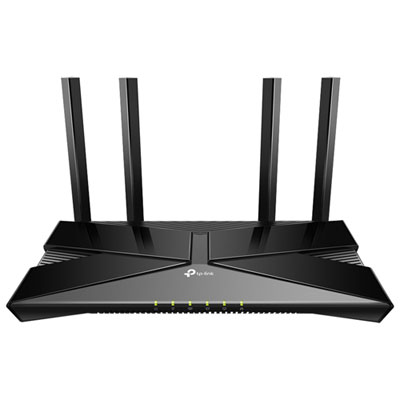
TP-Link Archer AX23 Wireless Dual-Band Wi-Fi 6 Router
About this product
A dual-band Wi-Fi 6 router in black delivering 1.8Gbps speeds and supporting up to 25 devices.
(9)$79.99 Your price for this item is $79.99 -
5
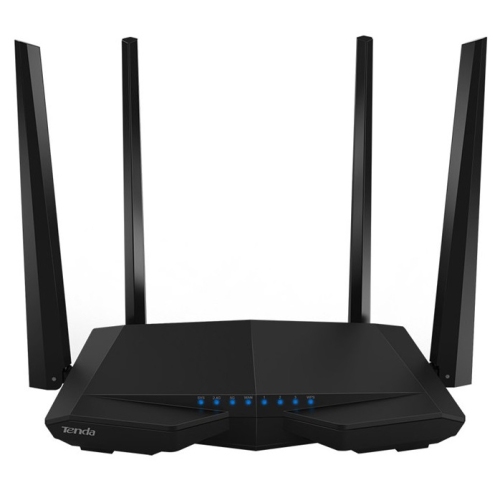
TENDA Ac1200 Smart Dual-Band Wireless Router (Ac6)
About this product
A smart dual-band wireless router offering reliable AC1200 Wi-Fi connectivity for seamless streaming and gaming.
(7)$39.99Your price for this item is $39.99SAVE $30 -
6
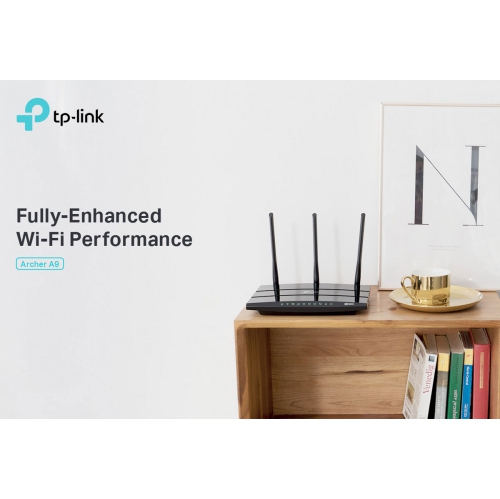
TP LINK Tp-Link Archer A9 Wireless Ac1900 Dual-Band Wi-Fi Router - In Black
About this product
A dual-band black router with MU-MIMO and beamforming for fast, reliable Wi-Fi across multiple devices.
$69.99 Your price for this item is $69.99 -
7
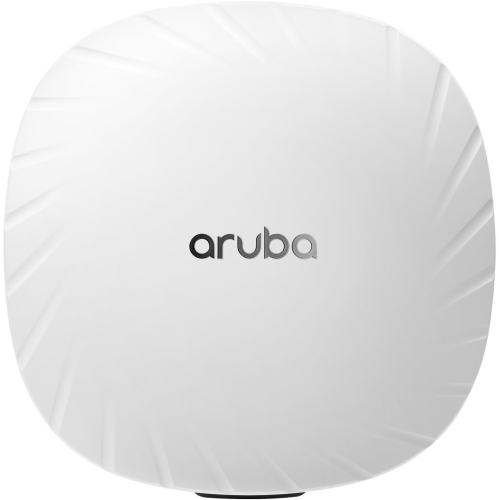
HPE Aruba Ap-535 Wireless Dual-Band Gigabit Router - (Jz336A)
About this product
A dual-band wireless router with 802.11ax technology for high-density mobile and IoT device environments.
$1,350.89 Your price for this item is $1350.89 -
8
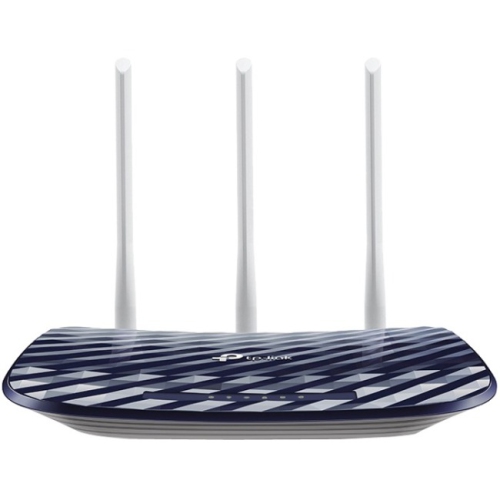
TP LINK Tp-Link Archer C20 Ieee 802.11Ac Ethernet Wireless Router
About this product
A dual-band wireless router offering fast 802.11ac Wi-Fi and Ethernet connectivity for reliable home networking.
What customers like
(80)$79.00 Your price for this item is $79 -
9
TP LINK Tp-Link Archer C20 Ieee 802.11Ac Ethernet Wireless Router
About this product
A dual-band wireless router offering 433Mbps at 5GHz and 300Mbps at 2.4GHz speeds.
What customers like
(42)$59.00 Your price for this item is $59 -
10
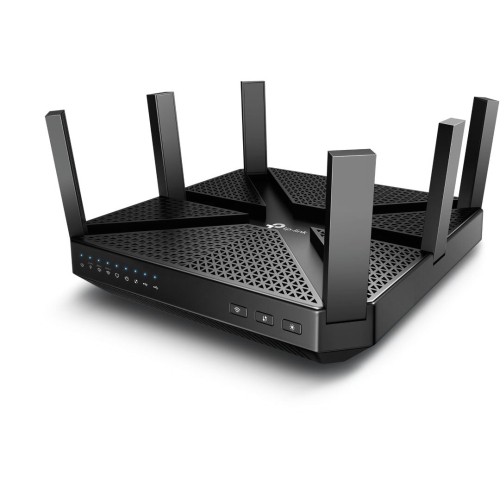
TP LINK Tp-Link Archer C4000 Ac4000 Tri-Band Wi-Fi Router
About this product
A high-speed tri-band Wi-Fi router offering seamless connectivity for multiple devices and demanding networks.
$281.29 Your price for this item is $281.29
FAQ
Compare Wi-Fi standards, supported frequency bands, Ethernet ports and Quality of Service (QoS) settings. Other useful options include device management, guest networks and mesh compatibility. Check which features your gaming systems and other connected devices support.
Dual-band routers typically use the 2.4 GHz and 5 GHz bands. Tri-band routers add another band, usually a second 5 GHz band or a 6 GHz band. The exact combination varies, so check the listed bands rather than relying on the tri-band label alone. Devices need compatible Wi-Fi hardware to connect to the 6 GHz band.
Quality of Service, or QoS, is a set of controls for prioritizing network traffic. Depending on the router, you can assign priority to a gaming console, computer or application category. Some routers offer preset gaming profiles, while others provide manual settings through an app or browser.
The WAN port typically connects the router to your modem or internet gateway. LAN ports connect wired devices such as gaming consoles, desktop computers and network storage. Port counts and supported connection speeds vary, and some routers have ports that can be configured for either WAN or LAN use.
A mesh system uses multiple units to create a shared Wi-Fi network, while a standalone router provides routing and Wi-Fi from one unit. Mesh units communicate through a connection called backhaul, which may be wireless or wired through Ethernet. Some gaming routers can also join a compatible mesh system, so the two categories can overlap.
Top selling and popular products
Discover more categories related to Best Routers for Multiple Devices And Gaming

Some products may be subject to Environmental Handling Fees (EHF) depending on your province. Learn more about EHFs.