Best Routers Under $1500
Upgrade your home network with the best routers under $1500, ranked by user review ratings to help you compare shopper favourites. Whether you’re streaming in 4K, gaming online, or connecting multiple devices, explore options with the speed, coverage, and Wi-Fi features to suit your space and budget.
What to look for in the best routers under $1500
1. Wi-Fi Performance
2. Coverage and Mesh Support
3. Wired Ports and Connections
4. Security and Network Management
-
1
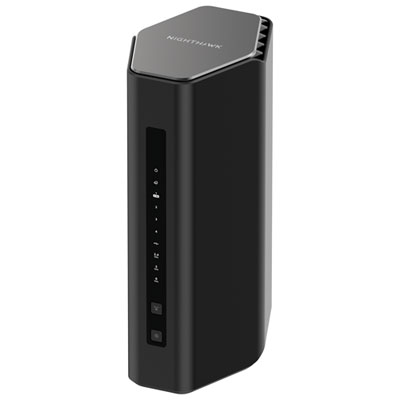
NETGEAR Wireless BE12000 Tri-Band Wi-Fi 7 Router (RS500-100CNS)
About this product
A tri-band Wi-Fi 7 router offering up to 12Gbps speeds, parental controls, and easy app management.
What customers like
(620)$499.99 Your price for this item is $499.99 -
2
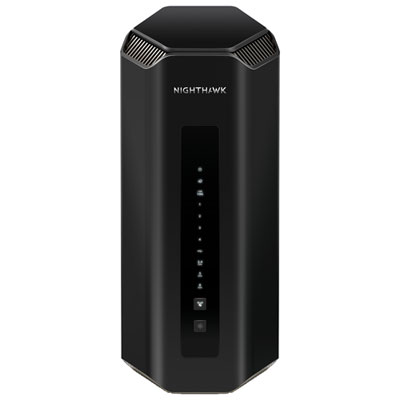
NETGEAR Nighthawk BE19000 Tri-Band WiFi 7 Router (RS700S-100CNS)
About this product
A high-speed tri-band WiFi 7 router offering up to 19Gbps wireless and multiple Gigabit Ethernet ports.
What customers like
(1,376)$899.99 Your price for this item is $899.99 -
3
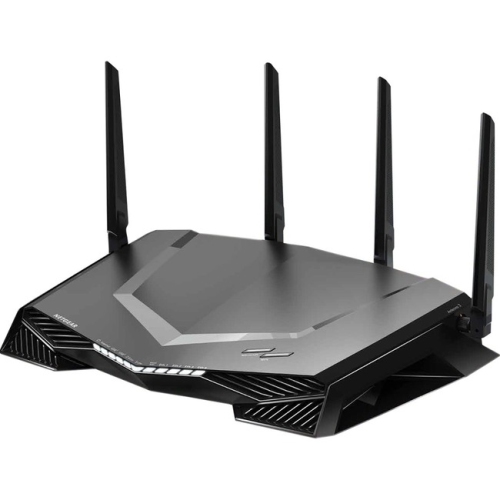
NETGEAR Nighthawk Pro Gaming Xr450 Ieee 802.11Ac Ethernet Wireless Router
About this product
A dual-band gaming wireless router with 307.2MB/s speeds, four Gigabit ports, USB connectivity, and VPN support.
What customers like
(111)$279.70Your price for this item is $279.70SAVE $420 -
4

NETGEAR Nighthawk C7000 Ieee 802.11Ac Cable Modem/wireless Router
About this product
A high-speed cable modem and wireless router offering dual-band Wi-Fi and four Gigabit Ethernet ports.
What customers like
(25,785)$189.99Your price for this item is $189.99SAVE $40 -
5

eero 6+ Dual-Band Whole Home Mesh Wi-Fi 6 Router (R010112)
About this product
A dual-band mesh router in white delivering fast, reliable Wi-Fi 6 coverage for seamless whole-home connectivity.
What customers like
(640)$189.99 Your price for this item is $189.99 -
6
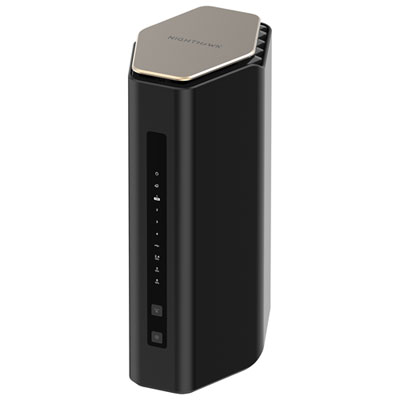
NETGEAR Wireless BE6500 Dual-Band Wi-Fi 7 Router (RS200-100CNS)
About this product
A dual-band Wi-Fi 7 router supporting up to 80 devices with parental controls and guest access.
What customers like
(883)$299.99 Your price for this item is $299.99 -
7
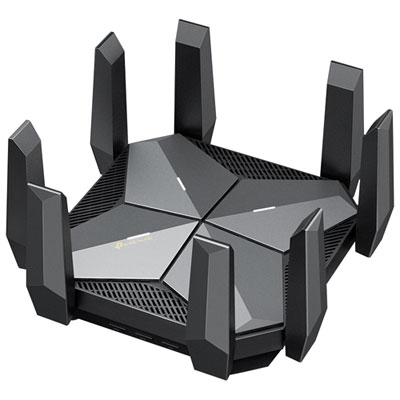
TP-Link Archer AXE300 Wireless AXE16000 Quad-Band Wi-Fi 6E Router
About this product
A quad-band Wi-Fi 6E router in black delivering up to 15.6Gbps speed with advanced security features.
(18)$699.97 Your price for this item is $699.97 -
8
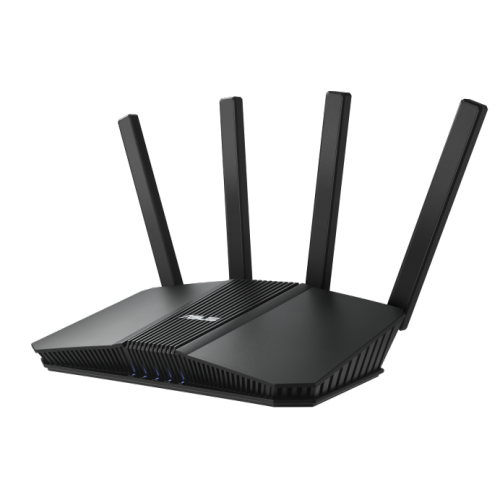
ASUS Rt-Be82U Be6500 Dual Band Wireless Wi-Fi 7 Router, 4K-Qam, Mlo, Five 2.5GBe Ports
About this product
A dual band Wi-Fi 7 router with 4K-QAM, MLO, five 2.5GbE ports, and advanced security features.
What customers like
(233)$249.99 Your price for this item is $249.99 -
9
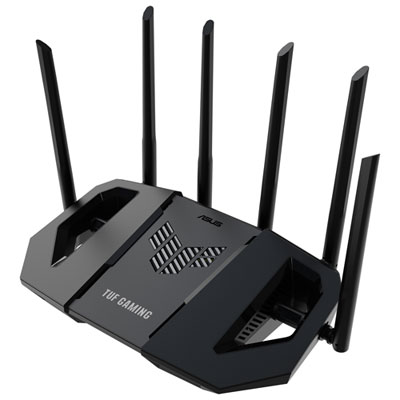
ASUS TUF Wireless Dual-Band Wi-Fi 7 Gaming Router (TUF-BE6500) - Only at Best Buy
About this product
A dual-band Wi-Fi 7 router with six antennas and quad 2.5GbE ports for ultra-fast gaming.
(19)$259.99 Your price for this item is $259.99 -
10
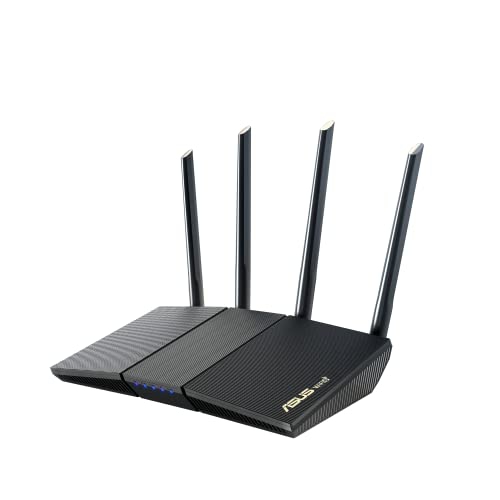
ASUS Rt-Ax1800S Rt-Ax1800S Wireless Router (Rt-Ax1800S)
About this product
A dual-band WiFi 6 router with four gigabit ports, easy app setup, and AiMesh compatibility.
What customers like
(172)$149.00 Your price for this item is $149
FAQ
A modem connects your home to your internet service provider, while a Wi-Fi router creates a local network for your connected devices. Some internet providers supply a gateway that combines both functions in one unit.
Dual-band routers typically use the 2.4 GHz and 5 GHz frequency bands. Tri-band routers add another band, which may be an additional 5 GHz band or a 6 GHz band, depending on the model. Devices need compatible Wi-Fi hardware to use the 6 GHz band.
Wi-Fi 6 uses the 2.4 GHz and 5 GHz bands, while Wi-Fi 6E extends Wi-Fi 6 to the 6 GHz band. Wi-Fi 7 introduces features such as Multi-Link Operation, which allows compatible devices to use multiple wireless links. Supported bands and features vary by router, and newer features require compatible devices.
A WAN port typically connects the router to a modem or another internet source. LAN ports connect wired devices such as computers, gaming consoles and network switches. On routers with supported USB functions, a USB port may let you share files from an attached storage drive or connect a compatible printer.
Many routers offer a mobile app, a browser-based settings page or both. These tools typically let you name your Wi-Fi network, view connected devices and install firmware updates. Some models require an account for app-based management, so check the setup requirements before choosing a router.
Top selling and popular products
Discover more categories related to Best Routers Under $1500

Some products may be subject to Environmental Handling Fees (EHF) depending on your province. Learn more about EHFs.