Best Routers Under $1000

Find the best routers under $1000 to keep your home connected for streaming, gaming, and everyday browsing. Ranked by user review ratings, this selection helps you compare highly rated options and choose a router that fits your budget and Wi-Fi needs.

Read More

What to look for in routers under $1000

1. Wi-Fi Standard and Speed

Wi-Fi 6 offers strong performance for many households, while Wi-Fi 6E and Wi-Fi 7 can offer access to the 6 GHz band with compatible devices. Match your router to your internet plan and devices, since advertised wireless speeds are theoretical maximums rather than guaranteed download speeds.

2. Coverage and Mesh Support

Consider your home's size, layout and wall materials when comparing coverage. A mesh system with multiple units can help extend coverage across larger homes or multiple floors, while a single router may suit a smaller space.

3. Wired Connections

Check the number and speed of Ethernet ports for gaming consoles, computers and other wired devices. If your internet plan exceeds gigabit speeds, look for a router with both a multi-gigabit WAN port and a multi-gigabit LAN port to support faster wired connections.

4. Security and Network Controls

Look for WPA3 security, automatic firmware updates and a guest network to help manage access. Parental controls and traffic prioritization can be useful for busy households, but check whether advanced features require a paid subscription.
  1. 1

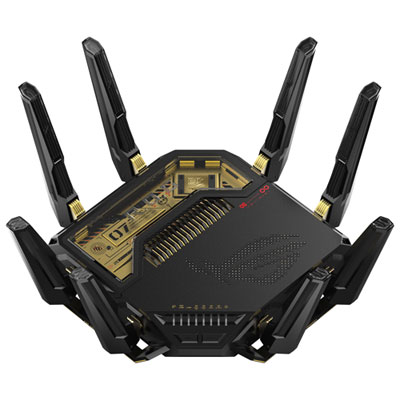
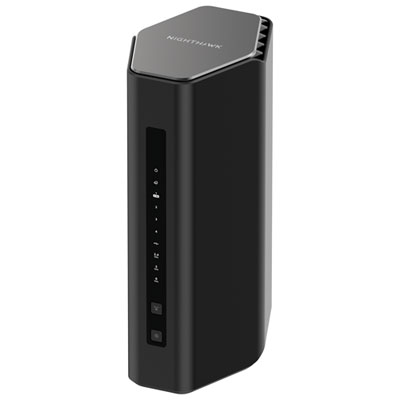
    ASUS ROG Rapture Wireless BE30000 Quad-Band Wi-Fi 7 Router (GT-BE98 PRO) 20th Edition

    About this product

    A black wireless router delivering ultra-fast Wi-Fi 7 speeds, robust signal strength, and advanced network security.

    (4)
    $999.99 Your price for this item is $999.99
  2. 2

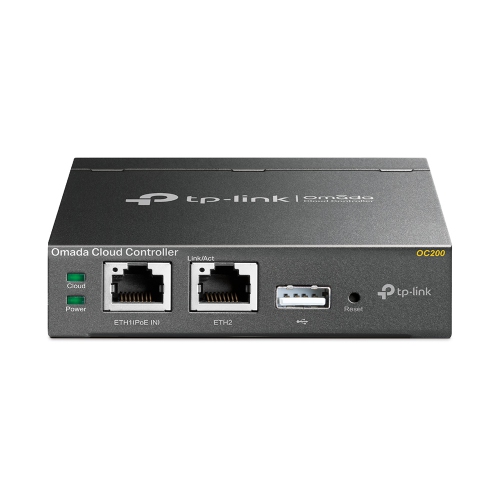
    TP LINK Tp-Link Omada Wired Routers - - (Oc200) In Black

    About this product

    A black network controller offering cloud, direct, or app access with dual power options and USB backup.

    (1)
    $189.99 Your price for this item is $189.99
  3. 3

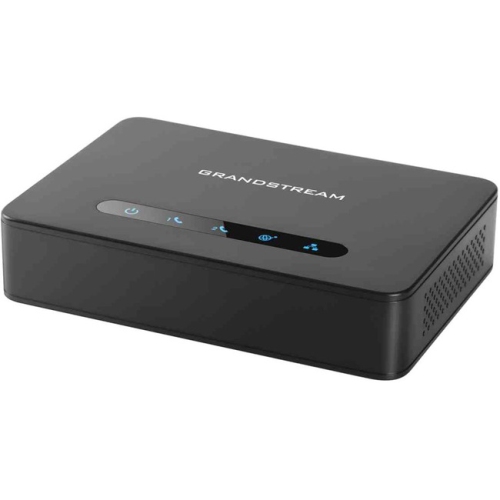
    GRANDSTREAM Powerful 2-Port Ata With Gigabit Nat Router Ht812

    About this product

    A versatile 2-port ATA with integrated Gigabit NAT router for seamless VoIP and network connectivity.

    (1)
    $79.75 Your price for this item is $79.75
  4. 4

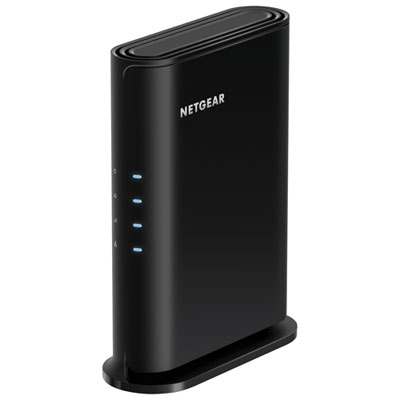
    NETGEAR 4-Stream Wireless AX1800 Wi-Fi 6 Router (RAX9-100CNS)

    About this product

    A Wi-Fi 6 router with four streams, five Gigabit ports, parental controls, and support for 20 devices.

    (1)
    $79.99
    SAVE $20
    Your price for this item is $79.99
  5. 5

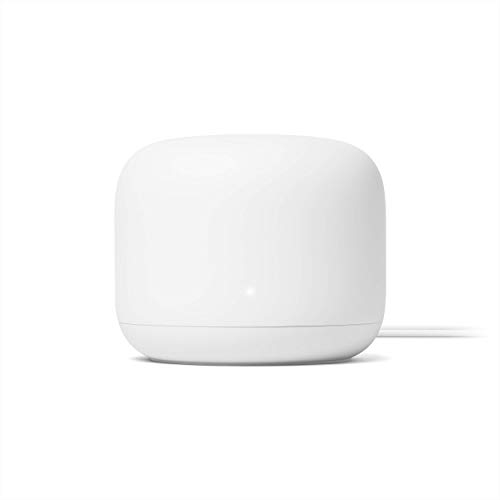
    GOOGLE Nest Wifi Router 4X4 Ac2200 Mesh Wi-Fi Router With 2200 Sq Ft Coverage (Renewed)

    About this product

    A renewed 4x4 AC2200 mesh Wi-Fi router providing up to 2,200 square feet of reliable coverage.

    (1)
    $149.90
    SAVE $40
    Your price for this item is $149.90
  6. 6

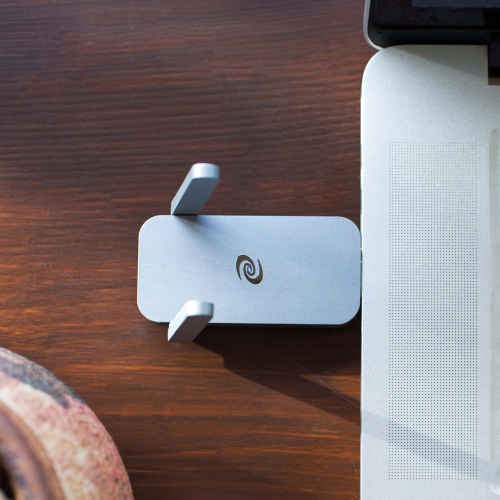
    DEEPER NETWORK Deeper Connect Air -This Vpn Router Is Like Your Vpn, But Better(And Cheaper), No Monthly Fees, The Ability to Connect Up to All

    About this product

    A compact VPN router offering military-grade encryption, ad blocking, and fast, secure, decentralized browsing for five devices.

    (12)
    $479.00 Your price for this item is $479
  7. 7

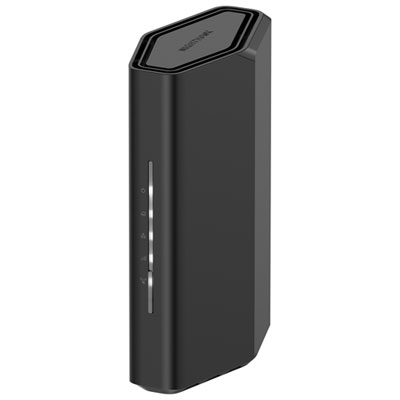
    NETGEAR Nighthawk Wireless BE3600 Dual-Band Wi-Fi 7 Router (RS100-100CNS)

    About this product

    A dual-band Wi-Fi 7 router delivering up to 3.6Gbps speeds and advanced security for seamless connectivity.

    What customers like

    • Compact and sleek design
    • Easy to install and set up
    • Strong coverage and good range
    • Fast and reliable connection
    • Supports multiple devices with stable performance
    (663)
    $139.99
    SAVE $40
    Your price for this item is $139.99
  8. 8

    NETGEAR Wireless BE12000 Tri-Band Wi-Fi 7 Router (RS500-100CNS)

    About this product

    A tri-band Wi-Fi 7 router offering up to 12Gbps speeds, parental controls, and easy app management.

    What customers like

    • Easy and quick setup
    • Stable connections for multiple devices
    • Blazing fast Wi-Fi 7 speeds
    • User-friendly and feature-rich app
    • Wide and reliable coverage
    (620)
    $499.99 Your price for this item is $499.99
  9. 9

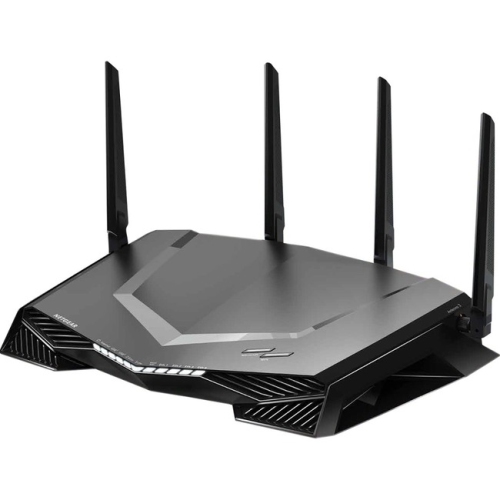
    NETGEAR Nighthawk Pro Gaming Xr450 Ieee 802.11Ac Ethernet Wireless Router

    About this product

    A dual-band gaming wireless router with 307.2MB/s speeds, four Gigabit ports, USB connectivity, and VPN support.

    What customers like

    • Enhanced gaming performance with reduced lag
    • Fast speeds for streaming and multiple devices
    • Helpful controls, monitoring, and customization
    • Strong range and reliable connectivity
    • Easy setup and user-friendly app
    (111)
    $279.70
    SAVE $420
    Your price for this item is $279.70
  10. 10

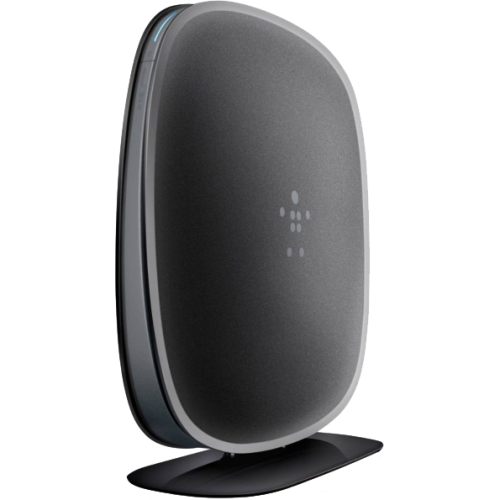
    BELKIN N450 Db Wireless Dual-Band N+ Router

    About this product

    A dual-band wireless router offering reliable N+ Wi-Fi connectivity for smooth streaming and browsing.

    (4)
    $39.99 Your price for this item is $39.99

Why reliable home Wi-Fi takes more than speed

The best routers for a connected home balance dependable coverage, useful wired connections, and enough capacity for the devices that share the network. A router directs traffic between those devices and the internet, helping a video call in the home office coexist with a movie on the living room television and a game download upstairs. The right fit depends on the home’s layout, the internet connection, and the capabilities of the phones, computers, and other devices in use. Wi-Fi 6 routers support efficient connections in busy households, with technologies such as OFDMA helping divide wireless resources among compatible devices. Wi-Fi 6E adds access to the 6 GHz band, while Wi-Fi 7 introduces features that can include wider 320 MHz channels on 6 GHz and Multi-Link Operation, which allows compatible equipment to use multiple wireless links. Those benefits depend on support at both ends of the connection; an older laptop will not gain every feature of a newer wireless standard simply by connecting to a new router. Dual-band routers typically provide 2.4 GHz and 5 GHz connections, while tri-band designs add another band that may serve compatible devices or support communication between mesh units. The exact band configuration matters more than the tri-band label alone. The 2.4 GHz band generally reaches farther through a home, while 5 GHz and 6 GHz can provide greater capacity at shorter distances. Advertised wireless speed ratings usually combine theoretical maximum rates across multiple bands, rather than describing the speed a single device will receive. Actual results depend on distance, interference, device hardware, and the internet plan. For a household that mainly streams video, browses, and joins online meetings, steady performance across occupied rooms can be more valuable than a larger headline speed rating. Homes with frequent large file transfers, several demanding users, or a multi-gigabit internet connection may benefit more from advanced wireless features and faster Ethernet ports. A strong connection at the kitchen table, beside the television, and behind the home office door is what makes those specifications meaningful in everyday use.

Coverage is as much about the building as the router. Floor area provides a starting point, but a long bungalow, a narrow townhouse, and a two-storey home with the same square footage can present very different challenges. Concrete walls, metal structures, mirrors, and the location of the internet entry point can all affect signal reach. A single router may suit a smaller or more open home, while a mesh system uses multiple units to extend coverage through separate rooms or across floors. Mesh nodes need a reliable connection to one another, so a unit placed halfway towards a weak-signal room may work better than one positioned inside the dead zone itself. A dedicated wireless backhaul can keep communication between nodes separate from some device traffic, and Ethernet backhaul provides a wired link where the home’s cabling permits it. Mesh compatibility should be checked carefully because units from different systems are not automatically interchangeable. Physical fit also matters: a router needs room for its enclosure, antennas, power adapter, and connected cables, along with unobstructed ventilation. Durable moulded housings and a stable base suit stationary household use, but antenna count and an imposing exterior do not establish coverage quality on their own. An open shelf in a central location is generally more suitable than a closed cabinet behind the television. Routine care is straightforward, with gentle exterior dusting according to the manufacturer’s directions and clear space around ventilation openings. Wired connections deserve equal attention. The WAN port connects to the modem or internet terminal, while LAN ports serve equipment such as desktop computers, game consoles, and network storage. A multi-gigabit WAN port can accommodate a faster incoming connection, but matching LAN capability is needed to pass that speed to a wired device. Gigabit Ethernet remains useful for many everyday connections, and a wired console or workstation can reduce reliance on shared wireless airtime. Port quantity matters too, particularly when a home office, entertainment centre, and storage device all need direct connections.

The day-to-day experience also depends on setup, security, and how clearly the router presents its controls. App-based setup can simplify naming the network, creating a password, and checking connected devices, while a browser-based interface may offer more detailed settings for people who prefer hands-on management. When a modem already includes routing functions, bridge mode or access point mode may help avoid running two layers of routing, depending on the equipment and internet provider’s requirements. Support for provider-specific television or phone services is another compatibility consideration. WPA3 security, automatic firmware updates, and a clear record of ongoing software support are worthwhile features to look for, although older devices may require a compatible mixed-security setting. A guest network gives visitors internet access without sharing the main network credentials, and supported isolation settings can help keep guest traffic separate from personal devices. Parental controls may include schedules, device pauses, or content filters, but their scope varies, and some advanced functions require a separate subscription. Quality of Service settings can prioritize selected traffic when a connection is busy; they cannot increase the speed supplied by the internet provider. That distinction matters in a household where someone is uploading a large project while another person is speaking on a video call. Gamers may value consistent latency and a direct Ethernet connection, remote workers may prioritize reliable coverage and straightforward management, and households with connected lights, cameras, and speakers may need strong support for numerous modest-bandwidth devices. A router can also be a practical gift for someone setting up a home office or moving into a larger space, provided its compatibility and coverage needs are understood. The Best Routers Under $1500 collection offers another way to explore home networking options. Across router types, the most useful combination is one that matches the internet service, reaches the rooms people actually use, and provides controls that make maintaining the network manageable.
Read More

FAQ

Some products may be subject to Environmental Handling Fees (EHF) depending on your province. Learn more about EHFs.