Best USB C Flash Drives
Keep your files close at hand with the best USB-C flash drives, ranked by customer review ratings. Whether you’re transferring work documents, sharing photos, or storing videos, these compact drives offer convenient storage for compatible laptops, tablets, and smartphones. Compare storage capacities, transfer speeds, and customer feedback to find the right fit for your everyday needs.
What to look for in the best USB-C flash drives
1. Device Compatibility
2. Storage Capacity
3. Transfer Speeds
4. Durability and Portability
-
1
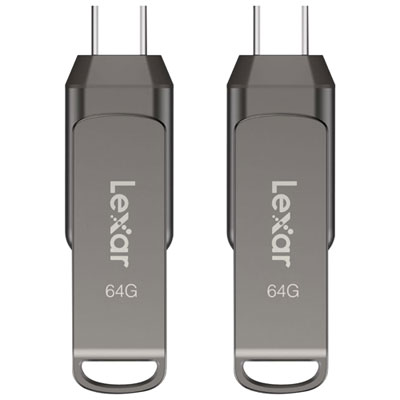
Lexar JumpDrive Dual Drive D400 64GB USB 3.1 + USB-C Flash Drive - 2 Pack
About this product
A dual USB 3.1 and USB-C flash drive in black titanium with fast transfers and data protection.
(9)$54.99 Your price for this item is $54.99 -
2
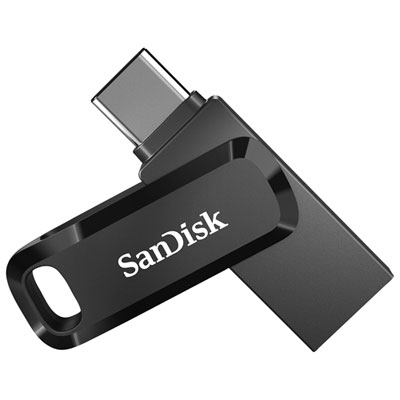
SanDisk Ultra Dual 128GB USB Type-C/Type-A Flash Drive
About this product
A versatile black flash drive with 128GB storage and dual USB Type-C/Type-A connectors for easy data transfer.
What customers like
(2,484)$54.99 Your price for this item is $54.99 -
3
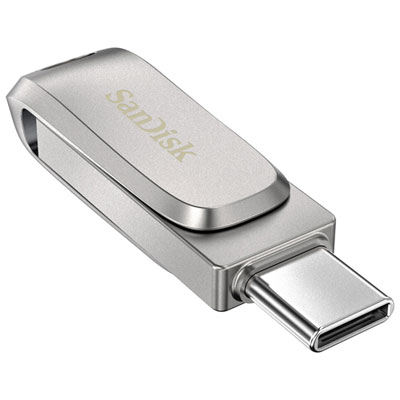
SanDisk Ultra Dual Luxe 256GB USB Type-C/Type-A Flash Drive
About this product
A sleek silver flash drive with 256GB storage and dual USB Type-C/Type-A connectors for easy file transfers.
What customers like
(269)$89.99Your price for this item is $89.99SAVE $10 -
4
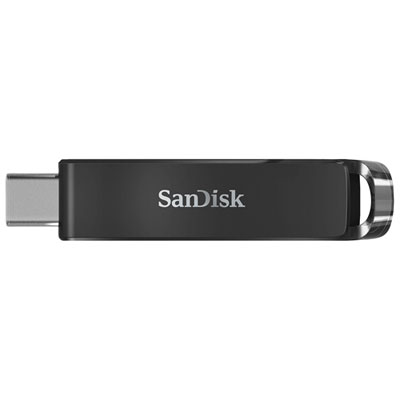
SanDisk Ultra 128GB USB Type-C Flash Drive
About this product
A black USB Type-C flash drive offering 128GB storage and backward compatibility with USB 3.0 and 2.0 ports.
What customers like
(206)$39.99Your price for this item is $39.99SAVE $10 -
5
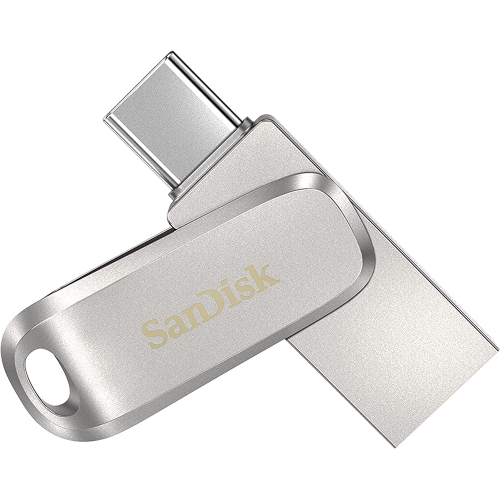
SANDISK 1Tb Ultra Dual Drive Luxe USB Type-C Flash Drive - (Sdddc4-1T00-A46)
About this product
An all-metal 2-in-1 flash drive with reversible USB Type-C and Type-A connectors for easy file transfers.
What customers like
(191)$209.99Your price for this item is $209.99SAVE $90 -
6
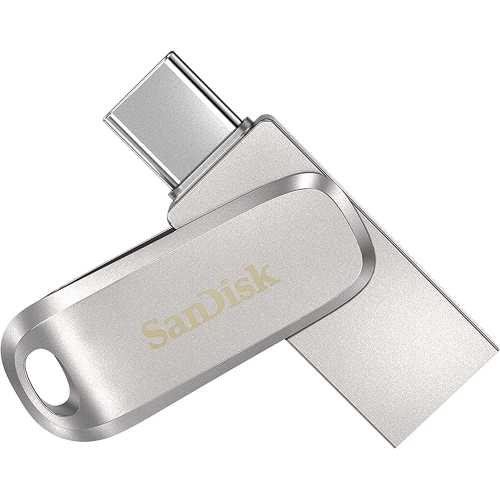
SANDISK 512GB Ultra Dual Drive Luxe USB Type-C Flash Drive - (Sdddc4-512G-A46)
About this product
An all-metal 2-in-1 flash drive with 512GB storage and both USB Type-C and Type-A connectors.
What customers like
(261)$136.95Your price for this item is $136.95SAVE $92 -
7
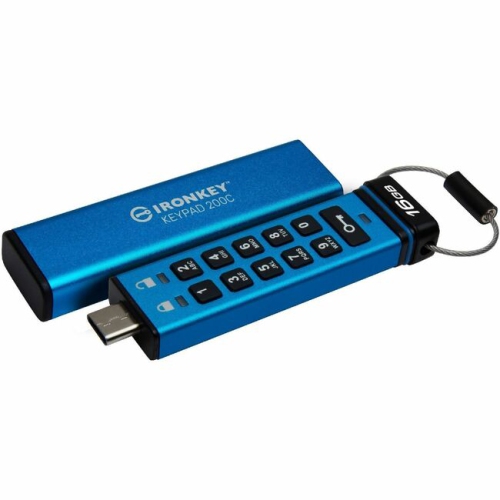
IRONKEY Keypad 200 16GB USB 3.2 (Gen 1) Type C Flash Drive (Ikkp200C16GB)
About this product
A secure and convenient USB flash drive with a built-in keypad for added protection.
What customers like
(24)$202.83Your price for this item is $202.83SAVE $60 -
8

SANDISK 256GB Ultra Dual Drive Go USB Type-C Flash Drive - Sdddc3-256G-G46
About this product
A versatile flash drive with 256GB storage and dual USB Type-C and Type-A connectors.
What customers like
(1,688)$49.99Your price for this item is $49.99SAVE $35 -
9
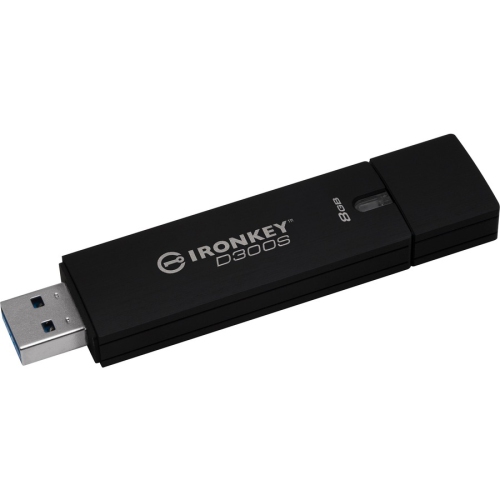
KINGSTON 8GB Ironkey D300 D300S USB 3.1 Flash Drive Ikd300S/8GB
About this product
A secure and high-speed 8GB USB 3.1 flash drive by Kingston.
(6)$296.68Your price for this item is $296.68SAVE $10 -
10
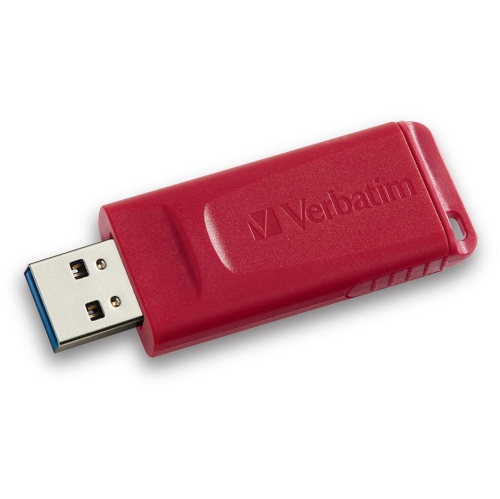
VERBATIM 64GB Store 'n' Go USB Flash D
About this product
A portable USB flash drive offering 64GB of reliable storage for files, photos, and documents.
(1)$19.68Your price for this item is $19.68SAVE $10
FAQ
A USB-C flash drive is a portable storage device with a reversible USB-C connector. It stores files such as documents, photos, videos and music, and plugs into a compatible USB-C port without needing a separate cable.
USB-C flash drives can connect to compatible laptops, desktop computers, tablets and smartphones. The device must support USB storage accessories and the drive’s file system. A USB-C port alone does not guarantee compatibility, so check your device’s specifications.
A dual-connector USB flash drive includes two connector types, typically USB-C and USB-A. This lets you move files between compatible devices with different USB ports without using a separate adapter.
Common file systems include exFAT, FAT32 and NTFS. exFAT is widely supported by current Windows and Mac computers, while FAT32 is supported by many older devices. NTFS is commonly used with Windows, but macOS generally reads it without providing built-in write support. Compatibility with phones, tablets and other devices varies.
On a compatible phone or tablet, connect the drive and open the device’s file management app. The drive usually appears as an external storage location where you can browse, copy or move files. On an iPhone or iPad with USB-C, look in the Files app; on Android, use the device’s file manager.
Top selling and popular products
Discover more categories related to Best USB C Flash Drives

Some products may be subject to Environmental Handling Fees (EHF) depending on your province. Learn more about EHFs.