Smallest Usb C Flash Drives
Looking for a compact storage solution that fits right in your pocket? Look no further than our collection of USB-C flash drives, designed to deliver lightning-fast data transfers in the smallest form factor possible. Whether you need to store important files, transfer data between devices, or simply expand the storage capacity of your USB-C enabled device, these tiny powerhouses have got you covered. With their sleek designs and impressive storage capacities, our USB-C flash drives are the perfect blend of convenience and performance. Explore our range today and find the perfect match for your needs.
Sort
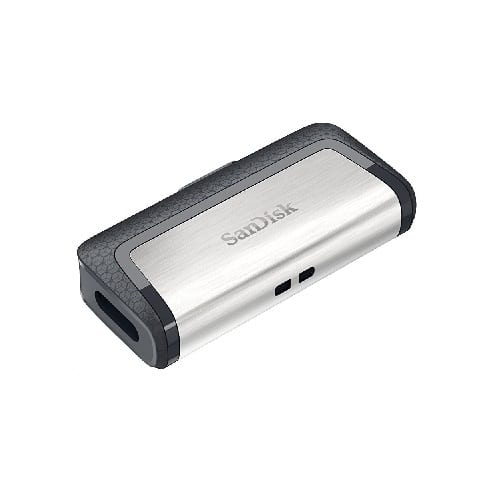
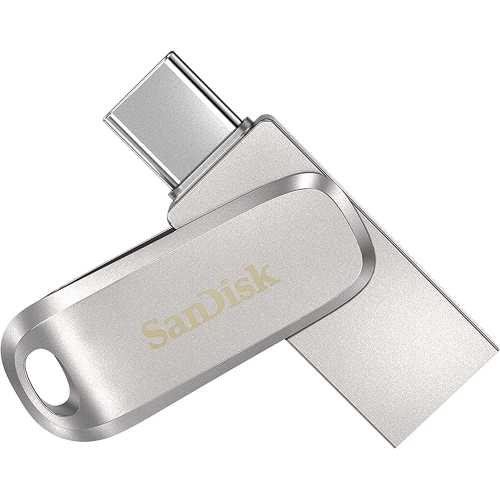
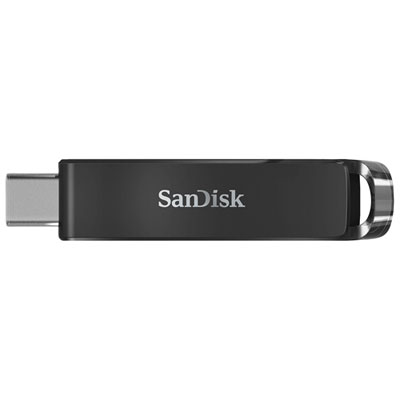

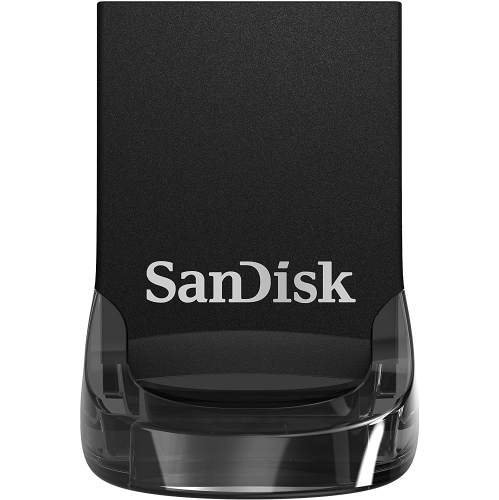
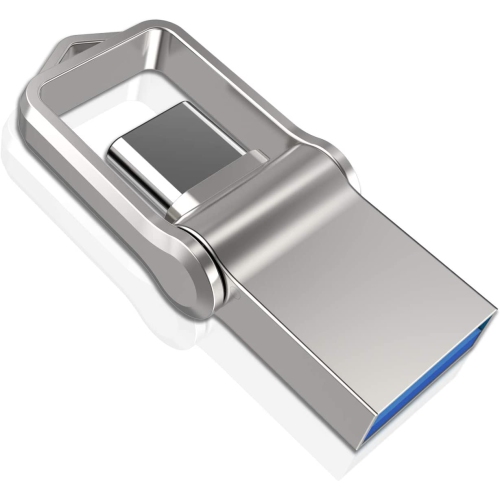
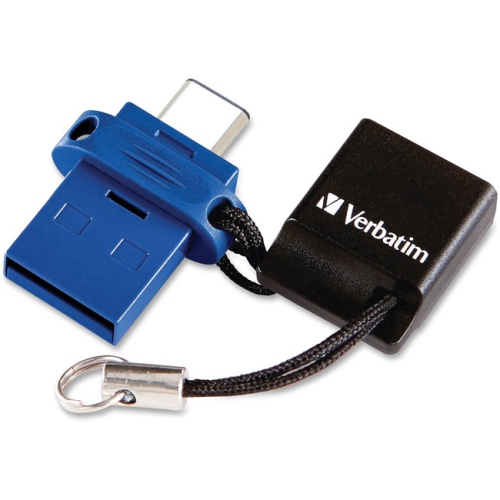
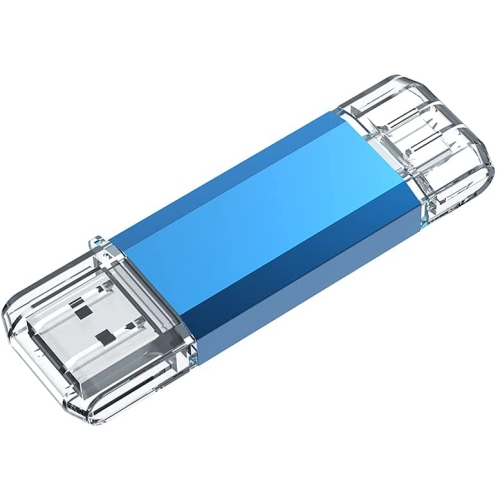
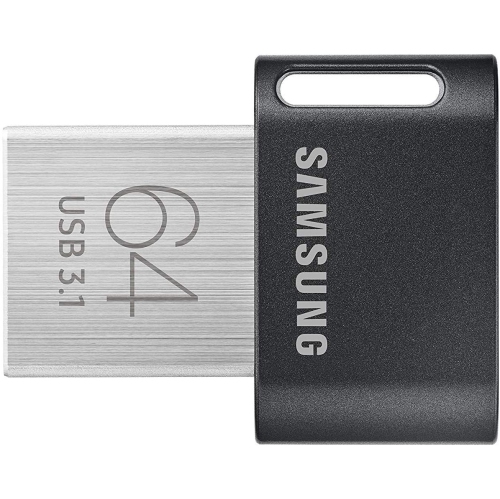
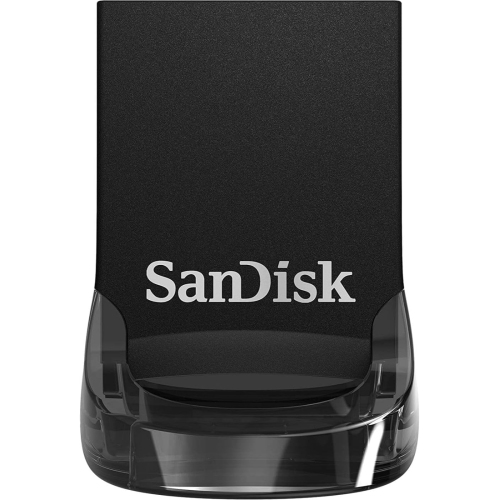
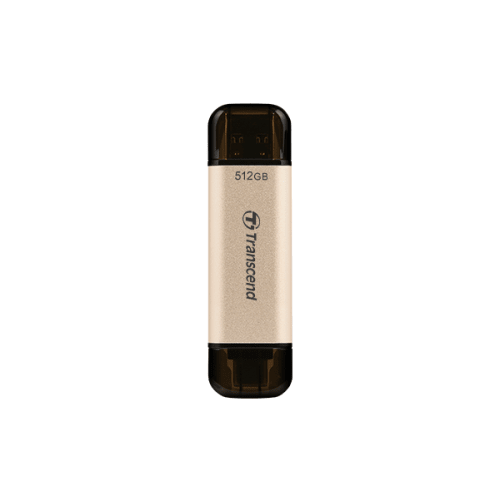
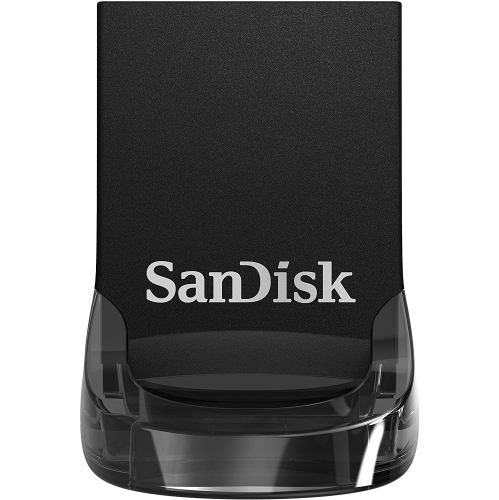
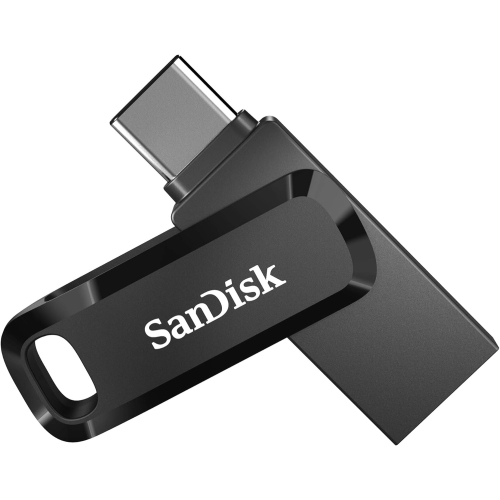
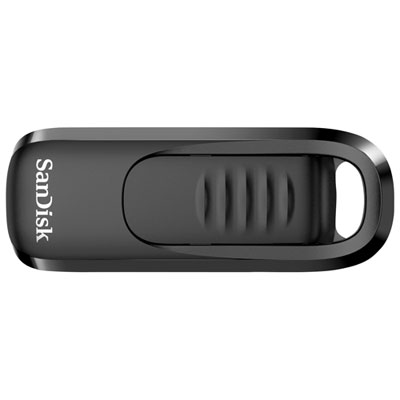
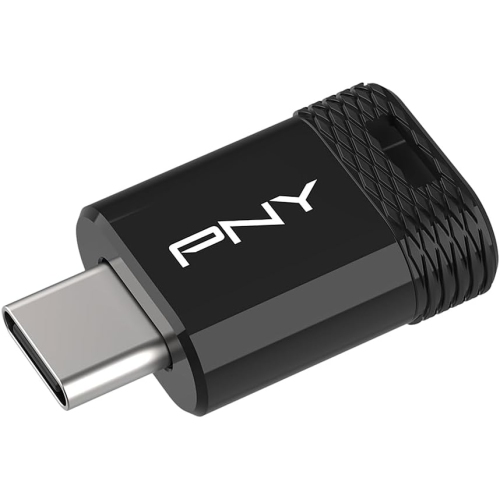
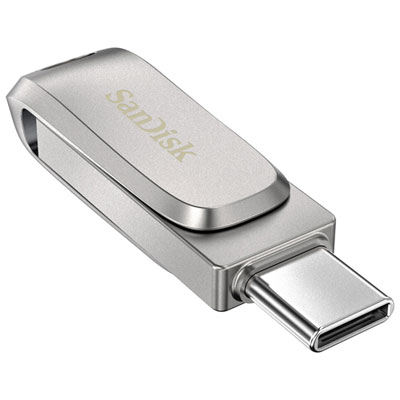
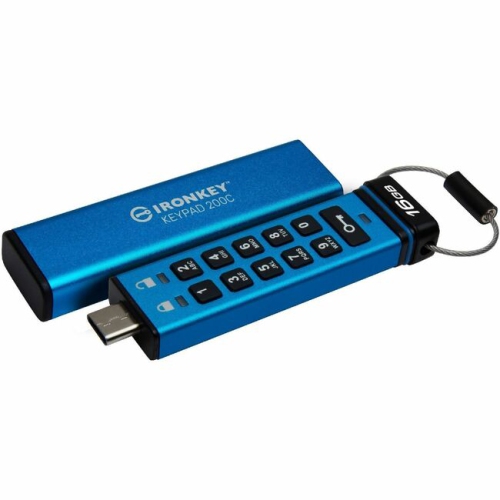
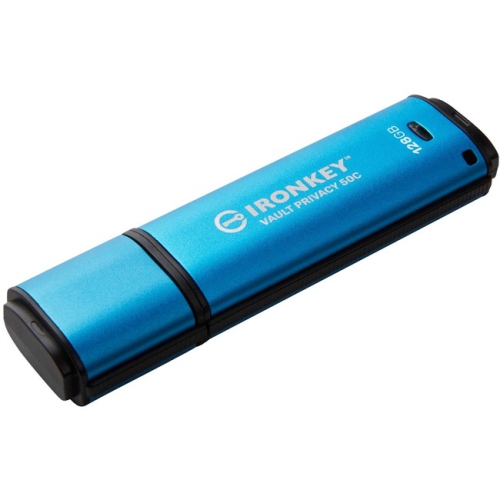
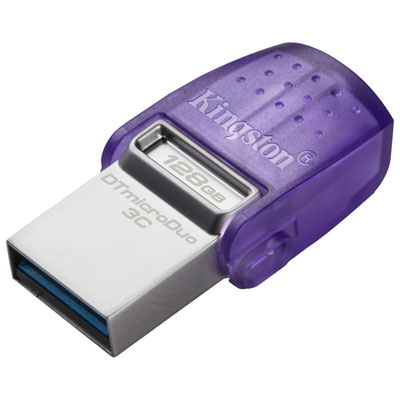
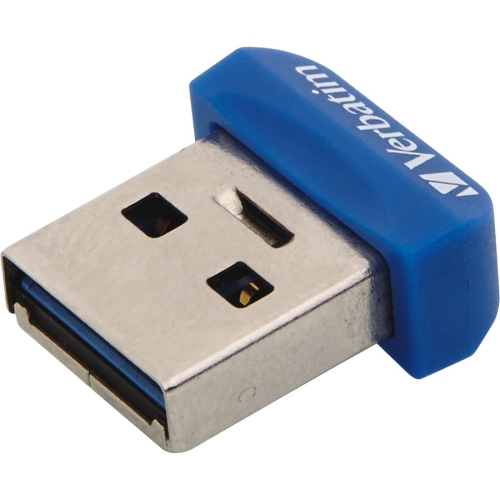
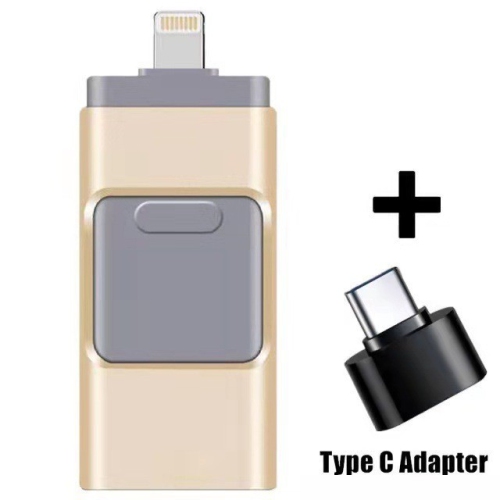
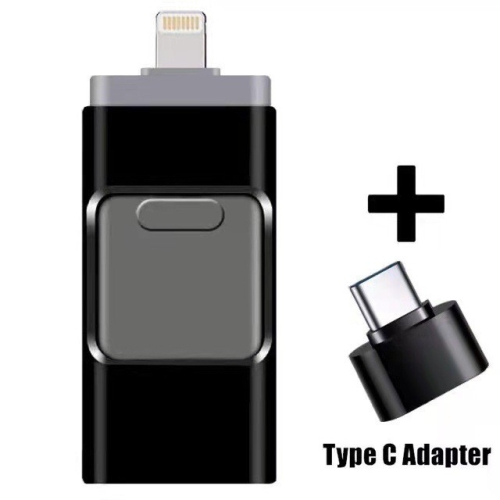

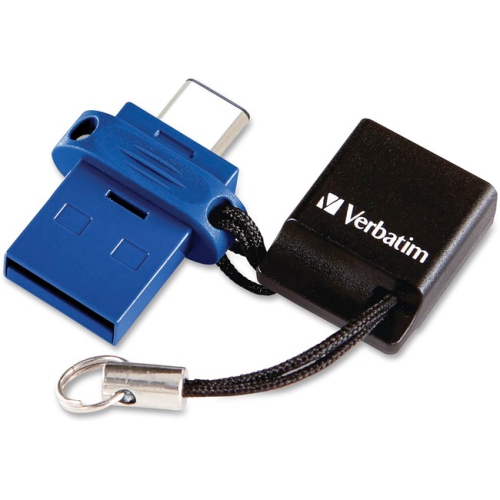
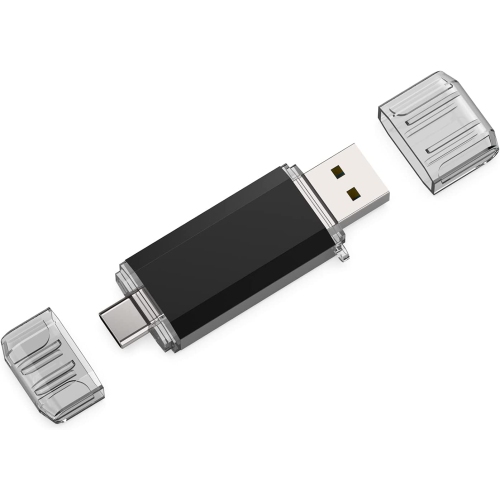
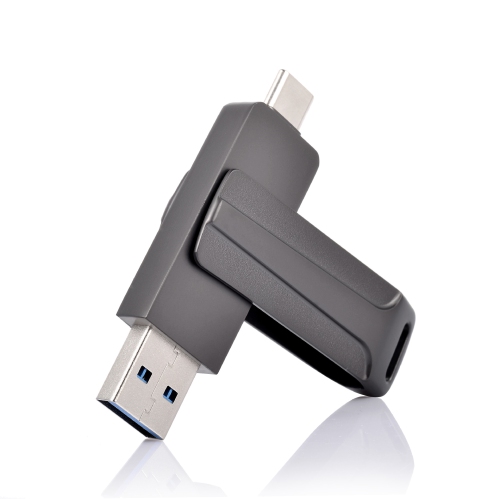
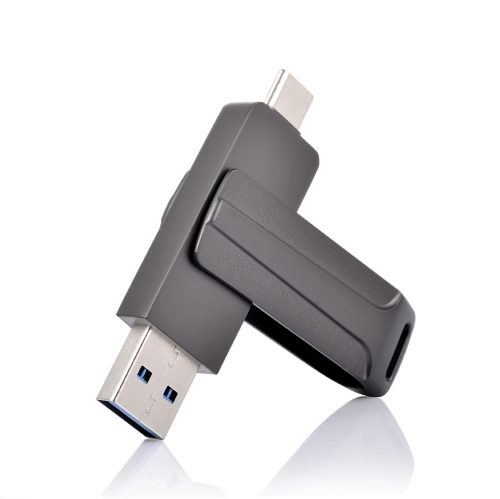
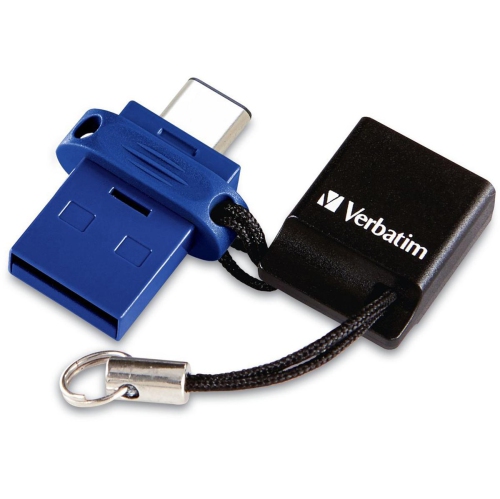

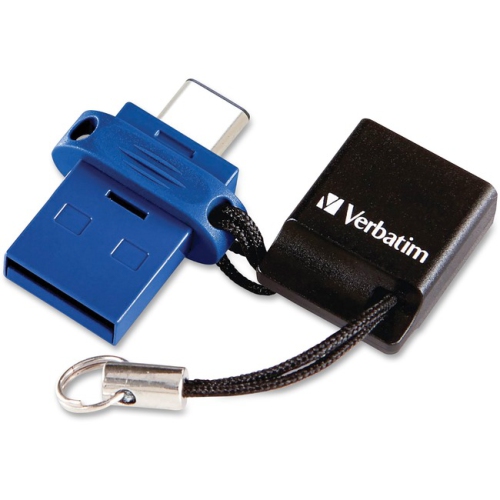
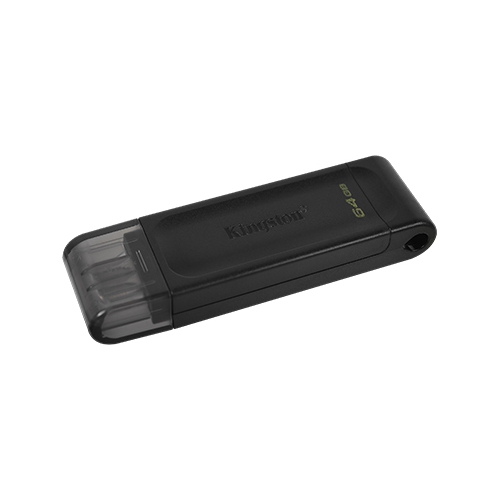
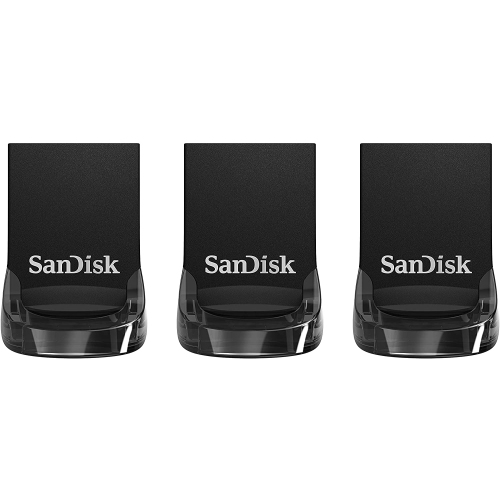
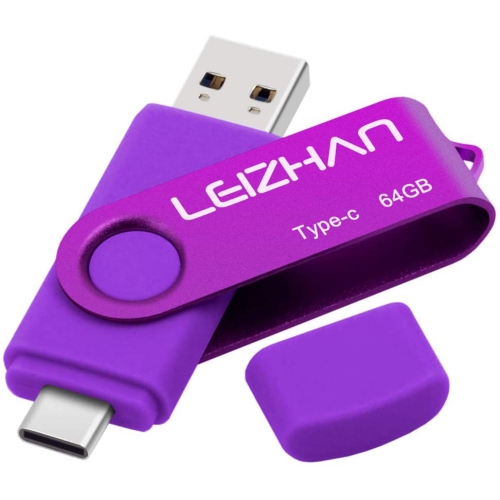
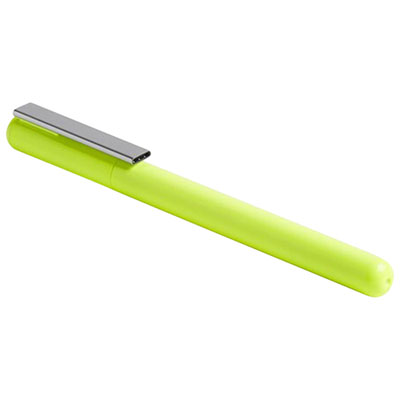
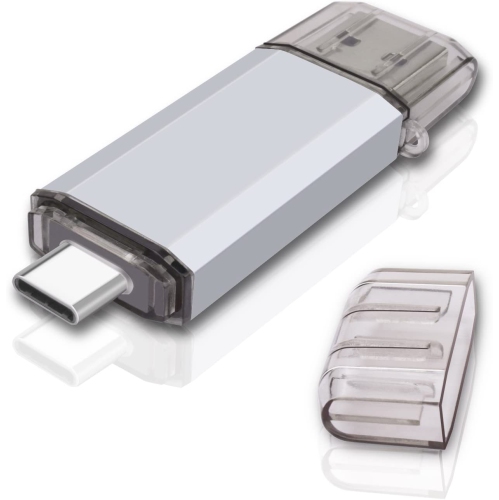
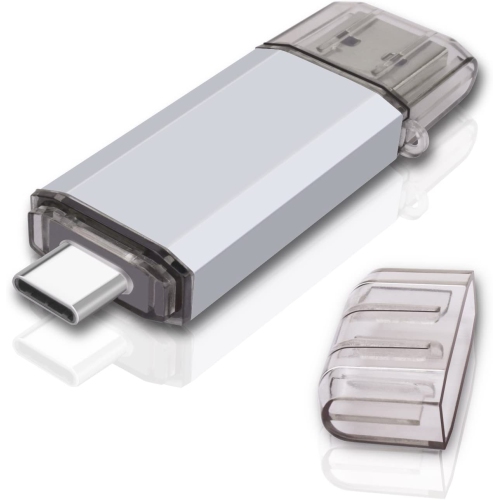
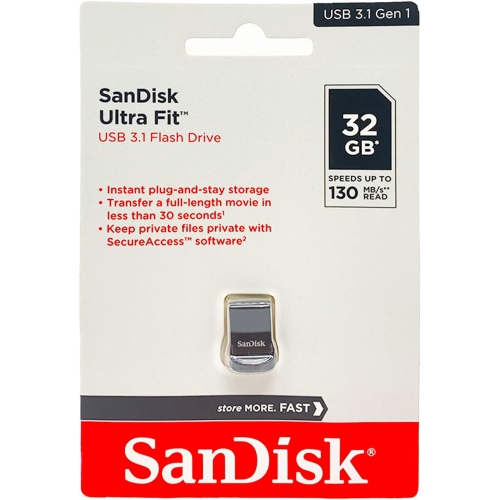
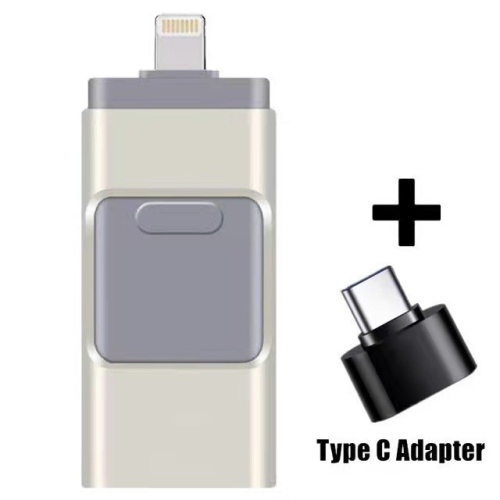
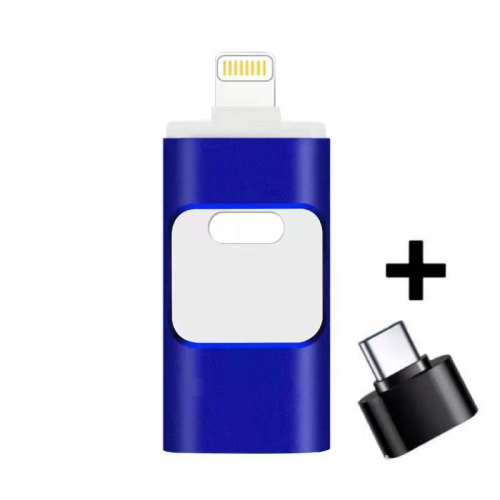
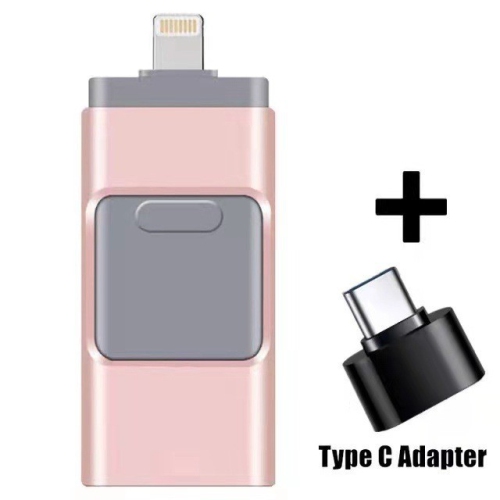
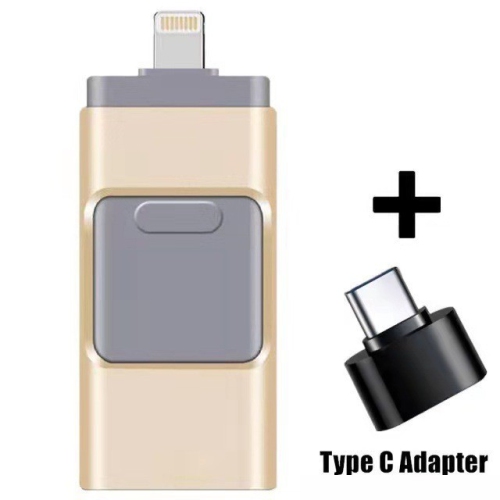
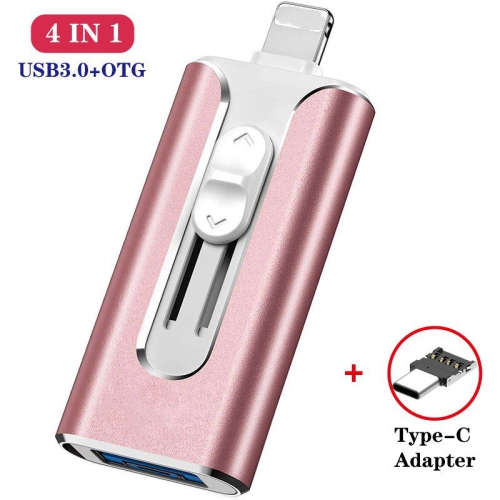
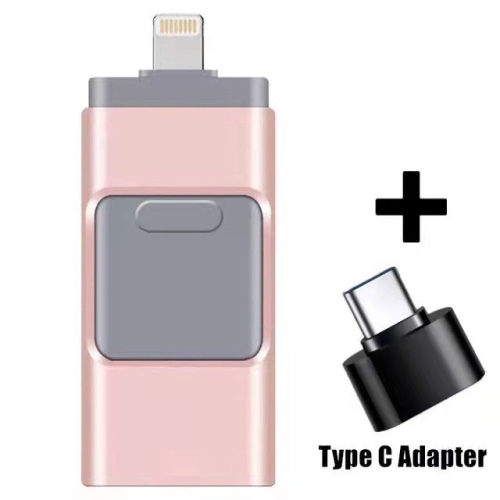
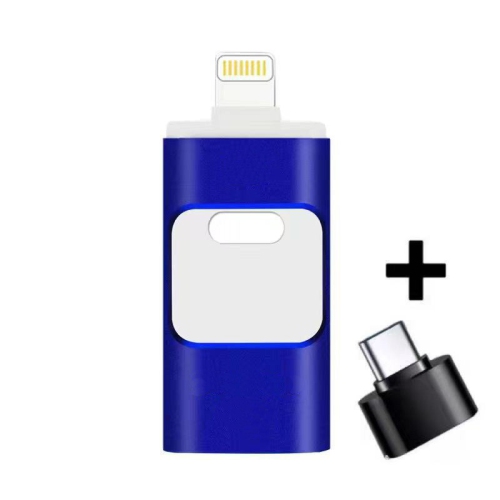
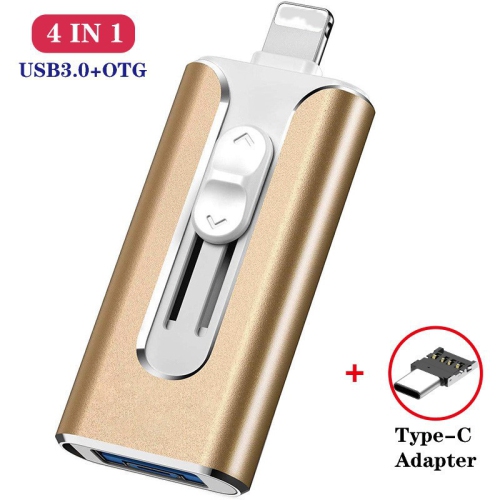
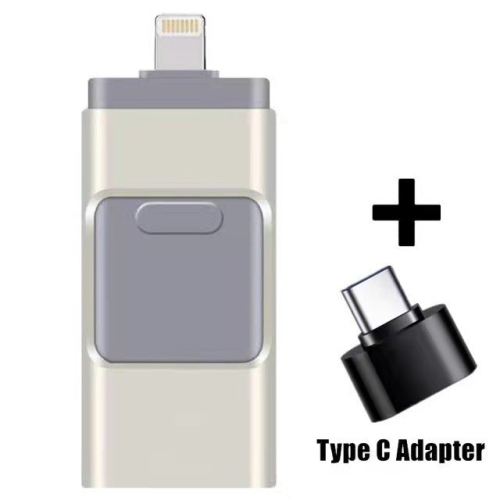
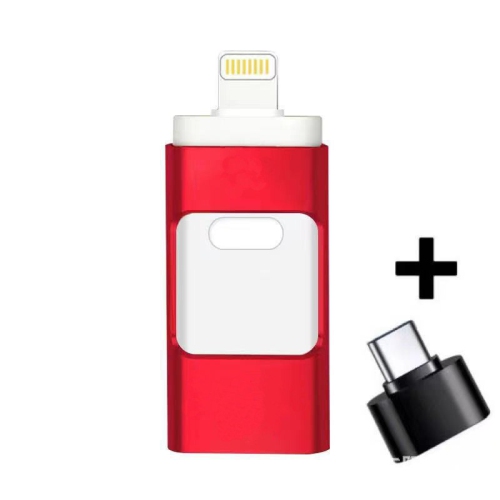
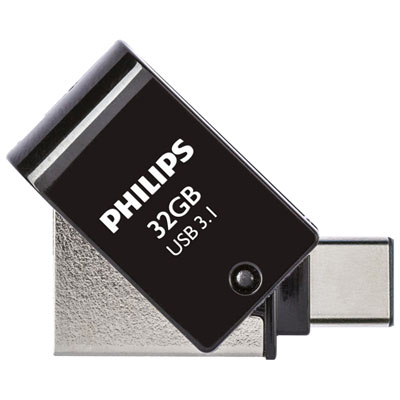
Compact storage for transfers, travel, and everyday files
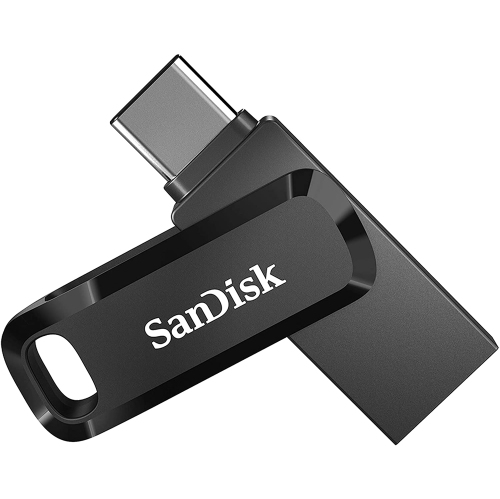
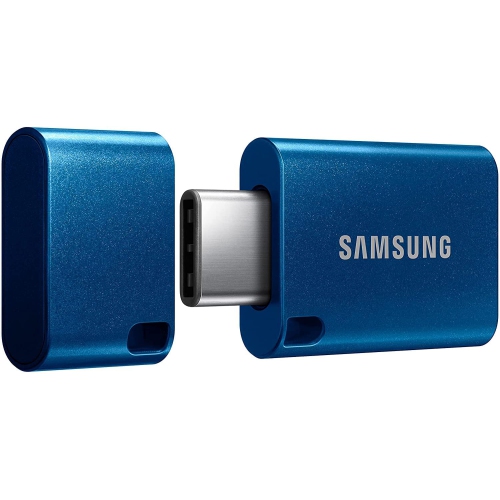
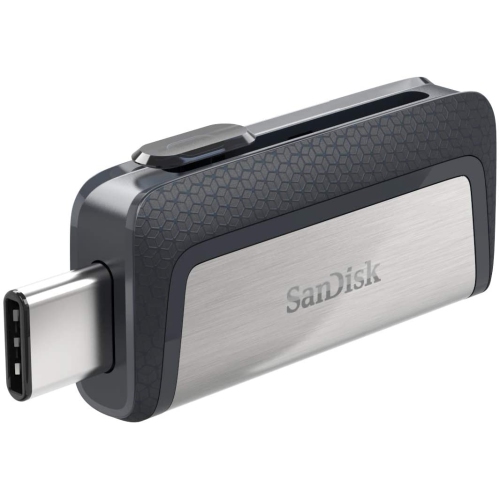
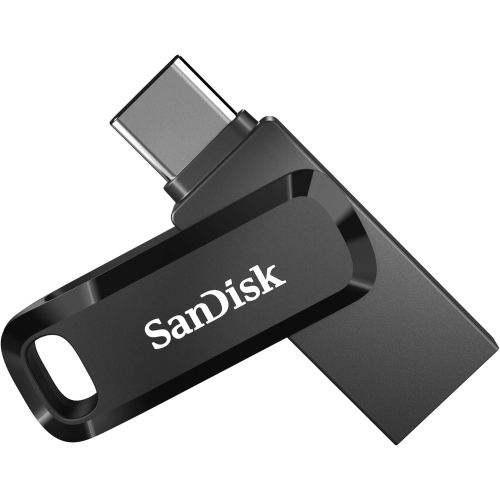
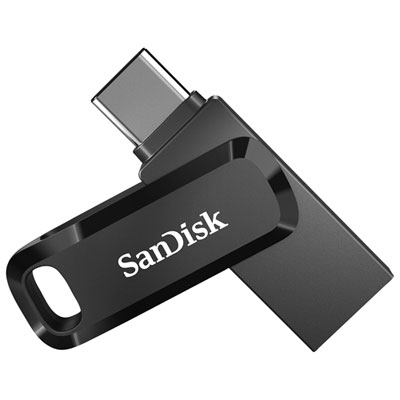
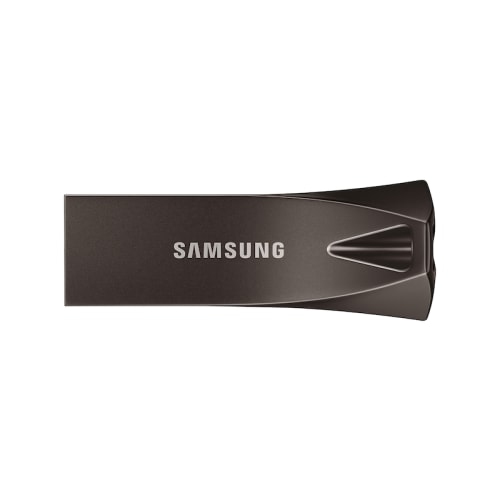
Smallest USB-C flash drives are designed for convenient storage in a remarkably compact form. Many are shorter than a thumb and light enough to disappear into a laptop sleeve, tablet case, camera bag, or pocket, making them useful when a full-sized external drive feels cumbersome. Their low-profile shape is especially practical for devices with USB-C ports positioned along the side, since a compact drive is less likely to catch on a cable, clothing, or the edge of a desk. Some models are made to remain connected to a laptop or tablet for expanded storage, while others include a sliding cover, removable cap, or key ring loop for carrying between devices. Before choosing one, check the dimensions carefully and consider how the drive will be used. A drive that sits almost flush with the port can be convenient for adding space to a thin computer, but a slightly longer design may be easier to remove and less likely to be misplaced. The connector should also be protected when the drive is carried in a pocket or bag, particularly alongside keys, coins, or other small items. USB-C compatibility is common across newer laptops, tablets, phones, and select gaming or entertainment devices, although the port alone does not guarantee that every device supports external storage. A computer will typically recognize a compatible flash drive automatically, while a phone or tablet may require USB On-The-Go support, a file management app, or permission to access connected storage. Checking the manufacturer’s device requirements and operating-system compatibility can help avoid surprises.
Storage capacity is one of the most important considerations when comparing the smallest USB-C flash drives. Lower-capacity options can be suitable for moving documents, presentations, receipts, schoolwork, and a collection of everyday photos between devices. Higher-capacity options provide more room for video files, large creative projects, offline maps, music libraries, software installers, and backups of important folders. It is worth leaving some free space rather than filling a drive completely, as this can make file management easier and may help maintain consistent performance. Speed also deserves attention. Read speed affects how quickly files can be opened or copied from the drive, while write speed affects how quickly new files are saved to it. A drive may advertise a high peak read speed, but actual results vary according to the computer or mobile device, the USB standard supported by both devices, the file sizes being transferred, and the number of files moved at once. Large video files often transfer differently from many small documents. Tiny, low-profile drives can also become warm during extended transfers, and some may reduce their sustained write speed after an initial burst to manage heat. This does not make them unsuitable for everyday use; it simply means they are generally best matched with their intended workload. For occasional file transfers, extra device storage, or keeping a handy copy of essential files, a compact drive can be an excellent fit. If frequent, lengthy transfers are part of your routine, compare both read and write specifications and consider a design with more room for heat dissipation. For shoppers who place the greatest emphasis on transfer performance, the selection of Fastest Usb C Flash Drives can provide a useful point of comparison.
The smallest USB-C flash drives can serve a wide range of people. Students may use one to carry assignments, research materials, design files, or presentations between a school computer and a personal laptop. Travellers can keep copies of travel documents, downloaded entertainment, and photos from a phone or camera, while remote workers may use one to move presentations, spreadsheets, and other work files between a home setup and a workplace. They can also be thoughtful practical gifts for someone starting a new course, upgrading to a USB-C laptop, or using a modern tablet or phone for photography and video. A small drive tucked into a tech pouch can be easier to carry than a larger storage accessory, and a cap or key ring loop may be valuable for anyone who tends to misplace small items. For everyday organisation, consider using separate folders for work, school, photos, and personal documents, and give files clear names that make them easy to find later. A flash drive should not be the only copy of irreplaceable photos or important records, so keep another backup in a separate location or storage service. Safely ejecting the drive before unplugging it can also help prevent file errors, especially when a transfer is still in progress. When comparing options, balance physical size with capacity, connector protection, transfer speeds, device compatibility, and the type of files you expect to carry. The smallest design may be ideal for a drive that stays connected to a laptop, whereas a model with a cap or loop may be more suitable for frequent travel. During the cooler months and throughout the rest of the year, this compact accessory can remain ready in a laptop bag or desk drawer, providing a simple way to carry useful files without adding much weight or bulk.
Storage capacity is one of the most important considerations when comparing the smallest USB-C flash drives. Lower-capacity options can be suitable for moving documents, presentations, receipts, schoolwork, and a collection of everyday photos between devices. Higher-capacity options provide more room for video files, large creative projects, offline maps, music libraries, software installers, and backups of important folders. It is worth leaving some free space rather than filling a drive completely, as this can make file management easier and may help maintain consistent performance. Speed also deserves attention. Read speed affects how quickly files can be opened or copied from the drive, while write speed affects how quickly new files are saved to it. A drive may advertise a high peak read speed, but actual results vary according to the computer or mobile device, the USB standard supported by both devices, the file sizes being transferred, and the number of files moved at once. Large video files often transfer differently from many small documents. Tiny, low-profile drives can also become warm during extended transfers, and some may reduce their sustained write speed after an initial burst to manage heat. This does not make them unsuitable for everyday use; it simply means they are generally best matched with their intended workload. For occasional file transfers, extra device storage, or keeping a handy copy of essential files, a compact drive can be an excellent fit. If frequent, lengthy transfers are part of your routine, compare both read and write specifications and consider a design with more room for heat dissipation. For shoppers who place the greatest emphasis on transfer performance, the selection of Fastest Usb C Flash Drives can provide a useful point of comparison.
The smallest USB-C flash drives can serve a wide range of people. Students may use one to carry assignments, research materials, design files, or presentations between a school computer and a personal laptop. Travellers can keep copies of travel documents, downloaded entertainment, and photos from a phone or camera, while remote workers may use one to move presentations, spreadsheets, and other work files between a home setup and a workplace. They can also be thoughtful practical gifts for someone starting a new course, upgrading to a USB-C laptop, or using a modern tablet or phone for photography and video. A small drive tucked into a tech pouch can be easier to carry than a larger storage accessory, and a cap or key ring loop may be valuable for anyone who tends to misplace small items. For everyday organisation, consider using separate folders for work, school, photos, and personal documents, and give files clear names that make them easy to find later. A flash drive should not be the only copy of irreplaceable photos or important records, so keep another backup in a separate location or storage service. Safely ejecting the drive before unplugging it can also help prevent file errors, especially when a transfer is still in progress. When comparing options, balance physical size with capacity, connector protection, transfer speeds, device compatibility, and the type of files you expect to carry. The smallest design may be ideal for a drive that stays connected to a laptop, whereas a model with a cap or loop may be more suitable for frequent travel. During the cooler months and throughout the rest of the year, this compact accessory can remain ready in a laptop bag or desk drawer, providing a simple way to carry useful files without adding much weight or bulk.
Top selling and popular products
-
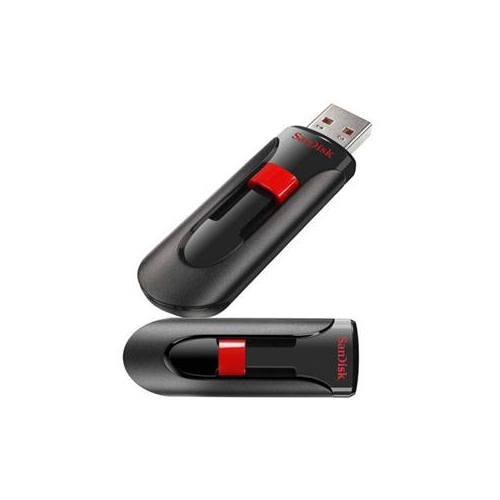 Your price for this item is $44.95
 -
 Your price for this item is $69.95
 -
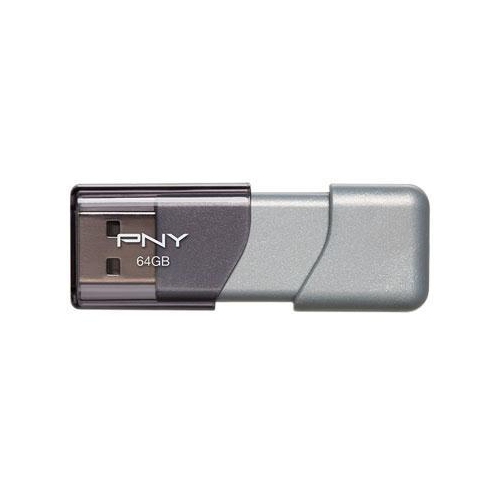 Your price for this item is $59.68
 -
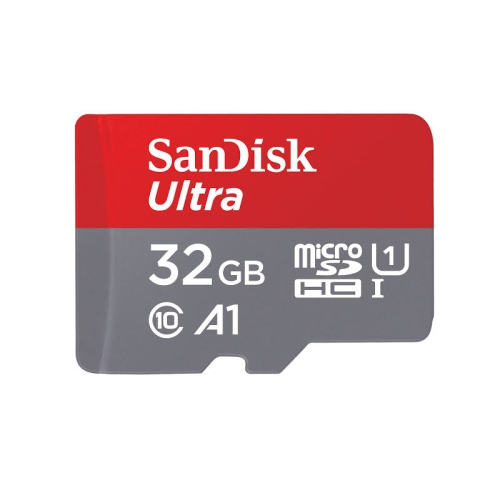 Your price for this item is $32.45
 -
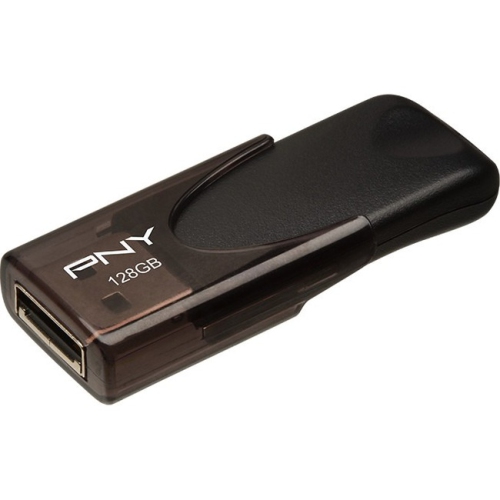 Your price for this item is $34.68
 -
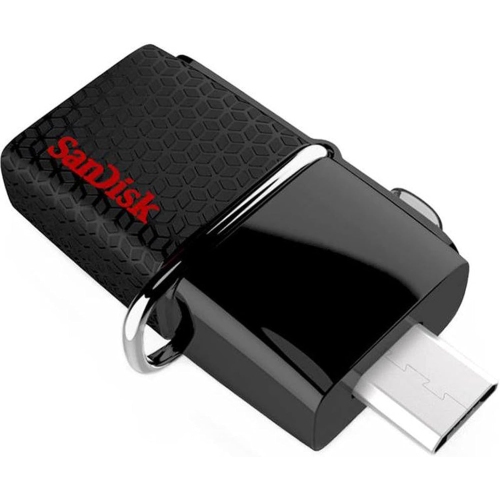 Your price for this item is $38
 -
 Your price for this item is $49.99
 -
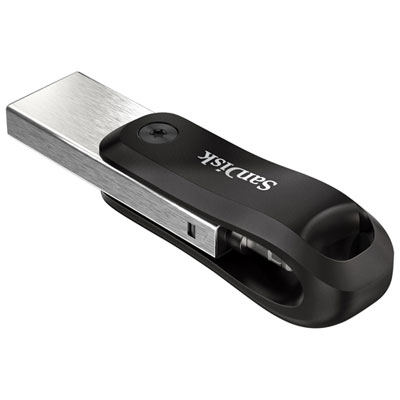 Your price for this item is $169.99
Discover more categories related to Smallest Usb C Flash Drives
Top Collections:
Pokemon Centers, Best Budget Office Chairs, Budget 4K TVs, Kindle Devices, Best Laptops for Writers, Canon G7X Cameras, Apple iPhones 16, iPhone 15 Apple, Laptops for Business Work, Xiaomi Phones
Some products may be subject to Environmental Handling Fees
(EHF) depending on your province.
Learn more about EHFs.