Best Wi-Fi for Gaming
Find the best Wi-Fi for gaming with options ranked by user review ratings. Whether you’re playing competitive matches or exploring online worlds, look for fast speeds, low latency, and reliable coverage to help keep your connection steady. Compare top-rated choices to find the right fit for your gaming setup and home network.
What to look for in gaming Wi-Fi routers
1. Wi-Fi Standard and Device Compatibility
2. Latency and Traffic Prioritization
3. Coverage and Frequency Bands
4. Ethernet Ports and Internet Speed
-
1
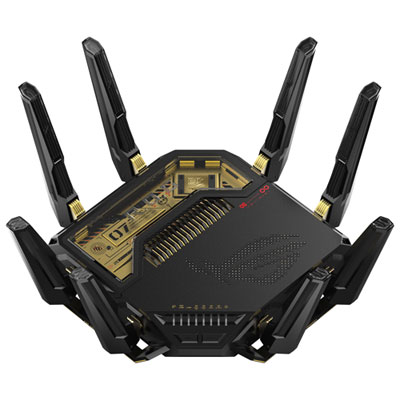
ASUS ROG Rapture Wireless BE30000 Quad-Band Wi-Fi 7 Router (GT-BE98 PRO) 20th Edition
About this product
A black wireless router delivering ultra-fast Wi-Fi 7 speeds, robust signal strength, and advanced network security.
(4)$999.99 Your price for this item is $999.99 -
2
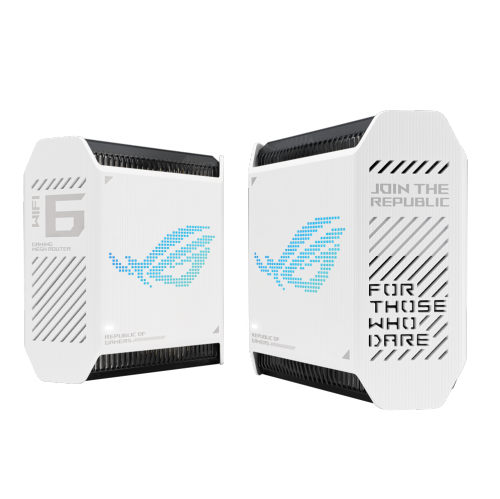
ASUS Gt6 Tri-Band Wifi 6 Mesh Wifi System, Covers Up to 5, 800 Sq Ft, 2.5 G Port, Triple-Level Game Acceleration, Rangeboost Plus, 5.9 Ghz, Free
About this product
A high-performance tri-band WiFi 6 mesh system in black with triple-level game acceleration and internet security.
(2)$629.99 Your price for this item is $629.99 -
3
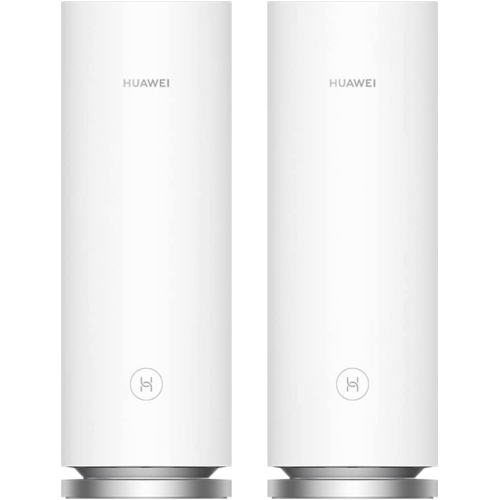
HUAWEI Wifi Mesh 7 Ax6600 - Whole Home Mesh Wifi System, Seamless & Speedy, Up to 6600Mbps, Connect 250+ Devices, Ultra-Fast Connection In Big-Multi
About this product
A tri-band mesh Wi-Fi system delivering up to 6600Mbps speeds and stable connections for 250+ devices.
(1)$222.68 Your price for this item is $222.68 -
4
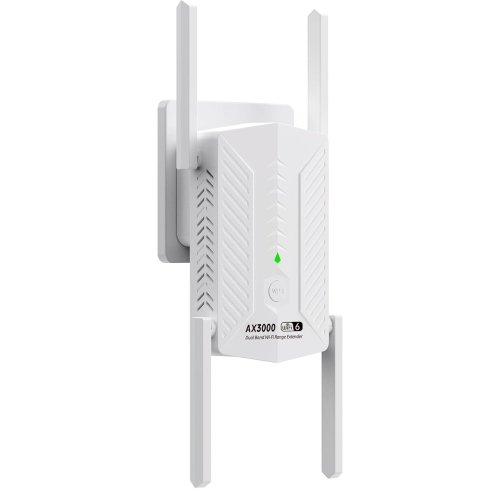
GOODLUCK TECH Ax3000 6-Band Wifi Extender, Wifi Repeater, Wireless Signal Booster With Gigabit Ethernet Port In White
About this product
A white wireless signal booster offering WiFi 6 speeds and a Gigabit Ethernet port for seamless connectivity.
(1)$96.95Your price for this item is $96.95SAVE $77 -
5
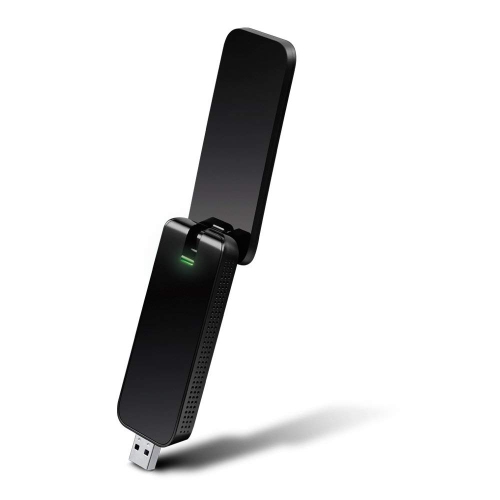
TP LINK Tp-Link Archer T4U 1300Mbps Dual Band USB 3.0 Wifi Adapter, Wireless Network Wifi Dongle With Foldable High Gain Antenna for P
About this product
A dual band USB 3.0 Wi-Fi adapter with foldable high-gain antenna for fast, stable connections.
(1)$49.61 Your price for this item is $49.61 -
6
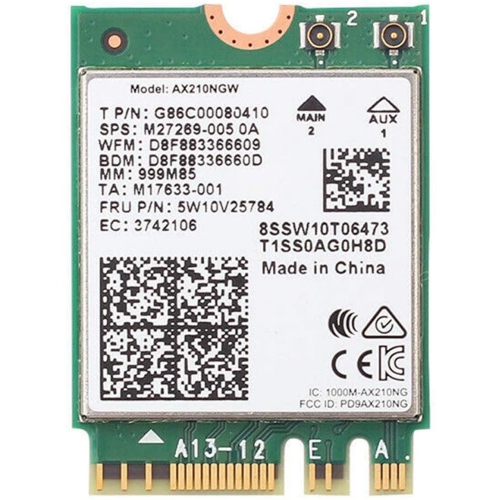
INTEL Intax210Ngw Wifi Card, Wifi 6E Ax210Ngw M.2 2230 Wireless Wifi Card Bt5.2 802.11Ax Tri-Band 160Mhz 2X2 Mu-Mimo Ax210 3000Mbps Ngff, Support
About this product
A high-speed Wi-Fi 6E wireless card with Bluetooth 5.2, tri-band support, and M.2 2230 interface.
(1)$26.99Your price for this item is $26.99SAVE $13 -
7
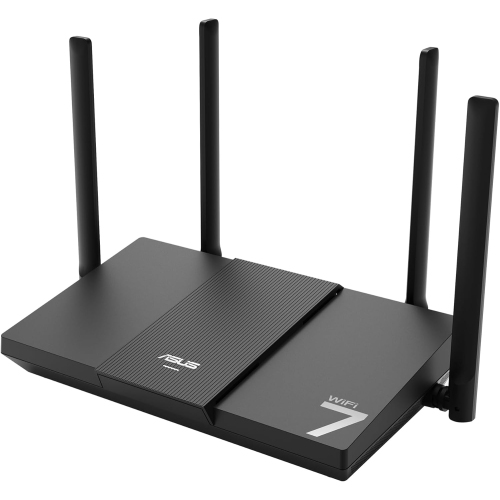
ASUS Rt-Be50
About this product
A dual-band WiFi 7 router delivering speeds up to 3600 Mbps for smooth streaming and gaming.
(3)$141.99Your price for this item is $141.99SAVE $18 -
8
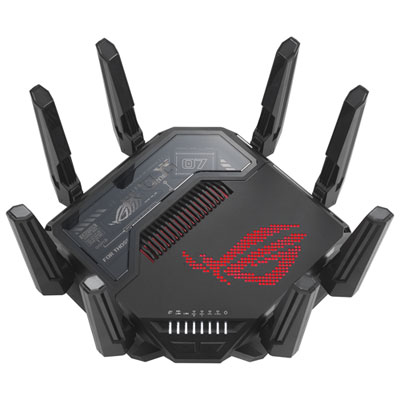
ASUS ROG Rapture Wireless Quad-Band Wi-Fi 7 Router (GT-BE98 PRO)
About this product
A quad-band Wi-Fi 7 router with ultrafast speeds and stable connections for gaming.
What customers like
(368)$949.99 Your price for this item is $949.99 -
9
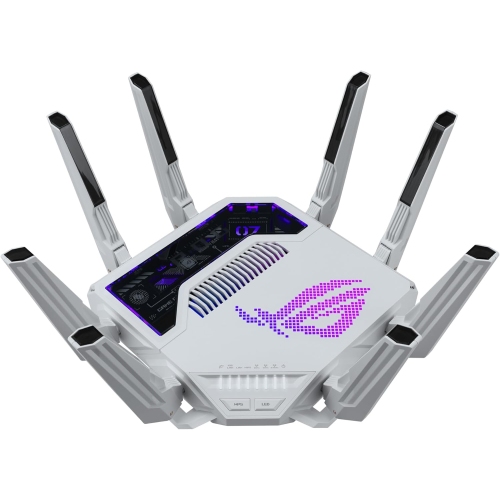
ASUS Rog Rapture Gt-Be19000Ai Tri-Band Gaming Router Wifi 7
About this product
A tri-band WiFi 7 gaming router featuring AI traffic optimization, 4K-QAM, MLO support, and game acceleration.
What customers like
(40)$1,410.14Your price for this item is $1410.14SAVE $141 -
10
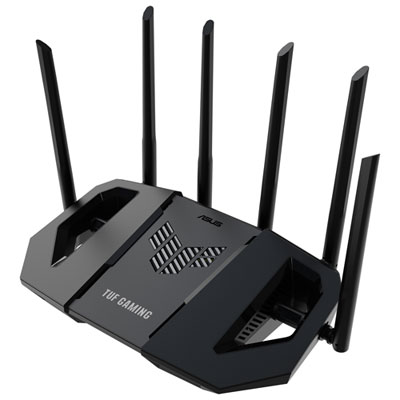
ASUS TUF Wireless Dual-Band Wi-Fi 7 Gaming Router (TUF-BE6500) - Only at Best Buy
About this product
A dual-band Wi-Fi 7 router with six antennas and quad 2.5GbE ports for ultra-fast gaming.
(19)$259.99 Your price for this item is $259.99
FAQ
Gaming routers often include dual-band or tri-band Wi-Fi, Ethernet ports, Quality of Service (QoS) settings and device management tools. Some also offer dashboards that display network activity and let you assign traffic priorities to connected devices.
Dual-band routers typically offer 2.4 GHz and 5 GHz bands. Tri-band routers add another band, which may be a second 5 GHz band or a 6 GHz band, depending on the model. Connecting to 6 GHz requires a device that supports that band.
These names identify generations of Wi-Fi technology. Wi-Fi 6 uses the 2.4 GHz and 5 GHz bands, while Wi-Fi 6E extends Wi-Fi 6 to the 6 GHz band. Wi-Fi 7 introduces features such as Multi-Link Operation, which allows compatible equipment to use multiple wireless links. Available features depend on both the router and your gaming device.
A mesh Wi-Fi system consists of a main router and additional units, often called nodes, that work together as one network. Nodes can communicate wirelessly or, on supported systems, through an Ethernet connection known as wired backhaul. Gaming devices can connect through Wi-Fi or available Ethernet ports.
That depends on your internet service and existing equipment. Cable internet typically uses a modem, while fibre service generally uses an optical network terminal. A Wi-Fi router shares that internet connection with your devices. If your provider supplies a gateway with built-in Wi-Fi, it may already combine the functions your setup needs.
Top selling and popular products
Discover more categories related to Best Wi-Fi for Gaming
Some products may be subject to Environmental Handling Fees (EHF) depending on your province. Learn more about EHFs.