Best Wired Headphones
Find your next favourite pair with our best wired headphones, ranked based on customer review ratings. Whether you’re listening to music, taking calls, or settling in for a gaming session, explore options that suit your needs and compare feedback on sound quality, comfort, and fit.
What to look for in wired headphones
1. Sound Quality
2. Fit and Comfort
3. Connection Compatibility
4. Cable and Controls
-
1
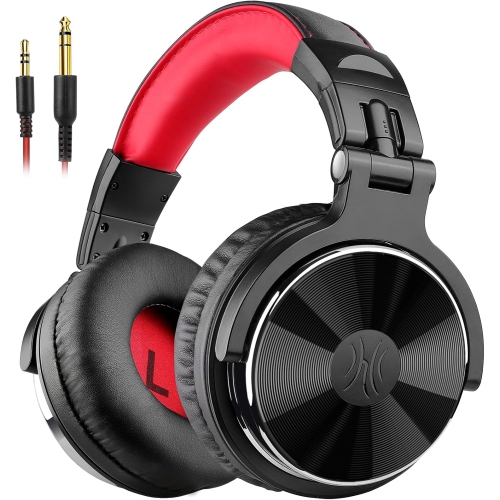
ONEODIO Pro-10 Over Ear Wired Headphones for School Studio Monitor & Mixing Dj Stereo Headsets With 50MM Neodymium Drivers (Red)
About this product
A pair of red over-ear wired headphones featuring 50mm neodymium drivers for studio-quality sound.
What customers like
(50)$95.99Your price for this item is $95.99SAVE $40 -
2
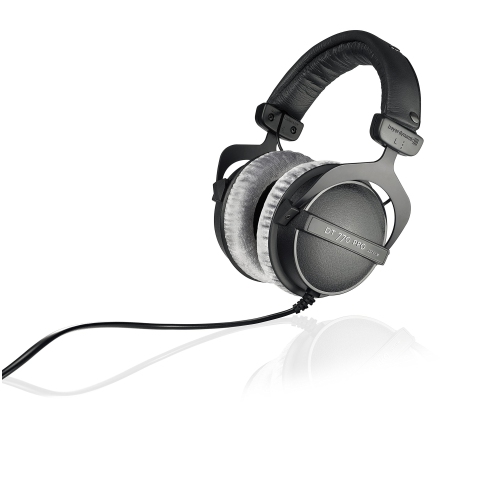
BEYERDYNAMIC Dt 770 Pro 250 Ohm Over-Ear Studio Headphones. Enclosed Design, Wired for Professional Recording And Monitoring
About this product
A wired, enclosed over-ear headphone designed for professional studio recording and monitoring applications.
(4)$259.99 Your price for this item is $259.99 -
3
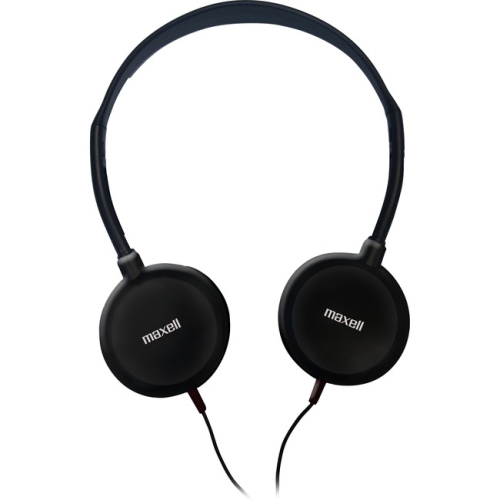
MAXELL HP-200 Lightweight Stereo Headphones (190318)
About this product
A pair of lightweight silver and black wired headphones with 3.5mm jack and 4 ft cable.
(1)$26.37Your price for this item is $26.37SAVE $2 -
4
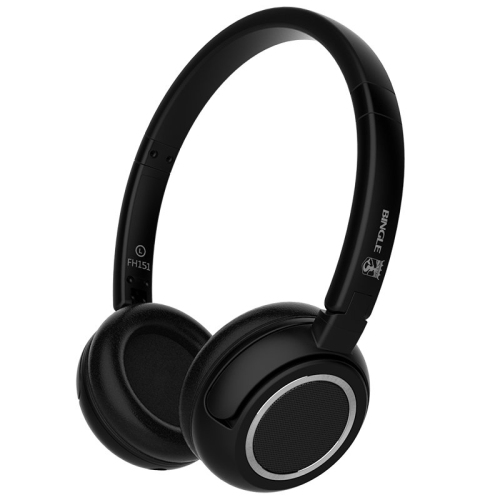
MKL Bingle Fh151 Wired Lightweight Headphones- In Black
About this product
A pair of lightweight wired headphones in sleek black, delivering clear audio for everyday listening.
(1)$89.99 Your price for this item is $89.99 -
5
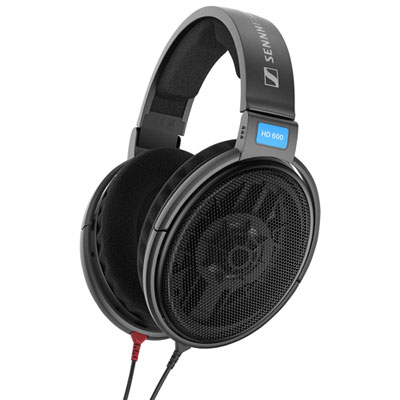
Sennheiser HD 600 Wired Audiophile Open Back Headphones - Black
About this product
An open-back wired headset in black delivering audiophile-grade sound with soft, replaceable ear pads.
What customers like
(43)$349.99Your price for this item is $349.99SAVE $100 -
6
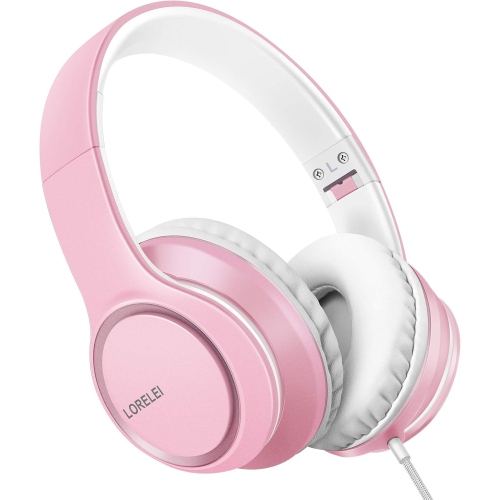
LORELEI X8 Over-Ear Wired Headphones w Microphone | 1.45M Tangle-Free Nylon Cable, Foldable & Lightweight Portable Headphones for Smartphone
About this product
A foldable, lightweight pink over-ear headset with microphone and a 1.45m tangle-free nylon cable.
(3)$67.99Your price for this item is $67.99SAVE $45 -
7
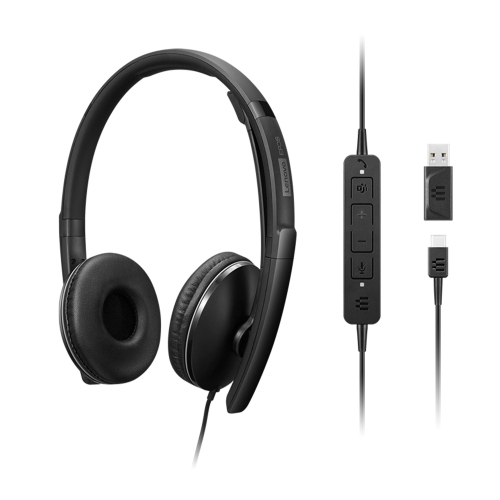
LENOVO Wired Anc Headset Gen 2 (Teams)
About this product
A wired headset with active noise cancellation, optimized for Teams meetings and clear audio communication.
(2)$177.37Your price for this item is $177.37SAVE $17 -
8
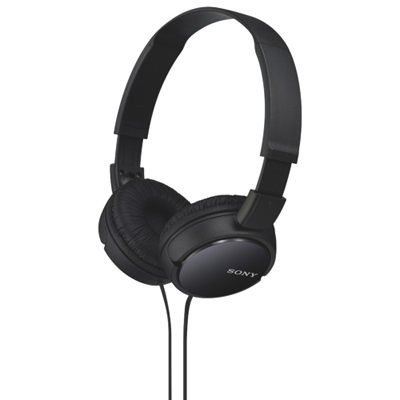
Sony MDR-ZX110 Over-Ear Headphones - Black
About this product
A lightweight, foldable pair of black headphones delivering powerful sound with a stylish on-ear design.
What customers like
(11,634)$24.99 Your price for this item is $24.99 -
9
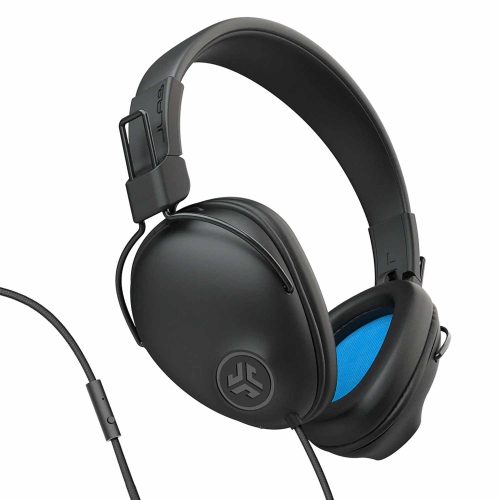
JLAB Studio Pro Wired Over-Ear Headphones In Black
About this product
A pair of black over-ear headphones featuring ergonomic fit and customizable EQ3 sound for immersive audio.
What customers like
(70)$39.99 Your price for this item is $39.99 -
10
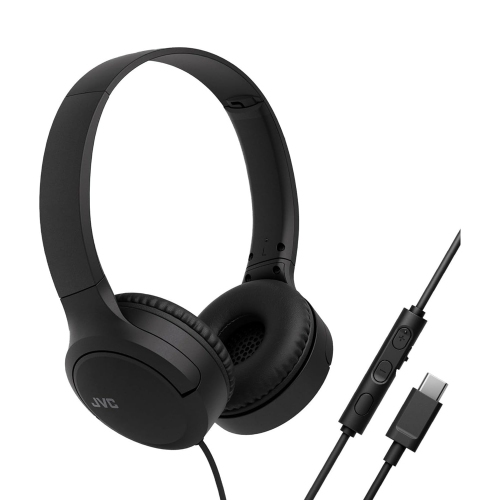
JVC - Wired USB-C Headphones With Microphone – Lightweight, Comfortable, Foldable - Ha-S33Uc-B In Black
About this product
A lightweight pair of black USB-C headphones with microphone, soft ear cushions, and convenient in-line controls.
What customers like
(161)$47.76Your price for this item is $47.76SAVE $22
FAQ
Common options include 3.5 mm plugs, 6.35 mm plugs, USB-C and USB-A. Analogue plugs connect to compatible headphone jacks, while USB connections carry digital audio. Check the audio output on your device before choosing a connector.
Yes. You can use headphones with a compatible USB-C or Lightning connector, or connect analogue headphones through a compatible audio adapter. Some phones require an adapter with a built-in digital-to-analogue converter (DAC), so check the phone’s audio requirements.
Some wired headphones have an inline microphone and buttons for functions such as pausing music, adjusting volume and answering calls. Others provide audio playback only. Microphone and button compatibility can vary by device, operating system and adapter.
Detachable cables unplug from the headphones as well as the audio source. This lets you replace the cable separately or switch between compatible cable options. Headphone-side connectors and wiring can differ, so replacement cables need to match your headphones’ specifications.
Unplug the headphones by holding the connector rather than pulling the cable. Coil the cable loosely instead of wrapping it tightly around the headphones, and use a case or pouch to keep the cable and accessories together. Follow the manufacturer’s care instructions for the ear cushions and other materials.
Top selling and popular products
Discover more categories related to Best Wired Headphones
Some products may be subject to Environmental Handling Fees (EHF) depending on your province. Learn more about EHFs.