Best Second Screens for Laptops
The best second screens for laptops give you more space to work, study, and enjoy entertainment without constantly switching between windows. Ranked by user review ratings, this selection helps you compare options for your desk or on-the-go setup. Find the right fit by considering screen size, resolution, portability, and connections that work with your laptop.
What to look for in second screens for laptops
1. Screen Size and Portability
2. Connectivity and Compatibility
3. Resolution and Display Quality
4. Stand and Adjustability
-
1
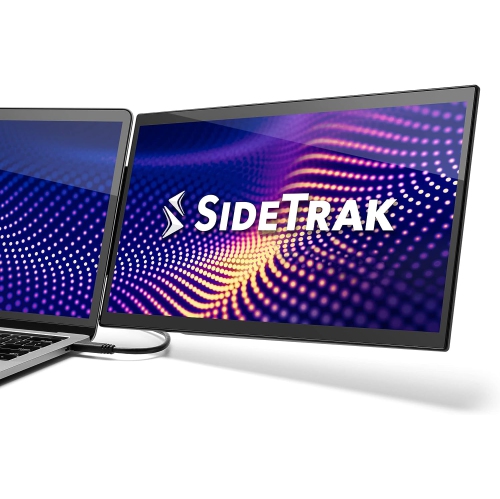
SIDETRAK Swivel V3 13.3" 1080P HD Ips Portable Laptop Monitor - USB-C
About this product
An ultra-sleek, attachable 1080P monitor with aluminum frame, tempered glass, and versatile swivel design.
(8)$749.99 Your price for this item is $749.99 -
2
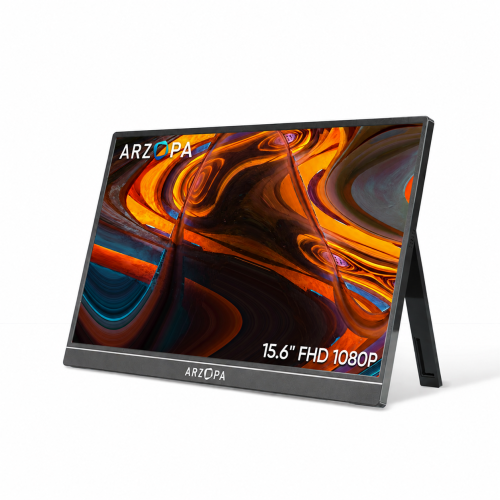
ARZOPA Portable Monitor 15.6" Fhd 1080P Kickstand Portable Laptop Monitor Ips Computer External Screen USB C HDMI Display for PC Mac Phone - A1
About this product
A portable 15.6" FHD 1080P IPS monitor with adjustable metal kickstand and versatile USB-C/HDMI connectivity.
(5)$109.99Your price for this item is $109.99SAVE $60 -
3
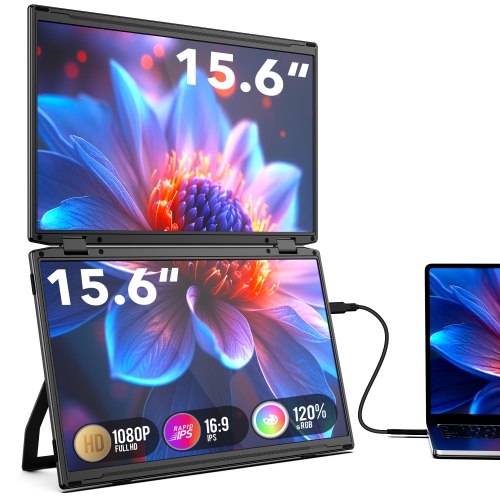
TUTT M4 15.6" Dual-Screen 1080P HD Ips Led Portable Monitor - USB-C/mini HDMI - HDr - In Grey
About this product
A dual-screen portable monitor with 15.6" FHD IPS displays, 330° rotation, USB-C/Mini HDMI, and speakers.
(4)$349.90Your price for this item is $349.90SAVE $230 -
4
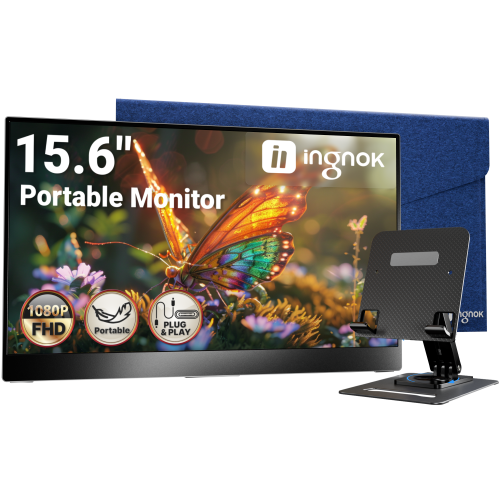
INGNOK Portable Monitor w Adjustable Stand, 15.6 Inch Fhd 1080P, Dual USB C, Mini HDMI Laptop Screen Extender for Laptop, Mini PC, Mac, Built-In
About this product
A portable 15.6" FHD 1080P IPS monitor with 1200:1 contrast, USB-C, HDMI, and adjustable stand.
(3)$99.99Your price for this item is $99.99SAVE $90 -
5

SIDETRAK Swivel 14" Attachable Portable 1080P HD Ips Monitor - USB-C - Mini HDMI - In Silver
About this product
A silver attachable 14" FHD IPS monitor offering USB-C or Mini HDMI connectivity for portable dual-screen productivity.
(1)$479.99 Your price for this item is $479.99 -
6
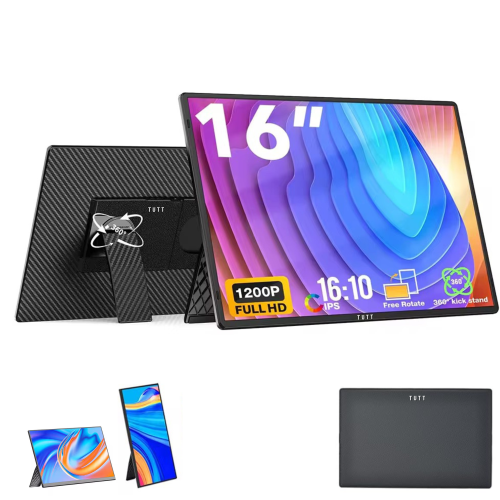
TUTT N3 16" 1920X1200 Ips Lcd Portable Monitor - USB-C & HDMI - 360° Rotating Stand - Speakers
About this product
A portable 12" Full HD IPS monitor extender with built-in stand, speakers, and universal plug-and-play compatibility.
(1)$189.90Your price for this item is $189.90SAVE $46 -
7
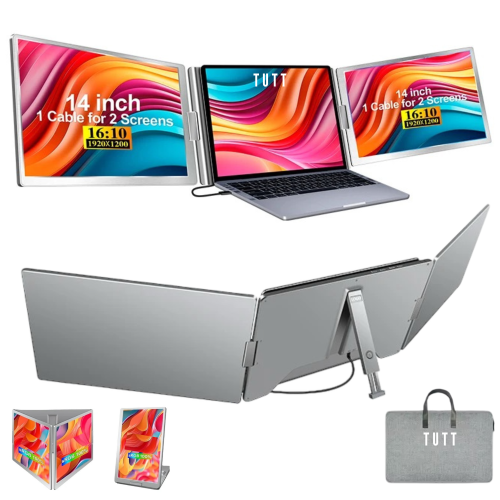
TUTT Quad Screen Extender 16" 1920X1200 Ips Lcd 16:10 Portable Monitor (S788) - USB-C
About this product
A 14" dual portable laptop monitor with FHD 1080P resolution and single cable setup for triple screens.
(1)$1,199.90Your price for this item is $1199.90SAVE $150 -
8
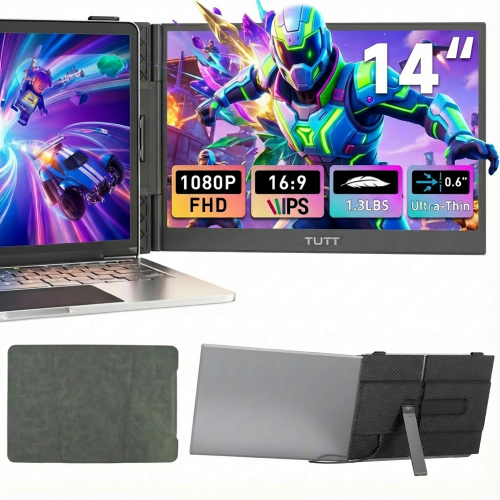
TUTT S8 Dual 14" 1080P HD Ips Led Portable Laptop Screen Extender Monitor - USB-C/hdmi
About this product
A portable 12-inch Full HD IPS monitor with built-in stand, speakers, anti-glare, HDMI, and Type-C connectivity.
(1)$269.90Your price for this item is $269.90SAVE $70 -
9
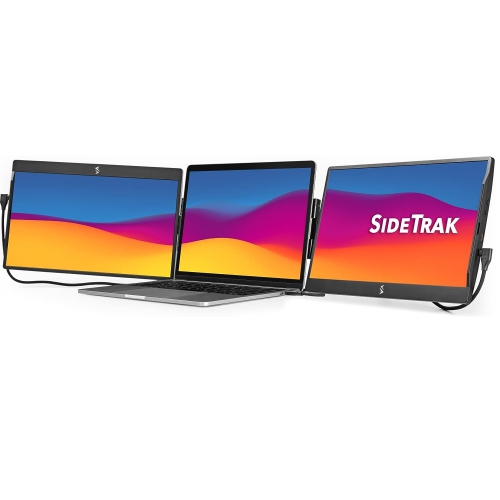
SIDETRAK Swivel 14" 1080P HD Ips Portable Monitor - USB-C/mini HDMI
About this product
A pair of attachable black 14" FHD IPS monitors offering triple-screen productivity via USB-C or Mini HDMI.
(1)$949.99 Your price for this item is $949.99 -
10
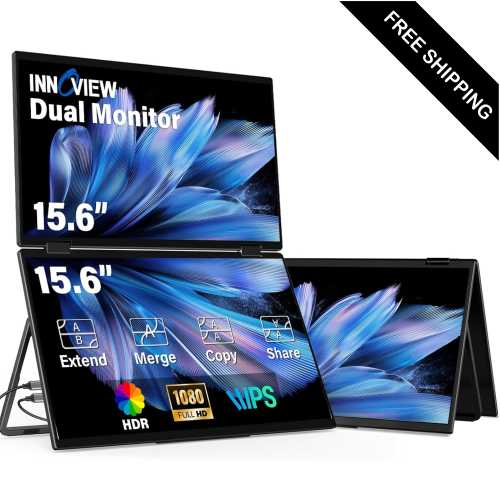
LDAS ELECTRONICS Laptop Screen Extender Dual-Screen 23.8" 1080P HD Ips Led Portable Monitor - USB-C/hdmi - 100Hz
About this product
A dual portable monitor with 1080P FHD, 100% sRGB colour, and a smooth 100Hz refresh rate.
(1)$397.49Your price for this item is $397.49SAVE $402
FAQ
Common options include desktop monitors, portable monitors and laptop-mounted screen extenders. Desktop monitors suit a dedicated workstation, while portable monitors are designed to move between locations. Laptop-mounted extenders attach to a compatible laptop and may add one or more displays.
Common connections include HDMI, DisplayPort and USB-C with video support. Some USB-C monitors can receive video and power through one cable when the laptop and monitor support it. Other setups require a separate power connection, an adapter or a docking station.
Check your laptop’s video outputs, operating system requirements and supported external display configurations. A USB-C port must support video output, such as DisplayPort Alt Mode or compatible Thunderbolt functionality, to connect directly to a USB-C monitor. Also confirm that your cable, adapter or dock supports the monitor’s resolution and refresh rate.
Extending creates a desktop across your laptop screen and external display, so you can place different windows on each. Duplicating shows the same content on both screens. You can usually choose either mode and arrange the displays in your operating system’s display settings.
Depending on your connections and workspace, you may need a video cable, a power adapter or a compatible docking station. A monitor stand or mounting arm offers additional positioning options, while a protective sleeve can help keep a portable monitor covered during transport. Check which cables and accessories are included before choosing extras.
Top selling and popular products
Discover more categories related to Best Second Screens for Laptops
Some products may be subject to Environmental Handling Fees (EHF) depending on your province. Learn more about EHFs.