Second Monitors for Laptop
Enhance your workspace and boost productivity with a second monitor for laptop setups. Whether you're working from home, managing multiple projects, or enjoying entertainment, adding an extra screen makes multitasking easier and more efficient. Explore a wide selection of second monitors for laptop use, designed to fit various needs and preferences. Find the perfect solution to expand your viewing area and streamline your workflow.
Sort

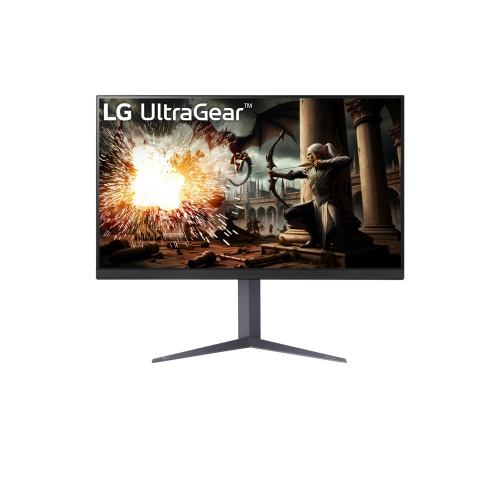
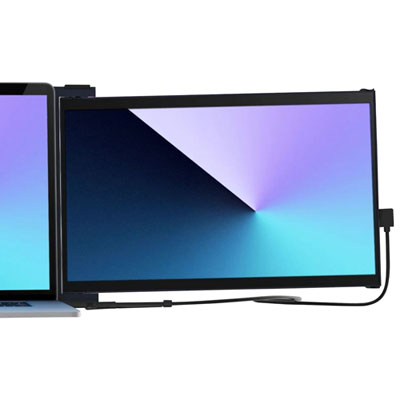

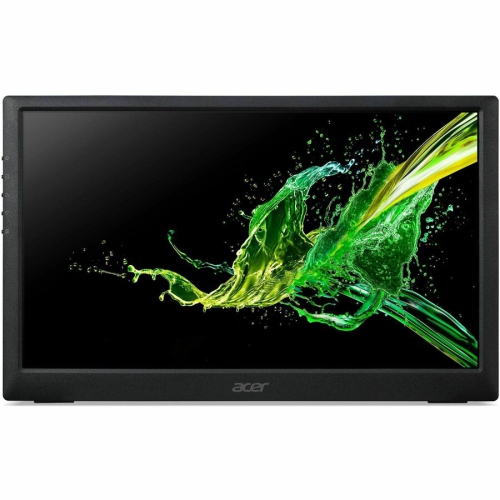
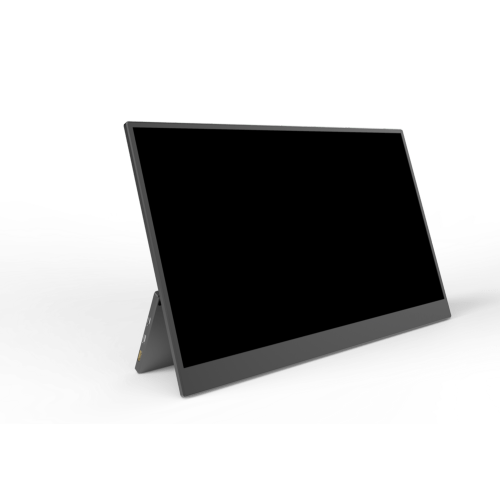
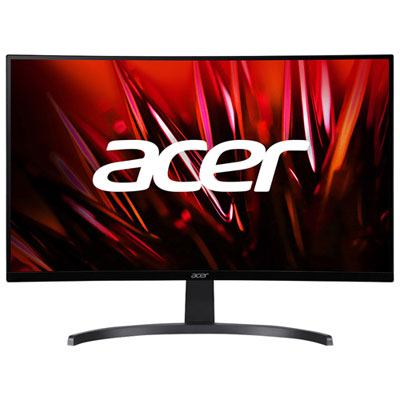
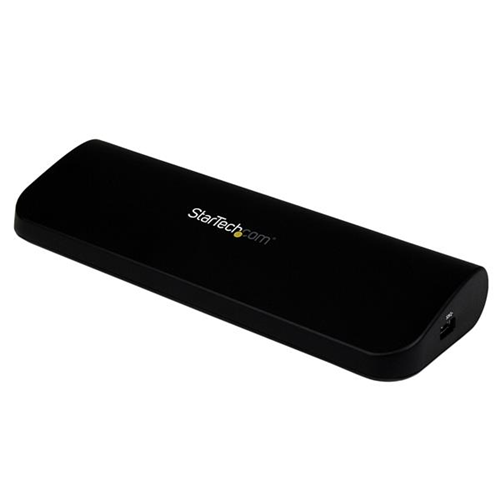
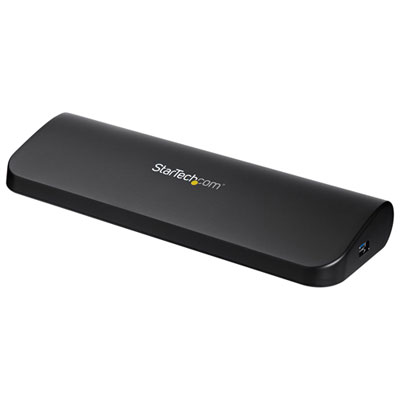
How a second screen supports work, study, and entertainment
Adding a second monitor for your laptop is a practical upgrade that can transform your daily workflow, whether you’re working from a home office, managing studies, or simply looking for a more immersive entertainment experience. With the arrival of spring, many Canadians are refreshing their workspaces, and integrating a second display is a popular way to boost productivity and comfort. Students and professionals alike benefit from the expanded screen real estate, making it easier to compare documents side by side, keep video calls open while working, or monitor multiple data streams simultaneously. For those who spend hours editing photos, creating presentations, or managing spreadsheets, a dual monitor for laptop best buy can mean less time toggling between windows and more time focusing on the task at hand. Even casual users will appreciate the convenience of streaming a show on one screen while browsing the web or staying connected with friends on the other.
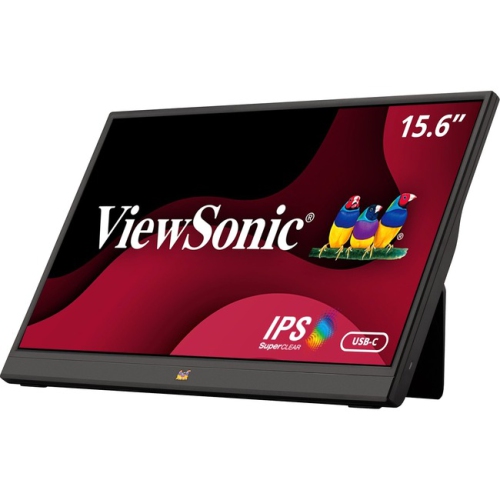
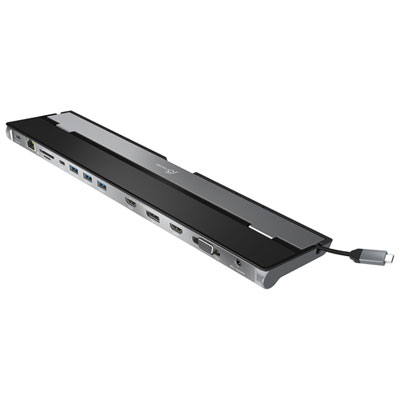
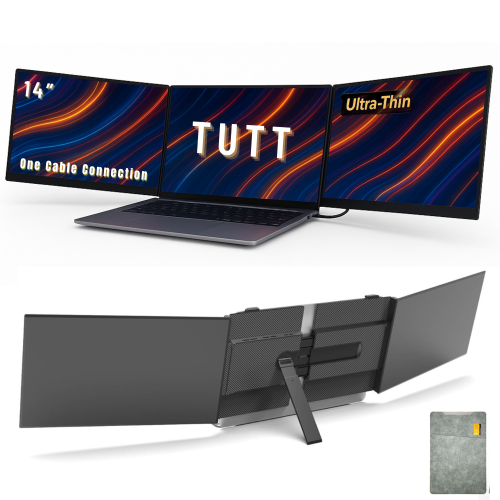
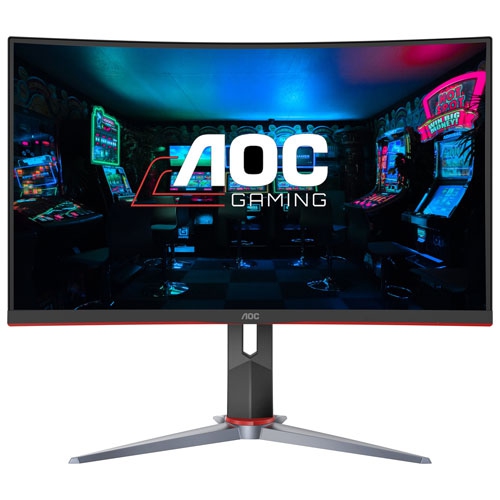
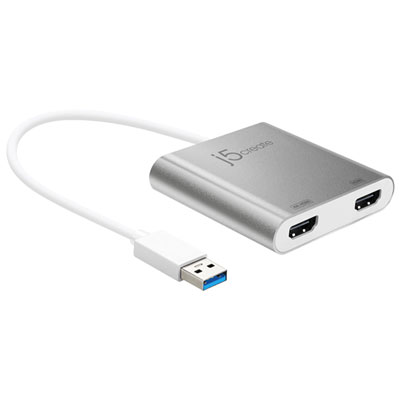
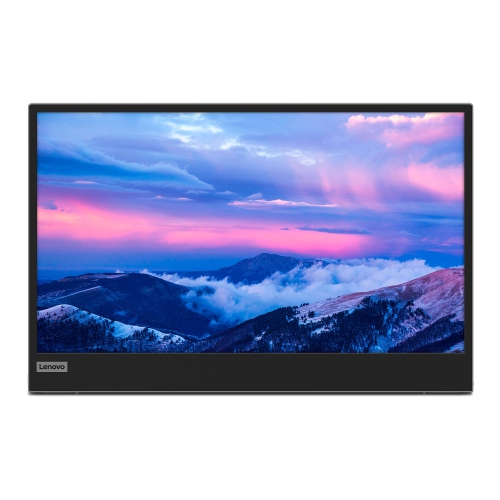
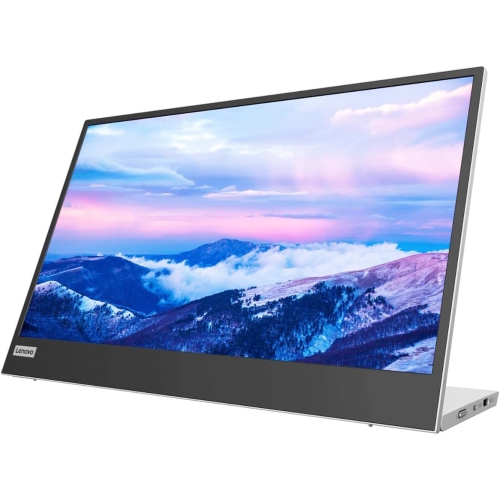
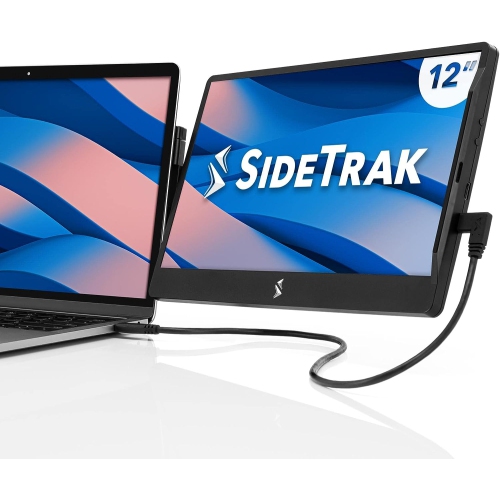
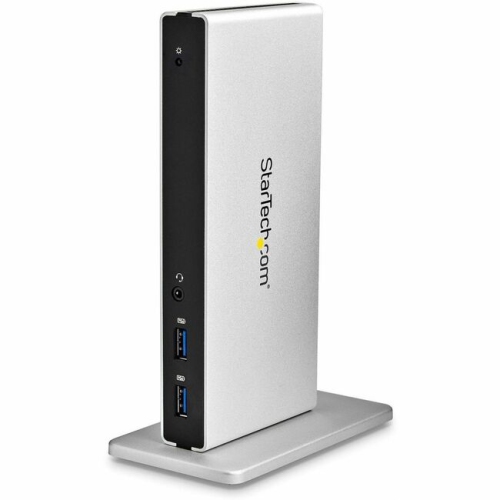
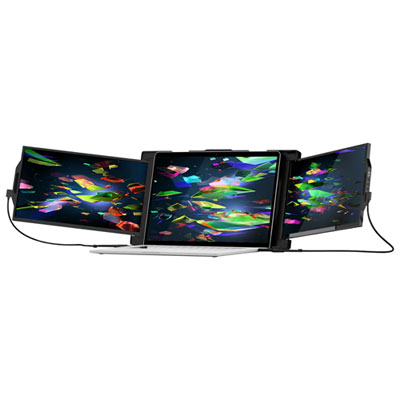
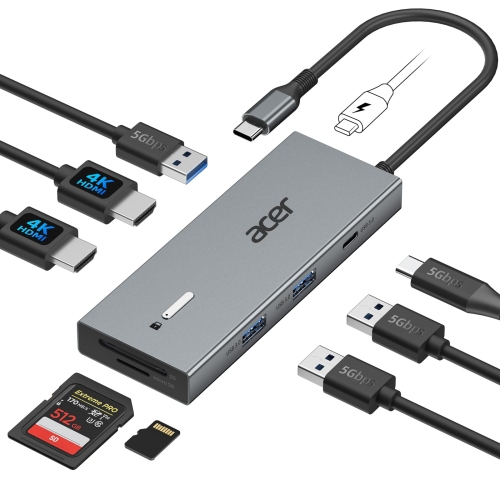
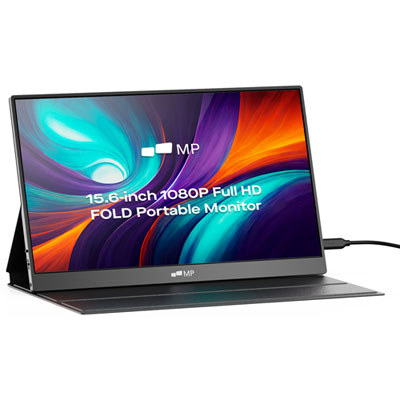
When considering a second monitor for your laptop, it’s important to think about how and where you’ll use it. If you’re always on the move, a slim, lightweight portable monitor that connects via USB-C or mini HDMI is a smart choice. These portable screens slip easily into a laptop bag, making them ideal for business travellers, students who move between classes, or anyone working from different locations. They’re also a thoughtful gift for someone starting a new job or heading off to university, offering both flexibility and a touch of luxury to their setup. On the other hand, if your workspace is more permanent, a larger desktop monitor connected through HDMI, DisplayPort, or USB-C can create a comfortable, eye-level viewing experience that’s easy on the eyes during long sessions. Spring is also a great time to organize your cords and adapters, ensuring you have the right connections for your laptop’s ports—USB-to-HDMI adapters are available if your device needs a little help bridging the gap. For those with modern laptops, USB-C connections often provide both power and video, reducing cable clutter.
Setting up a second monitor is straightforward with most laptops. Once connected, Windows users can extend their display in the settings, unlocking a seamless multi-tasking environment. Wireless display options, such as casting to a smart TV, add even more versatility, especially in shared spaces or for casual viewing. As you explore your options, remember that the right monitor can make a world of difference in your comfort and efficiency. For more information and to discover a wide range of models suited for different needs, visit our External Monitor page. Whether you’re upgrading your home office this spring, helping a student gear up for exams, or simply looking to streamline your digital life, a second monitor for your laptop is an investment in convenience and productivity that pays off every day.
When considering a second monitor for your laptop, it’s important to think about how and where you’ll use it. If you’re always on the move, a slim, lightweight portable monitor that connects via USB-C or mini HDMI is a smart choice. These portable screens slip easily into a laptop bag, making them ideal for business travellers, students who move between classes, or anyone working from different locations. They’re also a thoughtful gift for someone starting a new job or heading off to university, offering both flexibility and a touch of luxury to their setup. On the other hand, if your workspace is more permanent, a larger desktop monitor connected through HDMI, DisplayPort, or USB-C can create a comfortable, eye-level viewing experience that’s easy on the eyes during long sessions. Spring is also a great time to organize your cords and adapters, ensuring you have the right connections for your laptop’s ports—USB-to-HDMI adapters are available if your device needs a little help bridging the gap. For those with modern laptops, USB-C connections often provide both power and video, reducing cable clutter.
Setting up a second monitor is straightforward with most laptops. Once connected, Windows users can extend their display in the settings, unlocking a seamless multi-tasking environment. Wireless display options, such as casting to a smart TV, add even more versatility, especially in shared spaces or for casual viewing. As you explore your options, remember that the right monitor can make a world of difference in your comfort and efficiency. For more information and to discover a wide range of models suited for different needs, visit our External Monitor page. Whether you’re upgrading your home office this spring, helping a student gear up for exams, or simply looking to streamline your digital life, a second monitor for your laptop is an investment in convenience and productivity that pays off every day.
Top selling and popular products
-
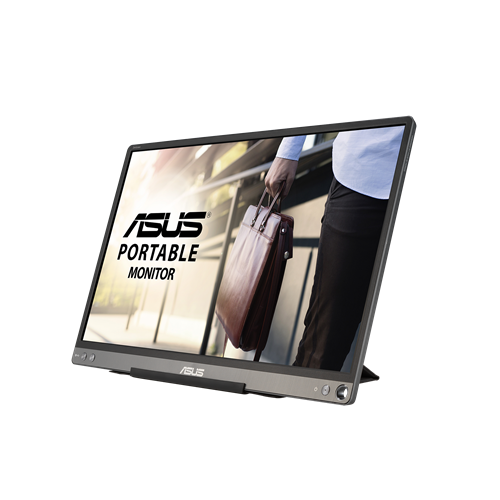 Your price for this item is $299
 -
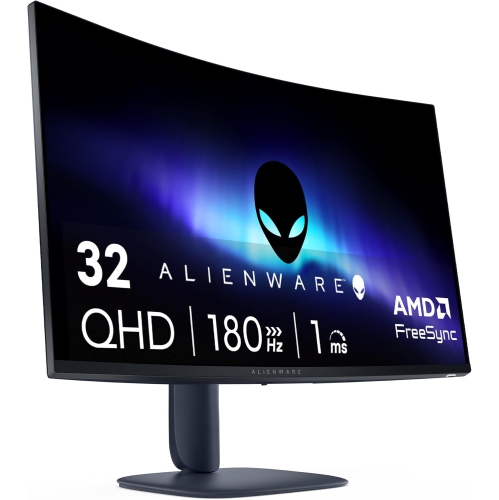 Your price for this item is $599
 -
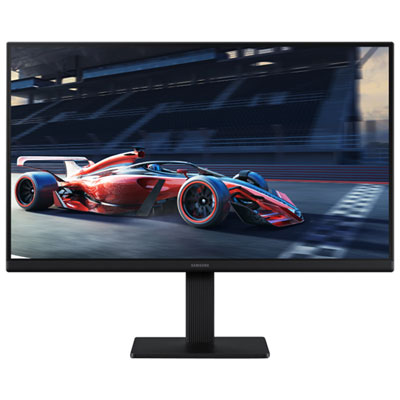 Your price for this item is $94.99
 -
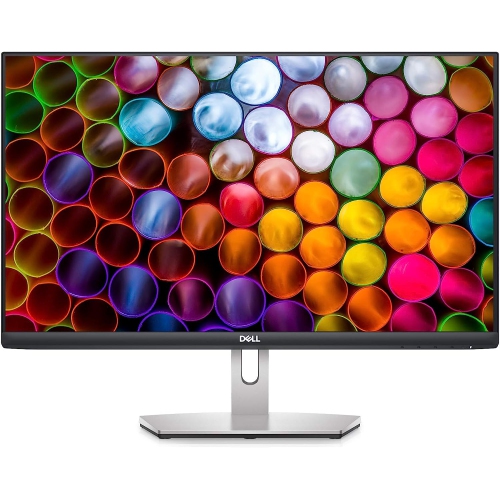 Your price for this item is $329.99
 -
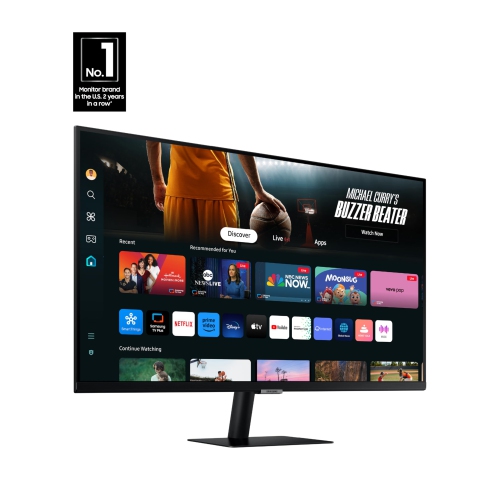 Your price for this item is $499
 -
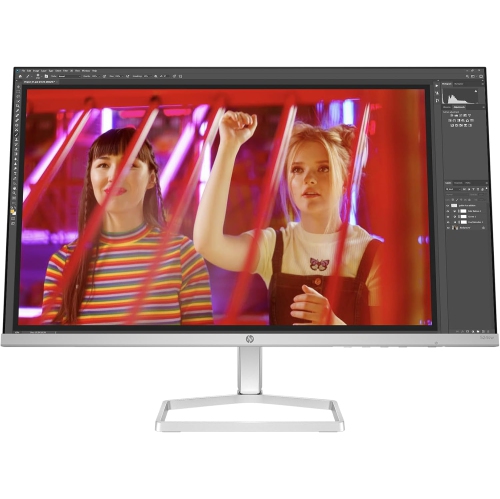 Your price for this item is $265.99
 -
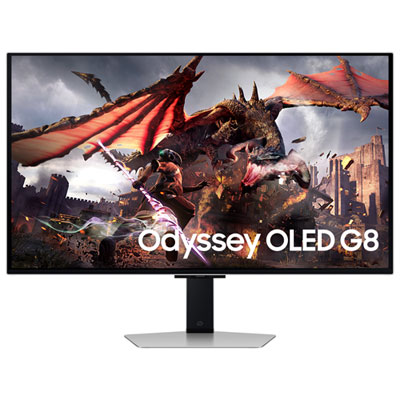 Your price for this item is $1299.97
 -
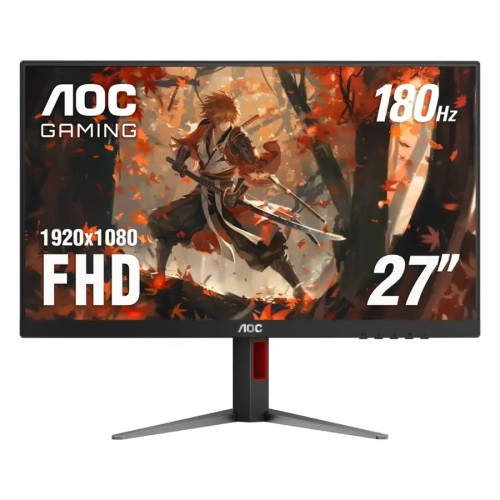 Your price for this item is $249.99
Discover more categories related to Second Monitors for Laptop

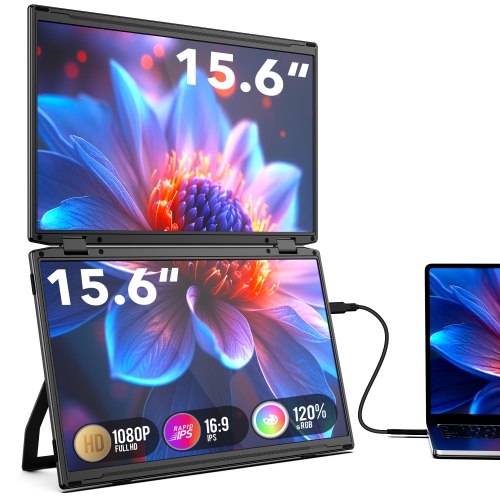
Top Collections:
Pokemon Centers, Kindle Devices, Best Budget Office Chairs, Apple iPhones 16, Best Laptops for Writers, iPhone 15 Apple, Canon G7X Cameras, Refurbished Apple Laptops, Alarm Clock, Motorola Razr Phones
Some products may be subject to Environmental Handling Fees
(EHF) depending on your province.
Learn more about EHFs.