Best External SSDs PS5

Find the best external SSDs for PS5, ranked by user review ratings, to give your game library more room. External SSDs let you store PS5 games and play compatible PS4 games directly from the drive. When you’re ready to play a stored PS5 game, simply transfer it back to your console’s internal storage. Compare storage capacities, transfer speeds, and portable designs to find the right fit for your gaming setup.

Read More

What to look for in external SSDs for PS5

1. Game Compatibility

An external USB SSD can store PS5 games, but you must copy them back to the console’s internal storage or a compatible installed M.2 SSD to play them. PS4 games can be played directly from compatible USB extended storage.

2. Storage Capacity

PS5 supports USB extended storage drives from 250 GB to 8 TB. Choose enough space for your game library, allowing extra room for large downloads and updates.

3. USB Connectivity

Look for an SSD that supports SuperSpeed USB at 5 Gbps or faster, and connect it directly to a compatible high-speed USB port on your PS5. Check the included cable and connector type, as port availability varies by console model.

4. Portability and Build Quality

A compact SSD is easy to position beside your console or carry between locations. Look for a sturdy enclosure and a cable long enough for your setup, and safely disconnect the drive through the console’s settings before unplugging it.
  1. 1

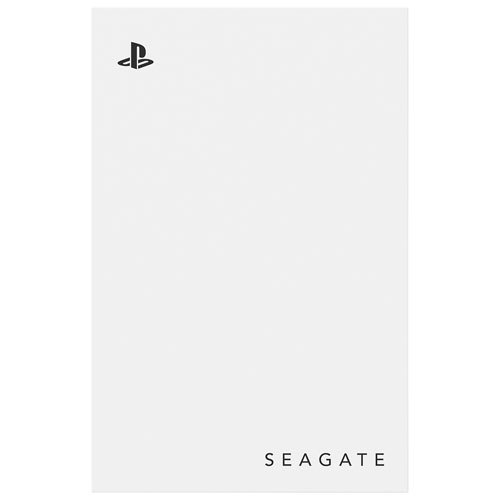
    Seagate 2TB USB 3.0 External Hard Drive for PlayStation (STLV2000101) - White

    About this product

    A white USB 3.0 external hard drive offering 2TB of extra storage for PlayStation consoles.

    What customers like

    • Compact and portable design
    • Easy setup and installation
    • Ample storage capacity
    • Fast data transfer speeds
    • Reliable performance
    (685)
    $194.99 Your price for this item is $194.99
  2. 2

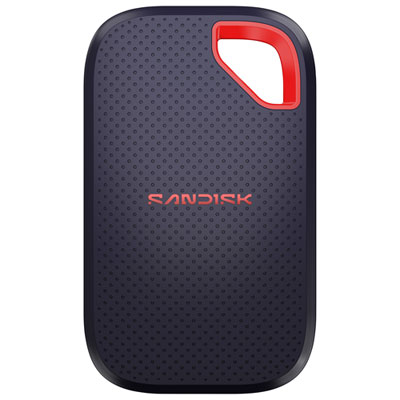
    SanDisk Extreme 1TB NVMe PCI-e External Solid State Drive (SDSSDE70-1T00-G25) - Black

    About this product

    A portable black external SSD offering fast 2,000MB/s read speeds for quick and reliable file transfers.

    What customers like

    • Reliable and durable performance
    • Compact and portable design
    • Ample 1TB storage for backups
    • Fast transfer speeds
    • Easy and intuitive to use
    (50)
    $374.99 Your price for this item is $374.99
  3. 3

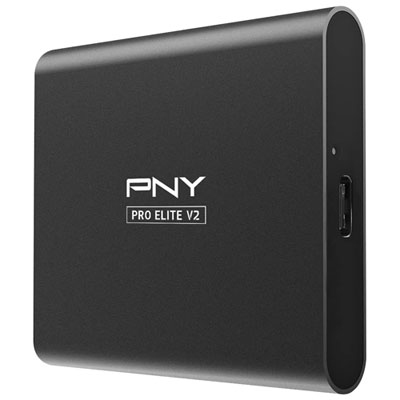
    PNY Pro Elite V2 1TB USB 3.2 External Solid State Drive (PSD0CS2160-1TB-RB) - Black

    About this product

    A black external solid state drive offering 1TB storage and fast USB 3.2 Gen 2 transfer speeds.

    What customers like

    • Compact and lightweight
    • Good value for the price
    • Easy to use
    • Fast data transfer speeds
    • Reliable performance
    (32)
    $239.99 Your price for this item is $239.99
  4. 4

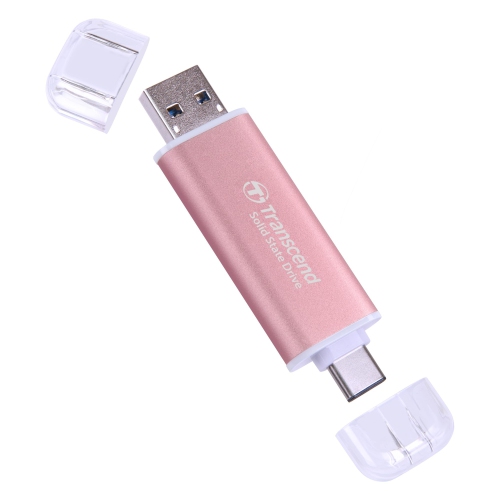
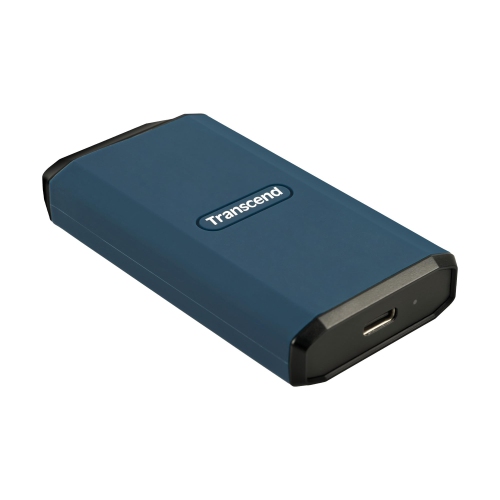
    TRANSCEND Esd310 2Tb External SSD, Up to 1, 050Mb/s, Dual USB Drive, 2-In-1 Type C &a, USB 3.2 Gen2 Portable SSD

    About this product

    A portable 2TB SSD offering up to 1,050MB/s speeds with dual USB Type-C and Type-A connectivity.

    $667.91
    SAVE $446
    Your price for this item is $667.91
  5. 5

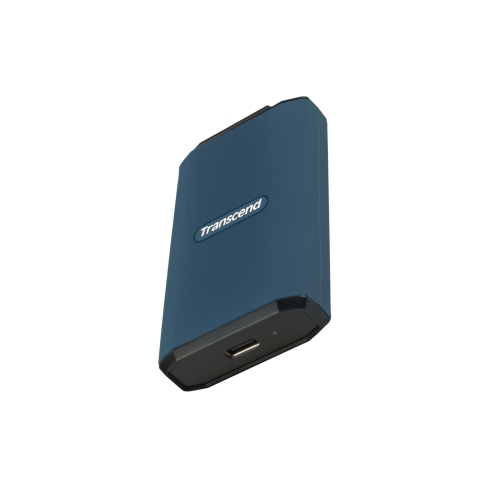
    TRANSCEND 2Tb External SSD, Up to 2000Mb/s, Supports Apple 4K 60Fps Prores, USB Hard Drive Ipx5 Water-Resistant USB 3.2 Gen2 (20GBps) Portable SSD

    About this product

    A portable 2TB external SSD offering up to 2000MB/s speeds and IPX5 water resistance for versatile use.

    $755.44
    SAVE $408
    Your price for this item is $755.44
  6. 6

    SEAGATE Brand New - 2Tb USB 3.0 External Hard Drive for Playstation (Stlv2000101) - In White

    About this product

    A white 2TB USB 3.0 external hard drive designed for seamless PlayStation gaming storage expansion.

    $210.00 Your price for this item is $210
  7. 7

    FANXIANG Ps2000 1Tb External SSD, Portable External Solid State Drive, Up to 2000Mb/s, USB 3.2 Gen 2 Type-C, Compatible w Iphone 15/pro, PC

    About this product

    A portable 1TB solid state drive offering up to 2000MB/s speeds with USB 3.2 Gen 2 Type-C connectivity.

    $269.00 Your price for this item is $269
  8. 8

    TRANSCEND 1Tb External SSD, Up to 2000Mb/s, Supports Apple 4K 60Fps Prores, USB Hard Drive Ipx5 Water-Resistant USB 3.2 Gen2 (20GBps) Portable SSD

    About this product

    A portable 1TB SSD offering up to 2000MB/s speeds, IPX5 water resistance, and USB 3.2 Gen2 connectivity.

    $369.91
    SAVE $247
    Your price for this item is $369.91
  9. 9

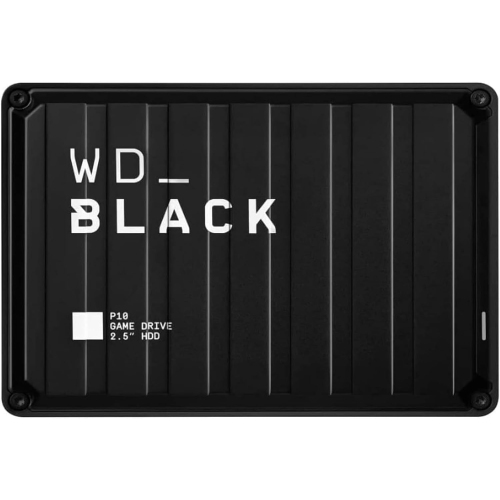
    WESTERN DIGITAL - P10 4Tb Portable External Game Drive for Ps4, Ps5, Xbox, PC And Mac - In Black

    About this product

    A black portable external hard drive with USB 3.0, supporting PlayStation, Xbox, PC, and Mac gaming.

    $319.99
    SAVE $110
    Your price for this item is $319.99

More room for PS5 archives and playable PS4 favourites

External SSDs for PS5 add USB storage for archiving PS5 games and storing and playing compatible PS4 games directly from the drive. PS5 games cannot be played directly from an external USB SSD: they must be copied back to the console’s built-in storage or a compatible internal M.2 SSD before play. That distinction makes external storage useful for keeping a larger game library without repeatedly downloading or reinstalling titles that are not in regular rotation. A completed adventure can stay on the external drive while a new release occupies the console’s playable storage, then move back when it is time to revisit unfinished missions or extra content. For a household that alternates between several large games, this provides a practical place to keep installed game files while reserving internal space for the titles being played most often. Compatible PS4 games have a different role: they can remain on the external SSD and launch from there, making USB storage particularly useful for a collection of older favourites. Compared with a mechanical external hard drive, an SSD can shorten transfers and reduce loading times in some PS4 games, although results depend on the game, connection, and console. It does not increase frame rates or add storage to the console’s graphics hardware. Shoppers browsing Best External SSDs for PS5 will find that the strongest fit depends on whether the priority is keeping PS5 games archived, playing a substantial PS4 library, or balancing both uses. If the goal is to install and play more PS5 games without transferring them between drives, compatible internal M.2 NVMe storage is the relevant category instead. Internal expansion uses a PCIe Gen4 x4 M.2 NVMe SSD that meets the console’s size and cooling requirements, with a recommended sequential read speed of at least 5,500 MB/s. An external SSD offers a separate kind of convenience: accessible USB storage that does not require opening the console’s expansion bay.

Capacity and connection quality shape the everyday experience of using an external SSD with PS5. For USB extended storage, the console supports compatible drives with capacities from 250 GB to 8 TB and a SuperSpeed USB connection rated at 5 Gbps or faster. Compatibility still needs to be checked for the individual drive and cable; capacity alone does not establish that a device will work as game storage. The right size depends on the library rather than a fixed number of games, because installation sizes vary considerably and updates can increase the space a title needs. A player keeping a few PS4 favourites alongside occasional PS5 archives has different requirements from someone moving several large installations off the console. Leaving spare space also makes it easier to accommodate an additional game without immediately having to delete another. Usable capacity will be lower than the advertised figure after formatting and differences in how storage capacity is measured. Transfer speed matters most when moving substantial game files, but the headline speed on an SSD is not a promise of identical performance on PS5. The supported USB port, cable, drive controller, and type of transfer all influence the result. A faster-rated drive cannot exceed the connection speed available to it, and a USB-C connector describes the plug shape rather than guaranteeing a particular data rate. A suitable data cable and a direct connection to a supported console USB port are important; USB extended storage should not be connected through a USB hub. Only one USB extended storage drive can be used at a time. Cable length is worth considering in a media unit, where a drive may sit beside the console rather than hang from its socket. A short cable can keep the setup tidy, while a little extra reach may suit a shelf with awkward port access. Neither arrangement should pull against the connector or place the drive where it is easily knocked loose.

The enclosure and overall construction matter because an external SSD becomes a physical part of the gaming setup. Solid-state storage has no moving mechanical parts, making it quiet in operation and less vulnerable to movement than a spinning hard drive, but it still needs protection from drops, moisture, and damaged connectors. Metal housings can help disperse heat, while lightweight plastic housings keep a drive easy to move between a desk and an entertainment centre. A textured finish or protective bumper may make handling easier, although impact resistance and water resistance should only be assumed when supported by the drive’s stated specifications. Compact designs fit neatly beside a console, but the cable and connector need enough clearance to avoid sharp bends. Keeping the drive on a stable surface, away from obstructed console vents, supports a cleaner setup and reduces accidental disconnections. A soft, dry cloth is generally suitable for exterior care; liquids should stay away from the ports, and the manufacturer’s cleaning instructions take precedence. Setup also deserves attention before a drive becomes part of a game library. Formatting it as USB extended storage erases existing files, so any important documents, photos, or other data need to be backed up elsewhere first. A drive formatted for console game storage should not be treated as a general-purpose computer drive at the same time. During use, transfers need to finish before the cable is removed, and the console’s safe-removal procedure helps protect stored data. External game storage is also different from a backup of saved progress: game saves are managed separately and should not be assumed to travel with an archived installation. For frequent players, shared households, or someone returning to a collection of PS4 games, an external SSD can make managing game files less disruptive. It can also be a thoughtful gift for a PS5 owner whose priorities include extra archive space or direct access to compatible PS4 titles, provided the recipient understands that PS5 games still need internal storage to run.
Read More

FAQ

Some products may be subject to Environmental Handling Fees (EHF) depending on your province. Learn more about EHFs.