Best External SSDs for PlayStation 5
The best external SSDs for PlayStation 5 offer fast transfers and extra storage to help you manage a growing game library. Ranked by user review ratings, these picks make it easier to compare highly rated options for your setup. Store PS5 games to transfer back to console storage when you’re ready to play, or play compatible PS4 games directly from your external SSD.
What to look for in external SSDs for PlayStation 5
1. Game Compatibility
2. Storage Capacity
3. USB Connectivity
4. Transfer Performance
-
1
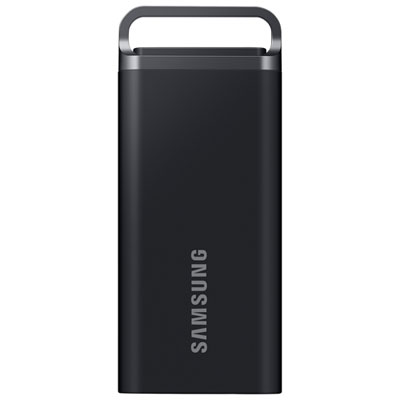
Samsung T5 EVO 4TB USB 3.2 External Solid State Drive (MU-PH4T0S/AM) - Black - English
About this product
A durable black external SSD offering 4TB storage and up to 460MB/s read/write speeds.
What customers like
(478)$789.95 Your price for this item is $789.95 -
2

Samsung T7 1TB USB 3.2 External Solid State Drive (MU-PC1T0T/AM) - Grey - English
About this product
A lightweight grey external SSD offering 1TB storage and ultra-fast USB 3.2 data transfer speeds.
What customers like
(4,864)$374.99 Your price for this item is $374.99 -
3
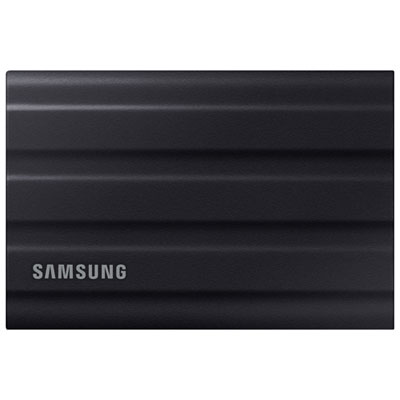
Samsung T7 Shield 2TB USB 3.2 External Solid State Drive (MU-PE2T0S/AM) - Black
About this product
A rugged black SSD offering 2TB storage, fast USB 3.2 speeds, and advanced data protection features.
What customers like
(2,521)$669.99 Your price for this item is $669.99 -
4
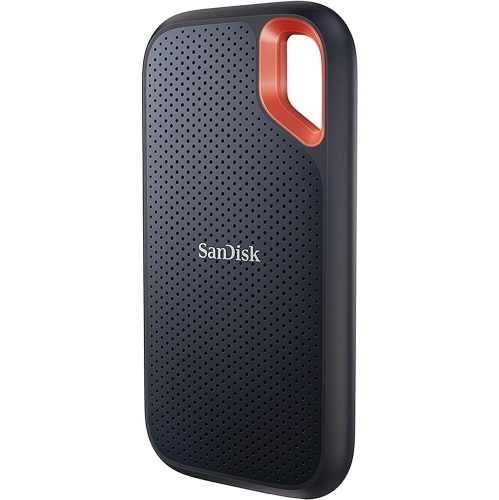
SANDISK 1Tb Extreme Portable SSD - Up to 1050Mb/s, USB-C, USB 3.2 Gen 2, Ip65 Water And Dust Resistance, Updated Firmware - External Solid State
About this product
A rugged portable SSD offering fast NVMe performance, USB-C connectivity, and IP65 water and dust resistance.
What customers like
(2,171)$315.99Your price for this item is $315.99SAVE $211 -
5
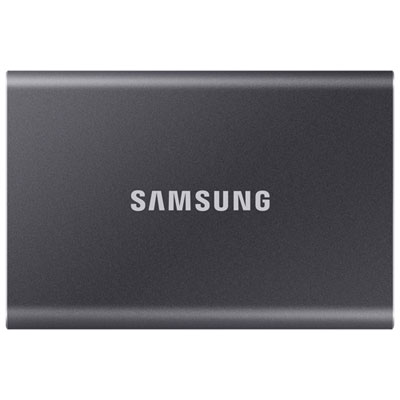
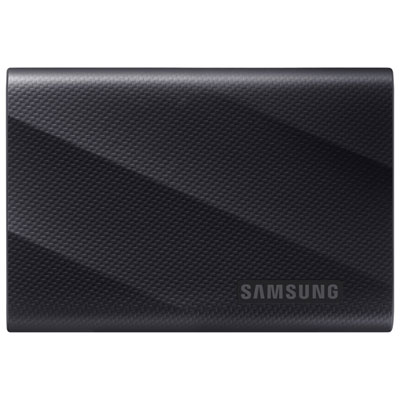
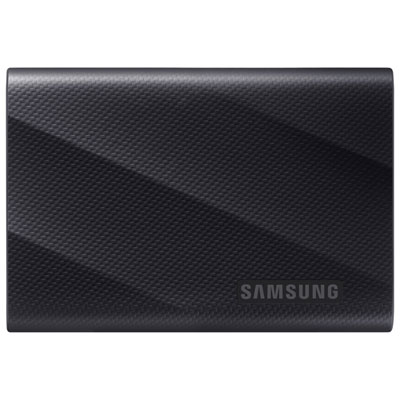
Samsung T7 4TB USB 3.2 External Solid State Drive (MU-PC4T0T/AM) - Black
About this product
A sleek black SSD offering 4TB storage, USB 3.2 speeds, and advanced data security features.
What customers like
(1,024)$1,489.97 Your price for this item is $1489.97 -
6
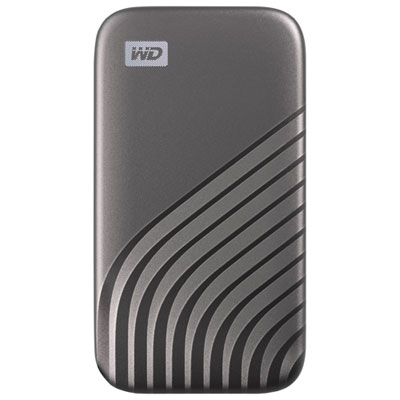
WD My Passport 2TB External Solid State Drive (WDBAGF0020BGY-WESN) - Grey
About this product
A grey portable SSD offering 2TB storage, fast 1050MB/s transfers, and 256-bit hardware encryption.
What customers like
(437)$544.99 Your price for this item is $544.99 -
7
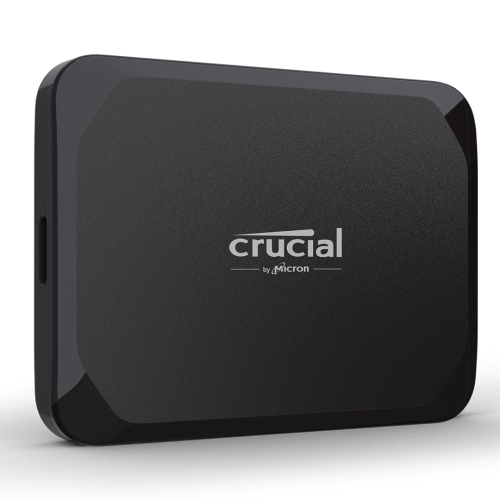
CRUCIAL X9 1Tb Portable SSD - Up to 1050Mb/s Read - PC And Mac, Lightweight And Small With 3-Month Mylio Photos
About this product
A lightweight black portable SSD offering up to 1050MB/s read speeds and PC/Mac compatibility.
What customers like
(257)$446.00Your price for this item is $446SAVE $53 -
8

Lexar 1TB USB 3.2 External Solid State Drive (LSL300001T-RNBNG)
About this product
A slim, lightweight external SSD offering 1TB storage, fast USB 3.2 transfers, and broad device compatibility.
What customers like
(55)$289.99 Your price for this item is $289.99 -
9
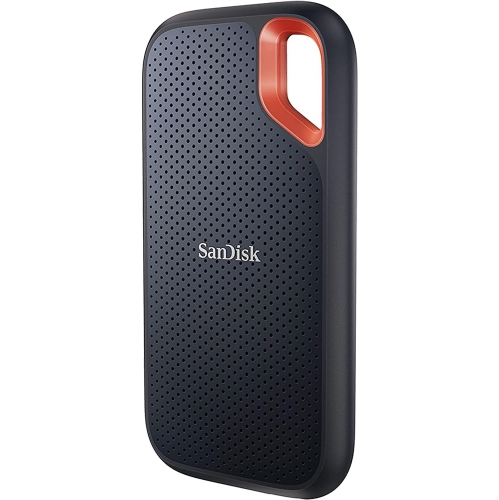
SANDISK 4Tb Extreme Portable SSD - Up to 1050Mb/s, USB-C, USB 3.2 Gen 2, Ip65 Water And Dust Resistance, Updated Firmware - External Solid State
About this product
A portable, high-capacity SSD with NVMe performance, USB-C connectivity, and water/dust resistance.
What customers like
(583)$758.99Your price for this item is $758.99SAVE $210 -
10
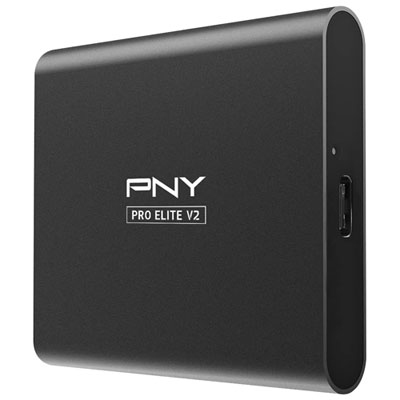
PNY Pro Elite V2 1TB USB 3.2 External Solid State Drive (PSD0CS2160-1TB-RB) - Black
About this product
A black external solid state drive offering 1TB storage and fast USB 3.2 Gen 2 transfer speeds.
What customers like
(32)$239.99 Your price for this item is $239.99
FAQ
No. An external USB SSD can store PS5 games, but you must copy them back to the console’s built-in storage or a compatible installed M.2 SSD before playing. External storage lets you keep games without downloading them again.
Yes. Compatible PS4 games can be installed and played directly from an external SSD formatted as USB extended storage on your PS5. You can also set USB extended storage as the default installation location for PS4 games.
Choose an external SSD that supports SuperSpeed USB at 5 Gbps or faster, and connect it directly to a compatible SuperSpeed USB port on your PS5. Use a cable that supports the drive’s data connection, not a charging-only cable. USB extended storage cannot be connected through a USB hub.
Connect the SSD to a compatible USB port, then go to Settings > Storage > USB Extended Storage and select Format as USB Extended Storage. Formatting erases existing data on the drive. A drive already formatted as USB extended storage for a PS4 or another PS5 generally does not need to be formatted again.
Open Settings > Storage, choose the storage location containing your games, and select the games you want to move. Follow the on-screen options to transfer them to USB extended storage or back to console storage. Game save data is managed separately and is not moved with the game installation.
Top selling and popular products
Discover more categories related to Best External SSDs for PlayStation 5

Some products may be subject to Environmental Handling Fees (EHF) depending on your province. Learn more about EHFs.