Best Gaming Earbuds PS5
Find the best gaming earbuds for PS5 with options ranked by user review ratings to help guide your search. Compare sound quality, microphone clarity, comfort, and PS5 connectivity to choose a pair that suits your setup, whether you’re coordinating with teammates or diving into a solo adventure.
What to look for in gaming earbuds for PS5
1. PS5 Compatibility
2. Low-Latency Audio
3. Microphone Clarity
4. Comfort and Battery Life
-
1
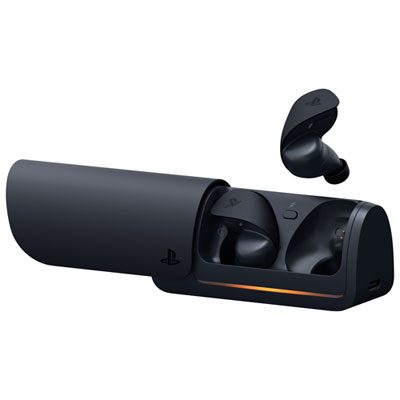
PULSE Explore Wireless Earbuds for PS4 / PS5 - Midnight Black
About this product
A pair of wireless black earbuds with ultra-low latency, rich audio detail, and AI noise-rejecting microphones.
(1)$199.99 Your price for this item is $199.99 -
2
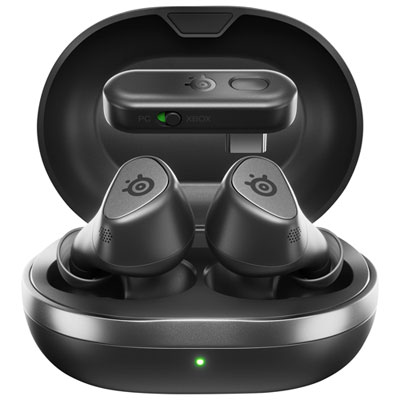
SteelSeries Arctis GameBuds In-Ear Gaming Headphones for Xbox Series X|S / Xbox One / PC / PS4 / PS5 / Nintendo Switch - Black
About this product
A pair of black true wireless earbuds offering 360° spatial audio, active noise cancellation, and dual connectivity.
(10)$219.98Your price for this item is $219.98SAVE $20 -
3
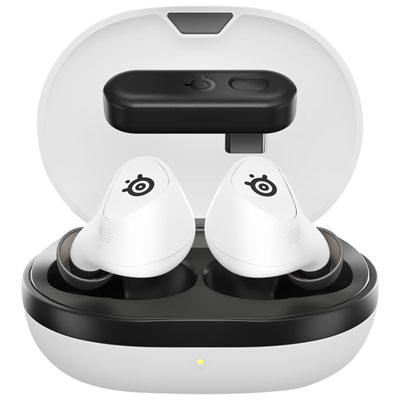
SteelSeries Arctis GameBuds In-Ear Gaming Headphones for PC / PS4 / PS5 / Nintendo Switch - White
About this product
A pair of white true wireless earbuds offering 360° spatial audio, active noise cancellation, and dual connectivity.
(5)$239.99 Your price for this item is $239.99 -
4
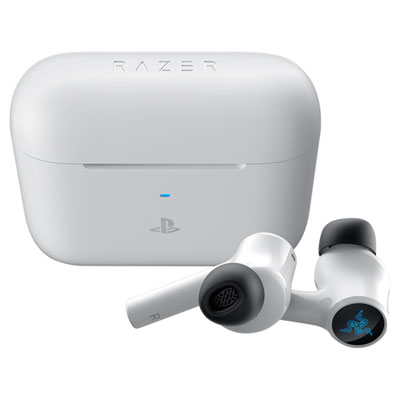
Razer Hammerhead HyperSpeed In-Ear Gaming Headphones for PC / PS4 / PS5 - White
About this product
A pair of white wireless earbuds with active noise cancelling and Bluetooth connectivity for immersive gaming audio.
(5)$219.95 Your price for this item is $219.95 -
5
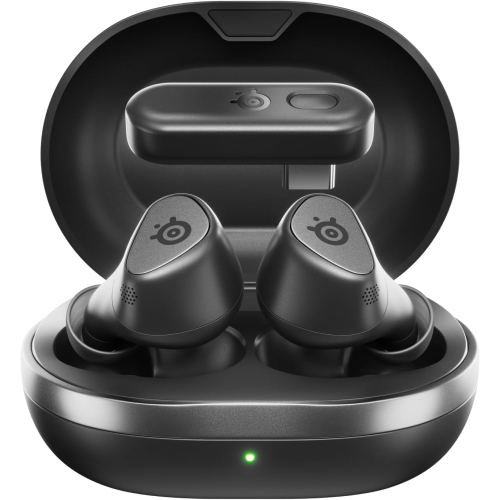
STEELSERIES Arctis Gamebuds for Playstation, PC, Switch, And Mobile - Quick-Switch Dual Wireless, Active Noise Cancelling, 40H Battery w Qi Charging
About this product
A pair of wireless gaming earbuds with active noise cancellation, 360° spatial audio, and Qi charging case.
$229.00 Your price for this item is $229 -
6
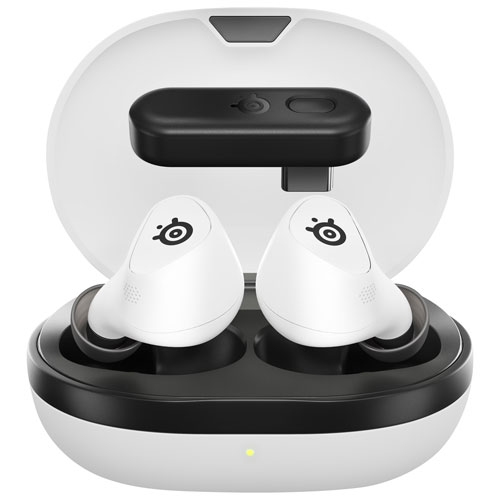
STEELSERIES - Arctis Gamebuds In-Ear Gaming Headphones for PC / Ps4 / Ps5 / Nintendo Switch - In White
About this product
A pair of white true wireless earbuds offering 360° spatial audio, active noise cancellation, and versatile connectivity.
$159.99Your price for this item is $159.99SAVE $80 -
7
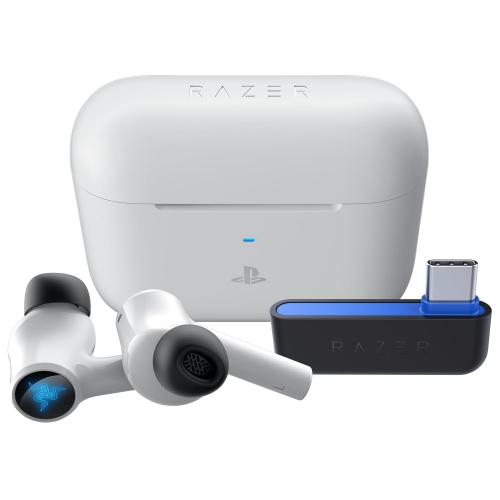
RAZER Hammerhead Hyperspeed In-Ear Wireless Gaming Earbuds for Ps5 | Ps4 | PC - In White
About this product
A white pair of wireless gaming earbuds with Bluetooth 5.2, active noise cancellation, and low-latency Gaming Mode.
$174.99Your price for this item is $174.99SAVE $45 -
8
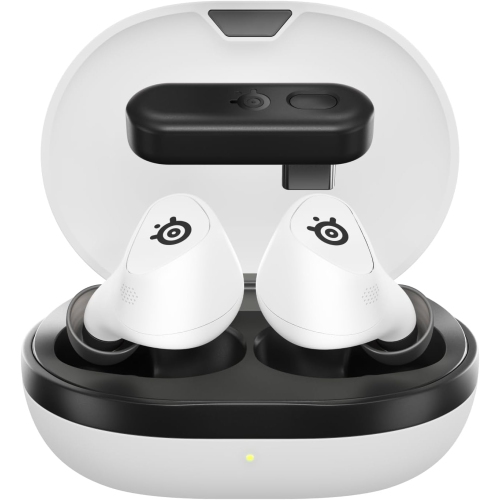
STEELSERIES Arctis Gamebuds In-Ear Gaming Headphones for Playstation - In White
About this product
A pair of white in-ear gaming earbuds offering 360° spatial audio, active noise cancellation, and dual wireless connectivity.
$174.99Your price for this item is $174.99SAVE $55 -
9
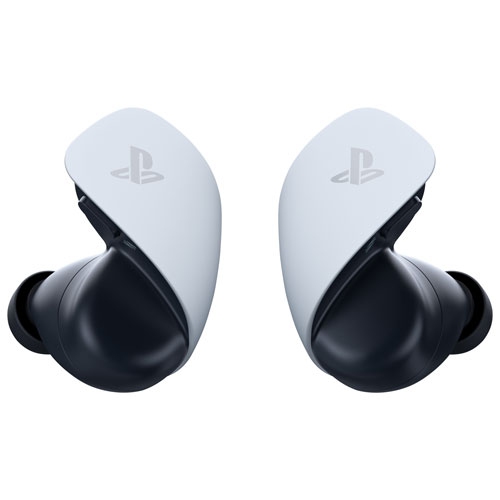
PLAYSTATION Brand New - Pulse Explore Wireless Earbuds - In White
About this product
A pair of white wireless earbuds delivering lifelike gaming audio with planar magnetic drivers and PlayStation Link connectivity.
$209.99Your price for this item is $209.99SAVE $60 -
10
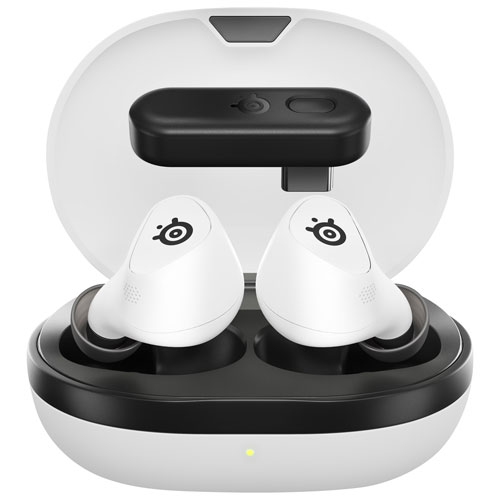
STEELSERIES Refurbished (Excellent) - Arctis Gamebuds In-Ear Gaming Headphones for Playstation - In White
About this product
A pair of white in-ear gaming headphones offering 360° spatial audio, active noise cancellation, and versatile connectivity.
$179.50Your price for this item is $179.50SAVE $59
FAQ
Wired earbuds with a compatible 3.5 mm plug can connect to the DualSense controller’s headset jack. Wireless gaming earbuds generally need a PS5-compatible USB transmitter. Check that the earbuds explicitly support PS5, as USB audio compatibility varies.
PS5 does not support direct pairing with standard Bluetooth earbuds for game audio. Some wireless gaming earbuds include a separate PS5-compatible USB transmitter. Bluetooth connectivity alone does not indicate PS5 compatibility.
Yes, provided the earbuds and their connection support microphone input on PS5. Compatible wired earbuds can carry audio and microphone input through the DualSense controller’s headset jack. For wireless earbuds, confirm that the USB transmitter supports both game audio and voice chat on PS5.
PS5 can process 3D Audio for compatible stereo headphones and earbuds, so a dedicated surround-sound driver setup is not required. Connect your earbuds through a supported audio connection, then open Settings > Sound > 3D Audio for Headphones to configure the feature. Availability can vary by game and audio setup.
Go to Settings > Sound to select your audio output device, choose your microphone input and adjust microphone levels. You can also press the PS button and open Sound in the control centre to access headphone volume and other available audio controls.
Top selling and popular products
Discover more categories related to Best Gaming Earbuds PS5
Some products may be subject to Environmental Handling Fees (EHF) depending on your province. Learn more about EHFs.