Best Headsets for PS5 Gaming
Find the best headsets for PS5 gaming with a selection ranked by user review ratings. Whether you’re teaming up with friends or diving into a solo adventure, explore options with immersive audio, clear voice chat, and a comfortable fit to help you get more out of every session.
What to look for in headsets for PS5 gaming
1. PS5 Compatibility and Connectivity
2. Sound Quality and Spatial Audio
3. Microphone and Chat Controls
4. Comfort and Battery Life
-
1
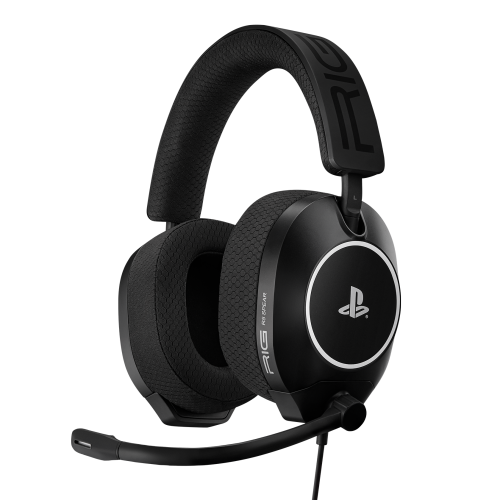
NACON Rig R5 Pro Hs Wired Gaming Headset for Playstation 5/playstation 4 - In Black
About this product
A black wired gaming headset compatible with PlayStation 5 and PlayStation 4.
(193)$99.99 Your price for this item is $99.99 -
2
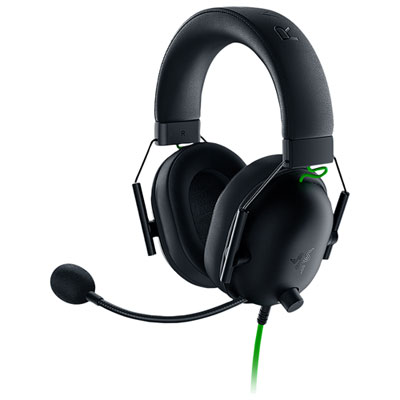
Razer BlackShark V2 X Gaming Headset with Microphone for PC - Black/Green
About this product
A black and green headset offering 7.1 surround sound, passive noise cancellation, and a hyper-clear microphone.
What customers like
(3,274)$49.98Your price for this item is $49.98SAVE $5 -
3
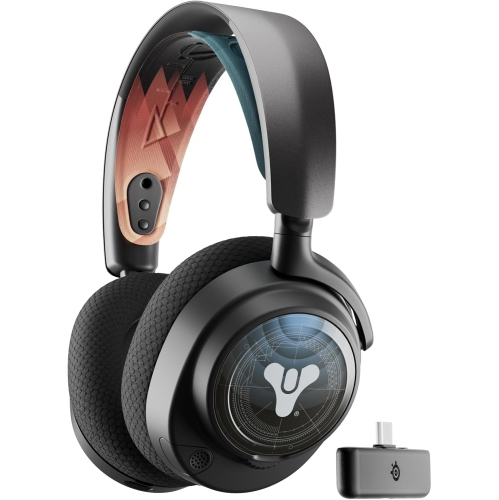
GENERIC Steelseries Arctis Nova 7P Wireless Multi-Platform Gaming Headset Bundle — Destiny 2: The Final Shape Edition — In-Game Items — 2.4Ghz
About this product
A wireless gaming headset bundle featuring 2.4GHz connectivity, Bluetooth, and exclusive Destiny 2 in-game items.
(535)$249.00Your price for this item is $249SAVE $50 -
4
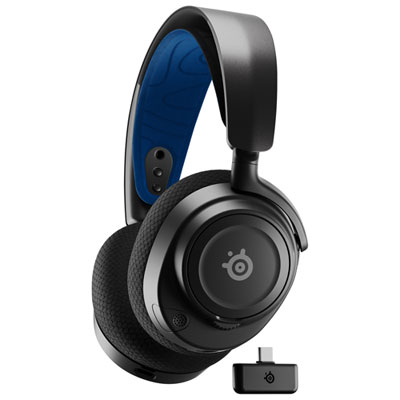
SteelSeries Arctis Nova 7P Wireless Gaming Headset for PC / PS4 / PS5 / Nintendo Switch - Black
About this product
A wireless black gaming headset delivering immersive sound and reliable connectivity for intense gaming sessions.
What customers like
(544)$249.95 Your price for this item is $249.95 -
5
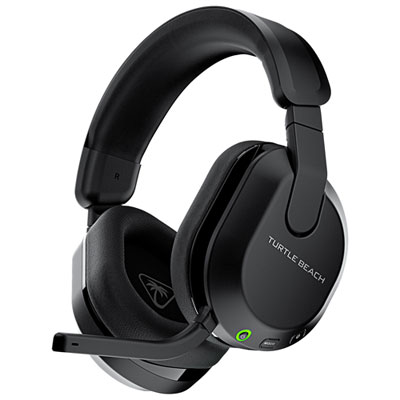
Turtle Beach Stealth 600 Wireless Gaming Headset for PC / PS4 / PS5 / Nintendo Switch - Black
About this product
A black wireless gaming headset offering 50mm drivers, flip-to-mute mic, and multi-platform connectivity.
What customers like
(540)$79.99Your price for this item is $79.99SAVE $50 -
6
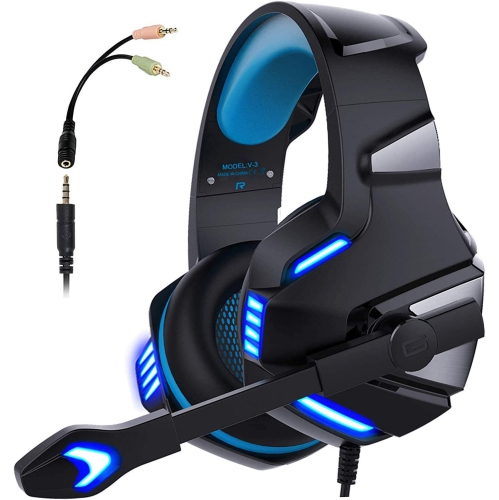
NAVOR Gaming Headphones Stereo Wired 3.5MM Headset With Mic for Ps5 Xbox Nintendo PC
About this product
A wired stereo gaming headset with mic, compatible with PS5, Xbox, Nintendo, and PC via 3.5mm jack.
(2)$58.96Your price for this item is $58.96SAVE $14 -
7
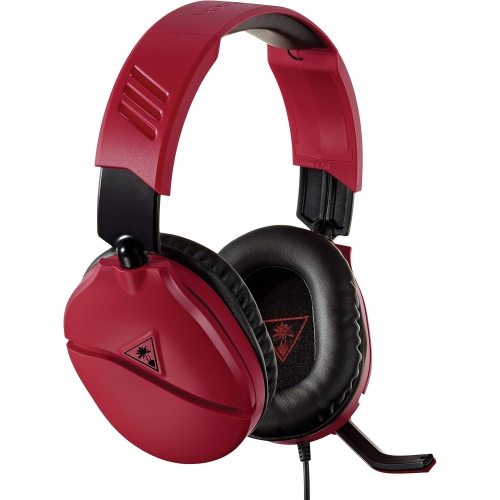
PS5 Turtle Beach Recon 70N Midnight Wi Gaming Headset With Flip-Up Microphone, 3.5MM Jack In Red
About this product
A wired gaming headset with over-ear sound-isolating cushions, flip-up microphone, 3.5mm connection, and red-and-black design.
(22)$62.99Your price for this item is $62.99SAVE $7 -
8
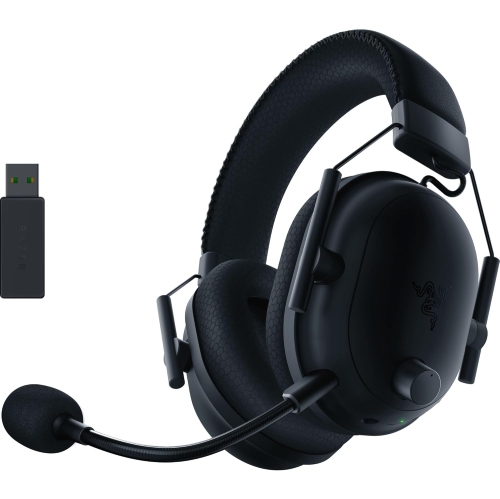
Refurbished (Good) - Razer BlackShark V2 Pro Wireless Gaming Headset for PC, PS5, PS4, Switch - Black
About this product
A black wireless gaming headset with titanium-coated drivers, pro-grade microphone, and sound isolation.
(6)$109.99 Your price for this item is $109.99 -
9
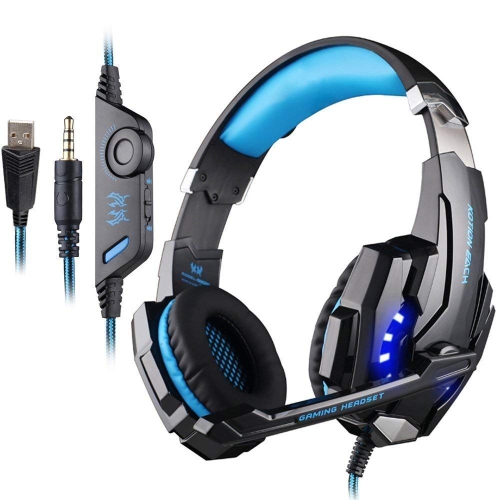
HLD Gaming Headset for Ps5 Ps4 PC Xbox Series X, Noise Cancelling Over Ear Headphones w Mic, Bass Surround Gaming Headphones, Soft Memory Earmuffs
About this product
A noise-cancelling over-ear gaming headset with bass surround sound, soft memory earmuffs, and built-in mic.
What customers like
(20)$52.96Your price for this item is $52.96SAVE $12 -
10
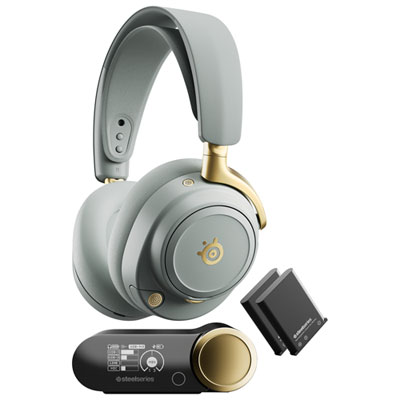
SteelSeries Arctis Nova Elite Wireless Gaming Headset for Xbox Series X|S / Xbox One / PC / PS4 / PS5 / Nintendo Switch - Sage/Gold
About this product
A wireless gaming headset in sage and gold featuring hi-res audio, active noise cancellation, and Bluetooth connectivity.
(2)$829.99 Your price for this item is $829.99
FAQ
Look for confirmed PS5 compatibility, a built-in microphone, accessible volume and mute controls, and your preferred wired or wireless connection. Adjustable headbands, cushioned earcups and a flip-to-mute or detachable microphone are also useful features to consider.
Wired headsets commonly connect through the DualSense controller’s 3.5 mm headset jack or a compatible USB port on the console. Wireless gaming headsets typically use a PS5-compatible USB transmitter. PS5 does not support standard Bluetooth headphones for game audio directly.
No dedicated 3D Audio headset is required. PS5 supports 3D Audio for headphones through compatible USB headsets and stereo headphones connected to the DualSense controller’s 3.5 mm jack. You can enable and personalise the feature in the console’s sound settings. Audio presentation varies by game.
Connect your compatible headset, then go to Settings > Sound > Microphone to select the input device and adjust the microphone level. Check any mute switch on the headset as well as the DualSense controller’s mute button. Party chat and individual games may also have their own voice chat settings.
Many gaming headsets work with multiple devices, but compatibility depends on the connection type and supported platforms. A 3.5 mm headset can often connect to other devices with a compatible headset jack, while USB and wireless models may have platform-specific requirements. Check compatibility for each device, including microphone support.
Top selling and popular products
Discover more categories related to Best Headsets for PS5 Gaming
Some products may be subject to Environmental Handling Fees (EHF) depending on your province. Learn more about EHFs.