Best Memory for PS5
Upgrade your PS5 storage with memory options designed to help expand game capacity and support smooth performance. This selection is ranked by user review ratings, making it easier to compare highly rated choices based on features, compatibility, capacity, and installation requirements.
What to look for in PS5 Memory
1. Compatibility
2. Storage Capacity
3. Read Speed
4. Heatsink and Installation
-
1
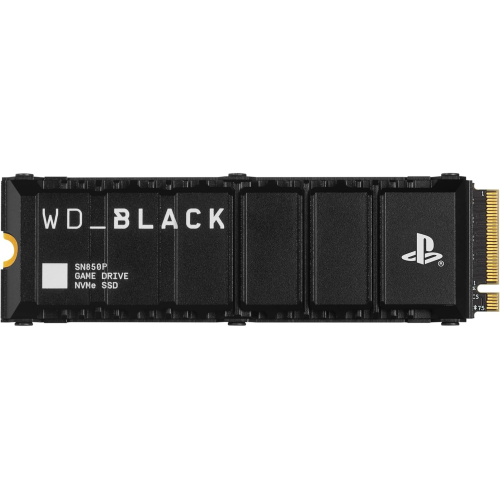
WD_BLACK 2Tb Sn850P Nvme M.2 SSD Officially Licensed Storage Expansion for Ps5 Consoles, Up to 7300Mb/s, With Heatsink - Wdbbyv0020Bnc-Wrsn
About this product
A high-speed NVMe M.2 SSD with heatsink, officially licensed for PS5 consoles, offering up to 7300MB/s.
What customers like
(1,957)$599.99Your price for this item is $599.99SAVE $305 -
2
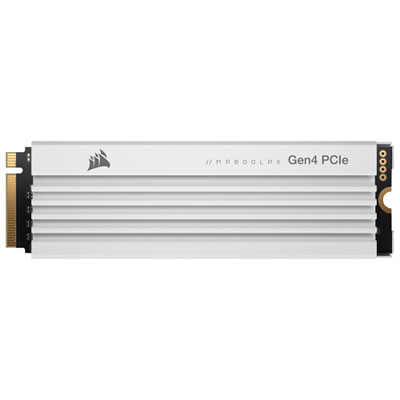
Corsair MP600 Pro LPX 2TB NVMe PCI-e (Gen 4) Internal Solid State Drive with Heatsink - Optimized for PS5 - White
About this product
A high-speed 2TB NVMe SSD in white with aluminum heatsink, optimized for PlayStation 5 performance.
What customers like
(666)$549.97 Your price for this item is $549.97 -
3

Seagate 5TB USB 3.0 External Hard Drive for PlayStation (STLV5000100) - White
About this product
A white external hard drive offering 5TB of USB 3.0 storage, officially licensed for PlayStation consoles.
What customers like
(531)$304.99 Your price for this item is $304.99 -
4
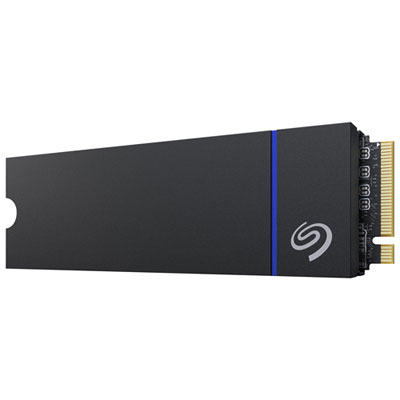
Seagate Game Drive PS5 1TB NVMe PCI-e Gen 5 Internal Solid State Drive with Heatsink - Optimized for PS5
About this product
An NVMe PCI-e Gen 5 SSD in black with 1TB capacity and a built-in heatsink for PS5 gaming.
What customers like
(45)$594.99 Your price for this item is $594.99 -
5
WD _Black Sn850P 2Tb Nvme PCi-E Internal Solid State Drive With Heatsink - Officially Licensed for Ps5
About this product
An officially licensed 2TB NVMe PCIe SSD with heatsink, designed for PS5 and on sale now.
$1,099.99 Your price for this item is $1099.99
FAQ
PS5 consoles support compatible M.2 NVMe SSDs for expanding internal game storage. USB external drives can also be used to store PS5 games and play PS4 games, but PS5 games must be copied to the console or a compatible internal SSD before they can be played.
Look for an M.2 NVMe SSD that meets Sony’s PS5 requirements for interface, sequential read speed, form factor, and physical dimensions. The SSD should also include a compatible heatsink or have enough clearance for one to be installed separately.
Yes. A compatible external USB drive can store PS5 games and run compatible PS4 games. PS5 games stored on an external drive need to be transferred to the console’s internal storage or an installed M.2 SSD before playing.
After completely turning off and unplugging the console, remove the outer cover and access the expansion bay. Insert the compatible M.2 SSD, secure it with the mounting screw and spacer, replace the cover, and follow the on-screen instructions to format the drive.
Use the PS5 Storage settings to view available space, move games between storage locations, delete games you no longer play, and manage saved data or media. Organizing games across console storage, an M.2 SSD, and a USB drive can help keep frequently played titles accessible.
Top selling and popular products
Discover more categories related to Best Memory for PS5
Some products may be subject to Environmental Handling Fees(EHF) depending on your province. Learn more about EHFs.