Black Friday Deals Coming Soon
Our Black Friday Sale returns in November 2026. In the meantime, shop our current top deals below.

Best Black Friday Deals On Chromebooks
Find the best Black Friday deals on Chromebooks for school, work, and everyday browsing at Best Buy Canada. Explore a selection ranked by customer review ratings to compare top-rated options and find the features that matter most to you. Whether you’re studying, streaming, or staying connected on the go, shop Black Friday offers to find a Chromebook that fits your needs and budget. Remember, our Low Price Guarantee means you can shop confidently knowing that you'll find the best price at Best Buy, all year round. We encourage you to check our website frequently for the most up-to-date information on our latest offers and savings opportunities.
What to look for in Black Friday deals on Chromebooks
1. Price and Performance
2. Display and Design
3. Battery Life and Connectivity
4. Software and Update Support
-
1

ACER Chromebook 315 15.6" HD - Intel Pentium N6000 - 4GB Lpddr4X - 128GB Storage - Chromeos - - Protective Sleeve Included In Silver
About this product
A lightweight silver laptop with a 15.6" HD screen, Intel Pentium processor, and Wi-Fi 6 connectivity.
What customers like
(396)$349.99Your price for this item is $349.99SAVE $350 -
2
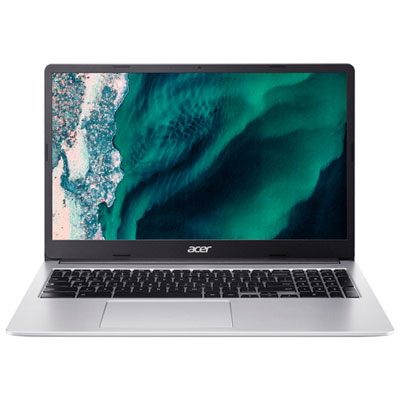
Acer 15.6" Chromebook - Intel Celeron N4500 - 8GB DDR4 - 128GB - ChromeOS - Silver - w/3 month of Google AI Pro
About this product
A sleek silver Chromebook featuring an Intel Celeron processor, 8GB RAM, 128GB storage, and Wi-Fi 6 connectivity.
What customers like
(70)$429.95 Your price for this item is $429.95 -
3
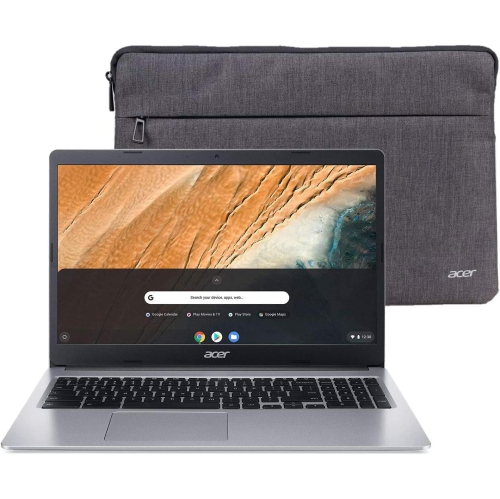
ACER Brand New - Chromebook 315 15.6" - Intel Celeron N4500 - 4GB Ddr4 - 64GB Emmc - Chromeos - Pure In Silver
About this product
A silver Chromebook with Full HD display, Intel Celeron N4500, 4GB RAM, and 64GB eMMC storage.
What customers like
(23)$299.99Your price for this item is $299.99SAVE $149 -
4
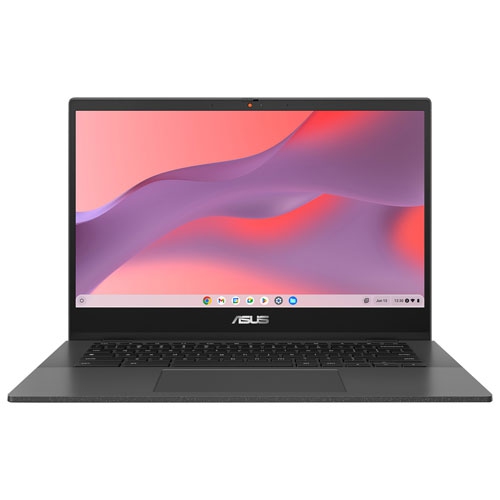
ASUS - Cm14 14" Chromebook - Gravity (Mediatek Kompanio 520/64GB Emmc/4GB Ram/chrome Os) In Grey
About this product
A sleek grey Chromebook with MediaTek Kompanio 520, 4GB RAM, 64GB eMMC, and Chrome OS.
(2)$249.99Your price for this item is $249.99SAVE $150 -
5

LENOVO 100E 2Nd Gen 11.6" Chromebook Student - Mediatek Mt8173C 2.1Ghz - 4GB Lpddr3 - 32GB SSD - Chrome Os - In Black
About this product
A durable black Chromebook with 11.6" display, 4GB RAM, and Chrome OS for classroom use.
What customers like
(1,284)$499.99Your price for this item is $499.99SAVE $200 -
6
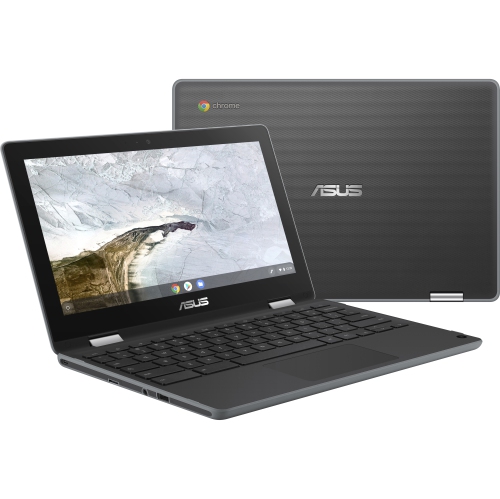
ASUS Chromebook Flip C214 11.6" Touchscreen Student Chromebook - Intel Celeron N4020 - 4GB - 32GB Flash - Chromeos - Dark In Gray
About this product
A versatile dark gray touchscreen Chromebook with Intel Celeron N4020, 4GB RAM, and 32GB flash storage.
(6)$439.52Your price for this item is $439.52SAVE $42 -
7

ASUS Chromebook C403 14" HD - Intel Celeron N3350 - 4GB Ram - 32GB Flash - Chrome Os - Dark In Gray
About this product
A durable gray Chromebook featuring a 14" HD display, Intel Celeron processor, 4GB RAM, and 32GB storage.
(3)$399.88Your price for this item is $399.88SAVE $300 -
8
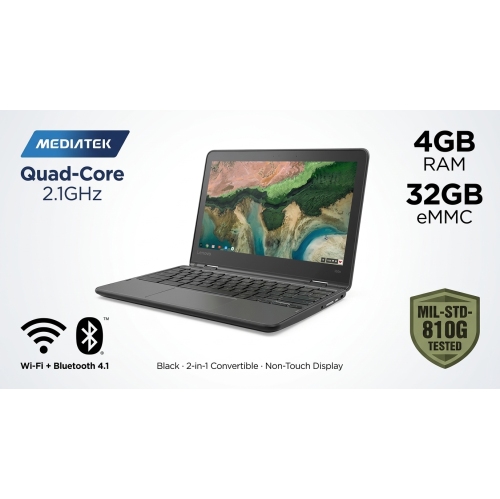
LENOVO 300E Chromebook 2-In-1, 11.6" HD Non-Touch Display, Quad-Core Mediatek Mt8173C 2.1Ghz, 4GB Ram, 32GB Emmc ( Refurbished Good) In Black
About this product
A black refurbished 2-in-1 Chromebook with quad-core processing, 4GB RAM, 32GB eMMC storage, and spill-resistant keyboard.
$179.99Your price for this item is $179.99SAVE $70 -
9
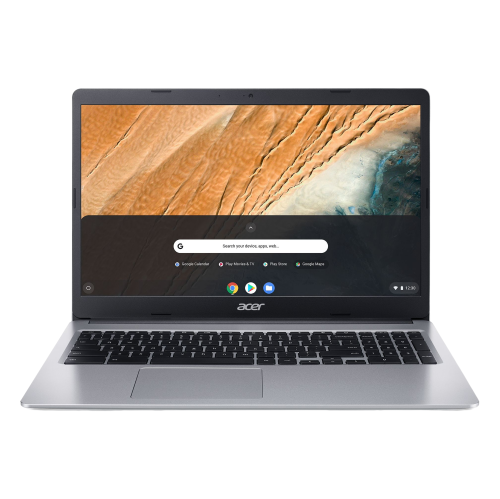
ACER Chromebook 315 15.6" Fhd - Intel Celeron N4020 - 8GB Ram - 128GB Emmc - Chromeos - In Silver
About this product
A sleek silver Chromebook featuring a 15.6" FHD display, Intel Celeron processor, and 8GB RAM.
$449.99Your price for this item is $449.99SAVE $150 -
10
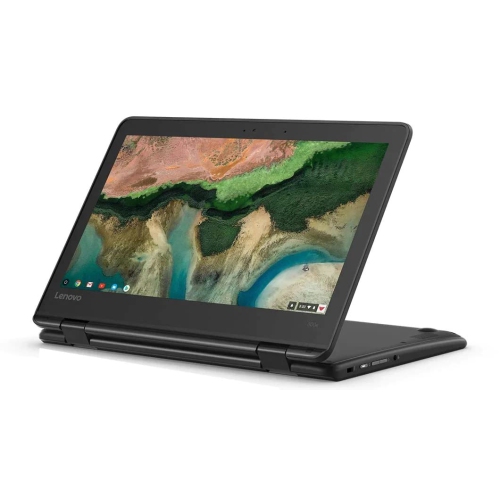
LENOVO 11.6" 300E Chromebook Touchscreen Lcd 2 In 1- Mediatek M8173C Quad-Core 2.1Ghz 4GB Lpddr3 32GB Flash Memory Chrome Os Model 81H00000Us
About this product
A versatile 2-in-1 Chromebook with touchscreen, quad-core processor, 4GB RAM, and 32GB flash storage.
$318.88Your price for this item is $318.88SAVE $81
FAQ
Compare features such as a touchscreen, a backlit keyboard, USB-C connections and a convertible hinge. Check whether the Chromebook supports the apps you plan to use, and review its automatic update end date to understand how long it will receive ChromeOS updates.
Chromebooks run ChromeOS, with an emphasis on web browsing, web apps and Google services. Windows laptops run Windows and support a different range of desktop software. Before choosing a Chromebook, check whether your school or workplace requires applications that are available only for Windows or macOS.
Many Chromebooks support Android apps through the Google Play Store, though compatibility varies by device and app. Some school- or work-managed Chromebooks may also restrict app installation. Check support for any essential apps before making your selection.
Chromebooks offer some offline functions, including working with downloaded files and editing supported documents after offline access has been enabled. Certain apps also let you download content for offline use. Initial setup, syncing and many web-based features require an internet connection.
A traditional Chromebook has a laptop-style design with a built-in keyboard. A 2-in-1 Chromebook adds a touchscreen and either a folding hinge or a detachable keyboard, depending on the model. These designs offer different ways to type, browse, take notes and watch videos.
Top selling and popular products
Discover more categories related to Best Black Friday Deals On Chromebooks
Some products may be subject to Environmental Handling Fees (EHF) depending on your province. Learn more about EHFs.