Cyber Monday Deals Coming Soon
Our Cyber Monday Sale returns in December 2026. In the meantime, shop our current top deals below.

Cyber Monday Deals On Chromebooks
Get ready to snag incredible savings on Cyber Monday with our exclusive deals on Chromebooks. Whether you're a student, professional, or simply looking for a reliable device, this is the perfect opportunity to upgrade your technology at unbeatable prices. With their sleek design, lightning-fast performance, and user-friendly interface, Chromebooks have become a popular choice for those seeking a seamless computing experience. Don't miss out on this limited-time offer to score amazing discounts on Chromebooks that will elevate your productivity and keep you connected in style. Remember, our Low Price Guarantee means you can shop confidently knowing that you'll find the best price at Best Buy, all year round. We encourage you to check our website frequently for the most up-to-date information on our latest offers and savings opportunities.

How Chromebooks fit into your everyday online routines
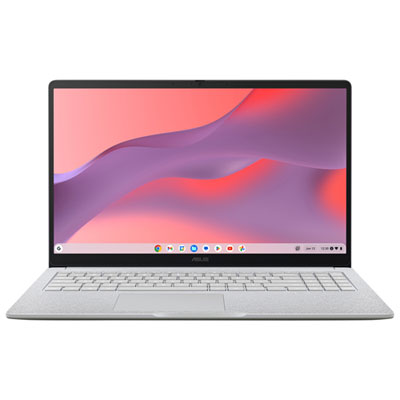
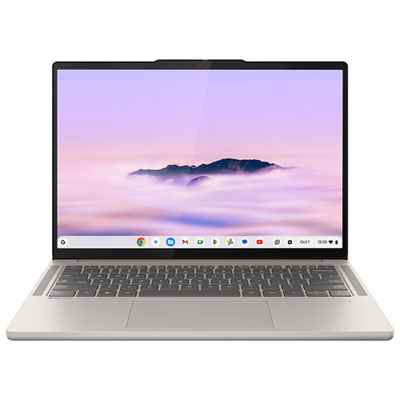
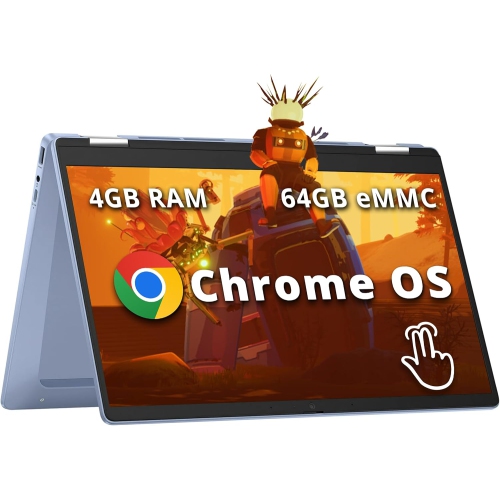
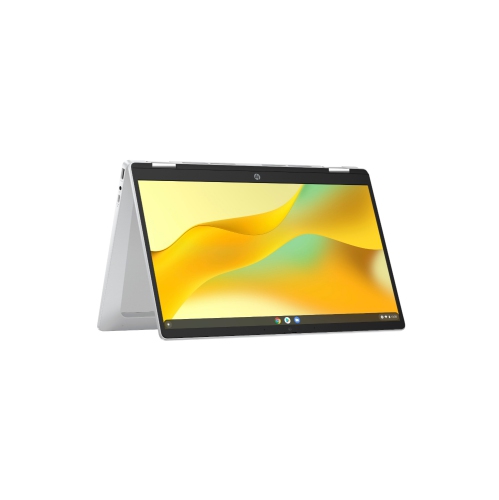
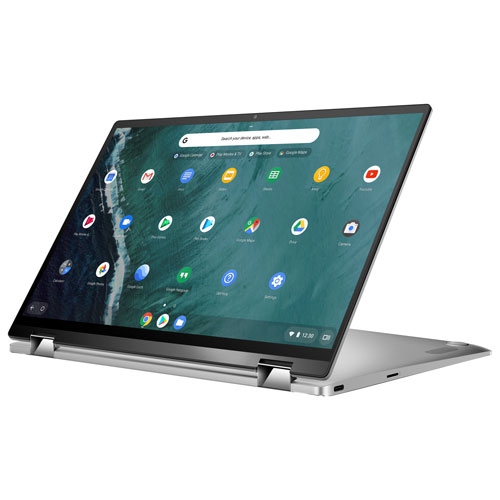
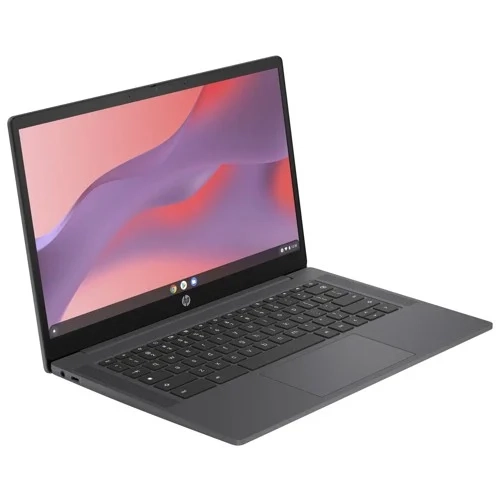
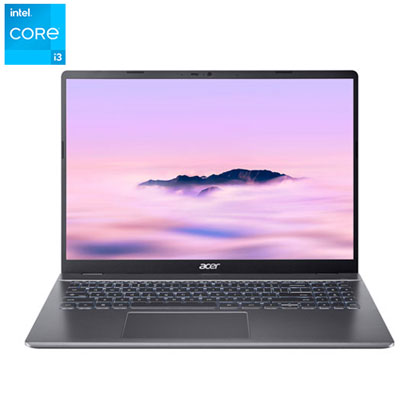
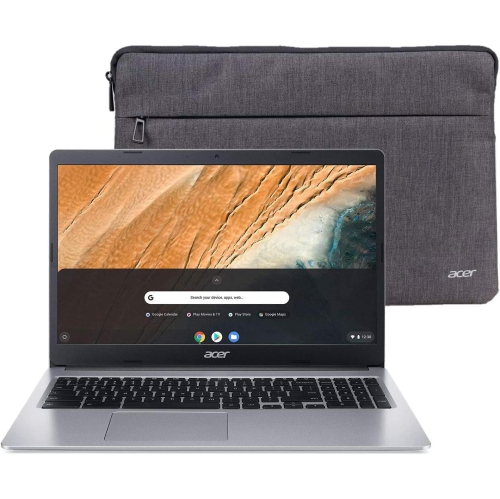
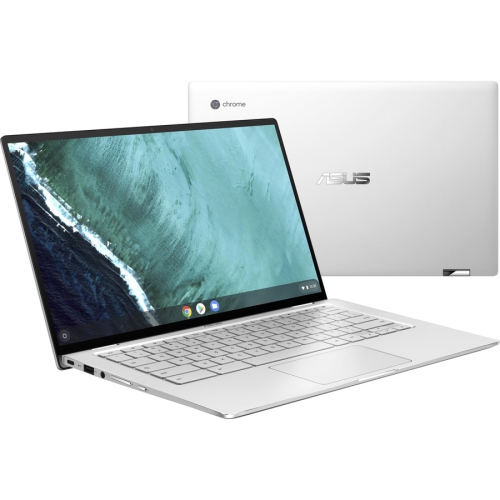
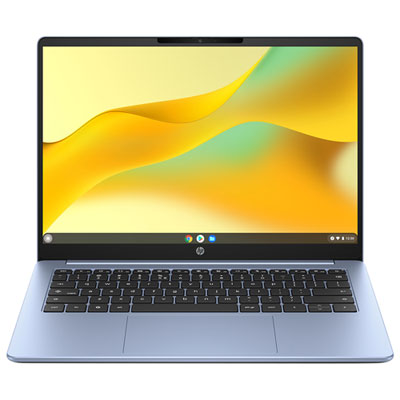
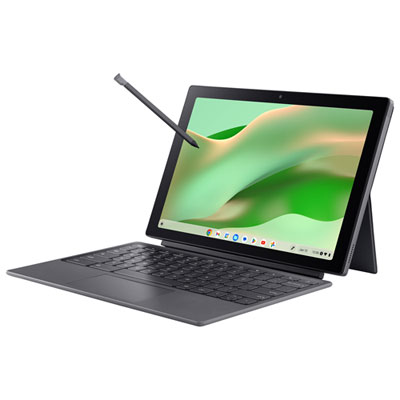
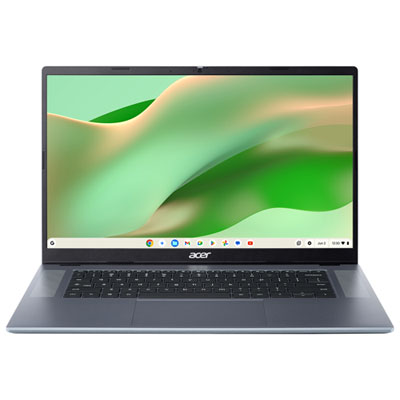
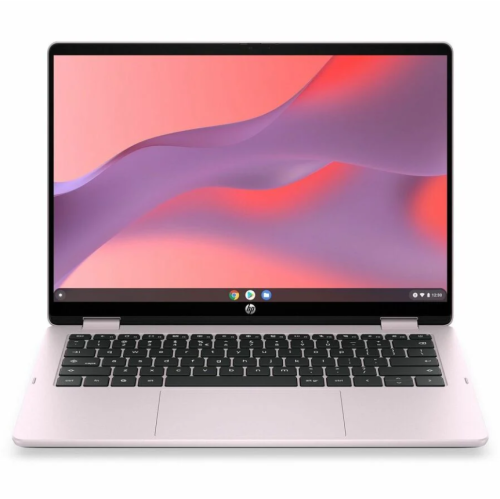
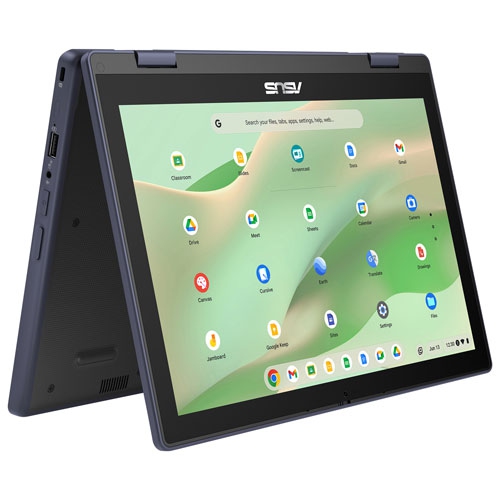
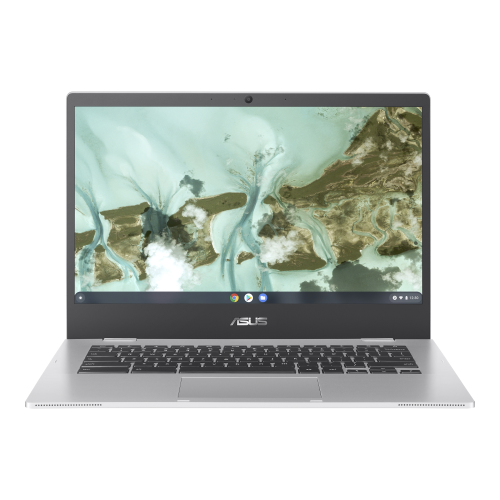
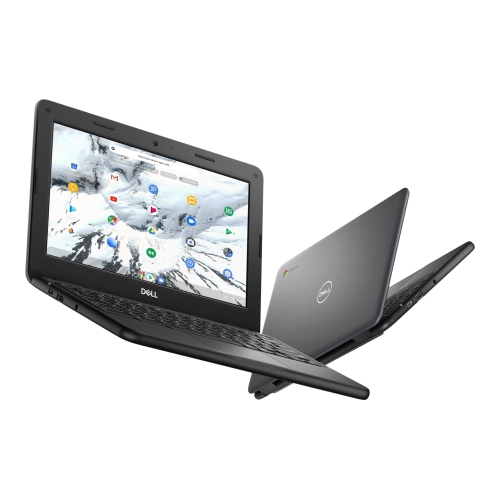
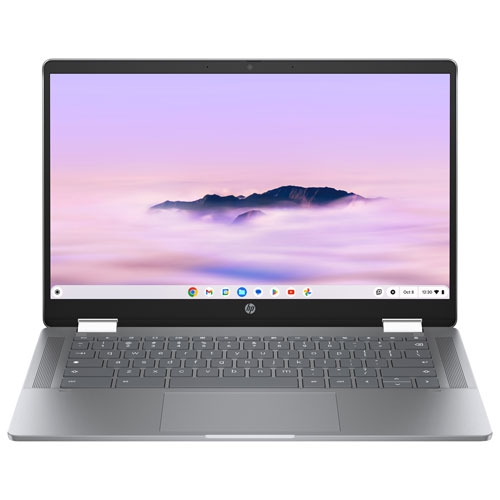
Physical design makes a noticeable difference to how a Chromebook feels after several hours of use. A compact screen and lighter chassis can be easier to carry between classes or fit beside a notebook on a small desk, while a larger display gives documents, spreadsheets, and video calls more breathing room. Screen resolution affects the clarity of text, and brightness and surface finish influence readability near a window or beneath overhead lights. A matte display can reduce distracting reflections, while a touchscreen adds another way to scroll through articles, enlarge diagrams, or navigate compatible apps. Convertible designs with a folding hinge can support different positions for typing, viewing, and touch input, but not every Chromebook includes this flexibility. Stylus support also varies, and a touchscreen alone does not guarantee compatibility with an active pen. For frequent writing, keyboard spacing, key feel, and a responsive touchpad may matter more than a thin profile. A backlit keyboard can make the keys easier to see in a dim lecture hall or shared room without bright overhead lighting. Materials contribute to the experience as well: plastic housings can keep weight manageable, while metal construction often feels firmer in the hand. Neither material alone determines durability; hinge quality, chassis rigidity, and careful handling all play a part. Inside the laptop, the processor and memory influence how smoothly it handles several tasks together. Keeping a lesson open during a video call while switching between notes and reference pages places more demands on the system than checking email. Storage deserves separate attention, since operating system files, apps, downloads, and offline documents all use local space, even when much of the work is saved online. Battery life depends on screen brightness, video calling, workload, and other settings, so a stated runtime is not a promise for every routine. Port selection is another everyday detail worth noticing: USB connections, display output, a headphone jack, and memory card support vary, and a USB-C port’s charging or video capabilities depend on its specifications.
A Chromebook’s usefulness also depends on how comfortably it fits into the spaces where it will be used. At a desk, an external keyboard, mouse, and compatible monitor can create a more spacious setup for long assignments or administrative work. For online lessons and meetings, camera quality, microphone clarity, and speaker placement affect how easily people can see and hear one another. A headset can help someone follow a conversation in a shared room, while a stable Wi-Fi connection remains important for smooth calls and access to online files. These details can be especially meaningful when choosing a Chromebook as a gift. A learner may value a lightweight design that leaves room in a backpack for textbooks, while a relative who mainly reads, emails, and makes video calls may appreciate a larger screen and an uncomplicated layout. Account setup, accessibility features, and familiarity with browser-based tools all shape how welcoming the device feels from the first sign-in. Where supported, separate user accounts help household members keep their documents and preferences apart, and parental controls can support supervised use for younger users. Care is generally straightforward: close the lid before carrying the laptop, keep liquids away from the keyboard, and use a padded sleeve that fits its dimensions without pressing on the corners. A soft, lint-free cloth is suitable for routine wiping, with cleaning methods guided by the manufacturer’s instructions; sprays should not be applied directly to the screen or keyboard. Keeping vents clear, avoiding pressure on the lid, and using a compatible charger can help protect the device through regular use. Saving important files in more than one appropriate location also reduces the risk of losing schoolwork or personal documents. For households considering several types of laptop or desktop alongside Chromebooks, Cyber Monday Deals on Computers provides a broader computing category to explore. A Chromebook is a particularly natural fit when the priority is comfortable access to online tools, portable everyday use, and a clear match between the device’s capabilities and the recipient’s routines.
Top selling and popular products
-
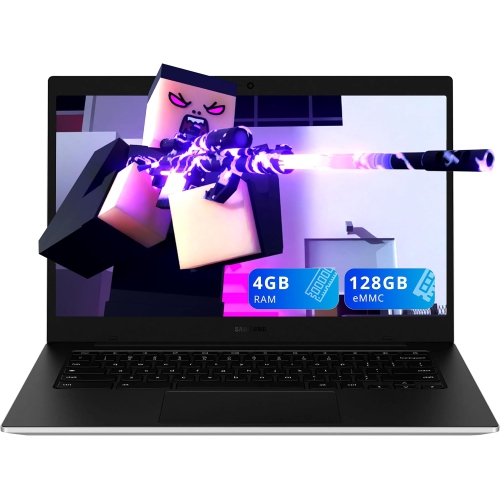 Your price for this item is $299.99
 -
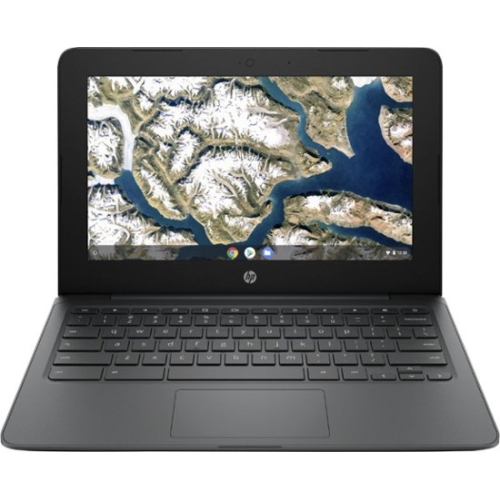 Your price for this item is $199.99
 -
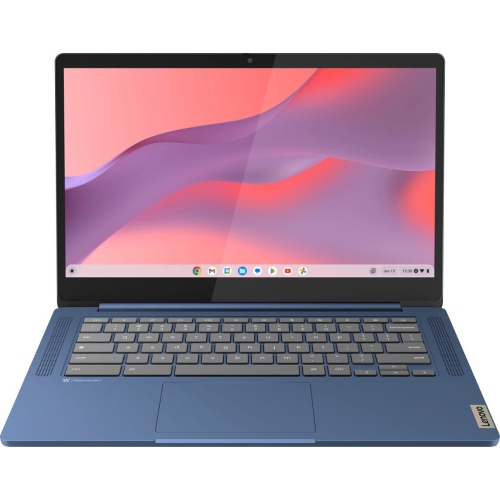 Your price for this item is $449
 -
 Your price for this item is $406.99
 -
 Your price for this item is $499.99
 -
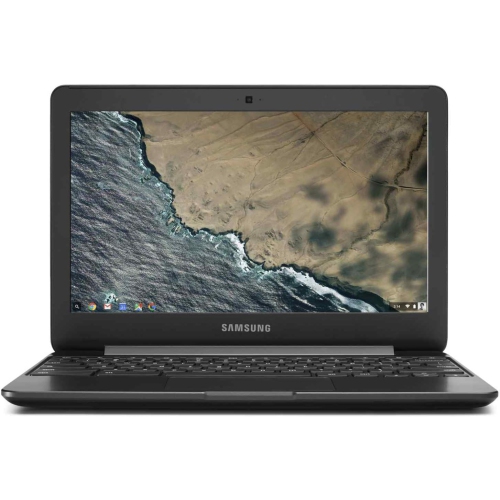 Your price for this item is $248
 -
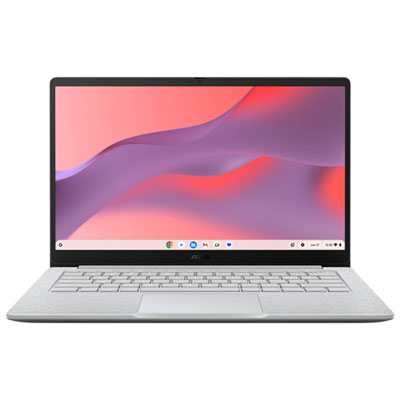 Your price for this item is $369.99
 -
 Your price for this item is $349.99