Black Friday Deals Coming Soon
Our Black Friday Sale returns in November 2026. In the meantime, shop our current top deals below.

Black Friday Deals on SSDs
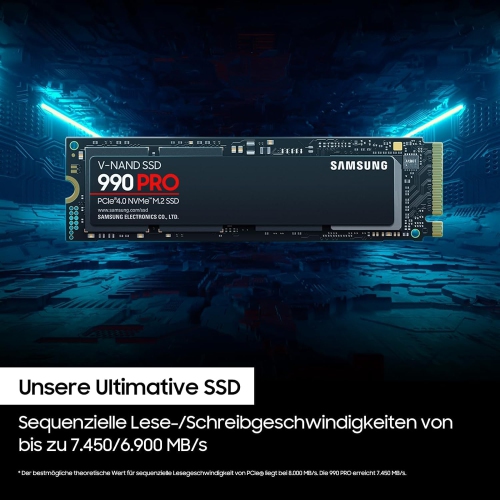
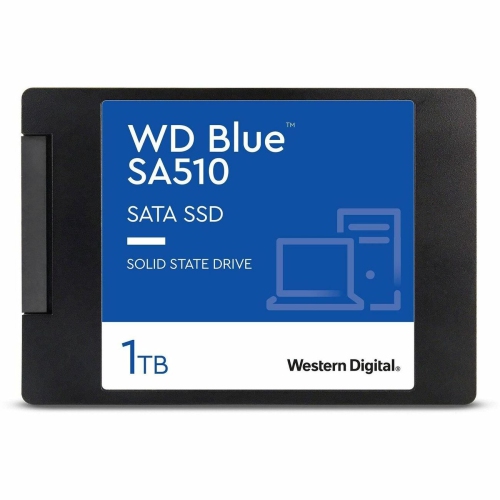
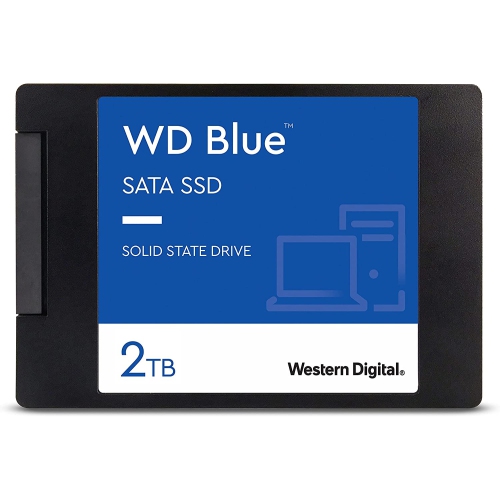
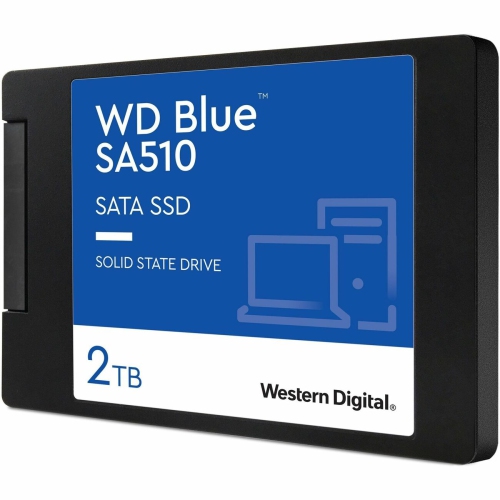
Browse Black Friday deals on SSDs to find solid-state storage for a computer upgrade or extra file space. Compare capacity, interface, and read and write speeds, and check that the drive’s form factor and connection type match your device before choosing. Remember, our Low Price Guarantee means you can shop confidently knowing that you'll find the best price at Best Buy, all year round. We encourage you to check our website frequently for the most up-to-date information on our latest offers and savings opportunities.


FAQ
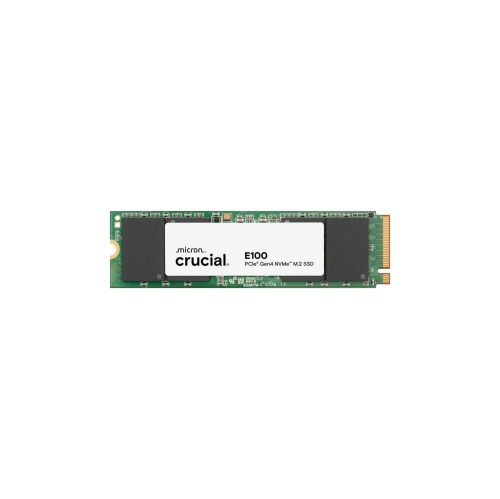
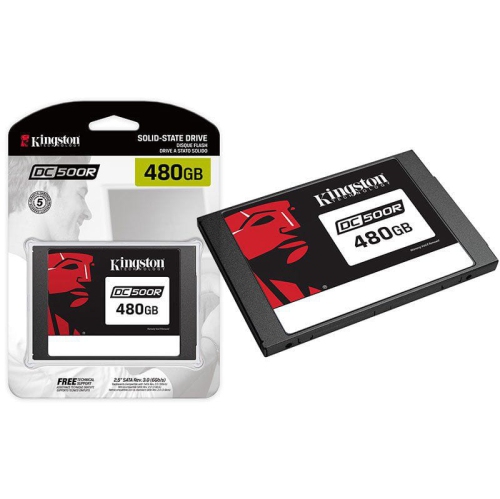
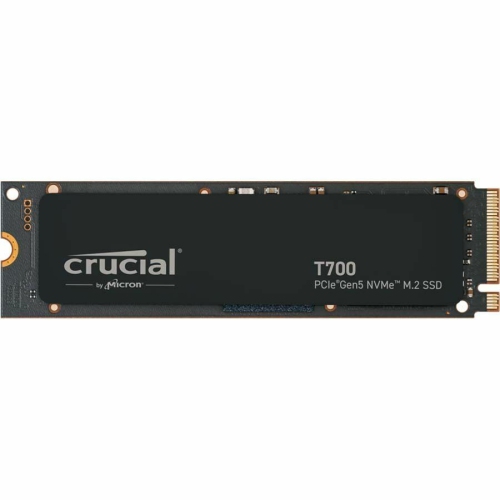
Check your computer or motherboard documentation for supported storage interfaces, connection types and installation requirements. For an internal SSD, confirm whether your system supports SATA or PCIe NVMe. For an external SSD, check the available ports and operating system requirements.
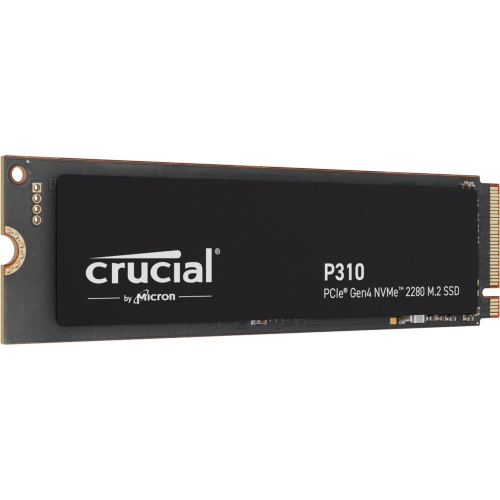
SATA SSDs use the SATA interface, while NVMe SSDs communicate over PCIe using the NVMe protocol. These connection standards are not interchangeable. An M.2 slot may support SATA, NVMe or both, so check your device documentation before choosing a drive.
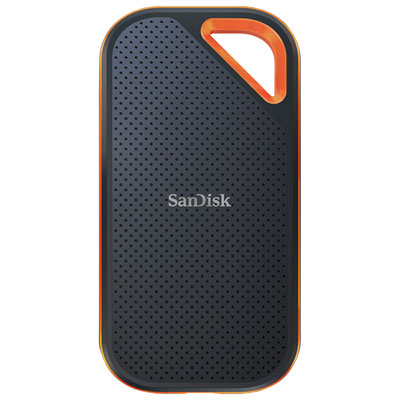
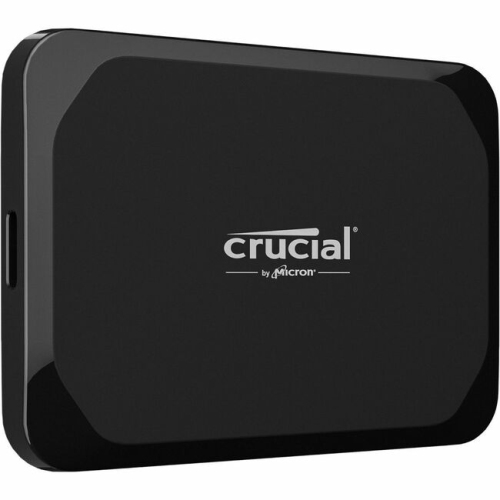
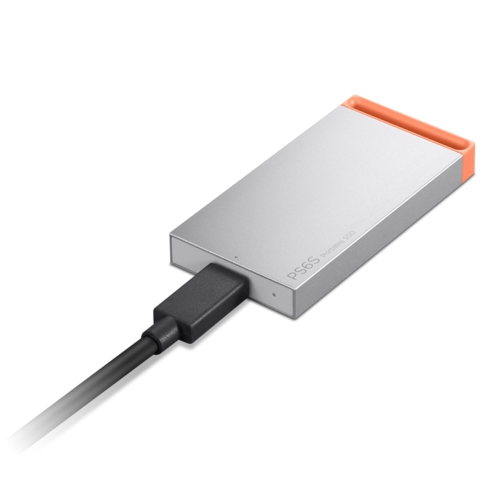
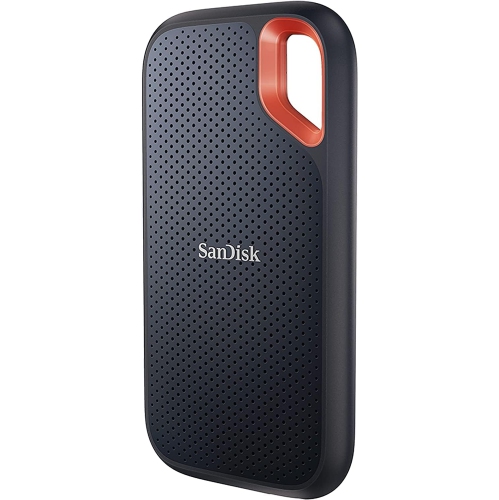
Internal SSDs connect inside a computer through a compatible motherboard slot or a SATA data connection, with separate power required for cabled SATA drives. External SSDs connect through an external port, commonly USB or Thunderbolt, and typically receive power through the same cable.
USB-C describes the connector shape, not the connection standard. External SSDs with USB-C connectors may use different USB or Thunderbolt standards. Check the drive, cable and computer port specifications together to confirm compatibility.
An SSD needs an operating system if you intend to use it as your computer’s startup drive. You can install a supported operating system or transfer an existing installation using compatible migration software. An SSD used only for files does not need its own operating system, though it may require initialisation and formatting.
Top selling and popular products
Discover more categories related to Black Friday Deals on SSDs
Some products may be subject to Environmental Handling Fees (EHF) depending on your province. Learn more about EHFs.