Cyber Monday Deals Coming Soon

Our Cyber Monday Sale returns in December 2026. In the meantime, shop our current top deals below.

Cyber Monday M.2 NVMe SSD Deals

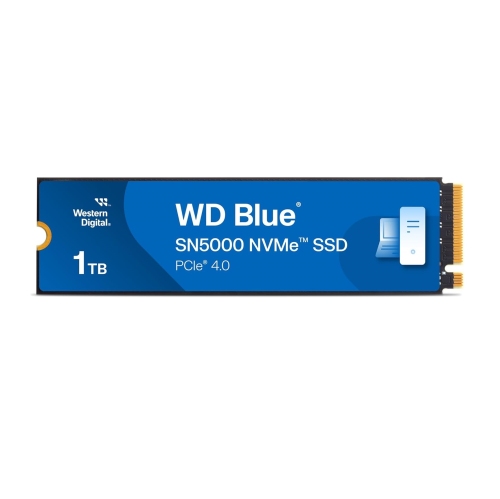
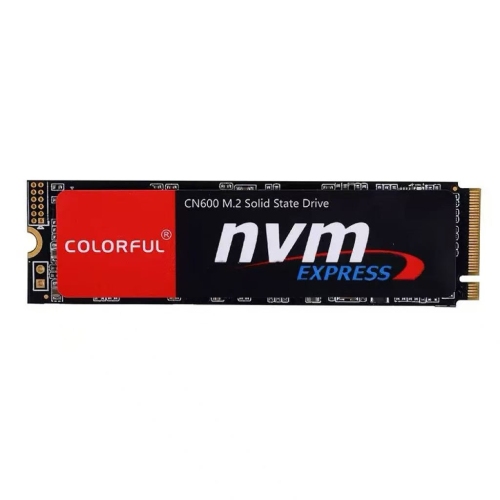
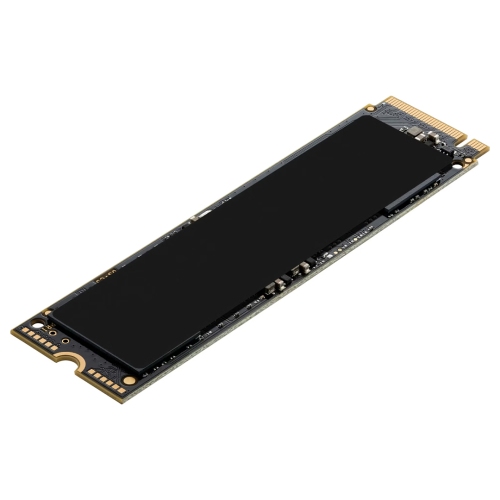
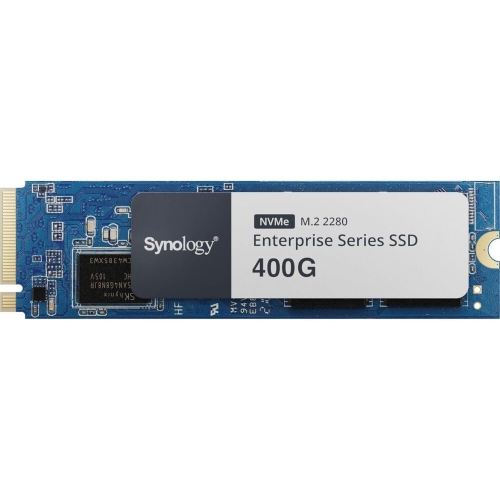
Shop Cyber Monday M.2 NVMe SSD deals for an internal storage upgrade for your compatible desktop or laptop. Compare capacities, PCIe generations, and read/write speeds to find a drive that fits your storage needs and budget, and check your device’s supported M.2 size and interface before choosing. Remember, our Low Price Guarantee means you can shop confidently knowing that you'll find the best price at Best Buy, all year round. We encourage you to check our website frequently for the most up-to-date information on our latest offers and savings opportunities.
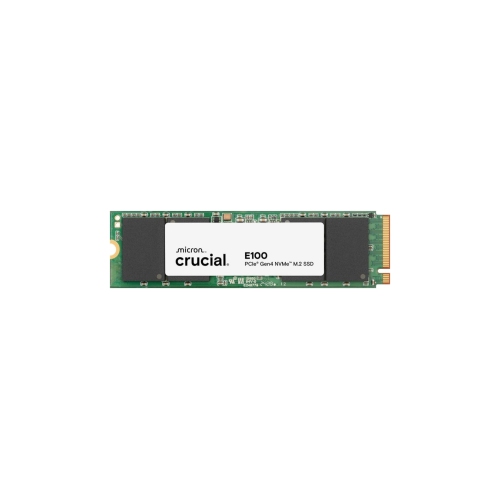
Responsive storage that fits your device and workload

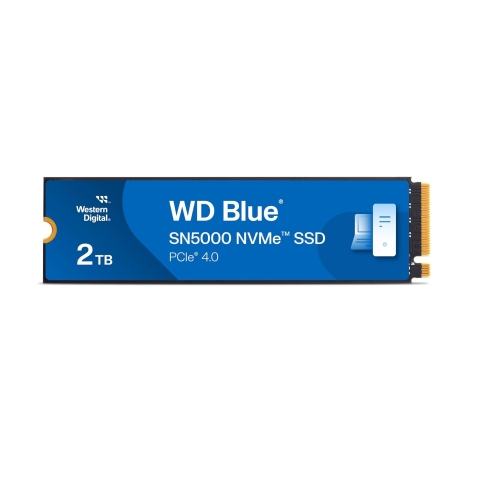
M.2 NVMe SSDs bring compact, responsive storage to compatible desktop computers, laptops and other devices, making them a practical choice for everything from everyday computing to demanding creative work. An SSD stores data on flash memory rather than spinning disks, so there are no moving read heads or platters inside. That design supports quiet operation and quick access to files, while the slim M.2 form factor fits directly into a compatible slot without the separate data and power cables used by many larger drives. NVMe is the storage protocol, and its connection through PCI Express allows compatible drives to handle substantial amounts of data with low latency. In daily use, that can mean a quicker start to the workday, applications that open promptly and less time spent waiting for large folders to transfer. A photographer sorting hundreds of high-resolution images, a student moving between research documents and coursework, or a gamer loading a detailed game world can each benefit from responsive storage, although the processor, memory and software also influence overall performance. Capacity is just as important as speed. An operating system, installed applications and a few favourite games can occupy a considerable portion of a smaller drive, while video footage, photo libraries and project archives can grow steadily over time. Extra room helps accommodate those expanding libraries without constant file shuffling. For a desktop with multiple storage connections, an M.2 NVMe SSD can serve as the main drive for the operating system and frequently used software, with another drive holding less frequently accessed files. In a laptop with a single storage slot, the same drive may need to hold everything from personal photos to work applications. The most useful capacity depends on that role, the size of the files involved and how much space will be needed for future projects, rather than on a headline specification alone.

Physical fit and system compatibility help define which M.2 NVMe SSDs suit a particular device. M.2 is not a single size: format codes describe the dimensions of the circuit board, with 2280 indicating a drive that is 22 mm wide and 80 mm long. Shorter formats are used in some compact computers and handheld gaming devices, while many desktop motherboards accommodate longer boards. The correct length, mounting position and connector support all matter, and an M.2 slot does not automatically support every type of M.2 SSD. Some slots accept SATA drives, some support PCI Express NVMe drives, and others support both. PCI Express generation and lane support also affect the speed a drive can reach. A newer-generation drive may work in an older compatible slot, but its performance is limited by the connection available, making the computer’s specifications an important part of the match. Board thickness and whether components sit on one or both sides can also matter in devices with tight internal clearances. An aluminium heatsink or heat spreader can help manage the heat produced during sustained transfers, but a tall assembly may not fit beneath a laptop cover or an existing motherboard shield. Compatible gaming consoles can have their own requirements for drive dimensions, performance and cooling, so a drive intended for a desktop upgrade is not automatically suitable for console storage. For systems designed around a traditional drive bay rather than an NVMe connection, Cyber Monday 2.5-inch SATA SSD Deals offers a related storage category to explore. An M.2 NVMe drive can also be used in a suitable external enclosure, though the enclosure must support NVMe rather than only M.2 SATA. In that setup, the enclosure interface, cable and computer port determine the transfer ceiling, so an internal drive’s rated speed will not necessarily carry over to external use.

Beyond capacity and fit, the way an SSD handles everyday workloads helps distinguish its suitability for different users. Sequential read and write figures describe transfers of large, continuous files, such as a video export or a substantial folder copy. Random access performance is more relevant when a computer is opening many small files, launching software or responding to several tasks at once. Advertised maximum speeds therefore represent only part of the experience, and sustained write performance can differ from short bursts, particularly once a drive’s faster write cache fills. Someone recording lengthy video sessions or moving large production files may place more emphasis on sustained transfers, while a home office user may value consistent responsiveness for documents, browser sessions and video calls. Flash memory has a finite write life, and endurance ratings, often expressed as terabytes written, provide useful context for workloads that repeatedly save substantial amounts of data. Warranty terms and endurance ratings are worth considering together, without treating either as a guarantee against data loss. Routine care is straightforward: secure mounting, suitable airflow and correctly fitted thermal components help the drive operate as intended, while maintaining some free space supports ongoing use. Installation also calls for careful handling of the exposed circuit board and contacts, particularly in a tightly packed laptop or compact desktop. An SSD’s lack of moving parts makes it less vulnerable to mechanical shock than a hard drive, but it still needs protection from static discharge, moisture and physical damage. Important photos, coursework and business files belong in a separate backup as well, since any storage device can fail. For an upgrade, the existing operating system and files may be transferred through compatible cloning tools or replaced with a fresh installation, depending on the intended setup. As a gift, an M.2 NVMe SSD can be a thoughtful choice for a PC enthusiast, gamer, student or creative professional when the recipient’s device requirements are known. The right match gives their projects, applications and personal files room to grow, whether the goal is a more responsive everyday computer or storage that can keep pace with larger workloads.

FAQ

Some products may be subject to Environmental Handling Fees (EHF) depending on your province. Learn more about EHFs.