Cyber Monday Deals Coming Soon
Our Cyber Monday Sale returns in December 2026. In the meantime, shop our current top deals below.

Cyber Monday Deals On Internal SSDs
Get ready for incredible savings on Cyber Monday with our exclusive deals on internal SSDs. Whether you're looking to upgrade your laptop or boost the storage capacity of your desktop, this is the perfect opportunity to score big discounts on our solid-state drives. Don't miss out on these limited-time offers and take advantage of our Cyber Monday deals to enhance your computing experience without breaking the bank. Remember, our Low Price Guarantee means you can shop confidently knowing that you'll find the best price at Best Buy, all year round. We encourage you to check our website frequently for the most up-to-date information on our latest offers and savings opportunities.
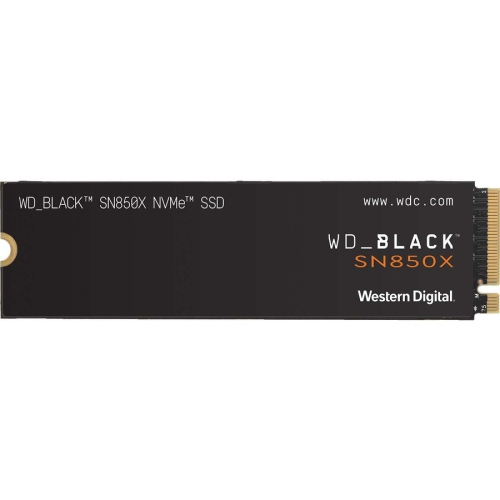
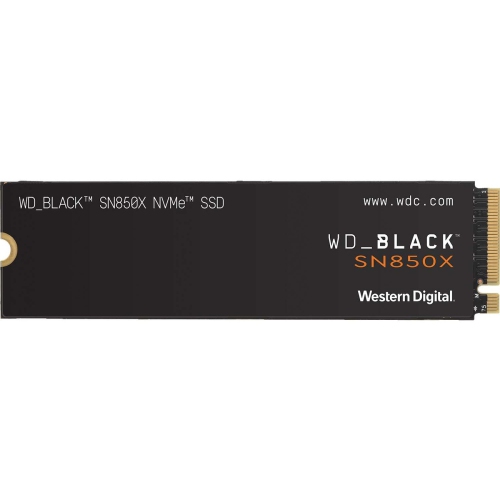
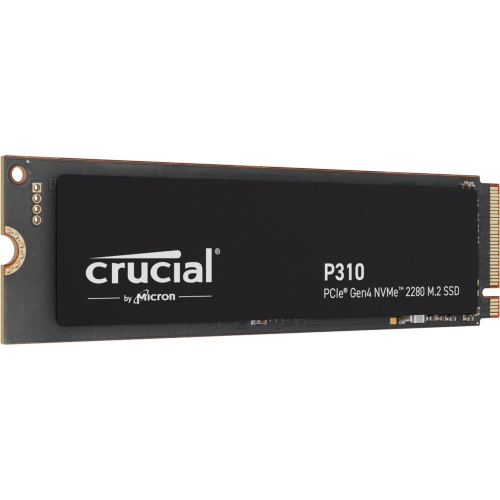
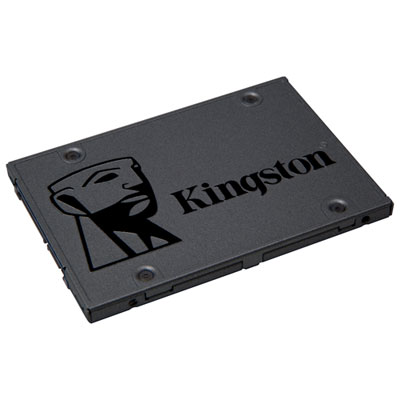
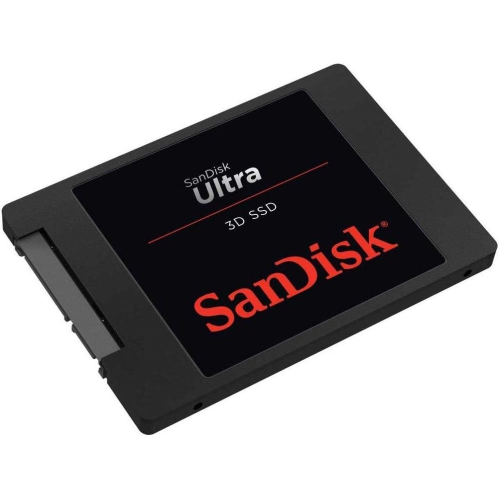
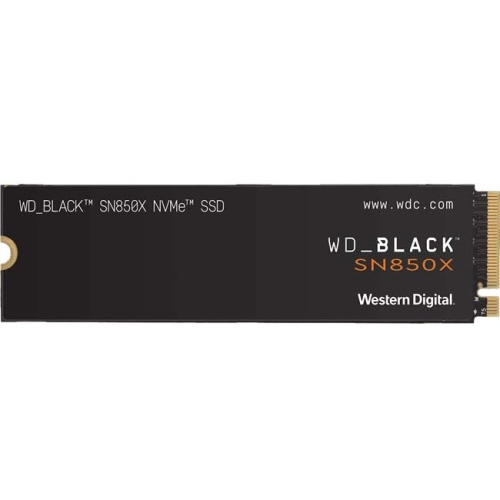
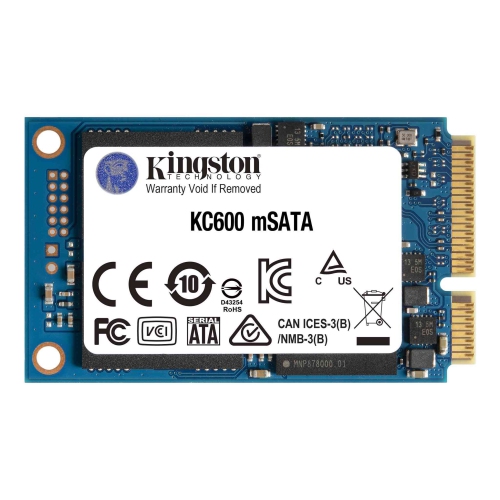
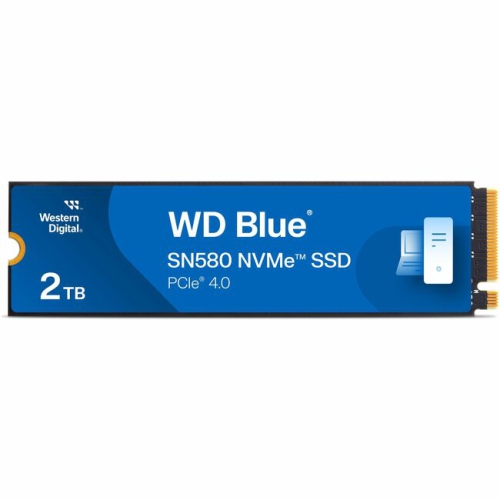
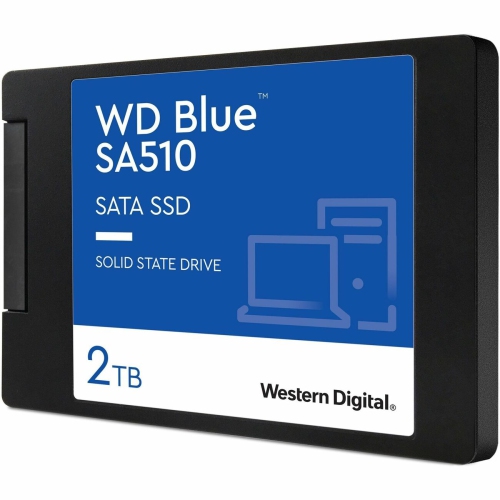
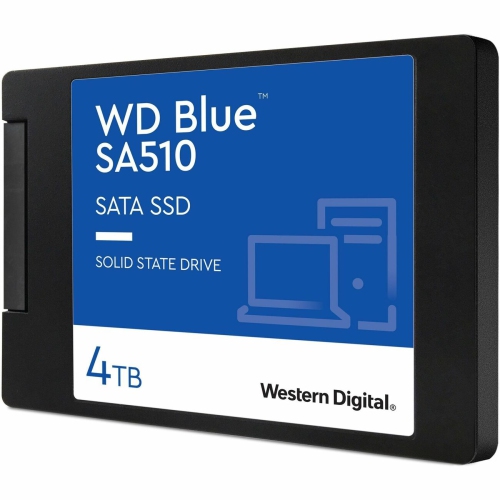
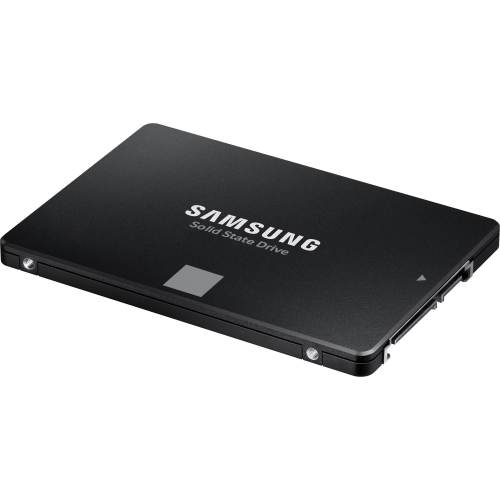
![SAMSUNG 870 Evo 1Tb SATA 2.5" Internal SSD (Mz-77E1T0B/am) [Canada Version] [Open Box]](https://multimedia.bbycastatic.ca/multimedia/products/500x500/161/16164/16164240.jpeg)
Why SSD compatibility matters as much as speed
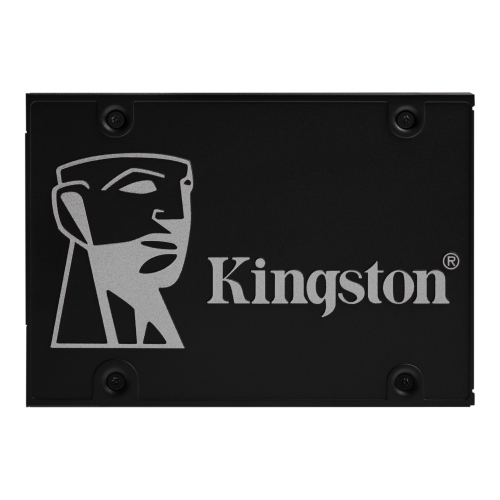
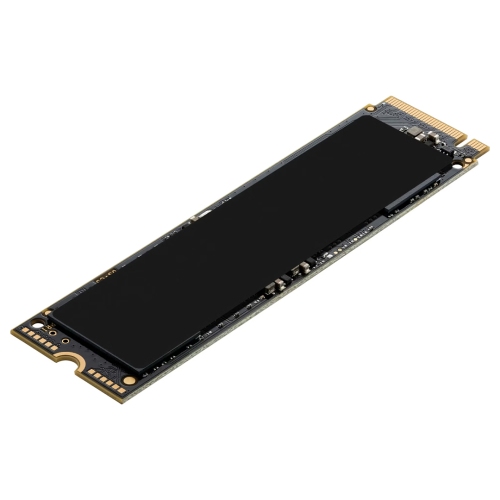
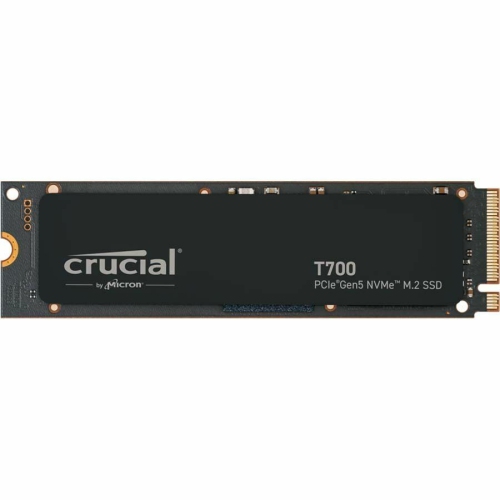
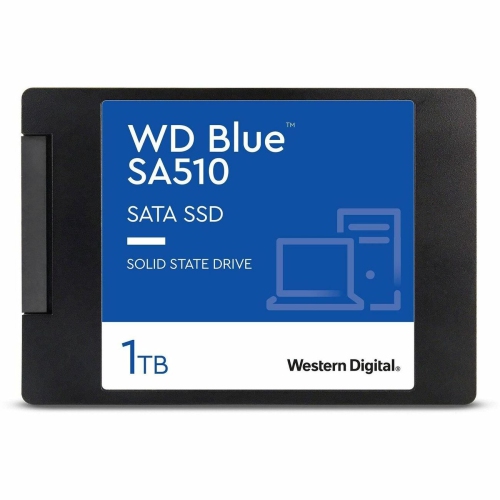
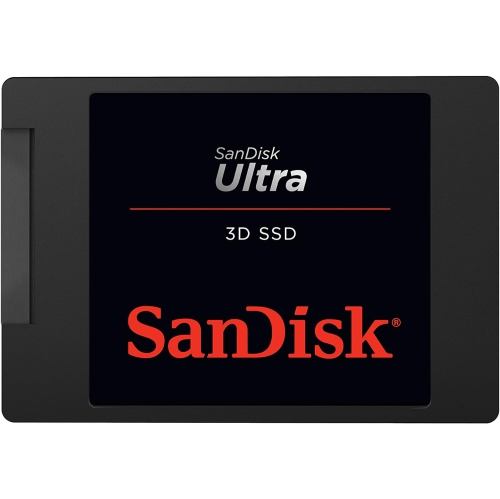
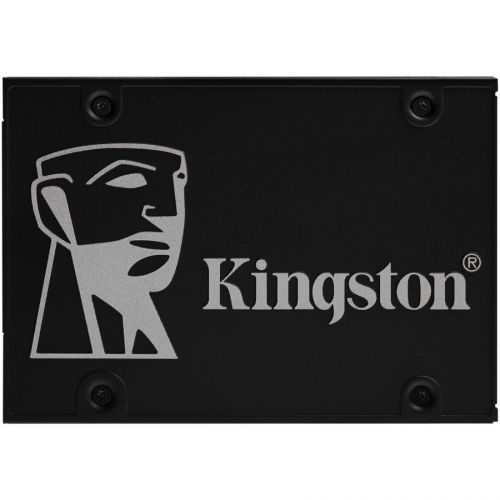
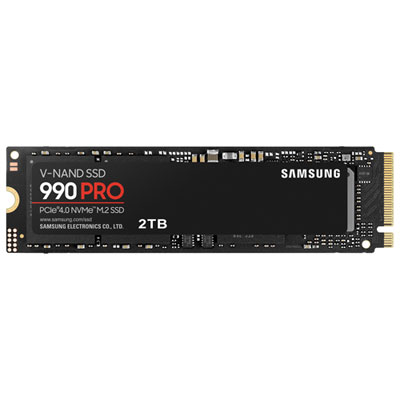
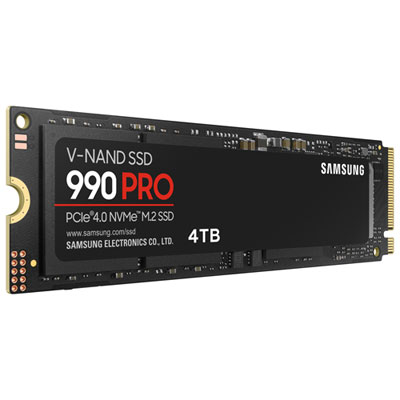
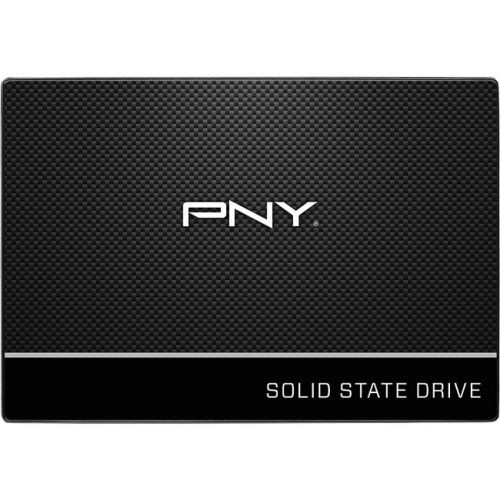
Physical fit and interface support are central to choosing an internal SSD. A 2.5-inch SATA SSD uses a familiar rectangular enclosure and is often suitable for laptops and desktops with a compatible drive bay and SATA connection. In a desktop, installation typically involves both a SATA data cable and a power connection; a laptop may use a dedicated connector, bracket, or caddy. Enclosure thickness and mounting arrangements still matter, even when the basic drive size matches. An M.2 SSD has a much smaller circuit-board format that mounts directly into a supported slot, reducing the need for separate cabling. However, M.2 describes the physical format, not a guarantee of speed or compatibility. M.2 drives can use SATA or PCIe connections, and an M.2 slot does not necessarily support both. NVMe is a storage protocol commonly used by PCIe SSDs, enabling higher transfer rates than SATA when the rest of the system supports them. Drive length, connector keying, supported interface, and motherboard specifications all affect whether a particular type will work. Some thin laptops have soldered storage rather than a replaceable drive, while others have only one storage slot, making a replacement more involved than adding a second drive. PCIe generation and lane support also influence performance. A newer-generation drive may work in a compatible older-generation slot, but its speed will be limited by that connection. Large advertised sequential transfer figures are most relevant to tasks such as moving sizeable video files; application launches and everyday multitasking also depend on small-file access, the processor, memory, and software. For gaming, an SSD can shorten loading times where storage is the limiting factor, but it does not automatically increase frame rates. Compatible gaming consoles may accept internal storage expansion only when the drive meets specific interface, performance, dimensional, and cooling requirements. These details make the device’s technical documentation more useful than appearance alone. A compact drive that looks right still needs the correct electrical connection, firmware support, and physical clearance to function as intended.
Construction, cooling, and endurance help distinguish internal SSDs intended for different patterns of use. A 2.5-inch drive’s enclosure protects its electronics, while an M.2 drive generally leaves more of its circuit board exposed and may include a heat spreader or heatsink. These cooling components help manage heat during sustained activity, such as transferring a large recording session or exporting batches of video. A taller heatsink can interfere with a laptop cover, motherboard component, or console expansion cover, so cooling hardware must fit the available space. Some systems provide their own SSD heatsink, and stacking it with another cooling assembly may not be appropriate. Flash memory also has a finite write endurance, commonly expressed as terabytes written, which is especially relevant for frequent recording, editing, or other write-heavy work. Warranty duration and endurance limits are worth considering together, since coverage may depend on whichever limit is reached first. Performance can vary during long transfers as a drive’s fast write cache fills, making sustained behaviour important for large projects. Routine care is straightforward: secure mounting, suitable airflow, manufacturer-supported firmware updates, and protection from static discharge during handling all support dependable use. Drive replacement also involves the files already on the computer. Cloning can transfer an existing installation when the hardware and software support it, while a clean installation starts with a fresh operating system; either approach calls for a separate backup before changes begin. Internal storage is designed to stay inside its host device, rather than travel between computers. For portable storage or a separate backup destination, Cyber Monday External SSD Deals covers the external alternative. An internal SSD can also make a thoughtful gift for a PC builder, gamer, or creative hobbyist when the recipient’s device specifications are known. The right fit leaves room for future projects while supporting the way that person actually uses their computer.
Top selling and popular products
-
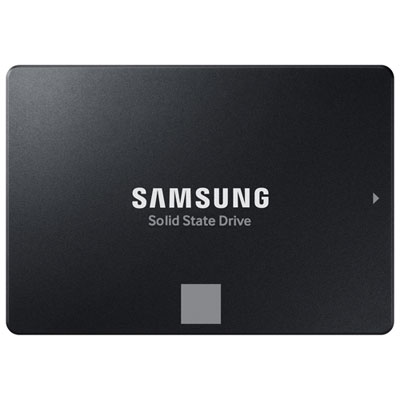 Your price for this item is $554.99
 -
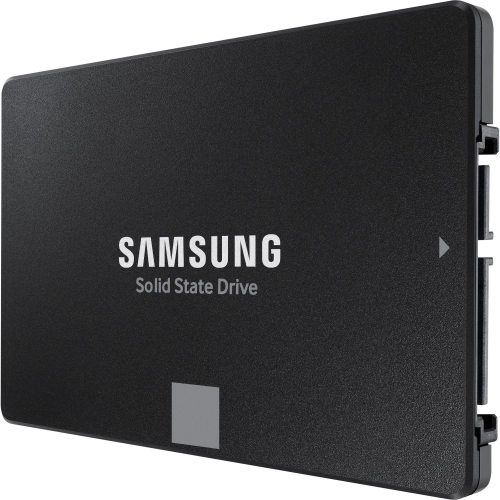 Your price for this item is $649.99
 -
 Your price for this item is $394.99
 -
 Your price for this item is $649.99
 -
 Your price for this item is $1199.97
 -
 Your price for this item is $106.93
 -
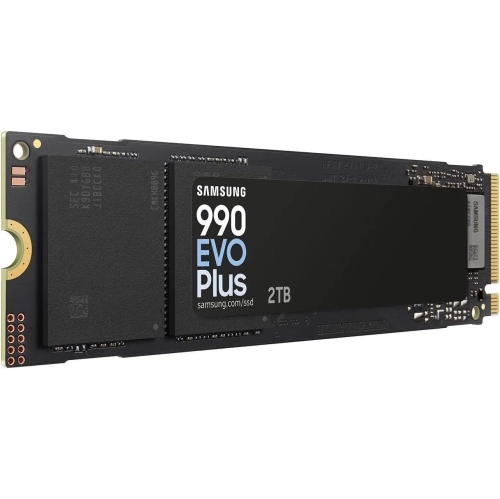 Your price for this item is $639.99
 -
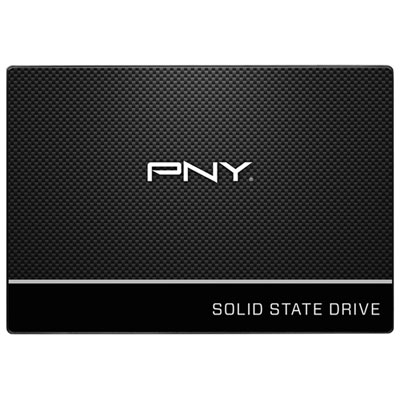 Your price for this item is $124.99