Boxing Day Deals Coming Soon
Our Boxing Day Sale returns in December 2026. In the meantime, shop our current top deals below.

Boxing Day Sale On Desktop Computers
Score incredible deals during the Boxing Day sale on desktop computers and upgrade your home or office setup for less. Whether you’re looking to power through work projects, enjoy immersive gaming, or simply stay connected, now is the perfect time to find the right desktop computer at unbeatable prices. Explore a wide range of options and take advantage of limited-time offers to get top value on the latest technology. Don’t miss out—shop the Boxing Day sale on desktop computers and discover savings you won’t want to pass up. Remember, our Low Price Guarantee means you can shop confidently knowing that you'll find the best price at Best Buy, all year round. We encourage you to check our website frequently for the most up-to-date information on our latest offers and savings opportunities.


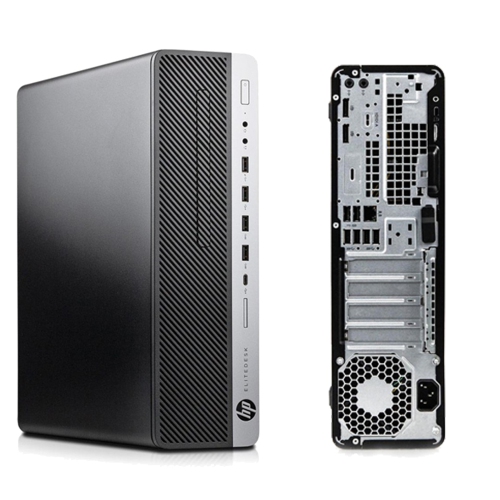
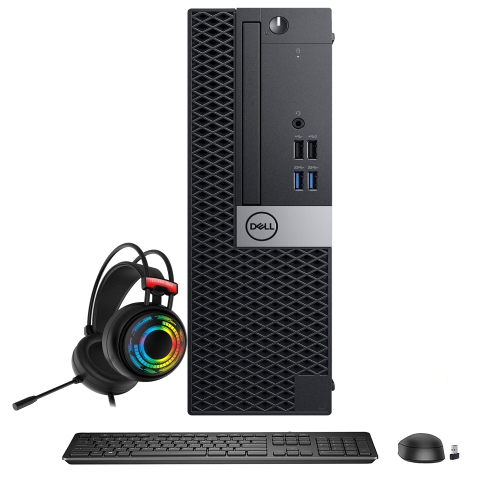
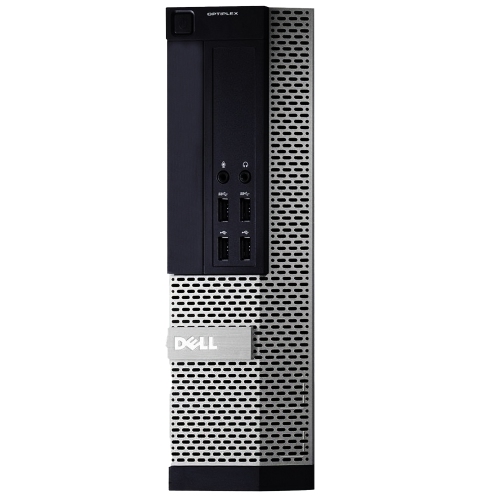
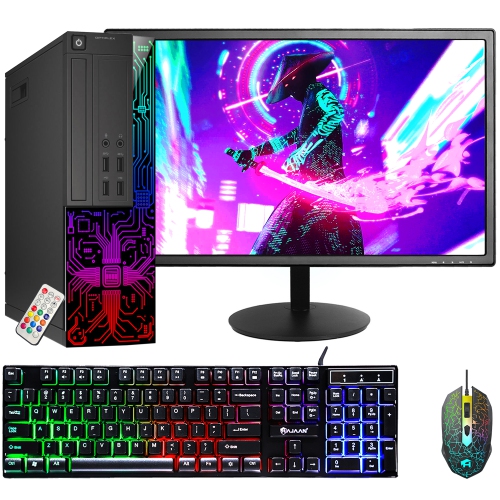


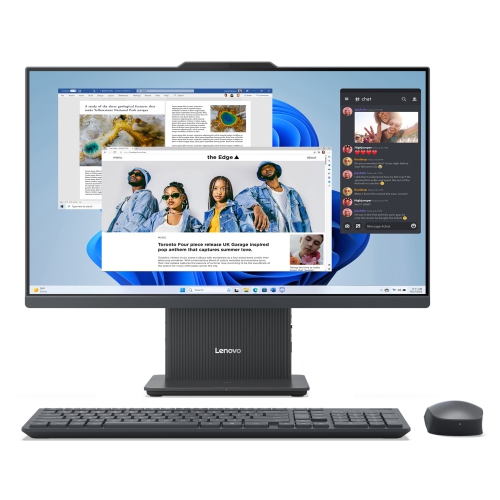
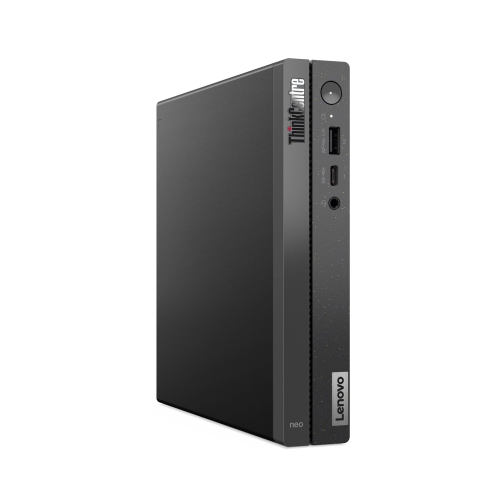
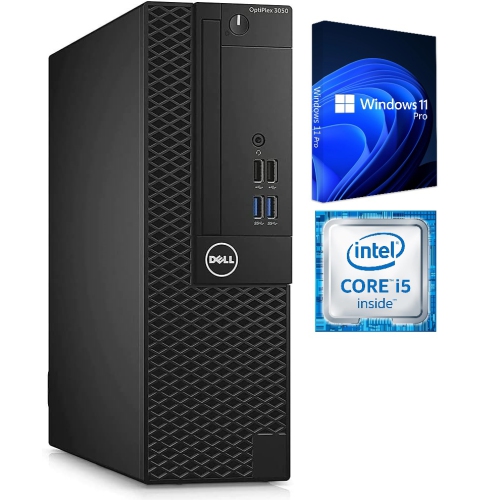
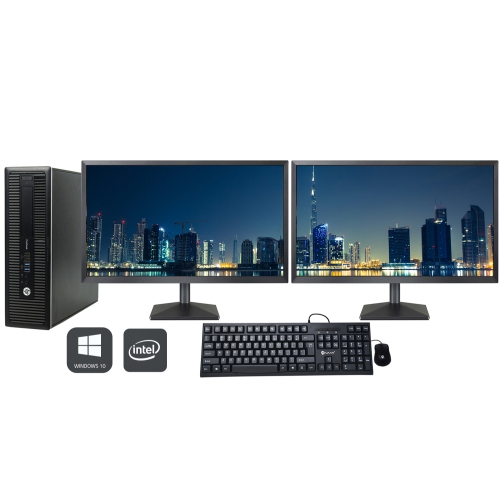
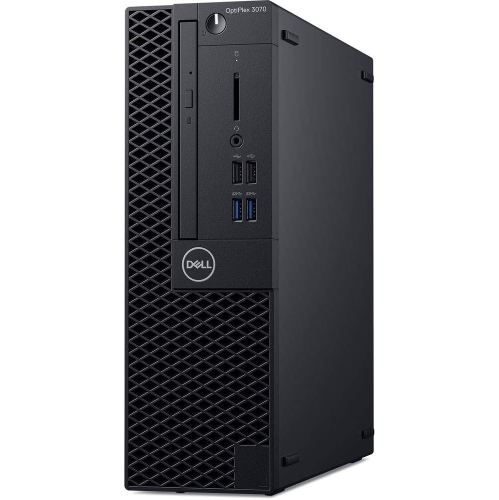
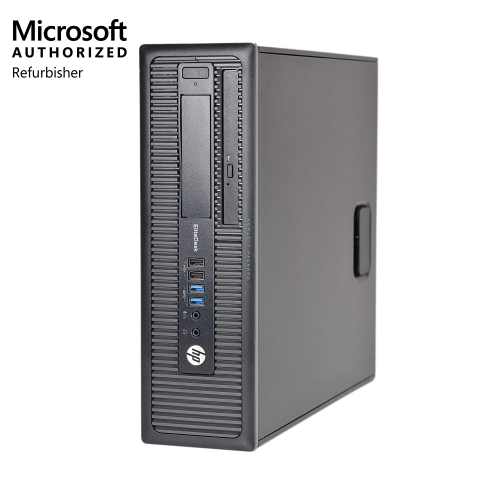
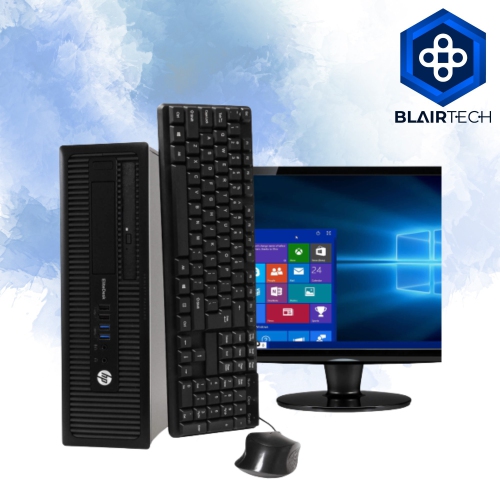
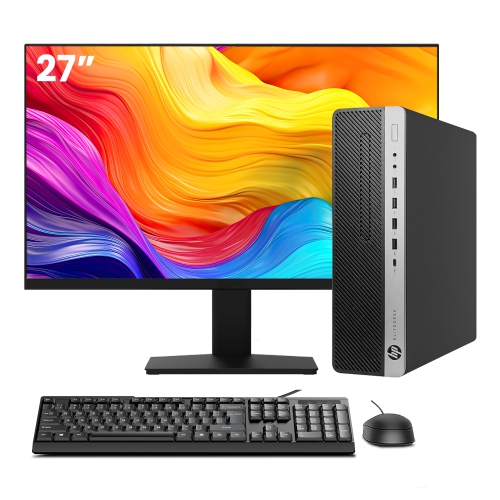
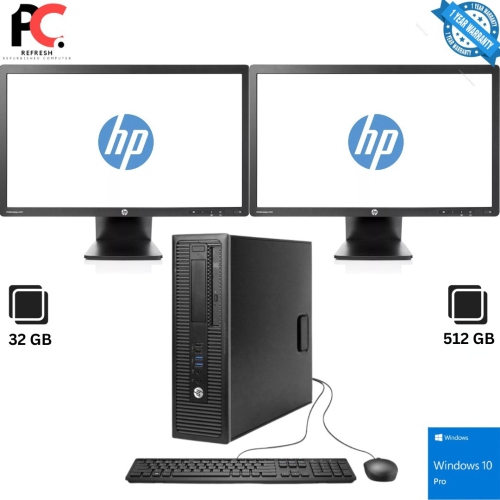
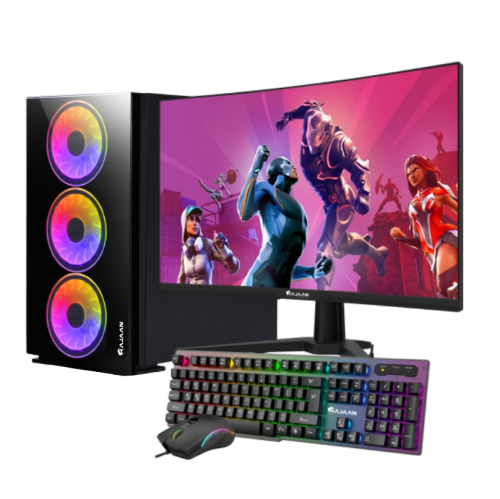

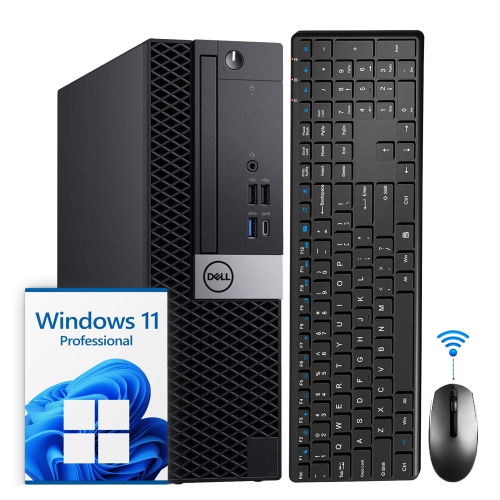
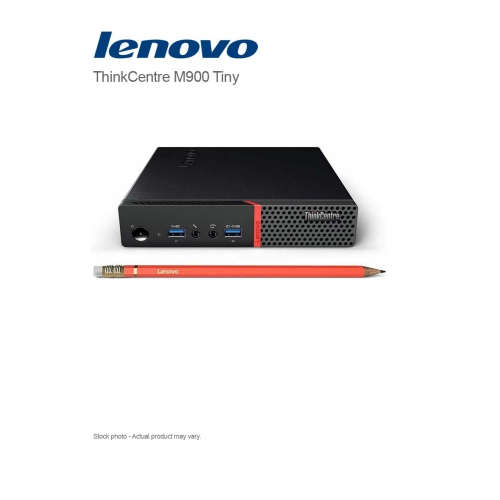
The right desktop fits your space and your workload
Performance comes from the way the processor, memory, storage, and graphics work together, rather than from any single specification. A processor handles much of the work behind opening applications, calculating spreadsheet formulas, and keeping everyday tasks moving. More demanding creative software and technical workloads can benefit from stronger processing capabilities, although results also depend on how each application uses the hardware. Memory provides working space for active programs and files. For many people, 16GB of RAM offers useful room for everyday multitasking, while 32GB or more may be appropriate for larger creative projects, demanding applications, or heavier workloads. These are general reference points, not guarantees that every program will run equally well. Storage serves a different purpose: it holds the operating system, applications, documents, photographs, and other files. A solid-state drive can help a desktop start promptly and open applications responsively, while capacity determines how much can stay on the computer. A growing library of high-resolution footage or large games needs more room than a collection of documents and family photographs. Graphics requirements also vary considerably. Integrated graphics can suit routine productivity and media playback, while a dedicated graphics card may be important for demanding games, three-dimensional work, and certain editing tasks. Gaming performance depends on the combination of graphics hardware, processor, memory, display resolution, and software settings; a high-resolution monitor alone does not create a smoother experience. Connection options have similarly practical consequences. Enough USB ports can accommodate a keyboard, mouse, external drive, and other accessories without constant swapping, while compatible display outputs are essential for connecting the intended monitors. Wi-Fi supports a wireless network connection, and Ethernet provides a wired option when the desk is near a network connection. Bluetooth can simplify connections to compatible accessories. Operating system and application requirements also matter, particularly when a desktop must work with school software, workplace tools, specialist equipment, or an existing collection of files.
Physical fit and everyday care help determine how comfortably a desktop serves its purpose over time. A tower needs sufficient clearance for ventilation, cable connections, and access to frequently used ports, whether it sits beside a desk or in a dedicated compartment. An enclosed cabinet can restrict airflow, and a position directly against a wall may make rear connections difficult to reach. Compact systems reduce the space occupied by the computer, but they still need unobstructed vents and a suitable place for connected cables. With an all-in-one, the stand’s footprint and screen height affect how naturally it fits into the workspace; tilt adjustment or compatible mounting options can make a difference during long sessions. Computer housings commonly use metal, plastic, or a combination of materials, but durability depends on construction, placement, cooling, and handling as well as the outer finish. A stable surface, drinks kept away from electronics, and cables routed away from chair wheels help prevent everyday mishaps. Dust can collect around vents and filters, so cleaning should follow the manufacturer’s directions, with the computer shut down and disconnected as instructed. Cleaning liquid should never be sprayed directly onto the screen or case. Long-term usefulness also depends on serviceability. Many towers allow certain components to be replaced or expanded, but accessible memory slots, storage connections, power capacity, and internal space vary by design. Compact and all-in-one systems may have more limited upgrade options, making the original configuration especially important. Regular file backups and software updates support day-to-day reliability, while suitable power protection can help protect connected equipment. A desktop is particularly well suited to someone who prefers a consistent workstation with a full-size keyboard and a comfortably positioned screen. For someone whose work or studies move between locations, the Boxing Day Sale On Laptops page provides a related option centred on portability. Whether intended for a shared household desk, focused professional work, creative hobbies, or gaming, a desktop feels most useful when its performance, footprint, and connections match the way it will be used.
Top selling and popular products
-
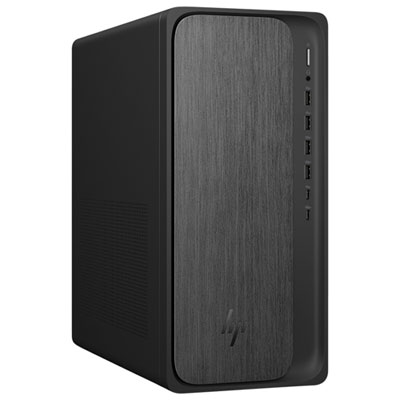 Your price for this item is $1399.99
-
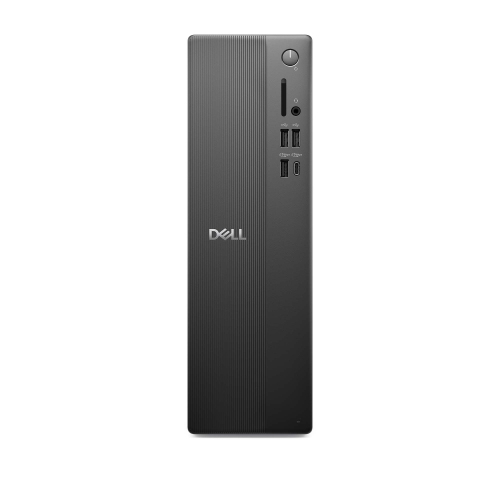 Your price for this item is $1629.79
-
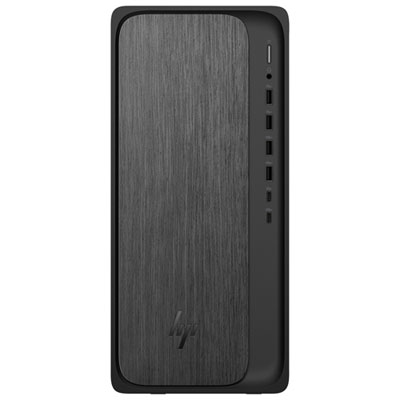 Your price for this item is $2299.99
-
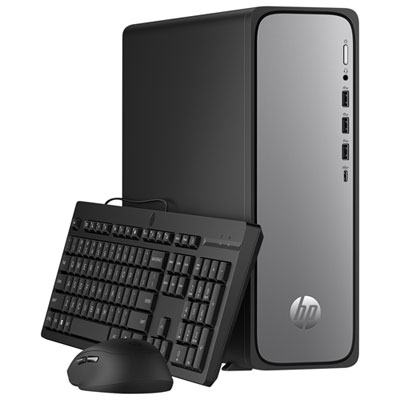 Your price for this item is $1469.99
-
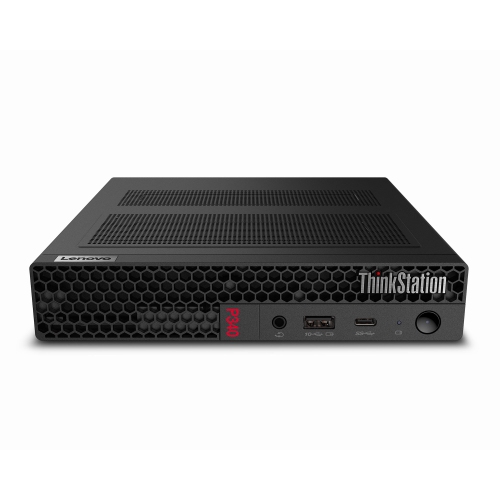 Your price for this item is $699.79
-
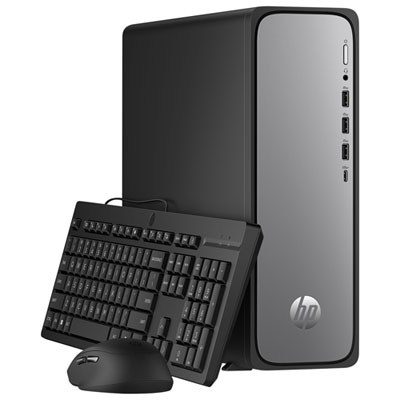 Your price for this item is $1759.99
-
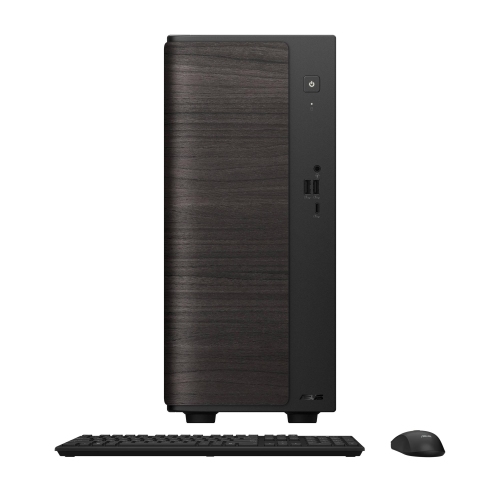 Your price for this item is $3149
-
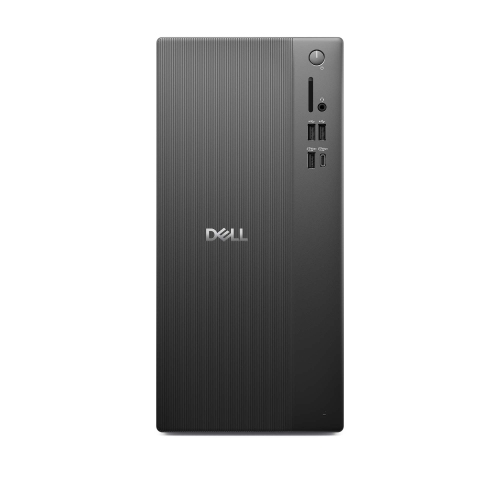 Your price for this item is $2628.79