Boxing Day Deals Coming Soon
Our Boxing Day Sale returns in December 2026. In the meantime, shop our current top deals below.

Boxing Day Sale On Desktops
Discover incredible savings during the Boxing Day Sale on desktop computers at Best Buy. Take advantage of limited-time deals to upgrade your workspace, enhance your home office, or find the perfect setup for gaming and entertainment. With a wide selection to choose from, it’s never been easier to find the right desktop to suit your needs and budget. Shop now and enjoy unbeatable prices during the Boxing Day Sale on desktop computers. Remember, our Low Price Guarantee means you can shop confidently knowing that you'll find the best price at Best Buy, all year round. We encourage you to check our website frequently for the most up-to-date information on our latest offers and savings opportunities.


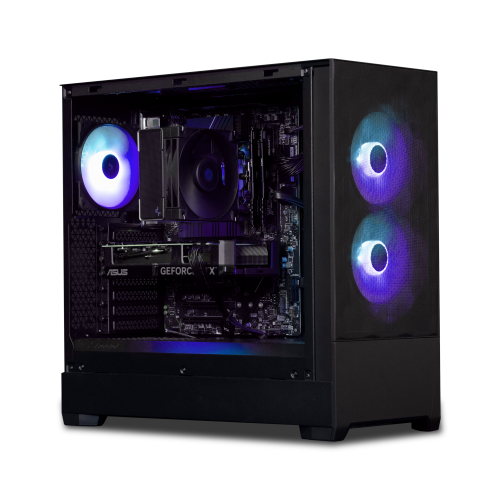
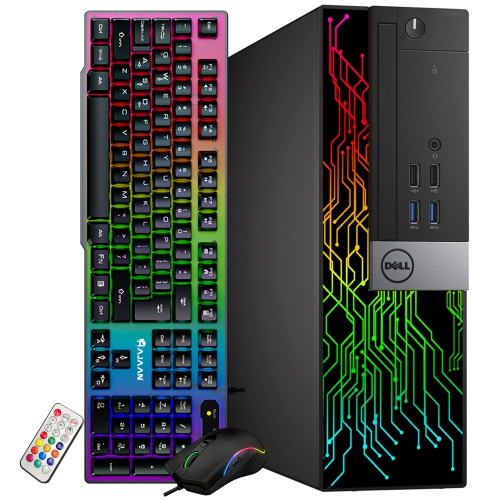
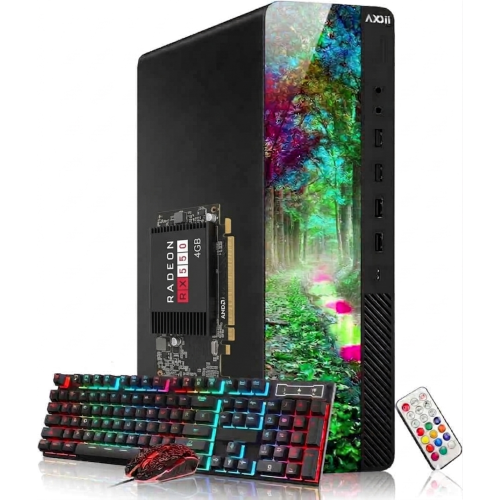
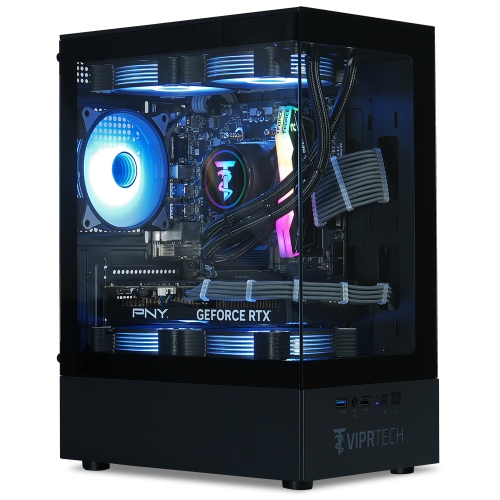
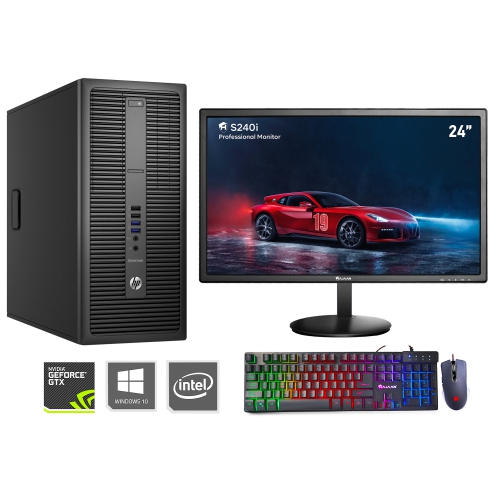
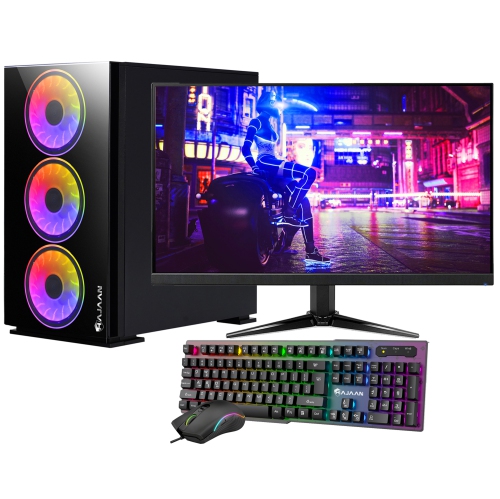
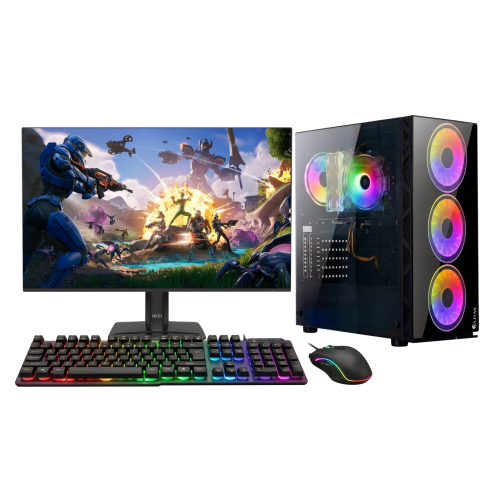
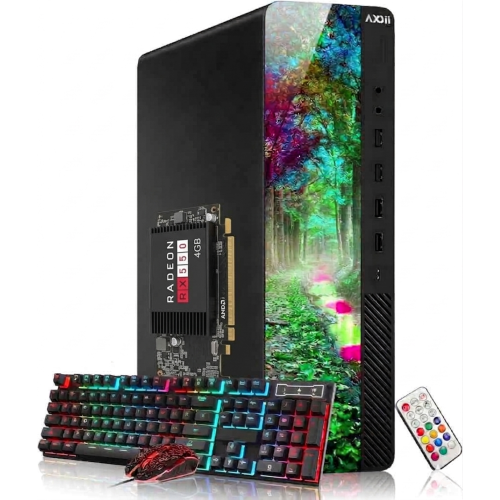
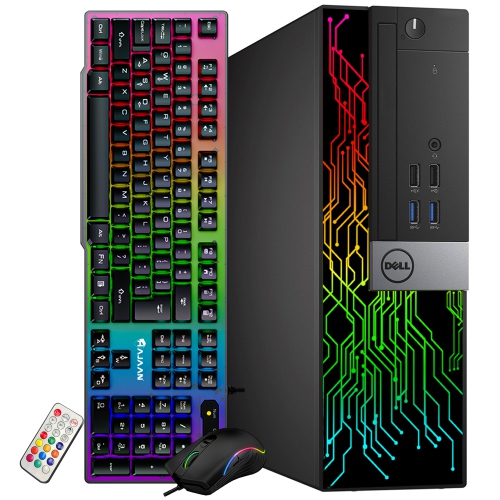
How desktop designs suit different spaces and daily demands
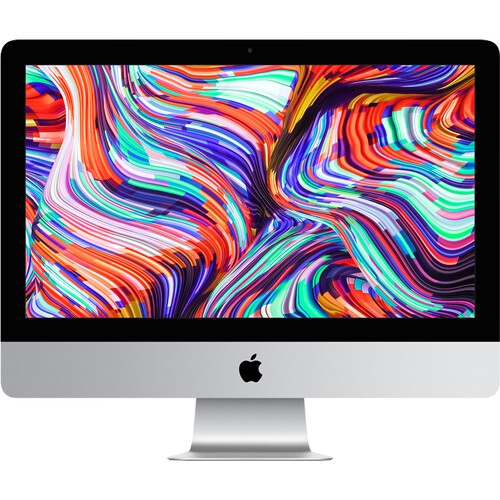
The components inside a desktop shape how it feels during ordinary use, not just how it performs under a heavy workload. The processor handles much of the work behind opening applications, calculating spreadsheets, and running software, while memory gives active programs room to operate together. A computer used with a browser full of tabs, a video meeting, and a large presentation at the same time benefits from more memory than one used for a single straightforward task. Processor generation and design matter alongside core count, so a larger number in a specification does not tell the whole story. Solid-state storage helps the operating system and applications load promptly, while storage capacity determines how much room there is for documents, photographs, games, and media projects. Large game libraries and video files can fill a drive quickly; extra internal drive support or suitable external connections can make future storage needs easier to manage. Graphics requirements vary considerably. Integrated graphics can handle many everyday tasks, while a dedicated graphics card is often important for demanding games, 3D work, and certain editing applications. Performance also depends on the display resolution and the settings used, so a gaming desktop and its monitor need to suit the same expectations. Someone playing fast-paced games on a high-refresh-rate display has different priorities from someone arranging family photographs or watching streamed video. Cooling plays a role in maintaining performance during longer sessions, and fan noise may be noticeable in a quiet room used for calls or study. For creative work, the monitor’s colour accuracy, brightness, and connection options matter alongside the computer itself. Software compatibility is another practical distinction between desktop platforms, particularly for specialised work applications, established game libraries, and familiar accessories. Shoppers interested in an integrated desktop design can also explore Boxing Day sale on iMacs, with attention to the applications and connections their routine requires. Across desktop formats, matching the hardware to real tasks is more useful than choosing specifications that have little bearing on how the computer will be used.
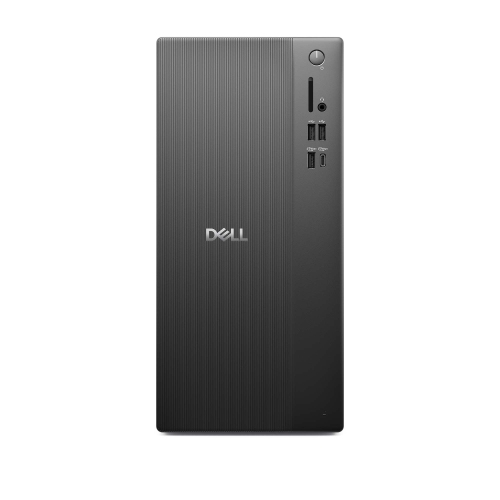
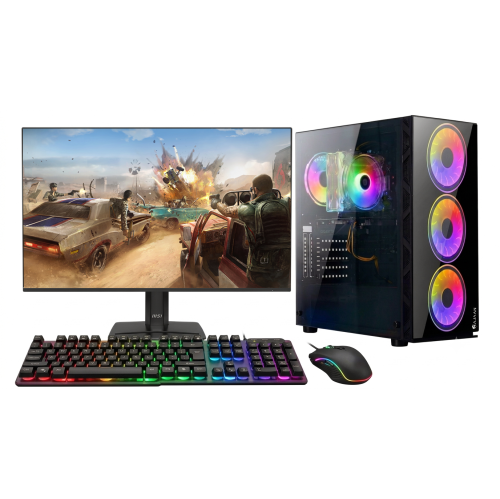
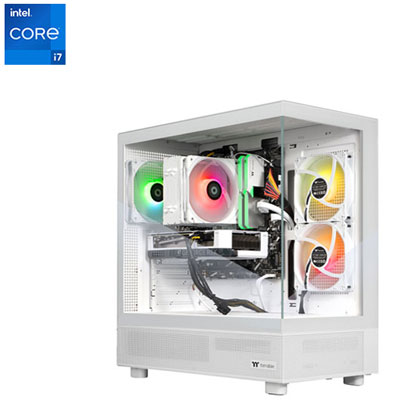
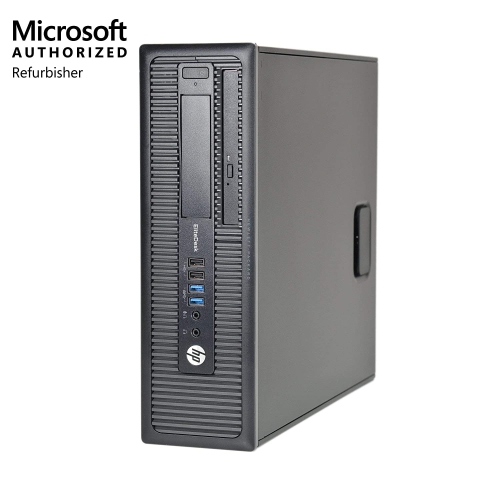
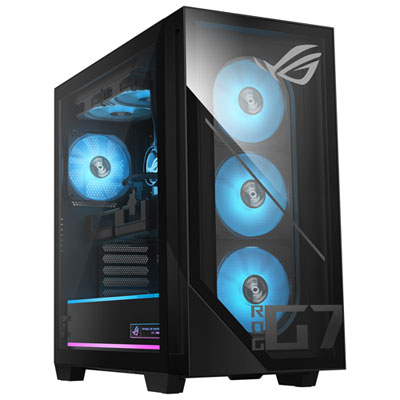
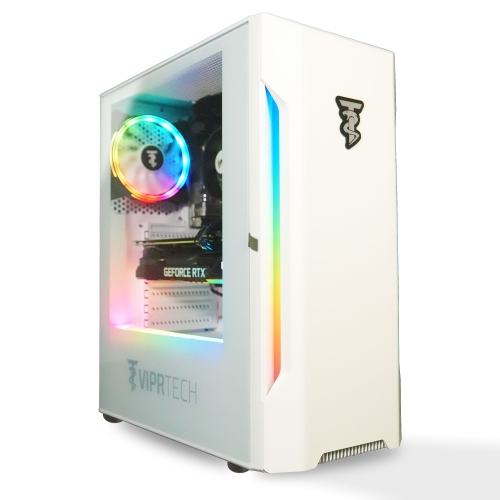
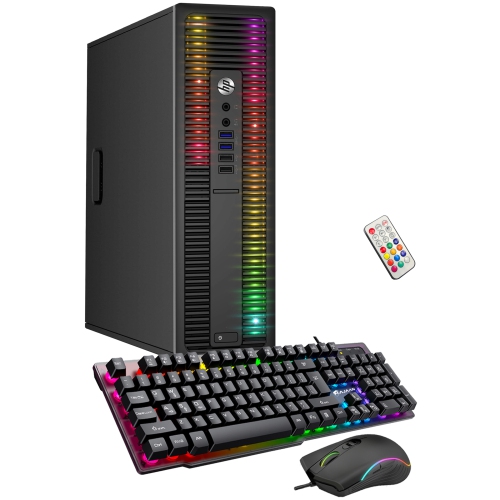
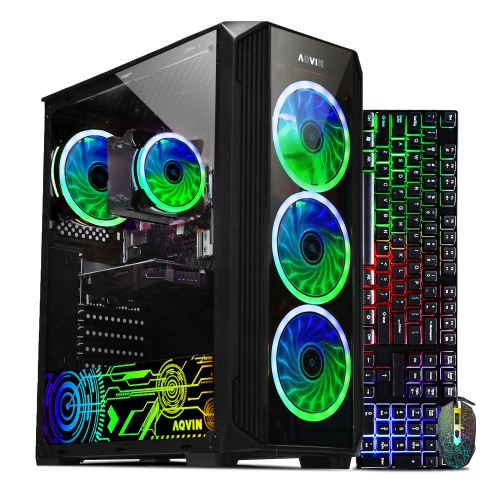
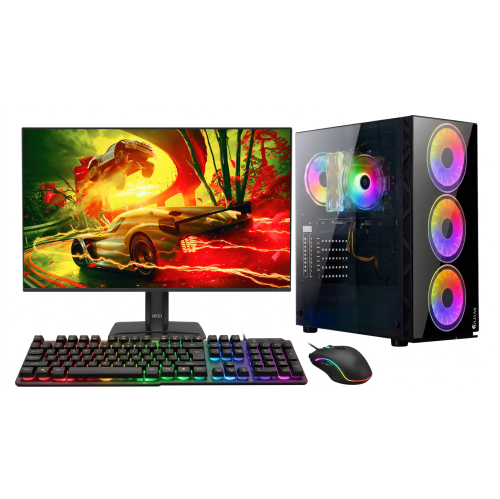
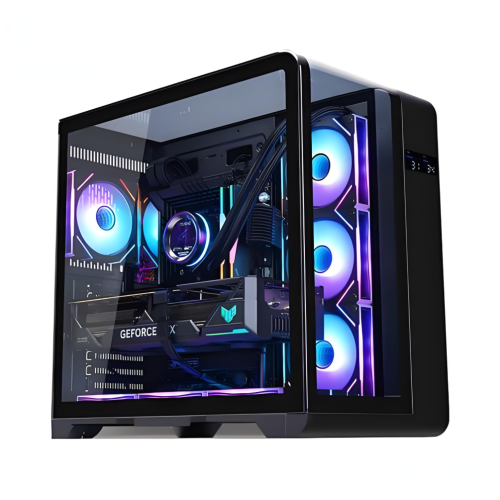
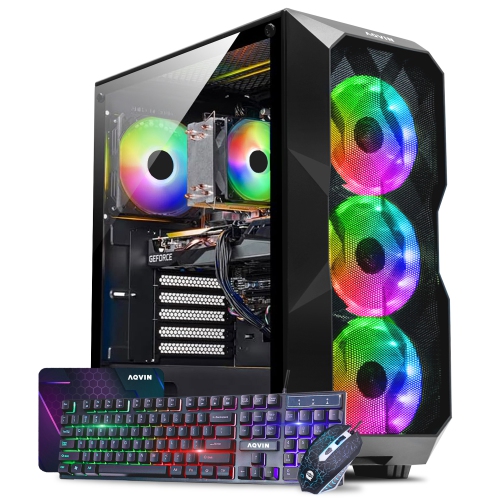
A desktop’s physical design affects how comfortably it fits into a room and how easy it is to live with over time. Cases commonly combine metal frames with plastic panels, while some gaming towers include glass side panels that make internal components visible. Metal construction can provide a sturdy structure, but overall build quality, panel fit, ventilation, and the placement of ports are more meaningful than appearance alone. Glass panels need careful handling, particularly when a computer is moved or opened for permitted maintenance. A tower tucked beneath a desk still needs clear airflow around its vents, and a thick rug or tightly enclosed cabinet can interfere with cooling. On a desktop surface, case depth and rear cable clearance matter just as much as width; plugs should not be pressed sharply against a wall. Front-facing USB ports and an accessible headset connection can simplify everyday use, especially when someone regularly transfers files or joins online meetings. Wi-Fi is convenient where a wired connection is impractical, while Ethernet can provide a consistent connection for large transfers, video calls, and online play. Bluetooth support can reduce cables for compatible accessories, though supported connections vary by computer. For households using two monitors, the number and type of display outputs deserve attention, as does support for the intended screen resolutions. Long-term flexibility varies too: some towers allow memory, storage, or graphics upgrades, while compact systems and all-in-ones may have more restricted access or non-replaceable components. Any changes depend on compatibility, power capacity, physical space, and the manufacturer’s service guidance. Routine care is generally straightforward: keep vents clear, remove surface dust using appropriate methods, and follow cleaning instructions rather than spraying liquid directly onto the computer. Operating system updates, sensible account security, and regular file backups help protect the work stored on it. A comfortable chair, a screen positioned at a suitable height, and enough room for the mouse complete a setup that feels practical through a full afternoon of study or work. These details help turn a desktop from a collection of specifications into a dependable part of daily life.
Top selling and popular products
-
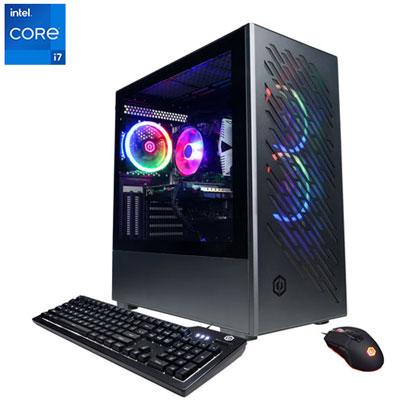 Your price for this item is $1969.99
 -
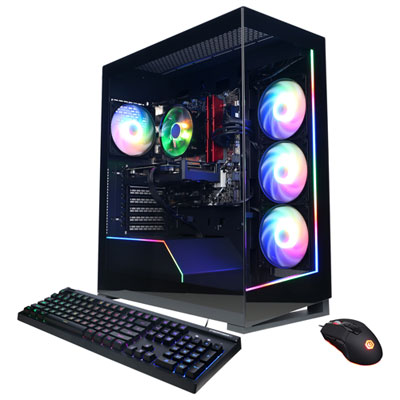 Your price for this item is $1059.99
 -
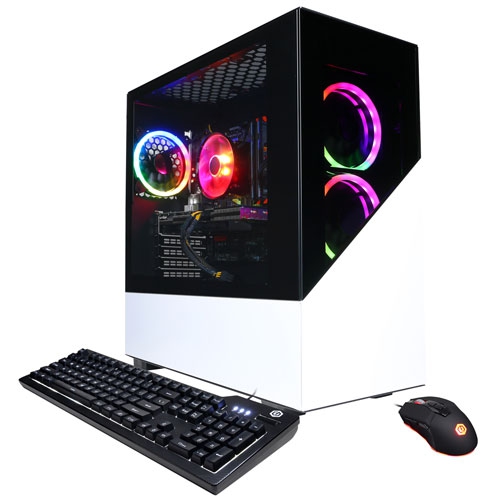 Your price for this item is $1274.97
 -
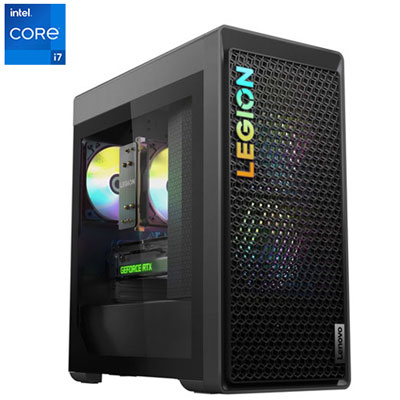 Your price for this item is $1899.95
 -
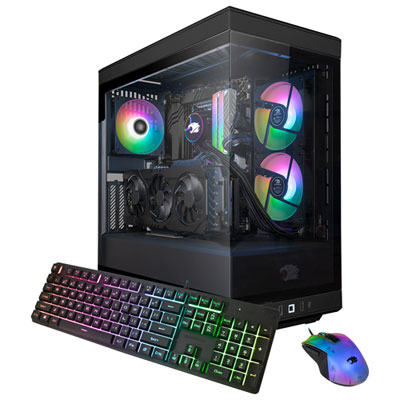 Your price for this item is $2309.99
 -
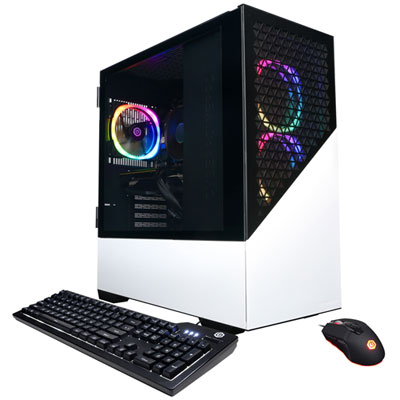 Your price for this item is $1669.99
 -
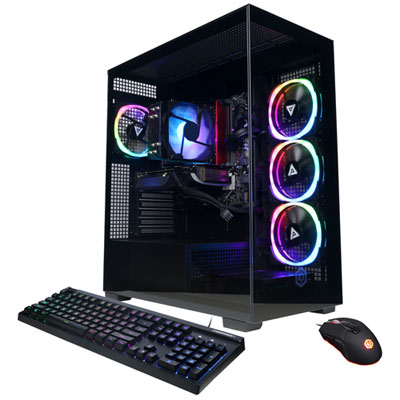 Your price for this item is $1839.99
 -
 Your price for this item is $2399.99