Buy PC Gaming

Shop PC gaming options for a new setup or an upgrade to your current one. Compare specifications, compatibility, and features against the games you play, your available space, and your budget to find the right fit.

Read More

Sort

How your gaming setup shapes performance and comfort

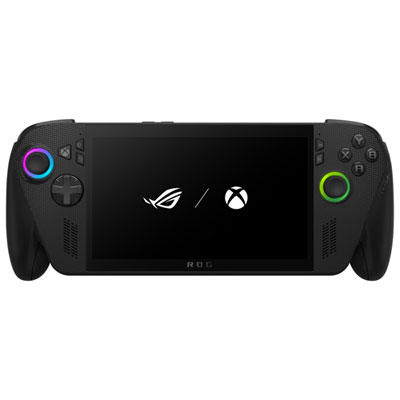
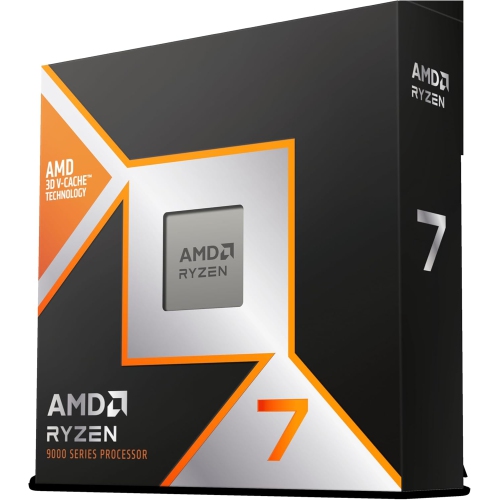
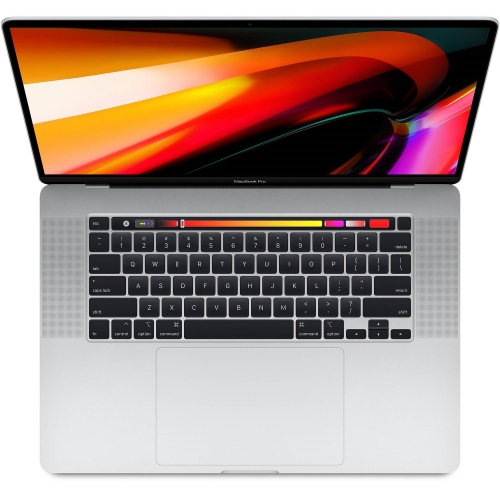
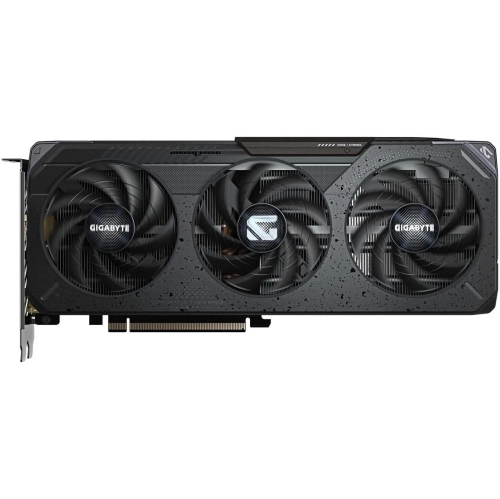
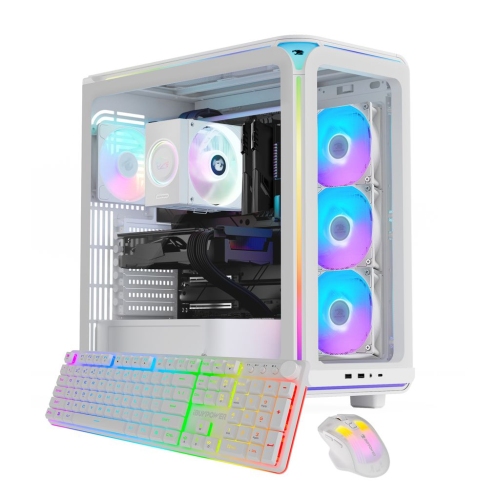
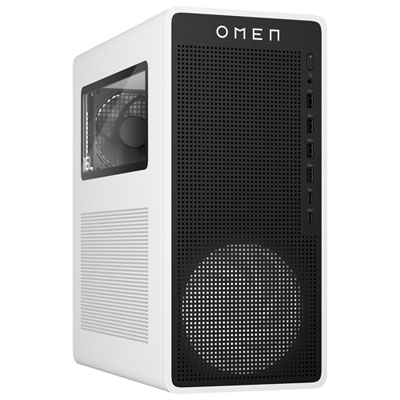
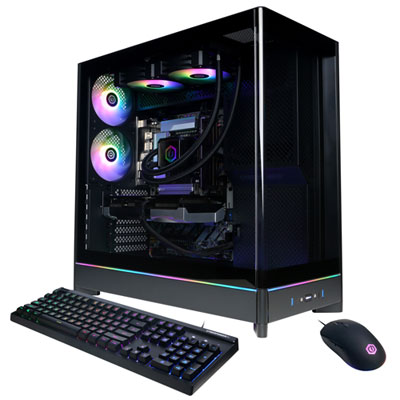
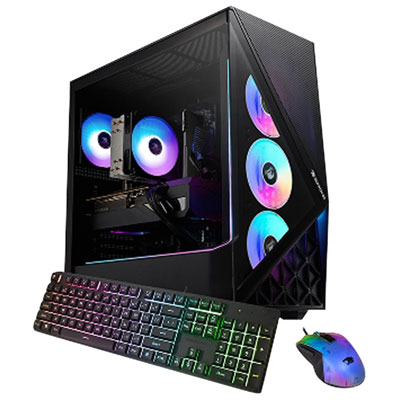
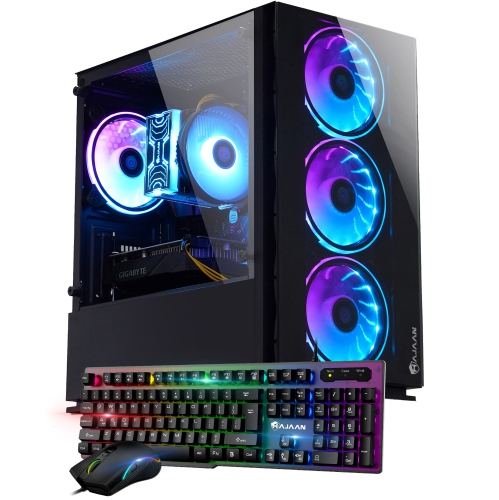
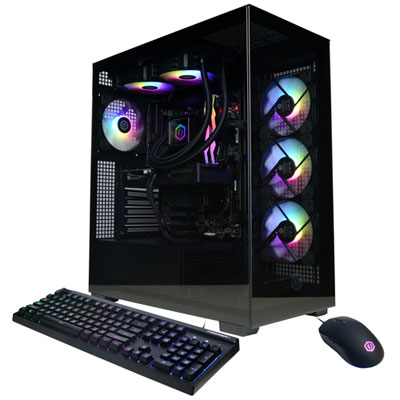
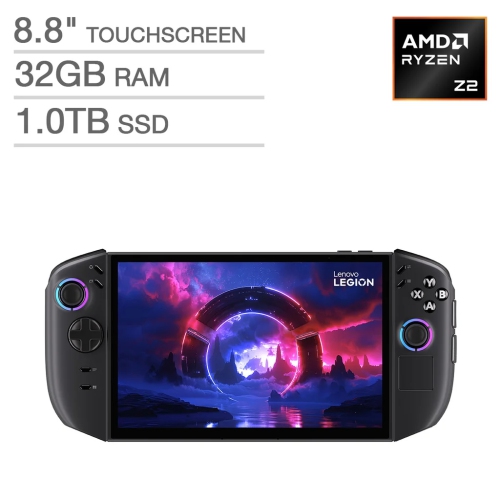
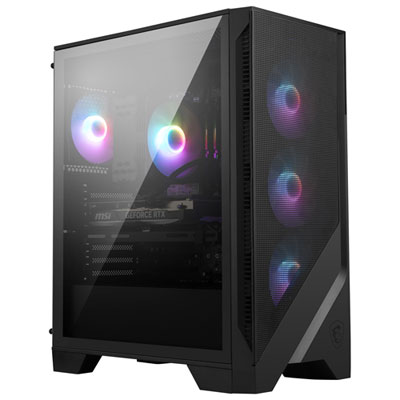
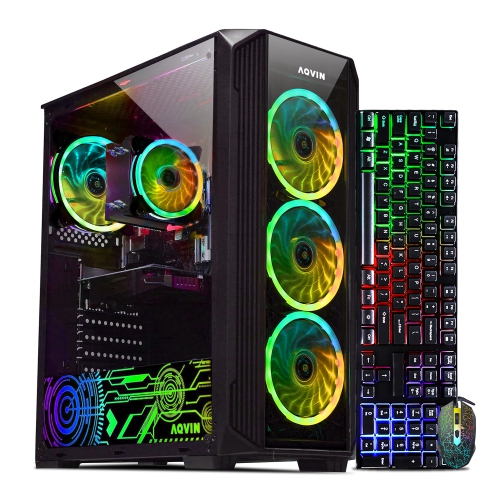
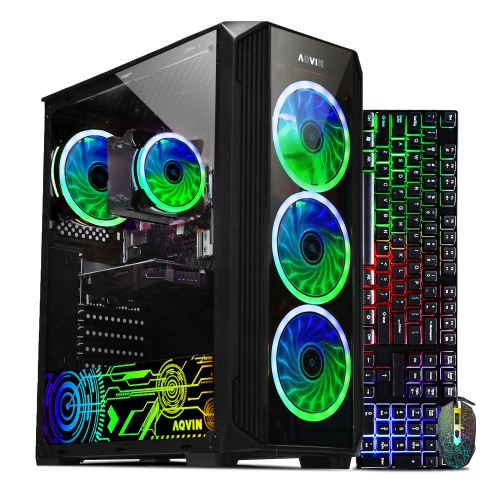
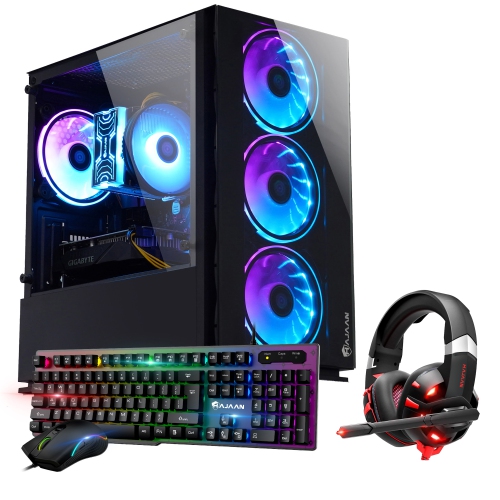
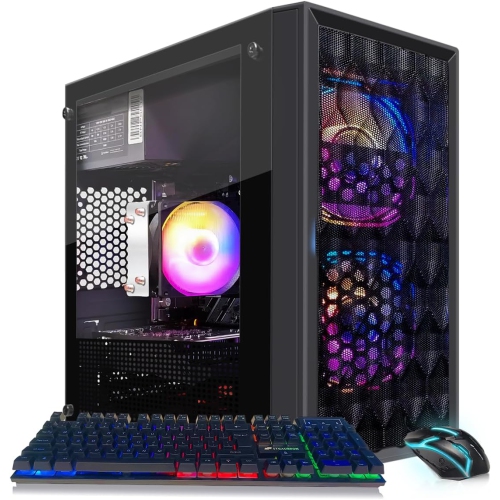
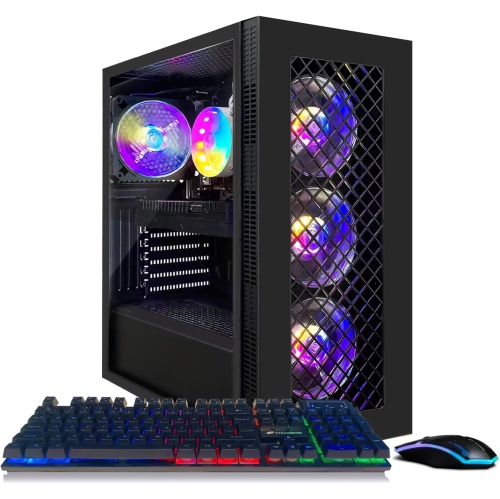
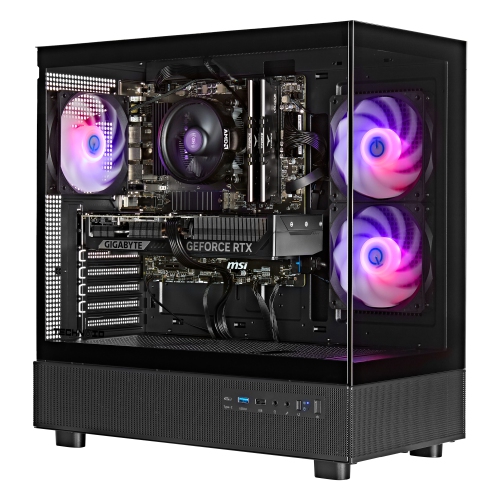
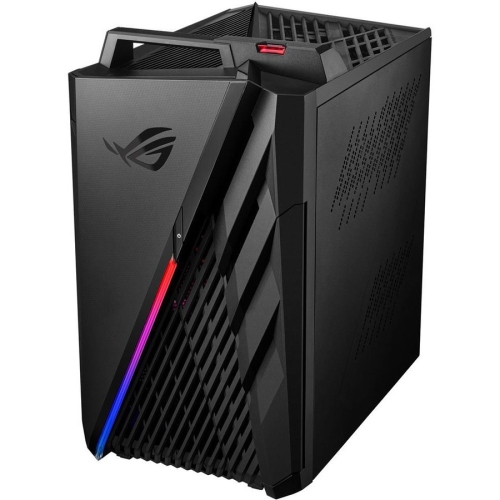
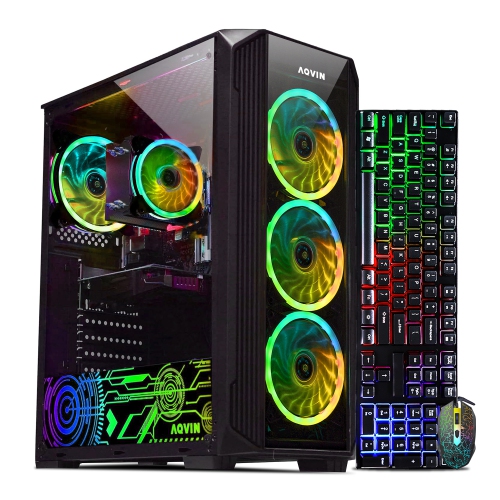
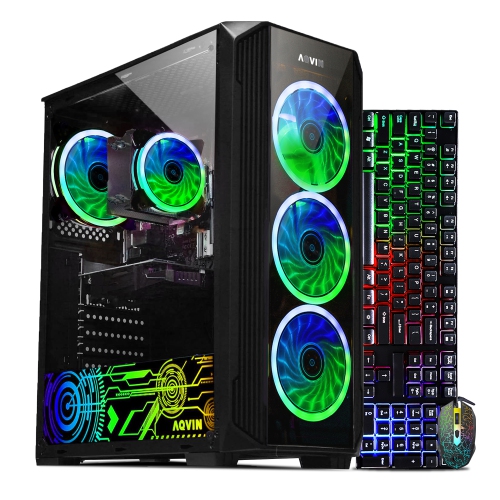
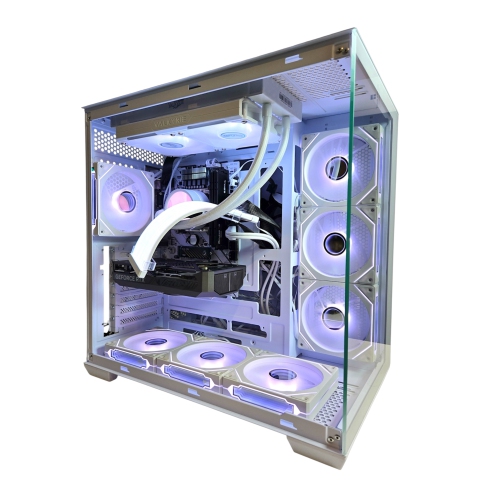
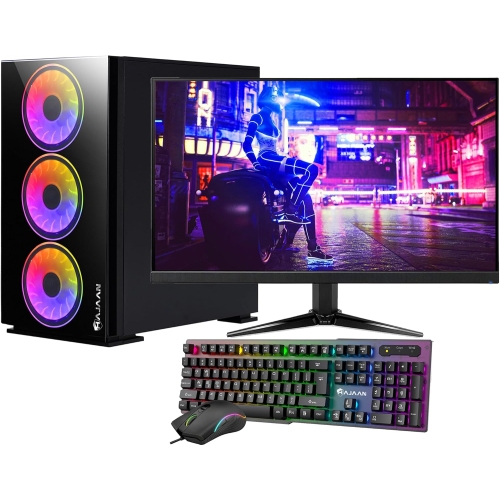
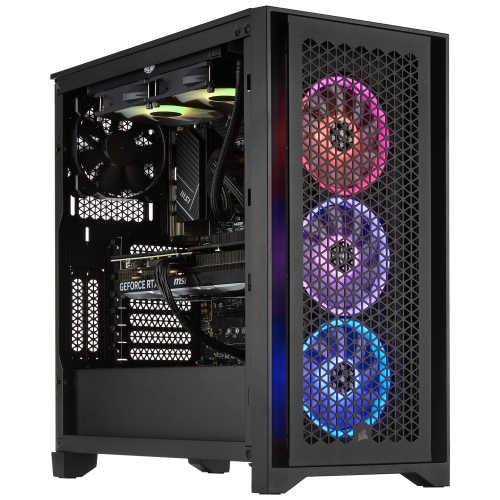
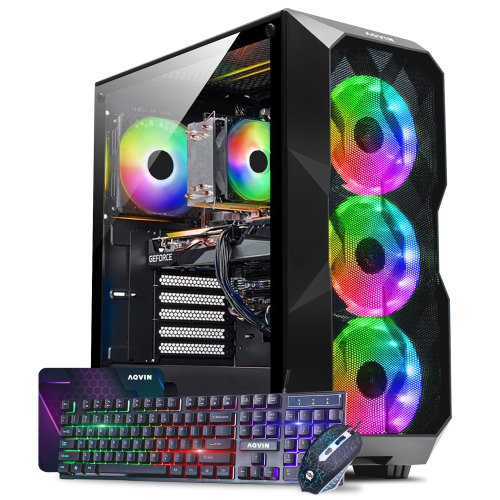
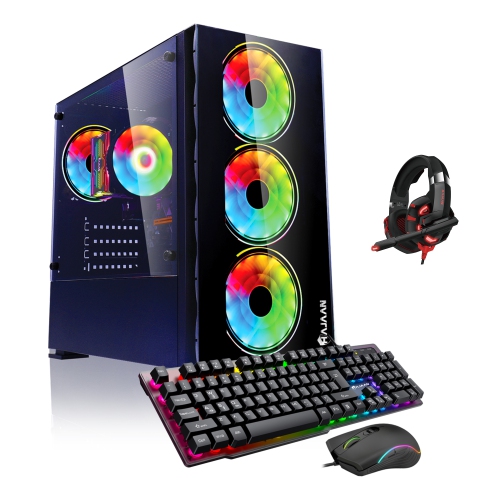
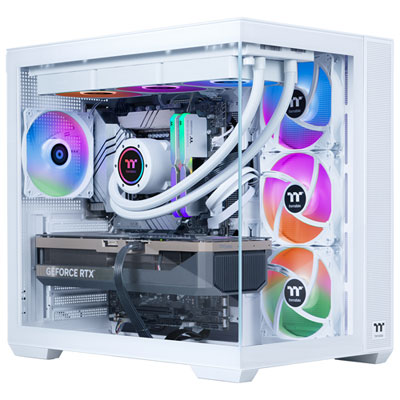
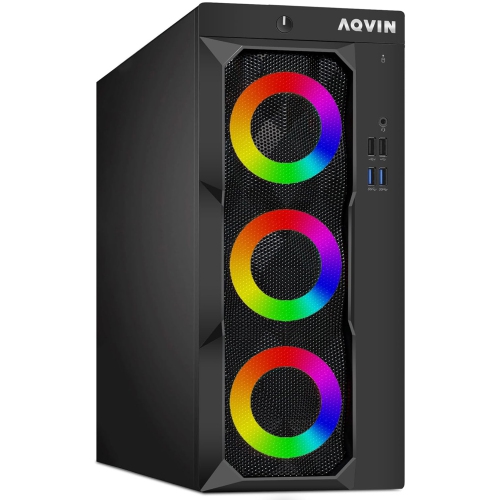
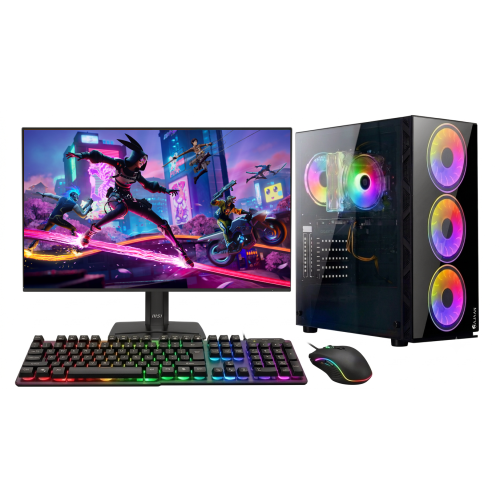
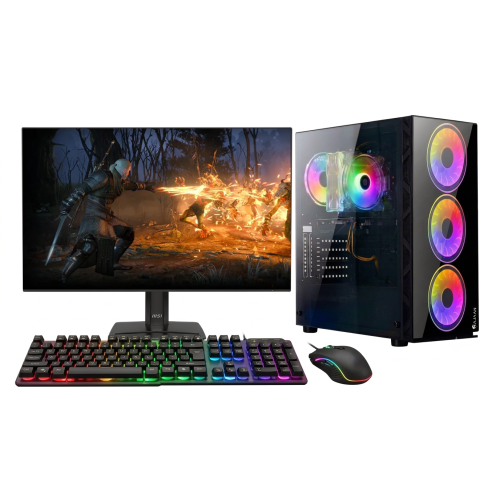
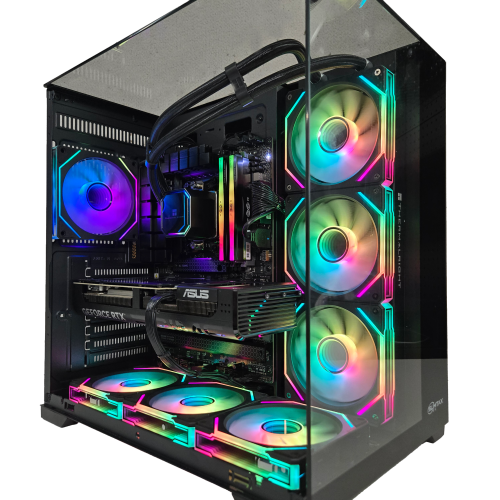
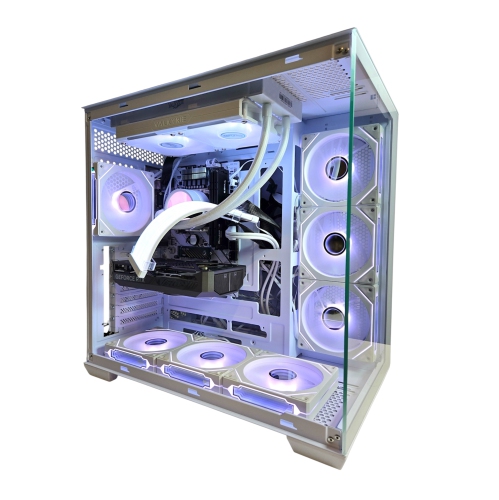
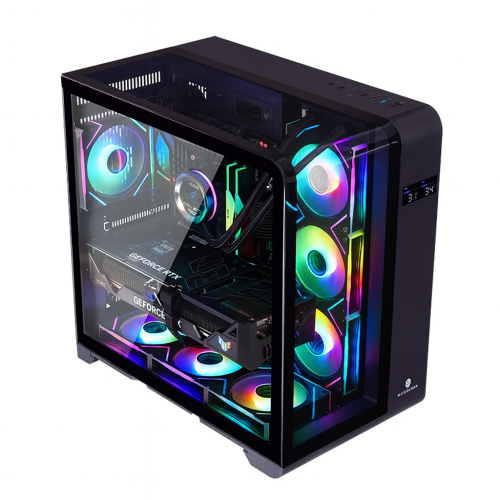
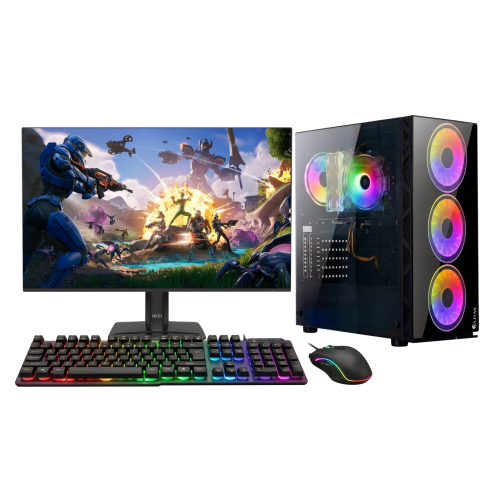
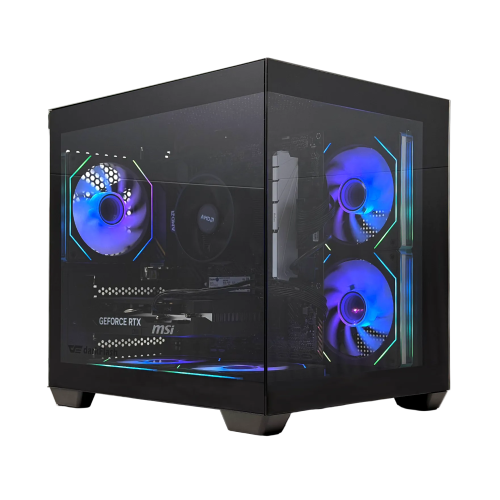
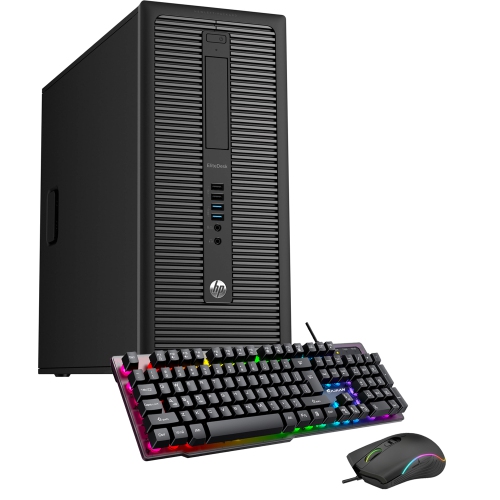
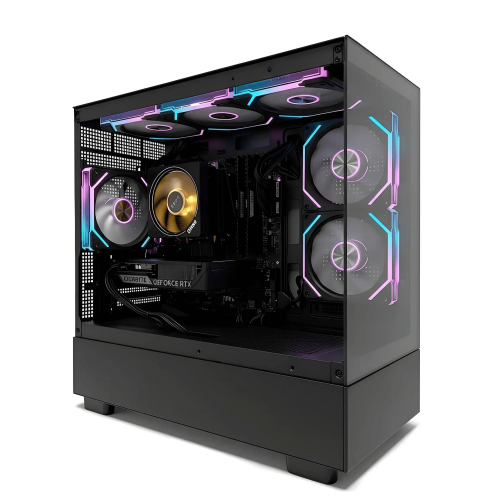
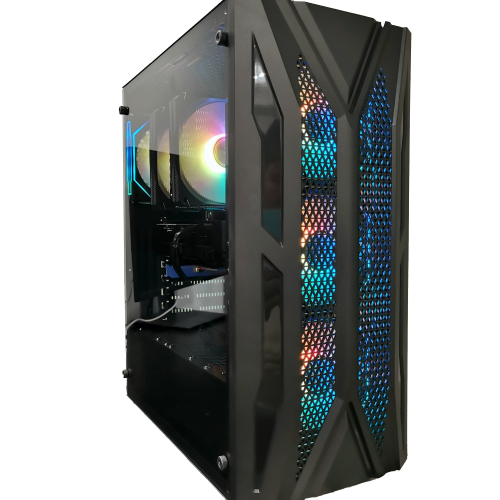
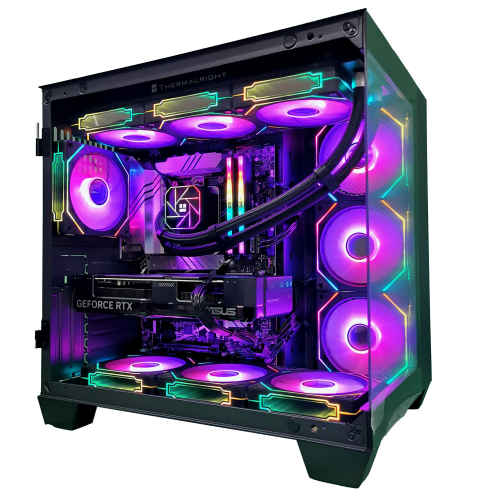
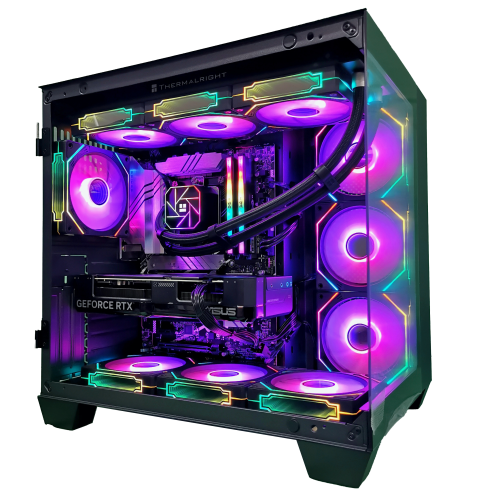
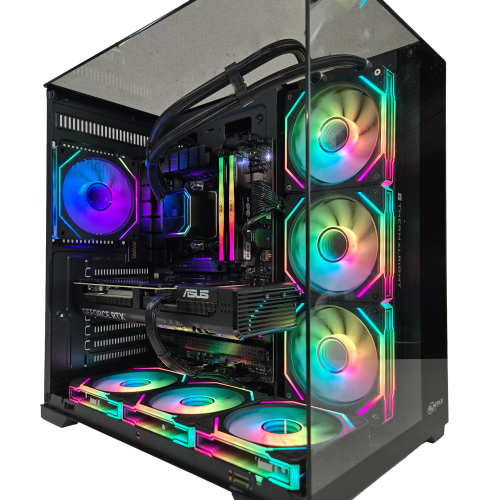
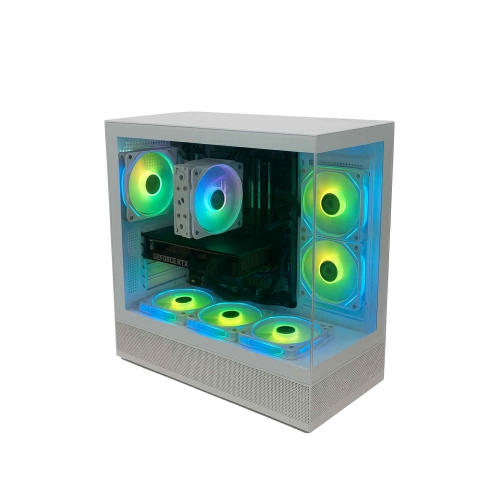
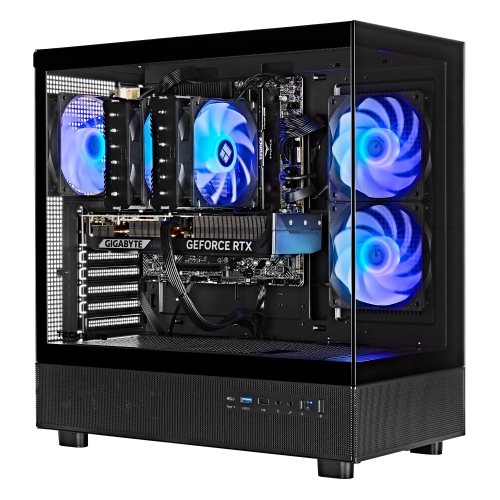
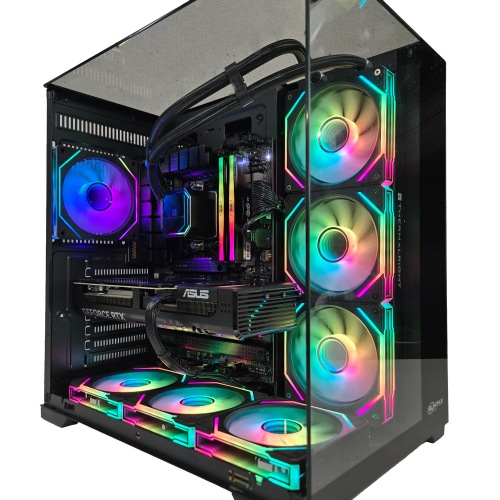
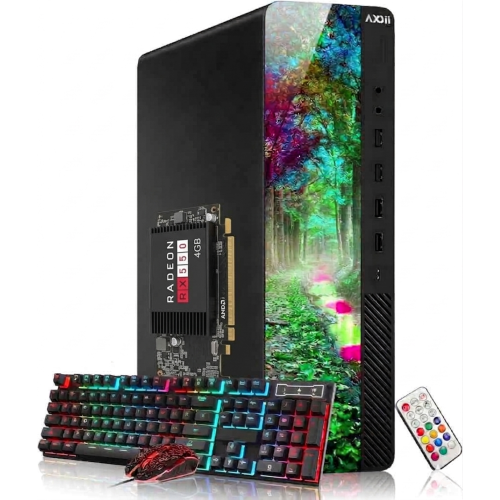
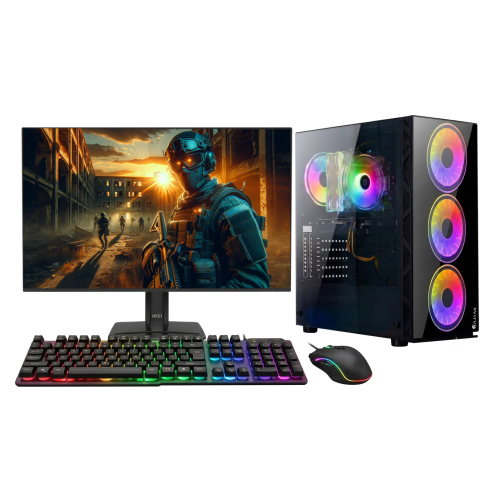
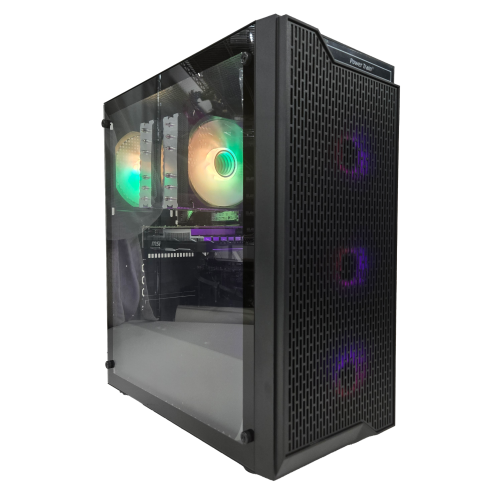
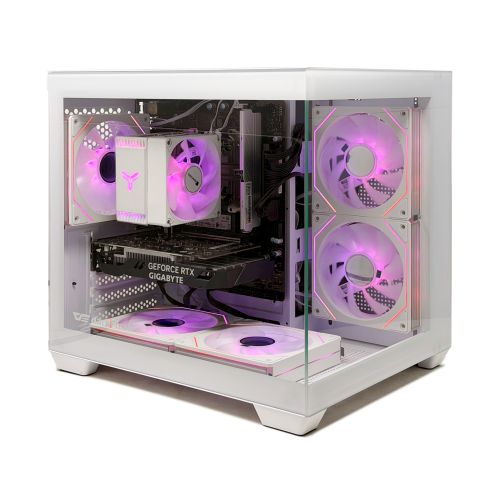
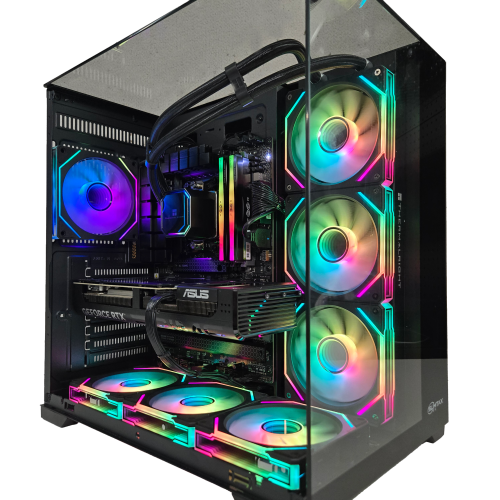
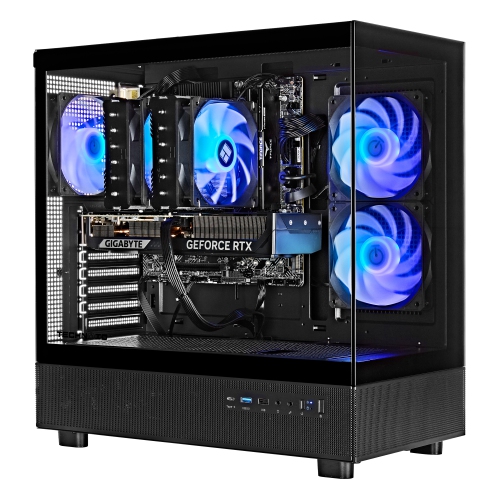
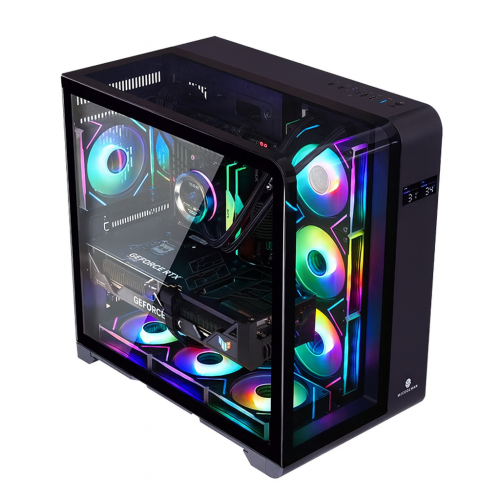
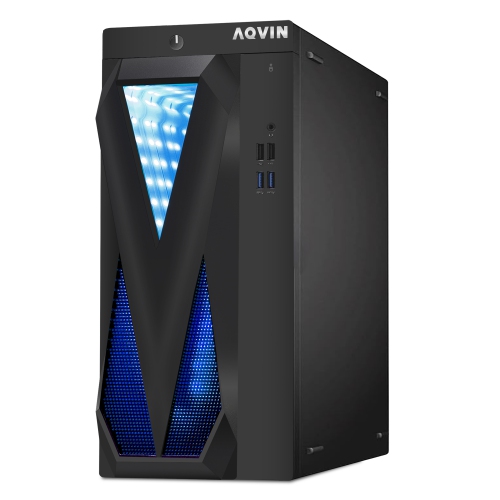
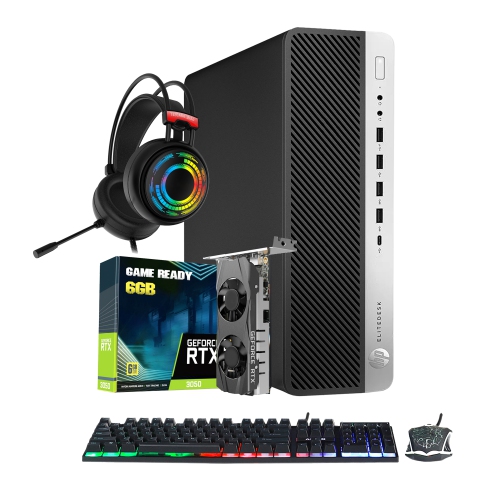
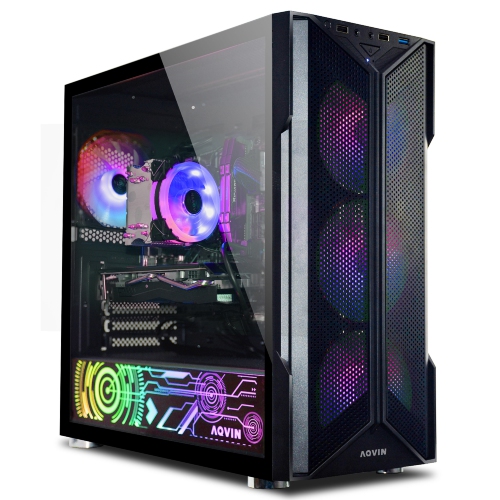
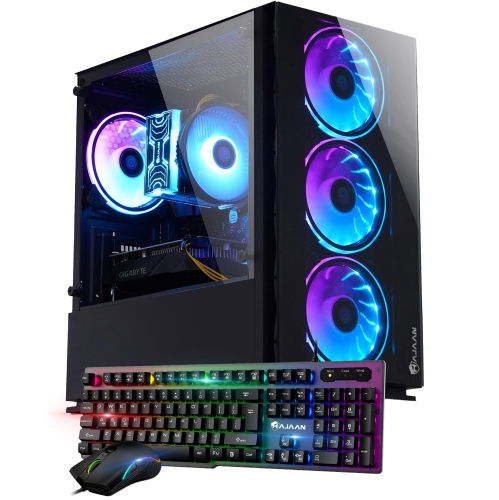
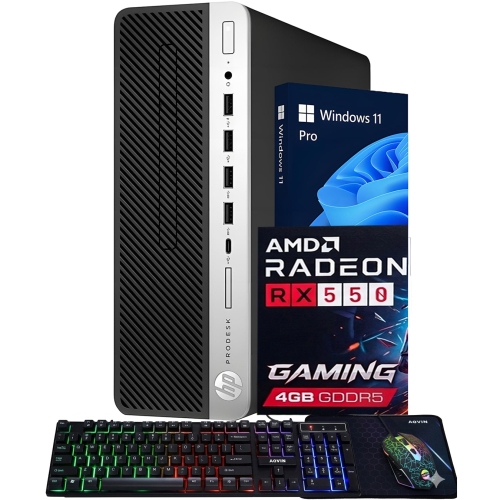
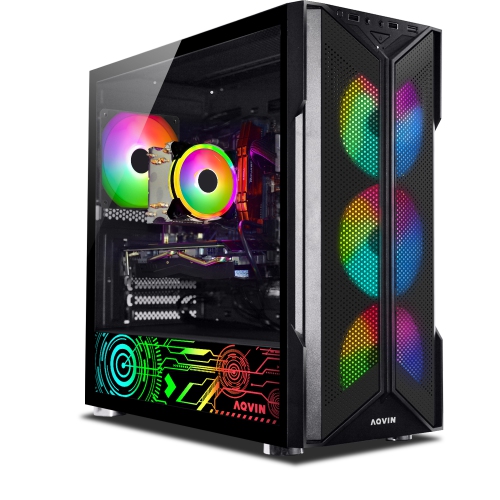
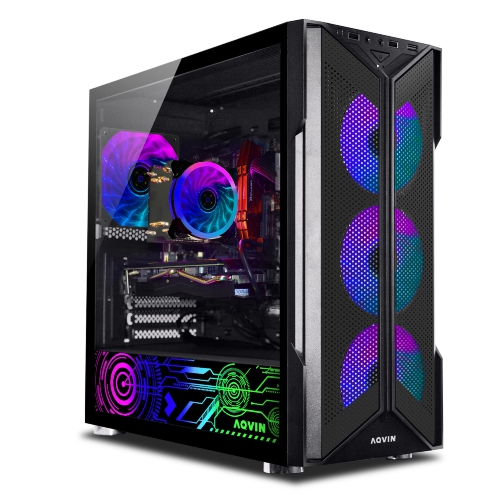
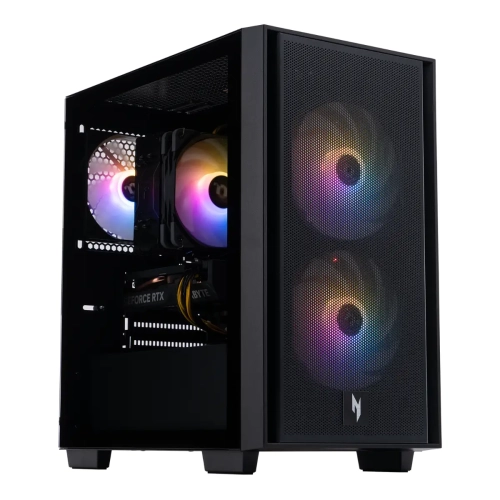
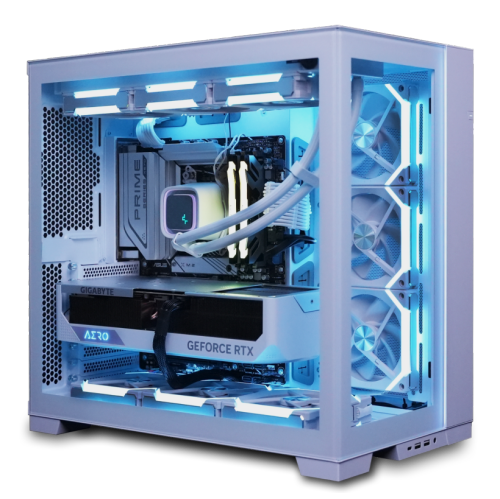
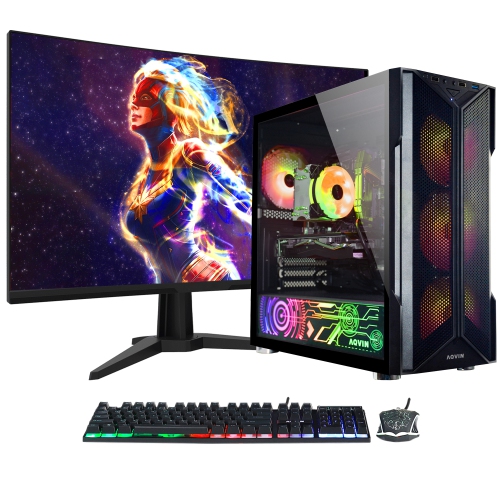
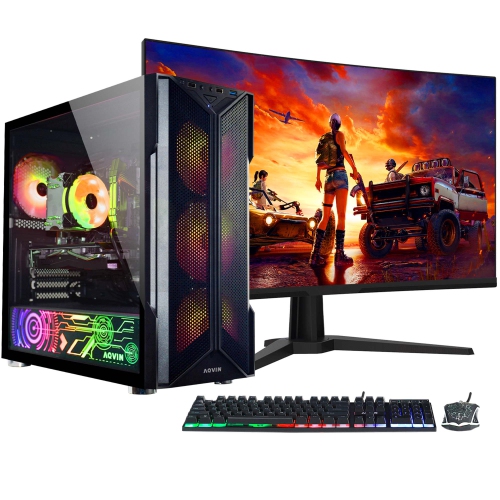
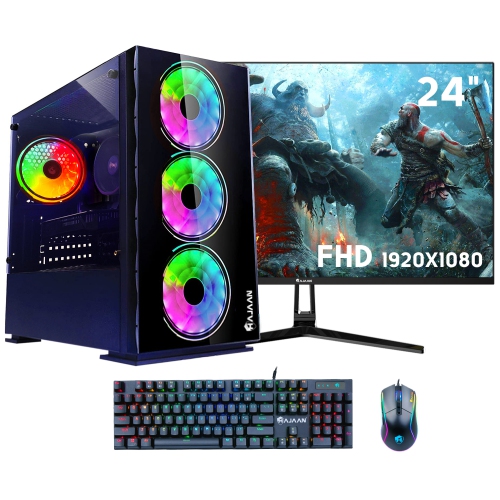
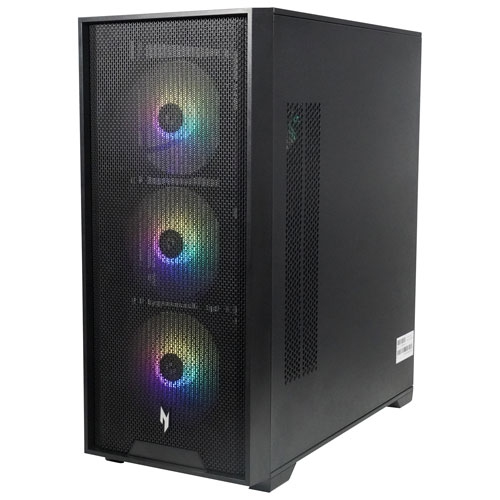
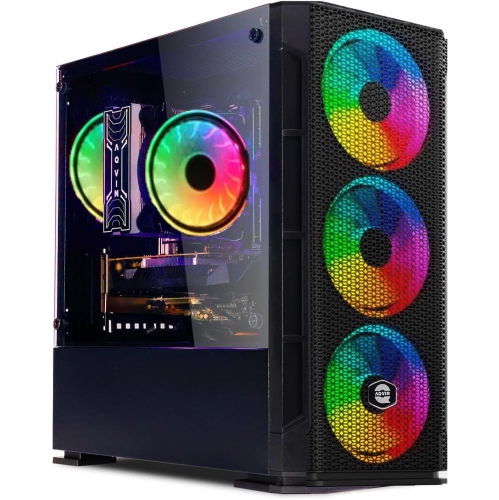
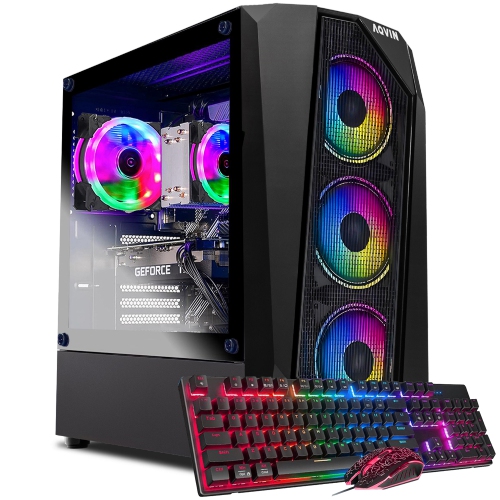
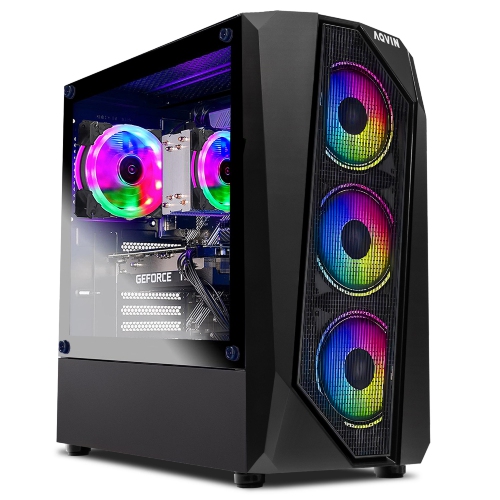
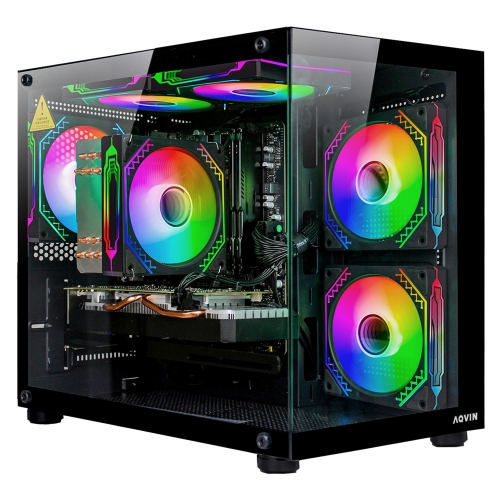
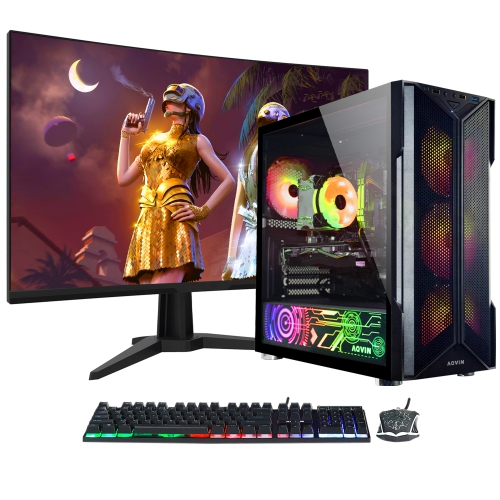
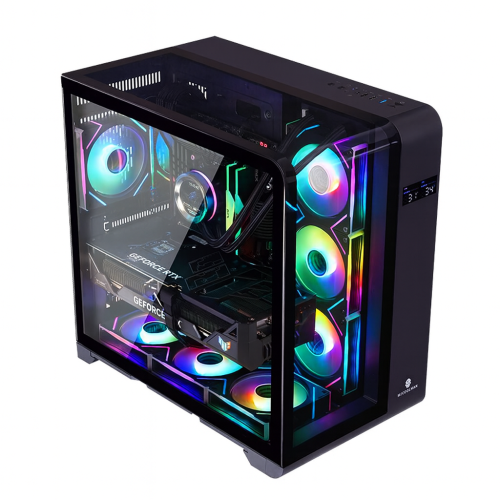
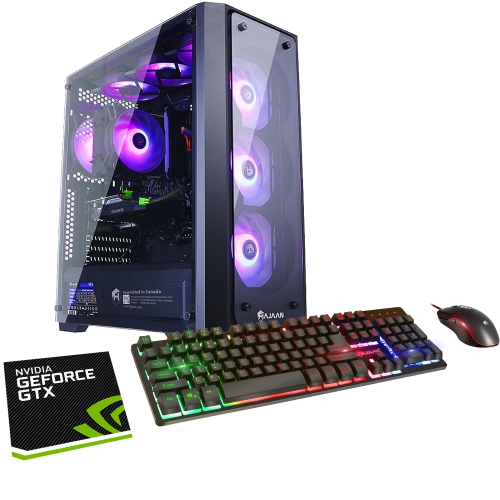
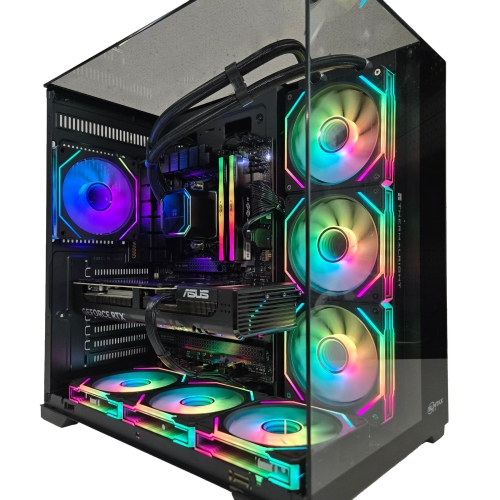
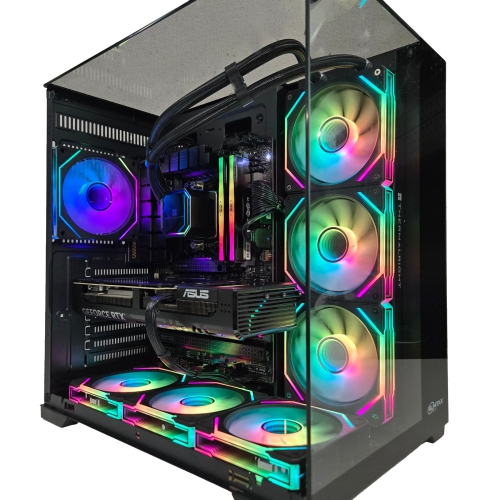
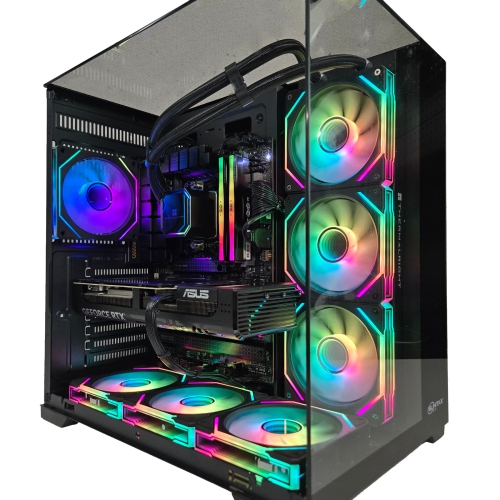
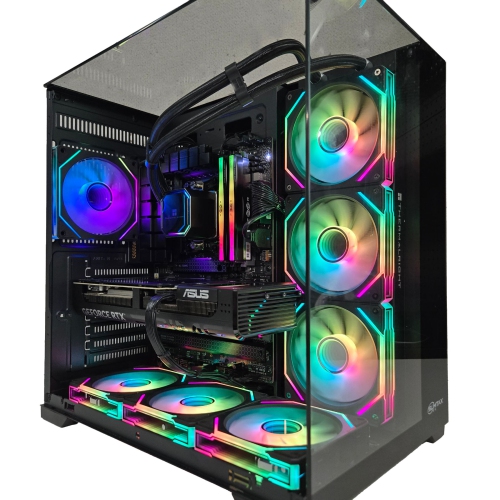
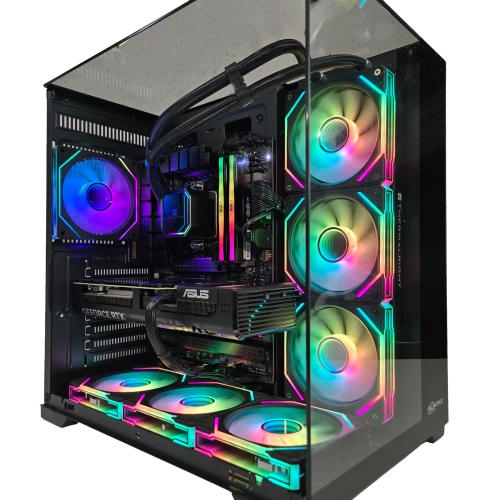
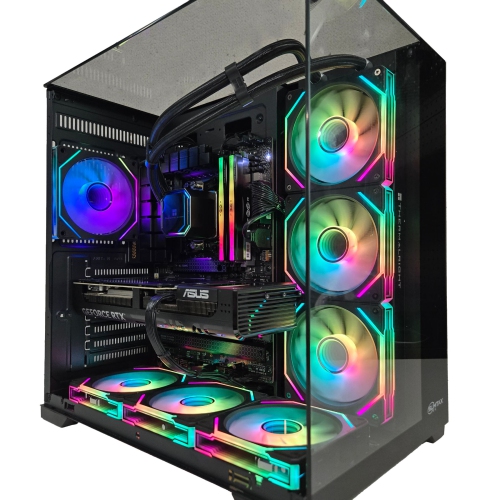
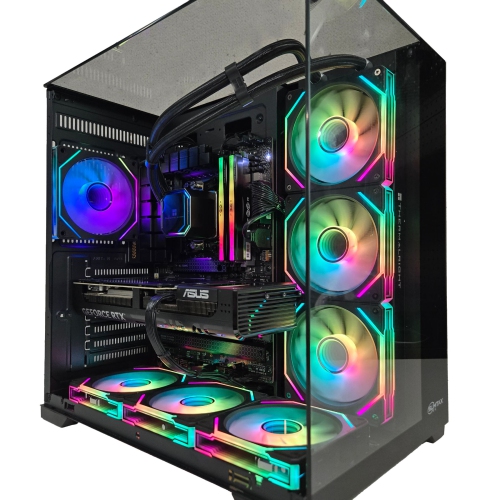
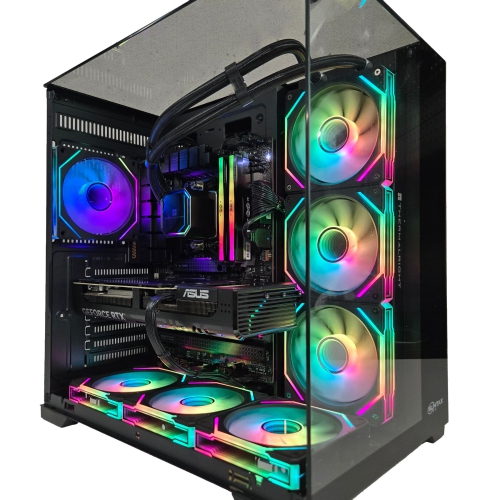
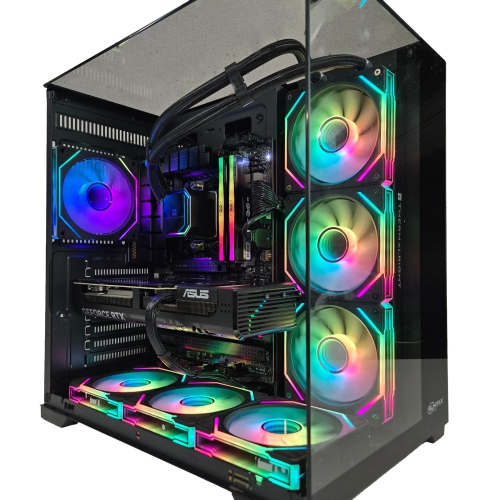
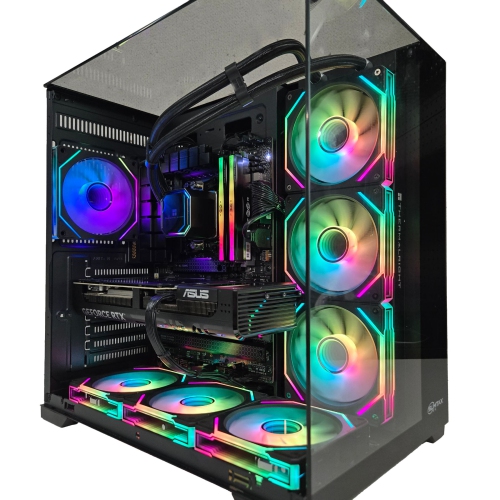
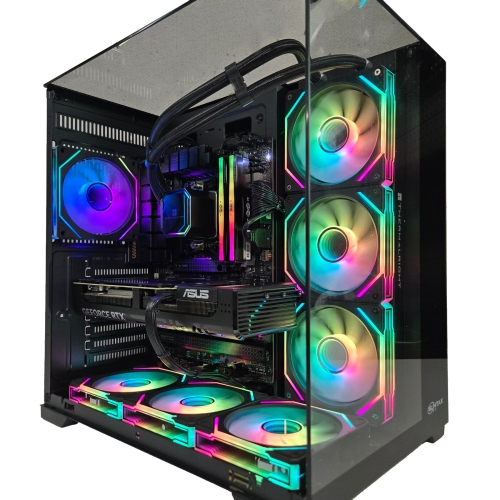
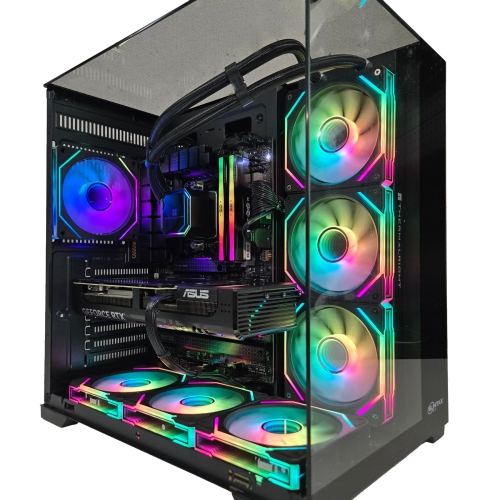
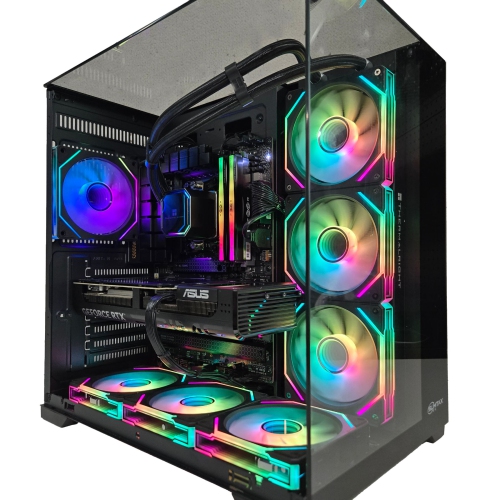
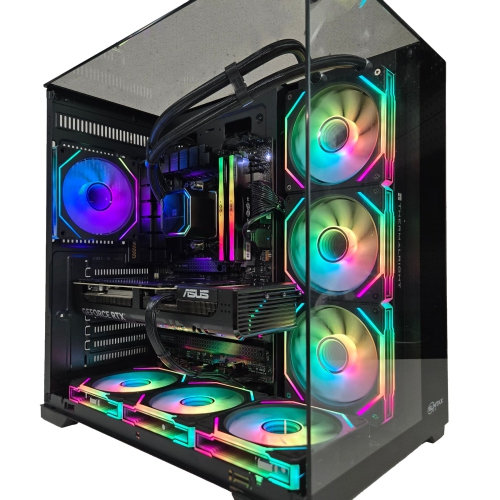
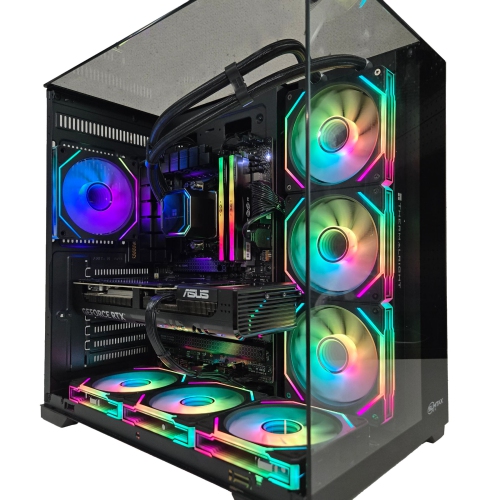
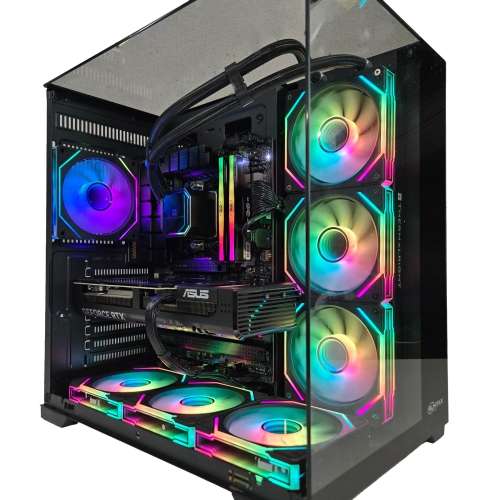
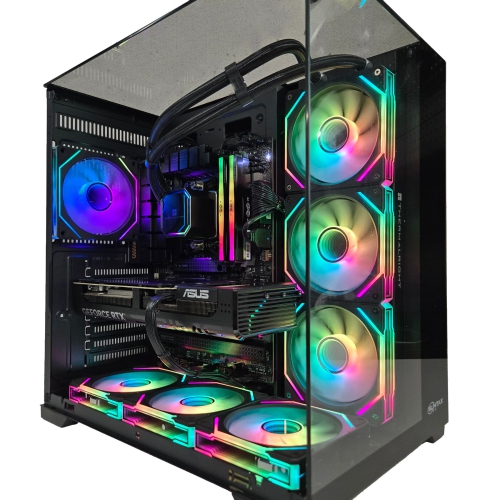
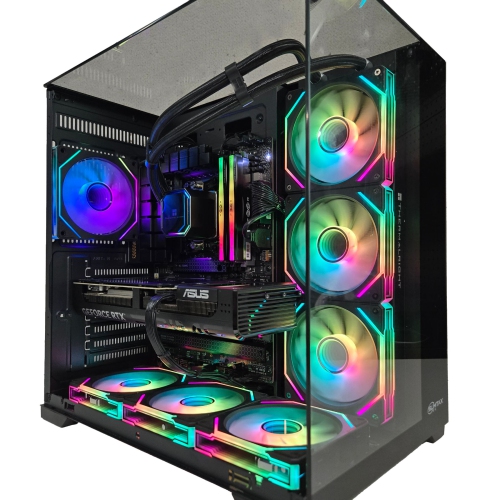
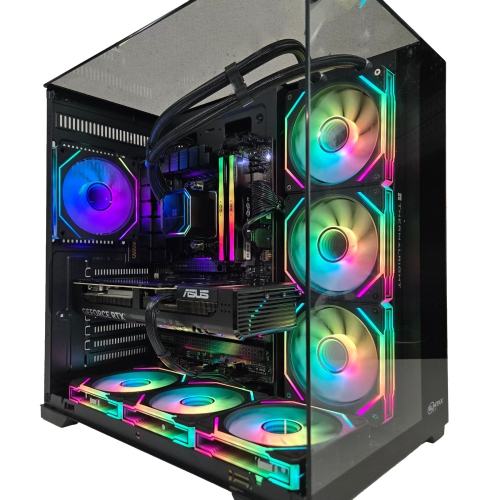
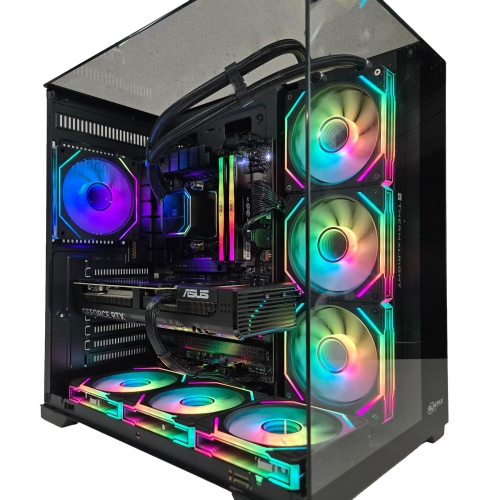
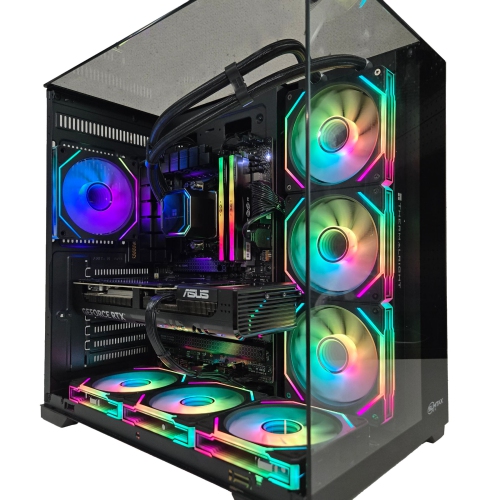
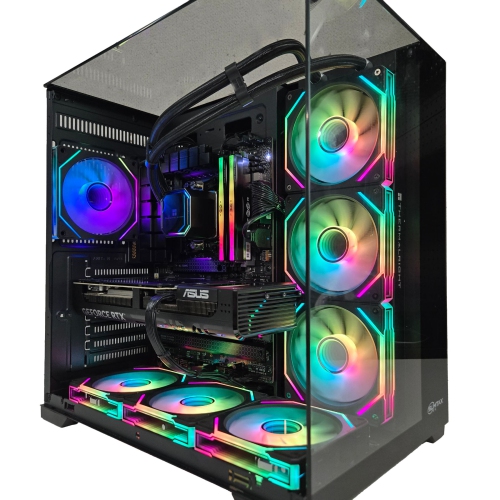
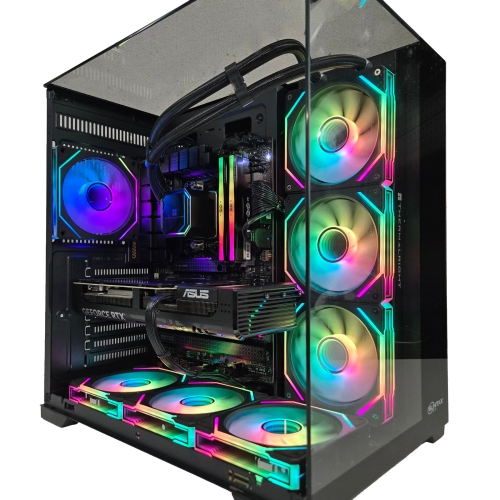
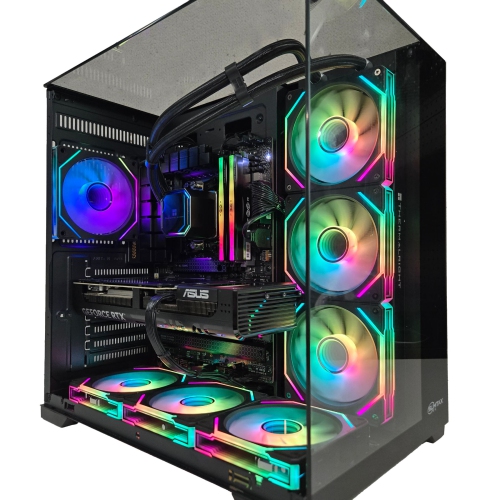
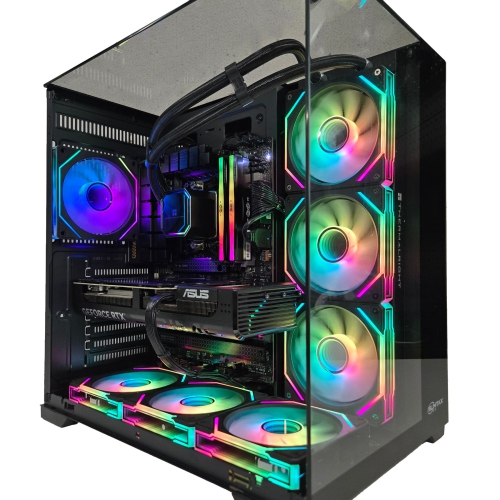
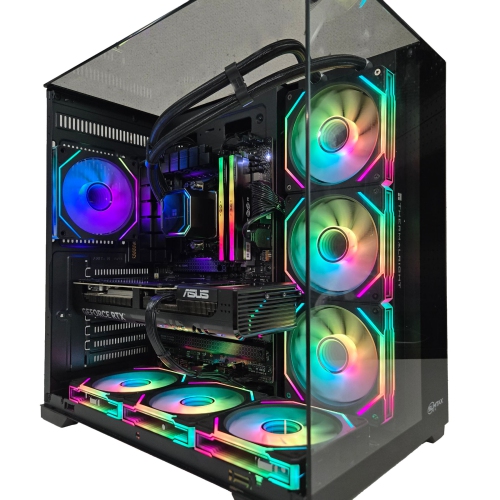
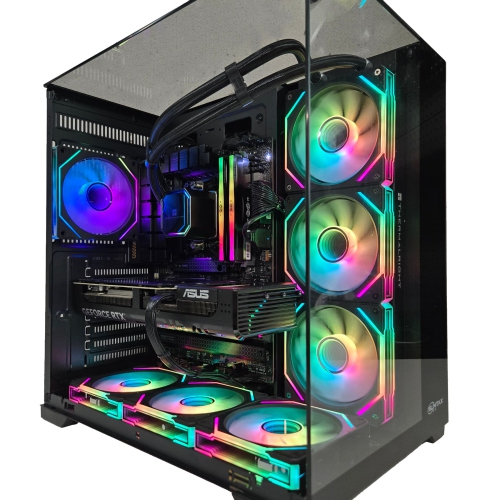
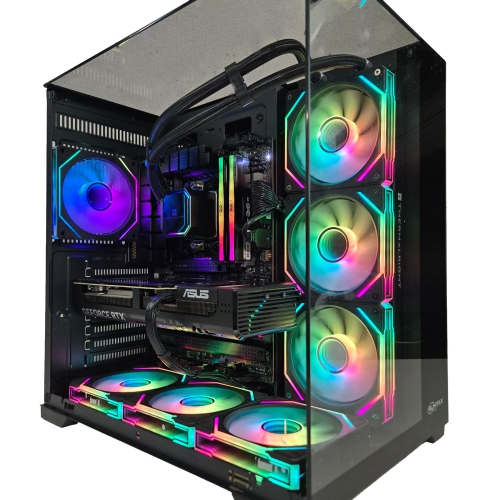
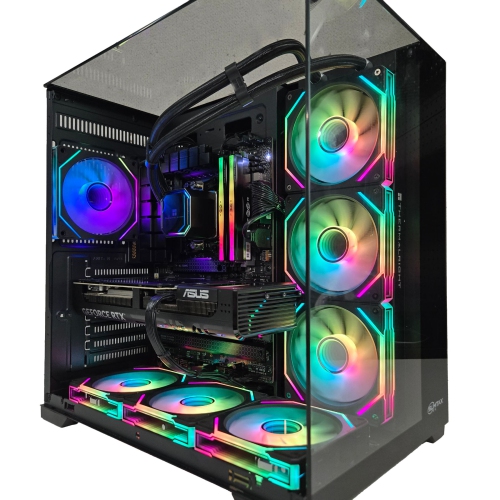
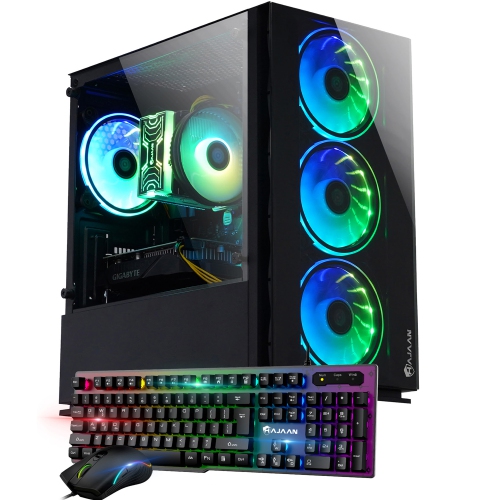
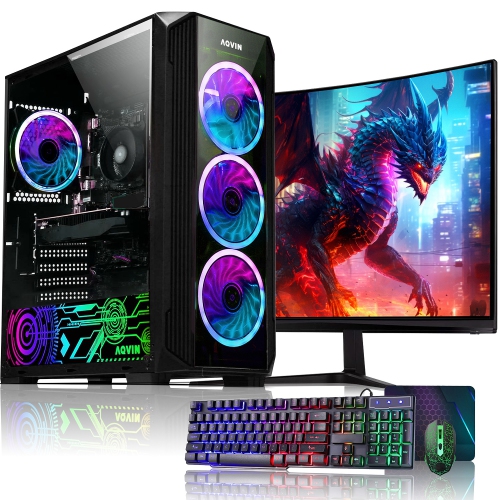
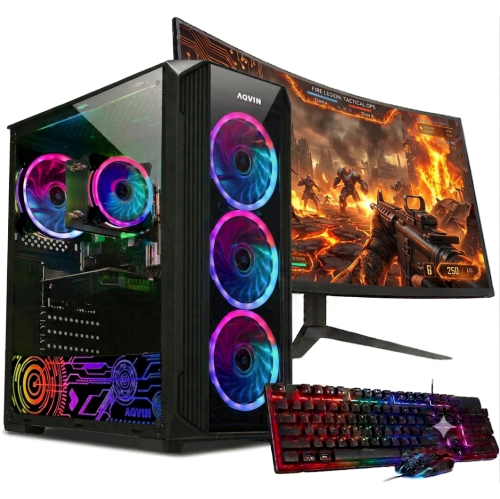
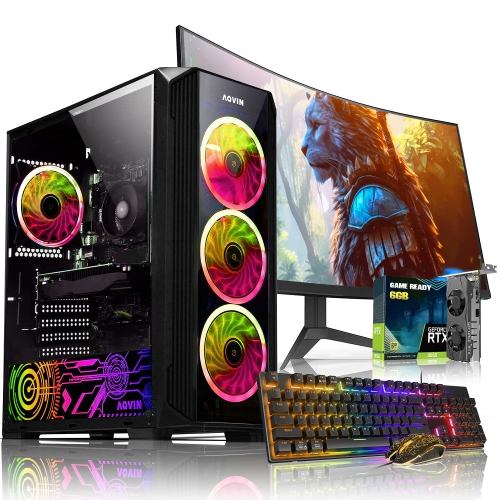
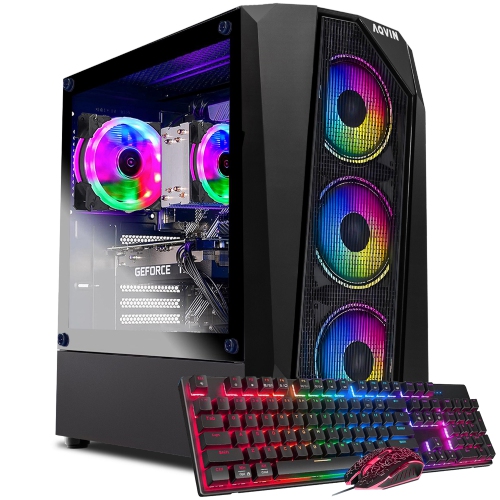
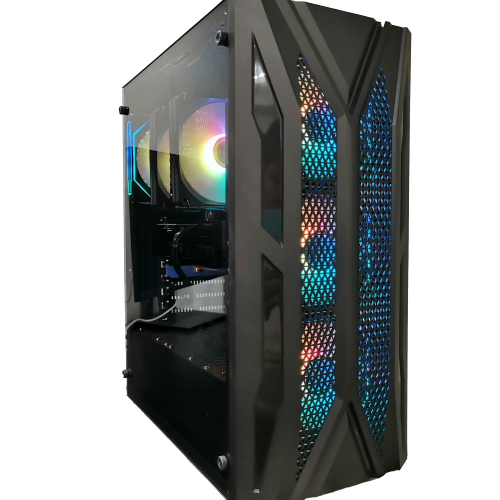
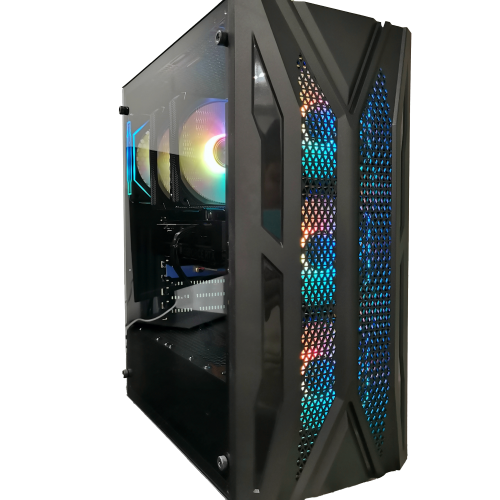
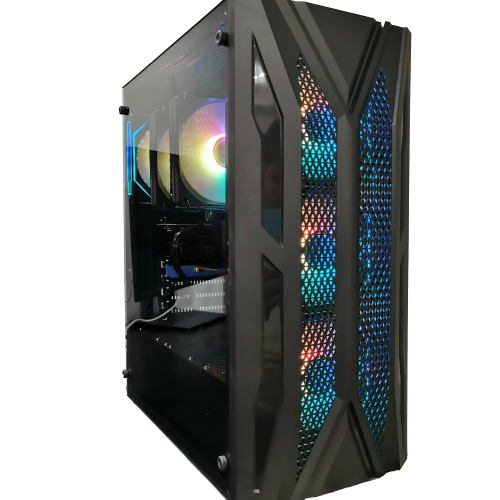
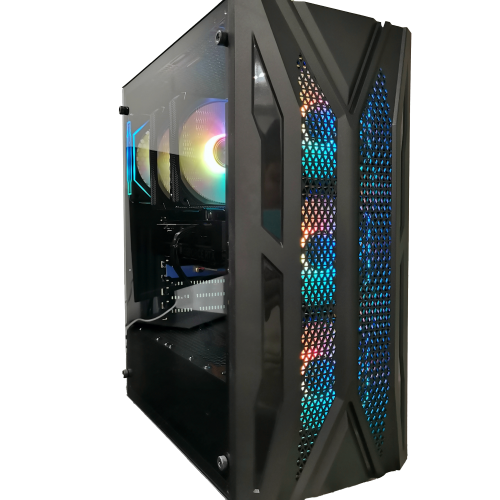
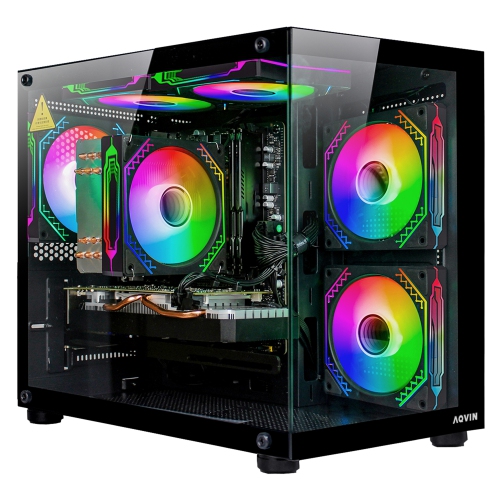
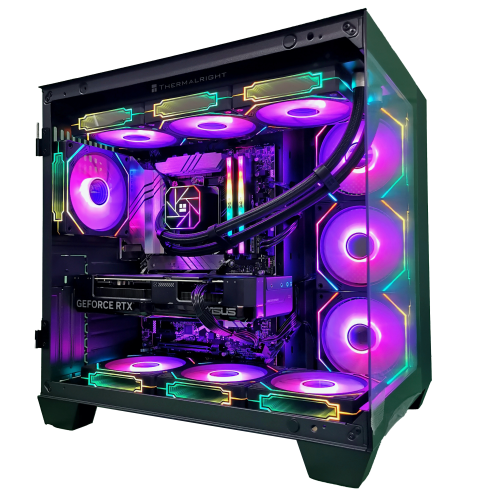
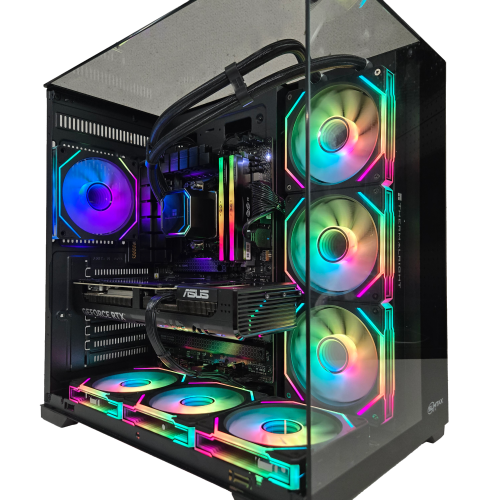
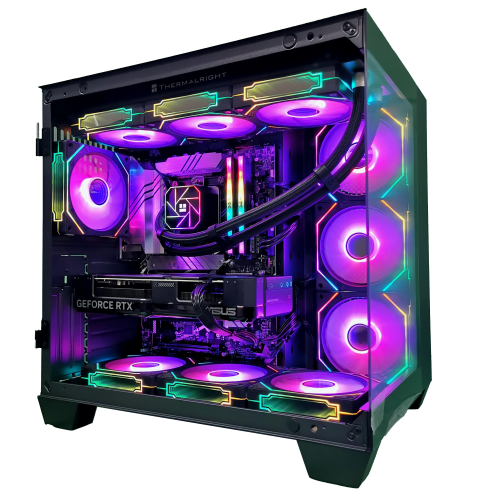
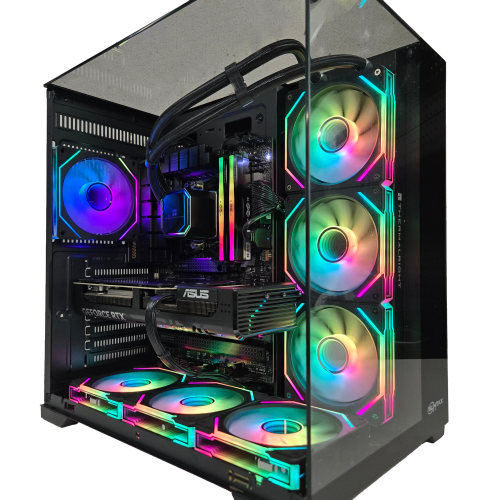
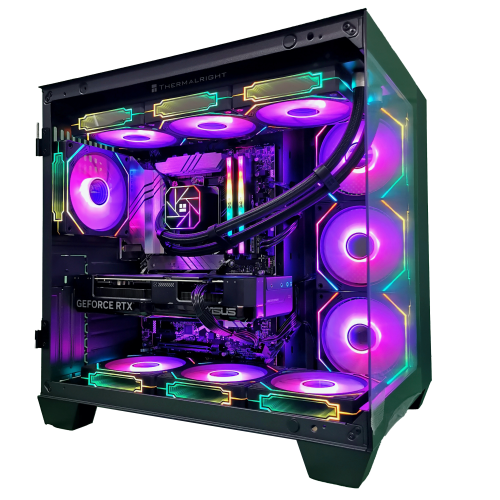
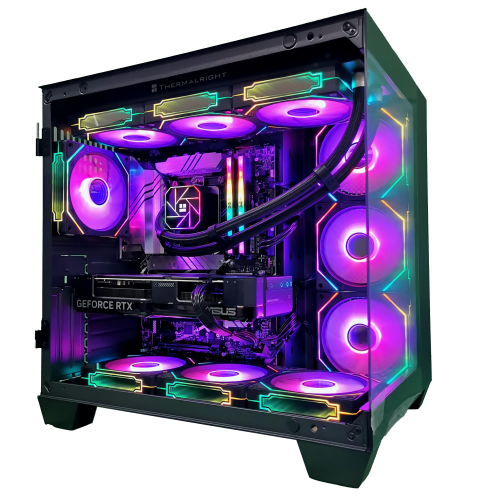
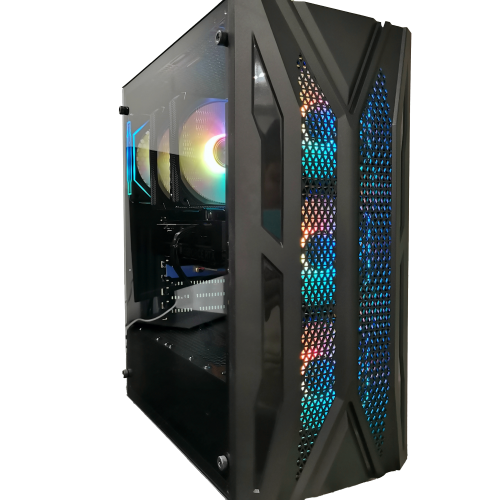
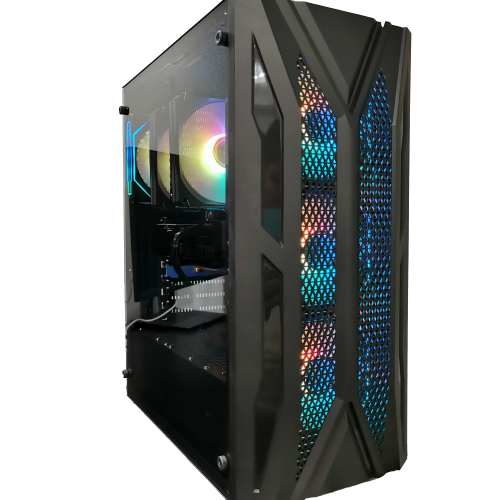
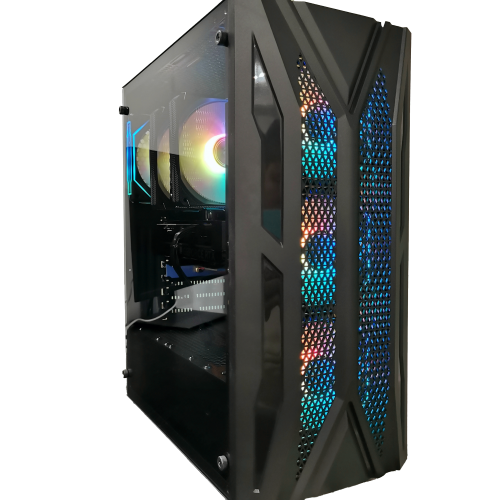
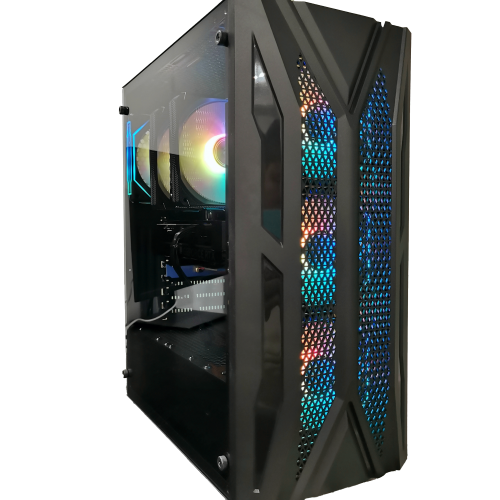
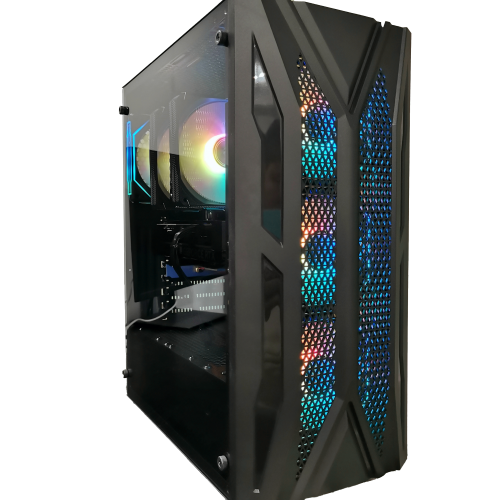
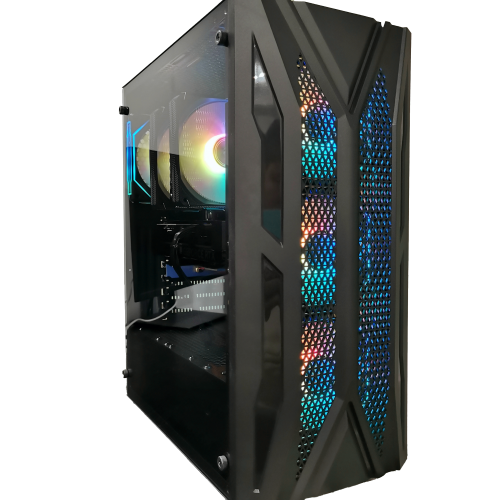
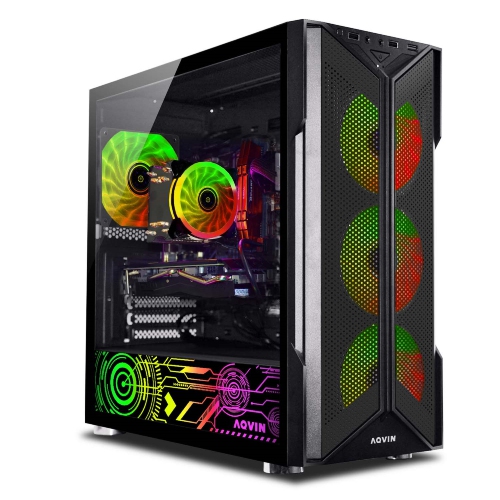
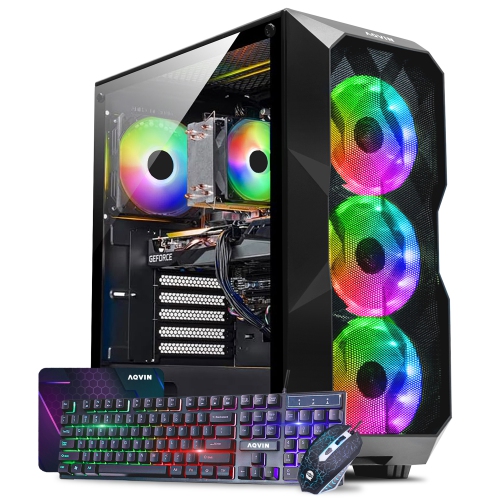
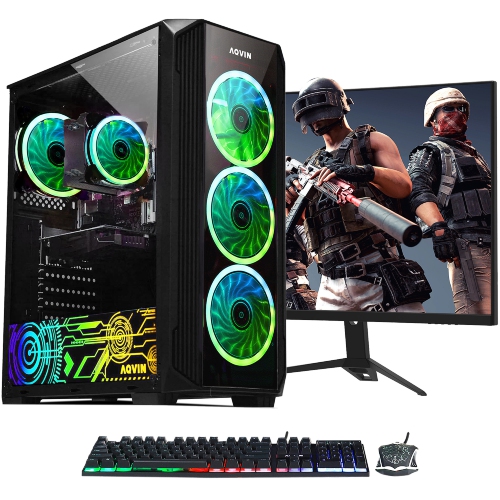
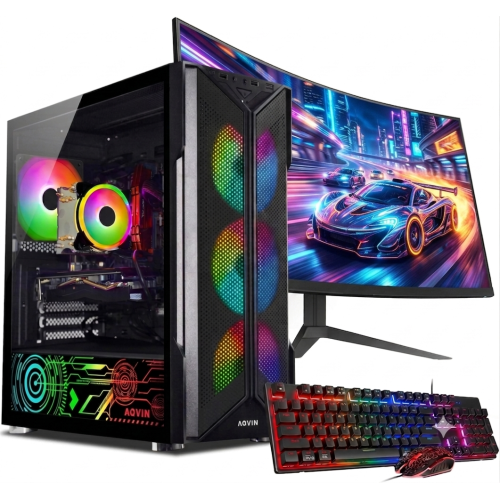
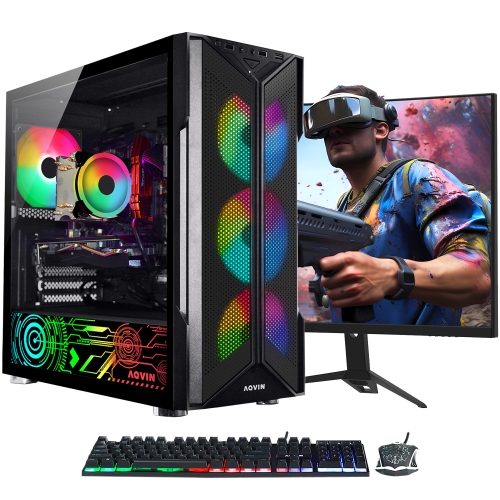
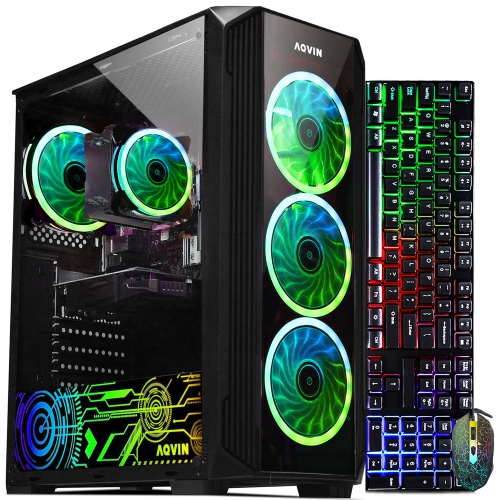
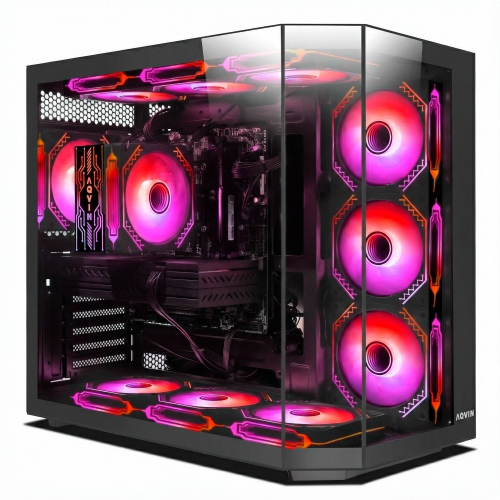
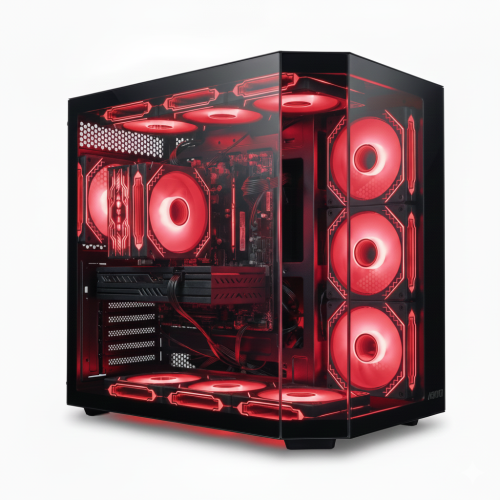
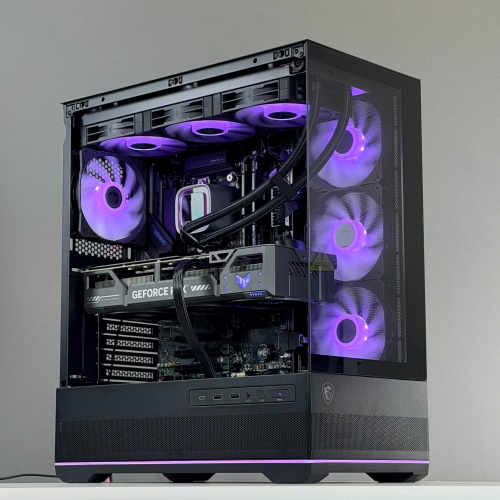
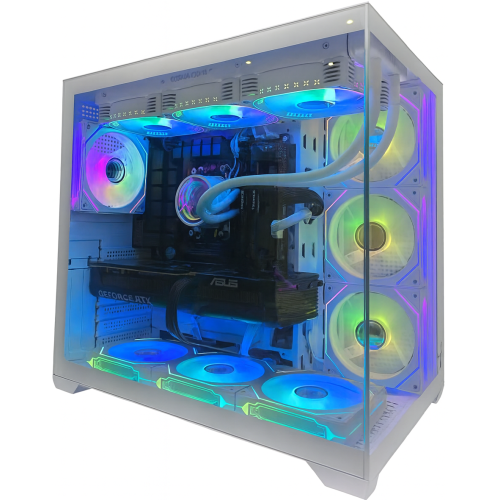
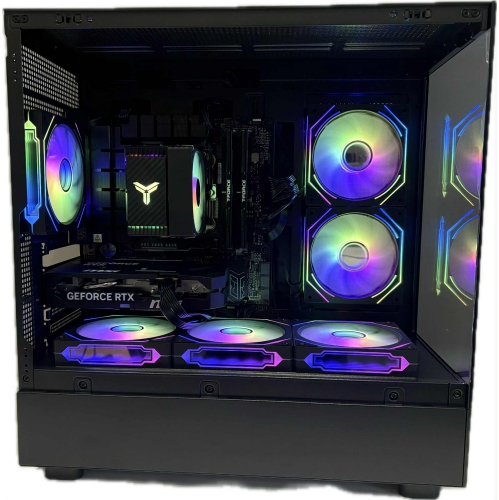
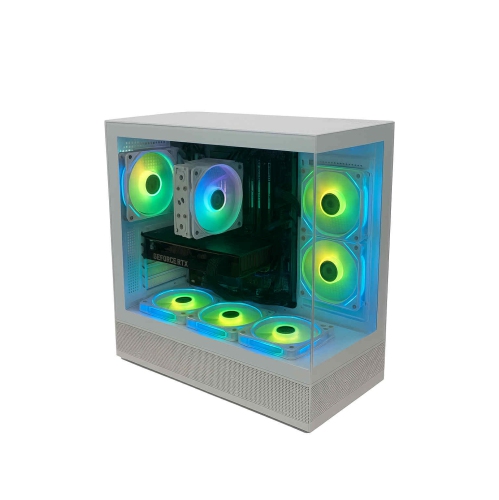
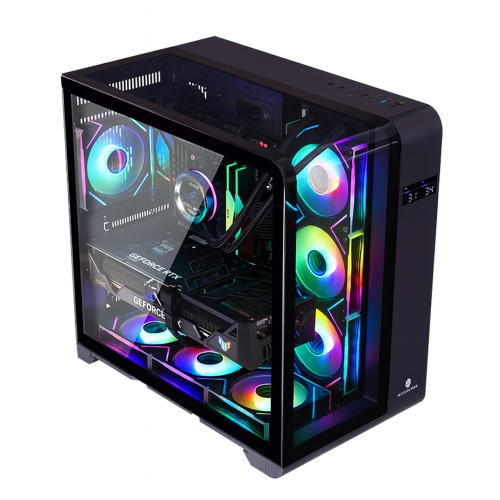
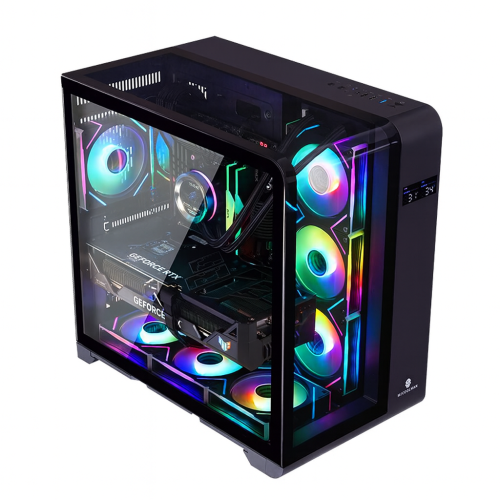
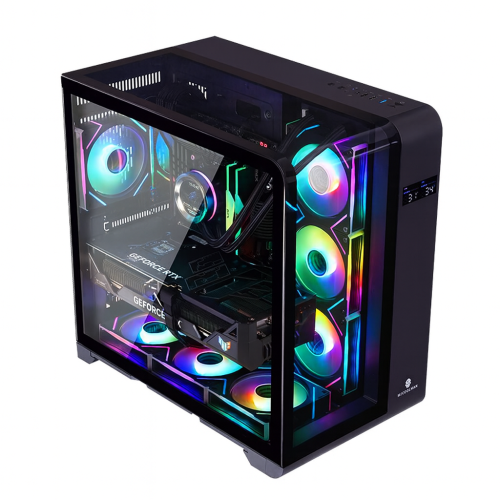
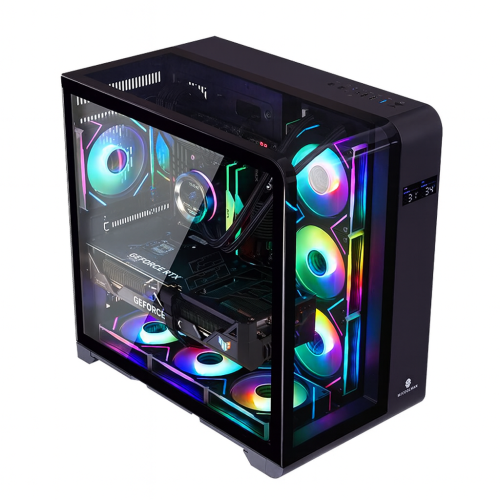
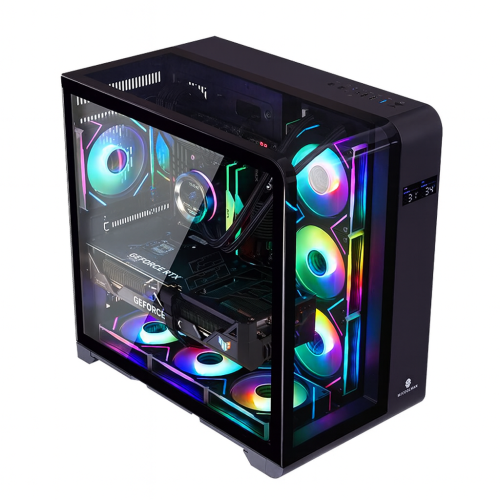
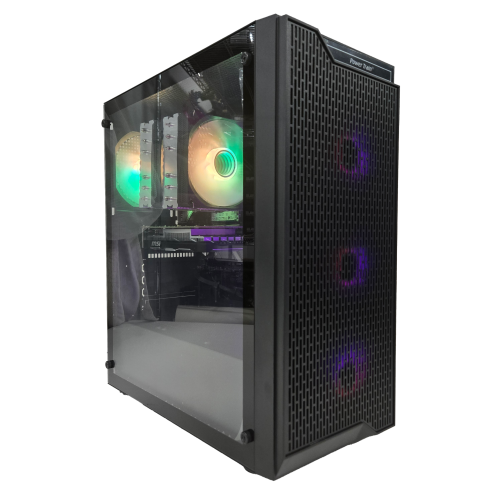
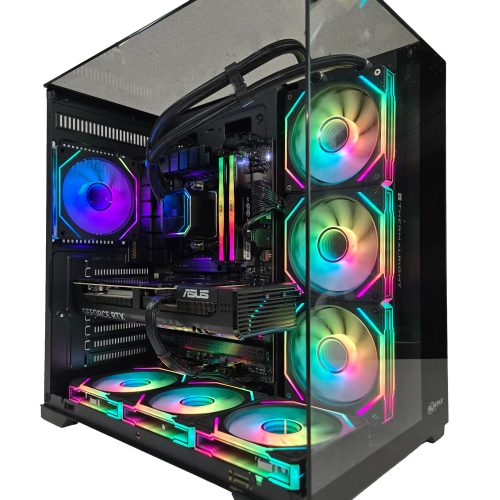
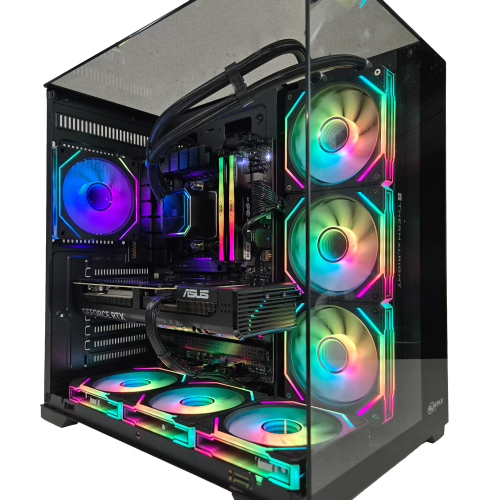
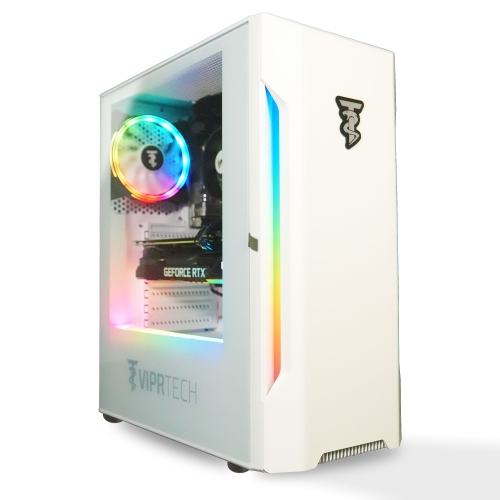
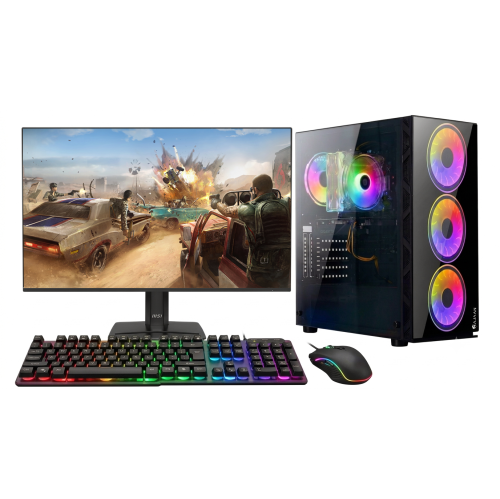
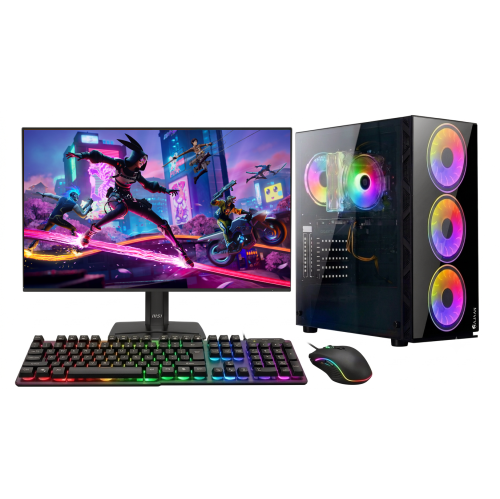
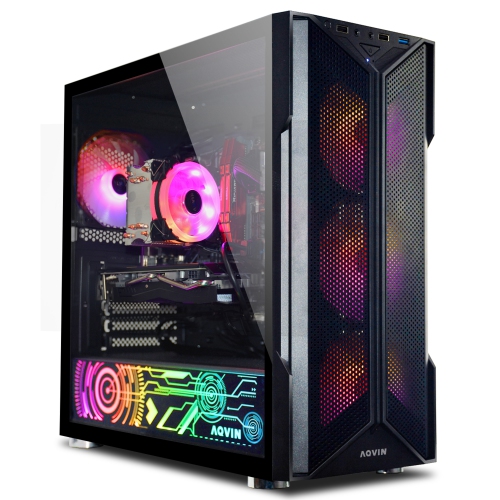
PC gaming brings together the computer, display, controls, and audio that make each game feel responsive and engaging, whether the goal is a quick multiplayer match or a long evening exploring an open world. Gaming desktops suit players who want a dedicated setup with room for larger cooling systems, additional storage, and future component changes. Gaming laptops offer a more portable approach, combining a screen, keyboard, and computer in a single chassis that can move between a desk, a shared living space, and a friend’s home. The processor handles tasks such as game logic and background applications, while the graphics processor does much of the work involved in rendering detailed scenes. Their balance matters: a setup intended for fast competitive play has different demands from one used to enjoy richly detailed landscapes at a higher resolution. Memory gives games and other active applications room to run, and a solid-state drive helps reduce loading times and keeps everyday navigation feeling quick. Storage capacity also deserves attention because a growing game library, recorded footage, and downloadable updates can take up considerable space. Beyond individual specifications, the complete system determines the experience. Cooling design, power delivery, and the way components work together can affect performance during extended play. A compact tower may fit neatly beside a small desk, while a larger case can provide more space for airflow and accessible expansion slots. For a gaming laptop, screen size, keyboard layout, carried weight, and port placement all influence how comfortably it fits into daily use. Laptop performance and battery life also vary with power settings and workload, with demanding games generally best suited to plugged-in use. These computers can serve students, hobbyists, and people who also edit video, create digital artwork, or stream their gameplay. A system that supports both entertainment and everyday tasks can make sense for a shared household, provided its specifications meet the requirements of the games and software it will actually run.

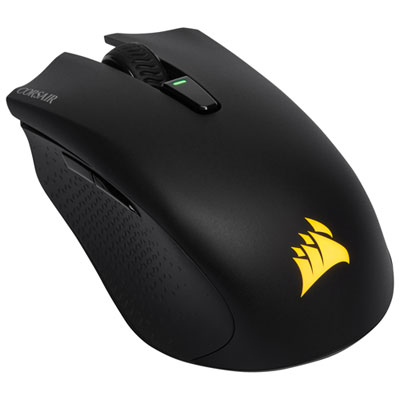
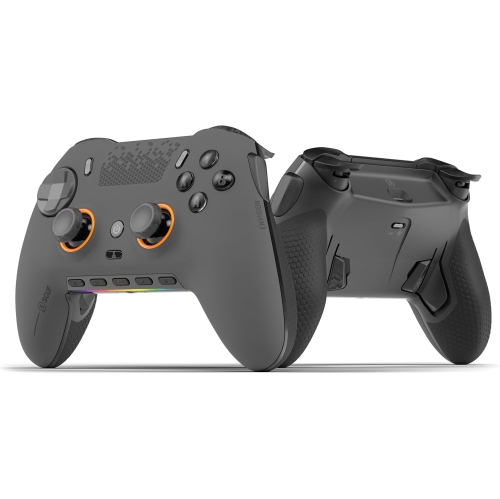
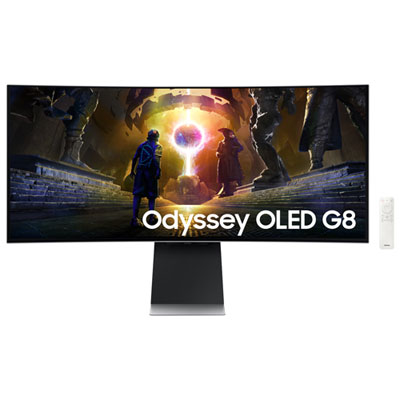
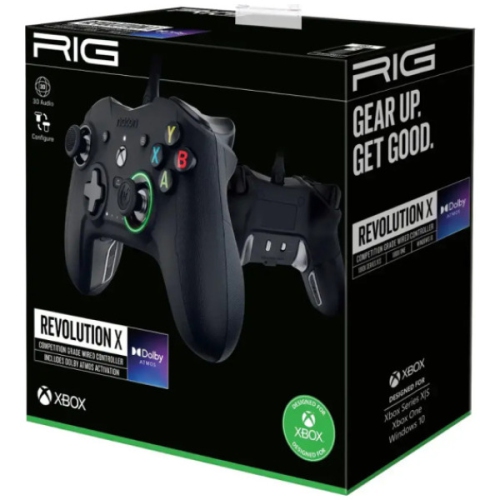
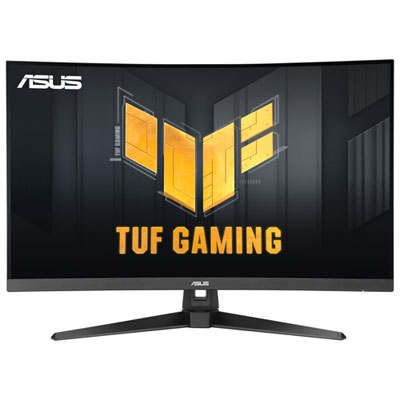
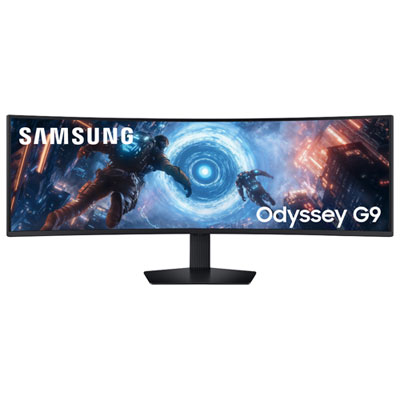
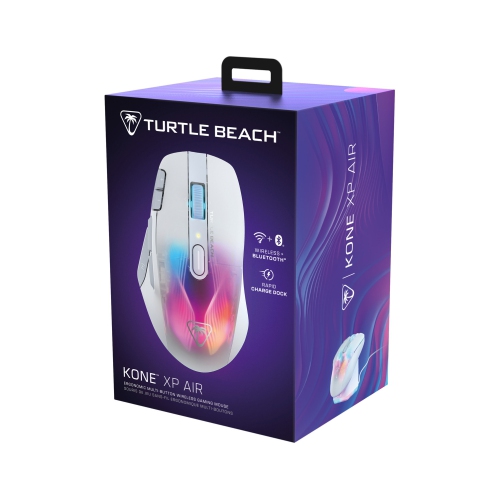
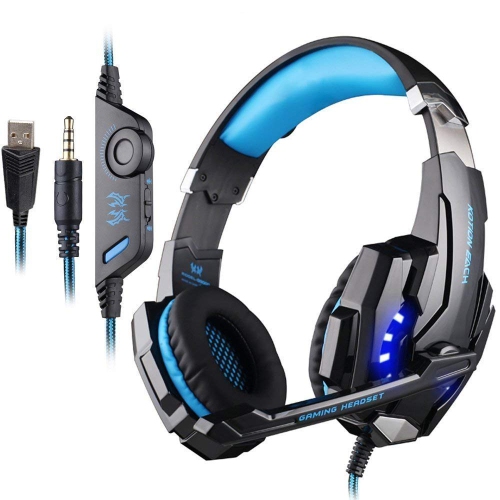
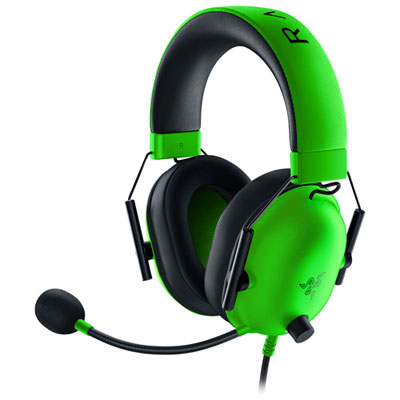
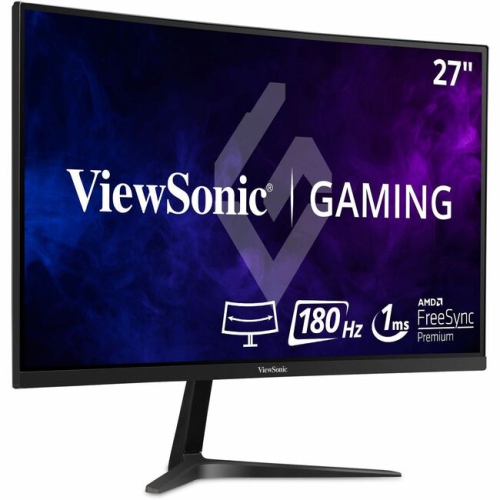
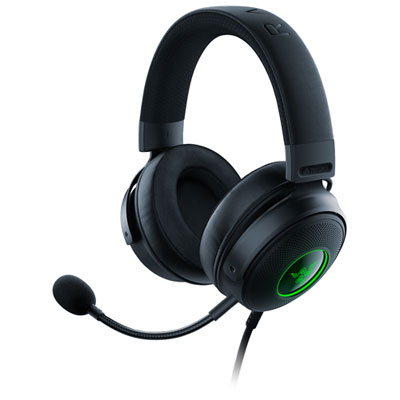
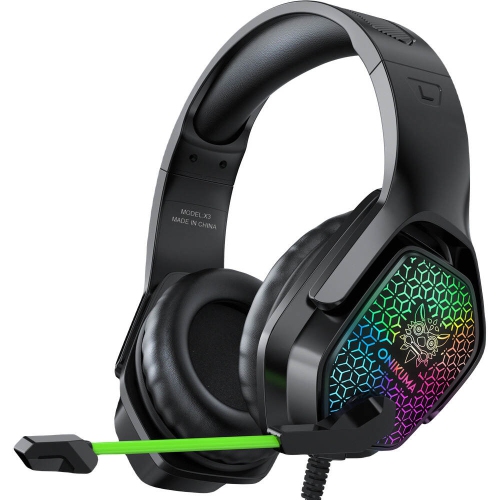
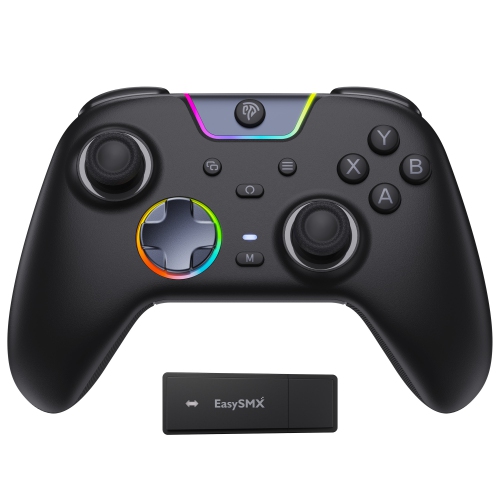
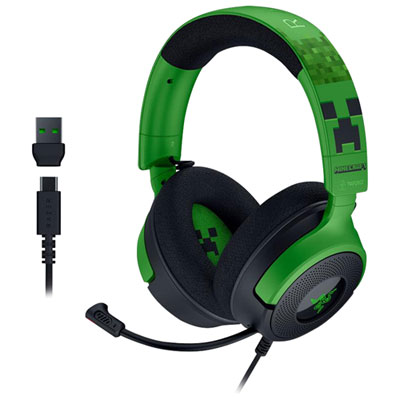
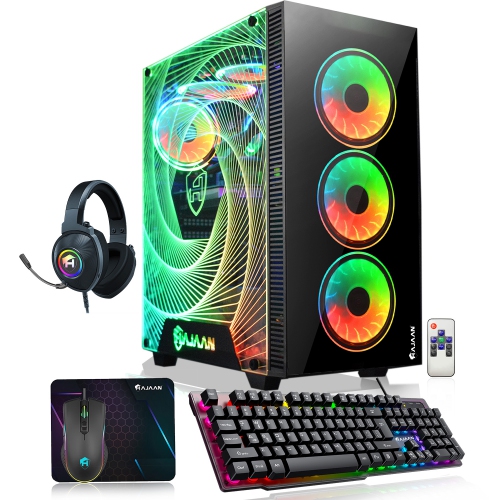
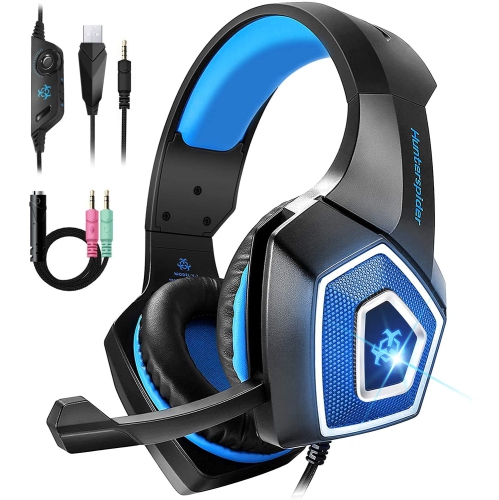
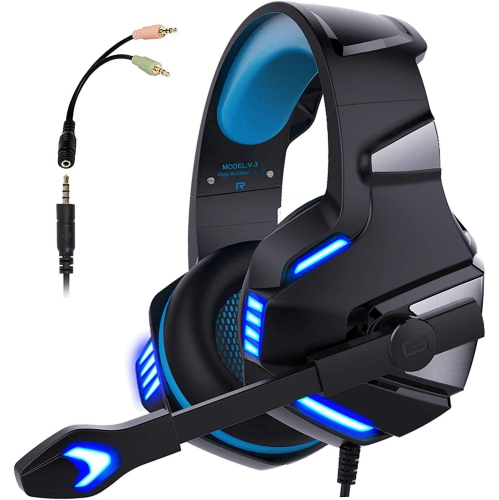
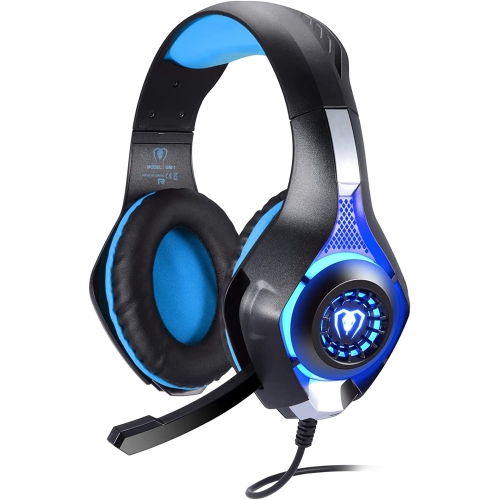
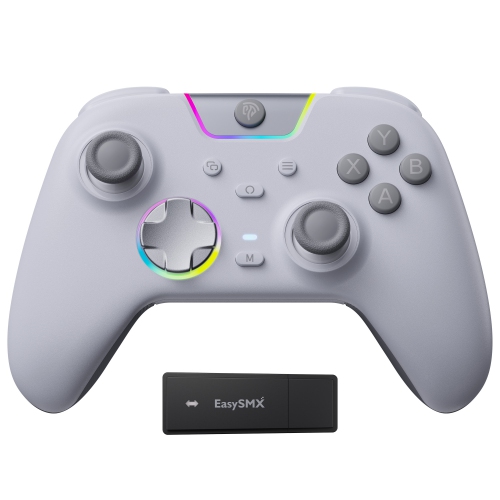
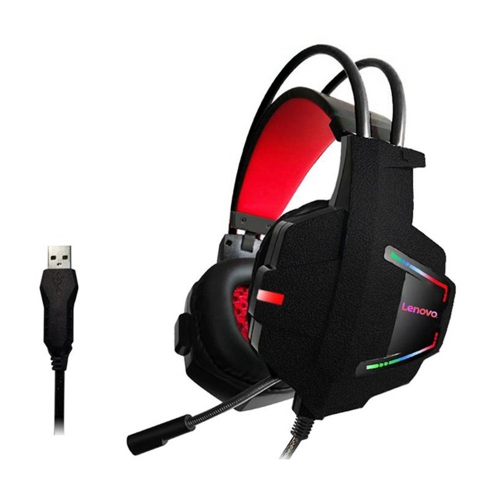
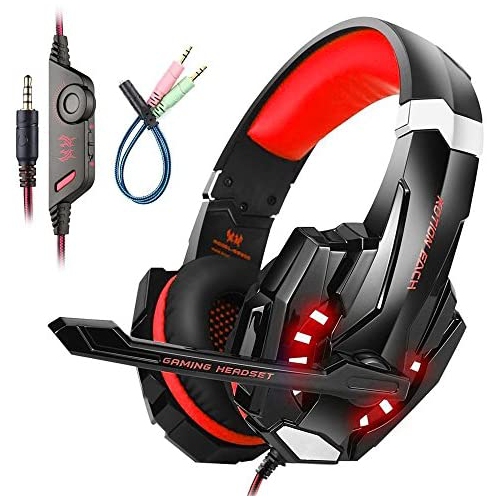
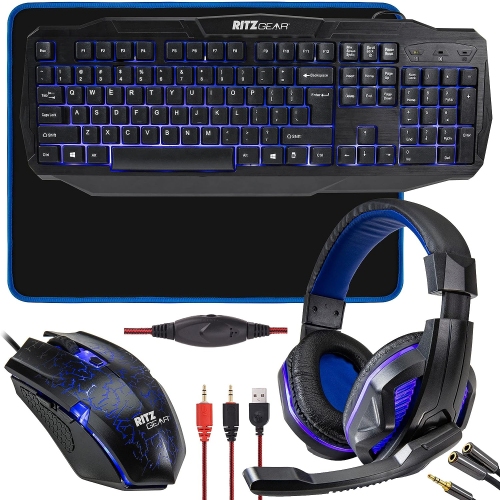
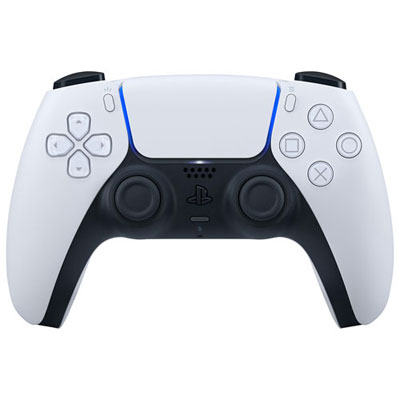
The display and controls shape how that computing power feels in practice. A monitor’s resolution affects the level of visible detail, while its refresh rate determines how often the image can update. Higher refresh rates can make movement look smoother when the computer delivers enough frames, particularly during fast turns or rapid changes of direction. Screen size works best in proportion to viewing distance and desk depth; a large display placed too close can make the edges difficult to take in without moving the head. Panel characteristics also influence contrast, colour, and viewing angles, which matter for everything from spotting details in shadowy scenes to enjoying bright, stylized artwork. Compatibility between the monitor, graphics hardware, cables, and available ports helps determine which display features can be used. The broader selection of PC Gaming Accessories supports different play styles through keyboards, mice, headsets, controllers, and other desktop essentials. A keyboard with a number pad can be useful for games with many commands, while a smaller layout leaves more room for broad mouse movements. Key feel, actuation force, and sound are personal preferences, especially when the computer sits in a shared room. Mouse shape and weight should suit hand size, grip, and the kinds of movements a player makes, rather than relying on sensitivity figures alone. A headset’s adjustable headband, ear-cup depth, and padding can be just as important as its microphone or sound features during longer sessions. Breathable fabric and leatherette coverings have different textures and care needs, and replaceable cushions can help extend useful life. Speakers provide another listening option when private audio is not necessary. Controllers can feel natural for racing, sports, and platform games, while a mouse and keyboard often suit games built around precise pointing and numerous shortcuts. Wired connections offer straightforward power and data connections; wireless options reduce cable clutter but introduce charging needs and compatibility considerations. Reliable Ethernet or Wi-Fi connections also matter for online play, alongside the quality of the internet connection itself.

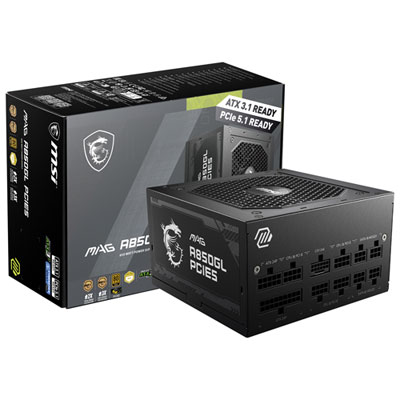
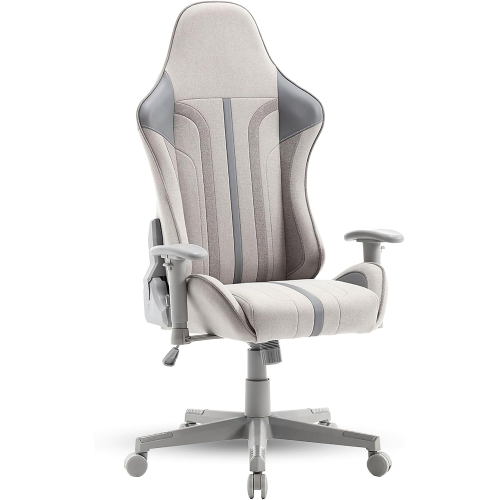
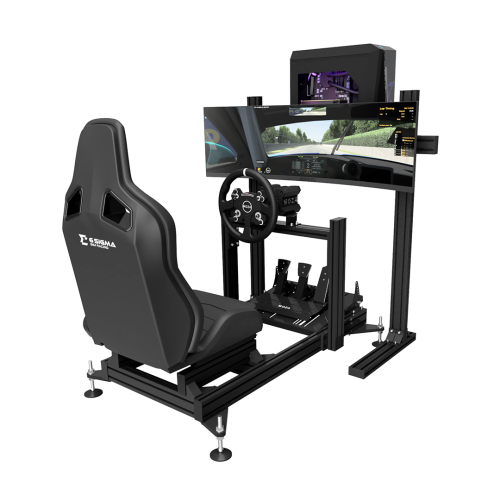
A comfortable PC gaming setup depends as much on physical fit and everyday upkeep as it does on performance. Desk depth should allow space for the monitor, keyboard, and mouse without forcing the player to reach forward or tuck their elbows tightly against their body. A stable surface helps keep equipment steady during quick movements, and enough clearance around a desktop’s vents allows its cooling system to work as intended. Adjustable seating can help position the feet securely and bring the keyboard within comfortable reach, while monitor height and tilt can reduce the need to lean or crane the neck. Materials influence both feel and durability across the setup. Metal chassis panels can provide rigidity, moulded plastic keeps many accessories light, and glass case panels require careful handling and a secure place away from accidental knocks. Braided cables may resist everyday abrasion, though connectors still need gentle handling and room to bend without strain. Dust, crumbs, and spills are common concerns around a busy desk, so easy-to-reach filters, accessible surfaces, and removable components can simplify routine care. Cleaning should follow the manufacturer’s directions, with equipment powered down when required and liquids kept away from openings and electrical connections. Headset padding and mouse surfaces also benefit from appropriate cleaning methods that protect their finishes. For households planning to upgrade over time, available memory slots, storage connections, case clearance, and power requirements help define which changes are practical; not every desktop part fits every system, and laptop expansion is often more limited. Compatibility matters just as much when PC gaming equipment is a gift. The recipient’s preferred games, existing computer, desk space, and connection types provide useful context, while physical preferences such as mouse grip or headset fit can be highly individual. A well-matched setup supports the way someone actually plays, from relaxed solo adventures to coordinated team sessions, while remaining comfortable and manageable for the other tasks that share the same desk.
Read More

FAQ

Some products may be subject to Environmental Handling Fees (EHF) depending on your province. Learn more about EHFs.