Gaming Pc Build
Dive into the dynamic world of gaming with a custom-built PC that caters to your unique playstyle and performance needs. Whether you're an avid gamer seeking high-speed action or a creative enthusiast looking to explore new virtual realms, crafting your own gaming PC offers unparalleled flexibility and power. Discover the essentials needed to assemble a powerhouse machine that delivers immersive graphics, lightning-fast processing, and seamless multitasking. Embrace the freedom to upgrade and personalize your setup, ensuring you stay ahead in the ever-evolving landscape of gaming technology.
Sort
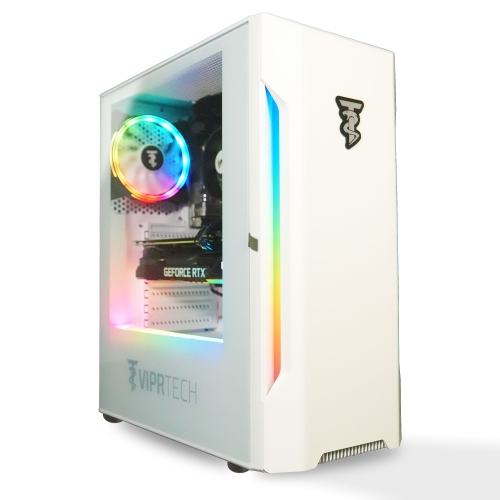
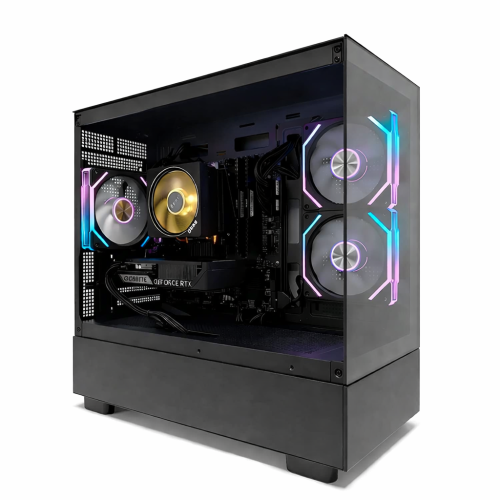
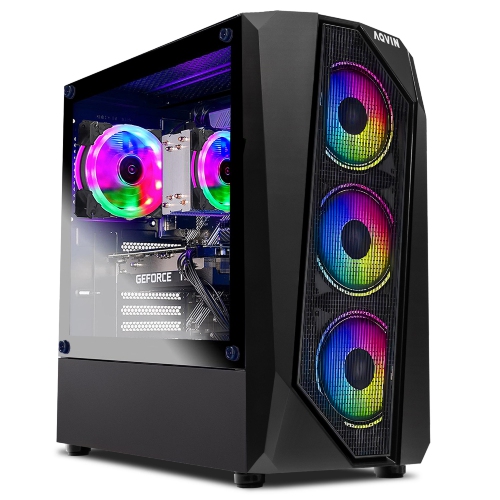
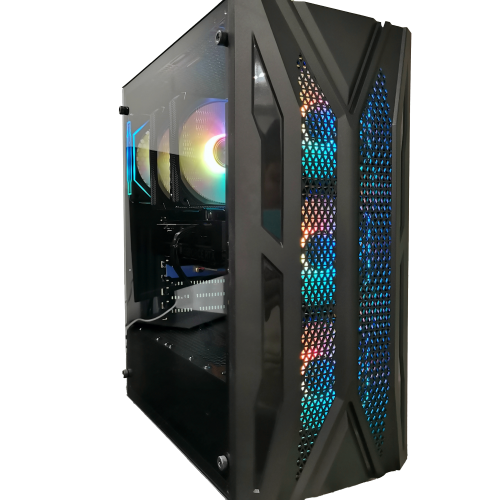





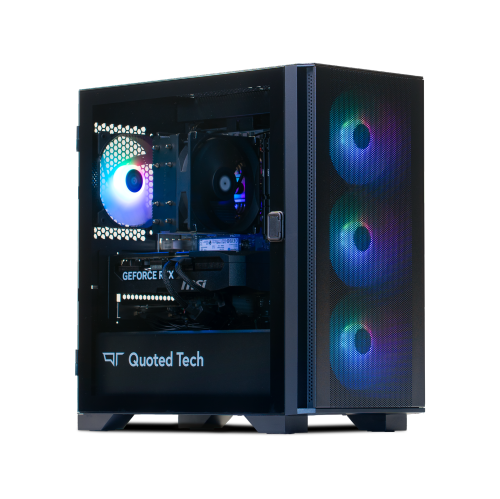
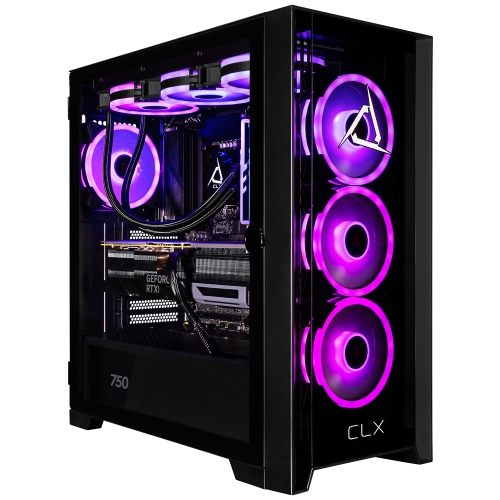
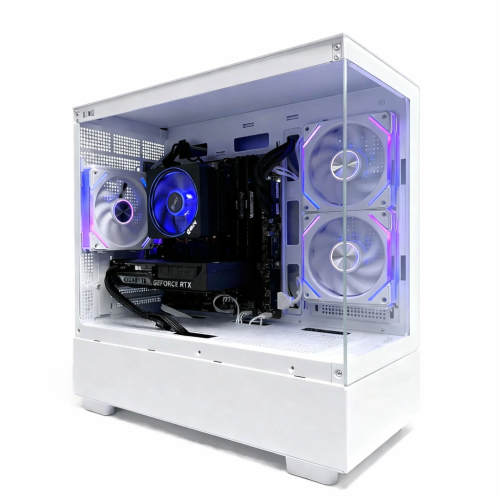
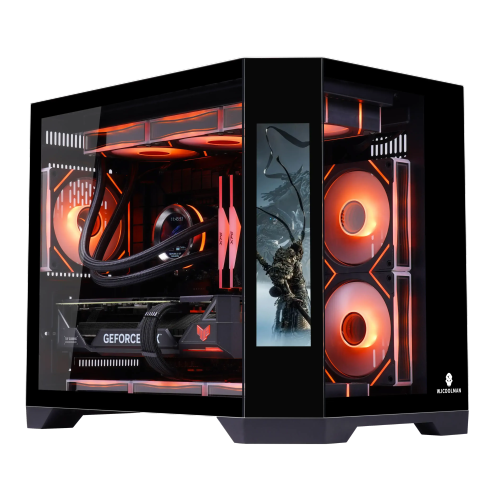




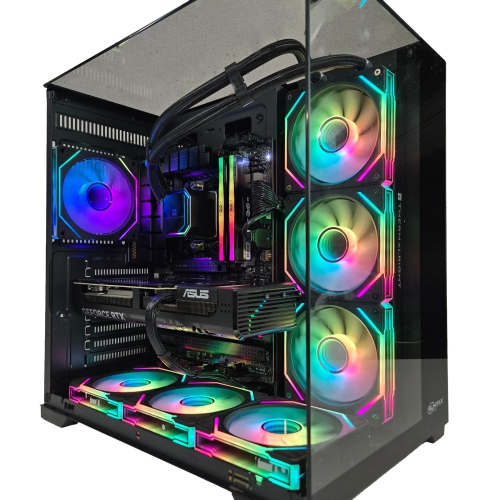
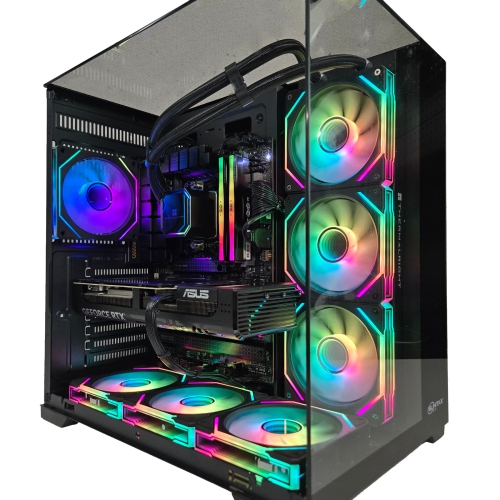
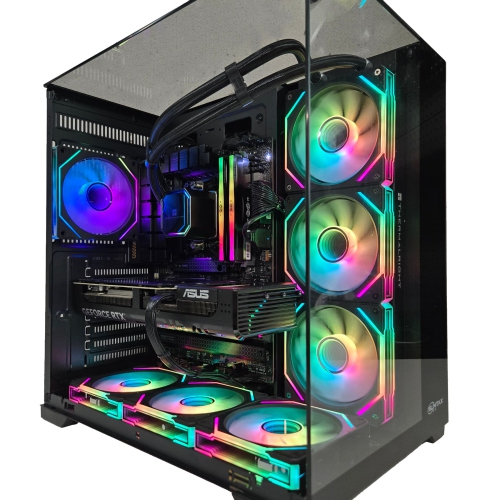
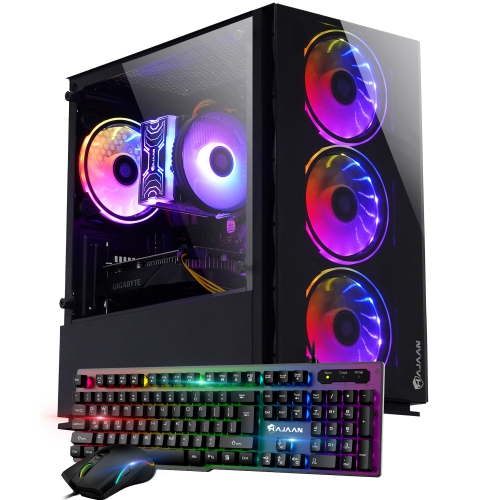
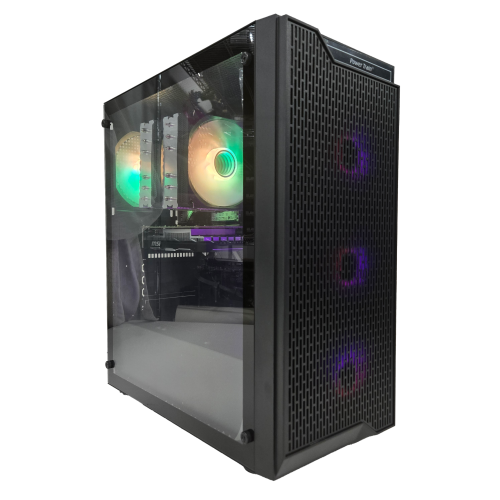
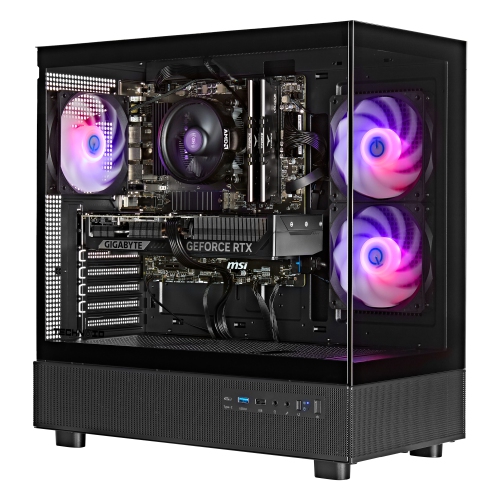
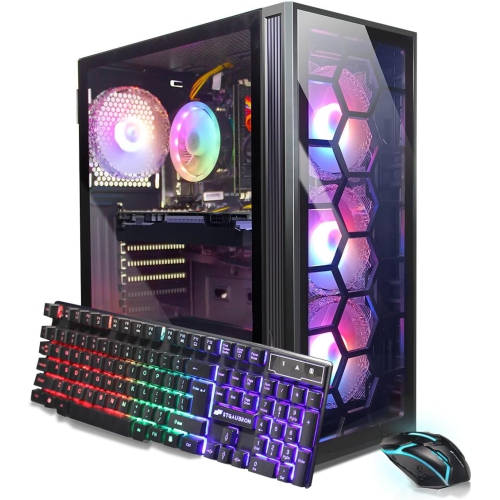
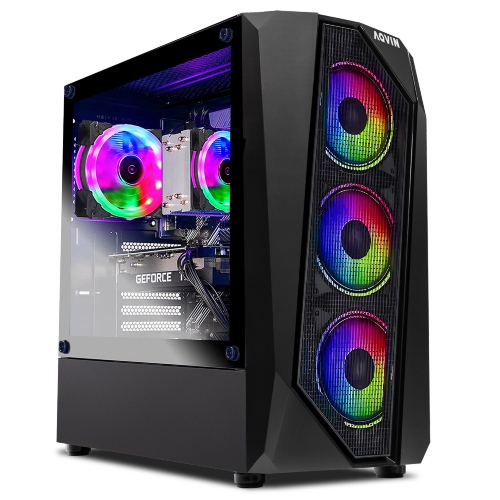
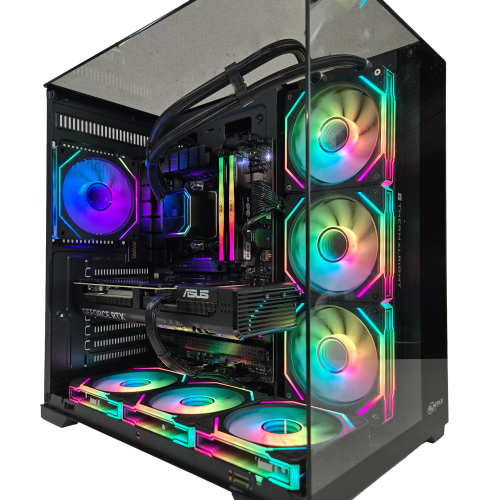
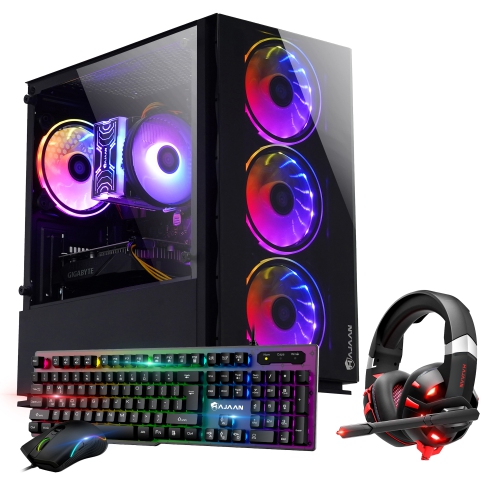
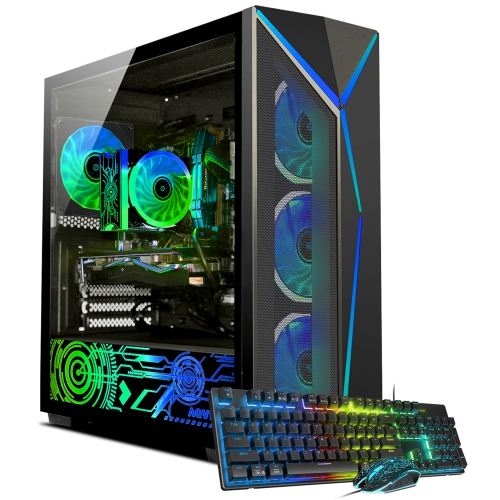
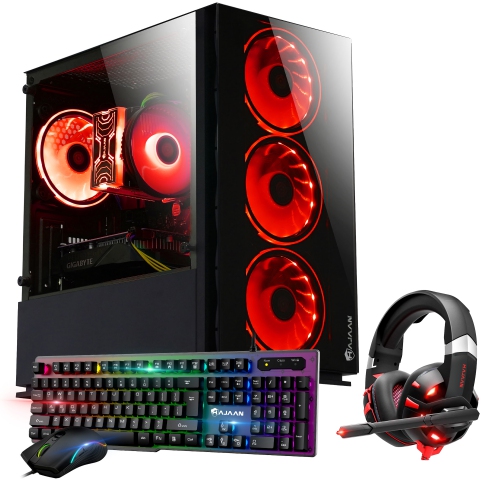

Why balanced components matter more than top specifications
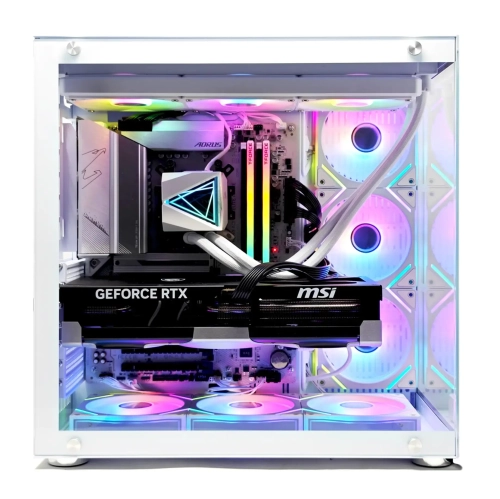
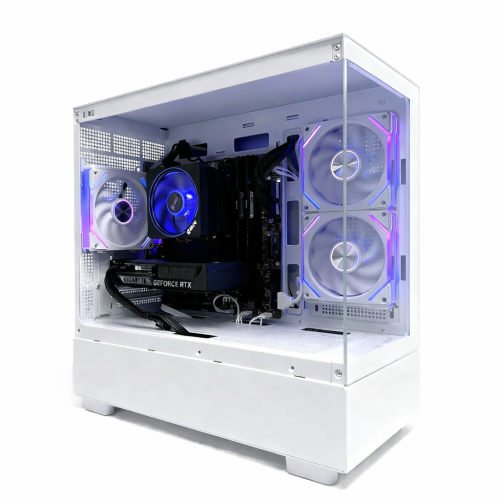
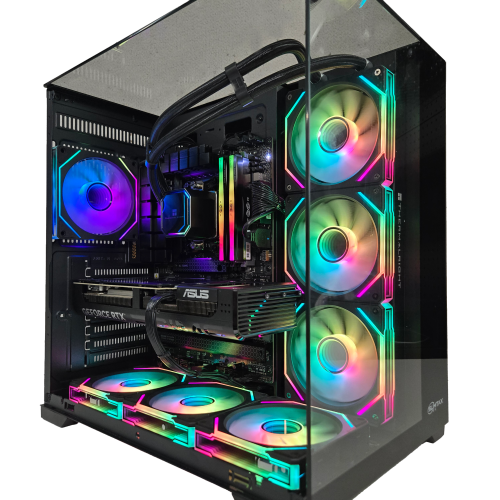
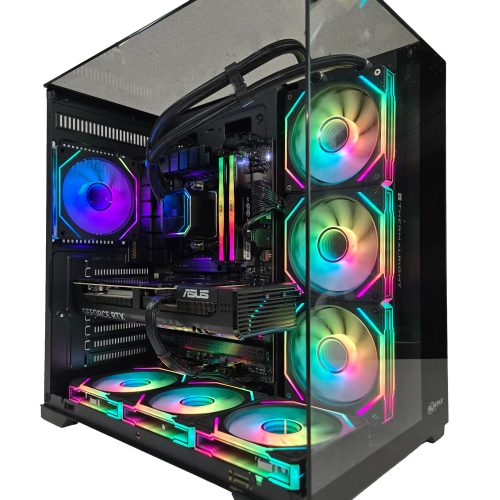
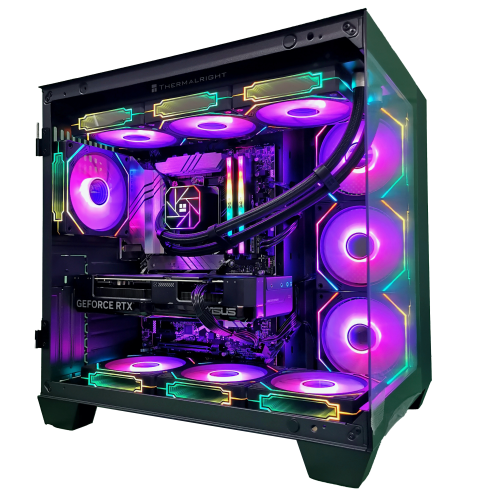
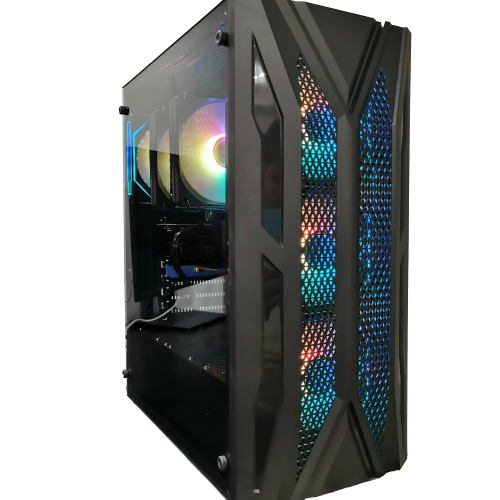
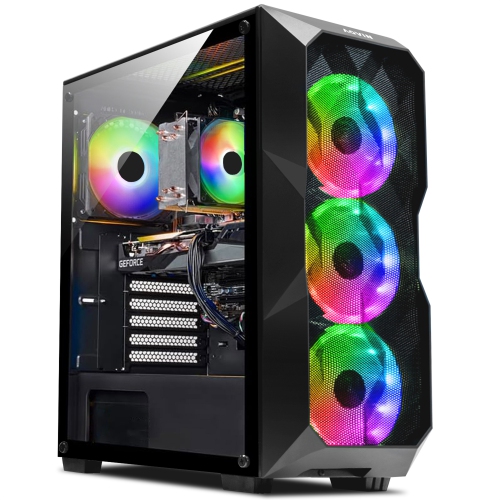
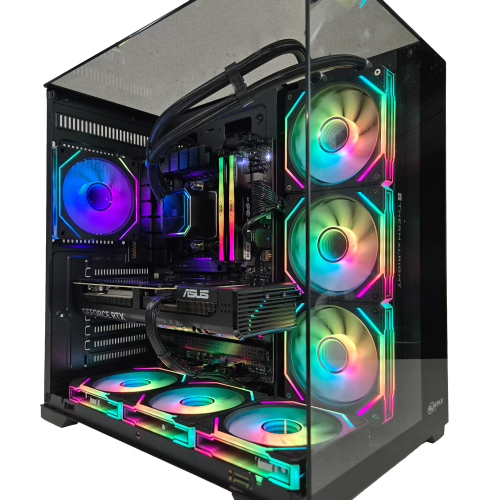
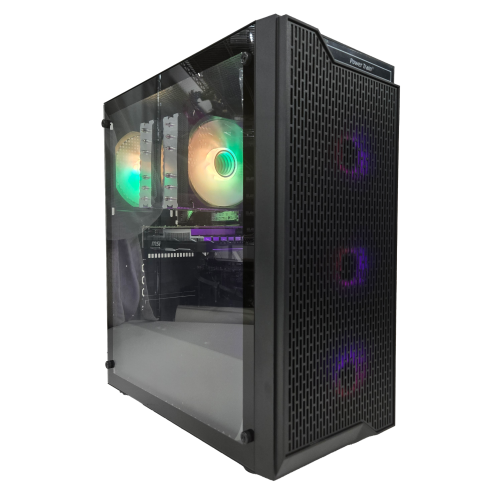
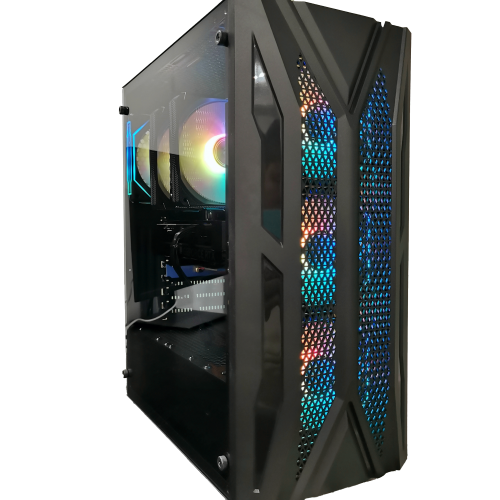
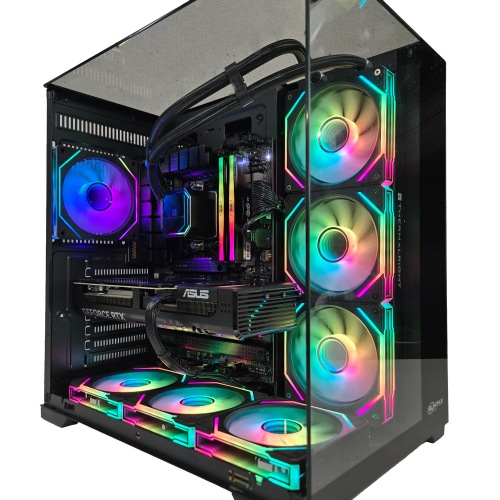
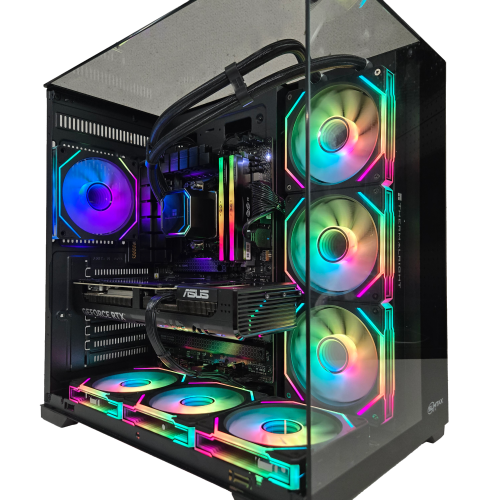
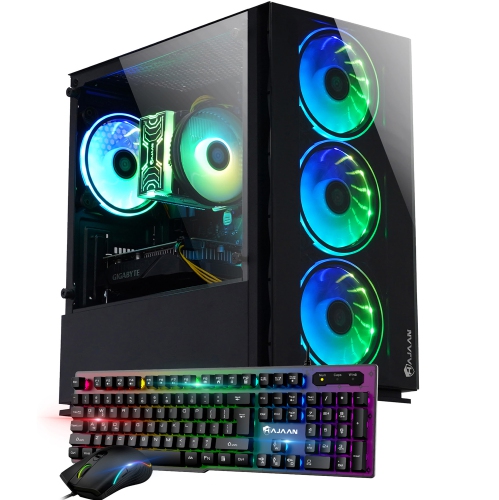
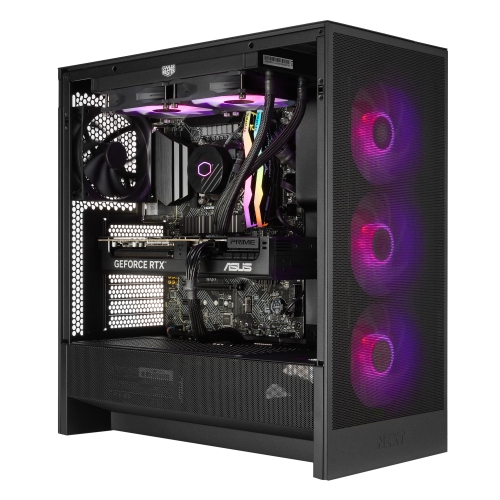
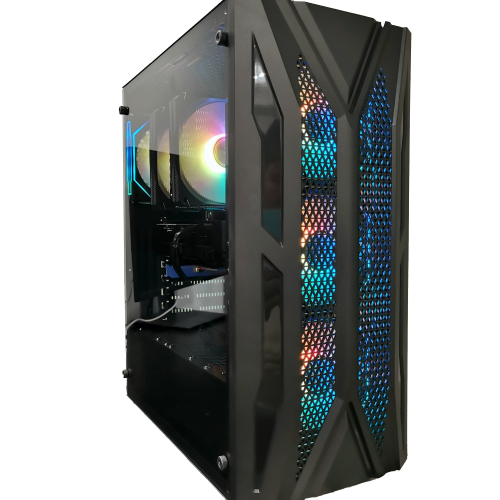
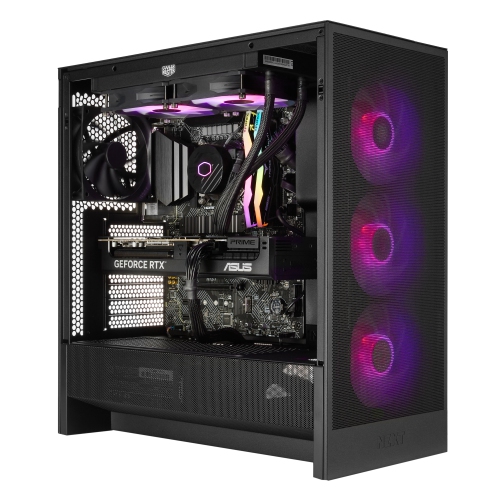
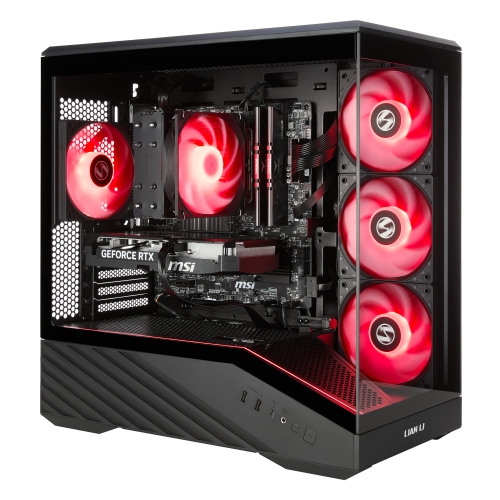
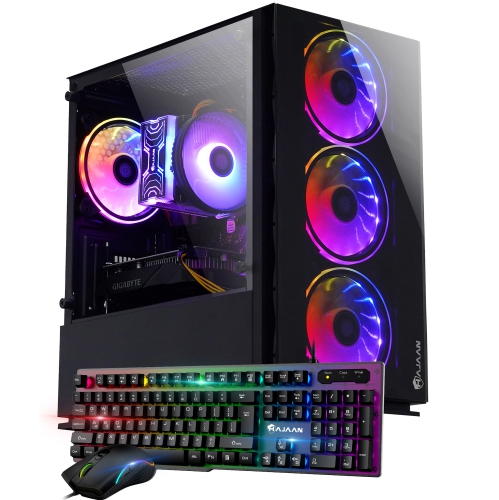
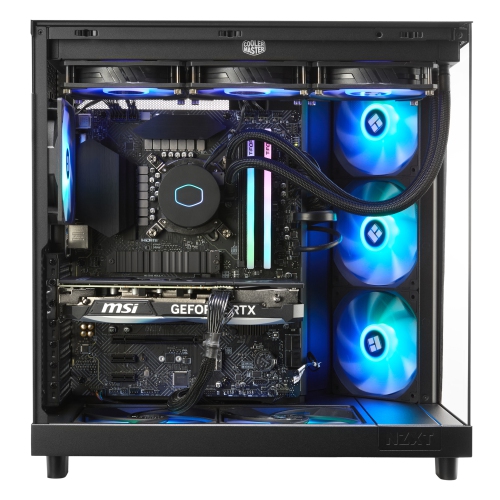
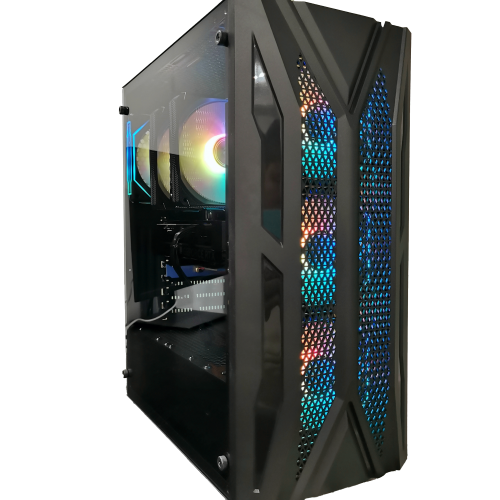
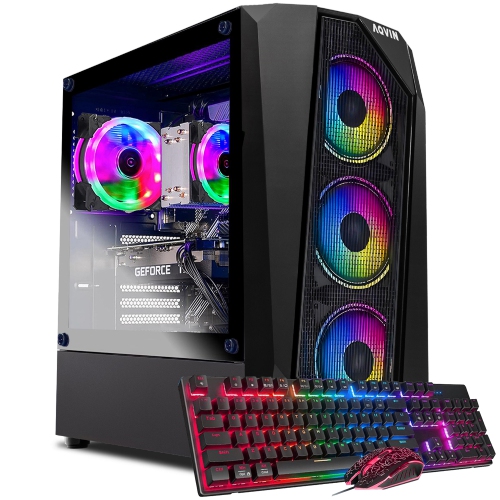
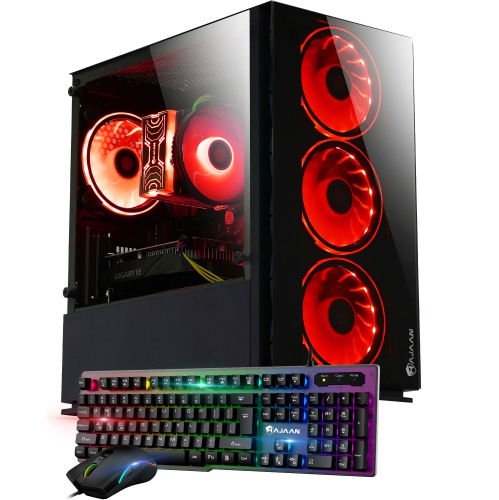
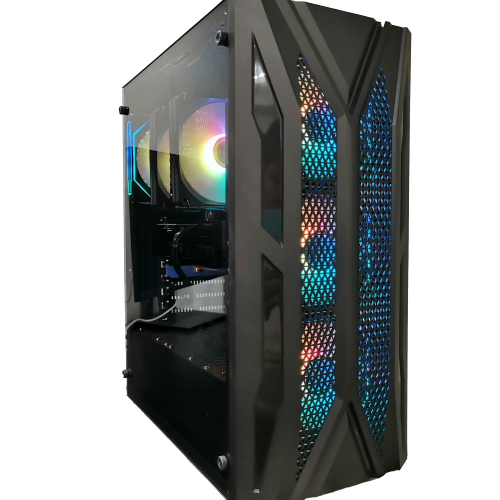
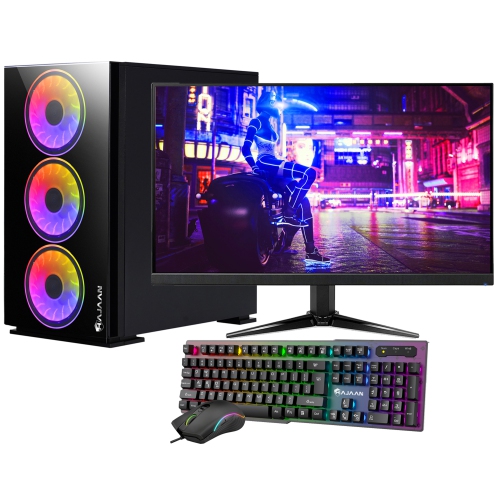
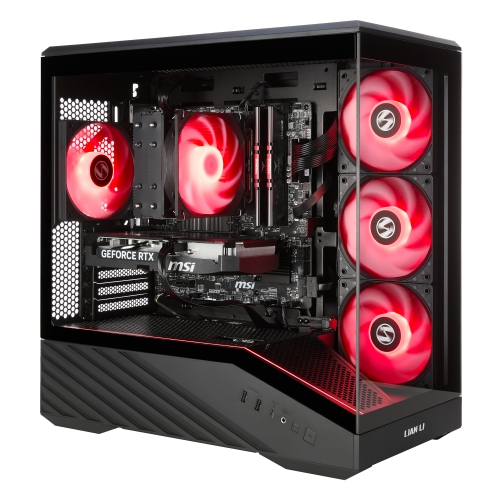
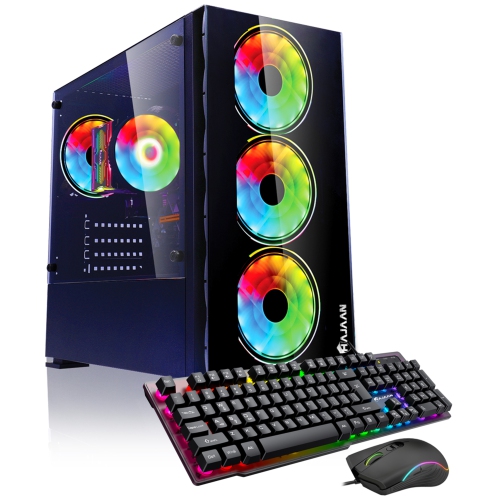
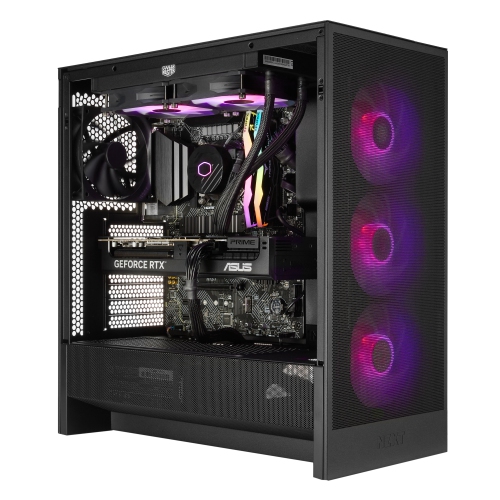
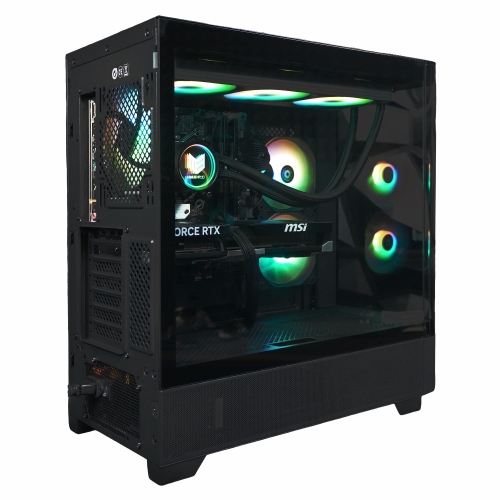
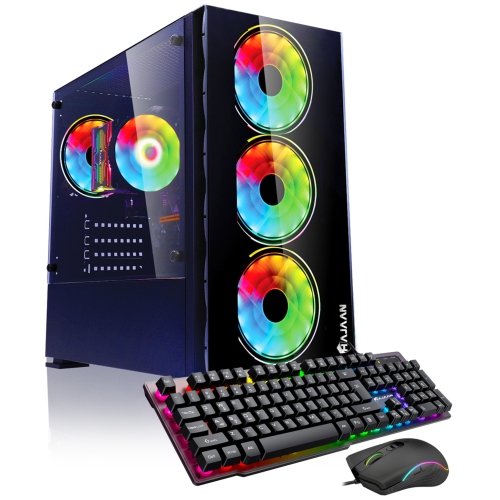
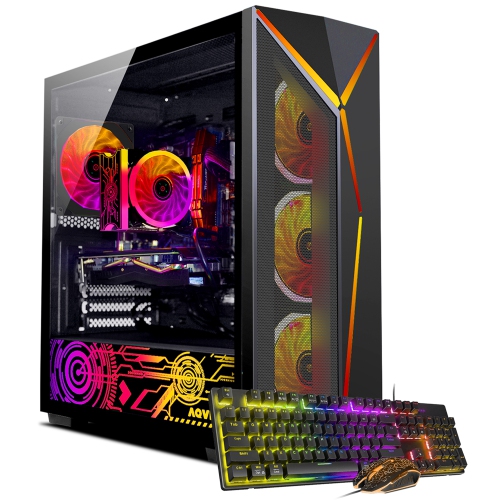
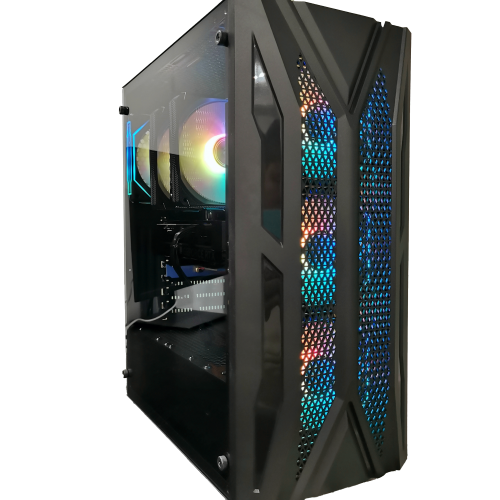
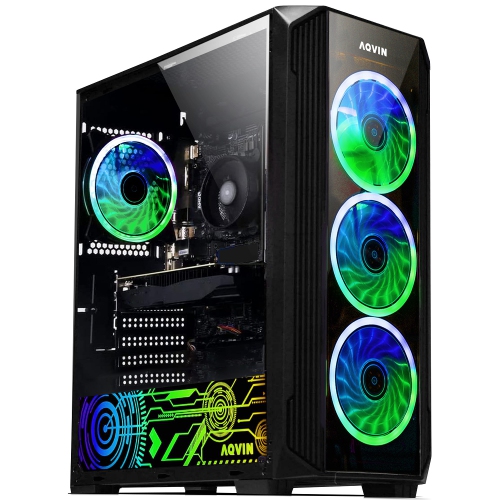
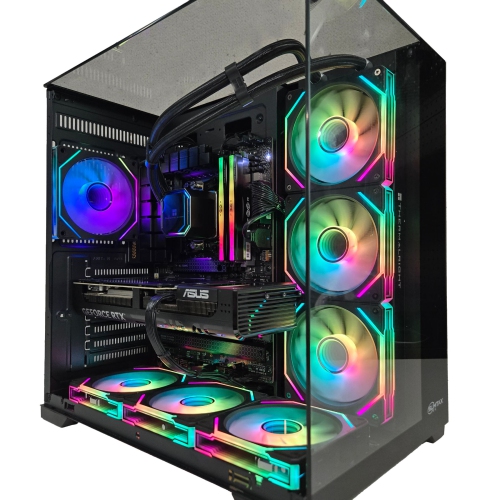
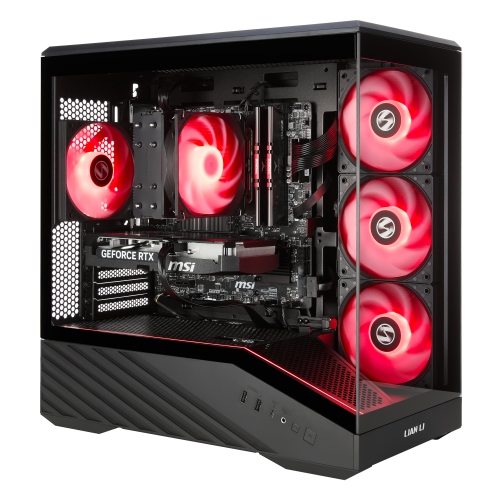
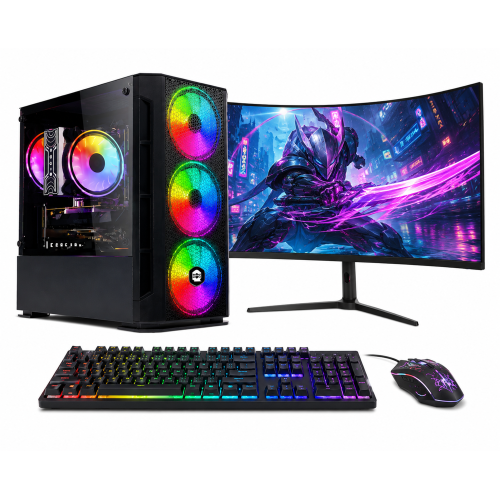
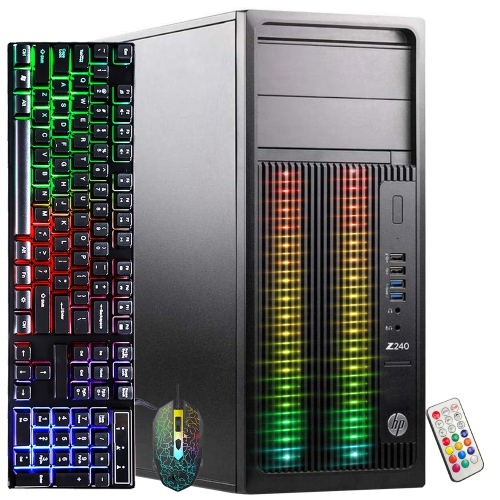
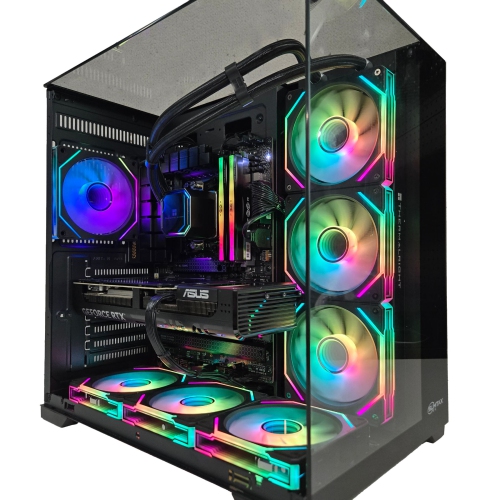
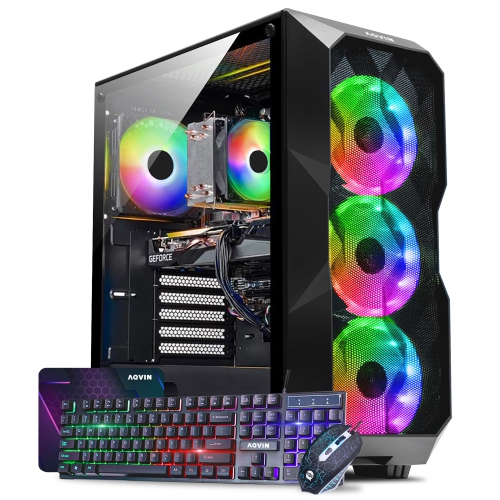
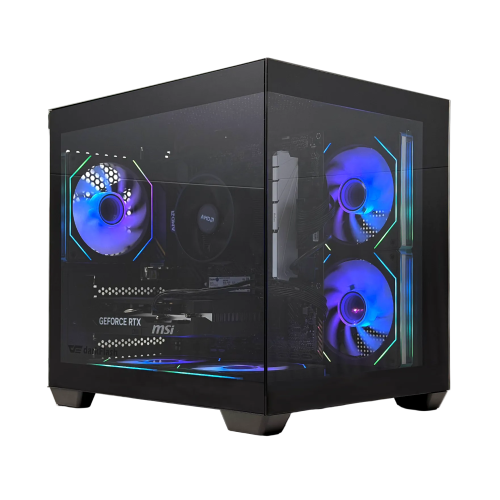
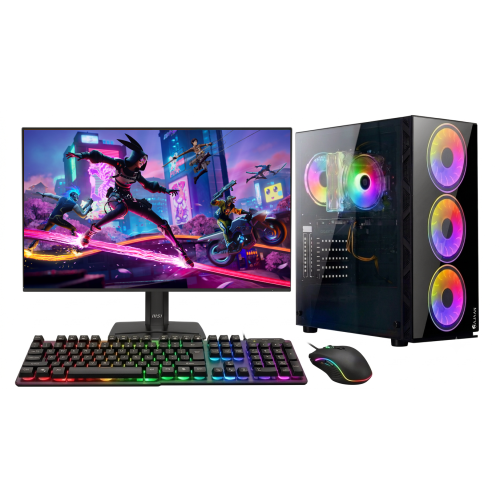
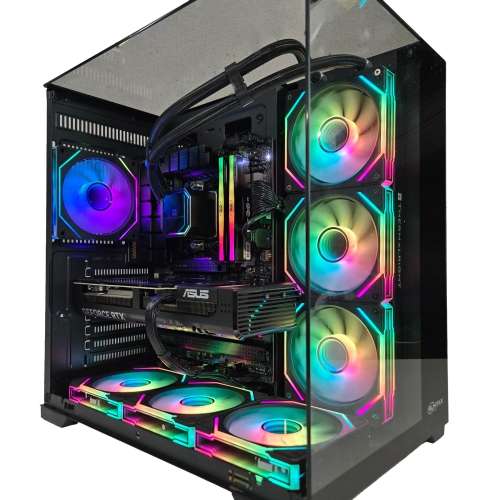
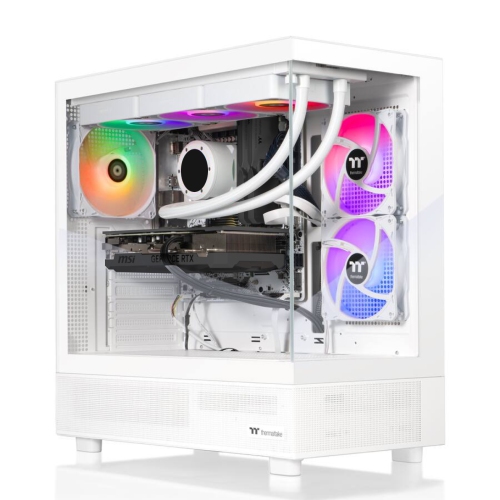
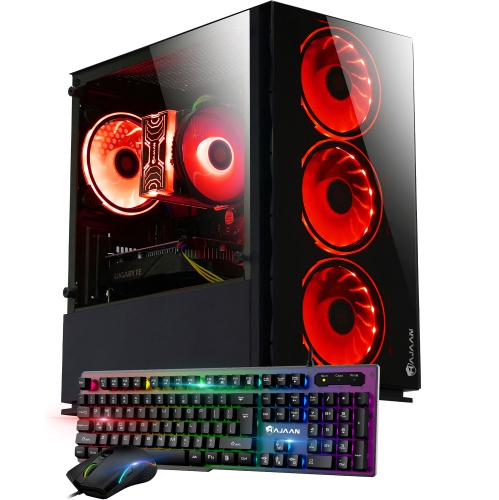
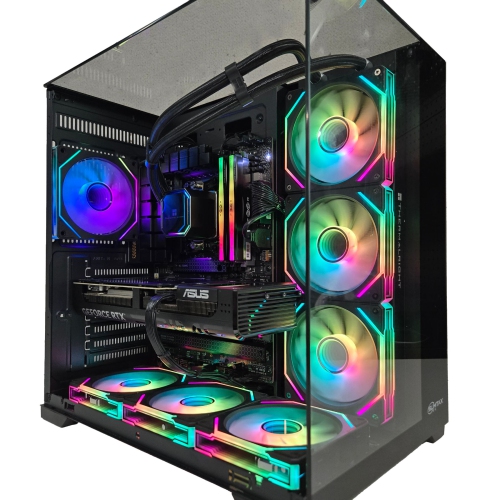
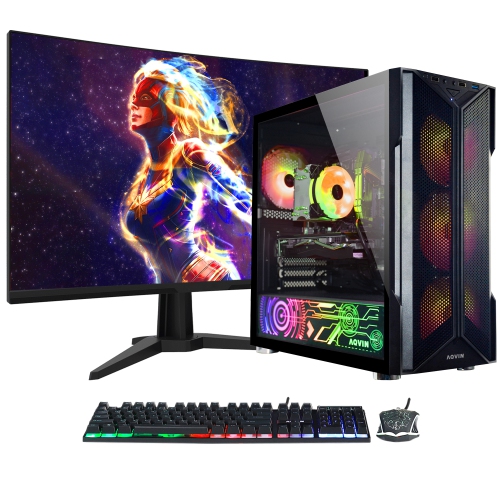
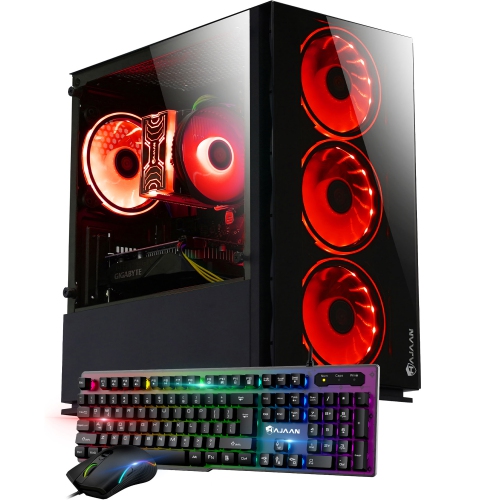
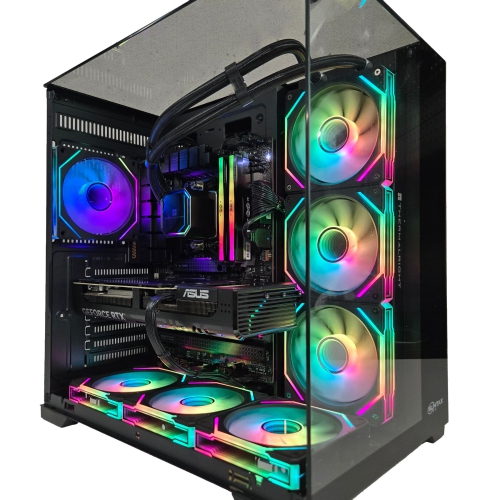
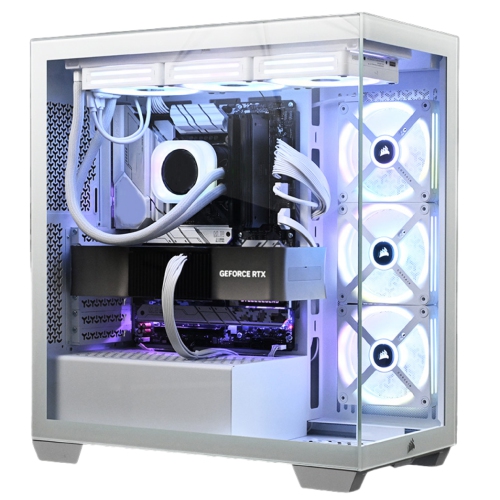
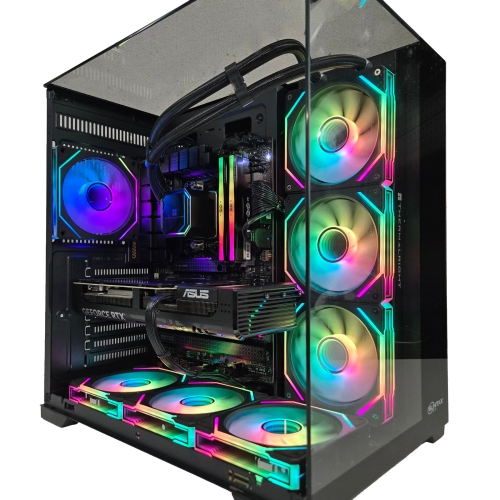
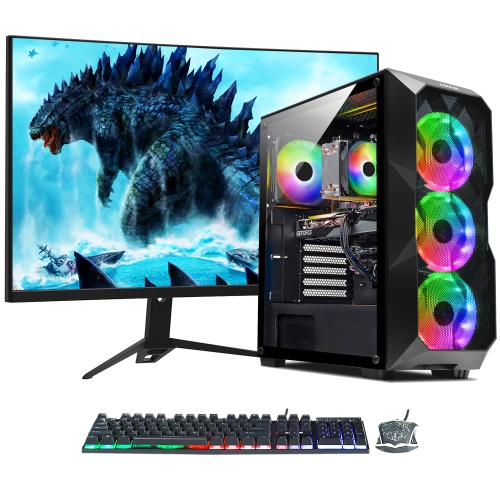
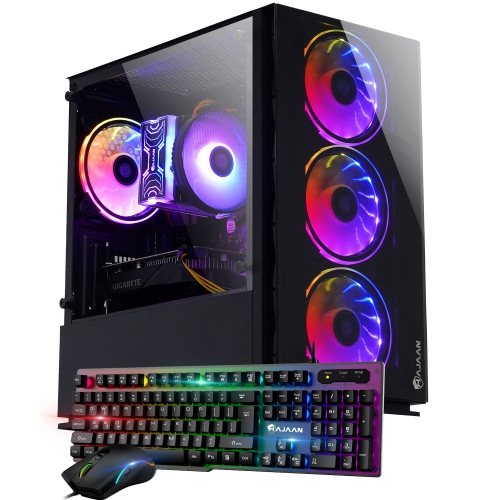
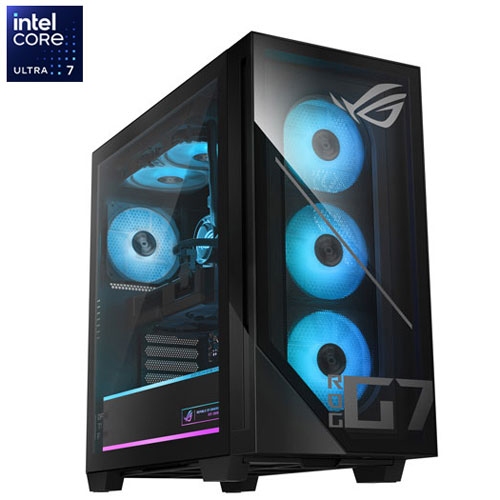
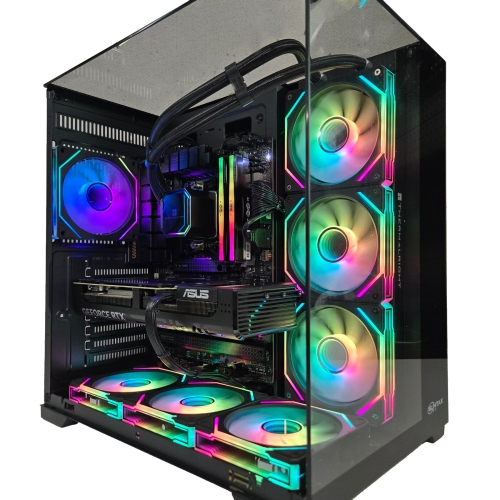
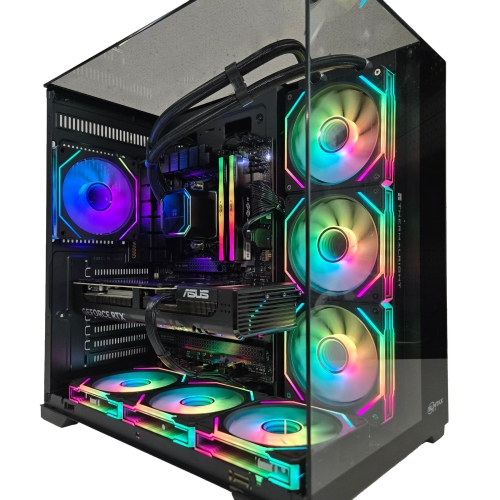
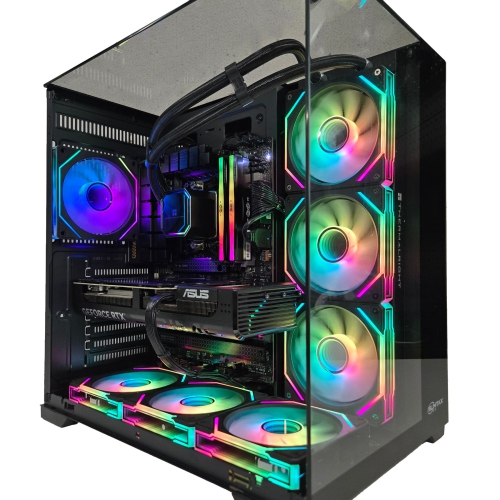
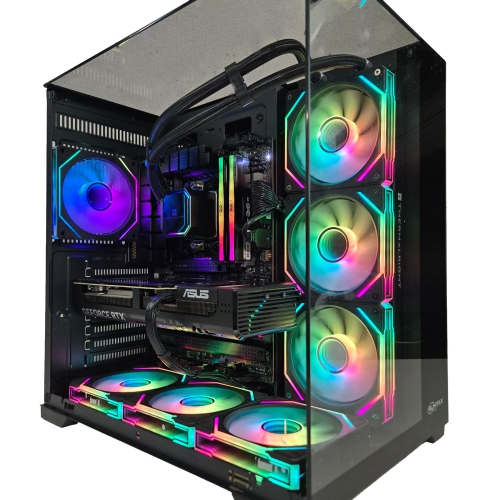
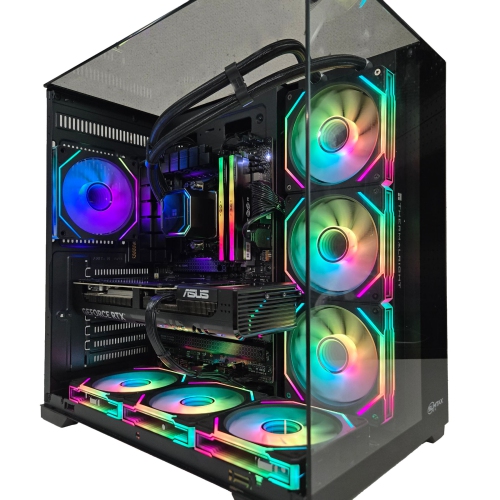
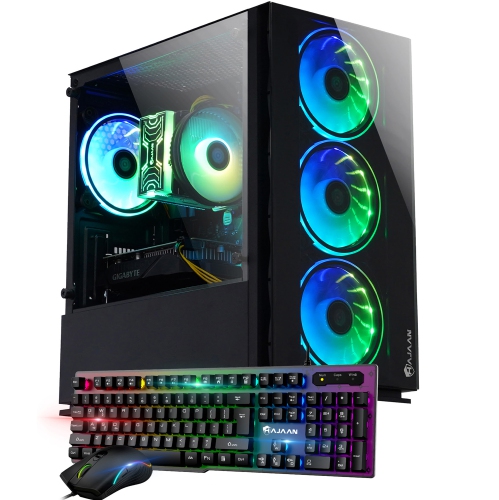
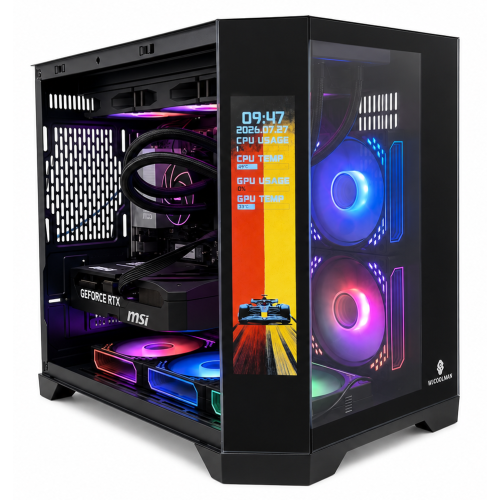
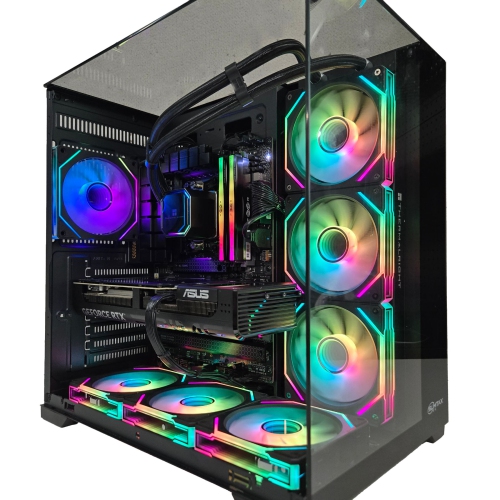
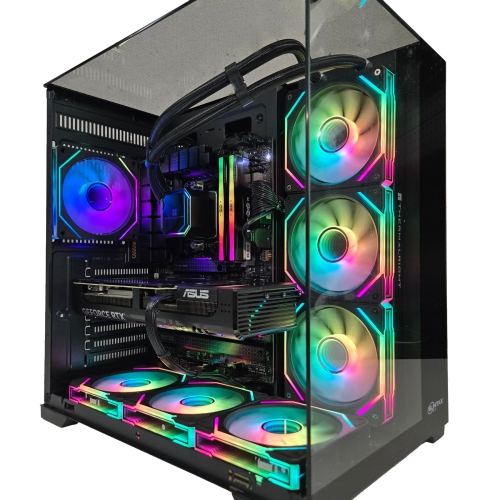
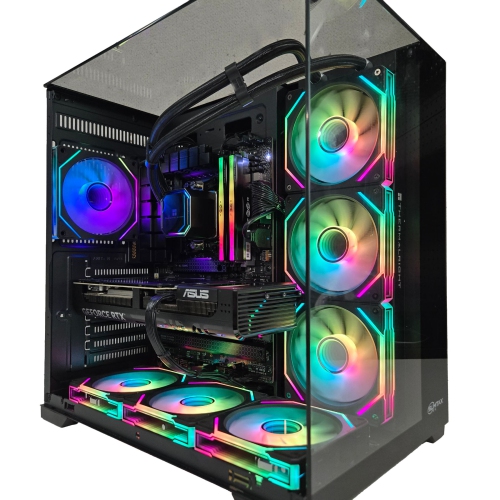
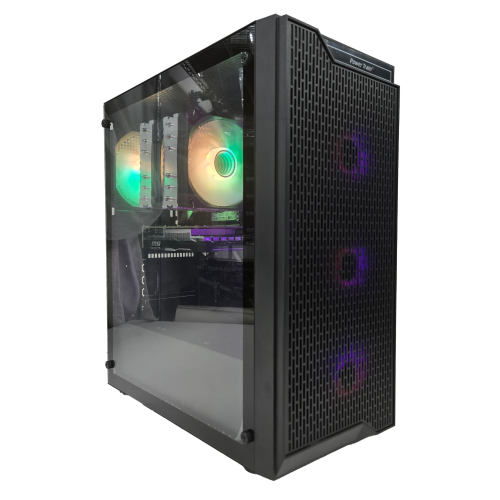
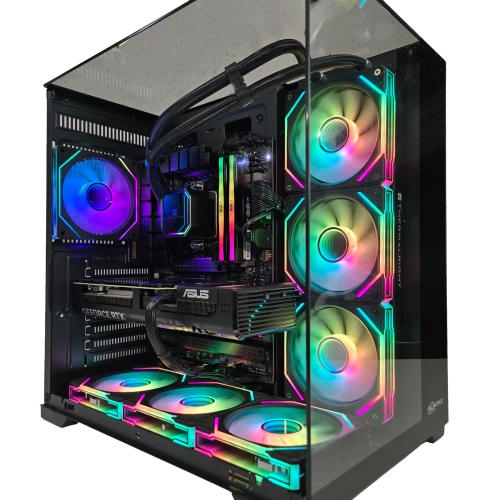
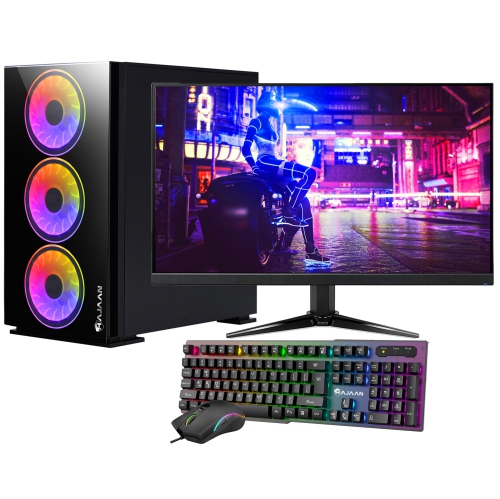
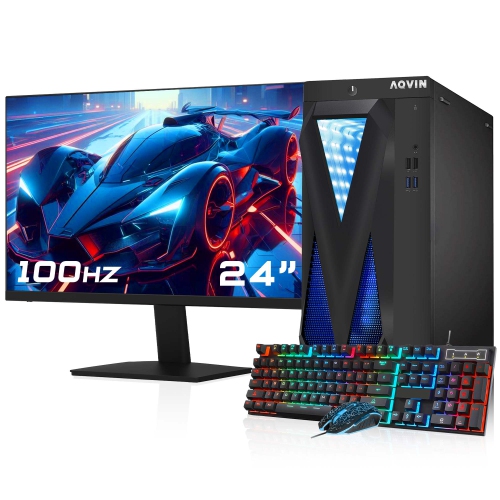
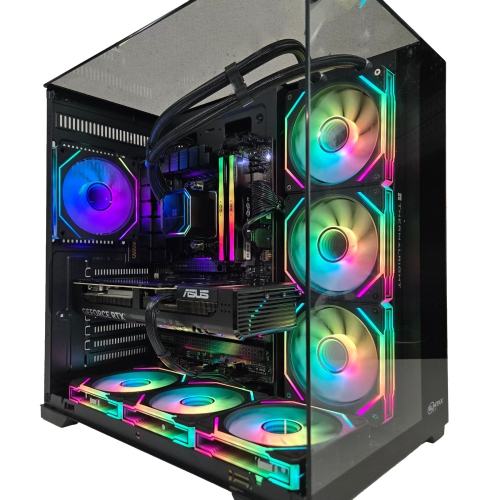
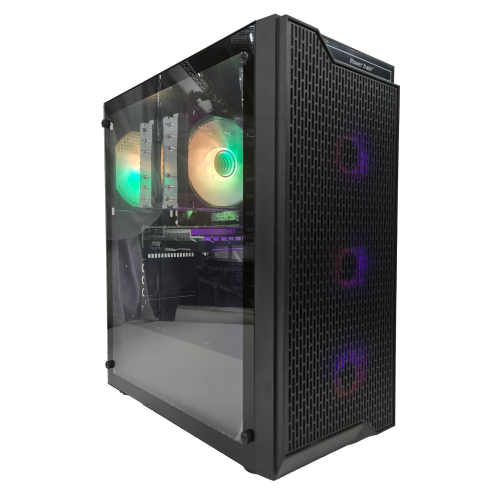
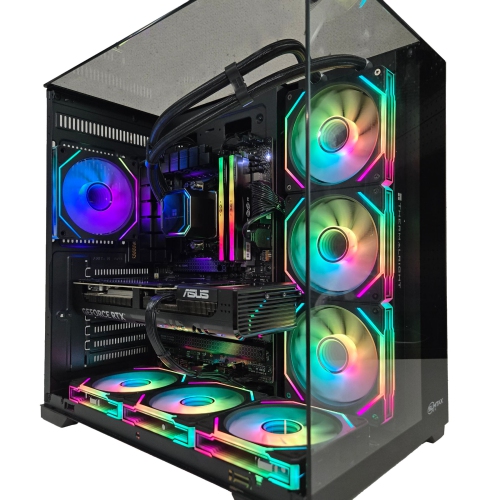
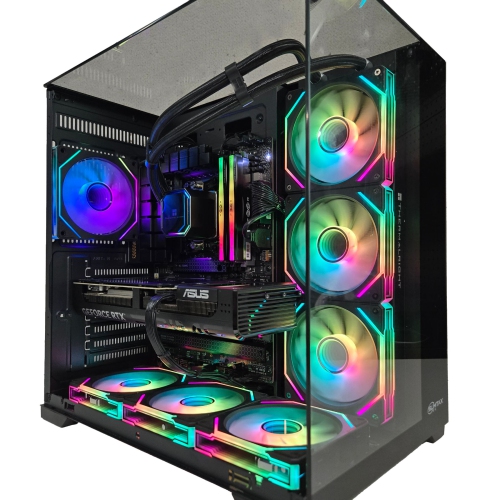
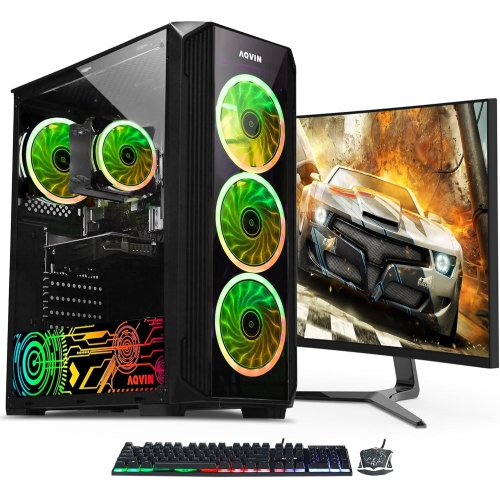
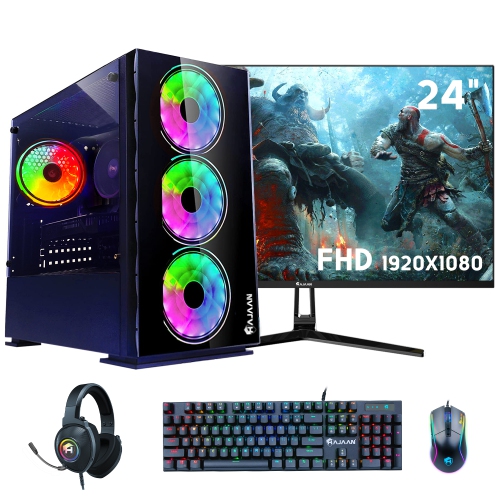
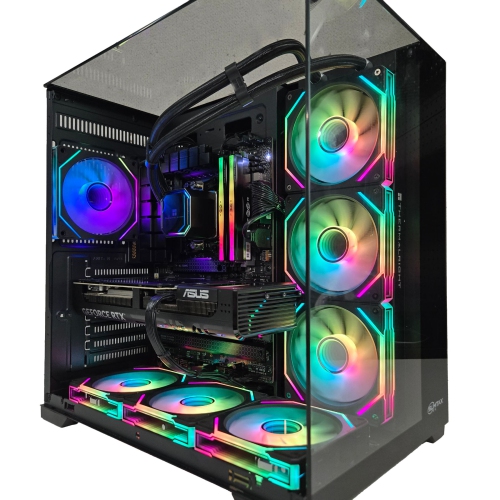
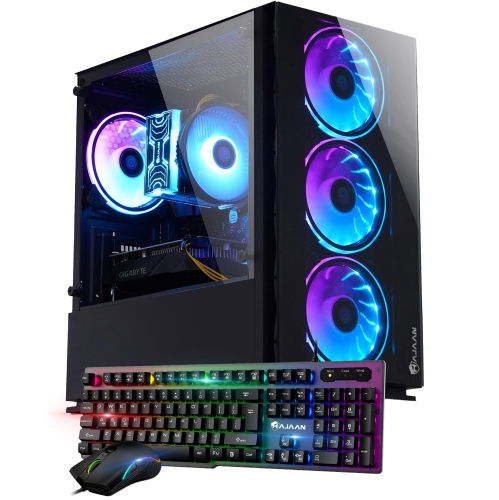
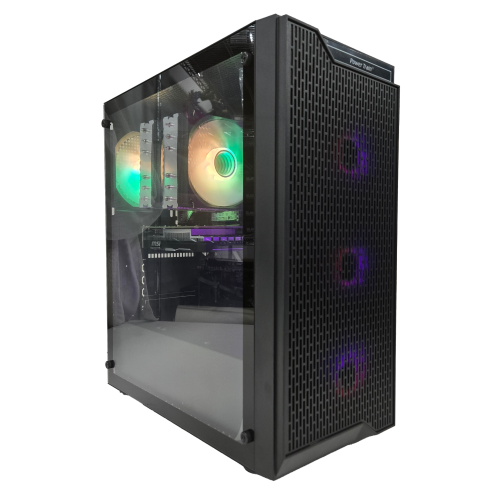
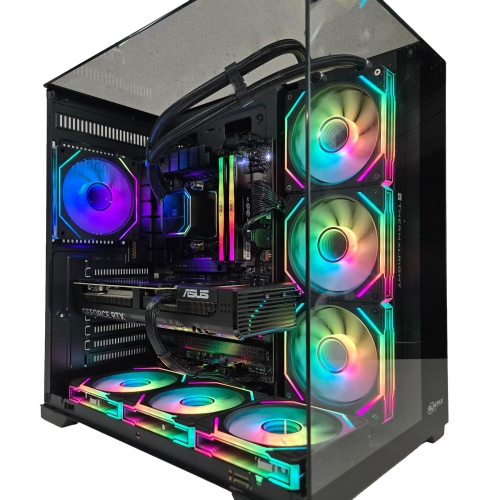
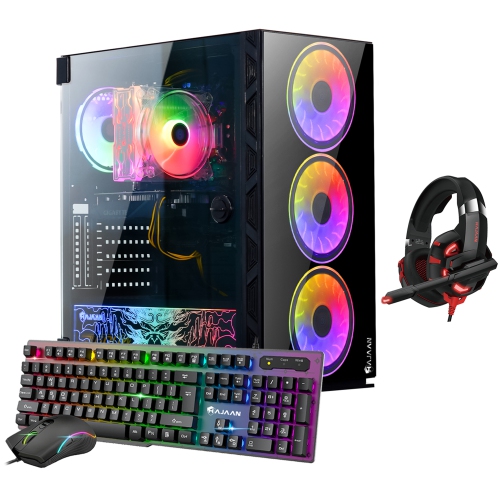
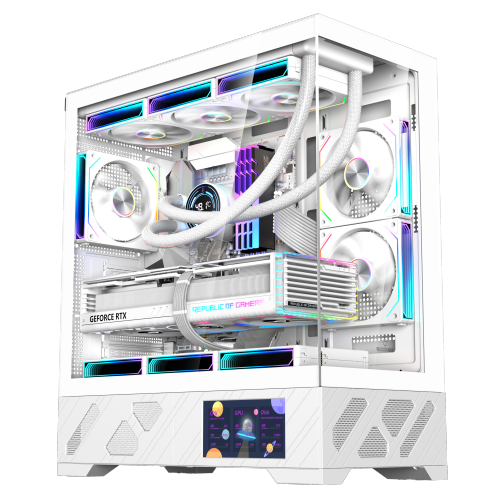
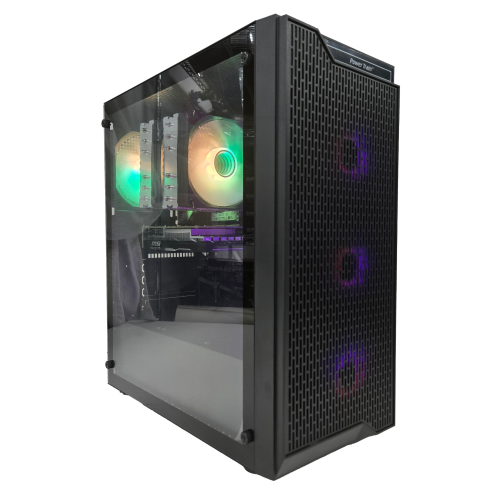
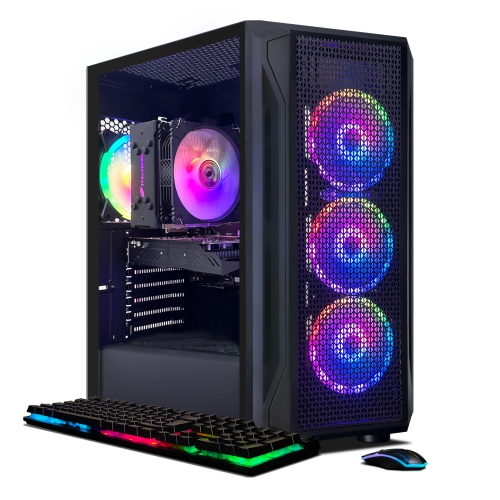
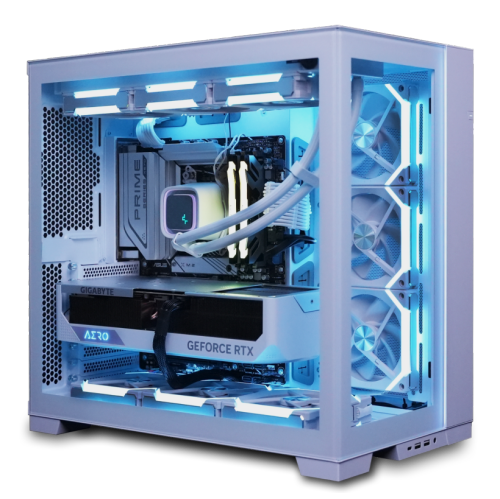
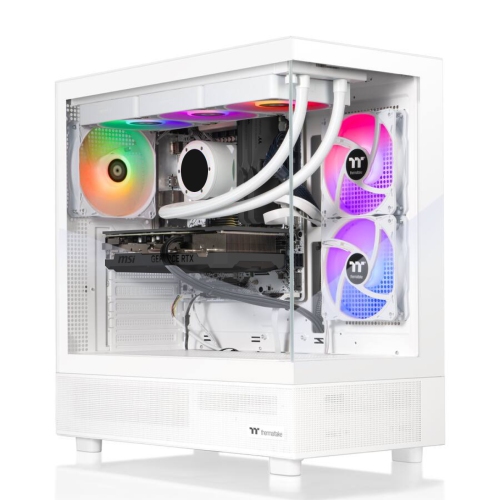
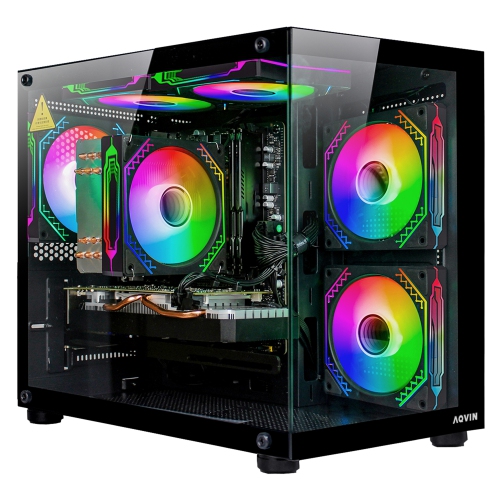
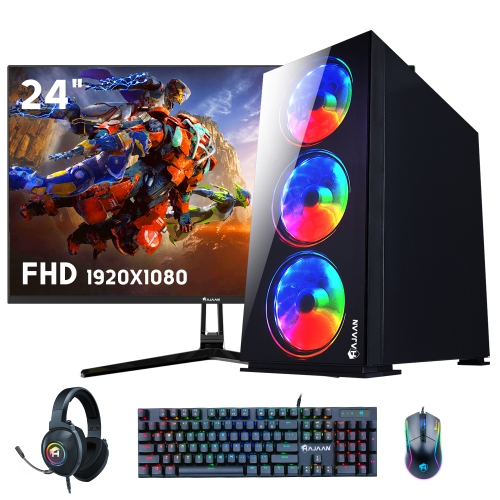
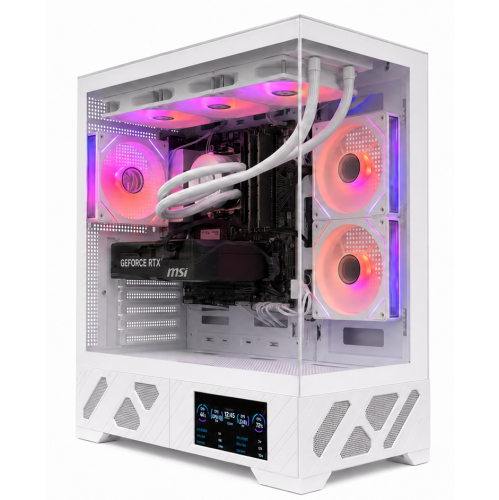
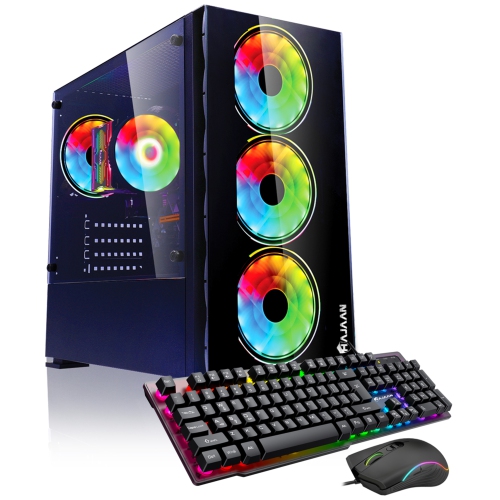
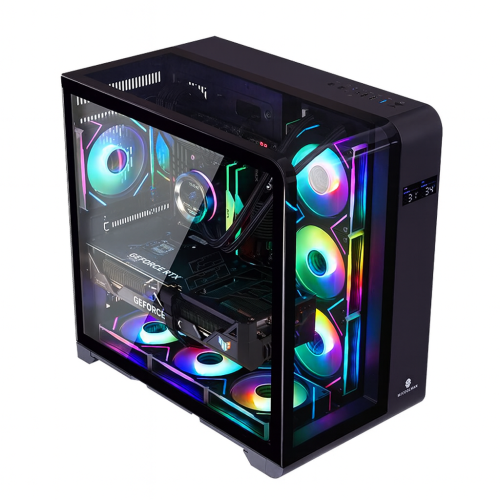
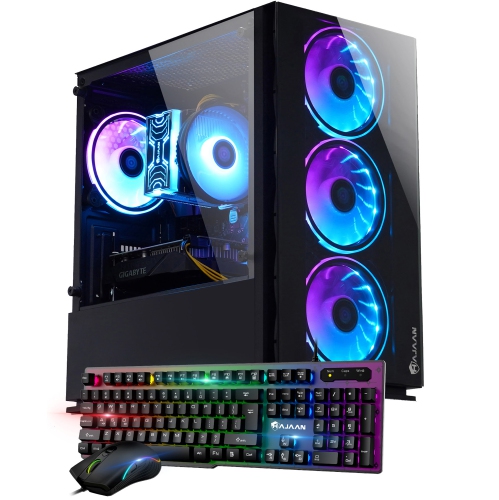
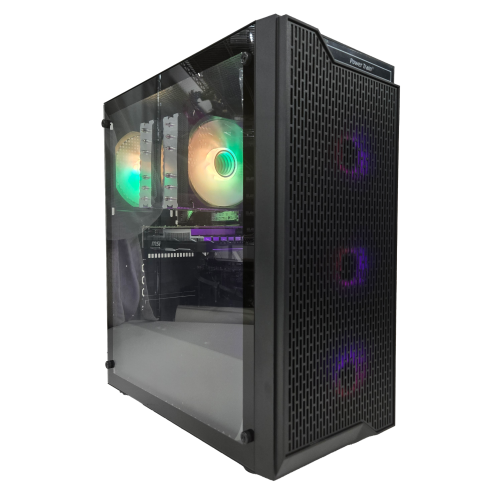
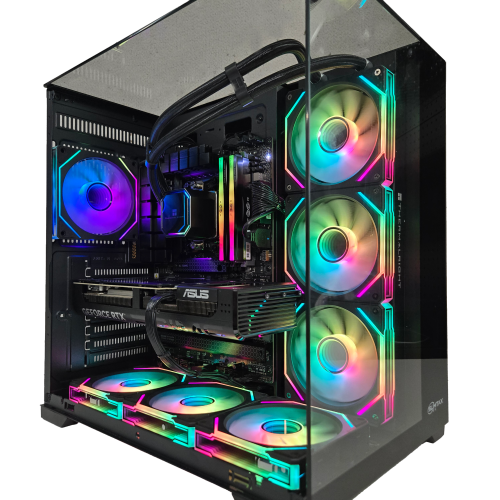
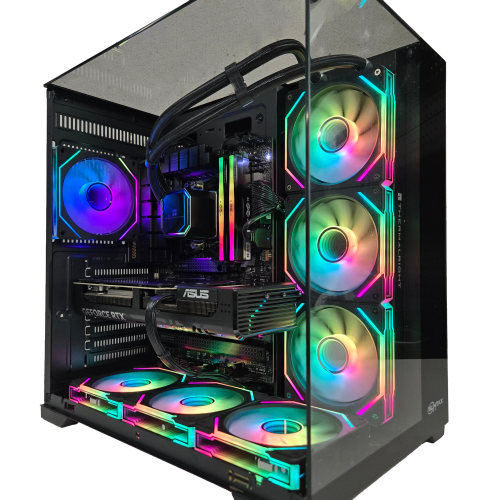
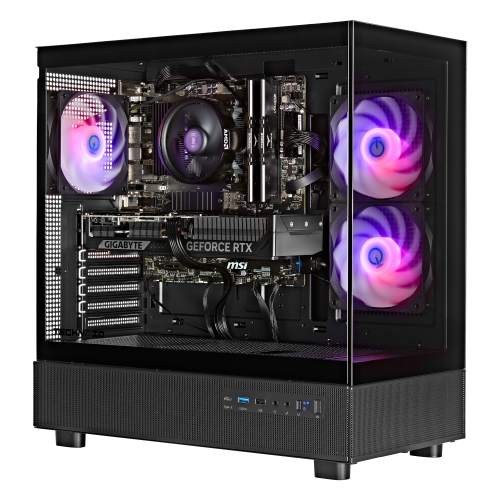
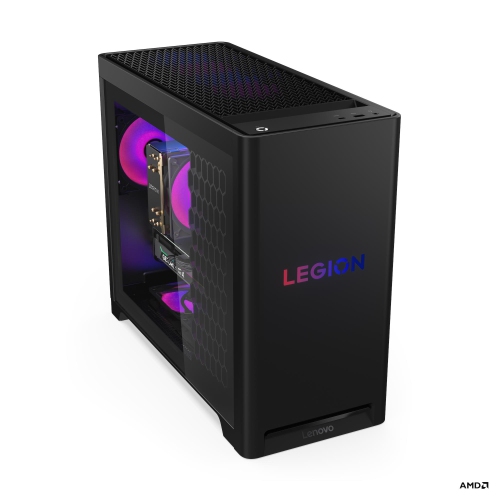
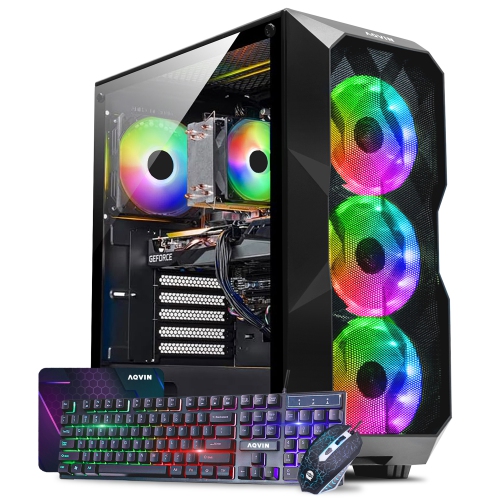
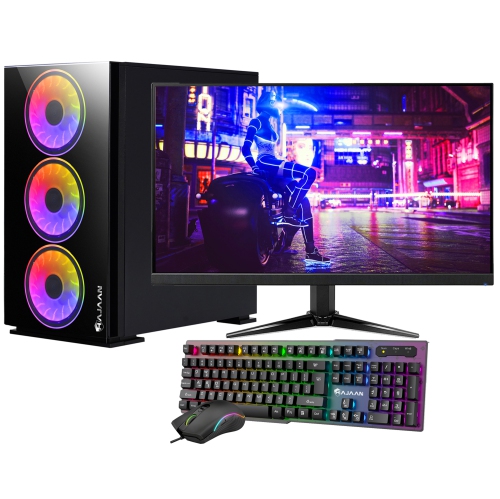
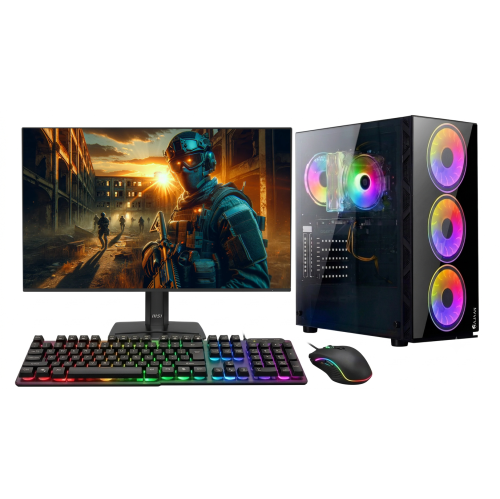
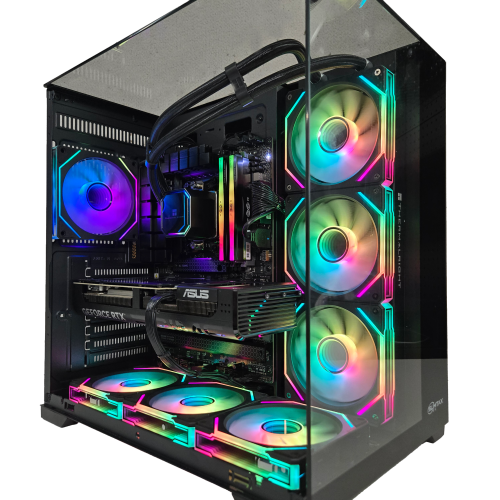
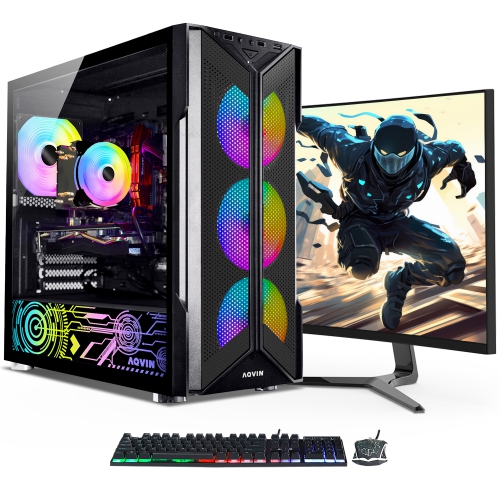
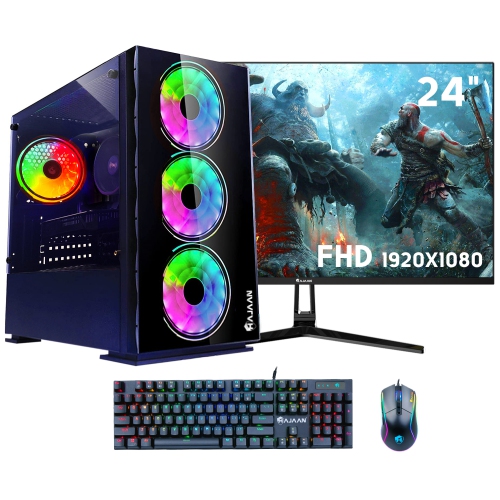
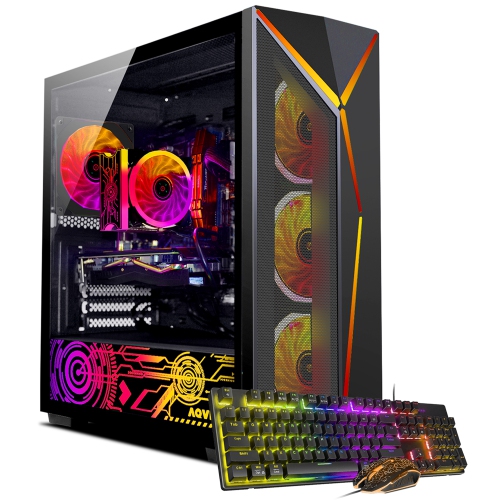
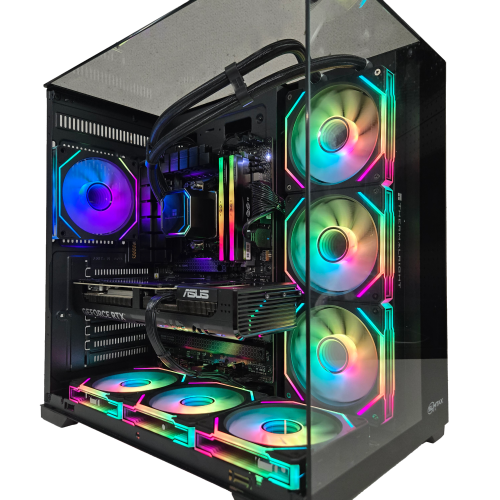
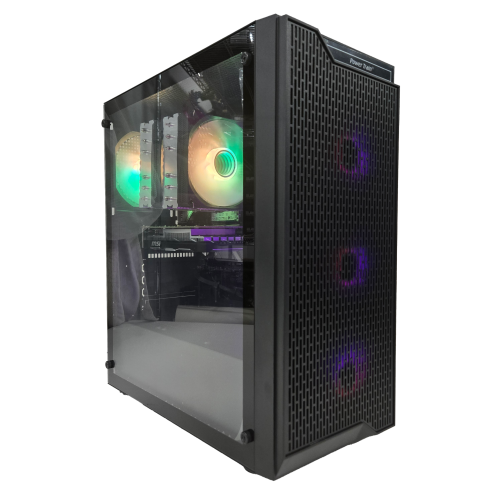
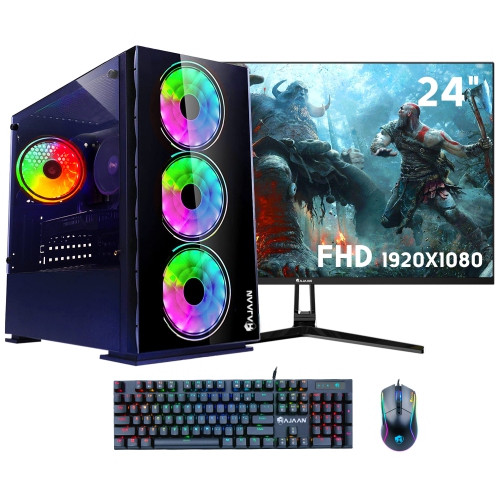
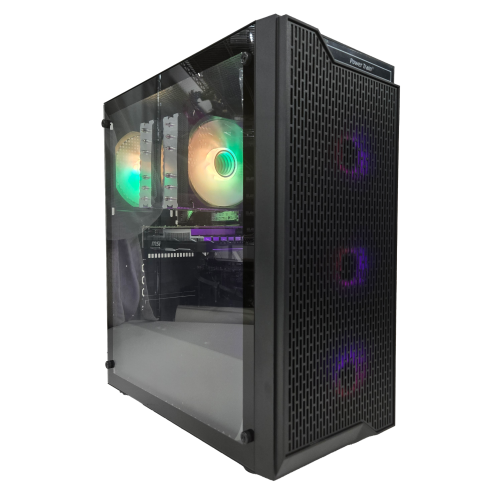
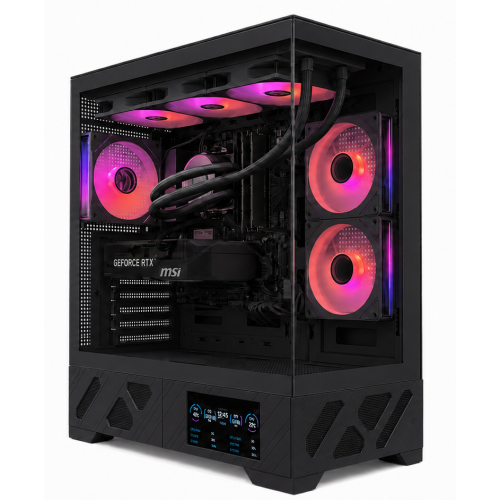
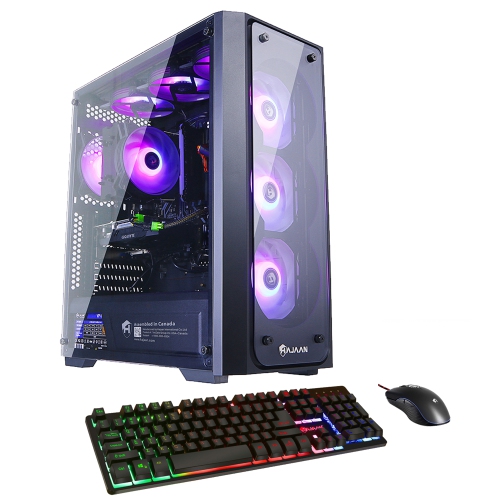
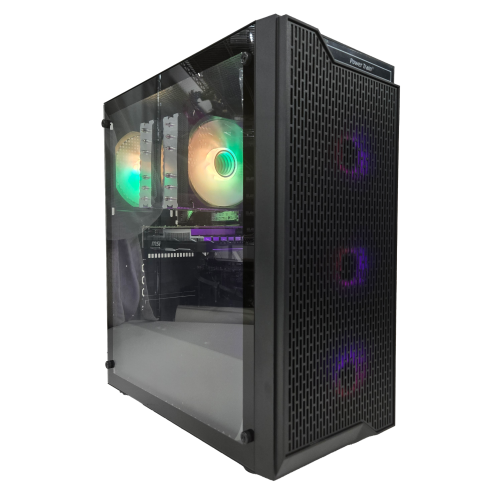
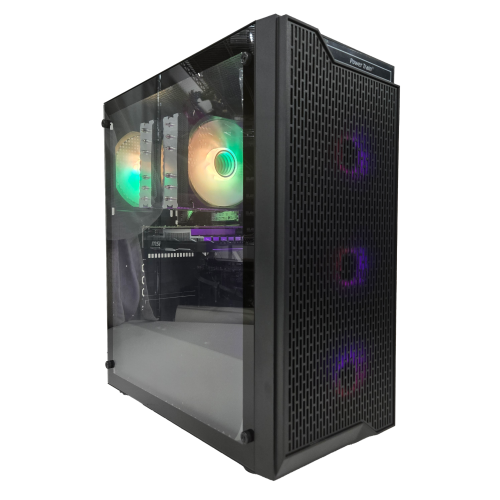
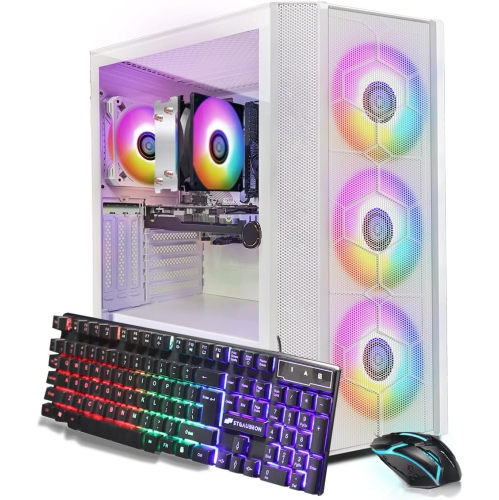
A gaming PC build brings together a processor, motherboard, memory, storage, graphics card, power supply, case, and cooling system, with each component contributing to how the finished computer feels in everyday play. The right combination depends on the games, display, and other tasks the system needs to handle. Fast-paced competitive games often favour high frame rates and responsive performance, while detailed open-world adventures can place greater demands on graphics processing and video memory, particularly at higher resolutions. A dedicated graphics card handles much of the work involved in rendering those scenes, but it still needs a capable processor to keep game logic, physics, and background tasks moving smoothly. Balance matters more than choosing the highest specification in every category: a powerful graphics card cannot make up for every limitation elsewhere in the system. For someone playing at 1080p, the priorities may differ from those of a player using a 4K display or streaming gameplay while chatting with friends. System memory provides temporary working space for games and applications; 16GB can suit many gaming workloads, while 32GB offers more room for demanding titles and multitasking. Memory requirements vary, so the games and software involved remain useful reference points. Solid-state storage supports quick start-up and shorter loading times, and capacity matters when a game library includes several large installations. Storage speed does not replace graphics performance, though it can make launching games and moving between applications feel much more responsive. Browsing computer parts to build a gaming PC brings these component categories into focus, whether the goal is a first custom desktop, an upgrade to an older tower, or a system shared between gaming, schoolwork, and creative projects. The most useful starting point is a clear picture of the intended experience: smooth matches on a high-refresh-rate monitor, richly detailed single-player worlds, or a versatile desktop that moves comfortably from a video call to an evening of gaming.
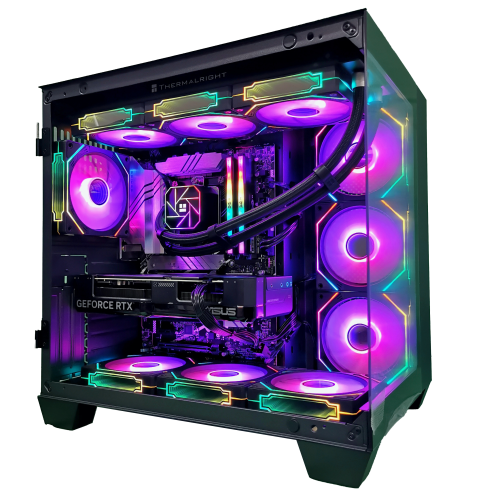
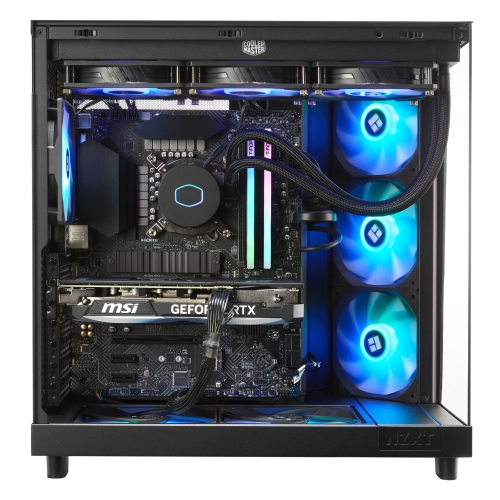
Compatibility determines whether those individual parts can work together, and it involves more than matching a processor to a motherboard socket. The motherboard chipset and firmware must support the processor, while the memory needs to match the board’s supported generation and specifications. Different memory generations are not interchangeable, even when modules look similar. Motherboard size also affects case selection: a compact enclosure may accept only smaller boards, whereas a larger tower can offer additional expansion space and easier access around components. Physical clearances are especially important with long graphics cards, tall processor coolers, and liquid-cooling radiators. A case may support a radiator in one position but leave less room for the graphics card when that radiator and its fans are fitted. Likewise, a large air cooler can overlap nearby memory slots, making memory module height relevant. These details matter in practical settings, from a small desk in a bedroom to a larger setup with several displays. The power supply needs sufficient capacity for the full system, appropriate connectors for the selected components, and a form factor that fits the enclosure. Wattage alone does not describe quality; electrical protections, operating specifications, and warranty coverage are also worth considering. Modular power supplies help keep unused cables out of the case, but their cables are not universally interchangeable between models. Cooling choices influence both temperature and sound. Air coolers use a heatsink and fan arrangement, while closed-loop liquid coolers move heat to a radiator through a sealed circuit. Either approach can suit a gaming computer when matched to the processor’s heat output, the case layout, and the preferred noise level. Case fans and unobstructed vents support airflow through the system, especially during longer sessions. Connectivity rounds out the fit: suitable display outputs, enough USB ports, wired networking or Wi-Fi, and the required audio connections help the finished desktop work naturally with the rest of the setup. Expansion slots and spare storage connections can also leave room for later changes without requiring a complete rebuild.
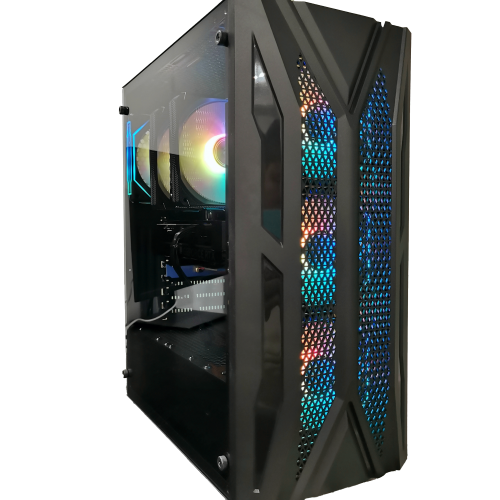
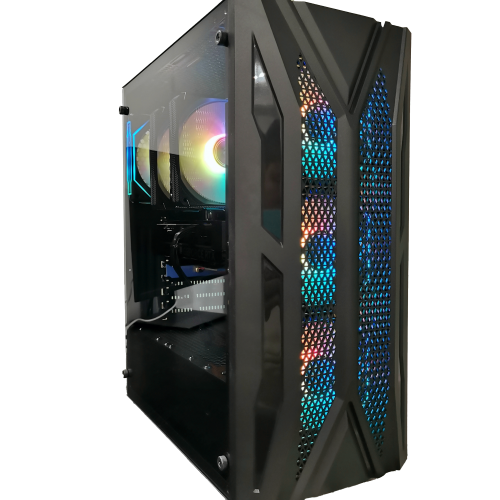
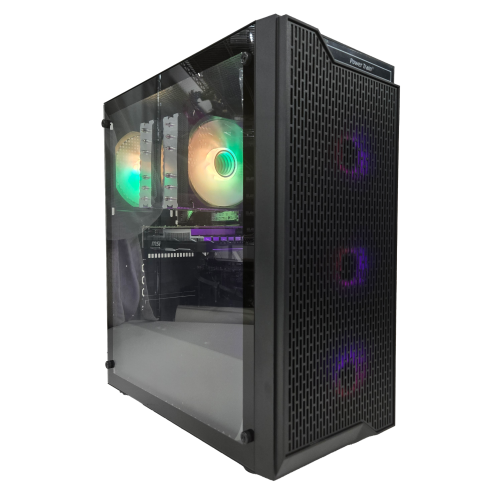
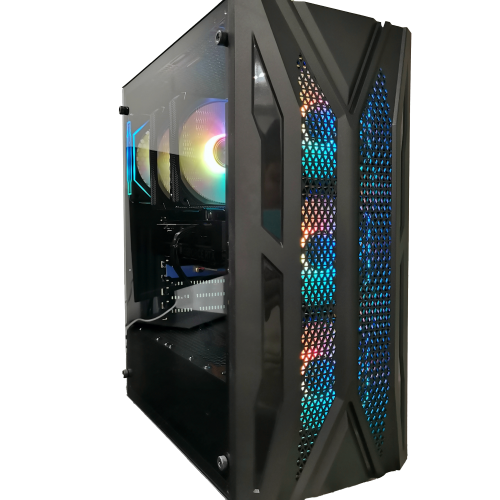
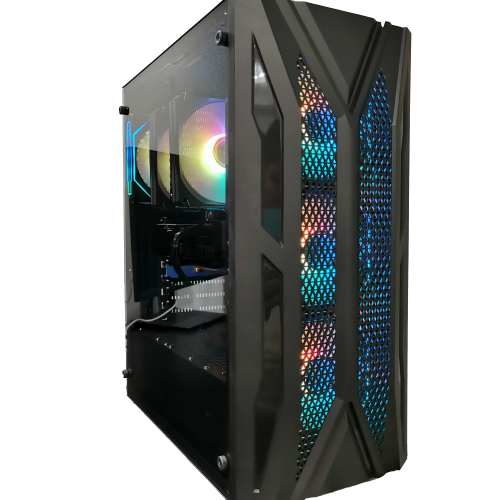
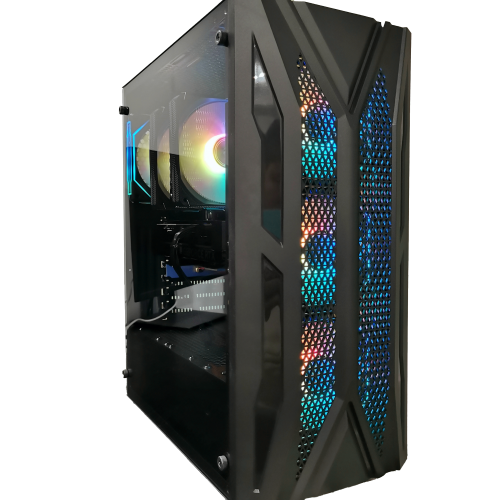
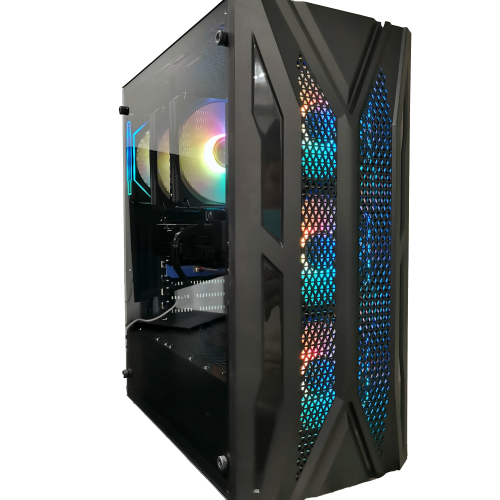
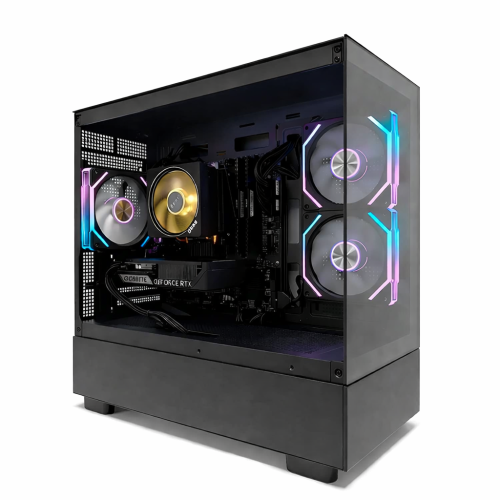
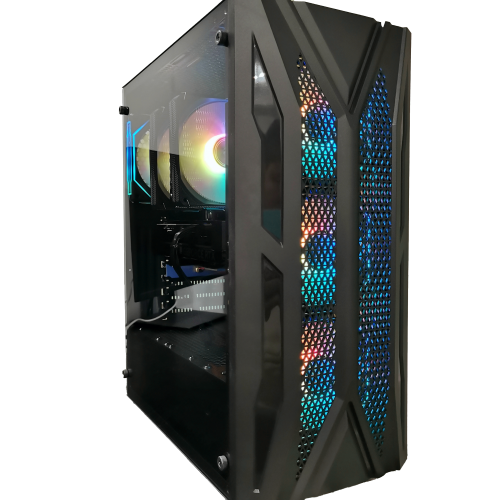
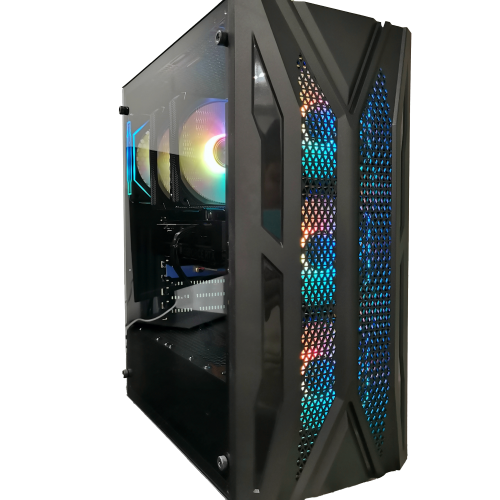
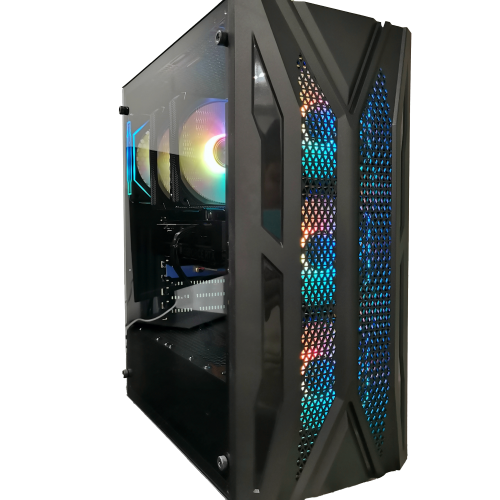
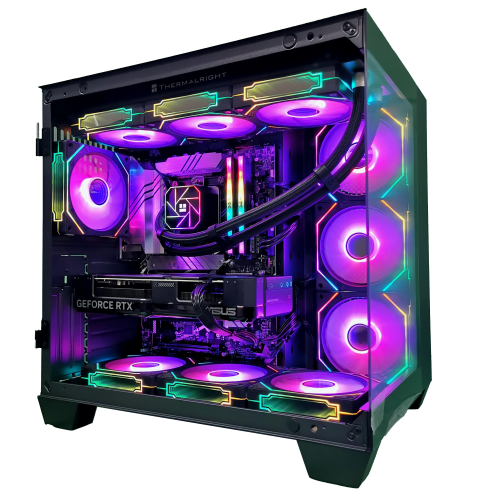
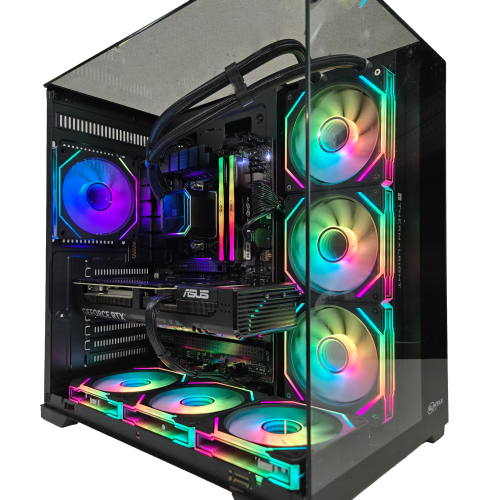
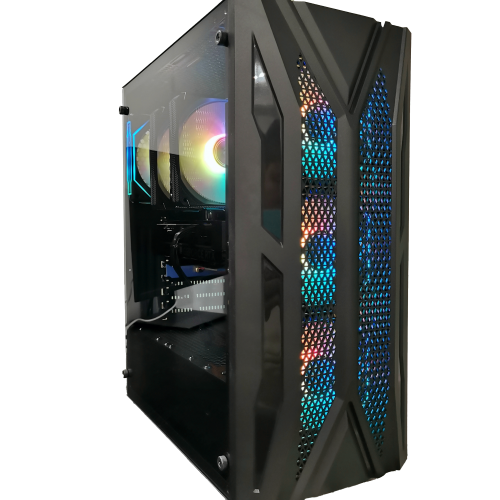
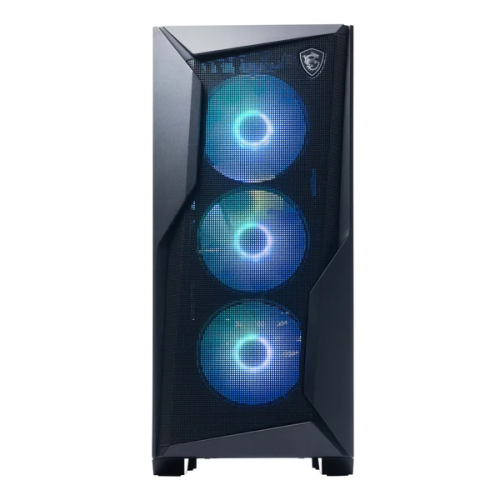
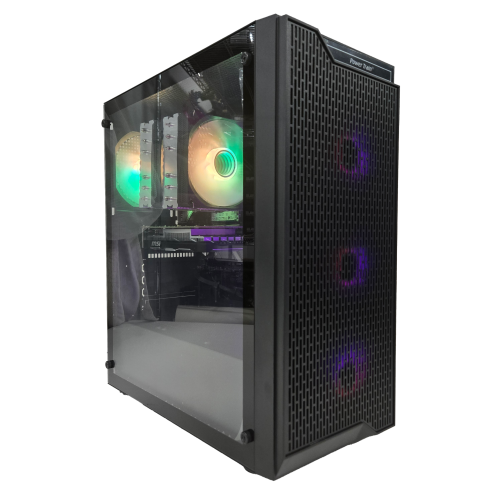
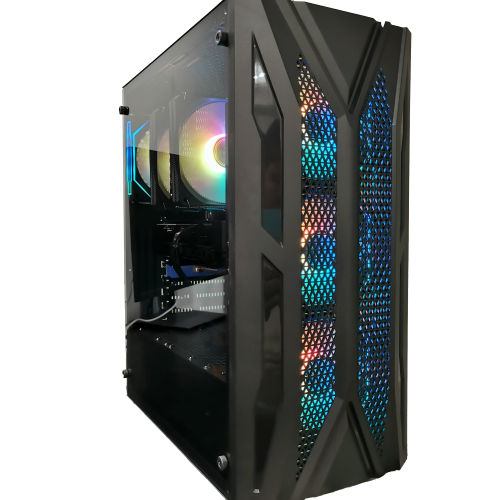
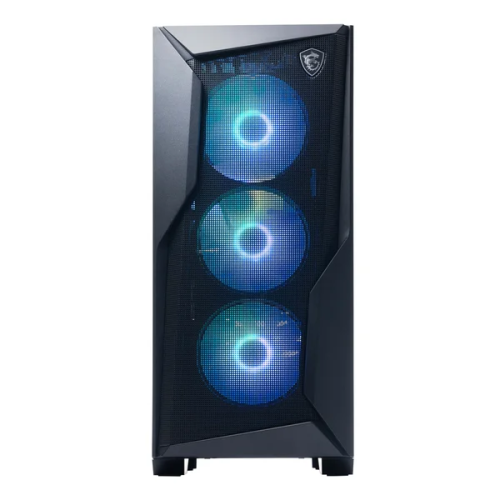
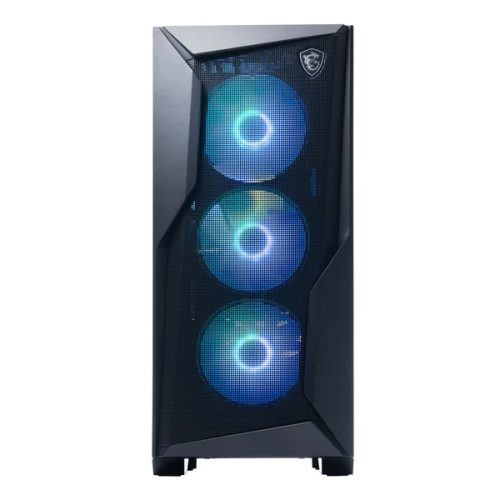
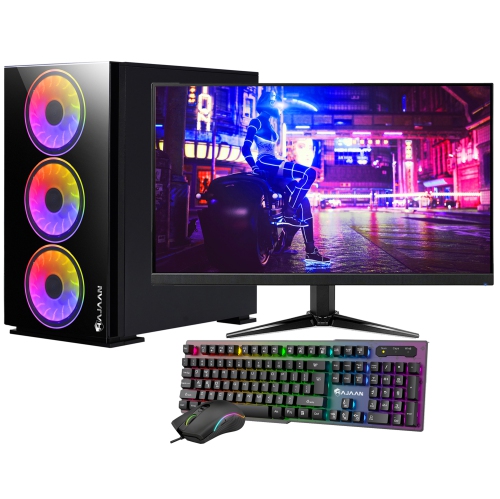
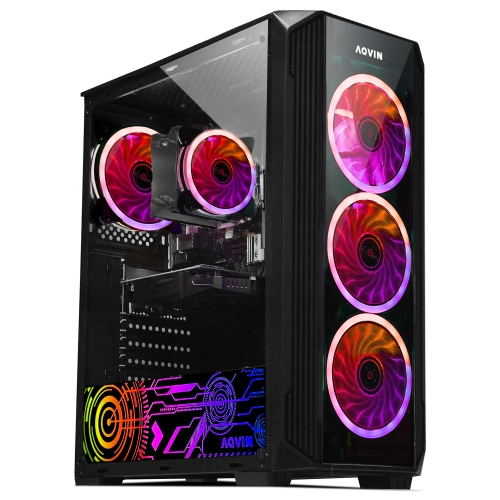
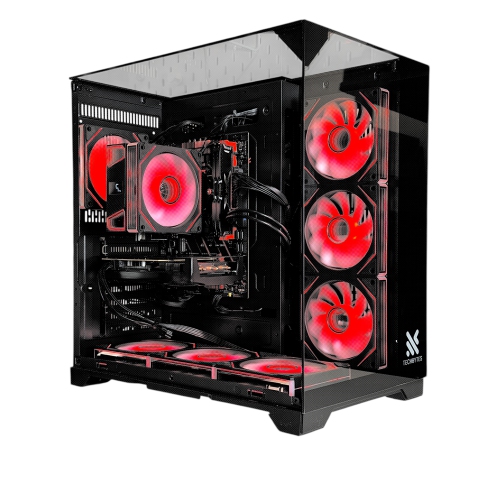
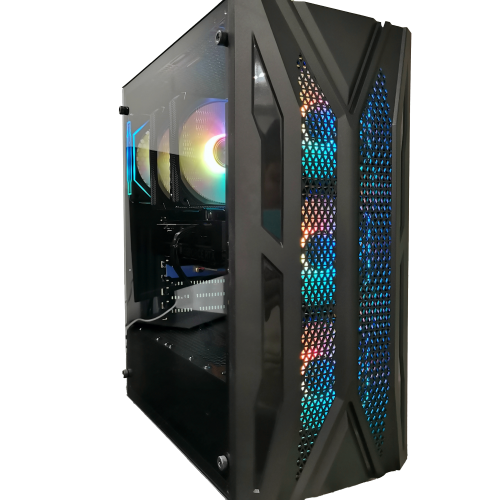
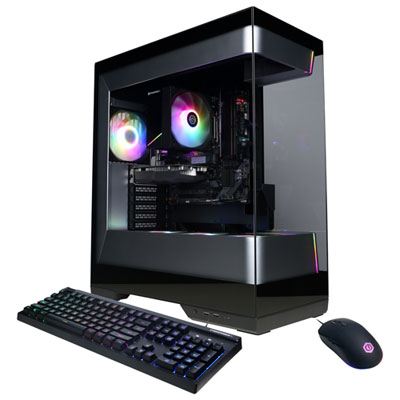
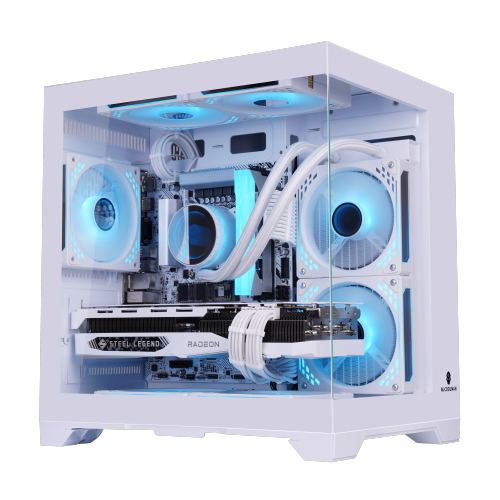
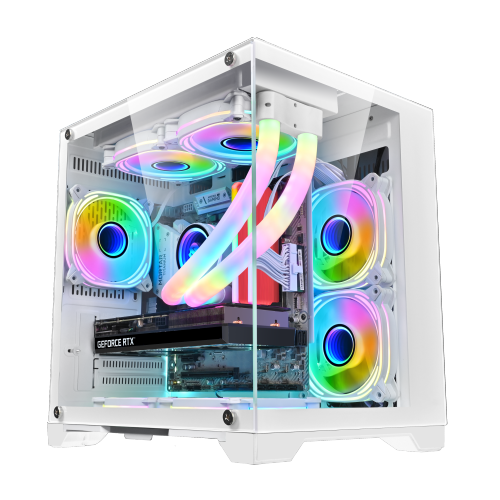
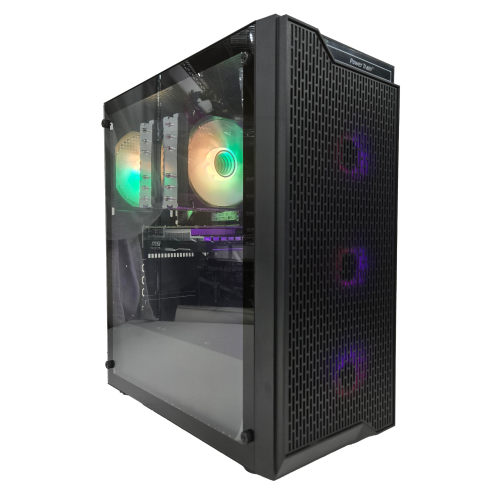
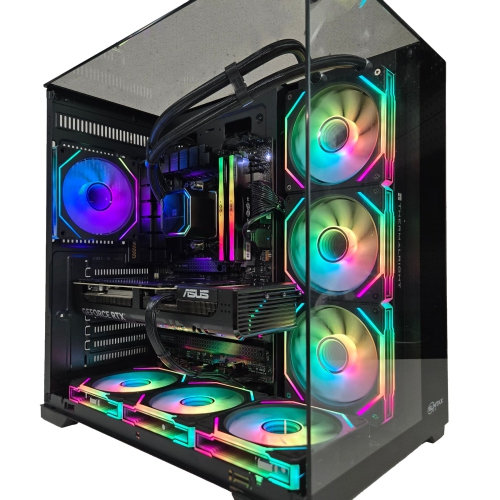
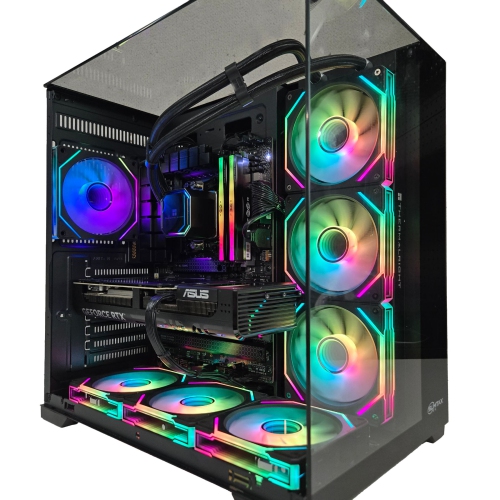
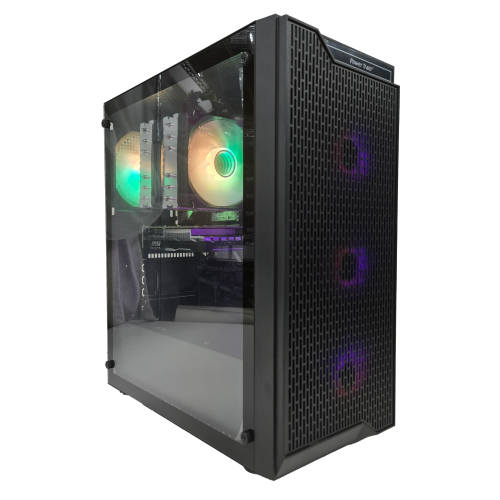
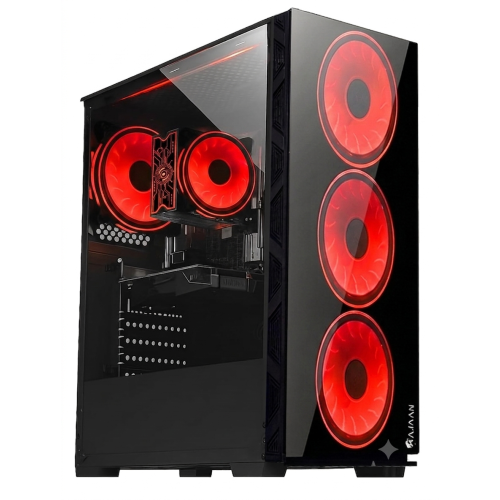
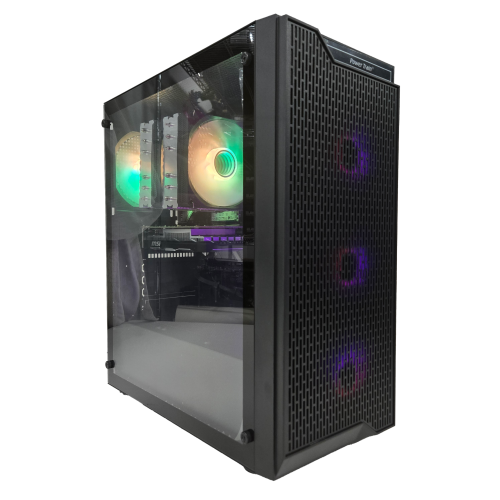
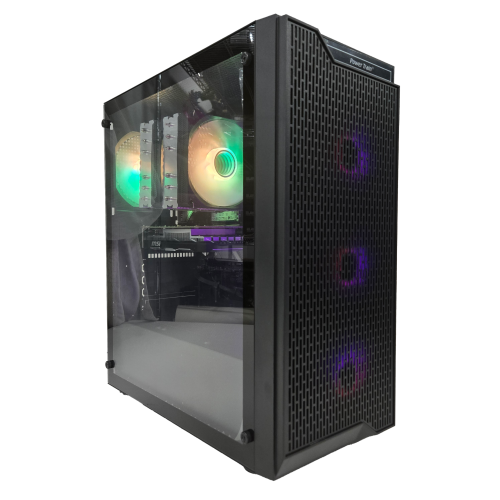
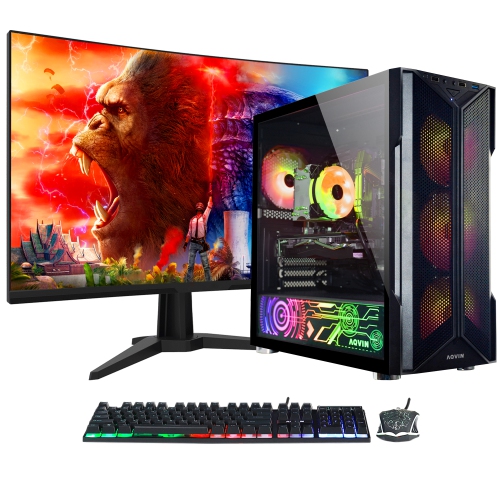
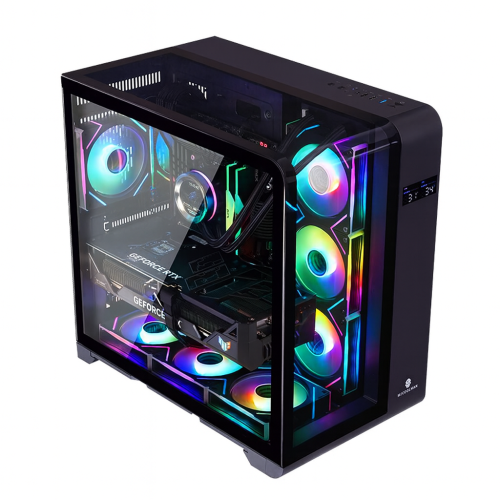
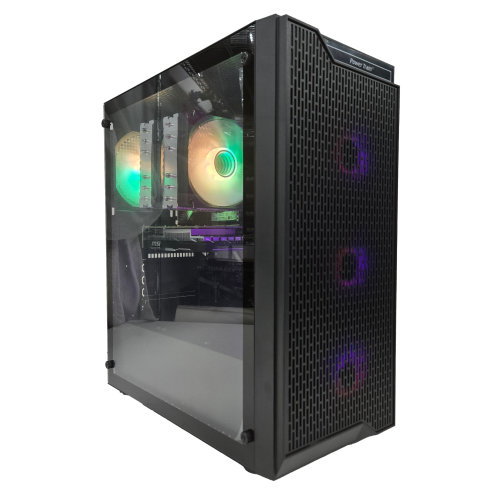
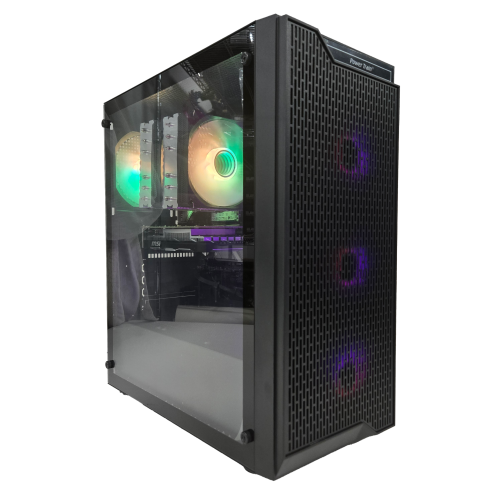
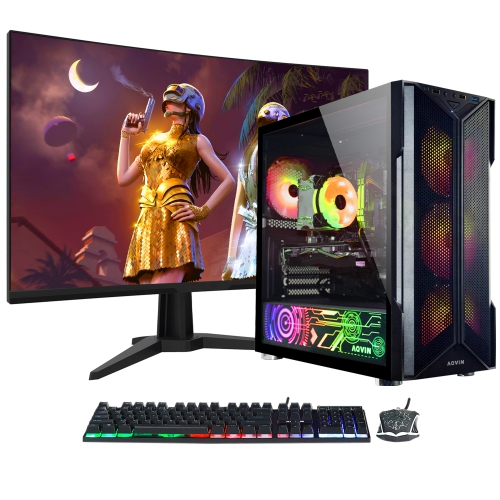
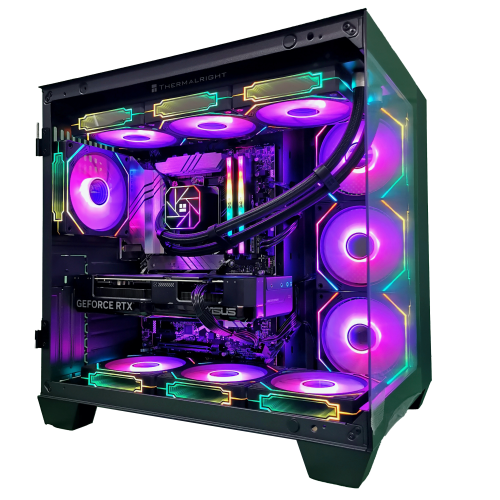
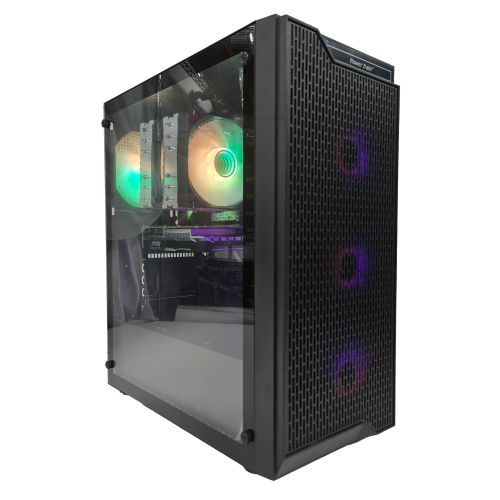
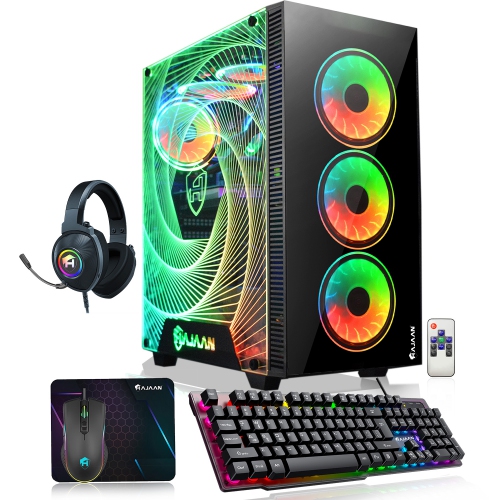
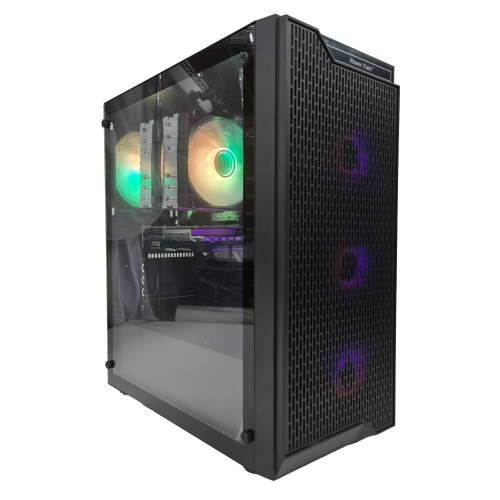
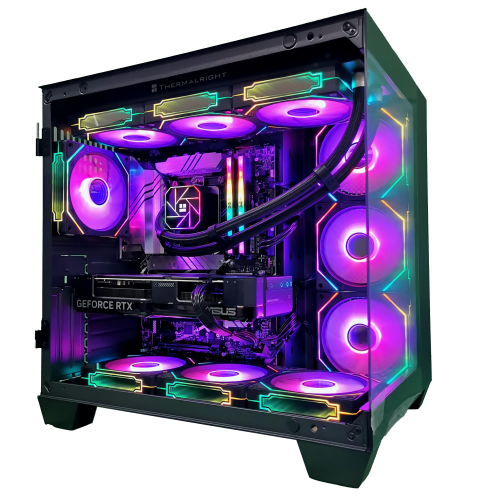
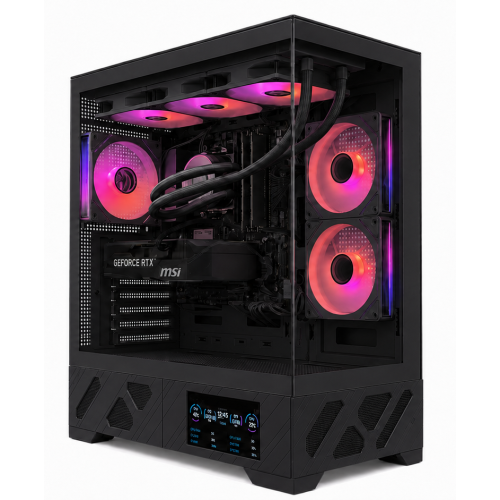
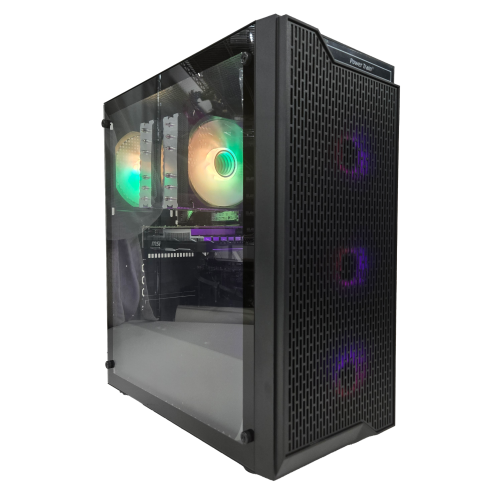
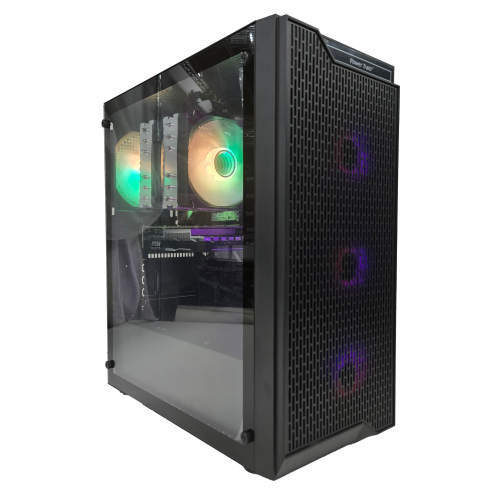
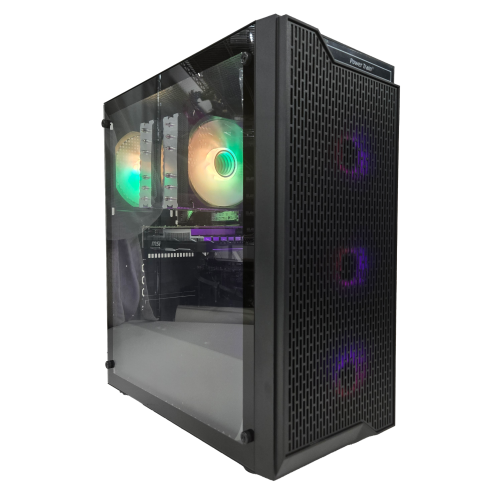
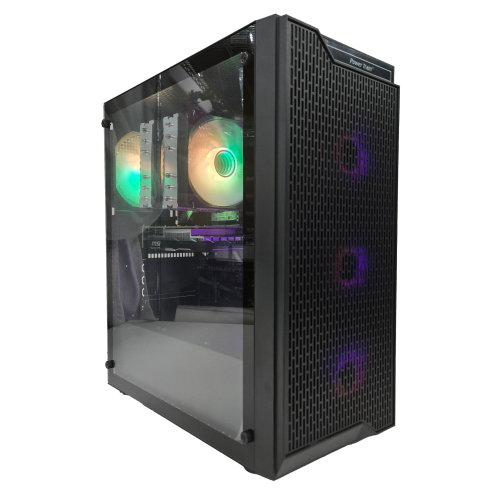
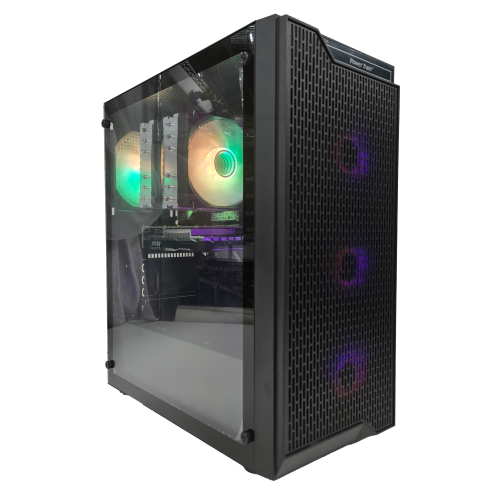
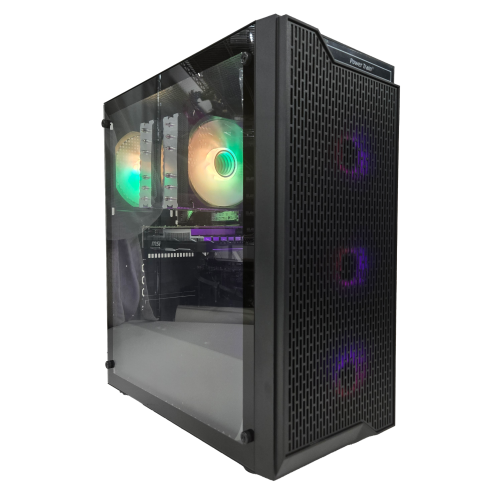
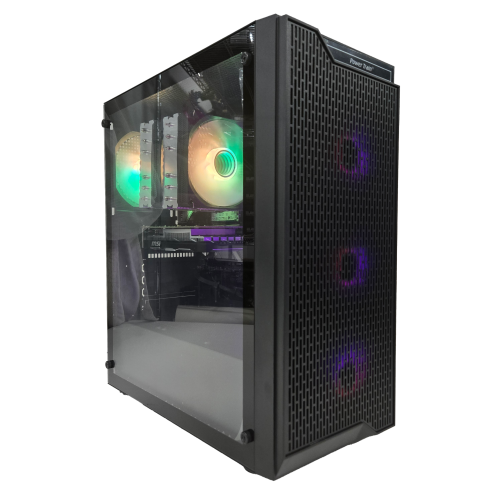
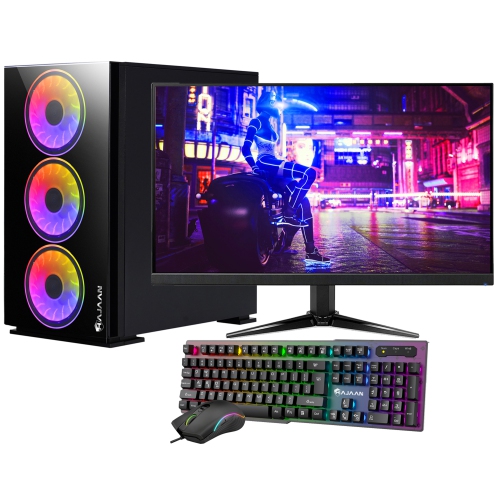
The case gives a gaming PC much of its visual character, but its materials and construction affect daily use as well. Steel panels provide a sturdy structure, aluminium can reduce weight, and tempered-glass side panels put internal components on display. Glass adds weight and needs careful handling, particularly near hard edges and tiled floors. Mesh front panels favour airflow, while more enclosed designs can create a restrained appearance but need thoughtfully placed vents and fans. A tower beneath a desk benefits from accessible front ports and clearance around its air intakes; a desktop displayed beside a monitor may place greater emphasis on tidy cable routing and a coordinated finish. Removable dust filters, accessible panels, and space behind the motherboard tray make routine care less awkward. Dust buildup can restrict airflow over time, so periodic cleaning with the computer powered off and unplugged helps keep vents, filters, and cooling surfaces clear. Manufacturer care directions remain important for glass, coated panels, fans, and other delicate parts. Durability also depends on how the computer is used and moved. Large graphics cards may benefit from compatible support brackets, and a heavy tower is better suited to a stable surface than a narrow shelf. For players who use the same machine for homework, editing, or remote work, quieter cooling and easily reached connections can matter just as much as lighting effects. A custom build can also be a meaningful gift for a keen gamer or someone interested in computer hardware, although individual components are best chosen with the recipient’s existing specifications and preferences in mind. A memory kit or processor is only useful when it fits the intended platform. Beyond the hardware, a working gaming desktop needs a compatible operating system, appropriate drivers, and peripherals suited to the player. Together, these practical details turn a collection of components into a comfortable, capable setup, with room for everyday tasks, long gaming sessions, and future upgrades.
Compatibility determines whether those individual parts can work together, and it involves more than matching a processor to a motherboard socket. The motherboard chipset and firmware must support the processor, while the memory needs to match the board’s supported generation and specifications. Different memory generations are not interchangeable, even when modules look similar. Motherboard size also affects case selection: a compact enclosure may accept only smaller boards, whereas a larger tower can offer additional expansion space and easier access around components. Physical clearances are especially important with long graphics cards, tall processor coolers, and liquid-cooling radiators. A case may support a radiator in one position but leave less room for the graphics card when that radiator and its fans are fitted. Likewise, a large air cooler can overlap nearby memory slots, making memory module height relevant. These details matter in practical settings, from a small desk in a bedroom to a larger setup with several displays. The power supply needs sufficient capacity for the full system, appropriate connectors for the selected components, and a form factor that fits the enclosure. Wattage alone does not describe quality; electrical protections, operating specifications, and warranty coverage are also worth considering. Modular power supplies help keep unused cables out of the case, but their cables are not universally interchangeable between models. Cooling choices influence both temperature and sound. Air coolers use a heatsink and fan arrangement, while closed-loop liquid coolers move heat to a radiator through a sealed circuit. Either approach can suit a gaming computer when matched to the processor’s heat output, the case layout, and the preferred noise level. Case fans and unobstructed vents support airflow through the system, especially during longer sessions. Connectivity rounds out the fit: suitable display outputs, enough USB ports, wired networking or Wi-Fi, and the required audio connections help the finished desktop work naturally with the rest of the setup. Expansion slots and spare storage connections can also leave room for later changes without requiring a complete rebuild.
The case gives a gaming PC much of its visual character, but its materials and construction affect daily use as well. Steel panels provide a sturdy structure, aluminium can reduce weight, and tempered-glass side panels put internal components on display. Glass adds weight and needs careful handling, particularly near hard edges and tiled floors. Mesh front panels favour airflow, while more enclosed designs can create a restrained appearance but need thoughtfully placed vents and fans. A tower beneath a desk benefits from accessible front ports and clearance around its air intakes; a desktop displayed beside a monitor may place greater emphasis on tidy cable routing and a coordinated finish. Removable dust filters, accessible panels, and space behind the motherboard tray make routine care less awkward. Dust buildup can restrict airflow over time, so periodic cleaning with the computer powered off and unplugged helps keep vents, filters, and cooling surfaces clear. Manufacturer care directions remain important for glass, coated panels, fans, and other delicate parts. Durability also depends on how the computer is used and moved. Large graphics cards may benefit from compatible support brackets, and a heavy tower is better suited to a stable surface than a narrow shelf. For players who use the same machine for homework, editing, or remote work, quieter cooling and easily reached connections can matter just as much as lighting effects. A custom build can also be a meaningful gift for a keen gamer or someone interested in computer hardware, although individual components are best chosen with the recipient’s existing specifications and preferences in mind. A memory kit or processor is only useful when it fits the intended platform. Beyond the hardware, a working gaming desktop needs a compatible operating system, appropriate drivers, and peripherals suited to the player. Together, these practical details turn a collection of components into a comfortable, capable setup, with room for everyday tasks, long gaming sessions, and future upgrades.
Top selling and popular products
-
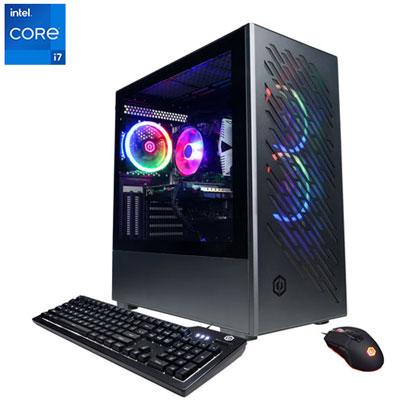 Your price for this item is $1969.99
 -
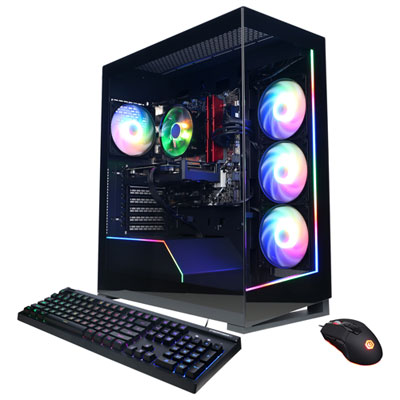 Your price for this item is $1059.99
 -
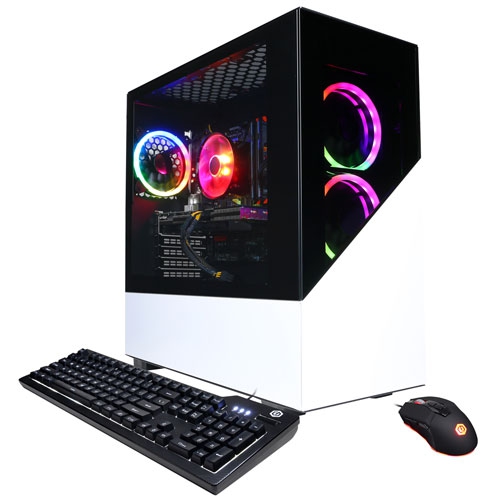 Your price for this item is $1274.97
 -
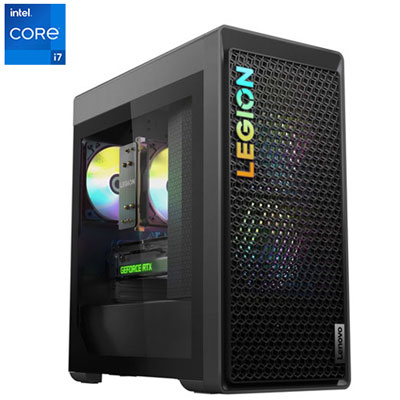 Your price for this item is $2499.95
 -
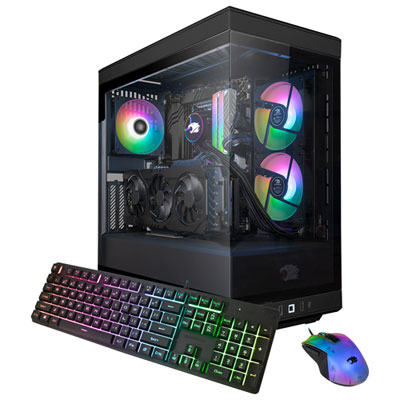 Your price for this item is $2309.99
 -
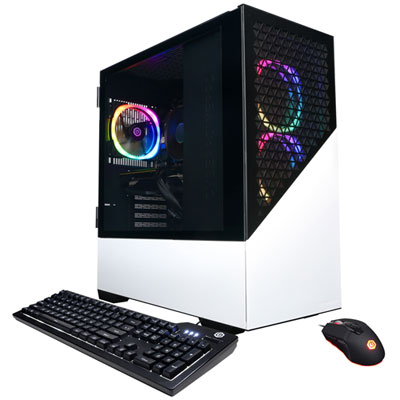 Your price for this item is $1669.99
 -
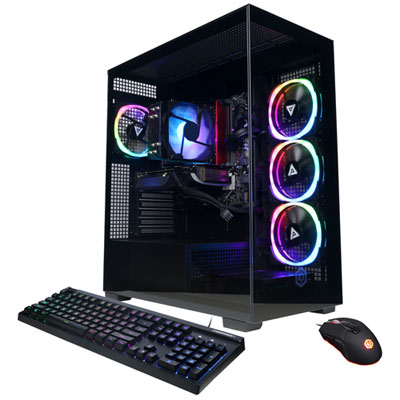 Your price for this item is $1839.99
 -
 Your price for this item is $3499.99
Discover more categories related to Gaming Pc Build
Top Collections:
Pokemon Centers, Best Cameras for Sports Photography, Kindle Devices, Samsung Galaxy Phones, Canon G7X Cameras, Pokémon 30th Celebration Cards, Refurbished Apple Laptops, iPhone 15 Apple, Laptops for Students, Budget Smartphones
Some products may be subject to Environmental Handling Fees
(EHF) depending on your province.
Learn more about EHFs.