Micro SD Cards for Galaxy S4
Micro SD Cards for Galaxy S4 provide a convenient way to expand your smartphone’s storage and keep all your favorite photos, videos, music, and apps at your fingertips. Whether you need extra space for work files or want to store more entertainment on the go, these memory cards are designed to help you get the most out of your Galaxy S4. Explore a variety of options to find the right capacity and speed for your needs, making it easy to upgrade your device’s storage in just a few simple steps.
Sort
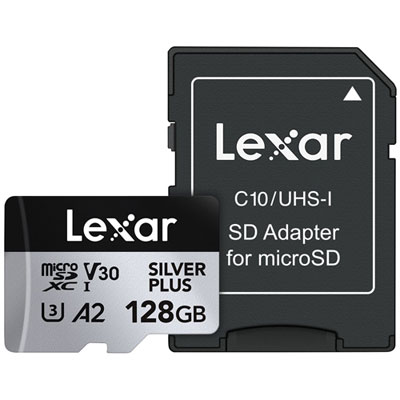
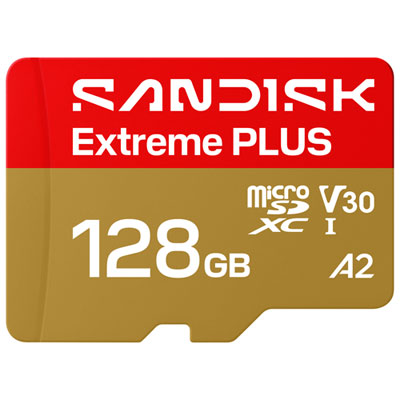
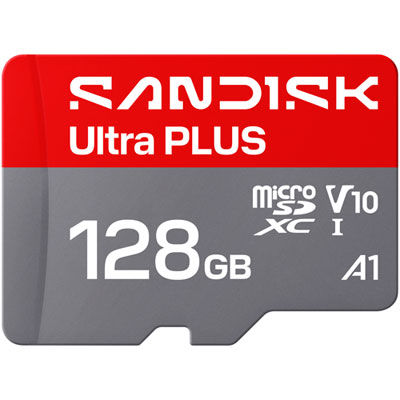
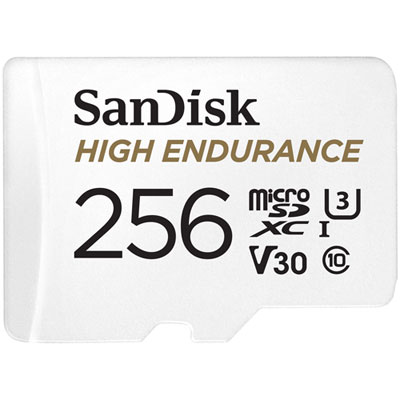
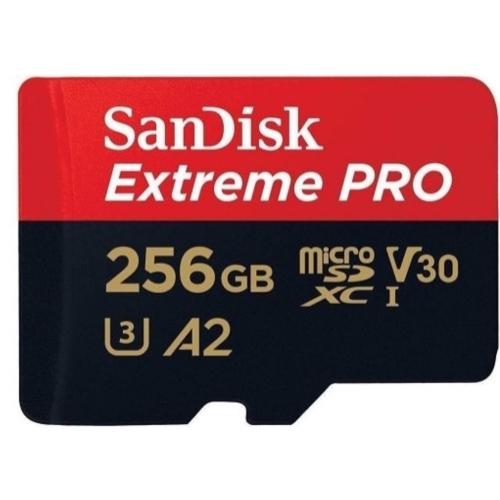
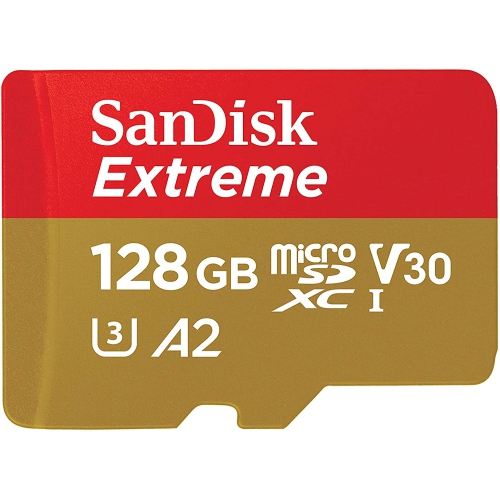
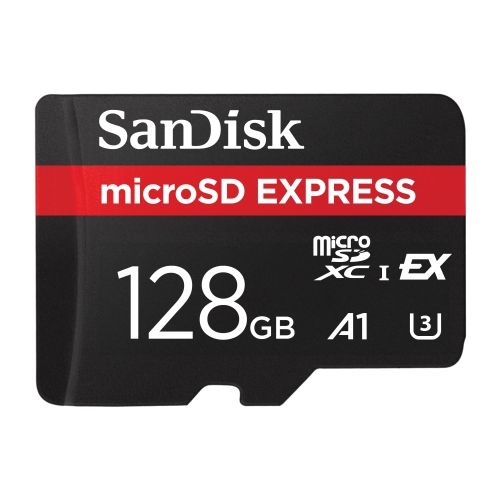
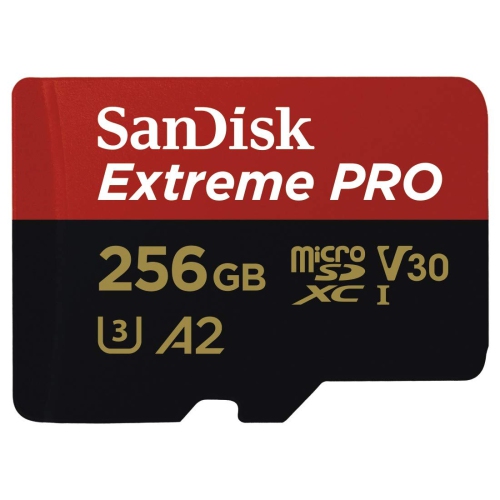
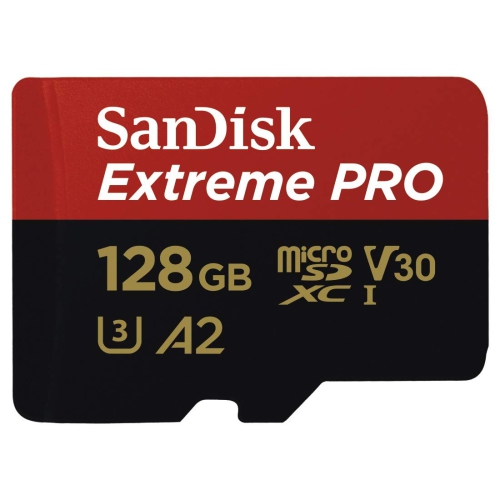
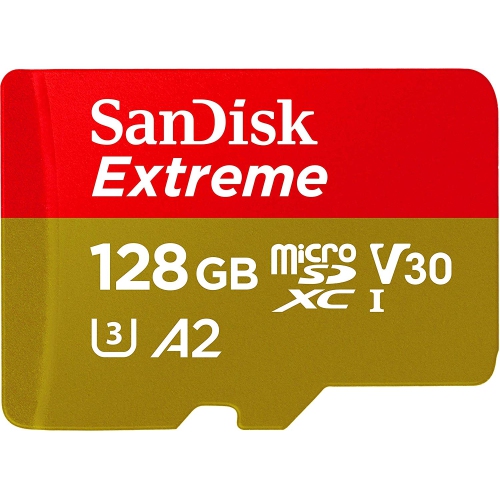
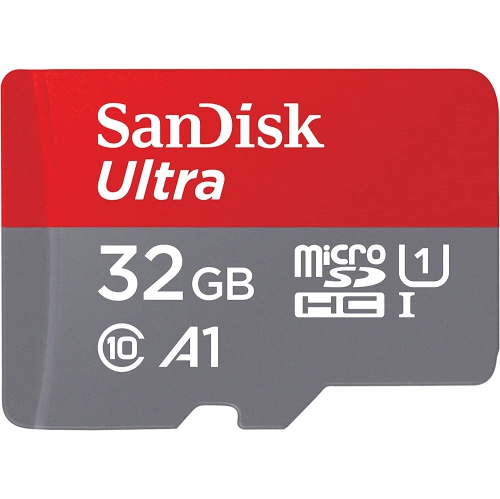
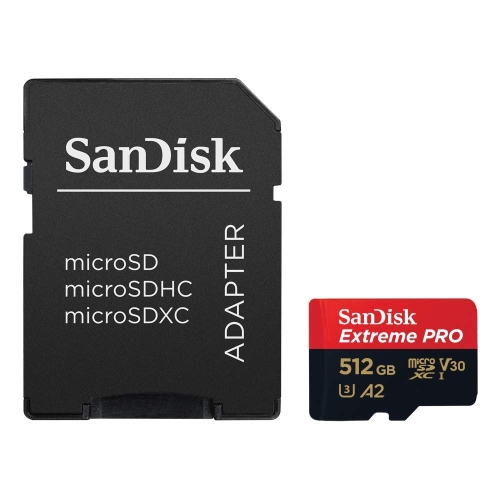

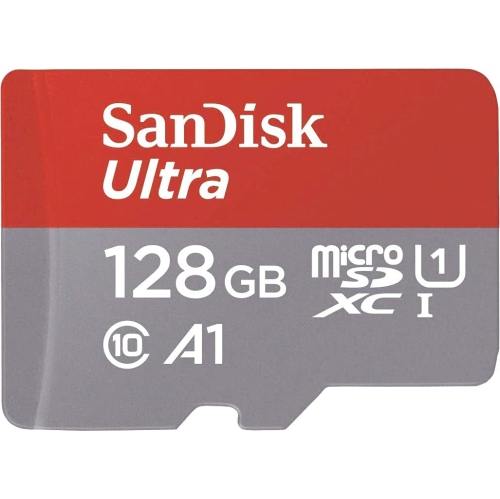
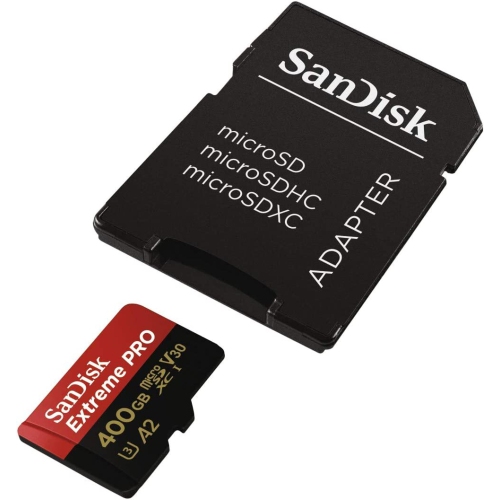
More room for photos, videos, apps, and memories
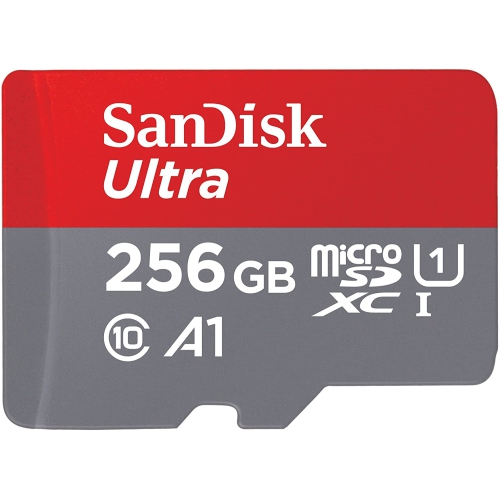
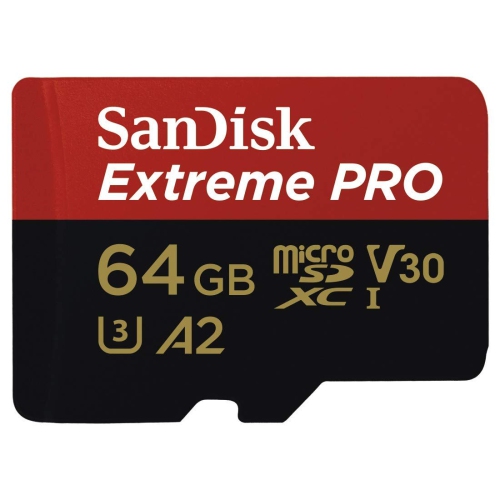
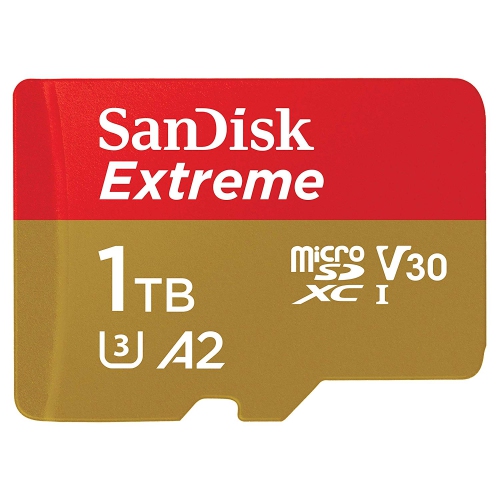
When it comes to expanding the storage on your Samsung Galaxy S4, choosing the right micro SD card can make a significant difference in both performance and everyday convenience. The Galaxy S4 is compatible with micro SD cards up to 64GB, making it easy to boost your phone’s capacity for photos, videos, music, and apps without sacrificing speed or reliability. Whether you’re capturing family moments at summer gatherings, downloading playlists for road trips, or simply making room for more apps and documents, a high-quality micro SD card ensures your device keeps up with your lifestyle. Many users appreciate the flexibility that comes with external storage, especially as the weather warms and activities move outdoors—think snapping photos at the park, recording videos at festivals, or sharing memories during spontaneous get-togethers. The added space means you can store more content directly on your device, reducing the need to constantly offload files or worry about running out of memory at the worst possible moment.
When selecting micro SD cards for Galaxy S4, it’s important to consider not just the maximum supported capacity, but also the speed class and overall durability. For optimal performance, cards rated as Class 10 or UHS-1 are recommended, as they offer faster read and write speeds ideal for recording HD video, quick photo bursts, and seamless app usage. This is especially helpful for those who rely on their phone as a portable entertainment hub or a digital companion for travel and work. The installation process is straightforward: simply remove the Galaxy S4’s back cover and insert the card into the slot above the battery. For first-time users, it’s wise to format the new card through the phone’s settings to ensure compatibility and prevent data errors. And when it’s time to swap or remove your card, always use the “Unmount SD card” option in your settings menu to safeguard your files. These practical steps help extend the life of your micro SD card and protect your valuable data.
Micro SD cards for Galaxy S4 also make thoughtful gifts for anyone who loves capturing and storing memories on their device—students, parents, travellers, or anyone upgrading their phone’s capabilities without investing in a new handset. They’re a practical addition for those heading off on summer adventures, preparing for the school year ahead, or simply looking to get more out of their trusted Galaxy S4. As you explore the options for expanding your device’s storage, remember that a compatible, high-quality micro SD card is a simple upgrade that delivers lasting benefits. And if you’re looking to compare options for other Samsung devices, you can also find a dedicated selection of Micro SD Cards for Galaxy S5 to meet your needs.
When selecting micro SD cards for Galaxy S4, it’s important to consider not just the maximum supported capacity, but also the speed class and overall durability. For optimal performance, cards rated as Class 10 or UHS-1 are recommended, as they offer faster read and write speeds ideal for recording HD video, quick photo bursts, and seamless app usage. This is especially helpful for those who rely on their phone as a portable entertainment hub or a digital companion for travel and work. The installation process is straightforward: simply remove the Galaxy S4’s back cover and insert the card into the slot above the battery. For first-time users, it’s wise to format the new card through the phone’s settings to ensure compatibility and prevent data errors. And when it’s time to swap or remove your card, always use the “Unmount SD card” option in your settings menu to safeguard your files. These practical steps help extend the life of your micro SD card and protect your valuable data.
Micro SD cards for Galaxy S4 also make thoughtful gifts for anyone who loves capturing and storing memories on their device—students, parents, travellers, or anyone upgrading their phone’s capabilities without investing in a new handset. They’re a practical addition for those heading off on summer adventures, preparing for the school year ahead, or simply looking to get more out of their trusted Galaxy S4. As you explore the options for expanding your device’s storage, remember that a compatible, high-quality micro SD card is a simple upgrade that delivers lasting benefits. And if you’re looking to compare options for other Samsung devices, you can also find a dedicated selection of Micro SD Cards for Galaxy S5 to meet your needs.
Top selling and popular products
-
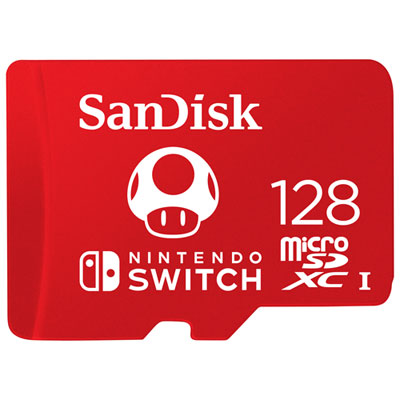 Your price for this item is $77.98
 -
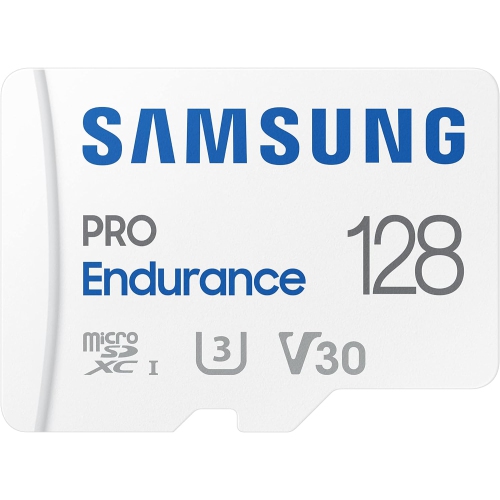 Your price for this item is $117.45
 -
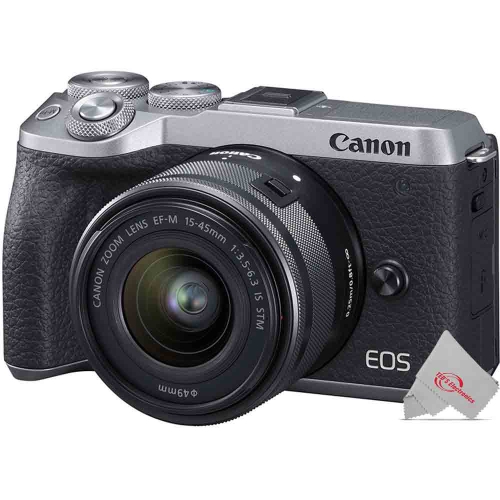 Your price for this item is $106.45
 -
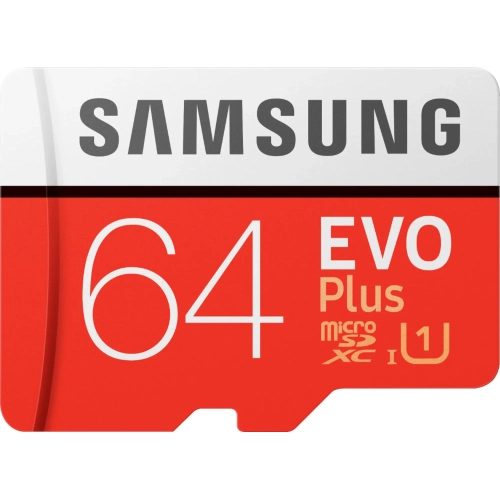 Your price for this item is $53.99
 -
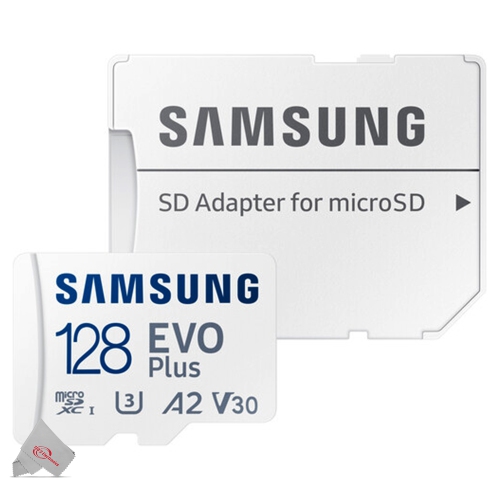 Your price for this item is $56.45
 -
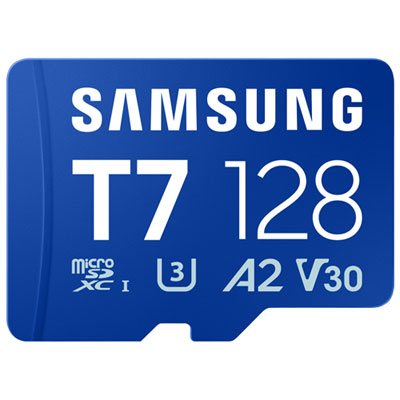 Your price for this item is $69.99
 -
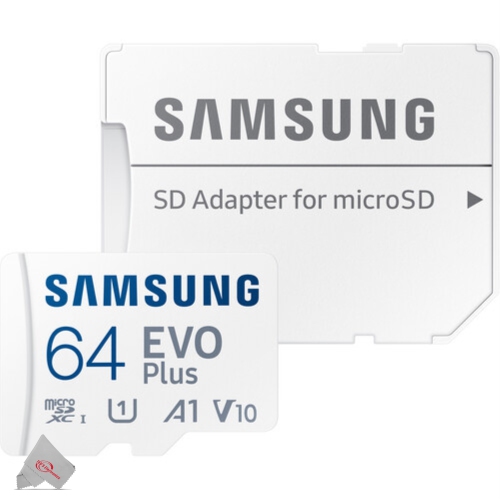 Your price for this item is $48.45
 -
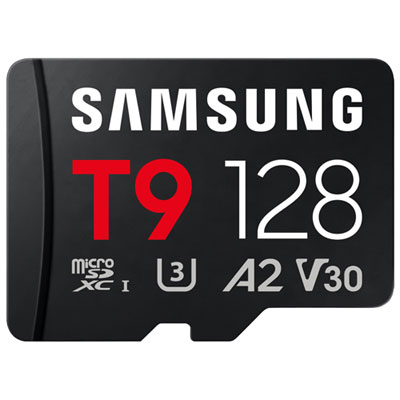 Your price for this item is $84.99
Discover more categories related to Micro SD Cards for Galaxy S4
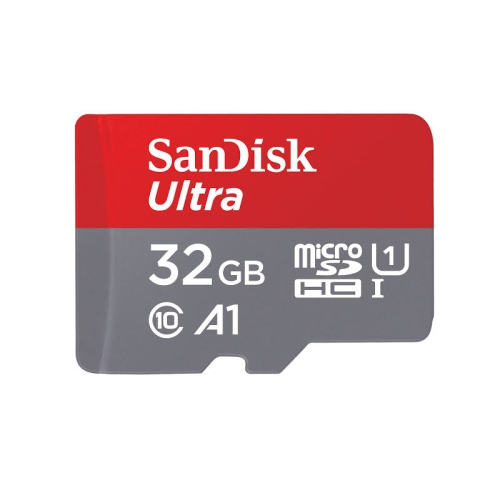

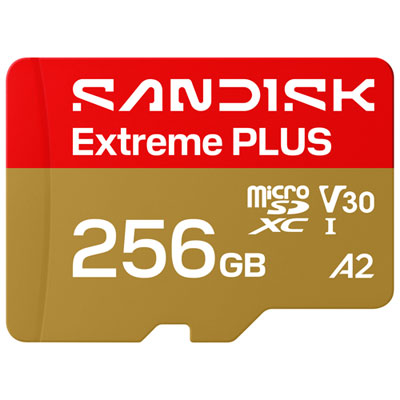
Top Collections:
Pokemon Centers, Kindle Devices, Best Budget Office Chairs, Apple iPhones 16, Best Laptops for Writers, iPhone 15 Apple, Canon G7X Cameras, Refurbished Apple Laptops, Alarm Clock, Motorola Razr Phones
Some products may be subject to Environmental Handling Fees
(EHF) depending on your province.
Learn more about EHFs.