SD Cards for Galaxy Note 4
SD Cards For Galaxy Note 4 offer a convenient way to expand your device’s storage capacity, making it easy to store more photos, videos, apps, and important files. Whether you’re looking to back up your data or simply need extra space for your favorite content, these SD cards are designed to work seamlessly with your Galaxy Note 4. Explore a variety of options to find the perfect solution that meets your storage needs and keeps your smartphone running smoothly.
Sort
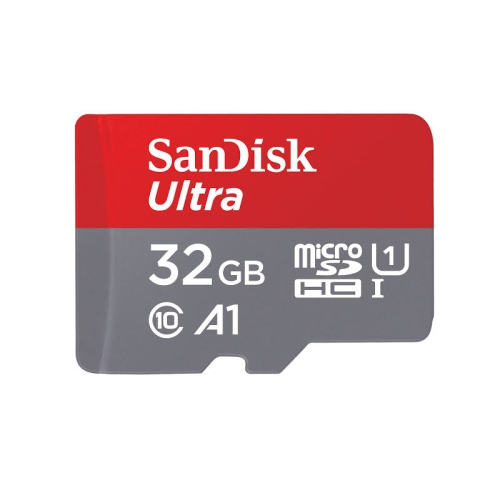
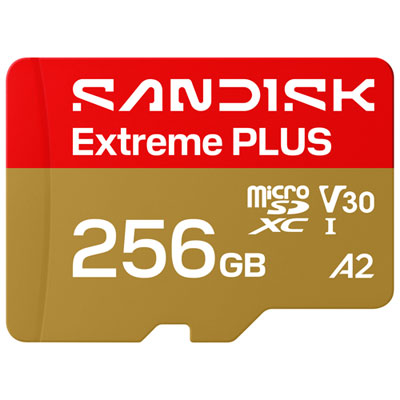
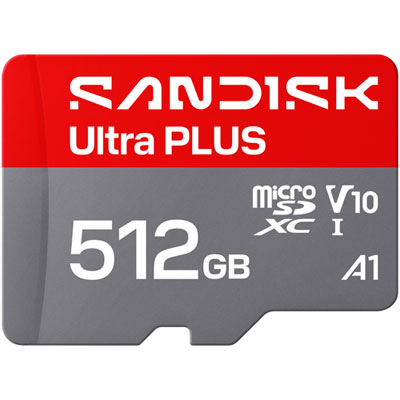
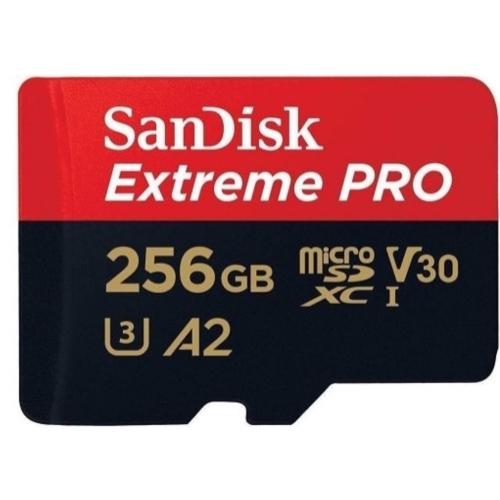
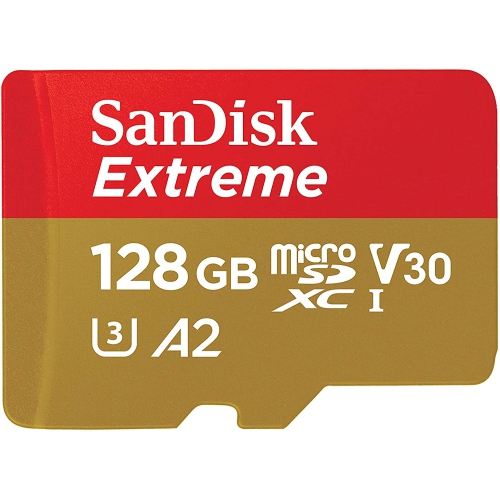
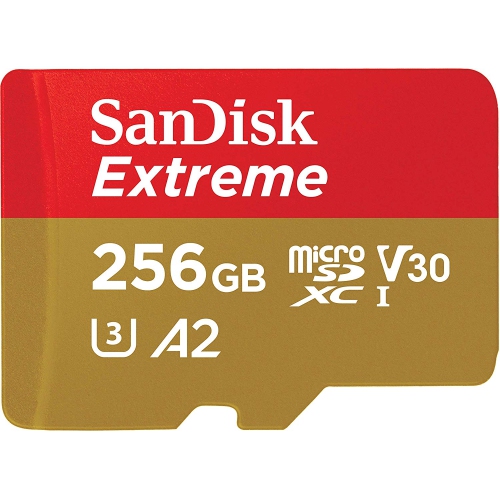
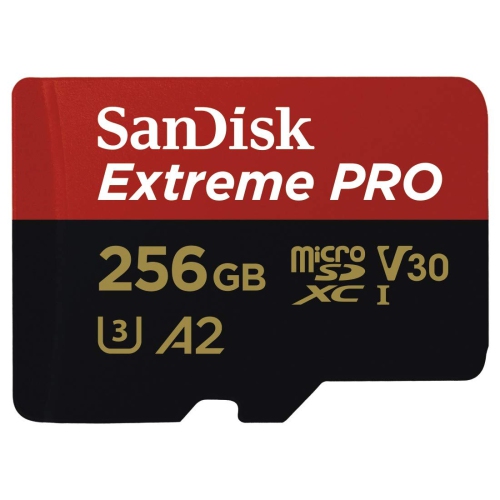
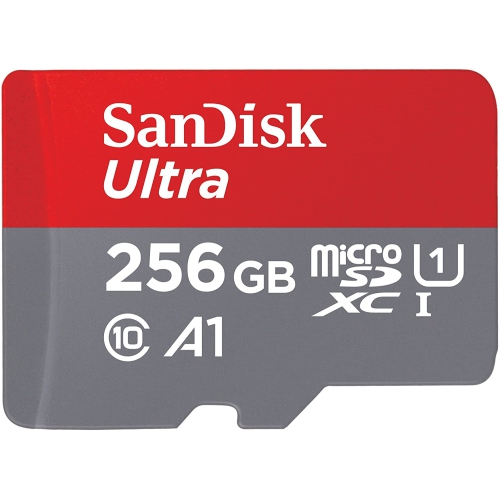
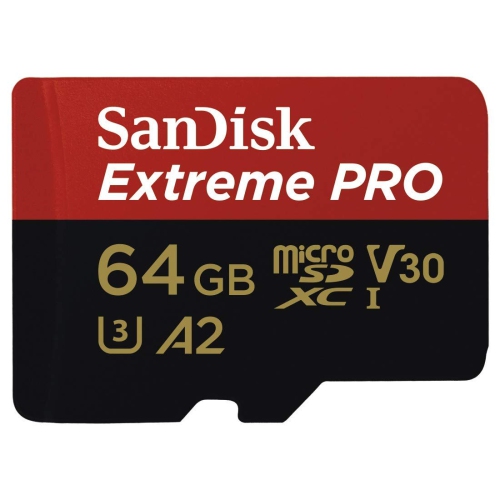
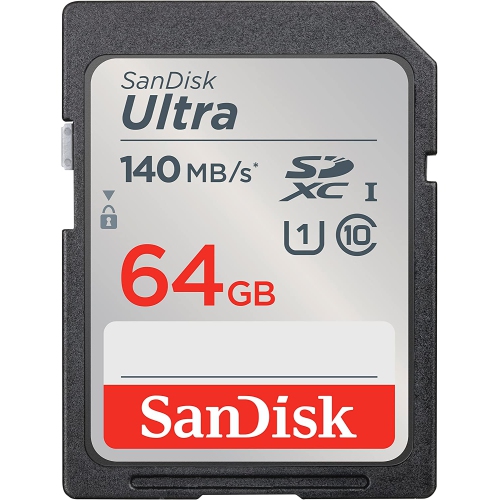
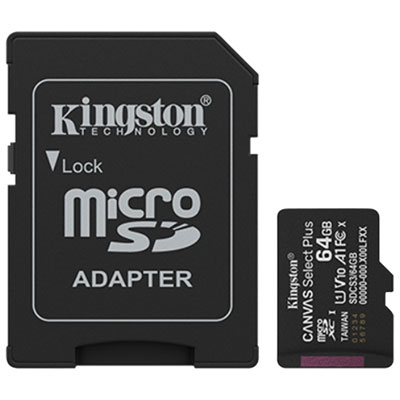
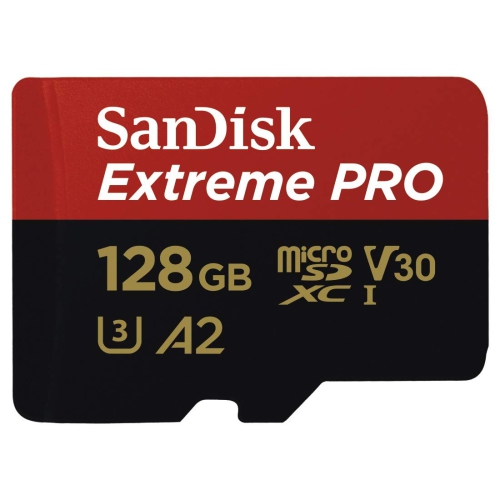
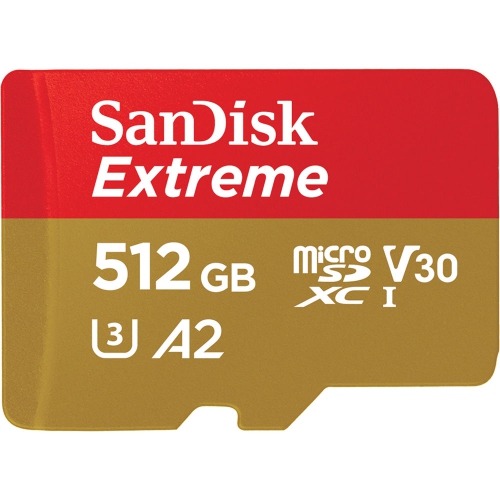
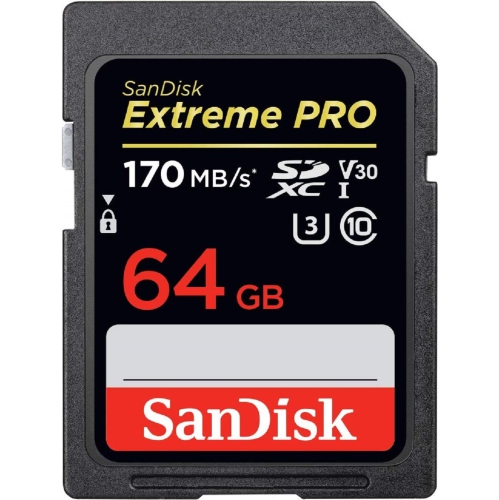
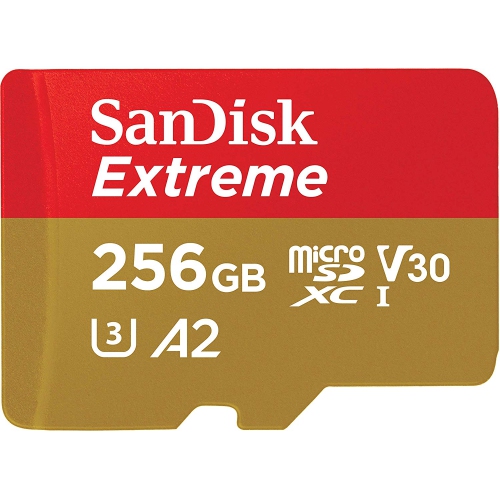
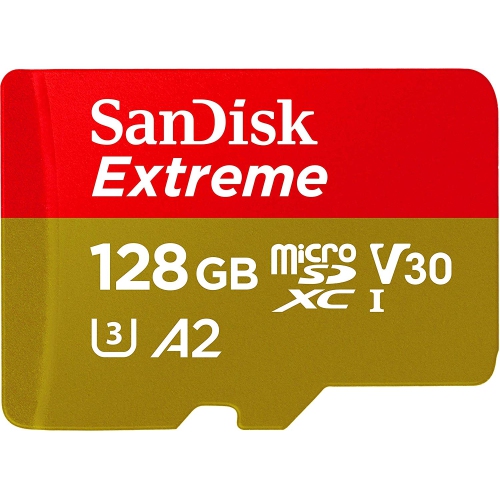
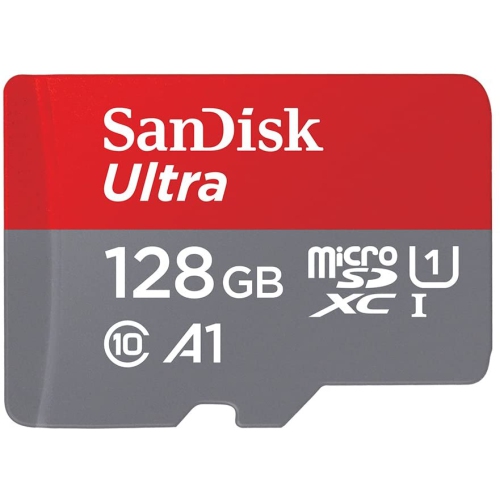
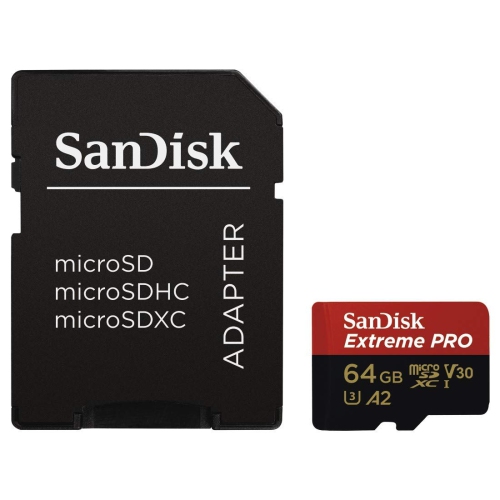
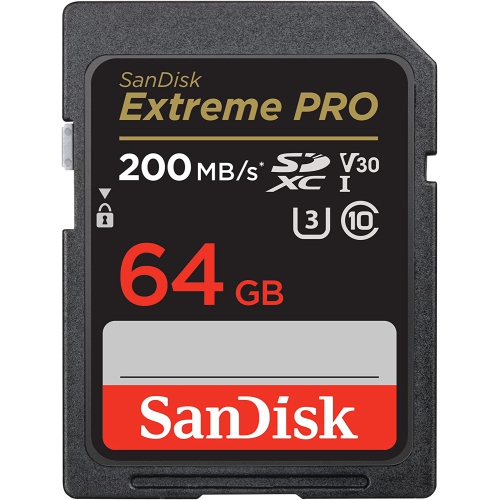
Capacity and speed matter for everyday Note 4 storage
When choosing SD cards for Galaxy Note 4, it’s important to consider both the official specifications and the real-world experiences of users who rely on these versatile devices. The Galaxy Note 4 is officially compatible with microSD and microSDXC cards up to 128GB, but many people have found that larger capacity cards—such as 256GB or even 512GB—often work seamlessly, expanding storage for photos, videos, music, and essential apps. For those who capture high-resolution photos or record HD video, selecting a card with a fast speed class—such as Class 10 or UHS-I—can make a noticeable difference in performance. These cards are designed to handle quick read and write speeds, reducing lag when accessing large files or shooting bursts of photos. Whether using the Note 4 for creative projects, business, or entertainment, having ample, reliable storage is a practical way to keep your media and documents organized and accessible.
Installing a microSD card in the Galaxy Note 4 is straightforward, though it does require removing the rear cover of the phone. With the device powered off, simply slide the card into the slot with the gold contacts facing down, located on the top-left side beneath the back cover. For those who frequently swap cards or manage large libraries of content, this design makes it easy to upgrade or replace storage as needed. It’s also worth noting that formatting the card to FAT32 or exFAT is recommended for maximum compatibility and smooth operation, especially with older devices like the Note 4. This attention to detail ensures that users can enjoy uninterrupted access to their files, whether they’re backing up important work documents, storing e-books for summer reading, or capturing memories during family vacations as the weather warms. SD cards also make thoughtful gifts for students, travellers, and anyone who uses their Galaxy Note 4 as a creative tool, offering a simple way to extend the life and usefulness of a trusted device.
With the transition from spring into the late summer months, many people find themselves taking more photos outdoors, recording special moments at gatherings, or loading up their devices with playlists and movies for road trips and getaways. The right SD card supports all of these activities by providing dependable, high-capacity storage that keeps pace with an active lifestyle. Whether you’re gifting a card to a tech-savvy friend, upgrading your own device for the season’s adventures, or simply ensuring you never run out of space when inspiration strikes, the right microSD card for the Galaxy Note 4 is an essential accessory. By focusing on capacity, speed class, and compatibility, you can choose a card that meets your needs today and keeps your memories safe for years to come.
Installing a microSD card in the Galaxy Note 4 is straightforward, though it does require removing the rear cover of the phone. With the device powered off, simply slide the card into the slot with the gold contacts facing down, located on the top-left side beneath the back cover. For those who frequently swap cards or manage large libraries of content, this design makes it easy to upgrade or replace storage as needed. It’s also worth noting that formatting the card to FAT32 or exFAT is recommended for maximum compatibility and smooth operation, especially with older devices like the Note 4. This attention to detail ensures that users can enjoy uninterrupted access to their files, whether they’re backing up important work documents, storing e-books for summer reading, or capturing memories during family vacations as the weather warms. SD cards also make thoughtful gifts for students, travellers, and anyone who uses their Galaxy Note 4 as a creative tool, offering a simple way to extend the life and usefulness of a trusted device.
With the transition from spring into the late summer months, many people find themselves taking more photos outdoors, recording special moments at gatherings, or loading up their devices with playlists and movies for road trips and getaways. The right SD card supports all of these activities by providing dependable, high-capacity storage that keeps pace with an active lifestyle. Whether you’re gifting a card to a tech-savvy friend, upgrading your own device for the season’s adventures, or simply ensuring you never run out of space when inspiration strikes, the right microSD card for the Galaxy Note 4 is an essential accessory. By focusing on capacity, speed class, and compatibility, you can choose a card that meets your needs today and keeps your memories safe for years to come.
Top selling and popular products
-
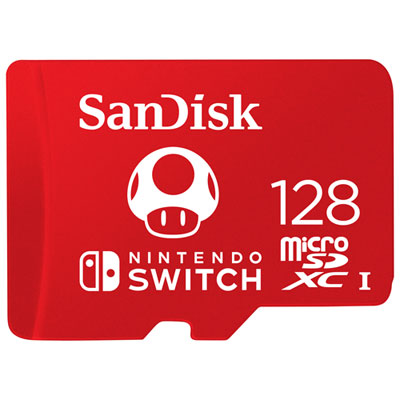 Your price for this item is $77.98
 -
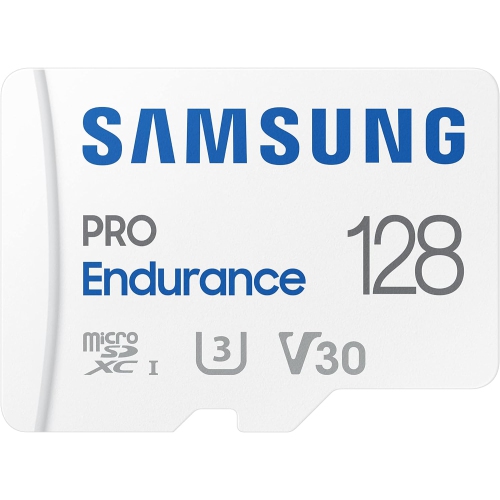 Your price for this item is $117.45
 -
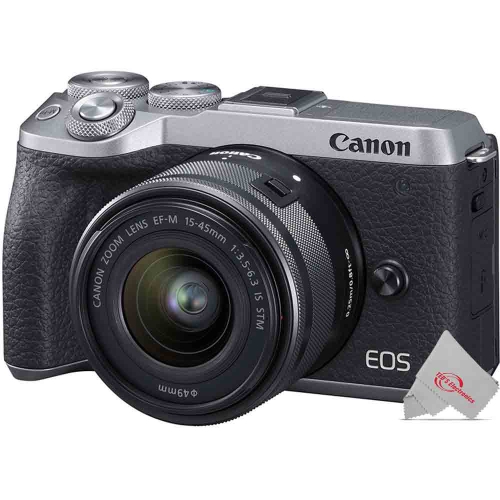 Your price for this item is $106.45
 -
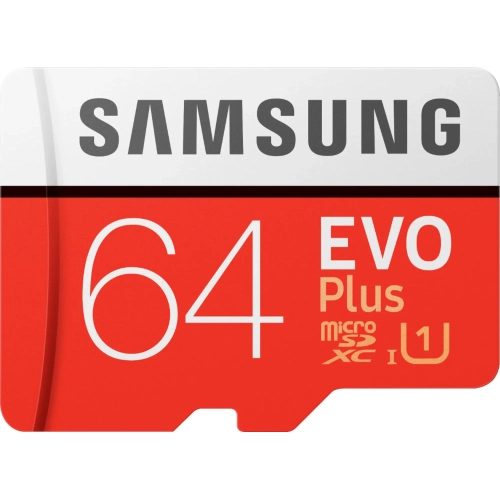 Your price for this item is $53.99
 -
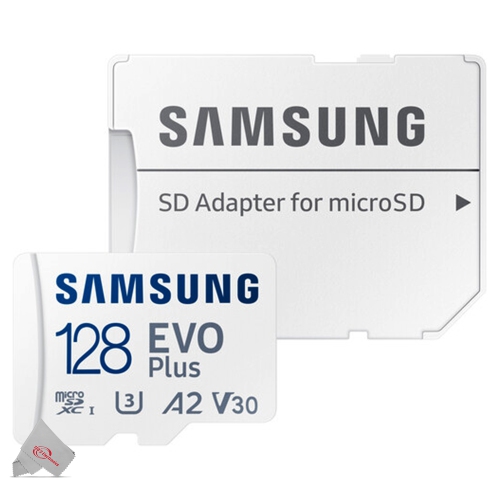 Your price for this item is $56.45
 -
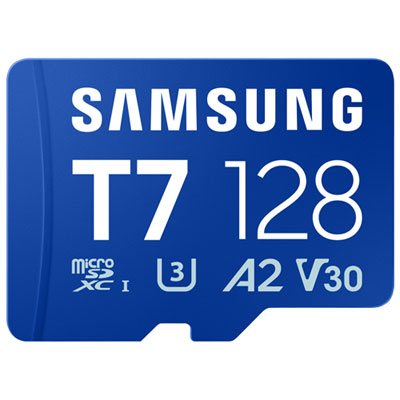 Your price for this item is $69.99
 -
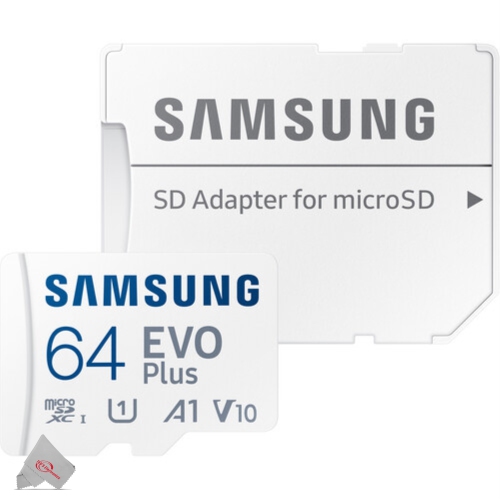 Your price for this item is $48.45
 -
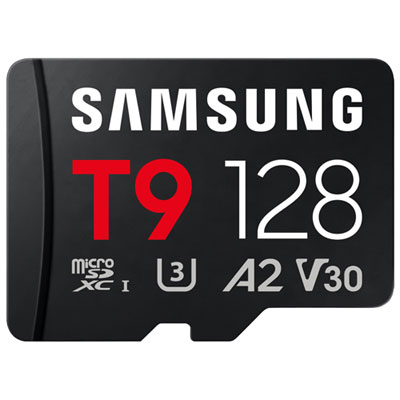 Your price for this item is $84.99
Discover more categories related to SD Cards for Galaxy Note 4

Top Collections:
Pokemon Centers, Kindle Devices, Best Budget Office Chairs, Apple iPhones 16, Best Laptops for Writers, iPhone 15 Apple, Canon G7X Cameras, Refurbished Apple Laptops, Alarm Clock, Motorola Razr Phones
Some products may be subject to Environmental Handling Fees
(EHF) depending on your province.
Learn more about EHFs.