Smartphone Gimbals
Capture smooth and professional-looking videos with our collection of smartphone gimbals. These innovative accessories are designed to stabilize your smartphone while shooting, eliminate shaky footage, and ensure every moment is captured with precision. Whether you're a content creator, vlogger, or simply love documenting your adventures, our range of smartphone gimbals offers the perfect solution for achieving cinematic results on the go. With advanced features and intuitive controls, these gimbals provide effortless stabilization, allowing you to focus on capturing stunning footage without any distractions. Shop from our selection of smartphone gimbals and take your videography skills to new heights.
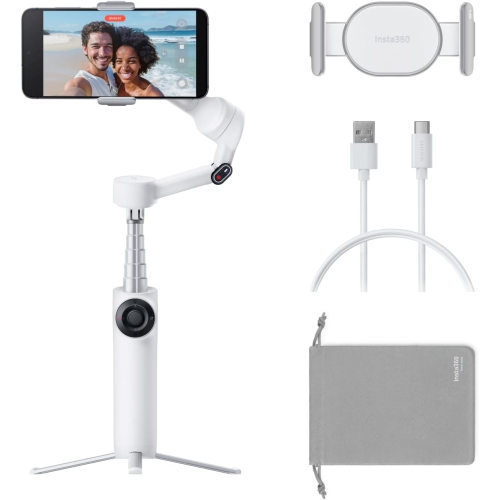
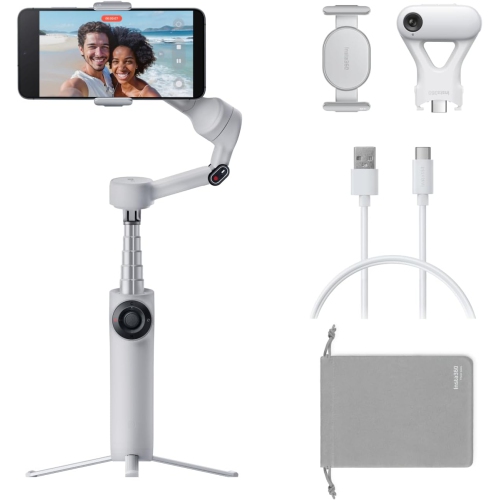
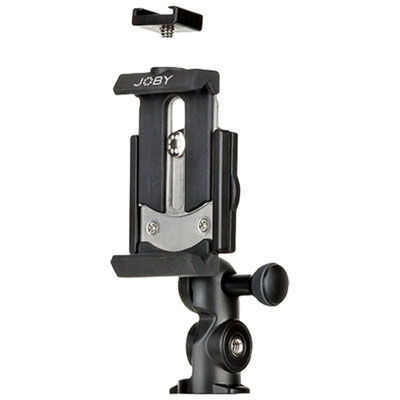
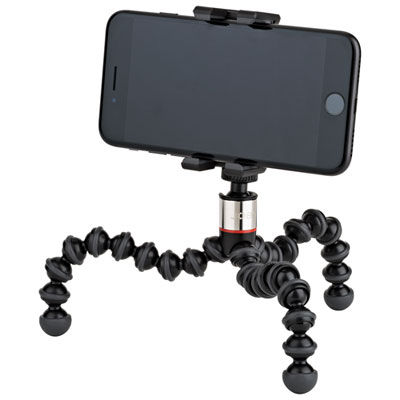
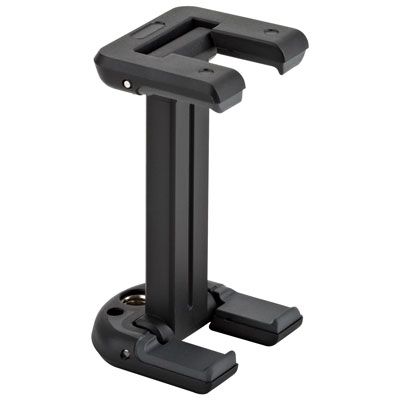
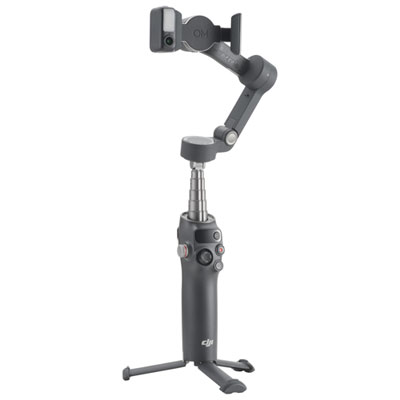
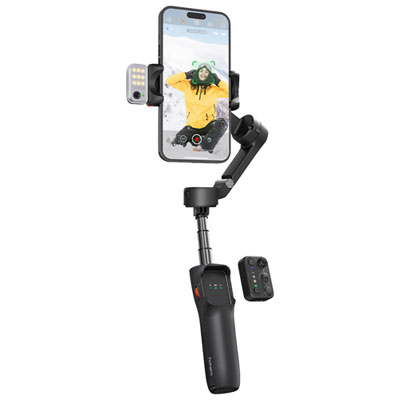
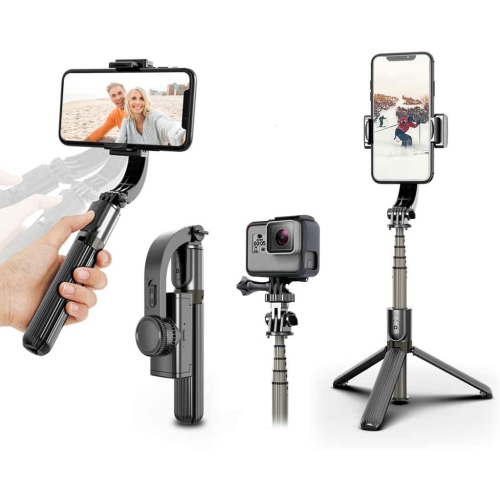
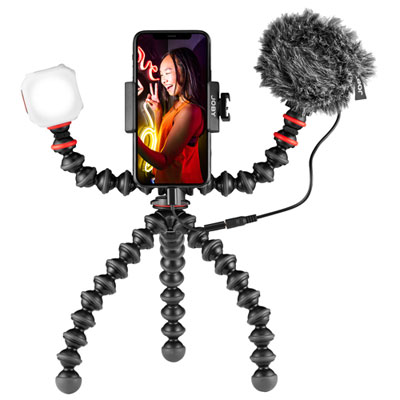
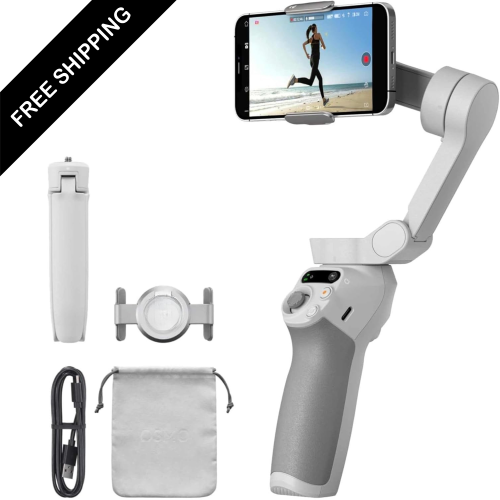
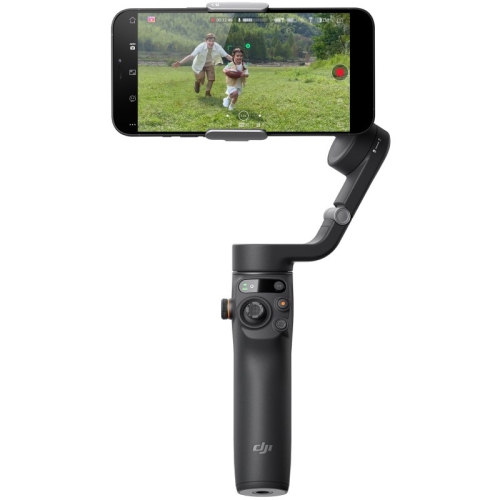
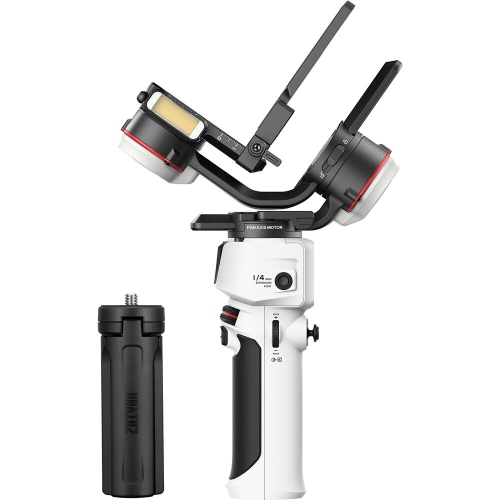
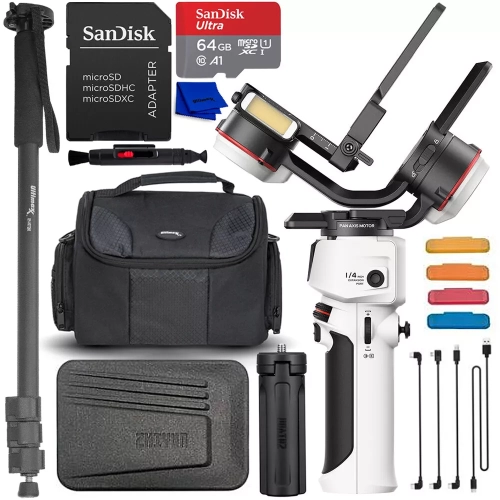
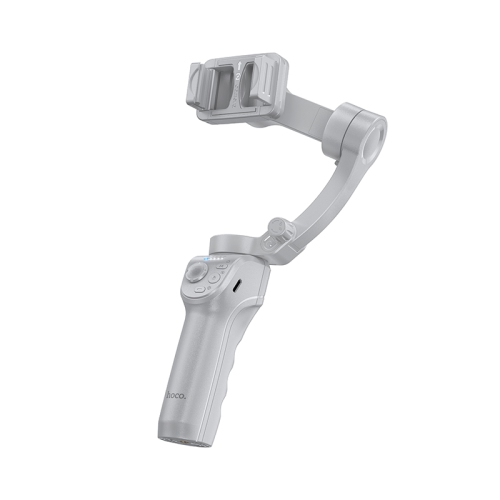
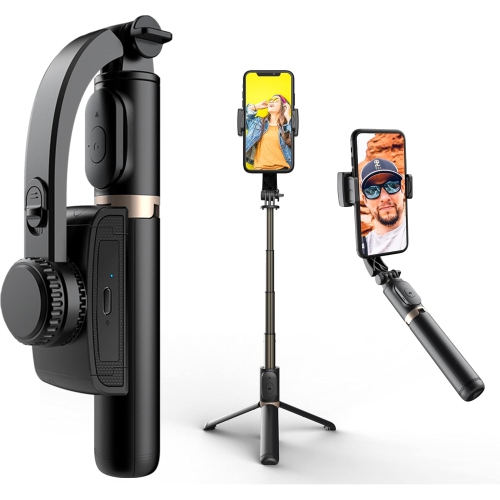
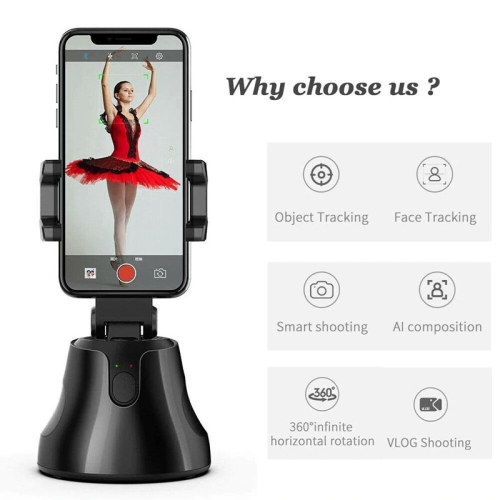
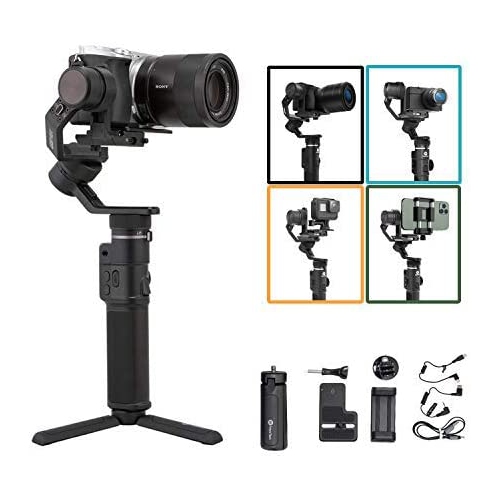
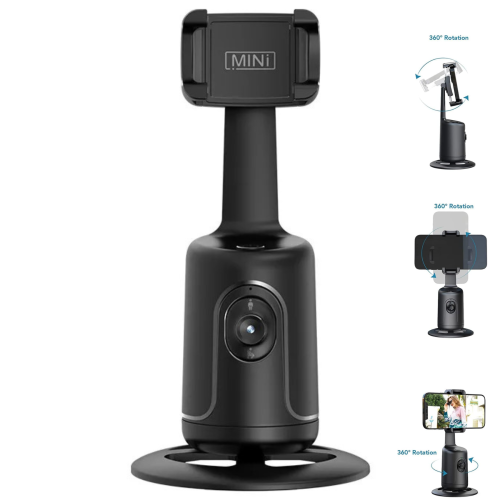
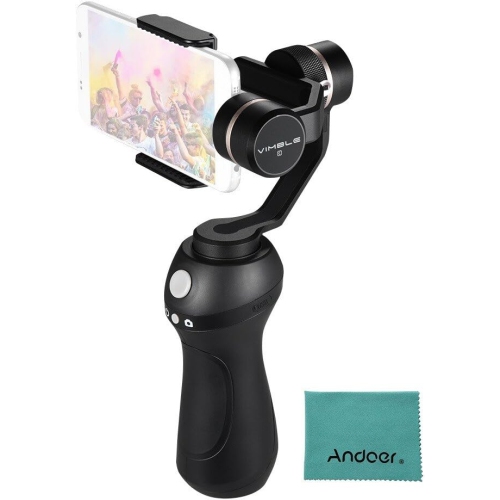
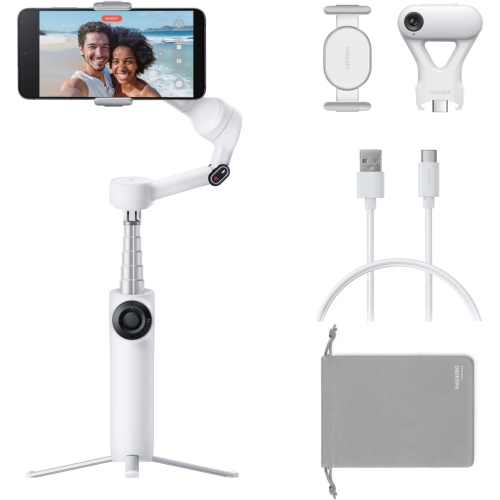
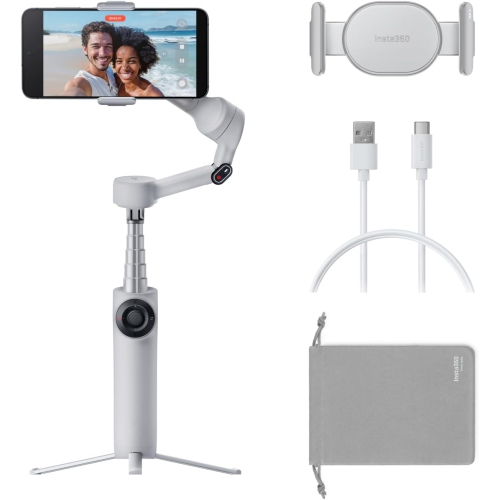
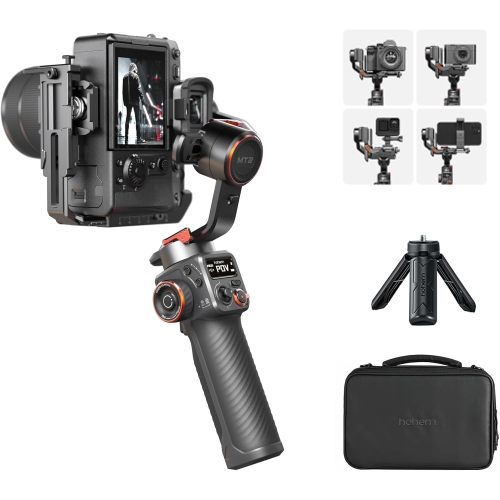
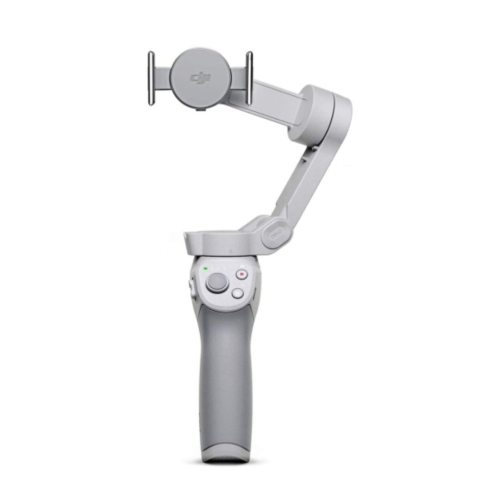
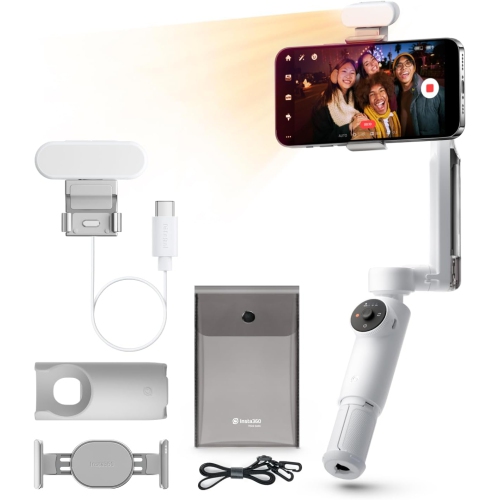
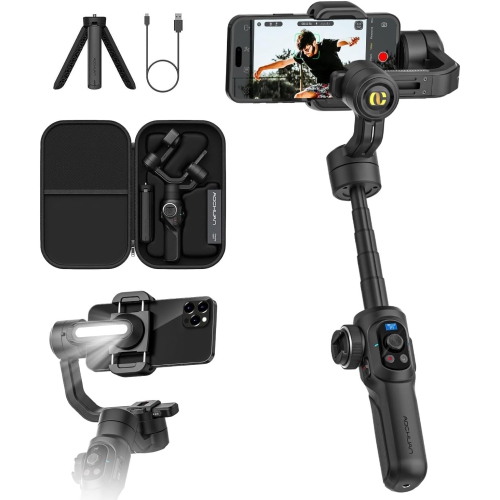
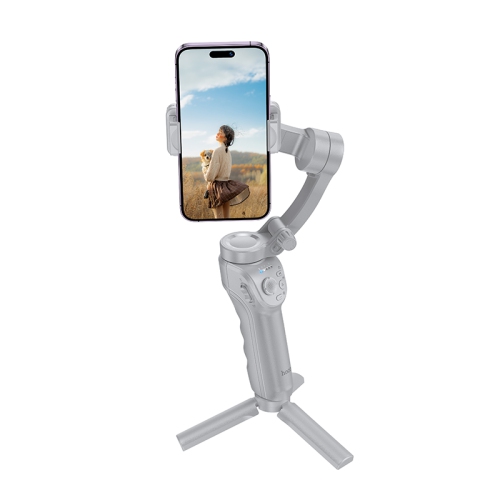
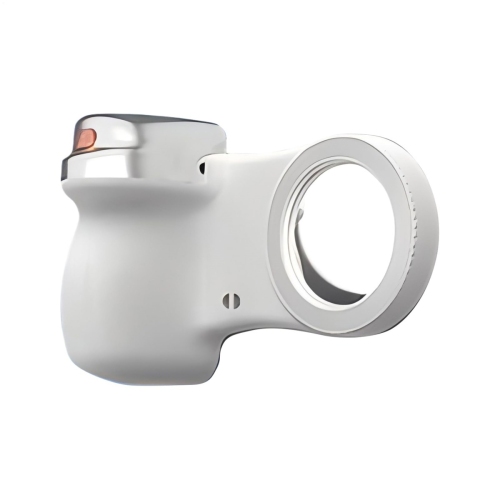
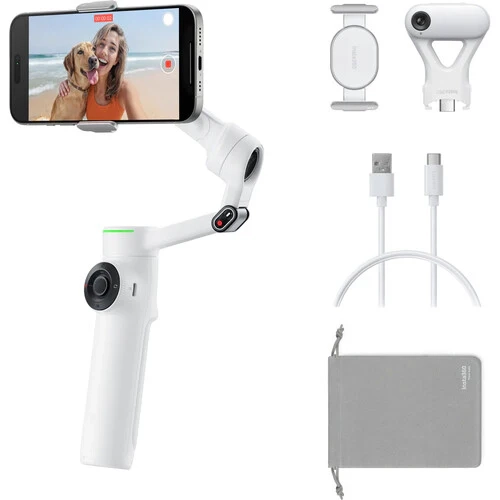
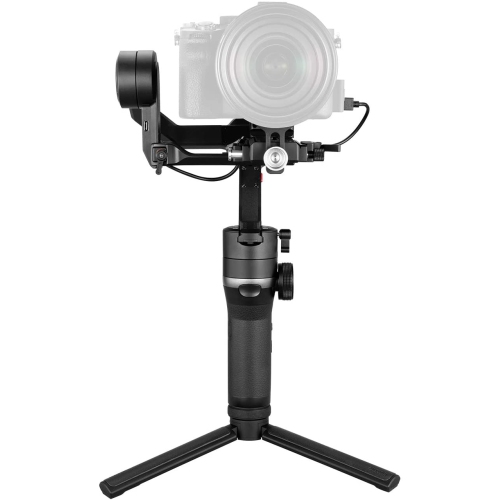
Smoother phone footage for travel, events, and everyday moments
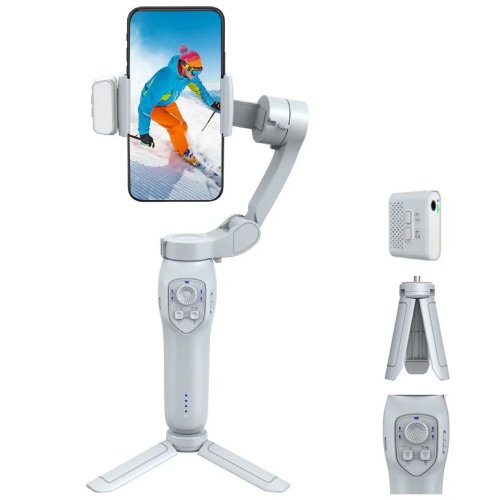
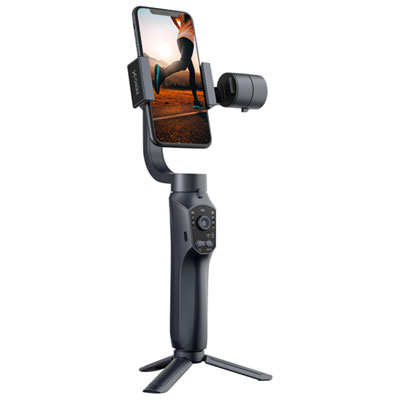
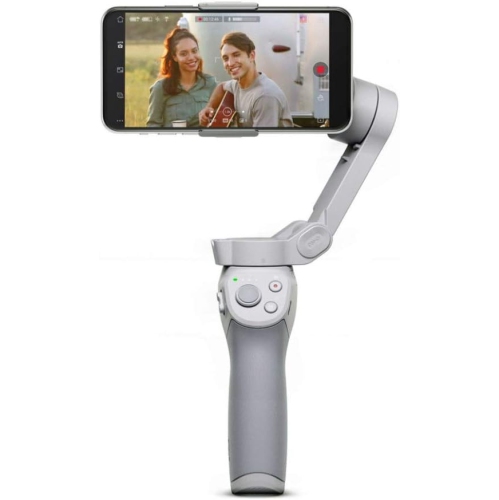
When choosing among smartphone gimbals, start with compatibility and the way the phone will be used. Check the supported phone dimensions and weight, particularly if the phone has a rugged case, magnetic accessory, external lens, filter, light, or microphone attached. A model with a higher payload capacity may be better suited to a larger phone or a more involved mobile filming setup, while a lighter model may be preferable for quick clips and comfortable one-handed use. The mounting system should hold the phone securely without blocking buttons, cameras, or charging ports, and a broad adjustment range can make it easier to balance different phone sizes. Battery life is another practical consideration: longer runtime is helpful for travel days, events, interviews, and extended recording sessions, while USB charging can simplify topping up between uses. Look for controls that allow common functions such as recording, zooming, switching between front and rear cameras, changing orientation, or adjusting the gimbal’s position without reaching for the phone screen. Some smartphone gimbals include built-in extension rods, tripod bases, fill lights, or additional mounting points, which can expand the ways they are used for self-recording, group photos, overhead shots, and low-angle footage. A foldable design can be especially useful when space is limited, though a larger handle or stronger motor may provide a more substantial feel for longer filming sessions. For shoppers comparing related stabilizers, the selection of Handheld Gimbals can provide a broader look at handheld options beyond phone-focused models.
Tracking and app features can also shape the filming experience. Subject tracking uses the gimbal’s camera, phone app, or an optional module to help keep a person centred as they move through the frame. This is useful for recording a fitness routine, presentation, tutorial, rehearsal, or playful moment with children, since the creator may be able to move around without constantly checking the screen. Tracking performance and supported features can vary by phone operating system, app, and camera mode, so confirm that the functions you value work with your device and preferred recording applications. Some models offer gesture controls, automatic framing, panorama modes, time-lapse recording, motion time-lapse, slow-motion support, or programmable movement paths. These tools can add polish, but straightforward controls and dependable stabilization may matter more than a long feature list for someone who mainly records family videos or holidays. Consider how the handle feels after several minutes, whether the controls are easy to reach, how quickly the phone can be attached, and whether the gimbal can stand on its own with a built-in or compatible tripod. A balanced setup should feel comfortable rather than front-heavy, and motors should operate smoothly without excessive noise or distracting movement in the footage. A few minutes of practice can help new users learn how to walk with softer steps, frame a subject, and switch between horizontal and vertical recording. With the right fit, a smartphone gimbal can turn a spontaneous moment—friends greeting one another outdoors, leaves moving across a path, a child scoring a goal, or a recipe taking shape on a kitchen counter—into video that feels stable, natural, and easy to revisit.
Top selling and popular products
-
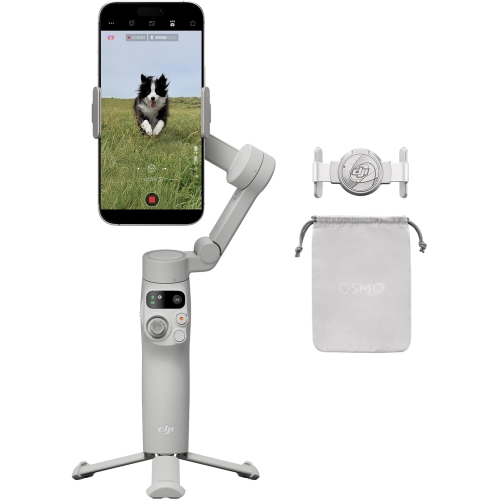 Your price for this item is $154.99
 -
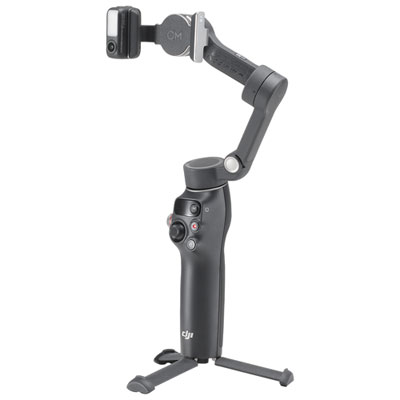 Your price for this item is $145.99
 -
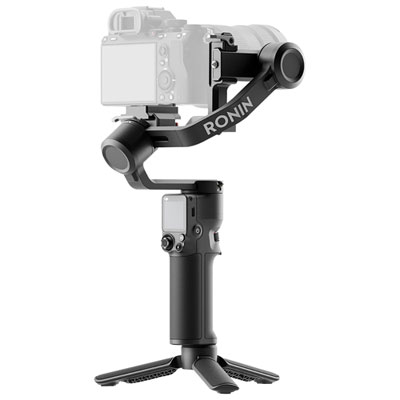 Your price for this item is $239.99
 -
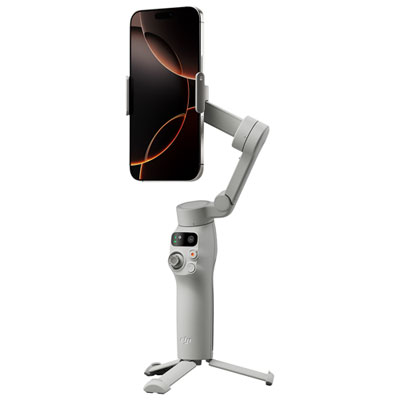 Your price for this item is $80.99
 -
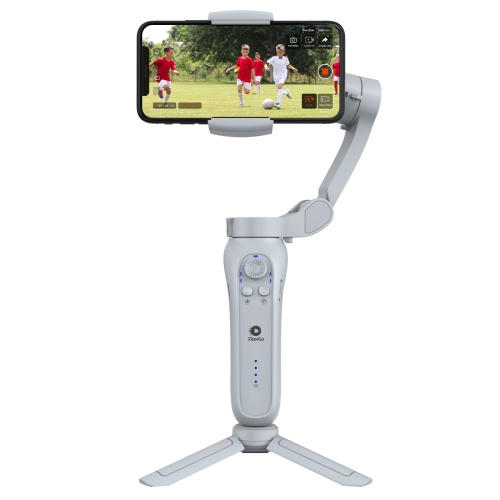 Your price for this item is $189.99
 -
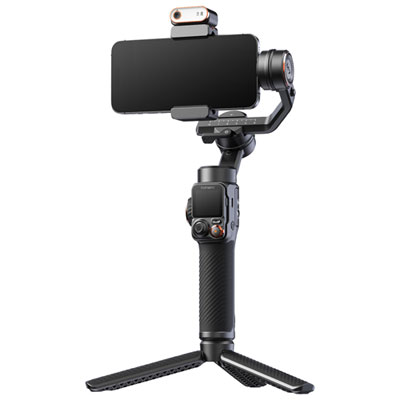 Your price for this item is $399.99
 -
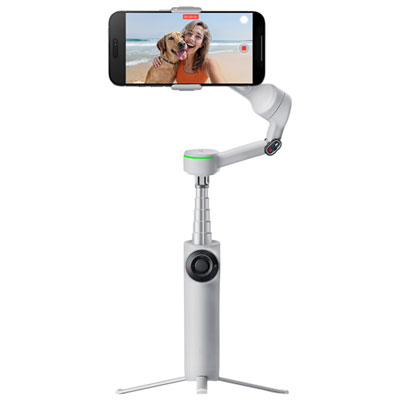 Your price for this item is $229.99
 -
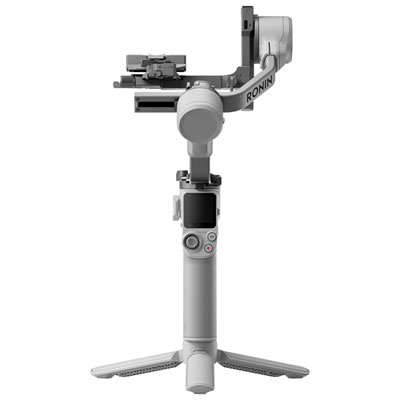 Your price for this item is $429.99