Tabletop Phone Tripods
Tabletop phone tripods offer a convenient solution for capturing steady photos and videos, making them ideal for content creation, video calls, and hands-free viewing. Designed to be compact and portable, these tripods fit easily on desks, counters, or any flat surface. Whether you’re recording tutorials, attending virtual meetings, or snapping group selfies, tabletop phone tripods provide reliable support for your device in a variety of settings. Explore a range of options to find the right fit for your needs.
Sort
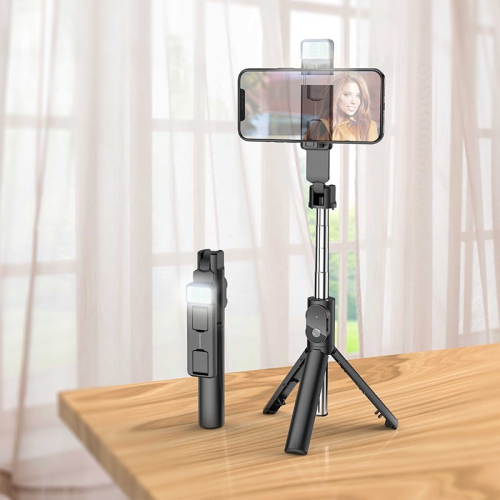
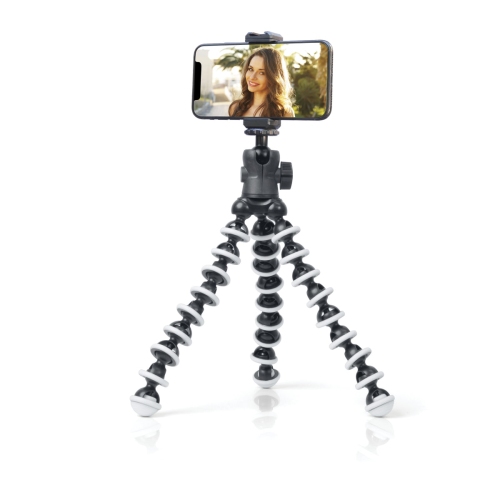
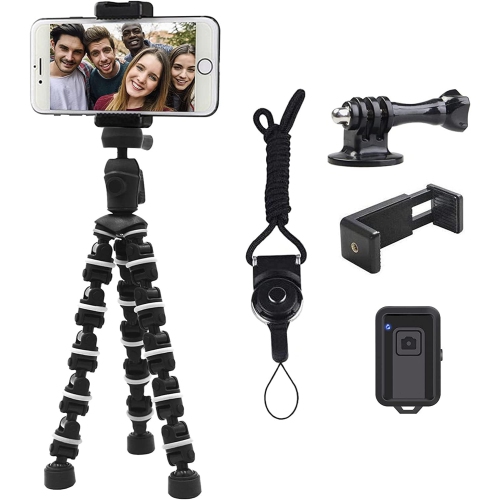
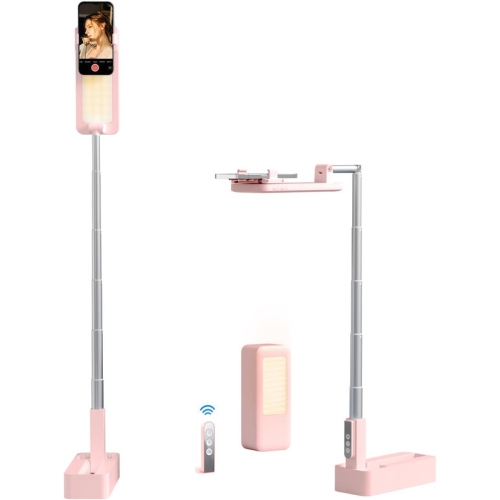
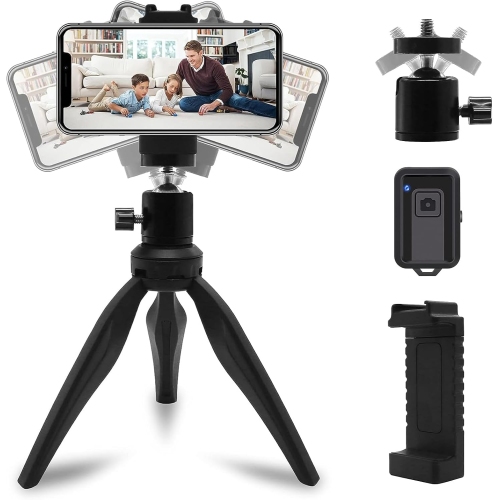
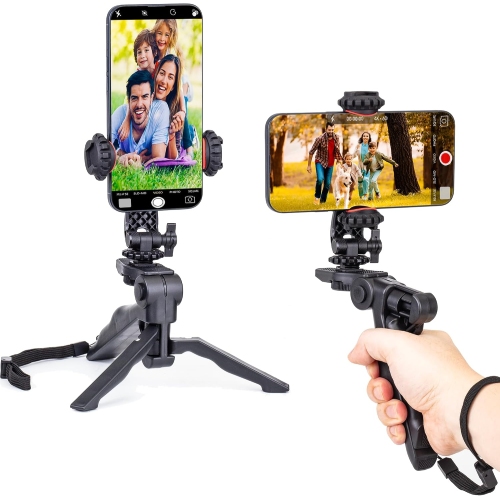
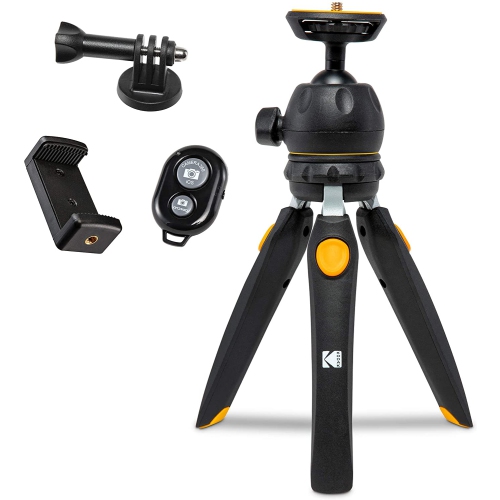
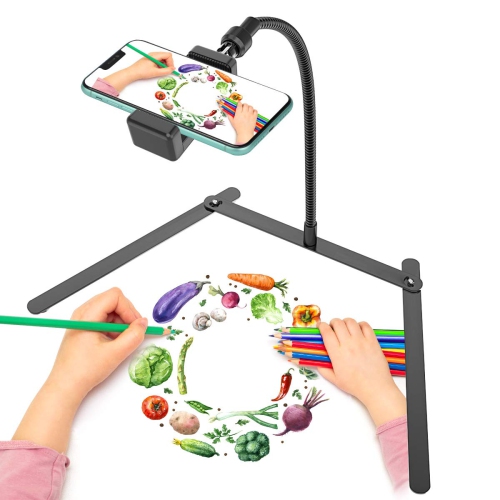
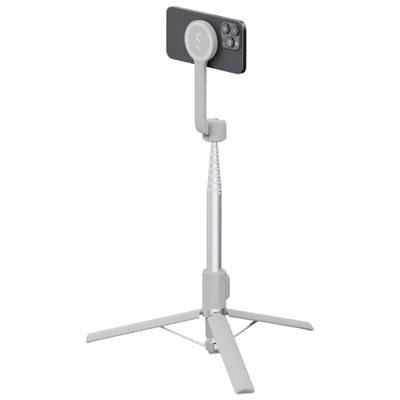
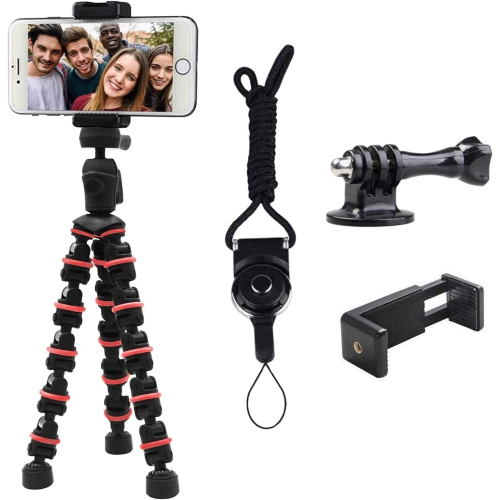
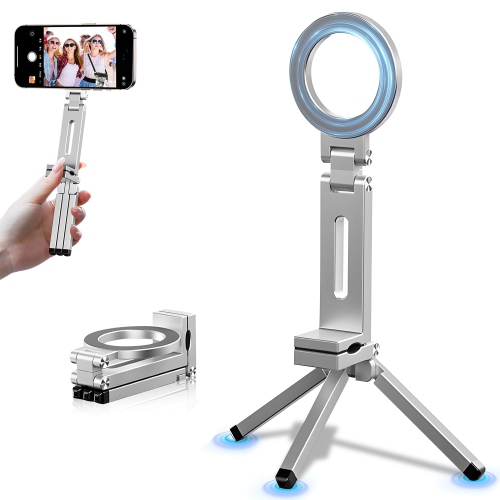
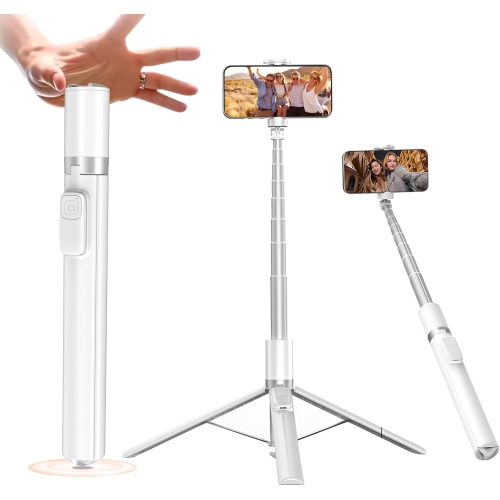
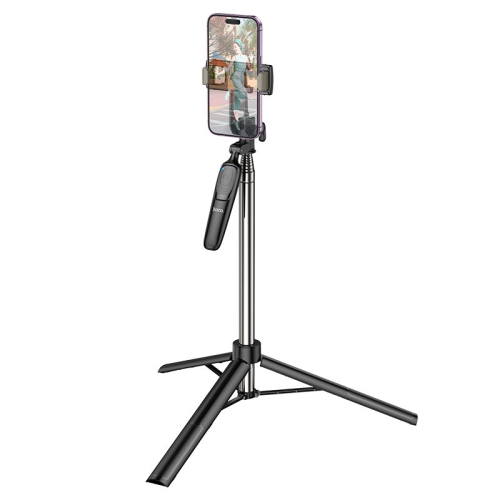
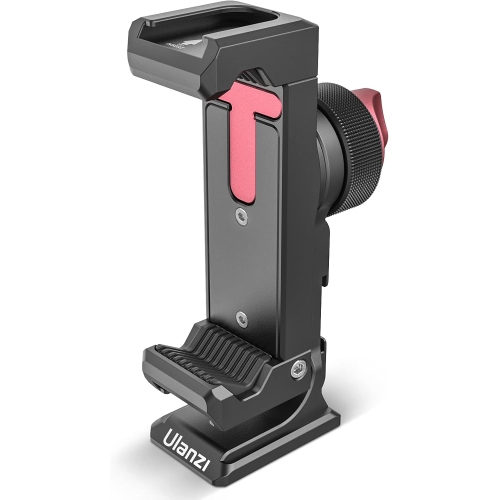
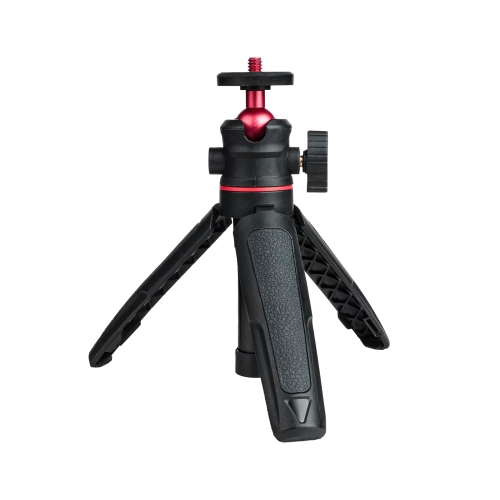
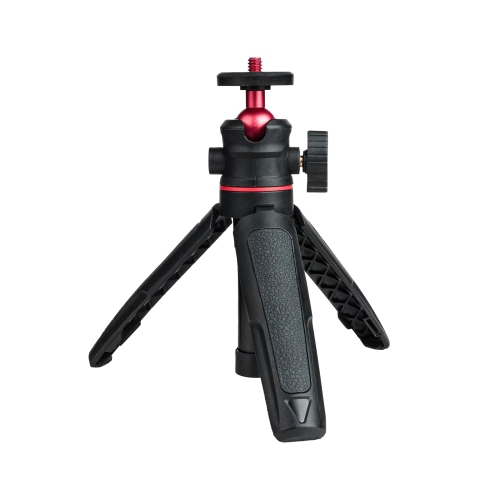
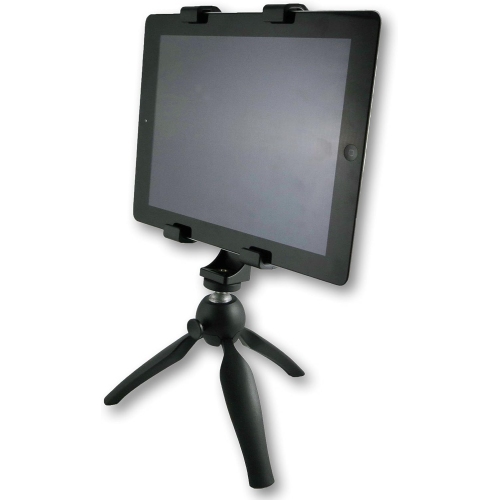
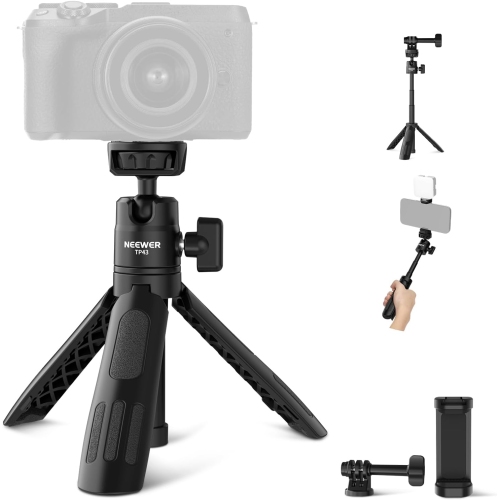
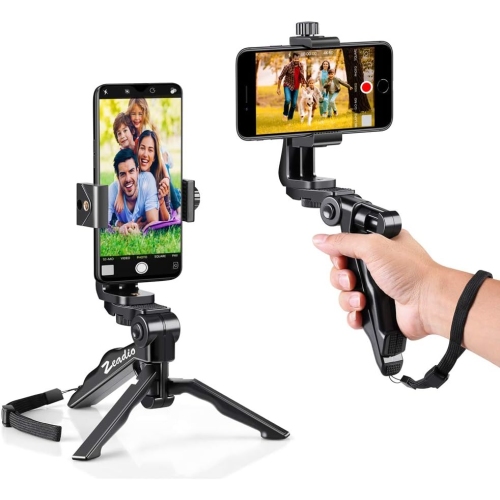
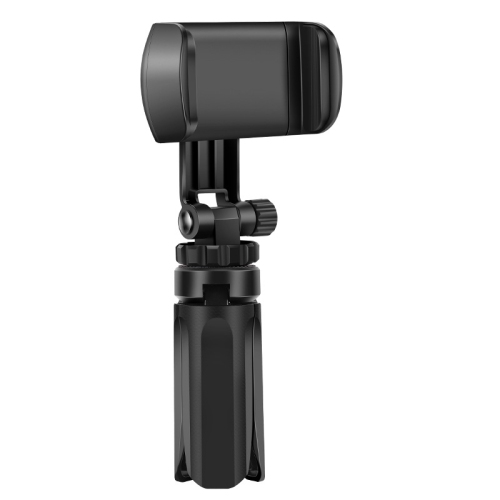
Steady framing for video calls and hands-free close-ups
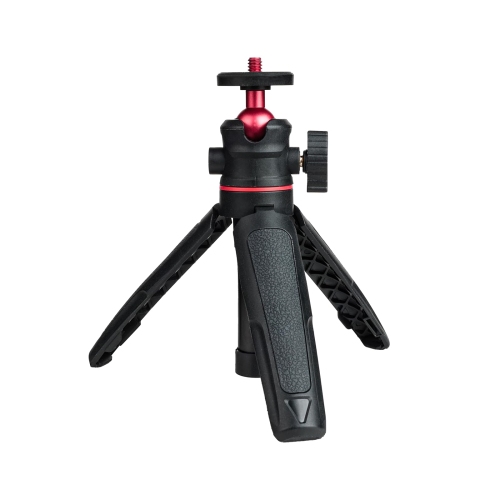
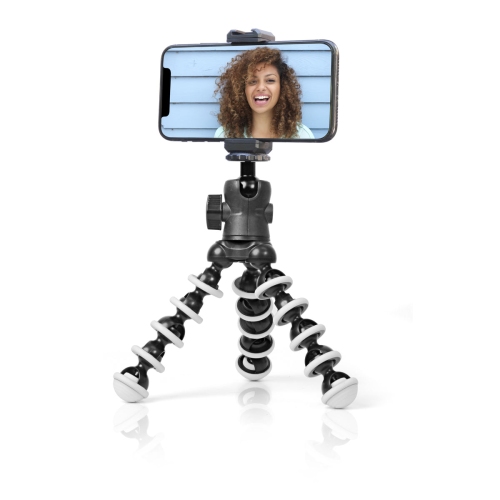
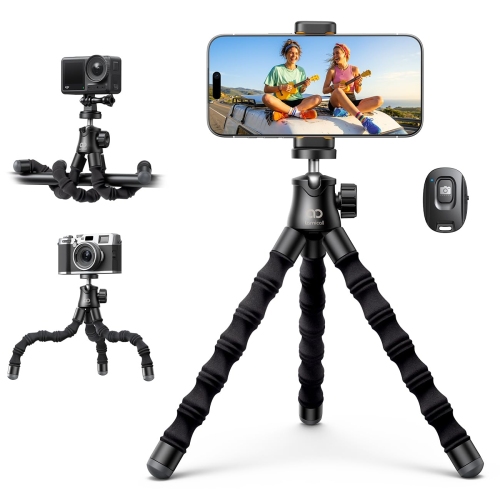
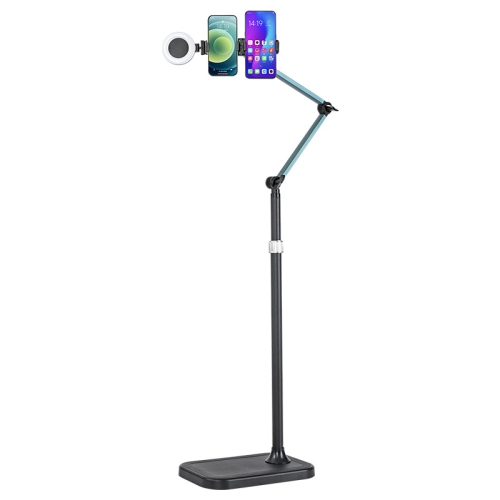
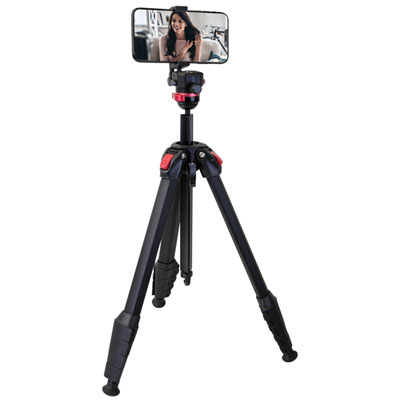
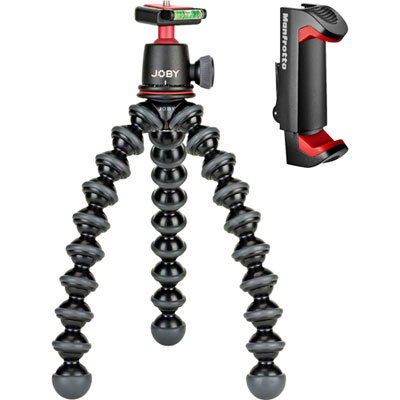
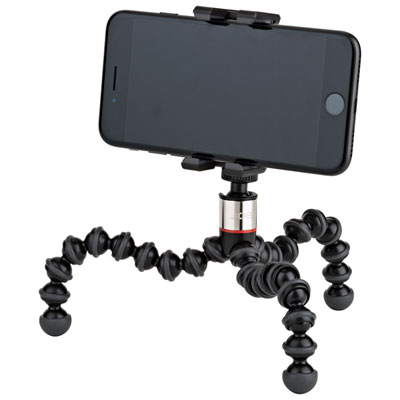
Tabletop phone tripods hold a smartphone steady on a desk, countertop or other raised surface without taking up floor space. Their short legs put the camera close to the work surface, which is useful for filming a sketch, photographing jewellery or keeping both hands free while showing how a small part fits. On a desk, a little extra height can bring the phone closer to eye level for a video call. On a kitchen countertop, a tilting mount can frame a cutting board from the side without someone having to hold the phone. A mini desktop stand can serve much the same purpose when the phone mainly needs to face the person at the desk, but a tabletop tripod typically offers more ways to frame the shot. Compact models with rigid folding legs are easy to set down and reposition on a flat surface. Flexible legs can be shaped to level the phone on an uneven surface, while a wider stance gives the mount more support when the phone is tilted. An adjustable head makes a difference when the same setup needs to frame a face for a call and then point down toward a notebook for a demonstration. A mount that rotates between portrait and landscape is useful for switching from a vertical clip to a wide group shot without moving the legs and starting over. Working height matters as much as folded size: a tripod can pack down neatly yet still sit too low for a face-to-face call if the desk itself is low. A short extension can help, though a low, wide setup is often steadier when the phone is angled forward. Tabletop models work well when the surface already puts the camera near the intended height. For setups that need more working height than a desk or countertop can provide, Professional Phone Tripods are another option.
A secure fit depends on both the phone holder and the tripod’s load capacity. A spring-loaded clamp has a limited opening, so the useful width is the width of the phone with its everyday case on. Thick case edges, a wallet attachment or a grip on the back can keep the phone from sitting flat, even when it technically fits between the jaws. Padded contact points help keep the phone from shifting and protect its finish, but their placement matters too: a clamp that presses a side button or crowds a camera lens can make a steady setup frustrating to use. The weight rating is most useful when it accounts for everything the tripod will carry, including the case and any small light or microphone attached to the mount. Balance matters even below that rating. A heavy phone tilted out over the edge of a narrow base is easier to tip than the same phone centred over legs with a wider spread. A mount that holds securely in portrait and landscape also makes it easier to change framing without having to remove the phone. For a shared desk, a compact footprint leaves room for a keyboard or notebook, while grippy feet help limit sliding when someone taps the screen. A tripod with a Bluetooth remote can be handy for a group photo or a hands-on demonstration, since there is no need to reach across the setup and touch the phone to take a shot. Remote functions vary with the phone and camera app: taking still photos and starting or stopping video may not both be supported. For video calls or a phone that stays within arm’s reach, a head that holds its angle may matter more than a remote. A little room around the charging port is also useful for longer sessions, especially when a cable needs to reach the phone without pulling sideways on the mount.
Materials and moving parts affect how a tabletop phone tripod feels in regular use. Moulded plastic keeps the tripod light for carrying between rooms or slipping into a bag, while metal legs or hinge components can add rigidity where the mount sees frequent adjustment. Rubberized feet help the legs grip smooth desktops and countertops, and firm hinges keep the legs from drifting outward as the phone is tilted. A joint that moves smoothly and holds its position is especially useful for close-up work, where even a slight dip can cut the bottom of a page or the edge of a project out of the frame. Folded length is worth considering for a tripod that travels, but the open footprint can be just as important at a crowded desk. Flexible legs are useful when the available surface is awkward, while rigid legs with defined stops make it easier to return to the same position for a series of photos. Basic care is straightforward: a soft cloth can clear dust from the feet and clamp pads, and wiping away countertop splashes before folding the tripod helps keep residue out of its joints. Taking the phone out before collapsing the legs avoids putting unnecessary strain on the holder. A tabletop phone tripod can be a practical gift for a student who joins classes from a desk, a crafter who shares close-up demonstrations or a family member who likes to get into the group photo rather than stand behind the camera. It can also be useful for someone who photographs small items and wants consistent framing between shots. For a phone that spends most of its time on one work surface, easy angle adjustments and a steady stance tend to be the features that get used most. For a setup that moves between a desk, kitchen counter and hobby table, a compact fold and a clamp that fits the phone without removing its case can make the tripod easier to use day to day.
Top selling and popular products
-
 Your price for this item is $109.95
-
 Your price for this item is $57.49
-
 Your price for this item is $45
-
 Your price for this item is $59.99
-
 Your price for this item is $39.99
-
 Your price for this item is $52
-
 Your price for this item is $39.99
-
 Your price for this item is $45
Discover more categories related to Tabletop Phone Tripods

Top Collections:
Best Black Friday Deals This Year, Best Black Friday Deals On Electronics, Kindle Devices, Pokemon Centers, Best Black Friday Deals On Apple Products, Best Cameras for Sports Photography, Dyson Airwrap, Pokémon 30th Celebration Cards, Apple iPhone 17 Pro, Canon G7X Cameras
Some products may be subject to Environmental Handling Fees
(EHF) depending on your province.
Learn more about EHFs.