Table Top Tripods
A tripod is a must-have for any photographer who wants to take professional-looking photos. It allows you to set up your shot, take the picture, and then move on to the next one. Table top tripods are designed to be used on a flat surface; they are lightweight and portable, so you can take them with you wherever you go. Here are some table top tripods available.
Sort
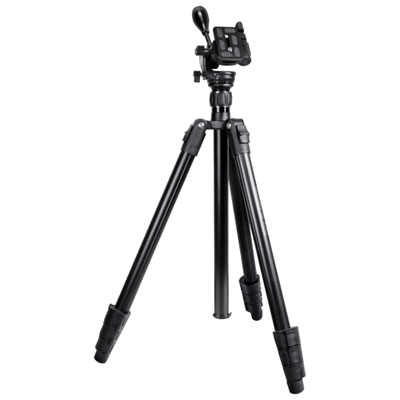
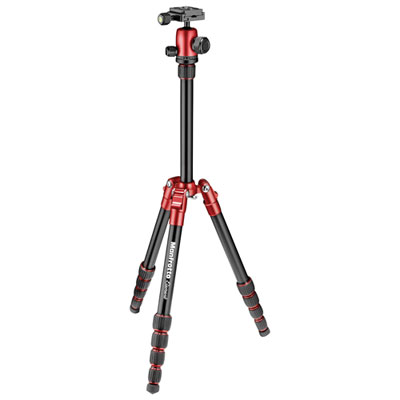
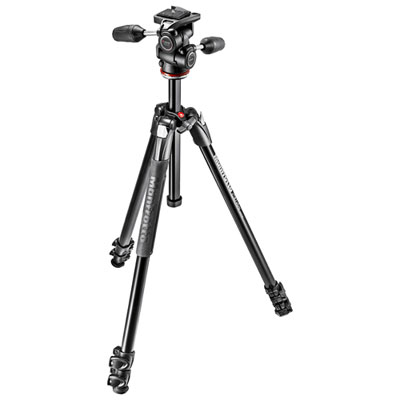

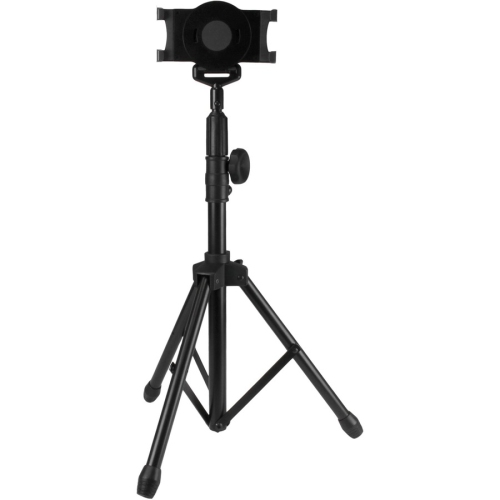
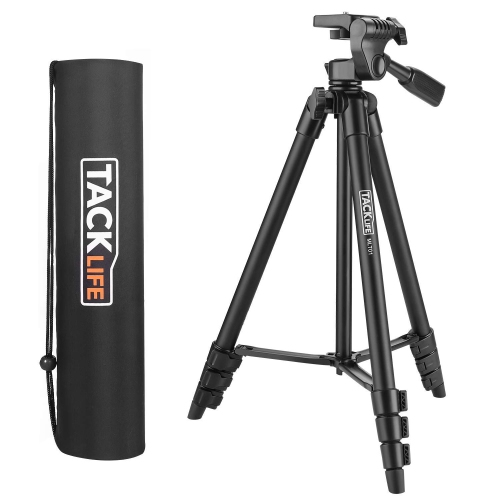
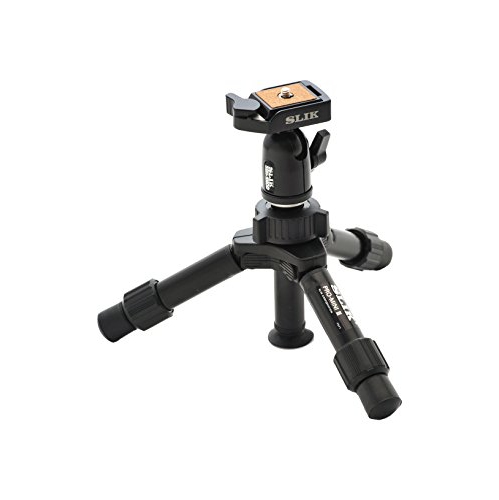
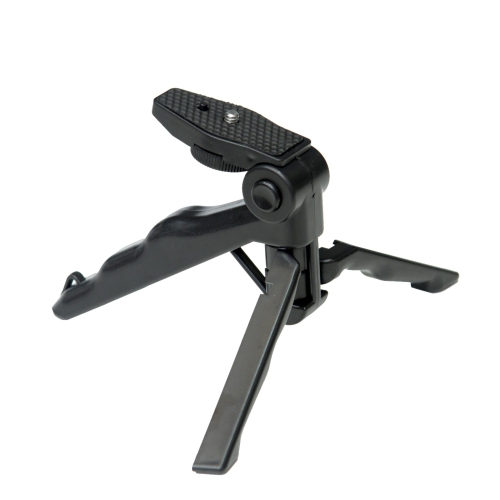
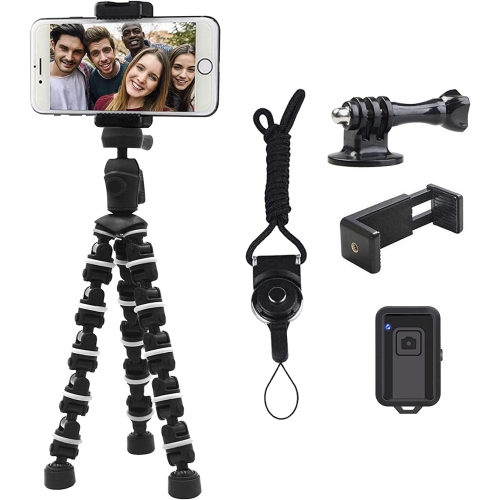
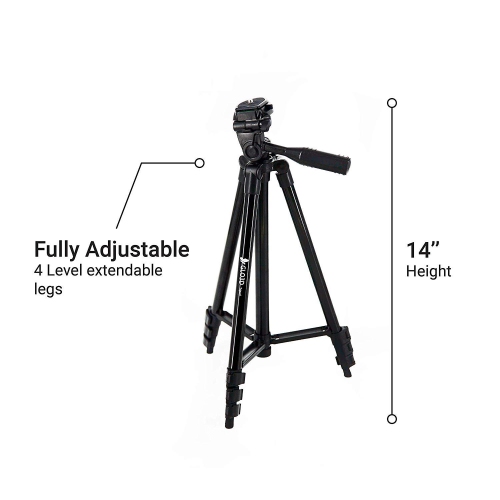
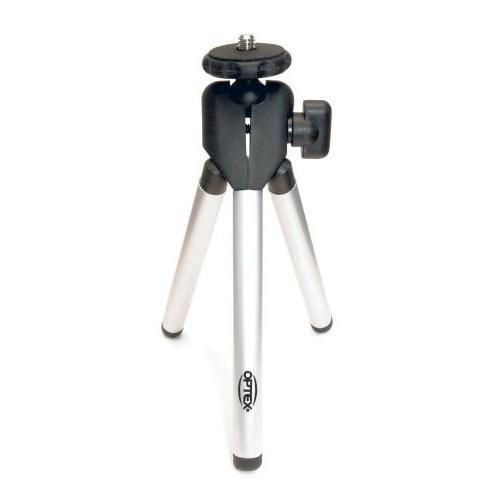
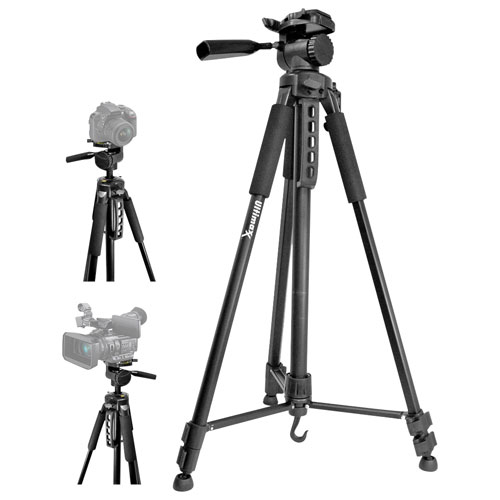
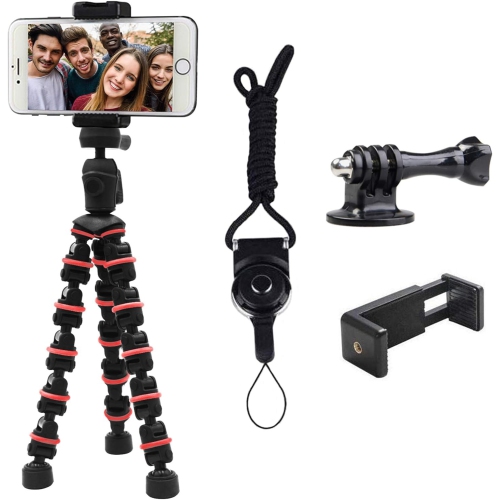
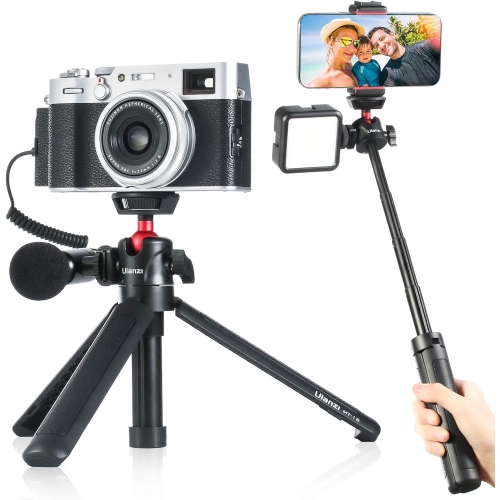
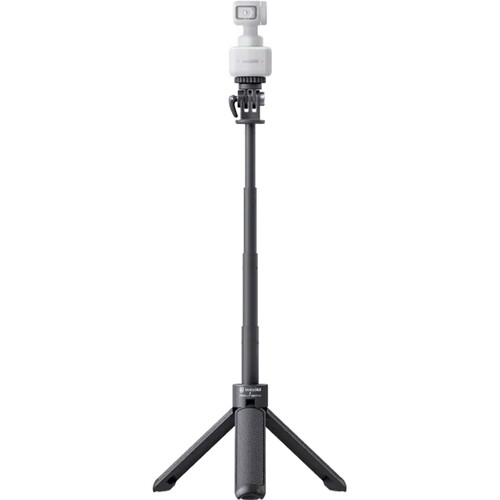
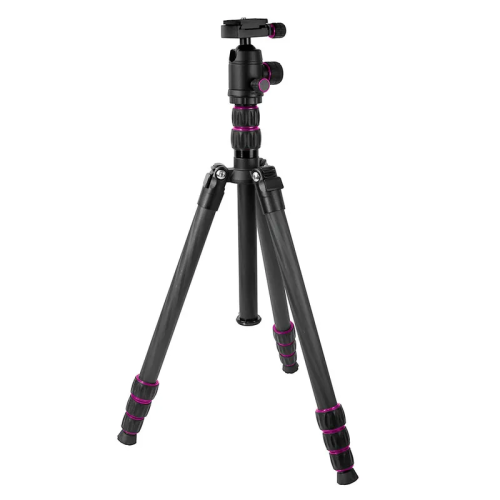
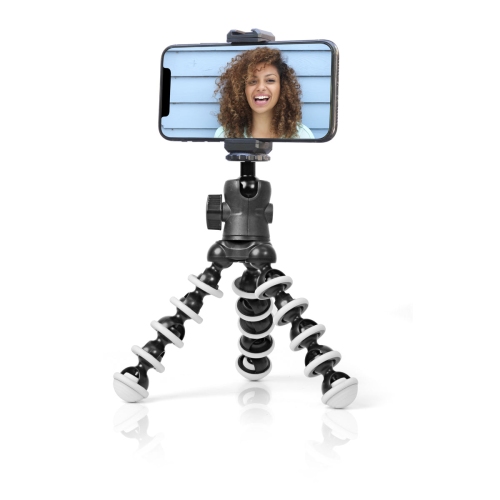
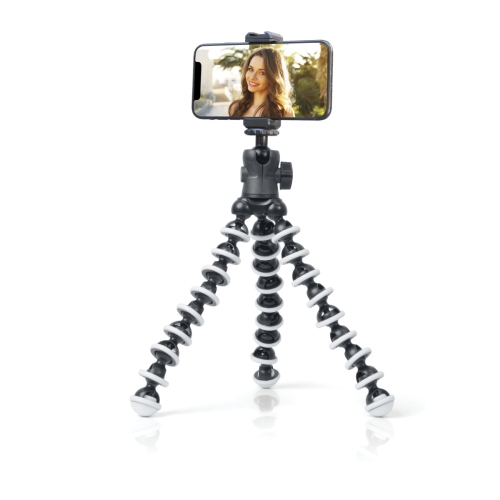
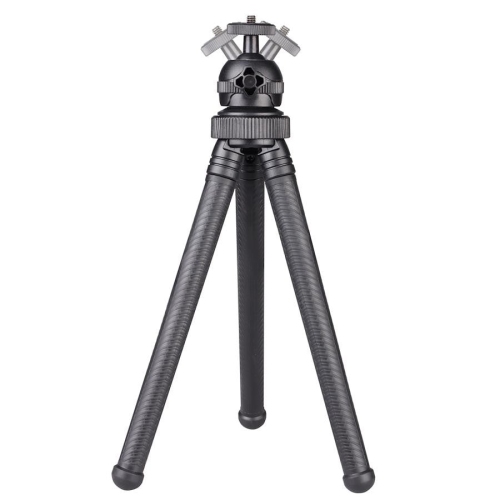
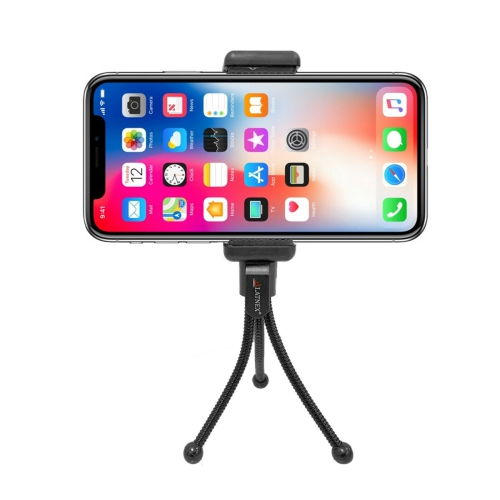
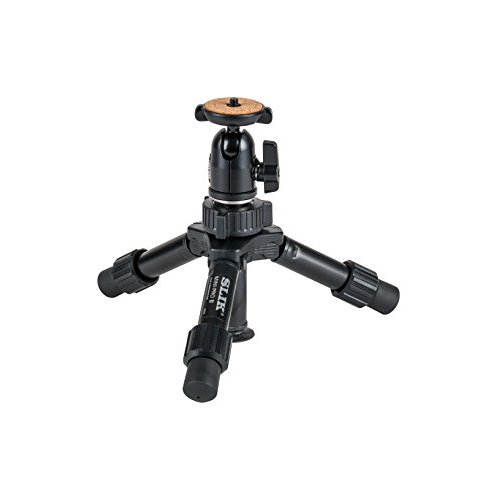
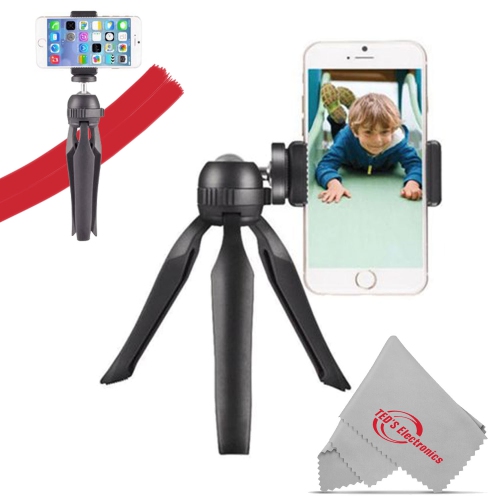
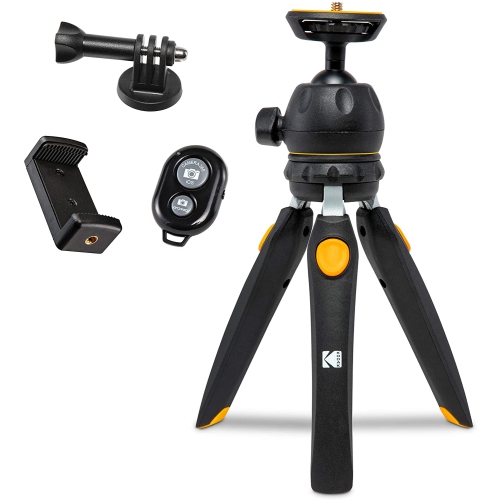
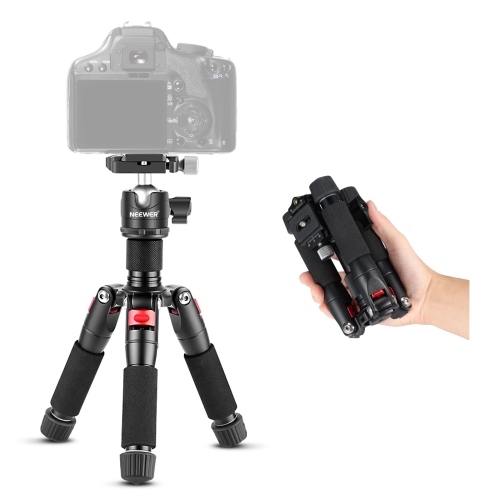
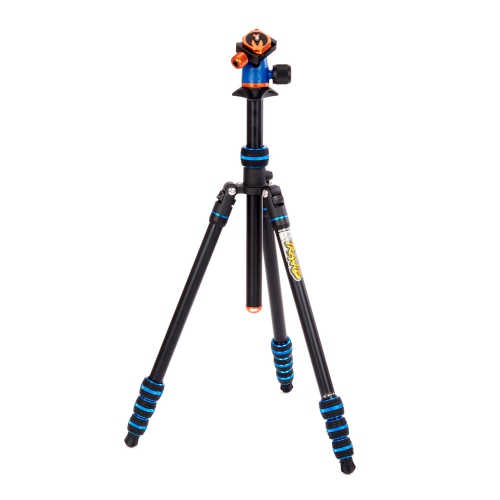
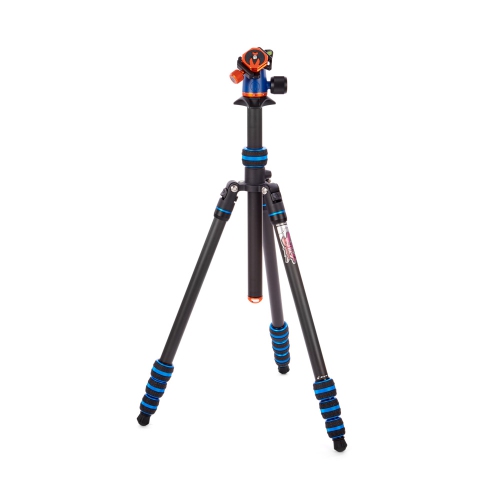
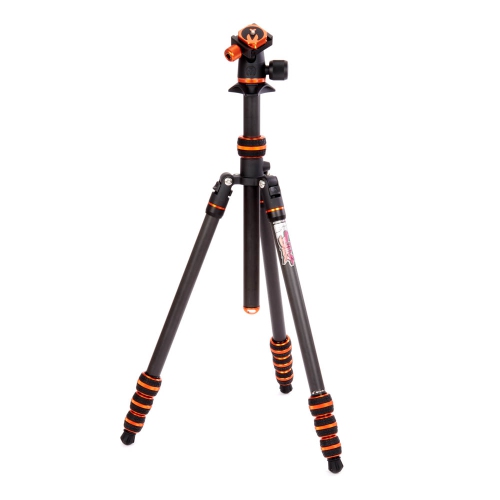
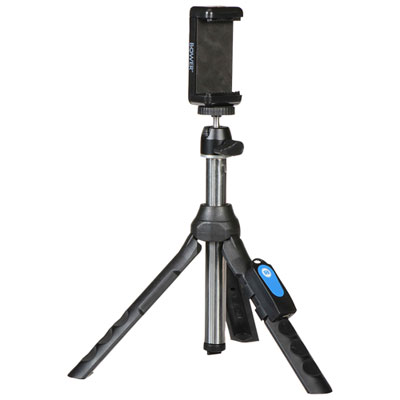
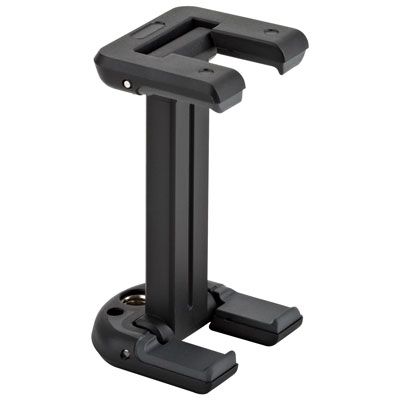
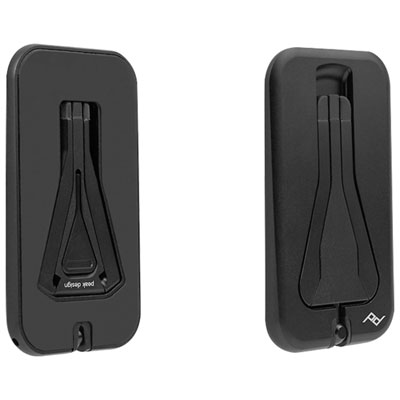
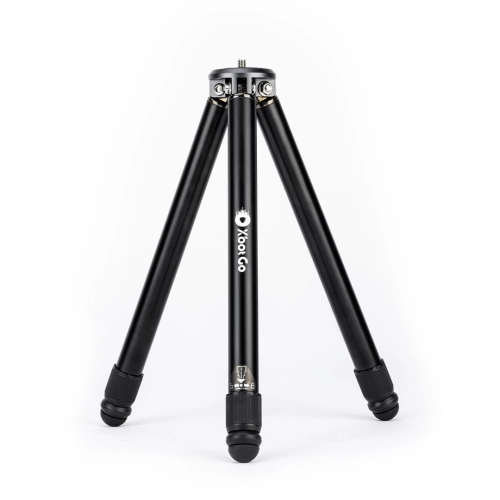

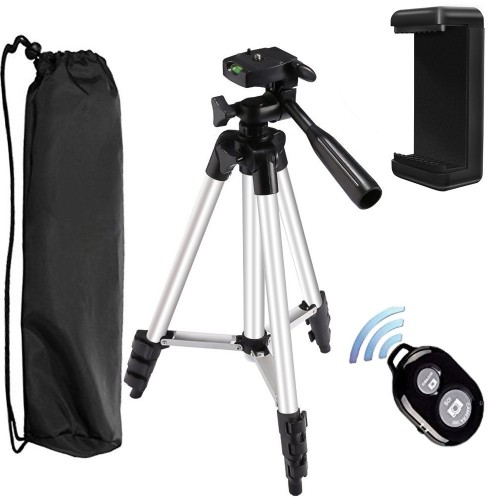
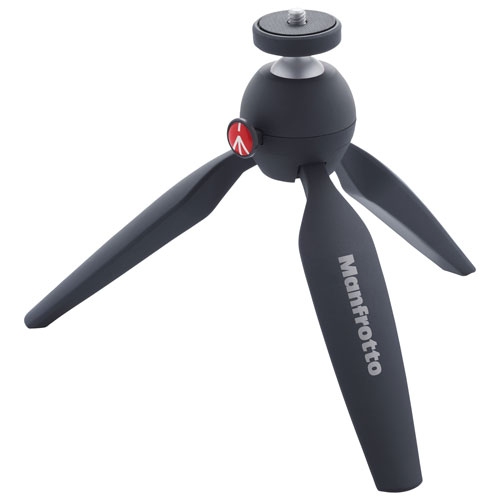
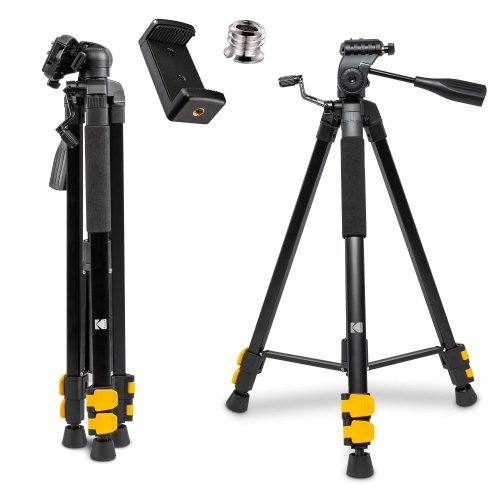
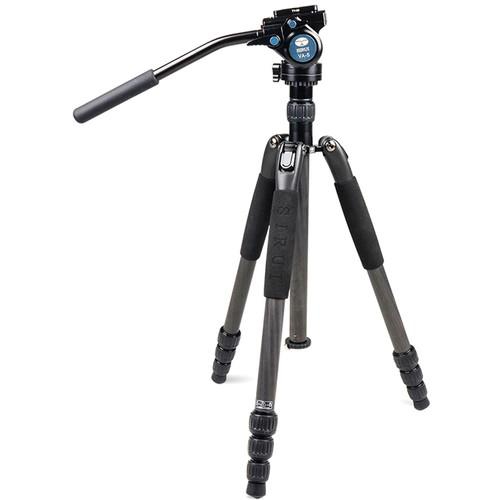
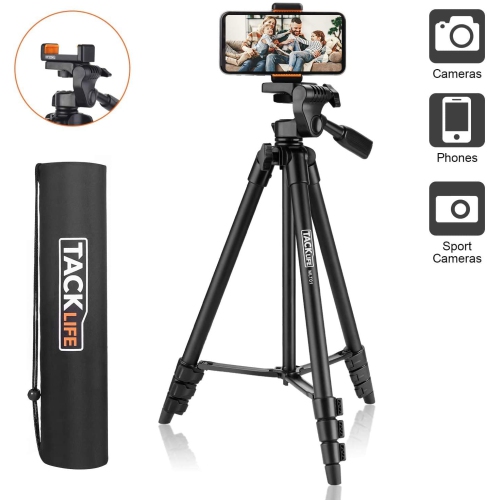
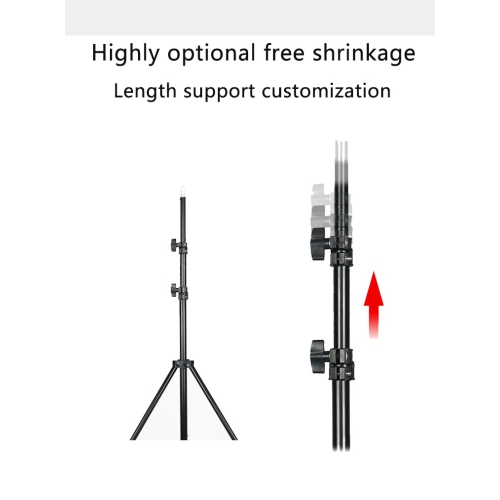
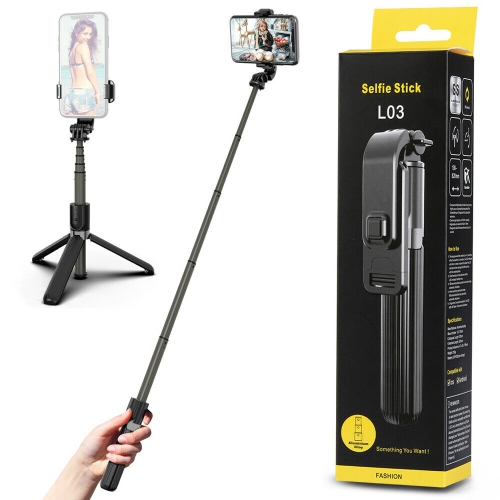
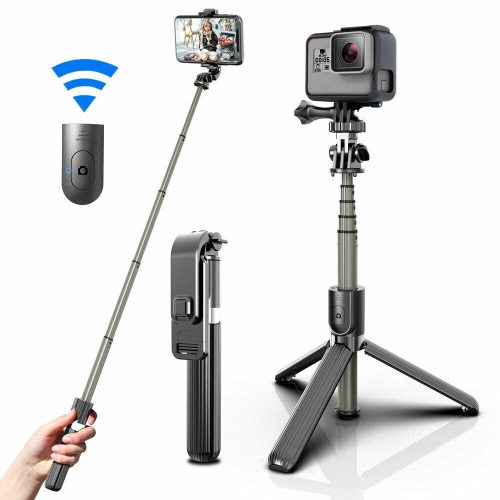
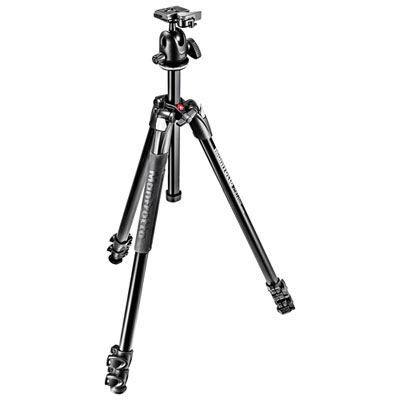

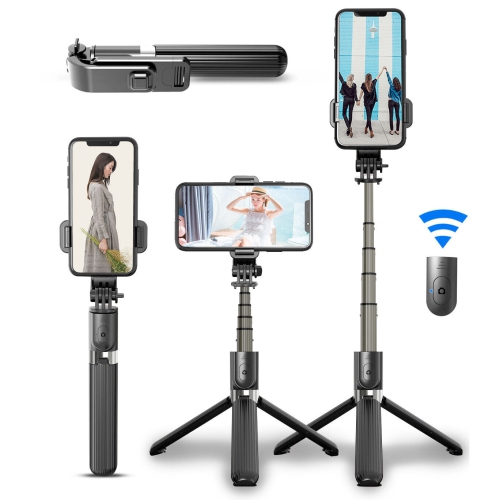
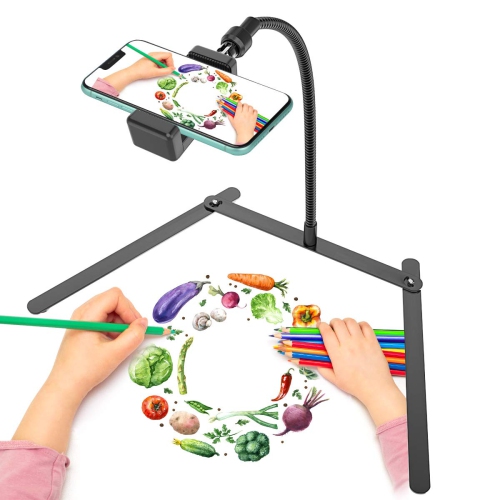
Steady shots from small spaces and low angles
Table top tripods are compact, three-legged supports that hold cameras, smartphones, and other compatible devices steady on desks, counters, shelves, and similar flat surfaces. Their low profile makes them useful for photography and video where a full-height tripod would take up too much room or place the lens above the intended angle. On a kitchen table, a tabletop tripod can keep a camera pointed towards a cake being decorated; beside a laptop, it can position a phone for a video call without a stack of books underneath. Photographers also use these supports for close-up images of jewellery, crafts, and small objects, where keeping the framing consistent matters as much as finding the right light. A stable base helps reduce movement during longer exposures, although the surface beneath it needs to remain still as well. A desk that shakes when someone types can pass that vibration straight to the camera. Many designs have folding legs that fit into a camera bag or desk drawer, while some can also serve as a handheld grip when the legs are closed. Fixed-height models keep the setup simple, and adjustable legs offer more flexibility when the lens needs to clear a monitor edge or sit level with a subject. These tripods are particularly well suited to seated presentations, craft demonstrations, stop-motion projects, and photos taken from a low viewpoint. They are not a direct substitute for a full-size tripod when standing eye-level framing or substantial height is needed. For shoppers comparing compact supports primarily for photographic equipment, Mini Tripods for Cameras offers a related category to explore. The most useful format depends on both the device being supported and the space where it will be used: a narrow shelf, a shared work desk, and a broad dining table each leave a different amount of room for the legs.
Device compatibility is central to how well a tabletop tripod works. Many cameras attach through a standard 1/4-inch threaded socket, while smartphones generally require a separate or integrated clamp, and action cameras may need an adapter matched to their mounting system. A phone holder should accommodate the width and thickness of the phone, including its case if that will remain attached, without pressing side buttons or covering a lens. Access to charging ports also matters during longer calls or filming sessions. For cameras, the supported load needs to account for the body, lens, and any attached accessories, rather than the camera body alone. The tripod, head, and mounting adapter each have their own limits, and a long lens can shift the balance forward even when the total weight is within the stated capacity. A wider leg spread generally provides a more stable stance, but it also occupies more surface space. Height specifications deserve similar attention: folded length, minimum shooting height, and maximum extended height describe different aspects of the tripod. Extending a centre column or raising narrow leg sections can make a small support more sensitive to bumps, especially with a heavier camera attached. Head design affects everyday handling, too. A ball head allows quick angle changes, making it convenient for switching between a straight-on view and a downward tilt, while a pan-and-tilt design can offer separate control over different directions. Smooth movement during video depends on the head’s construction; the ability to rotate does not automatically mean it will produce a fluid pan. Portrait orientation may require a head with a suitable tilt notch or a rotating phone holder. Quick-release plates can simplify moving a camera between handheld and supported shooting, but plate compatibility varies. Secure locks, accessible controls, and enough clearance around the device help make small adjustments less awkward once the tripod is positioned.
Materials and construction influence portability, durability, and how a tabletop tripod feels in daily use. Aluminium is common in compact supports because it offers a practical balance of rigidity and manageable weight. Carbon fibre can reduce carrying weight, although overall stability still depends on the leg dimensions, joints, head, and stance. Moulded plastic components can keep a lightweight phone setup easy to carry, but the quality of hinges and locking mechanisms is just as important as the material named in the specifications. Rubberized feet help improve grip on smooth surfaces and can reduce scuffing, though dust or moisture underneath them may make the base less secure. Flexible-leg designs provide different positioning options from rigid models, but bending or wrapping them should stay within their intended use and load limits. For a home office, a compact stance and easy phone rotation may matter most; for close-up photography, a low minimum height and precise angle adjustment may be more useful. Students presenting an assignment, families taking group photos with a timer, and creators filming a tabletop hobby can all benefit from a support that keeps the device in one position. A compatible tabletop tripod can also make a thoughtful gift for someone who enjoys photography, provided the mount and load capacity suit their equipment. Small setup choices make a noticeable difference: keeping charging cables slack prevents them from tugging at the device, and using a timer or compatible remote release avoids touching the camera at the moment of capture. Positioning the legs away from the edge of a table adds a sensible margin against accidental knocks. Routine care is straightforward. Wipe the legs and feet with a soft cloth, remove grit from joints before folding, and dry damp surfaces before storage. Avoid forcing locks or overtightening mounting screws, and check periodically for loose fittings or worn pads. Packed with its head secured and mounting pieces kept together, a tabletop tripod is easier to set up for the next call, photo session, or project.
Device compatibility is central to how well a tabletop tripod works. Many cameras attach through a standard 1/4-inch threaded socket, while smartphones generally require a separate or integrated clamp, and action cameras may need an adapter matched to their mounting system. A phone holder should accommodate the width and thickness of the phone, including its case if that will remain attached, without pressing side buttons or covering a lens. Access to charging ports also matters during longer calls or filming sessions. For cameras, the supported load needs to account for the body, lens, and any attached accessories, rather than the camera body alone. The tripod, head, and mounting adapter each have their own limits, and a long lens can shift the balance forward even when the total weight is within the stated capacity. A wider leg spread generally provides a more stable stance, but it also occupies more surface space. Height specifications deserve similar attention: folded length, minimum shooting height, and maximum extended height describe different aspects of the tripod. Extending a centre column or raising narrow leg sections can make a small support more sensitive to bumps, especially with a heavier camera attached. Head design affects everyday handling, too. A ball head allows quick angle changes, making it convenient for switching between a straight-on view and a downward tilt, while a pan-and-tilt design can offer separate control over different directions. Smooth movement during video depends on the head’s construction; the ability to rotate does not automatically mean it will produce a fluid pan. Portrait orientation may require a head with a suitable tilt notch or a rotating phone holder. Quick-release plates can simplify moving a camera between handheld and supported shooting, but plate compatibility varies. Secure locks, accessible controls, and enough clearance around the device help make small adjustments less awkward once the tripod is positioned.
Materials and construction influence portability, durability, and how a tabletop tripod feels in daily use. Aluminium is common in compact supports because it offers a practical balance of rigidity and manageable weight. Carbon fibre can reduce carrying weight, although overall stability still depends on the leg dimensions, joints, head, and stance. Moulded plastic components can keep a lightweight phone setup easy to carry, but the quality of hinges and locking mechanisms is just as important as the material named in the specifications. Rubberized feet help improve grip on smooth surfaces and can reduce scuffing, though dust or moisture underneath them may make the base less secure. Flexible-leg designs provide different positioning options from rigid models, but bending or wrapping them should stay within their intended use and load limits. For a home office, a compact stance and easy phone rotation may matter most; for close-up photography, a low minimum height and precise angle adjustment may be more useful. Students presenting an assignment, families taking group photos with a timer, and creators filming a tabletop hobby can all benefit from a support that keeps the device in one position. A compatible tabletop tripod can also make a thoughtful gift for someone who enjoys photography, provided the mount and load capacity suit their equipment. Small setup choices make a noticeable difference: keeping charging cables slack prevents them from tugging at the device, and using a timer or compatible remote release avoids touching the camera at the moment of capture. Positioning the legs away from the edge of a table adds a sensible margin against accidental knocks. Routine care is straightforward. Wipe the legs and feet with a soft cloth, remove grit from joints before folding, and dry damp surfaces before storage. Avoid forcing locks or overtightening mounting screws, and check periodically for loose fittings or worn pads. Packed with its head secured and mounting pieces kept together, a tabletop tripod is easier to set up for the next call, photo session, or project.
Top selling and popular products
-
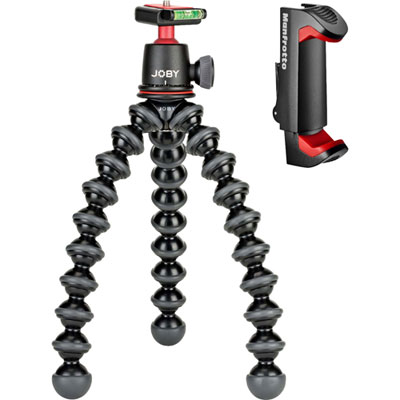 Your price for this item is $99.99
 -
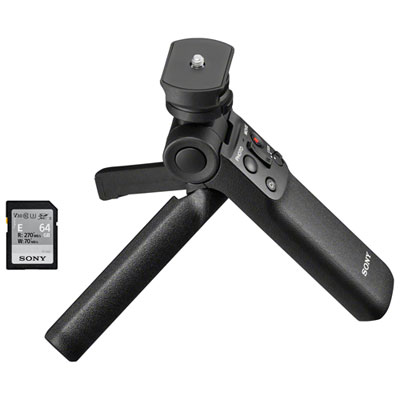 Your price for this item is $199.97
 -
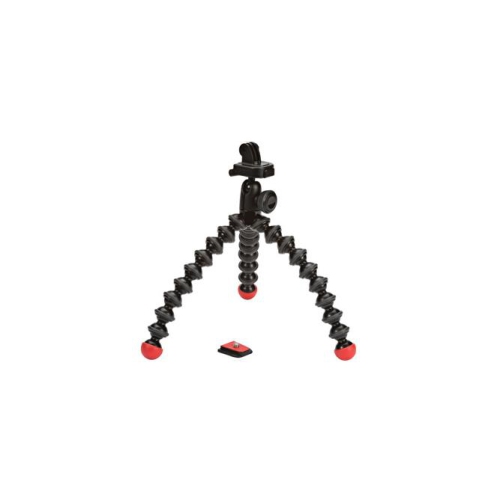 Your price for this item is $126.91
 -
 Your price for this item is $79.99
 -
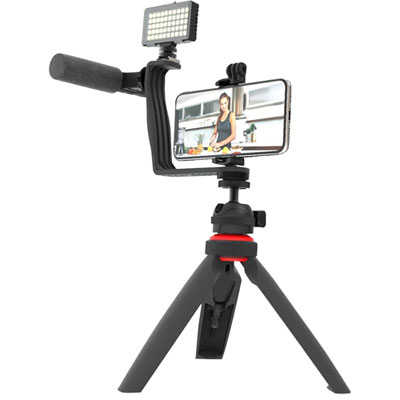 Your price for this item is $59.99
 -
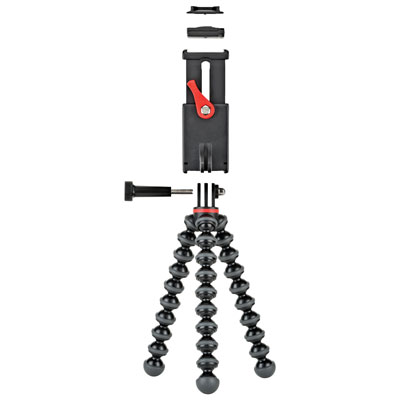 Your price for this item is $59.95
 -
 Your price for this item is $229.99
 -
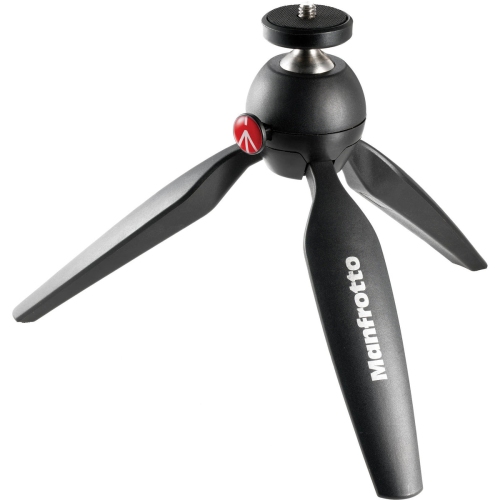 Your price for this item is $83.53
Discover more categories related to Table Top Tripods
Top Collections:
Pokemon Centers, Kindle Devices, Best Budget Office Chairs, Apple iPhones 16, Best Laptops for Writers, iPhone 15 Apple, Canon G7X Cameras, Refurbished Apple Laptops, Alarm Clock, Motorola Razr Phones
Some products may be subject to Environmental Handling Fees
(EHF) depending on your province.
Learn more about EHFs.