Small Video Recording Devices
Looking to capture your favorite moments on the go? Our collection of small video recording devices is here to help you do just that. Whether you're an aspiring vlogger, an adventure seeker, or simply someone who loves documenting life's little joys, these compact and portable devices are designed to deliver high-quality video footage in a convenient package. From action cameras that can withstand extreme conditions to pocket-sized camcorders perfect for family gatherings, our selection has something for everyone. Explore our range of small video recording devices and start capturing memories wherever you go.
Sort
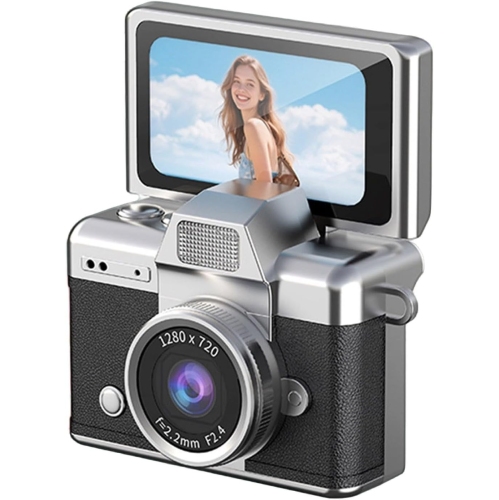
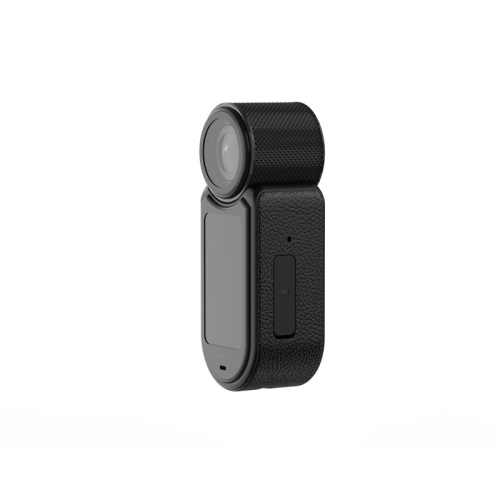
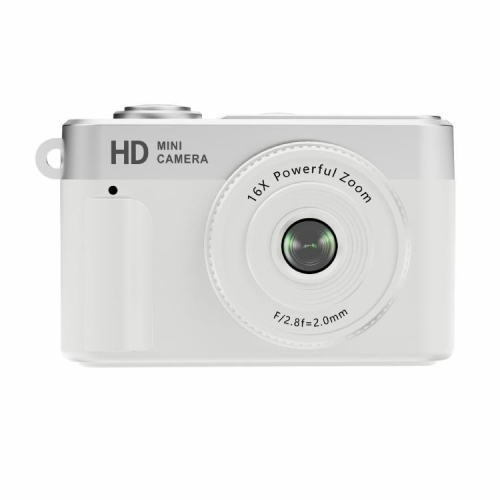
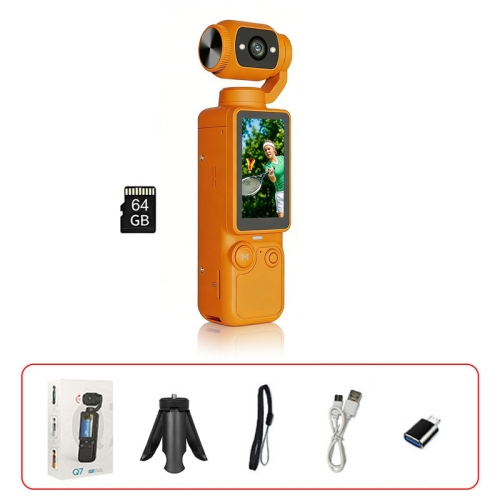
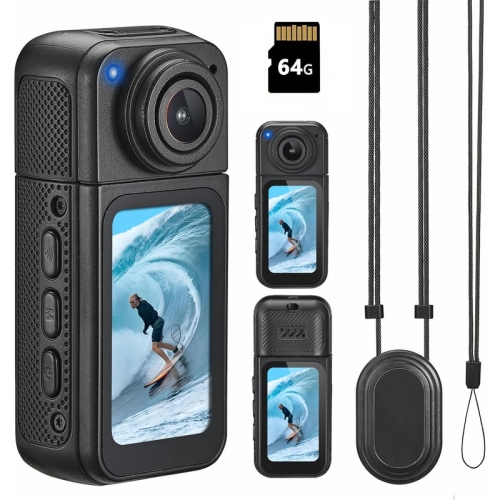
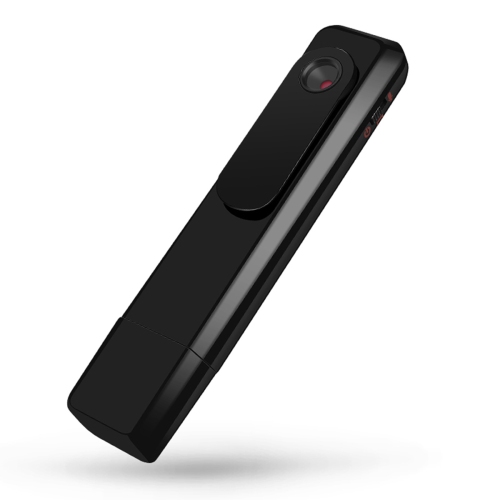
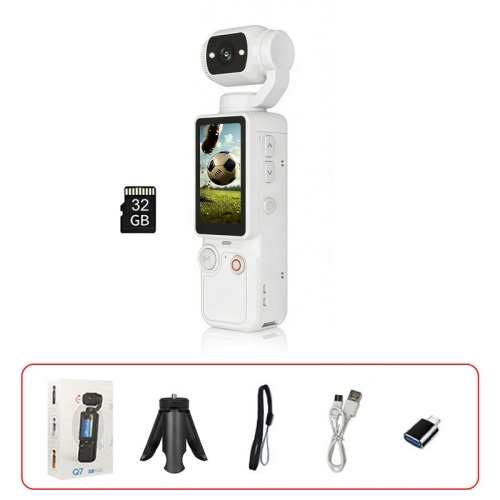
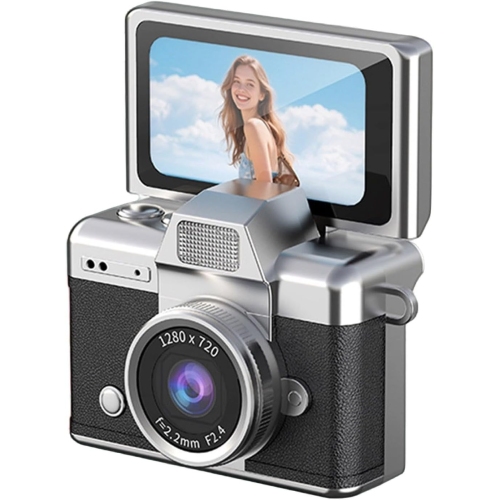
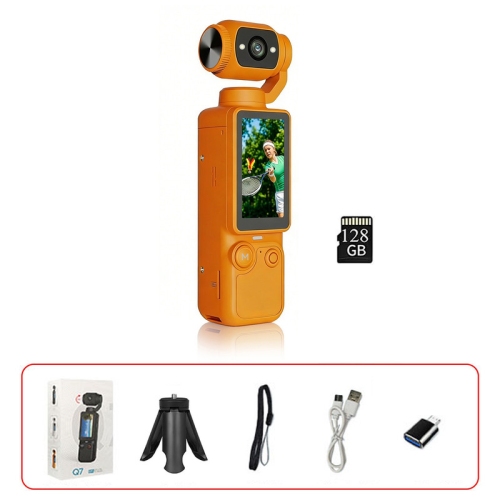
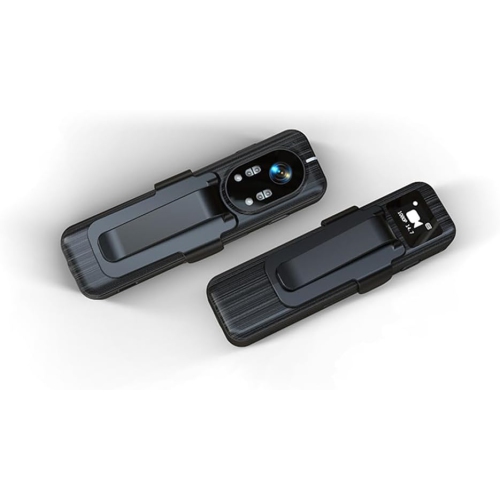
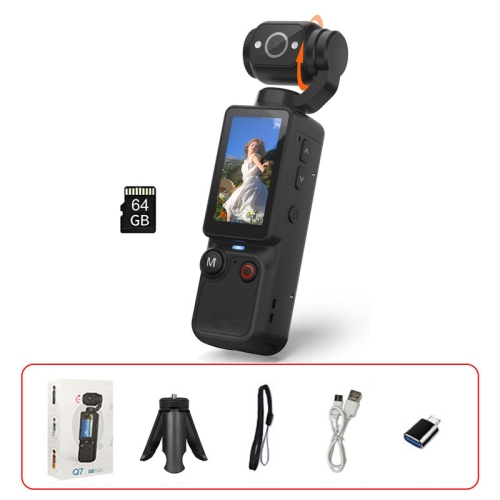
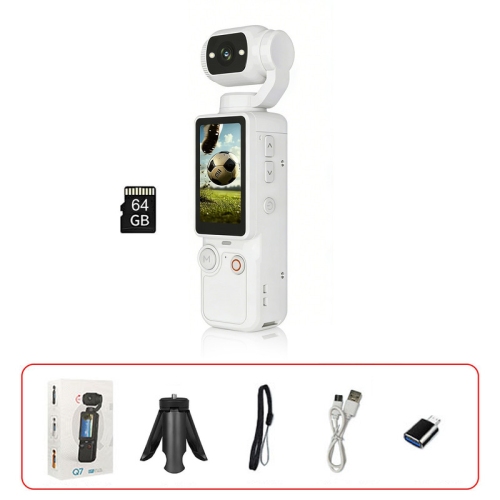
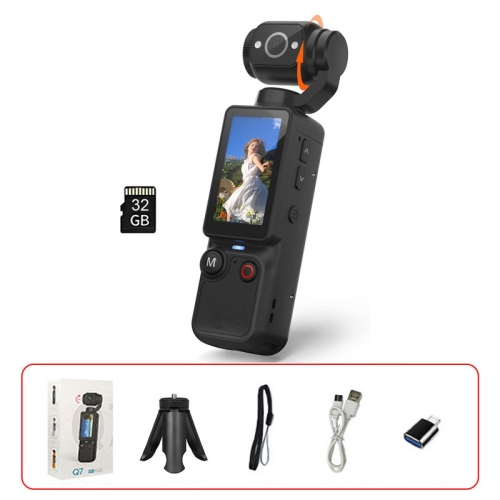
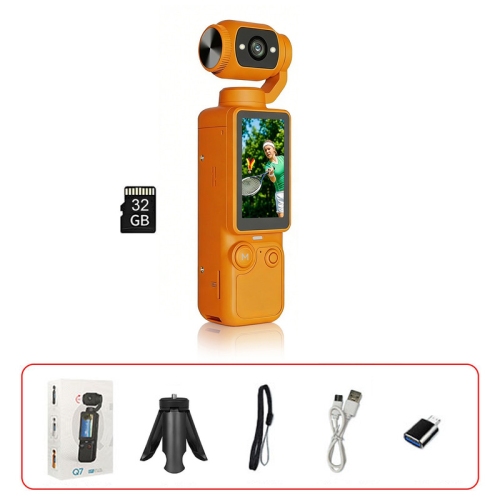
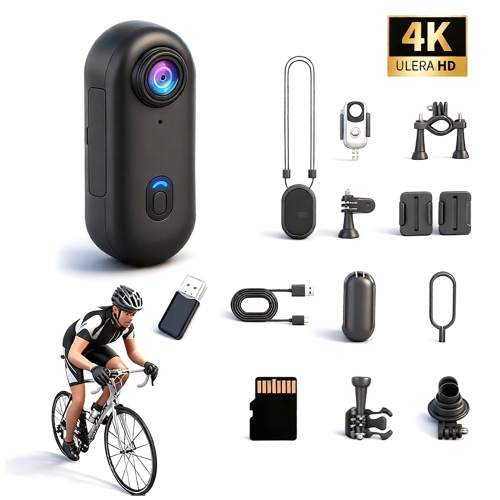
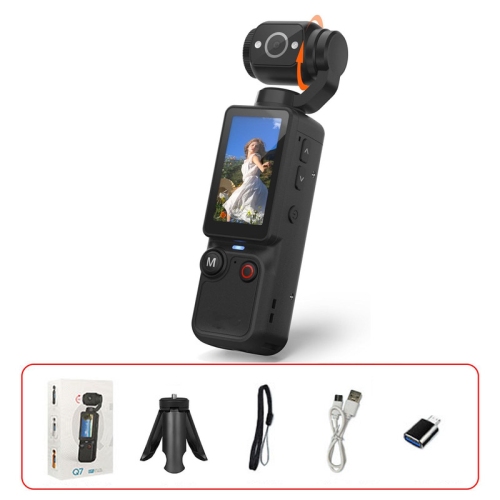
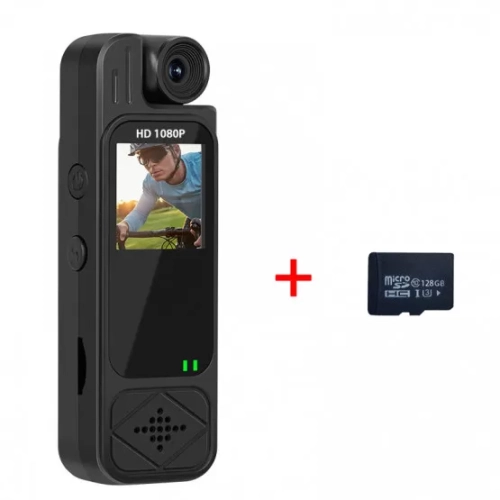
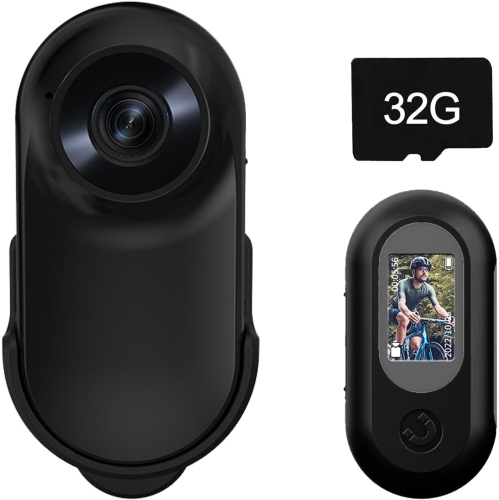
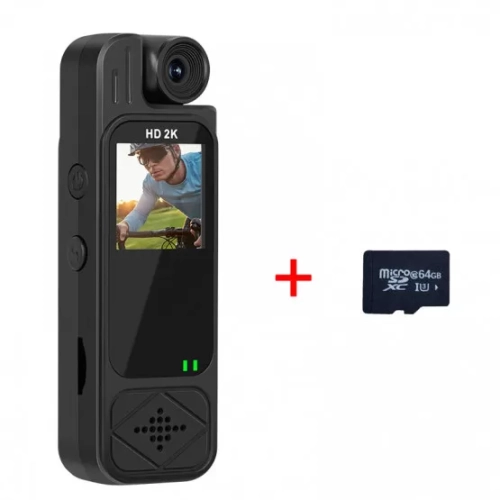
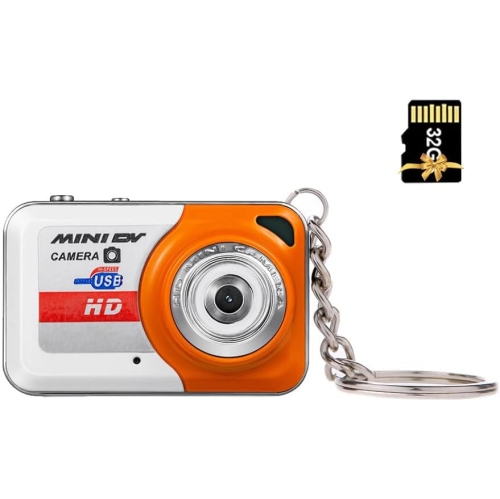
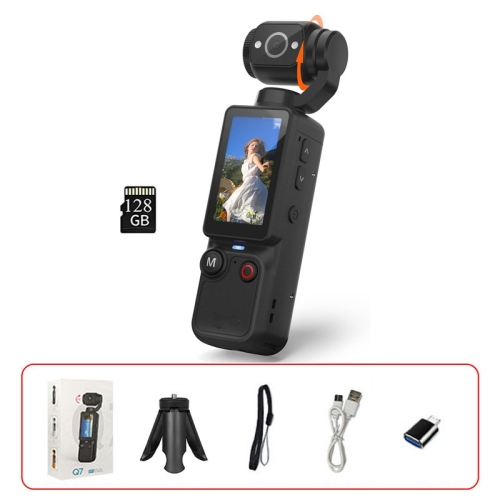
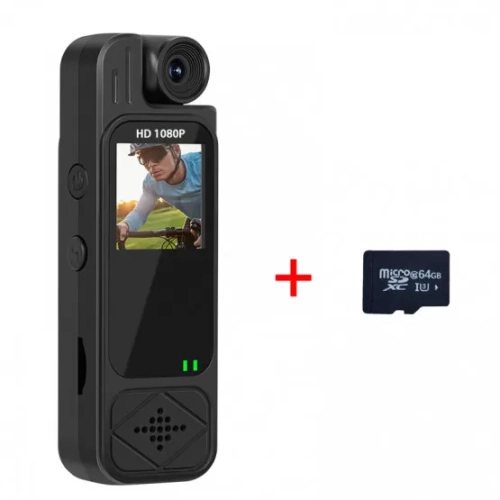
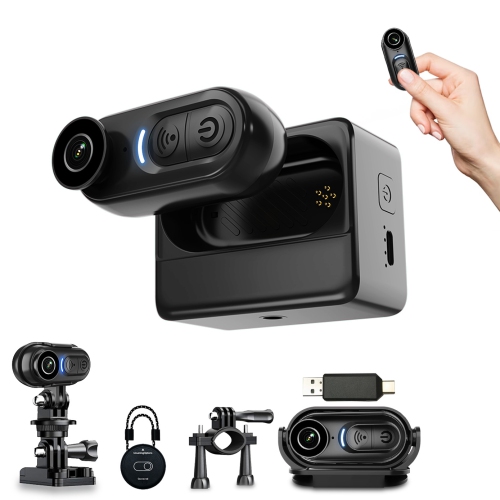
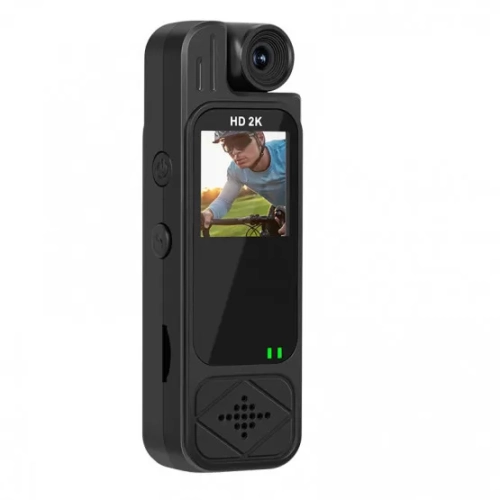
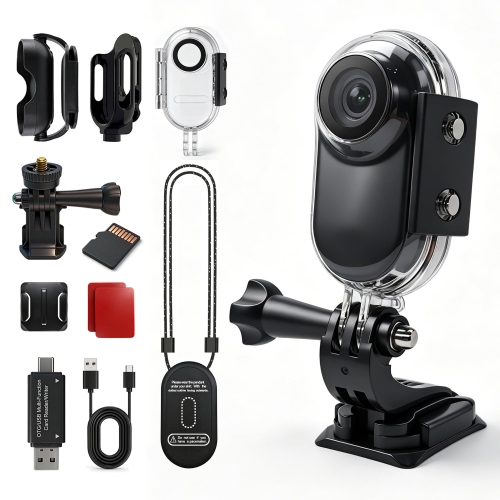
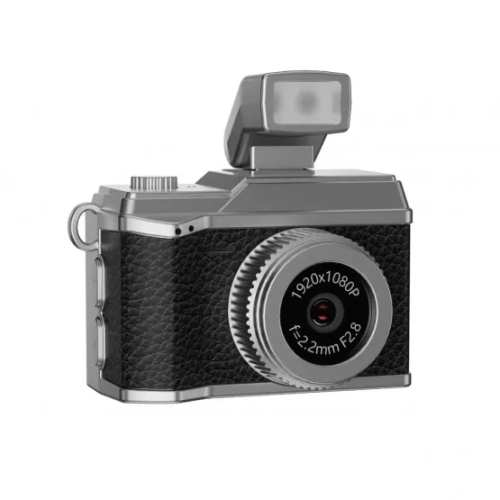
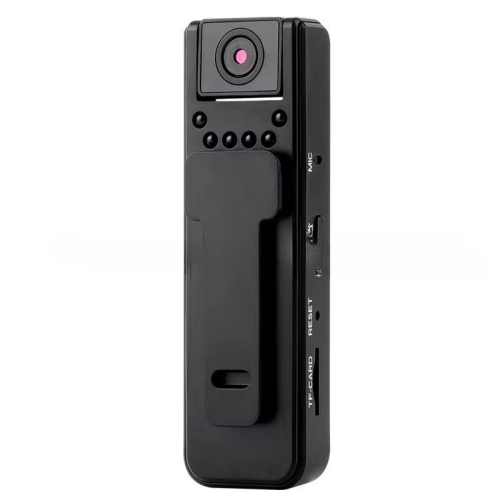
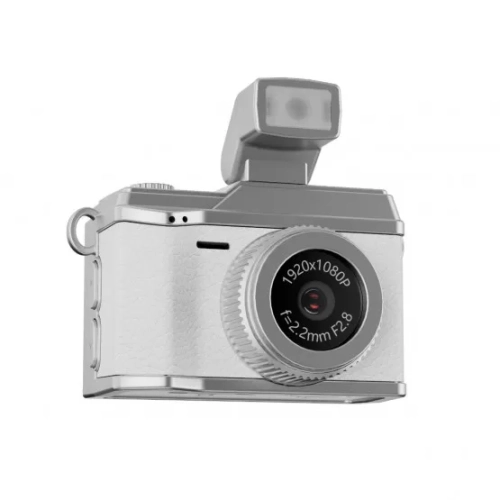
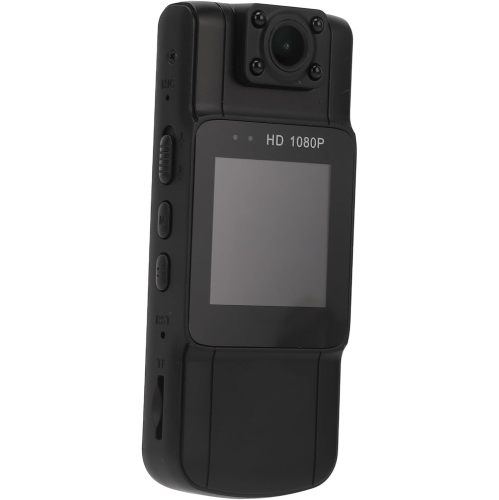
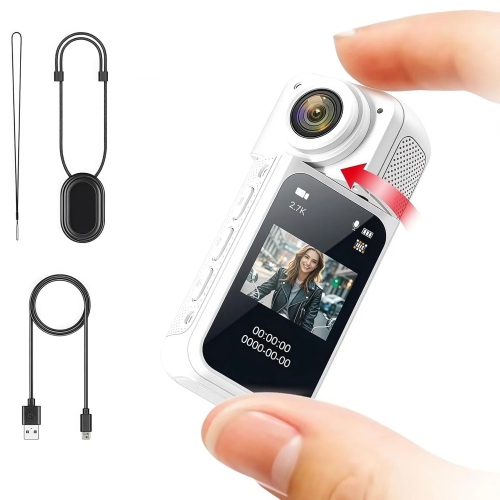
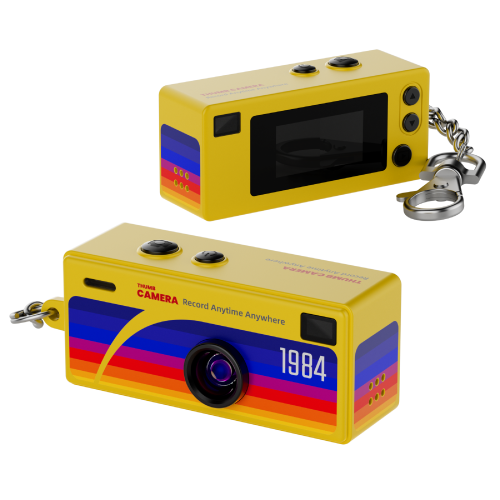
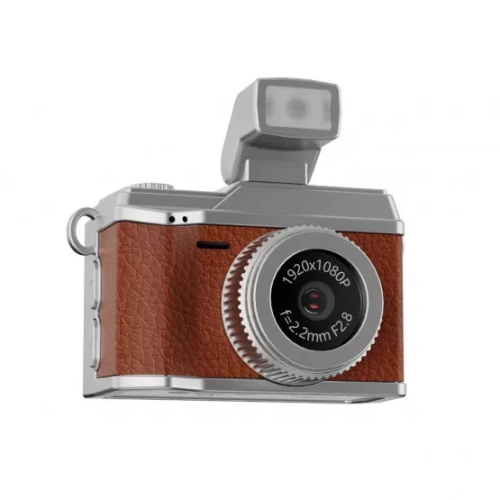
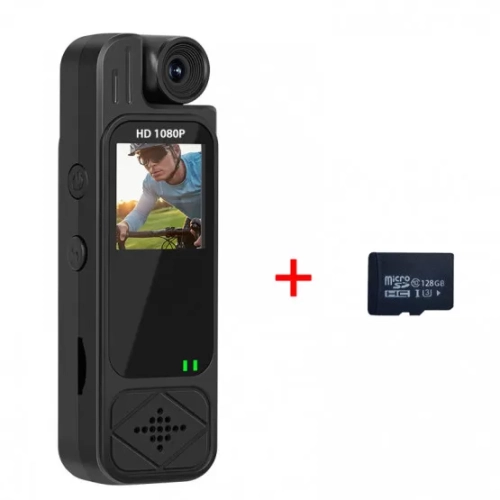
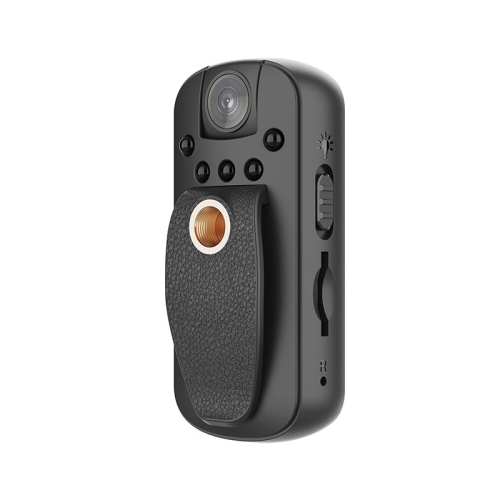
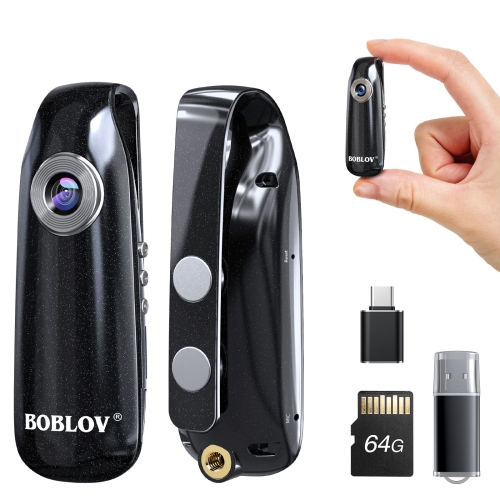
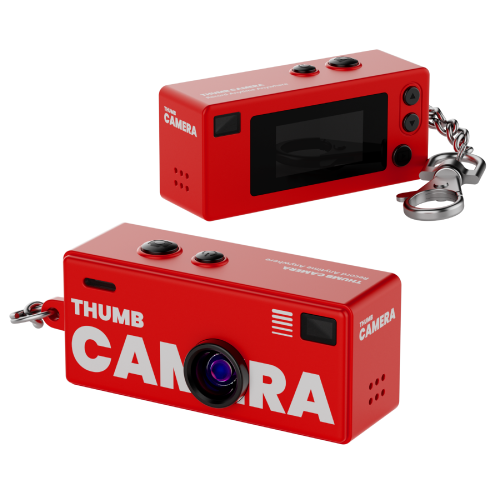
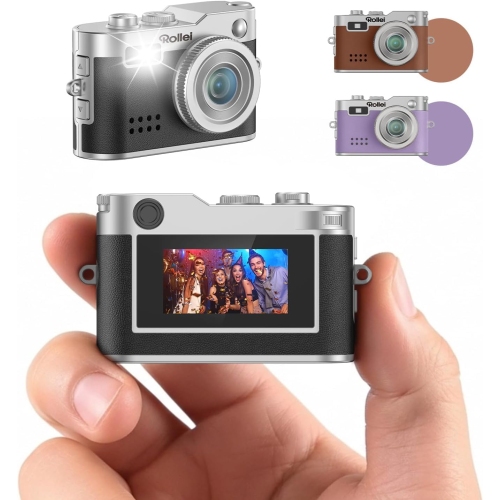
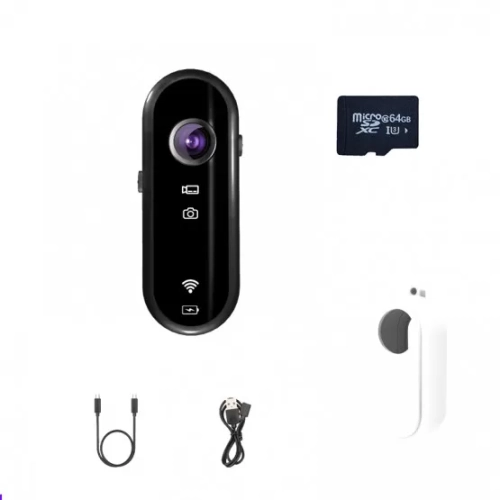
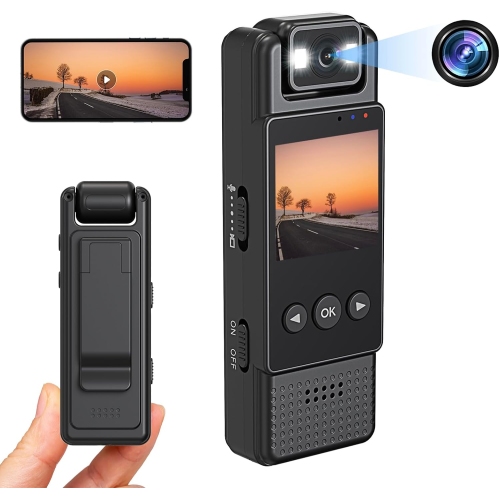
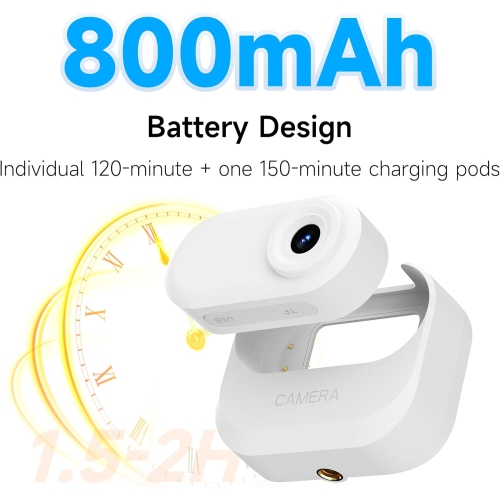
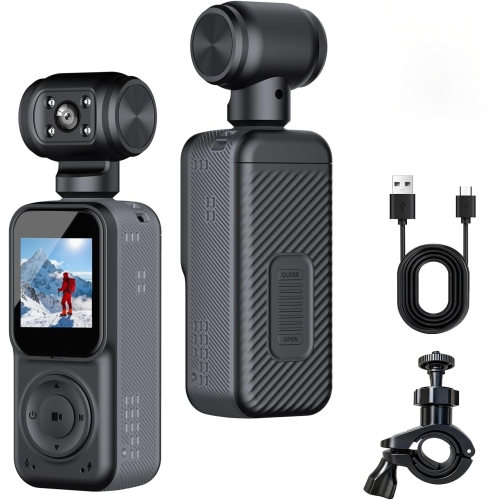
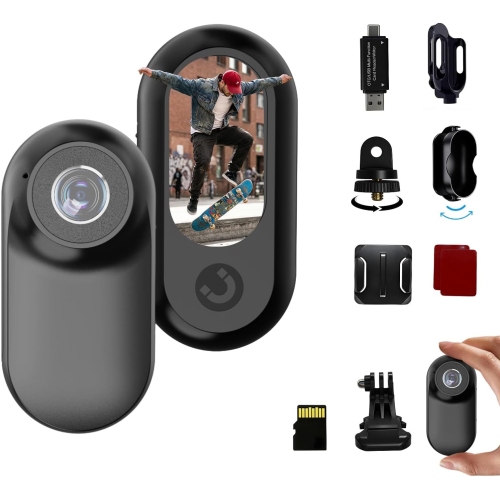
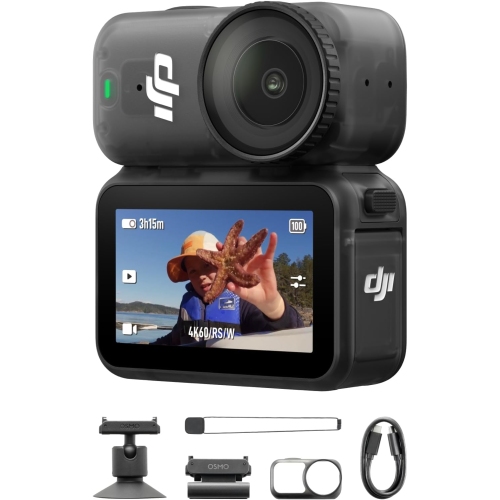
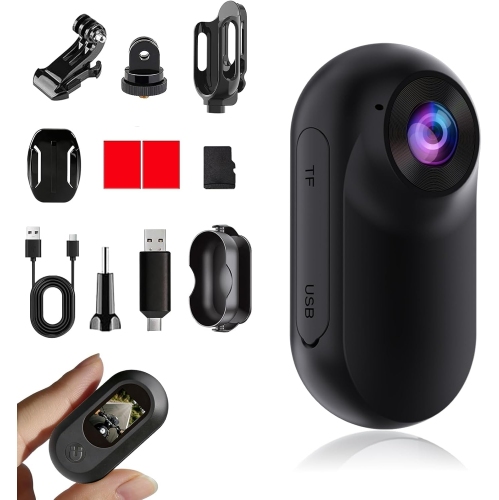
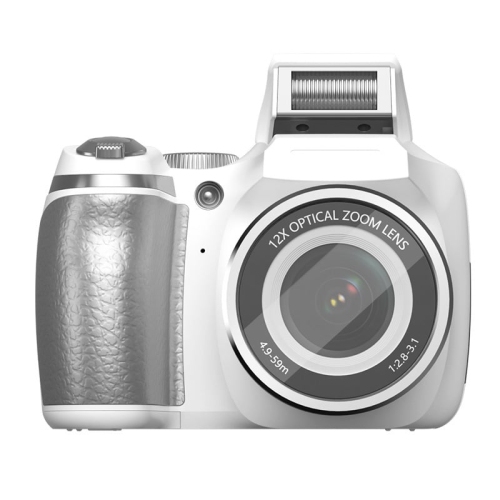
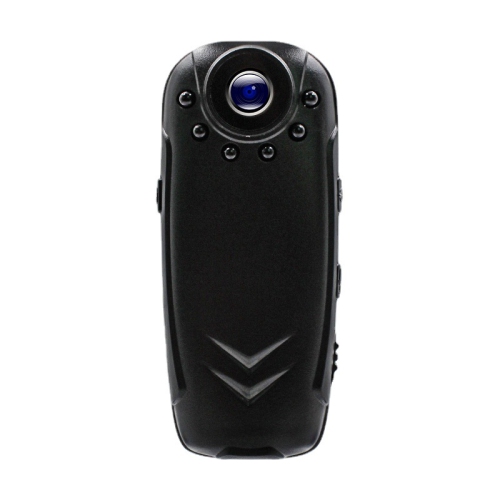
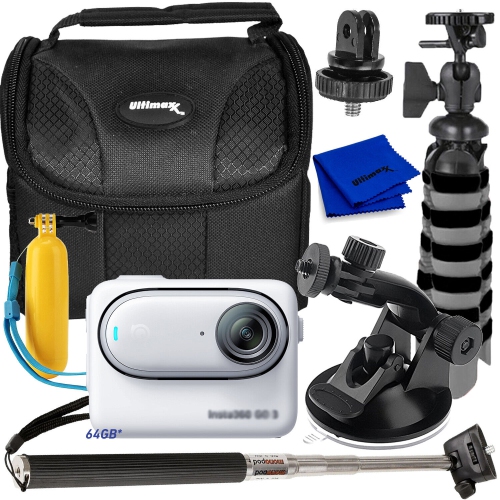
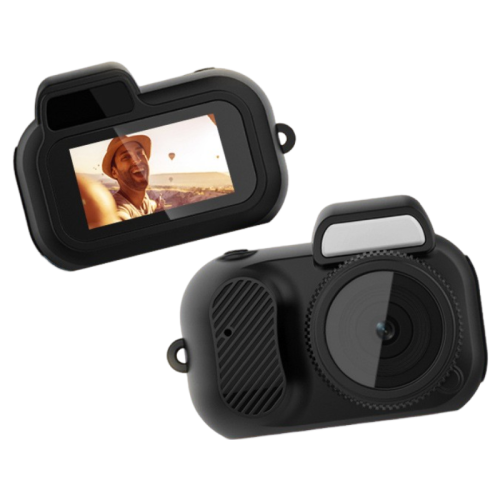
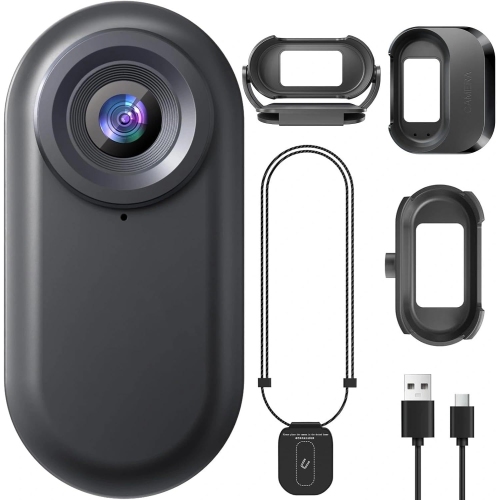
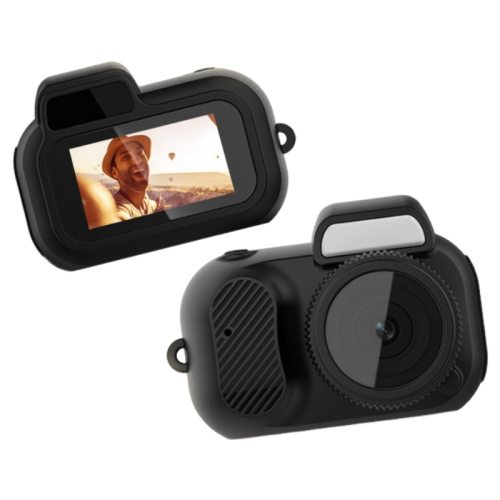
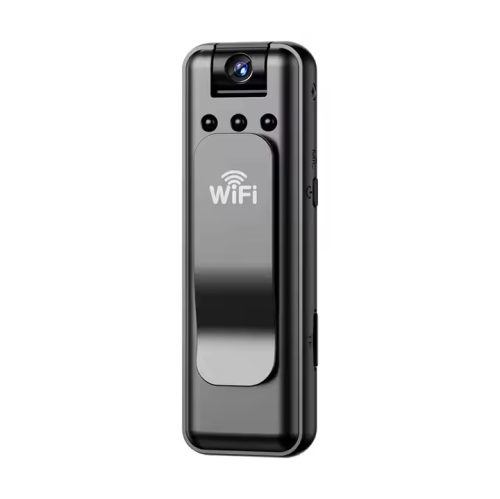
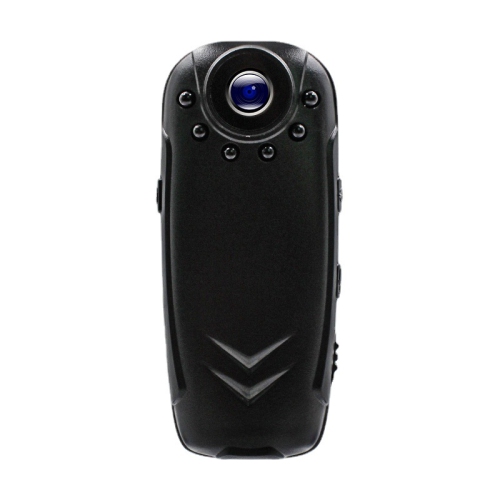
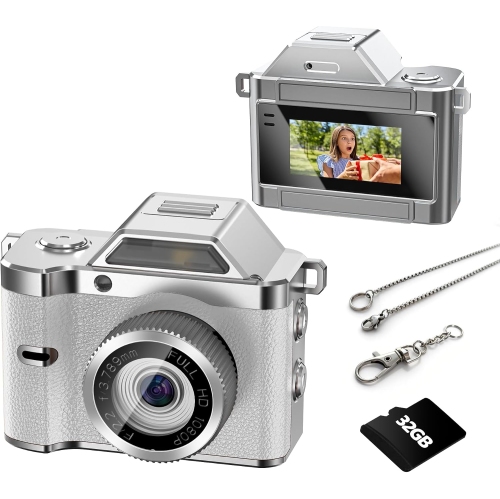
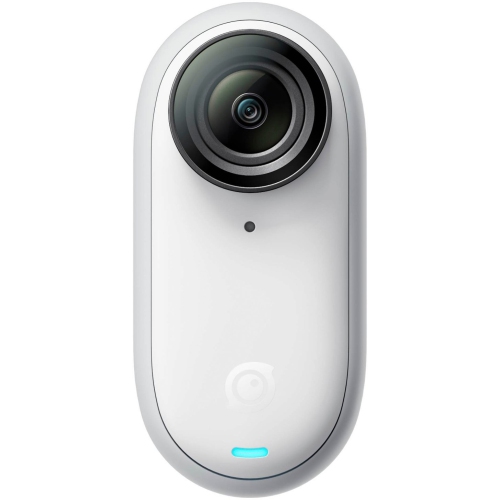
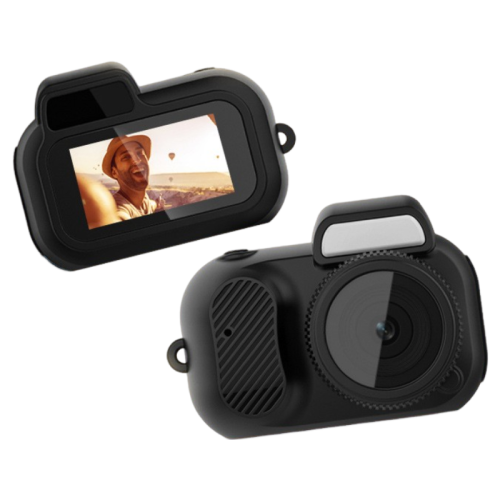
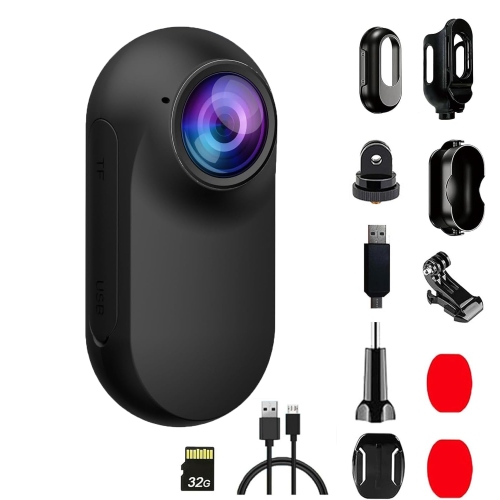
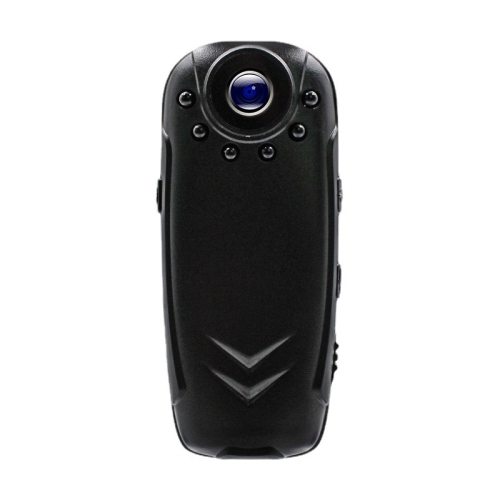
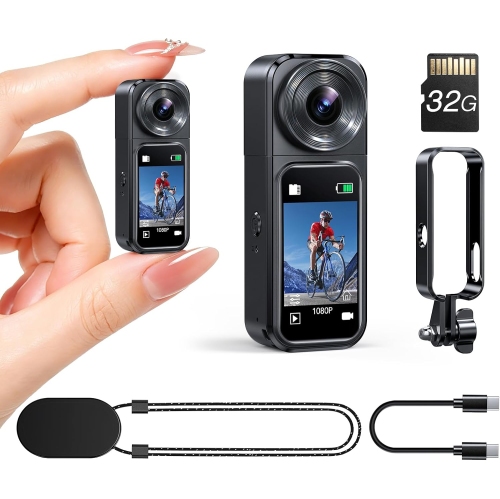
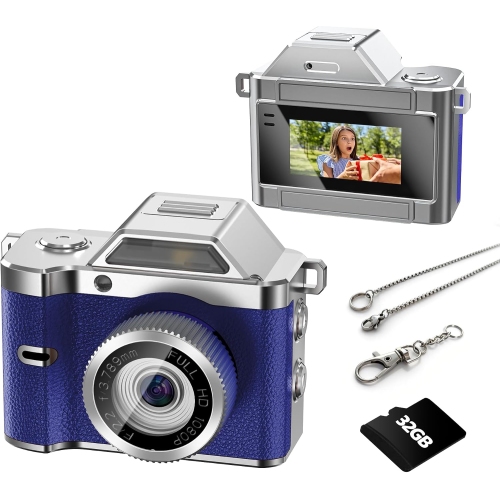
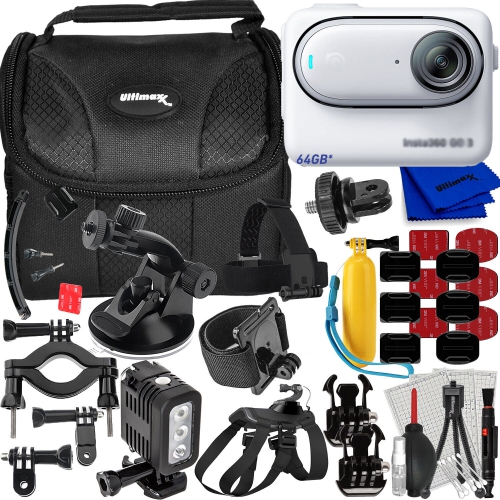
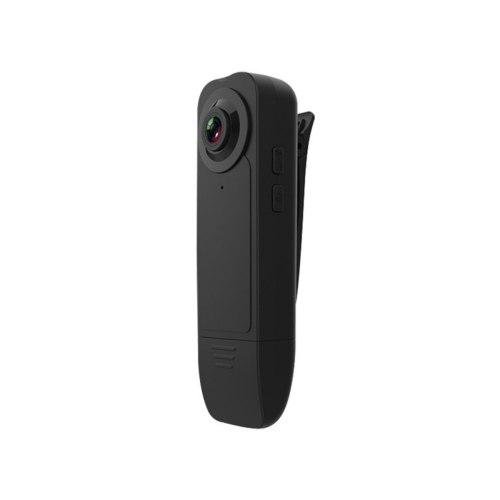
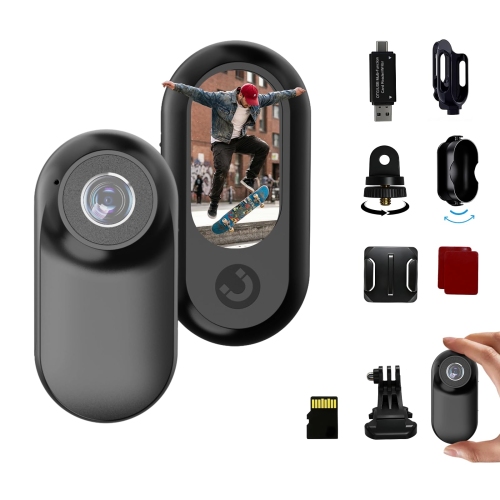
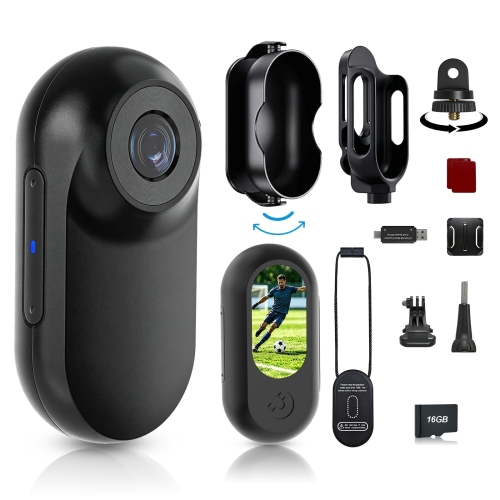
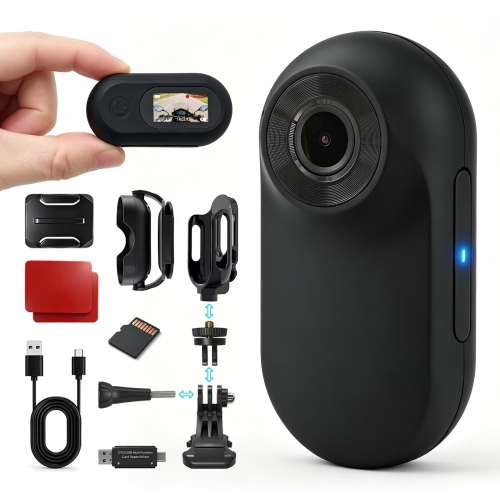
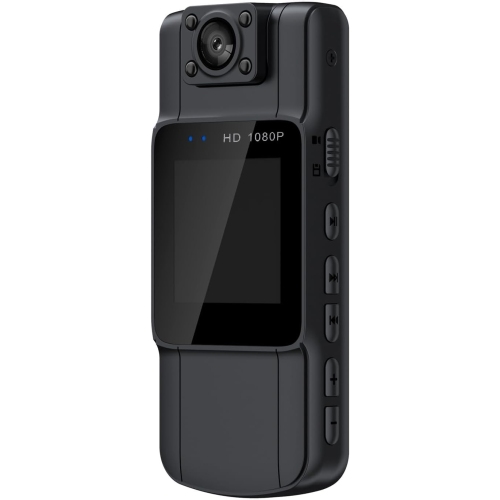
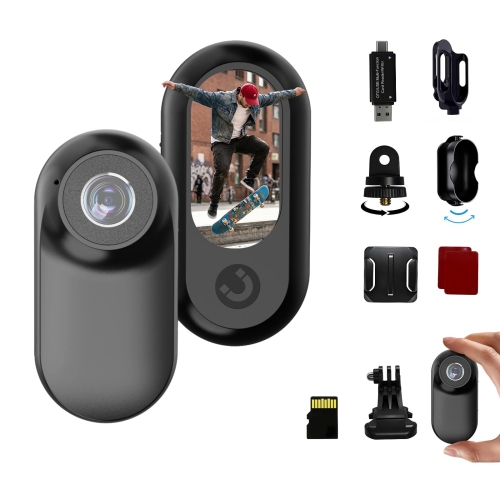
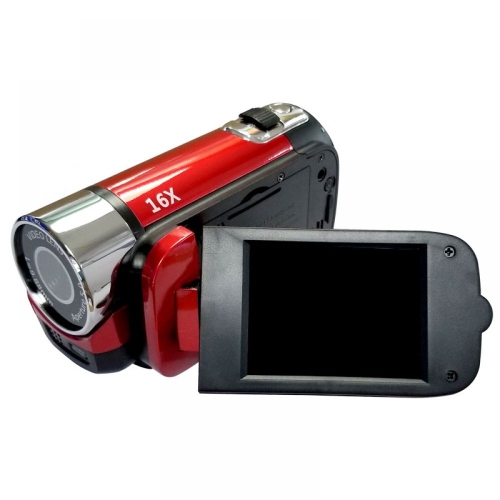
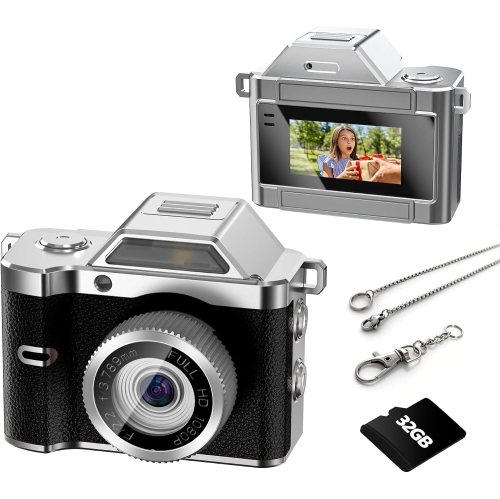
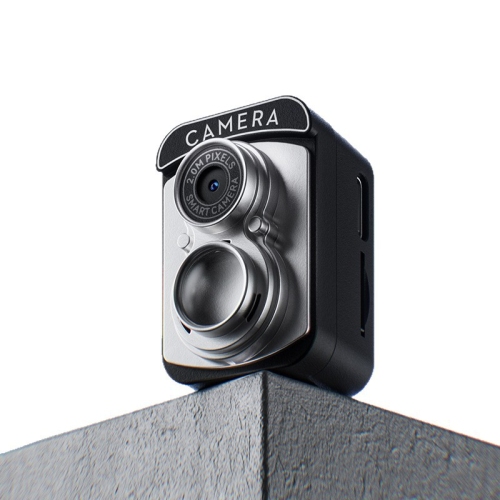
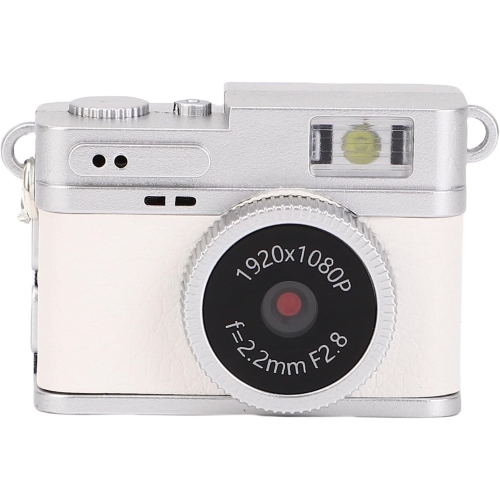
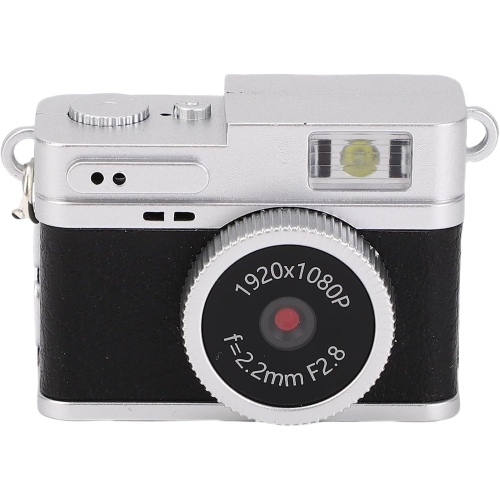
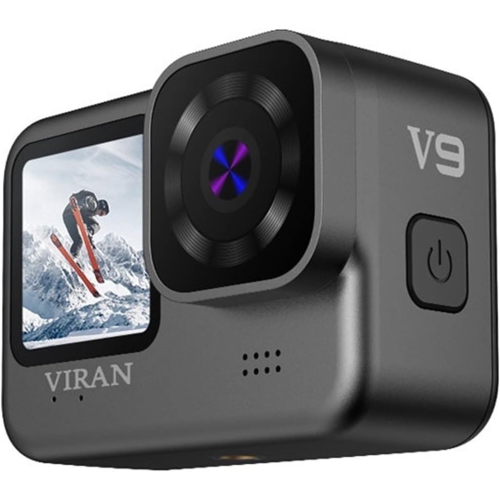
More ways to film without a bulky setup
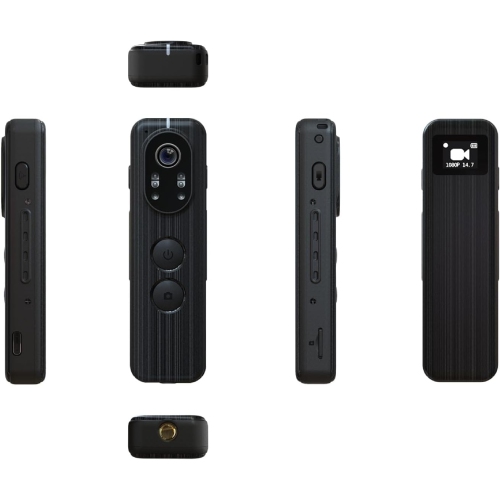
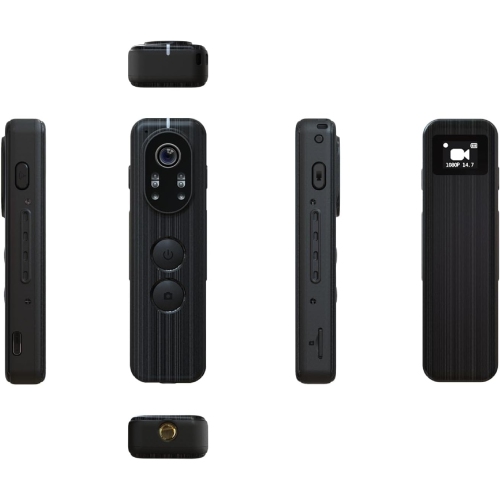
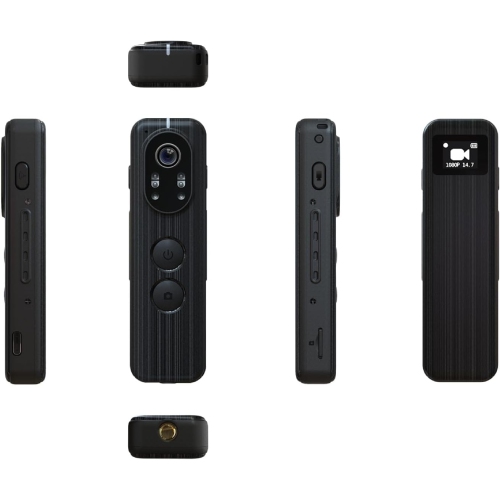
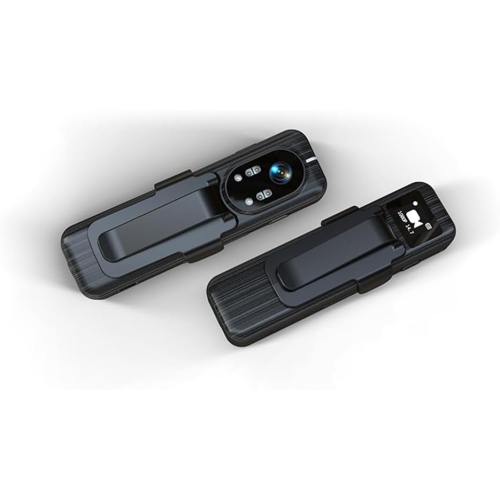
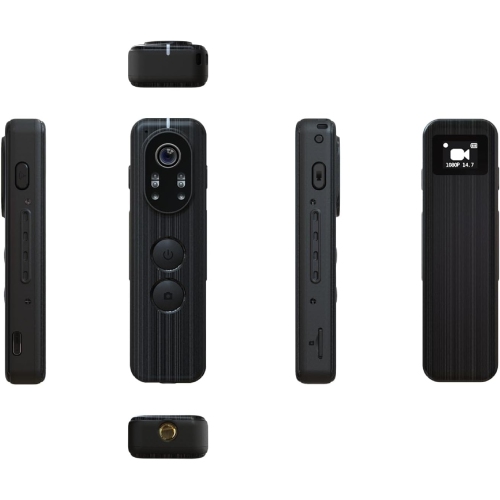
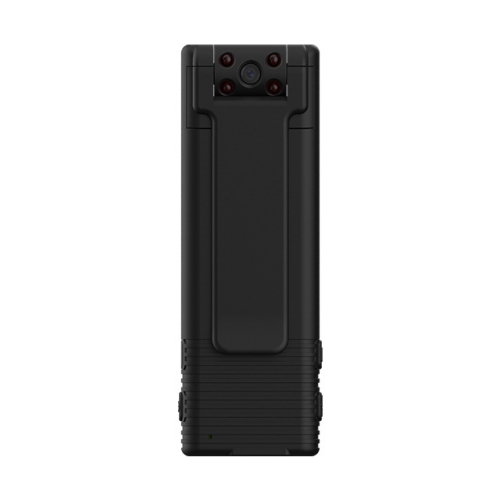
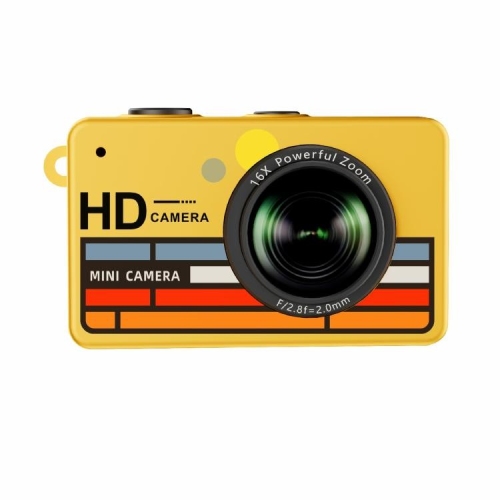
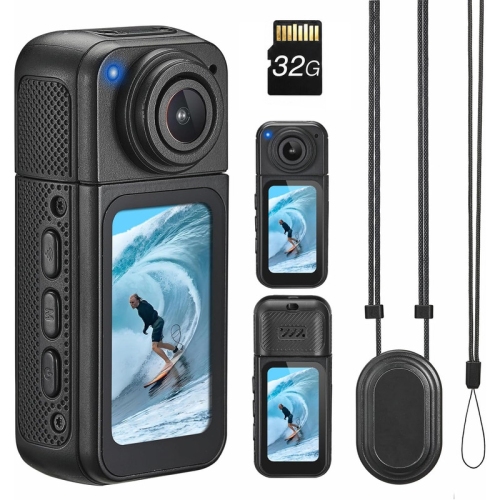
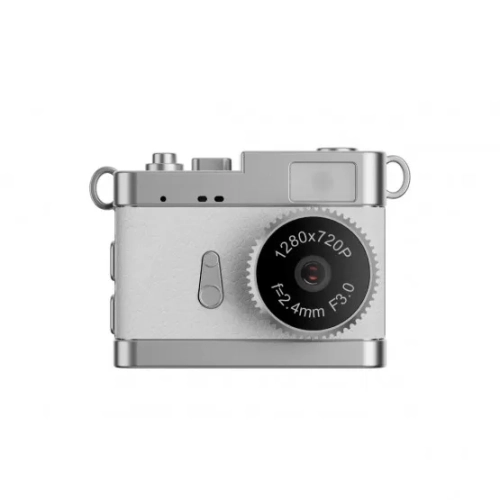
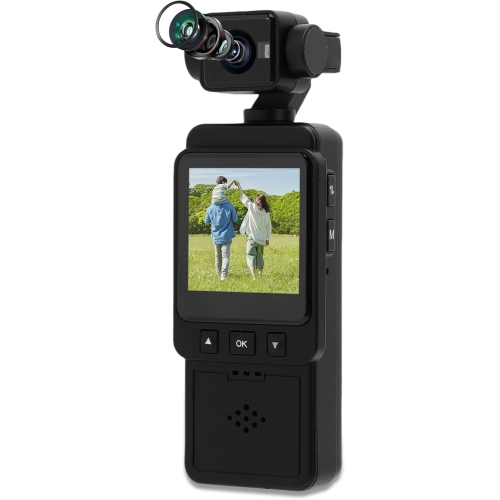
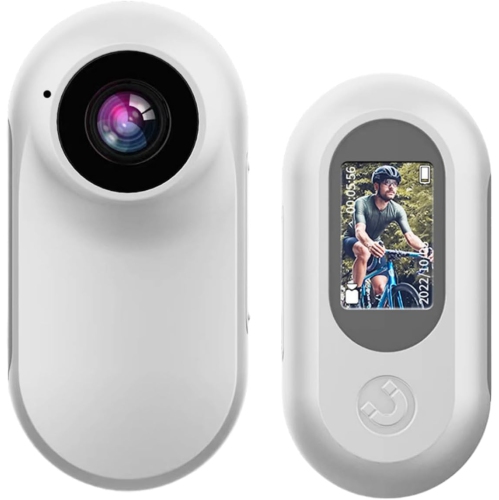
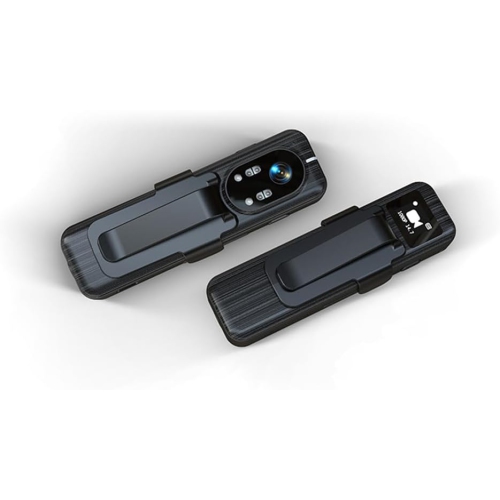
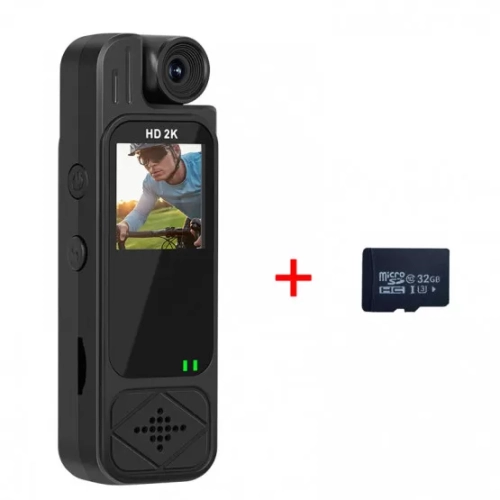
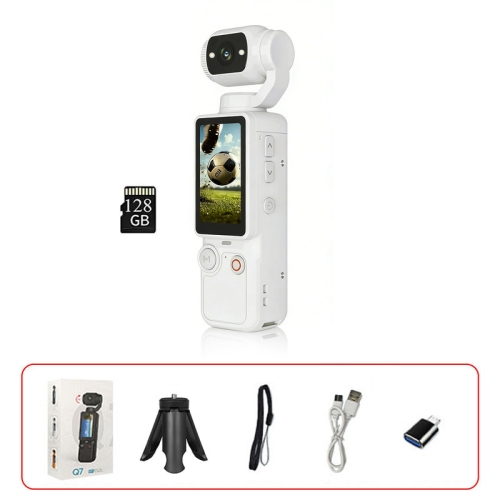
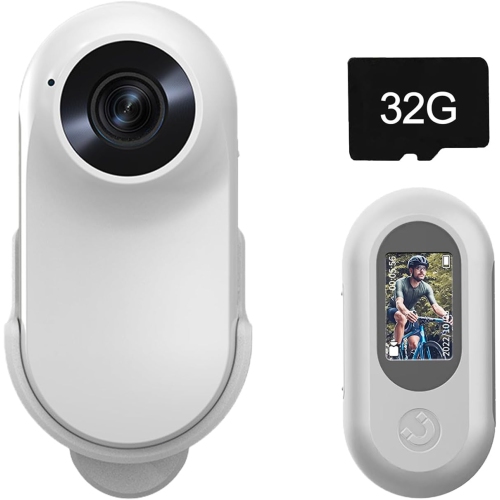
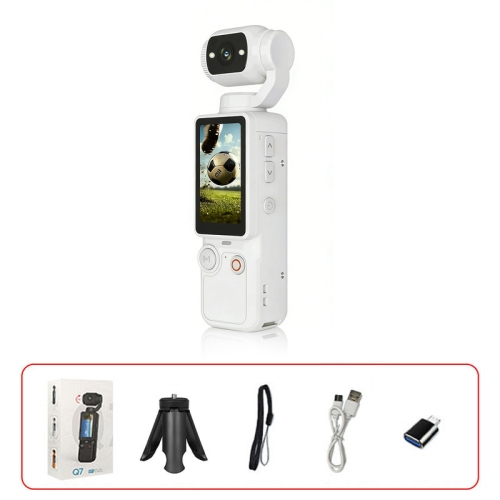
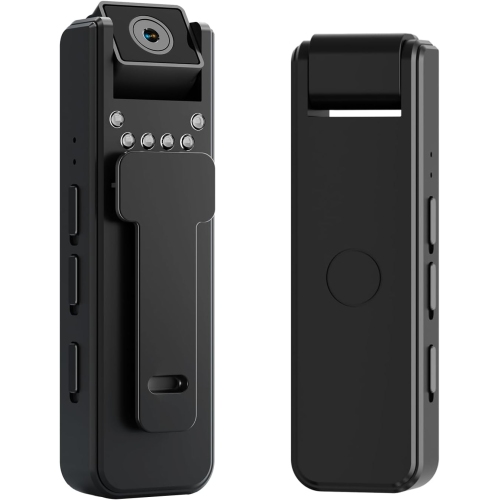
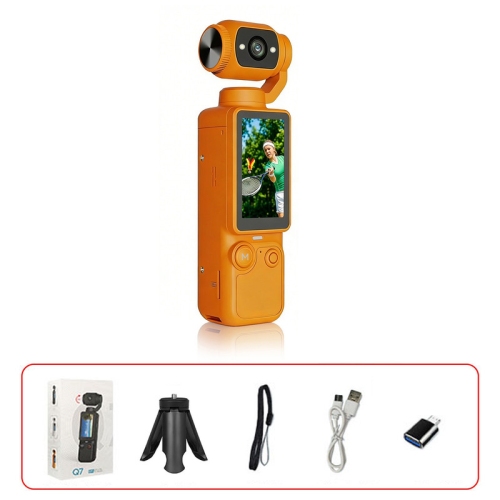
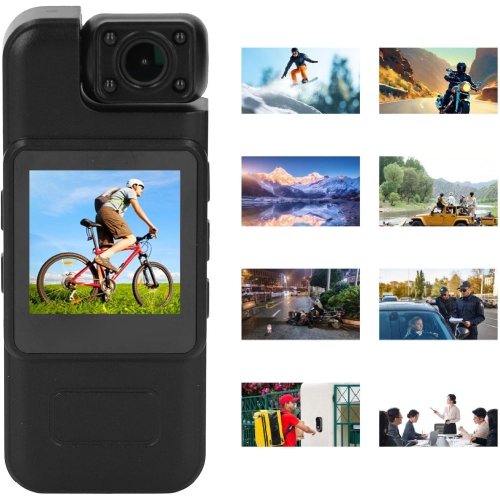
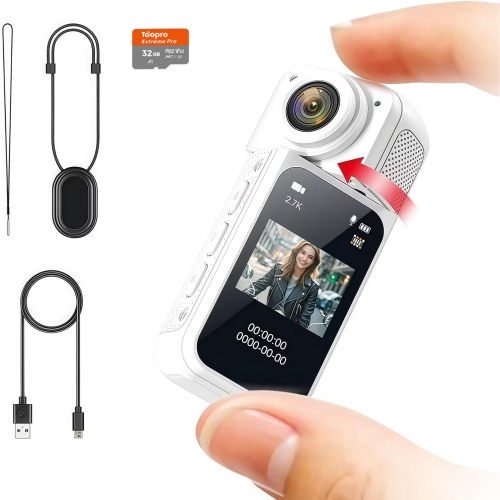
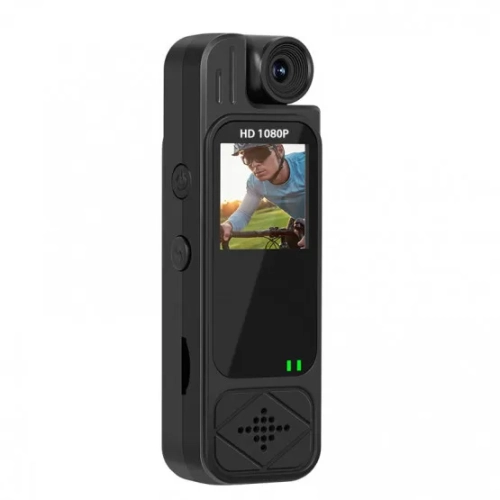
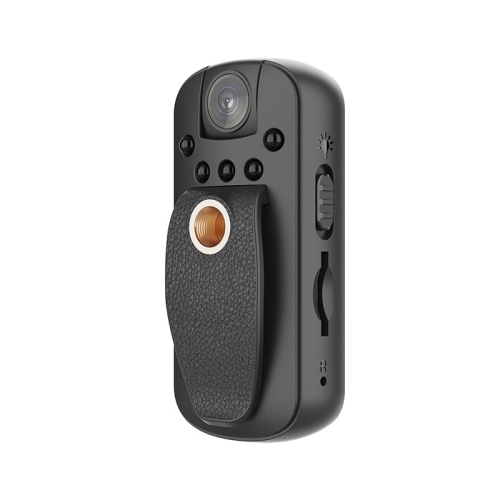
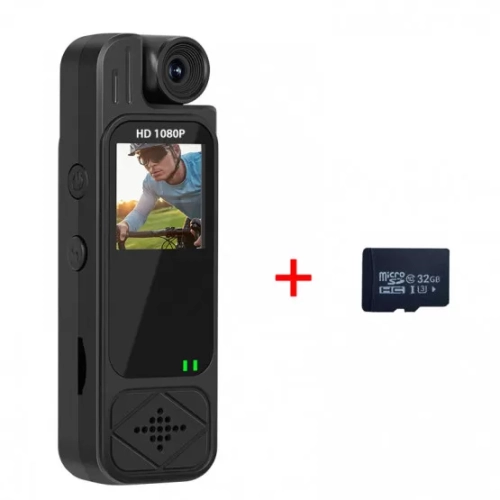
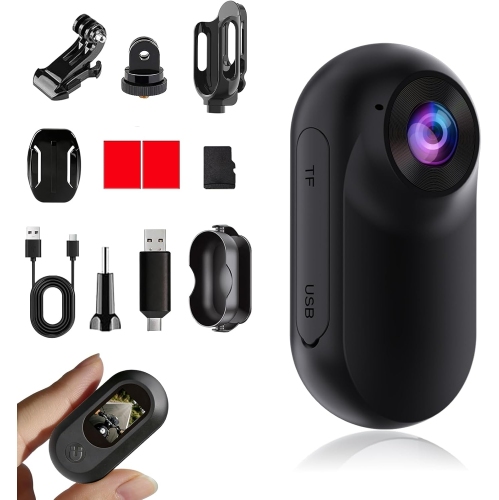
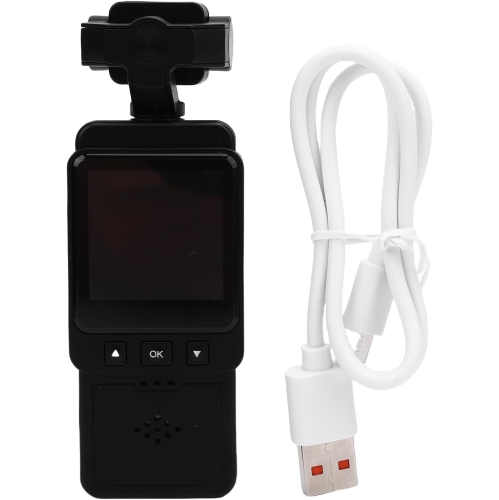
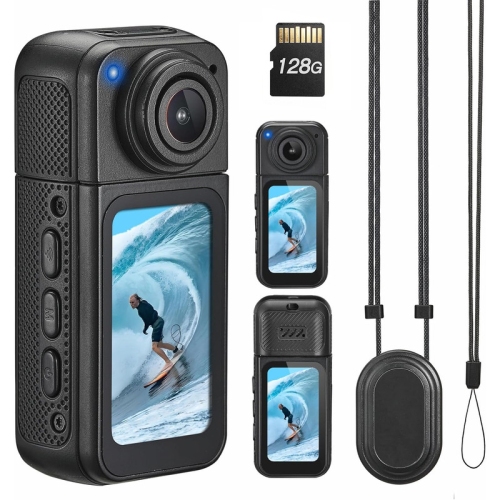
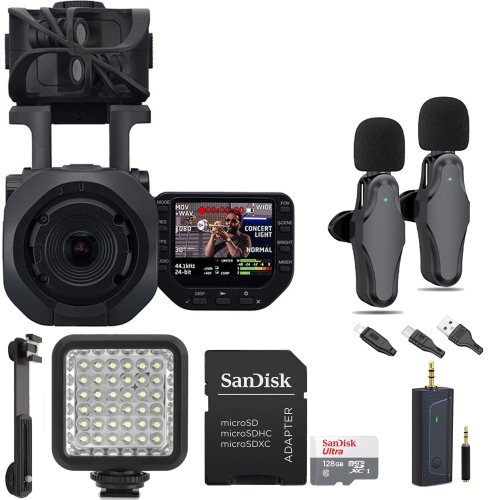
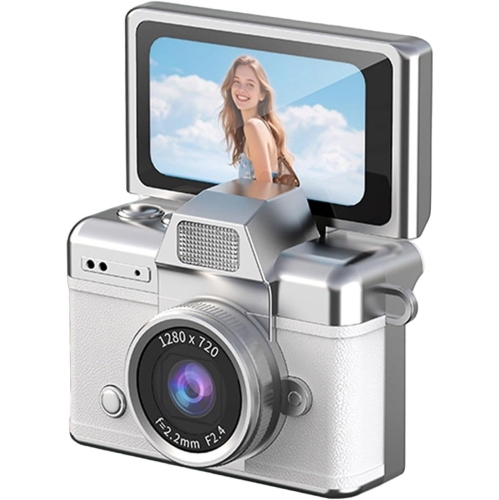
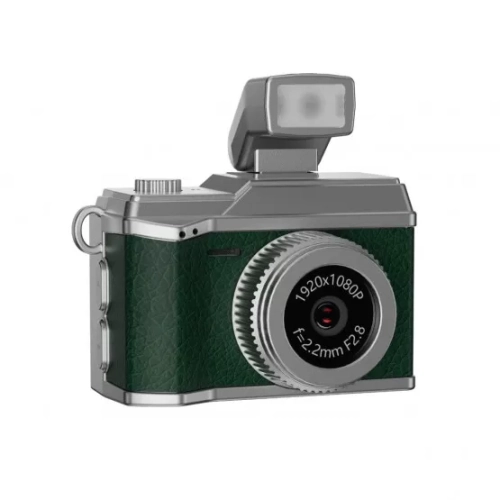
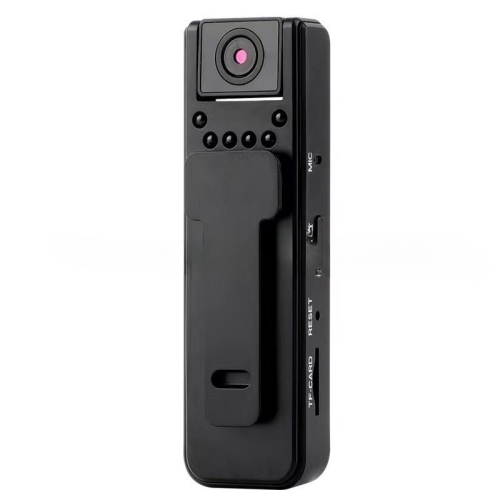
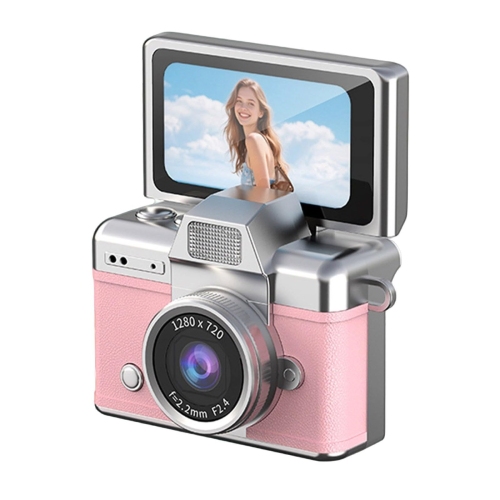
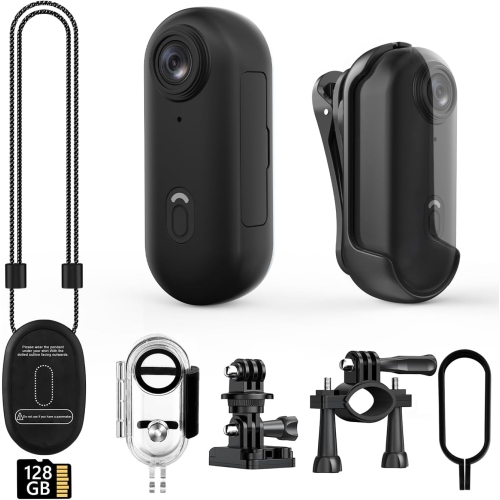
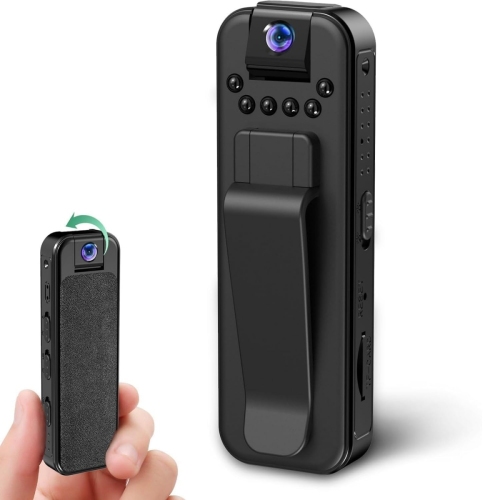
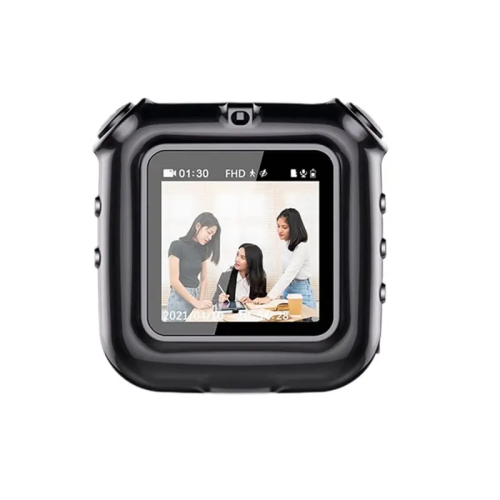
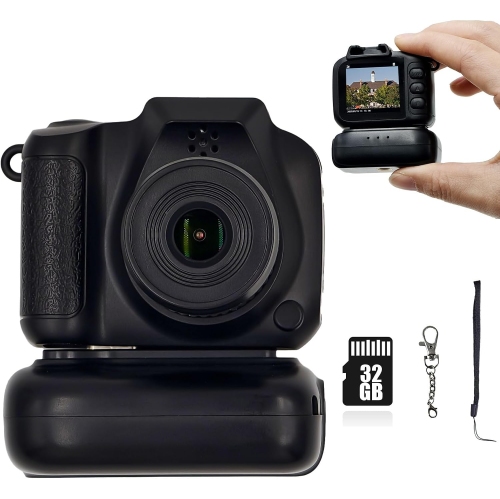
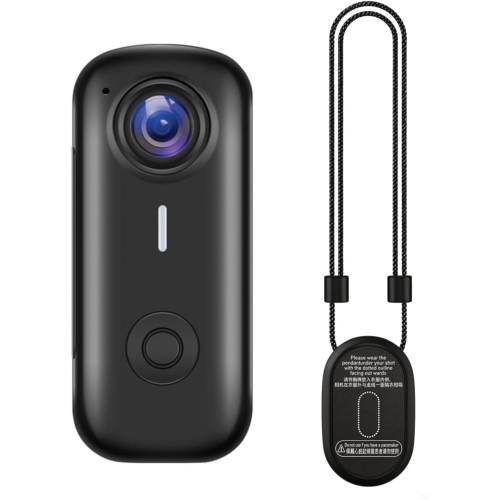
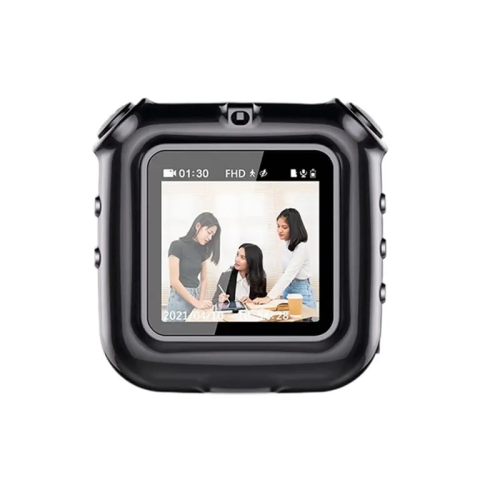
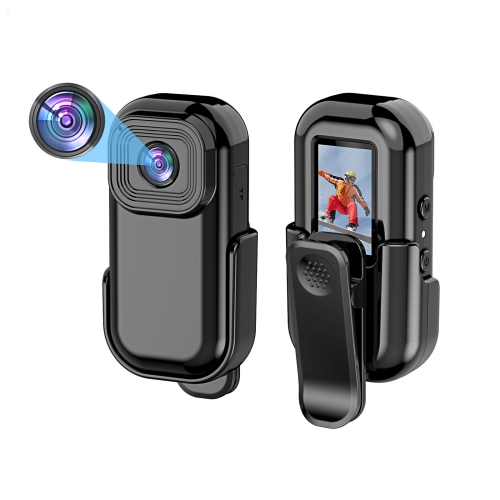
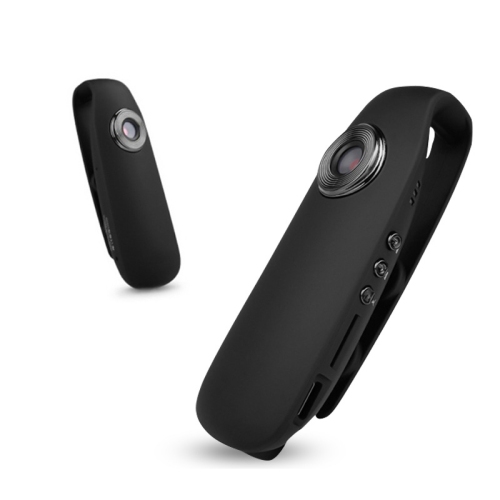
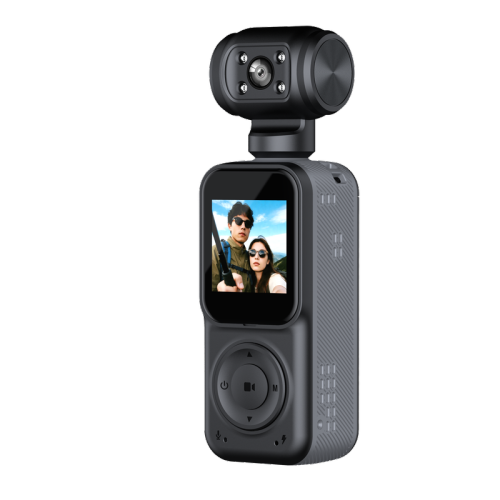
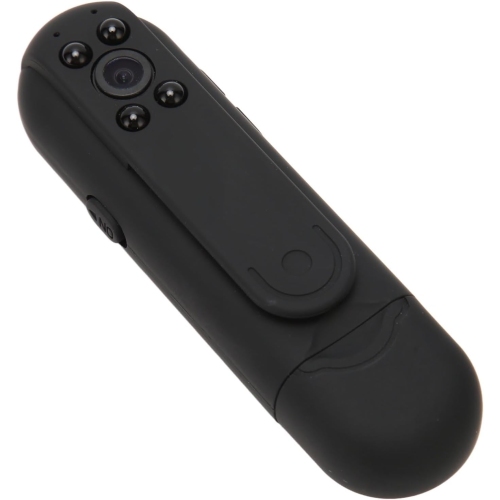
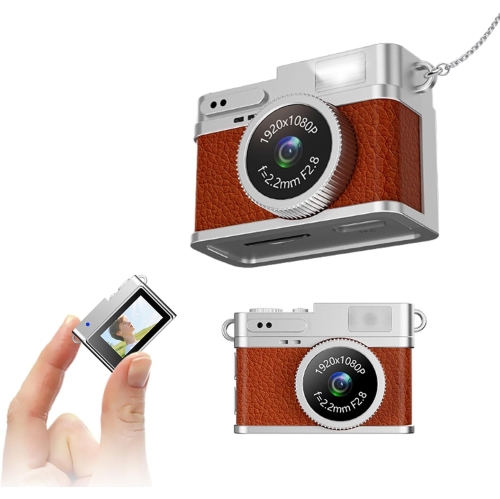
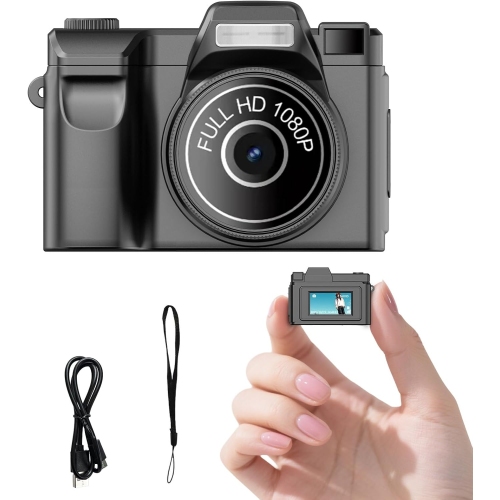
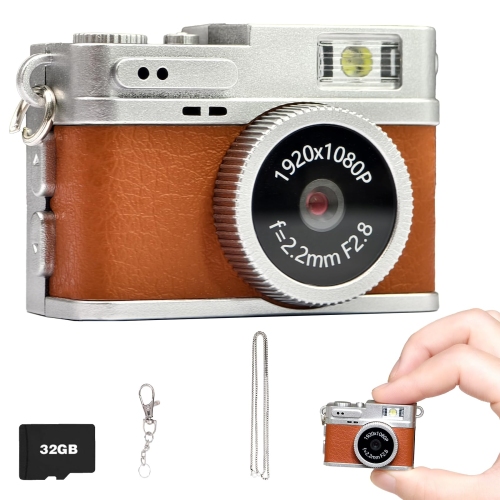
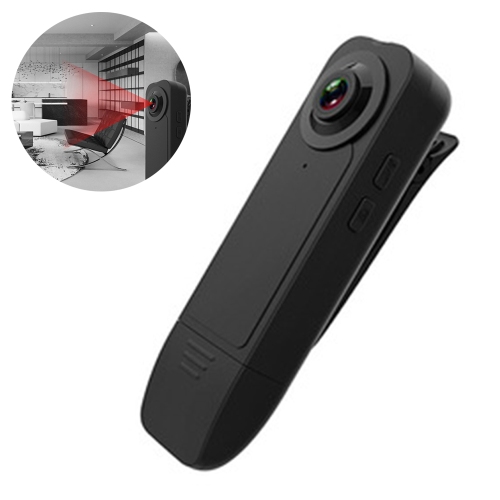
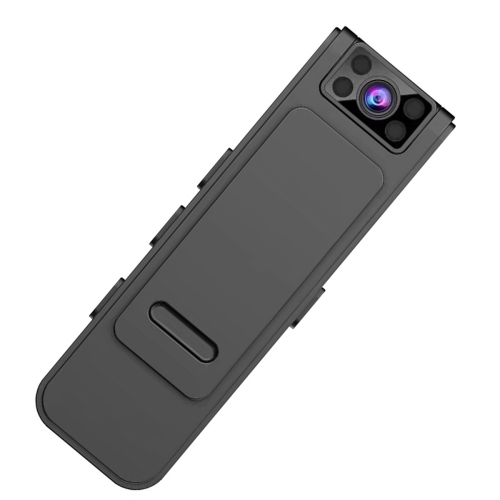
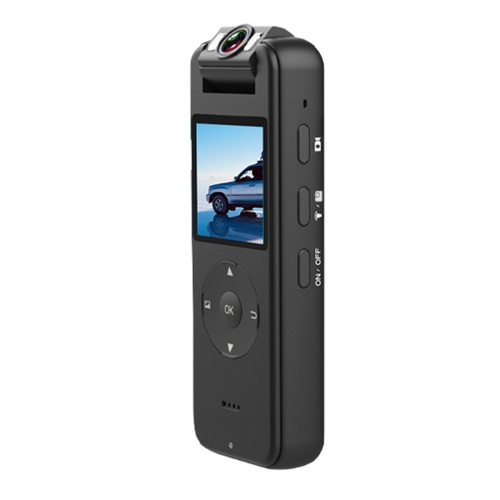
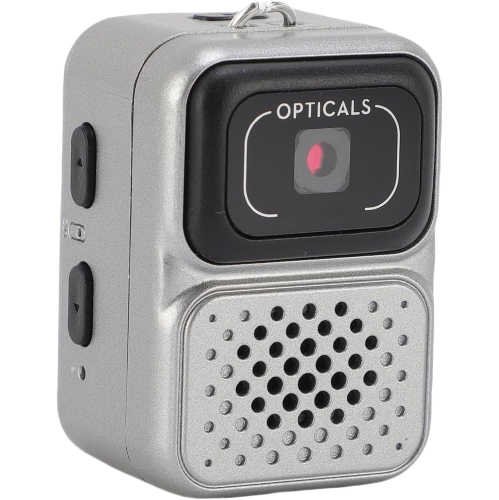
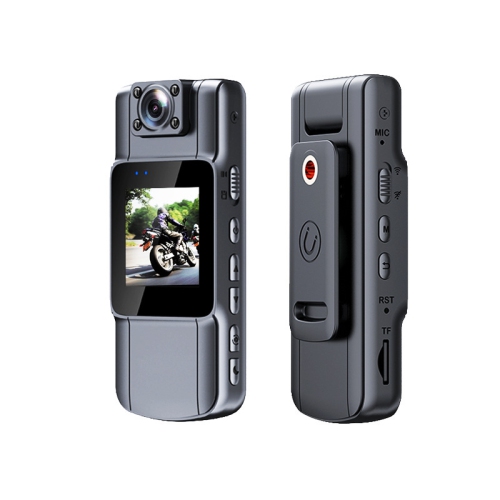
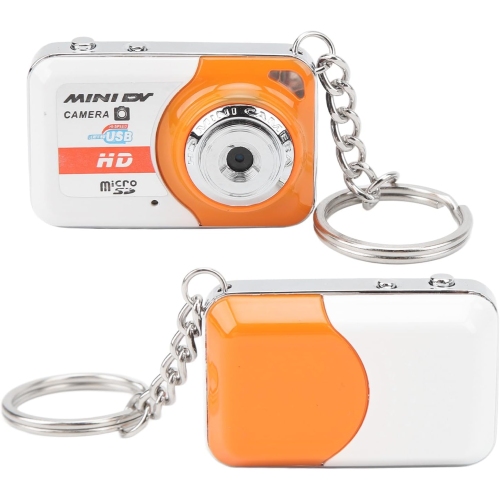
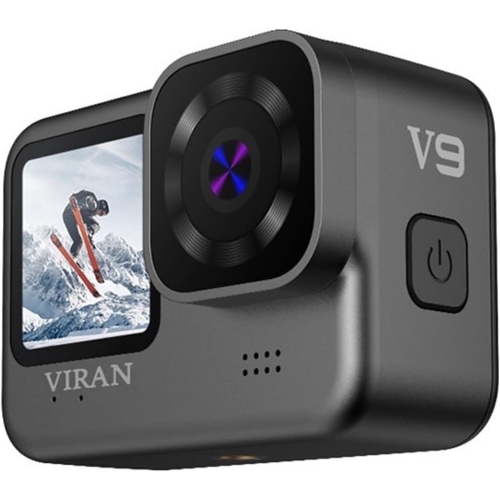
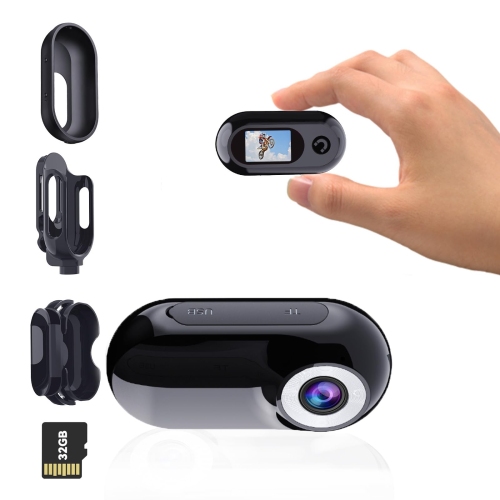
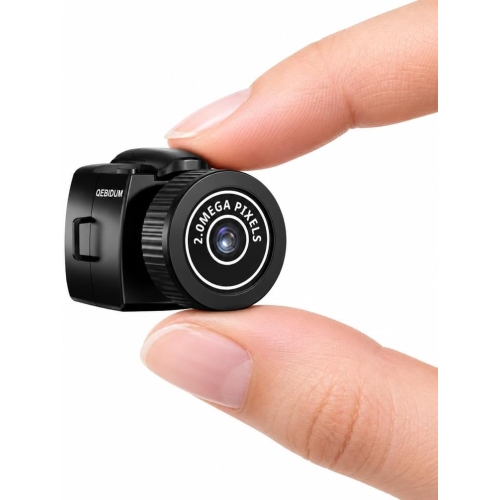
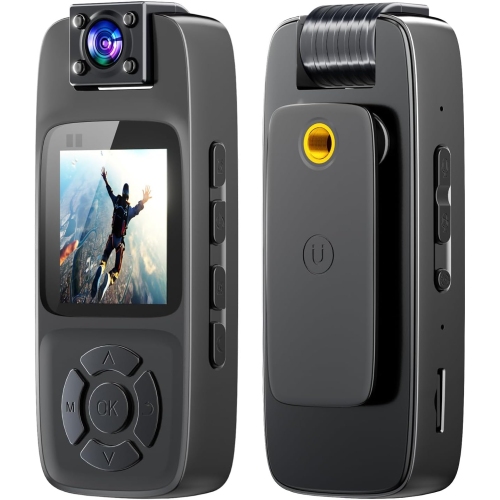
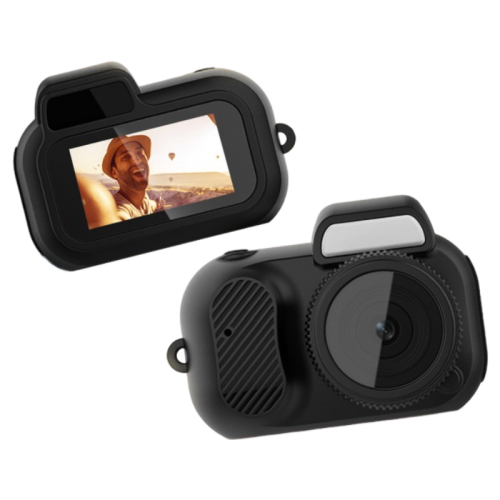
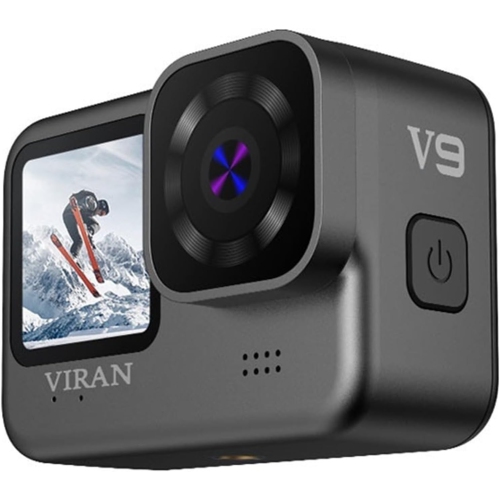
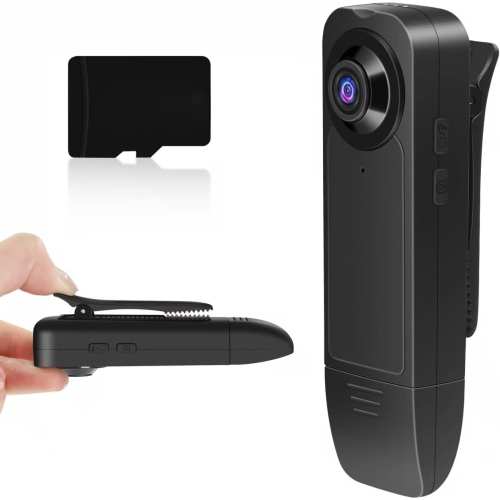
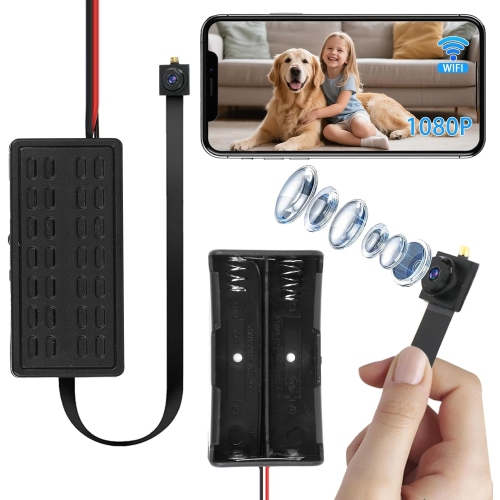
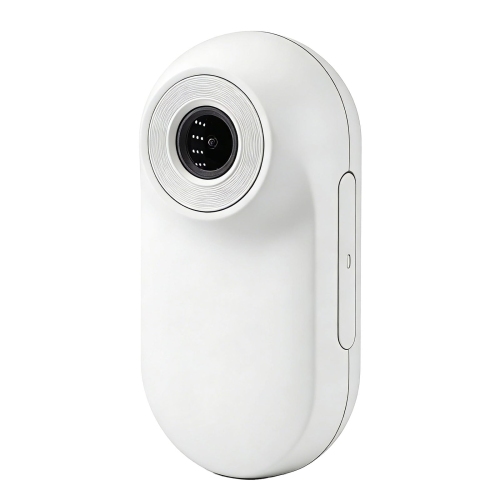
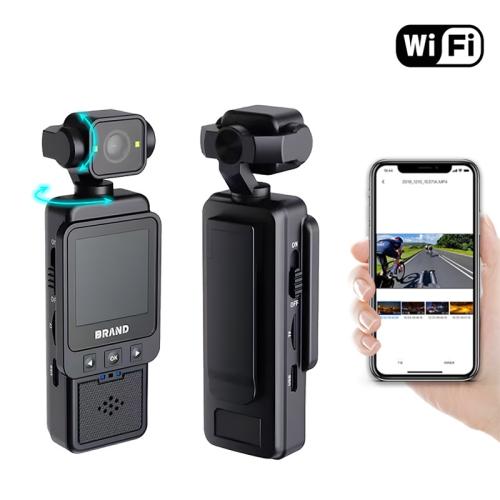
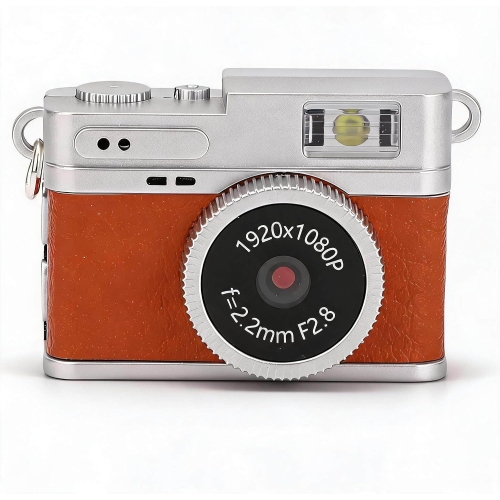
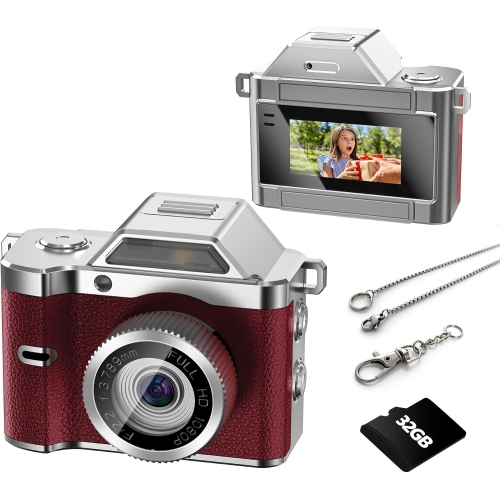
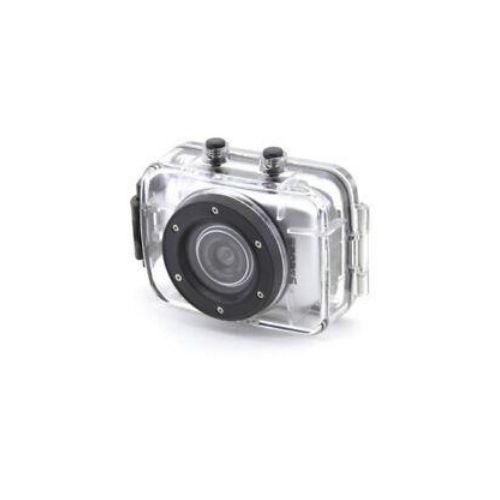
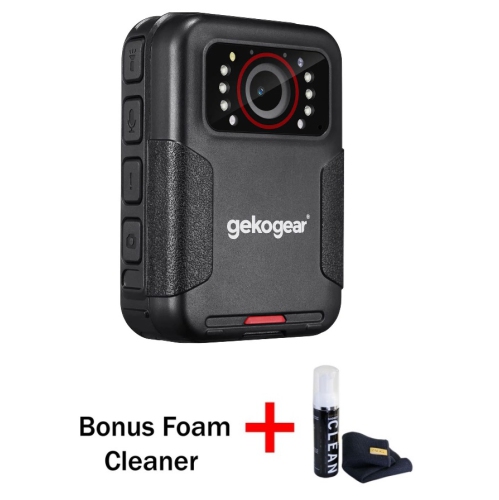
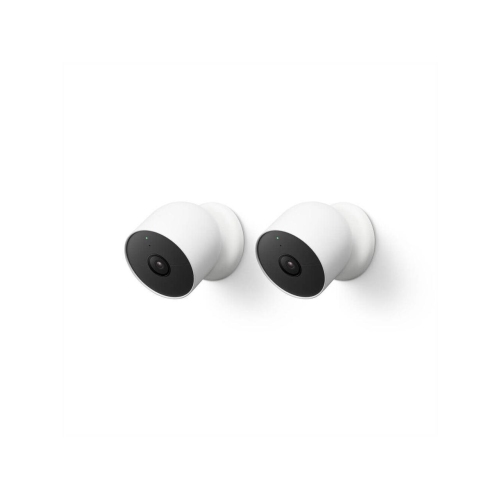
Small video recording devices are compact cameras that capture moving images in a form that is easy to carry, mount, or wear. The category includes pocket video cameras, miniature action cameras, clip-on body cameras, and compact cameras designed for monitoring a permitted space. Their appeal is straightforward: a small recorder can fit into a day bag, attach to a backpack strap, or sit on a tabletop without requiring a full-sized camera setup. Different designs serve different purposes. A pocket camera with a built-in gimbal uses a motorized mechanism to help steady footage while walking, making it useful for travel diaries, informal interviews, and everyday video creation. A wearable recorder leaves the hands free for demonstrating a repair, explaining a craft technique, or documenting an activity from the wearer’s viewpoint. Miniature action cameras are suited to movement and mounting, while compact monitoring cameras may offer features such as motion detection or recording to local storage. These categories can overlap, but a camera made for continuous monitoring is not necessarily the most convenient choice for filming a family outing. Size alone also does not determine image quality, battery life, or ease of operation. A slightly larger device may provide a clearer screen, more accessible controls, or a more comfortable grip. For travellers, hobbyists, students, and creators, the most useful format is often the one that makes recording feel uncomplicated: a quick press of a button, a clear indication that filming has started, and footage that is easy to retrieve afterwards. Compact cameras can also make thoughtful gifts for someone who enjoys documenting projects or shared experiences, provided the recording style matches their interests. The Best Mini Cameras page offers another way to explore this compact camera category. Whether used for creative work or permitted monitoring, recording should respect privacy, consent, and any rules that apply to the location.
Video quality depends on more than the resolution printed in a camera’s specifications. Full HD, also called 1080p, can provide useful detail for everyday clips, while 4K captures more pixels and can leave greater flexibility for cropping during editing. Higher resolution generally creates larger files, so storage capacity and the ease of transferring footage matter alongside sharpness. Frame rate affects the appearance of movement: a higher frame rate can make fast activity look smoother or support slow-motion playback when the camera and editing software allow it. Lens coverage changes the character of a recording just as noticeably. A wide-angle lens can include both hands and a work surface in a demonstration, but it may make straight lines near the edges appear curved. A narrower view can suit a seated conversation without including as much of the surrounding room. Sensor performance, exposure control, and available light also influence detail and colour, especially indoors. Image stabilization helps reduce visible shake, although electronic stabilization may crop the picture, and a gimbal needs space for its moving parts. Sound deserves equal attention when the recording involves speech. A built-in microphone may capture handling noise or clothing rubbing against a wearable camera; support for an external microphone can be valuable for narration and interviews. Battery runtime varies with resolution, screen use, wireless connections, and other settings, so stated recording times are most meaningful when considered alongside their test conditions. Removable memory cards provide flexible storage, but their capacity and speed rating must meet the camera’s requirements. Loop recording, when included, typically replaces older footage as storage fills, making file protection important for recordings that need to be retained. Wi-Fi or Bluetooth can simplify control and transfers, while USB connections may suit longer files. App compatibility, supported file formats, and any account requirements affect how easily recordings move from the device to a phone or computer. These details often determine whether a compact recorder feels convenient after the first few clips, not just when it comes out of the box.
The physical design of a small video recorder matters every time it is carried or attached to something. Lightweight plastic housings can make a camera comfortable on a shirt or bag strap, while metal components may add rigidity along with extra weight. Rubberized surfaces can improve grip, and a recessed lens or fitted lens cover can help limit scratches during transport. Durability depends on the complete construction rather than the housing material alone; resistance to impacts, dust, or water should be supported by the manufacturer’s stated rating, not assumed from a rugged appearance. For wearable recording, clip strength, camera weight, and the direction of the lens all affect fit. A clip that works well on a firm backpack strap may sag on a thin shirt, leaving the footage tilted towards the floor. Magnetic attachments offer another mounting option, but compatibility and secure placement still matter. For action footage, an appropriate mount keeps the camera steady without obstructing movement or interfering with the activity. A small desktop stand can be more useful than a wearable attachment for filming a drawing lesson, a recipe demonstration, or a close-up view of a model-building project. Controls should be easy to identify by touch, with clear lights or screen indicators that distinguish recording from standby. A preview screen helps with framing, while a screenless design relies more heavily on lens positioning or a connected phone. Care is usually simple: keep the lens free of fingerprints, remove loose dust gently, and use a clean lens cloth rather than an abrasive fabric. A protective pouch helps prevent keys or other objects from rubbing against the camera in a bag. Follow the manufacturer’s cleaning and charging instructions, and keep ports free of debris. For a gift recipient who prefers straightforward recording, accessible controls and uncomplicated file transfer may matter more than extensive settings. For someone who edits videos regularly, mounting flexibility, audio options, and consistent footage quality may be the stronger fit. The right small recording device supports the intended activity without making the camera itself the centre of attention.
Top selling and popular products
-
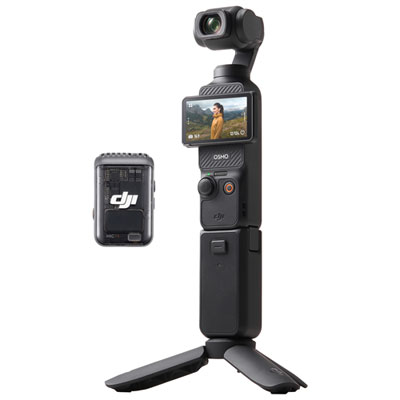 Your price for this item is $649.99
-
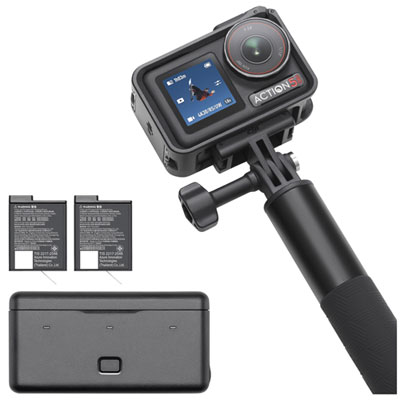 Your price for this item is $585.99
-
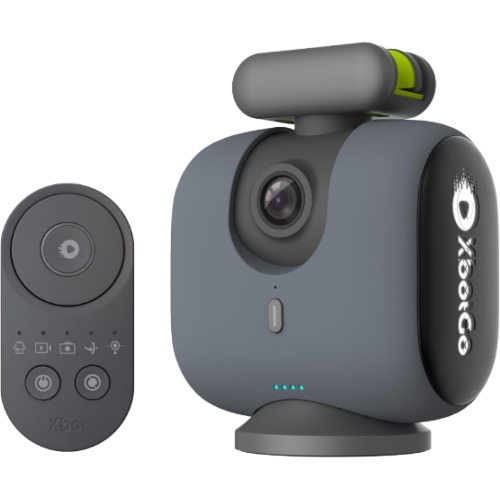 Your price for this item is $489.99
-
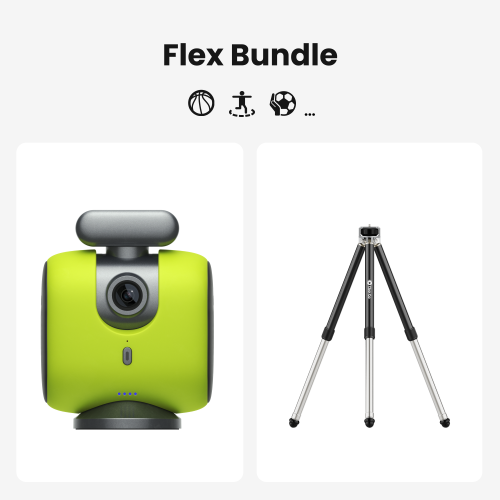 Your price for this item is $433.99
-
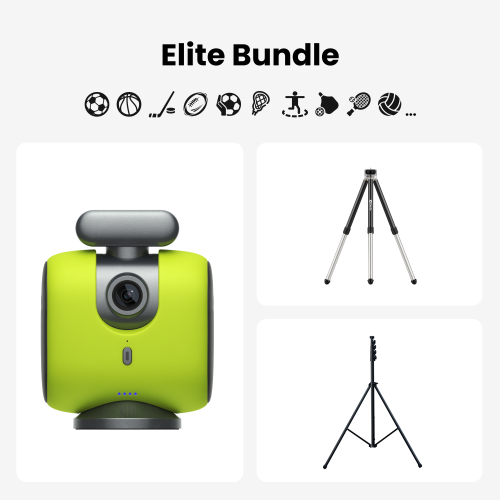 Your price for this item is $653.99
-
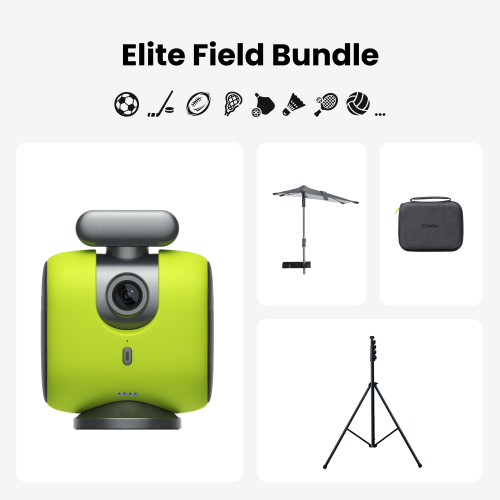 Your price for this item is $719.99
-
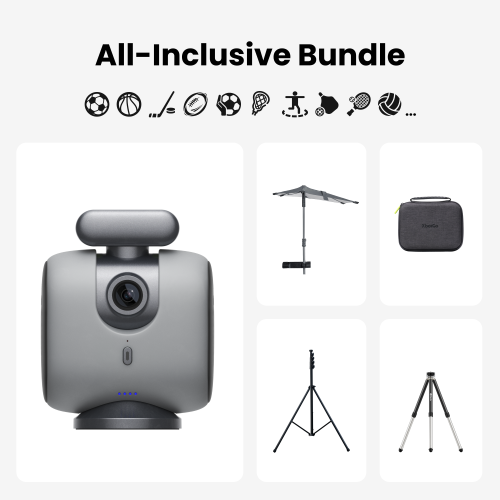 Your price for this item is $859.99
-
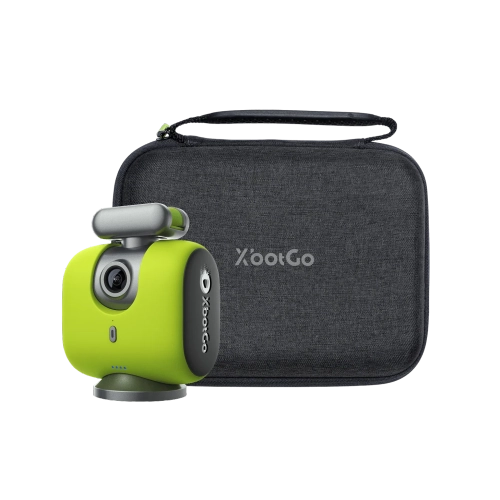 Your price for this item is $489.99
Discover more categories related to Small Video Recording Devices
Top Collections:
Best Black Friday Deals This Year, Best Black Friday Deals On Electronics, Kindle Devices, Pokemon Centers, Best Black Friday Deals On Apple Products, Best Cameras for Sports Photography, Dyson Airwrap, Pokémon 30th Celebration Cards, Apple iPhone 17 Pro, Canon G7X Cameras
Some products may be subject to Environmental Handling Fees
(EHF) depending on your province.
Learn more about EHFs.