4K UHD Dash Cam
Capture every detail of your drive with a 4k uhd dash cam. Offering crisp image quality, these dash cams provide clear footage for added peace of mind on the road. Whether you’re commuting, road-tripping, or simply want to keep an extra eye on your vehicle, a 4k uhd dash cam can help document your journey and provide valuable evidence when needed. Explore a wide selection to find the right option for your vehicle and driving needs.
Sort




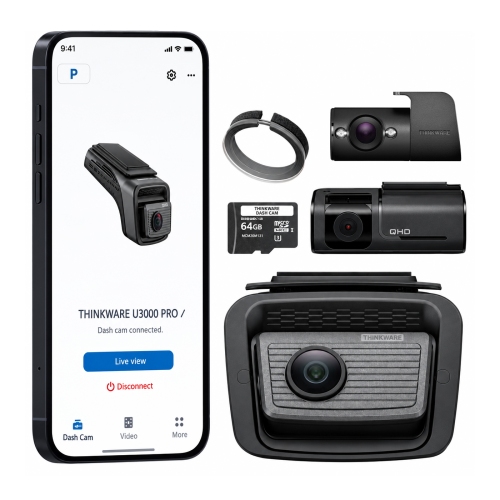
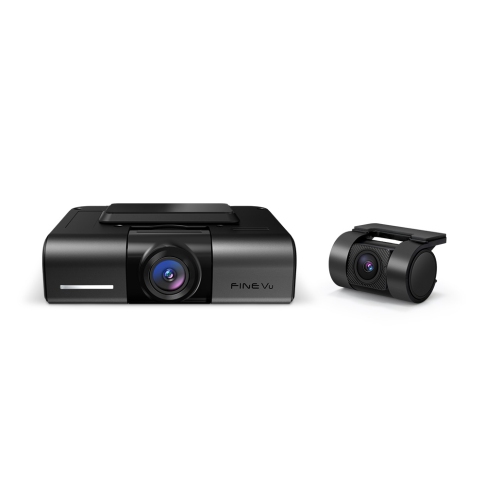
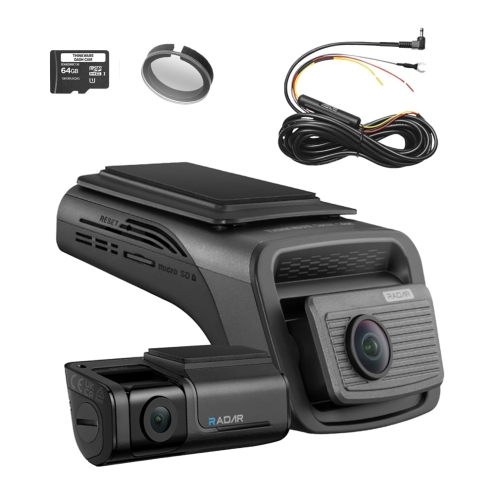

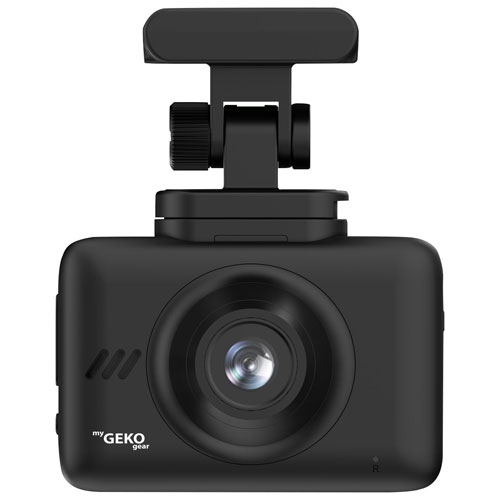
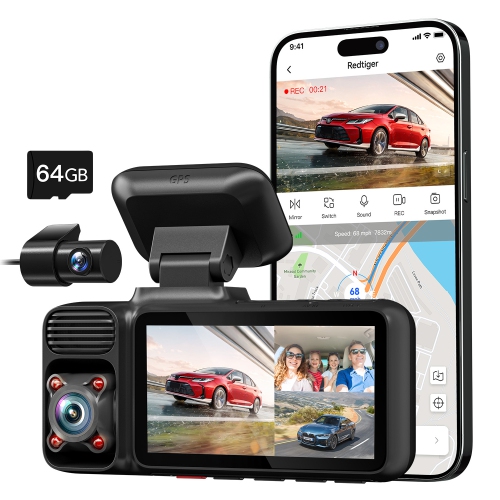


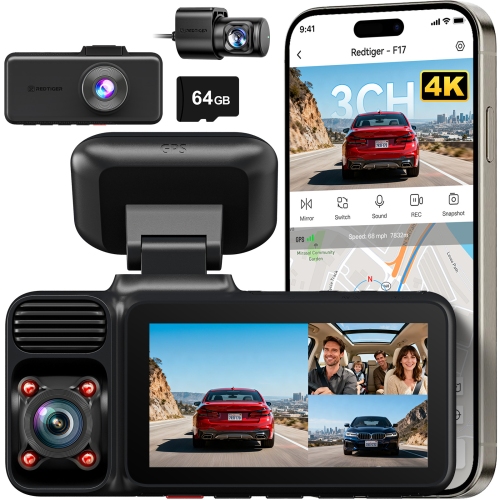


Why clear road footage takes more than resolution
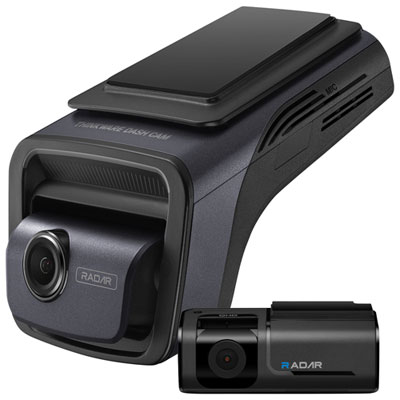
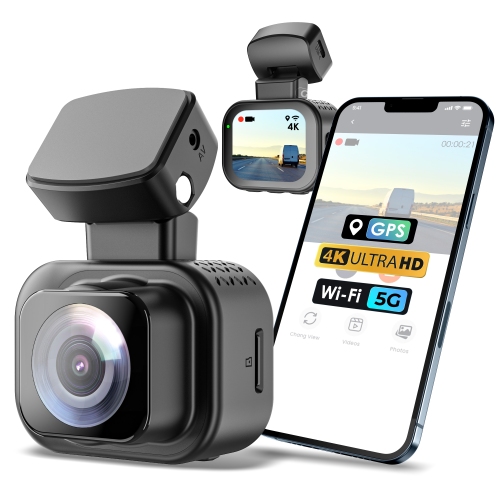
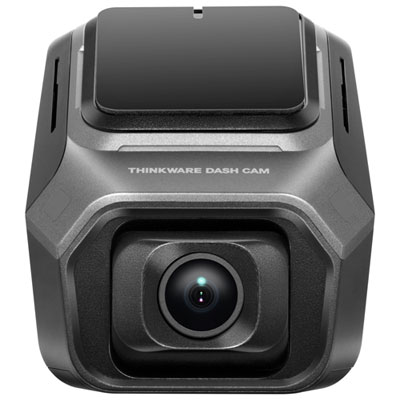
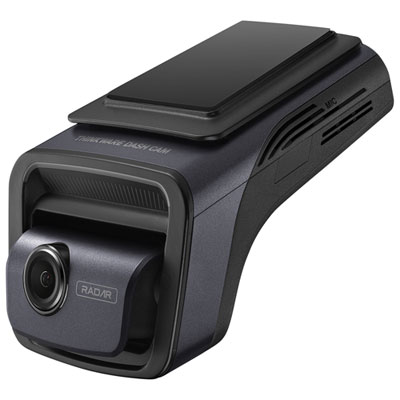
A 4K UHD dash cam is an in-vehicle camera that records the road at a resolution of 3840 × 2160 pixels, providing four times the pixel count of Full HD 1080p footage. That extra detail can make road markings, vehicle features and nearby signs easier to distinguish when reviewing a drive, although readable licence plates still depend on distance, movement, lighting and camera settings. For everyday commuting, highway travel or driving an unfamiliar route, the value is having a clear visual record of what happened ahead of the vehicle. Resolution is an important starting point, but it works alongside the image sensor, lens, video processing and recording bitrate. Native 4K capture is different from footage enlarged to a 4K output, so the recording specifications matter more than the resolution label alone. Many 4K UHD dash cams record at 30 frames per second; other recording modes may offer higher frame rates at a lower resolution. A higher frame rate can make movement look smoother, but it does not automatically produce sharper individual frames in every situation. High dynamic range, or HDR, can help balance bright headlights against darker surroundings, while a capable image sensor supports clearer footage on dimly lit roads and in underground parking garages. Neither feature guarantees that every detail will be visible. A wide-angle lens captures more of an intersection or adjacent lane, though a very broad view can make distant objects appear smaller and introduce distortion near the edges. A compatible polarizing filter may reduce dashboard reflections on the windshield, making it useful in vehicles where the dashboard is clearly reflected in the glass. It cannot remove every reflection and may reduce the amount of light reaching the lens. For shoppers comparing 4K dash cameras, the most useful combination is detailed footage, manageable file sizes and dependable operation rather than the longest feature list. Sample recordings made in varied lighting can offer a more meaningful impression of image quality than resolution figures viewed on their own.
The right camera configuration depends on which parts of a journey need to be recorded. A front-facing dash cam captures the view through the windshield, while a front-and-rear system adds a separate camera looking through the back window. An interior camera serves a different purpose, recording the passenger area for uses such as rideshare driving, subject to applicable privacy requirements. In a multi-camera system, a 4K designation may apply only to the front camera; rear and interior channels can record at different resolutions. Checking each channel’s specifications helps clarify what the complete setup will capture. Vehicle fit matters just as much as coverage. A compact camera tucked near the rear-view mirror can keep the dashboard area uncluttered, provided it does not obstruct the driver’s view, interfere with vehicle sensors or conflict with local mounting rules. A built-in screen makes it easier to check framing while parked, while a screen-free design generally relies more heavily on a compatible phone app. Adhesive mounts can provide a low-profile installation, whereas suction mounts may be easier to move between compatible vehicles. Lightweight housings, secure mounting joints and well-supported cable connections all contribute to a setup that stays steady through daily road vibration. Rear-camera installation also requires enough cable for the vehicle’s length and a suitable route around moving hatch or tailgate sections. Cables should remain clear of controls, pedals and airbag deployment paths; professional installation can be helpful when routing wiring or adding a hardwire kit. Parking mode is another consideration for vehicles left unattended in shared garages or parking lots. Depending on the camera, it may use impact detection, motion detection or buffered recording to save activity around a parked vehicle. These functions require an appropriate power source and do not operate identically across all cameras. A compatible hardwire kit with low-voltage protection or a purpose-built battery pack may be required. Parking recording does not guarantee that every incident will be captured, and a camera’s impact sensor should not be confused with an emergency assistance service.
Daily usability often determines how helpful a dash cam becomes after installation. Loop recording replaces older, unprotected footage as storage fills, while an impact sensor or manual save button can mark a clip for retention. Saved files still need attention: storage behaviour varies, and important footage is best copied to another device before it can be lost or overwritten. High-endurance memory cards are designed for repeated writing, but the card must also meet the camera manufacturer’s capacity and speed requirements. Higher bitrates and additional camera channels use storage more quickly, so recording time depends on the complete setup rather than capacity alone. Built-in Wi-Fi can connect a compatible phone to the camera for adjusting settings, previewing footage or transferring clips; it does not necessarily provide internet access or remote viewing. GPS, where included, can add location and speed information to recordings, but it is not a substitute for turn-by-turn navigation. App compatibility, transfer speed and a straightforward way to export original video files are worth considering, especially when a short clip may need to be shared after a parking-lot scrape or disputed lane change. Regular care is simple but important: keep the windshield and camera lens clean using suitable materials, check that the mount remains secure, and occasionally review a saved recording to confirm the angle, date, time and audio settings. Firmware updates and memory-card maintenance should follow the manufacturer’s directions. Drivers who mainly want a straightforward record of routine trips may also find an HD Dash Cam suitable, while 4K UHD recording offers additional image detail for closer review. For a frequent commuter, a household sharing a vehicle or someone receiving a dash cam as a practical gift, the best fit brings together appropriate coverage, compatible power and storage, and controls that are easy to use while parked. Awareness of local recording and privacy requirements, including rules affecting passengers and audio capture, rounds out a setup intended to document the drive without distracting from it.
The right camera configuration depends on which parts of a journey need to be recorded. A front-facing dash cam captures the view through the windshield, while a front-and-rear system adds a separate camera looking through the back window. An interior camera serves a different purpose, recording the passenger area for uses such as rideshare driving, subject to applicable privacy requirements. In a multi-camera system, a 4K designation may apply only to the front camera; rear and interior channels can record at different resolutions. Checking each channel’s specifications helps clarify what the complete setup will capture. Vehicle fit matters just as much as coverage. A compact camera tucked near the rear-view mirror can keep the dashboard area uncluttered, provided it does not obstruct the driver’s view, interfere with vehicle sensors or conflict with local mounting rules. A built-in screen makes it easier to check framing while parked, while a screen-free design generally relies more heavily on a compatible phone app. Adhesive mounts can provide a low-profile installation, whereas suction mounts may be easier to move between compatible vehicles. Lightweight housings, secure mounting joints and well-supported cable connections all contribute to a setup that stays steady through daily road vibration. Rear-camera installation also requires enough cable for the vehicle’s length and a suitable route around moving hatch or tailgate sections. Cables should remain clear of controls, pedals and airbag deployment paths; professional installation can be helpful when routing wiring or adding a hardwire kit. Parking mode is another consideration for vehicles left unattended in shared garages or parking lots. Depending on the camera, it may use impact detection, motion detection or buffered recording to save activity around a parked vehicle. These functions require an appropriate power source and do not operate identically across all cameras. A compatible hardwire kit with low-voltage protection or a purpose-built battery pack may be required. Parking recording does not guarantee that every incident will be captured, and a camera’s impact sensor should not be confused with an emergency assistance service.
Daily usability often determines how helpful a dash cam becomes after installation. Loop recording replaces older, unprotected footage as storage fills, while an impact sensor or manual save button can mark a clip for retention. Saved files still need attention: storage behaviour varies, and important footage is best copied to another device before it can be lost or overwritten. High-endurance memory cards are designed for repeated writing, but the card must also meet the camera manufacturer’s capacity and speed requirements. Higher bitrates and additional camera channels use storage more quickly, so recording time depends on the complete setup rather than capacity alone. Built-in Wi-Fi can connect a compatible phone to the camera for adjusting settings, previewing footage or transferring clips; it does not necessarily provide internet access or remote viewing. GPS, where included, can add location and speed information to recordings, but it is not a substitute for turn-by-turn navigation. App compatibility, transfer speed and a straightforward way to export original video files are worth considering, especially when a short clip may need to be shared after a parking-lot scrape or disputed lane change. Regular care is simple but important: keep the windshield and camera lens clean using suitable materials, check that the mount remains secure, and occasionally review a saved recording to confirm the angle, date, time and audio settings. Firmware updates and memory-card maintenance should follow the manufacturer’s directions. Drivers who mainly want a straightforward record of routine trips may also find an HD Dash Cam suitable, while 4K UHD recording offers additional image detail for closer review. For a frequent commuter, a household sharing a vehicle or someone receiving a dash cam as a practical gift, the best fit brings together appropriate coverage, compatible power and storage, and controls that are easy to use while parked. Awareness of local recording and privacy requirements, including rules affecting passengers and audio capture, rounds out a setup intended to document the drive without distracting from it.
Top selling and popular products
-
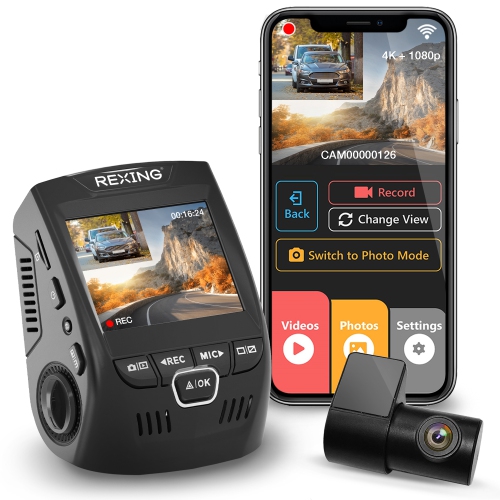 Your price for this item is $159.99
-
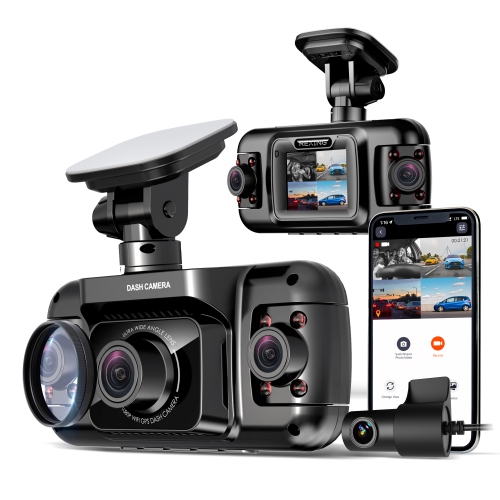 Your price for this item is $299.99
-
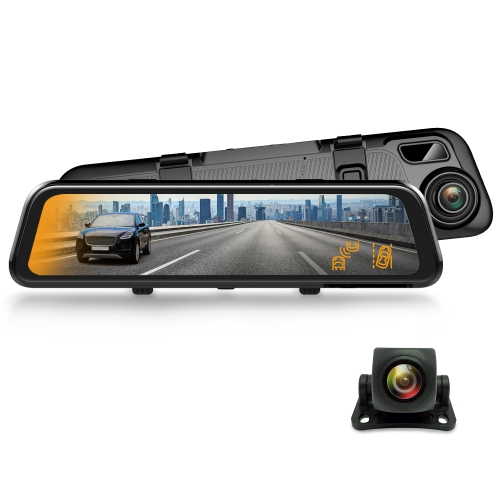 Your price for this item is $129.99
-
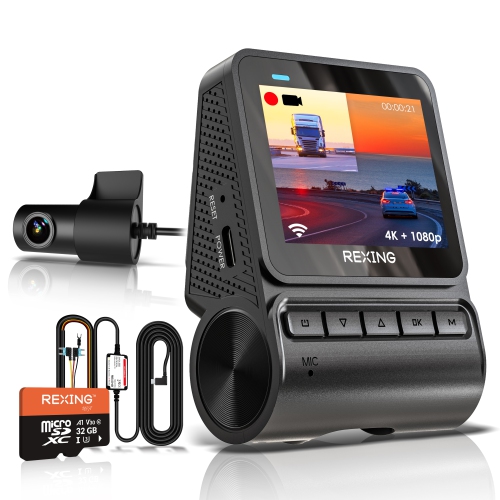 Your price for this item is $229.99
-
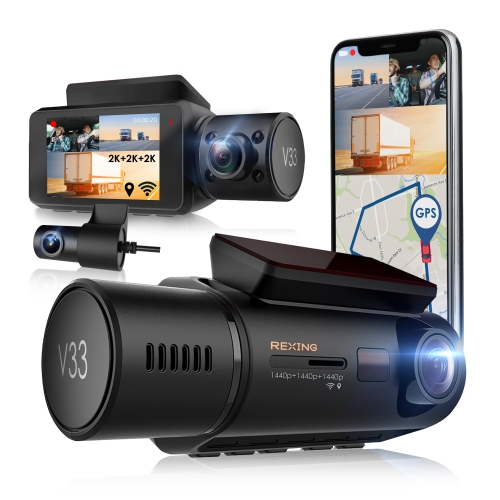 Your price for this item is $327.99
-
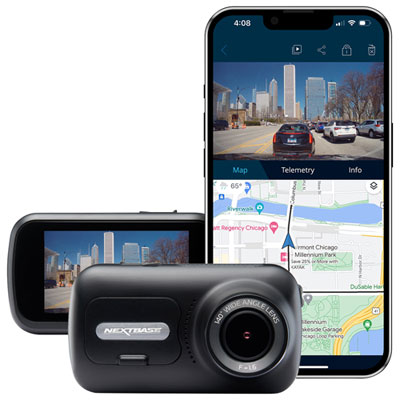 Your price for this item is $249.99
-
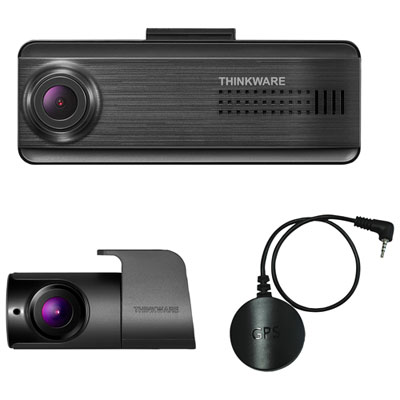 Your price for this item is $299.99
-
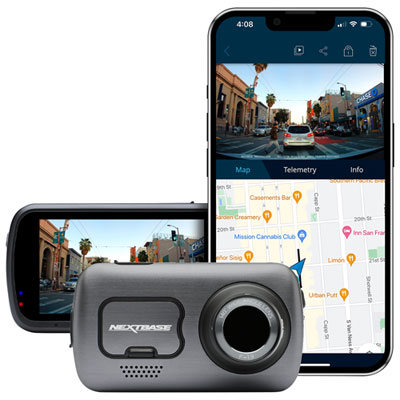 Your price for this item is $399.99
Discover more categories related to 4K UHD Dash Cam


Top Collections:
Best Black Friday Deals This Year, Best Black Friday Deals On Electronics, Kindle Devices, Pokemon Centers, Best Black Friday Deals On Apple Products, Best Cameras for Sports Photography, Dyson Airwrap, Pokémon 30th Celebration Cards, Apple iPhone 17 Pro, Canon G7X Cameras
Some products may be subject to Environmental Handling Fees
(EHF) depending on your province.
Learn more about EHFs.