Dash Cams With Loop Recording
Dash Cams With Loop Recording offer a reliable way to capture and store your driving footage, providing peace of mind on every journey. Featuring continuous recording capabilities, these dash cams ensure you never miss a moment on the road. Whether you're commuting daily or planning a road trip, explore a wide selection of Dash Cams With Loop Recording to find the perfect fit for your vehicle. Discover options designed to help you document your travels and drive with added confidence.
Sort
![REXING R88 4K Front + 4K Rear Dual Sony Starvis Dash Cam With 5.8Ghz Wifi Gps [Employee of bestbuy] Best dashcam ever](https://multimedia.bbycastatic.ca/multimedia/products/500x500/197/19755/19755223.jpeg)
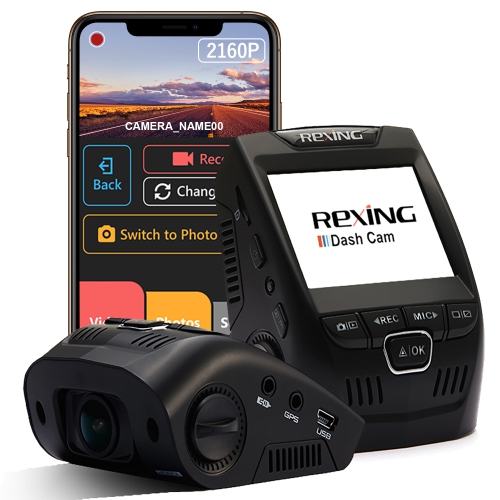
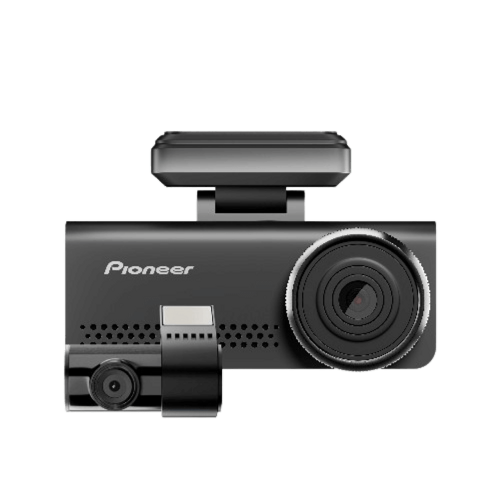
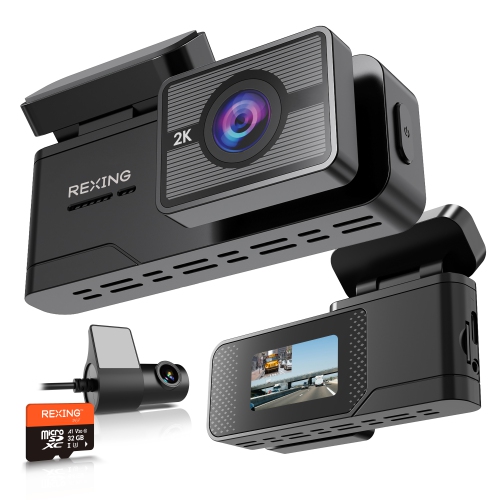
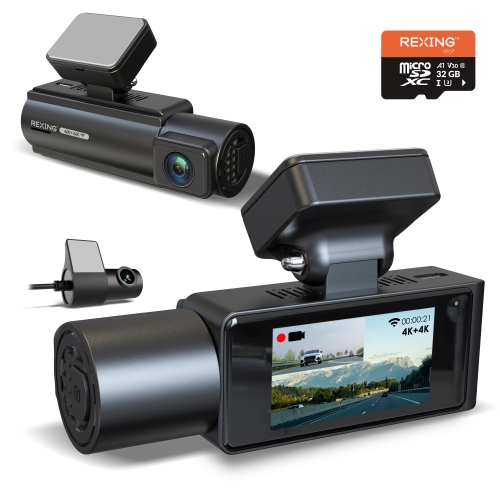

What happens to your footage when storage fills up
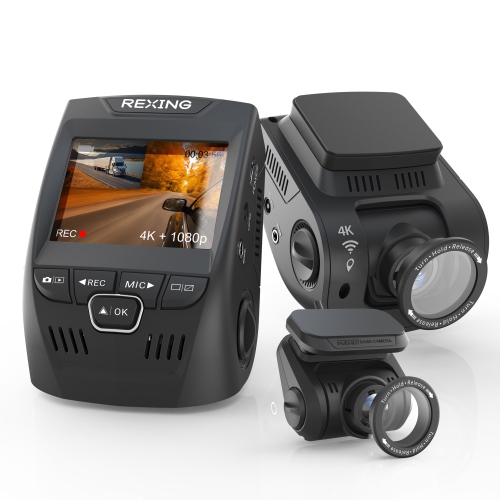
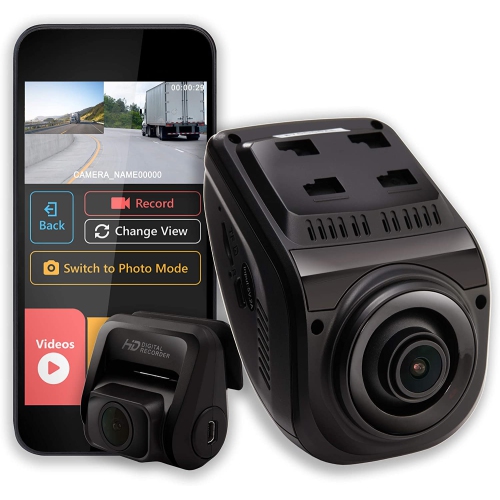
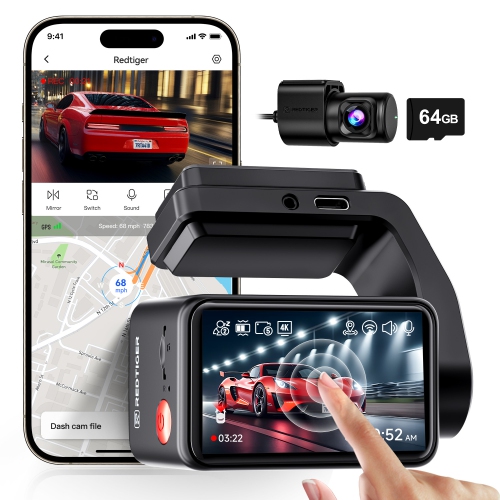
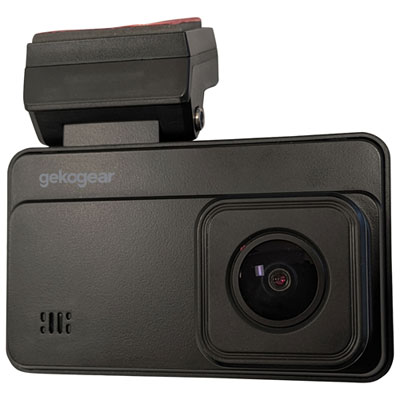
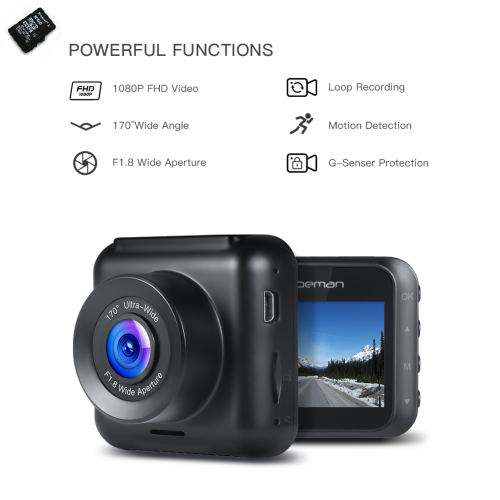
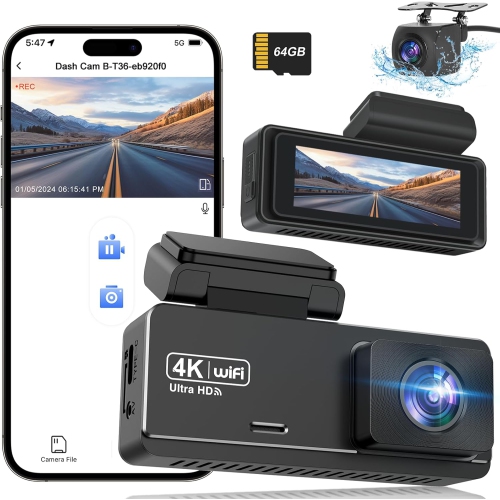
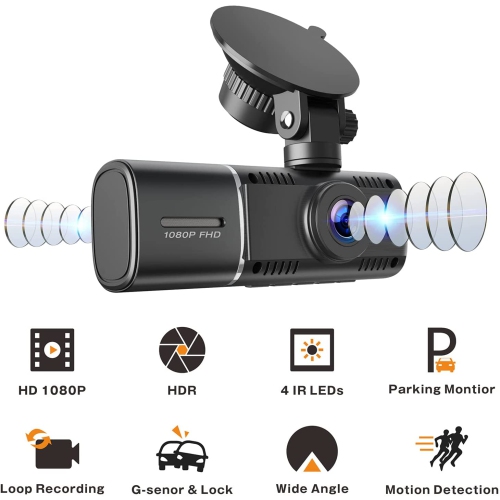
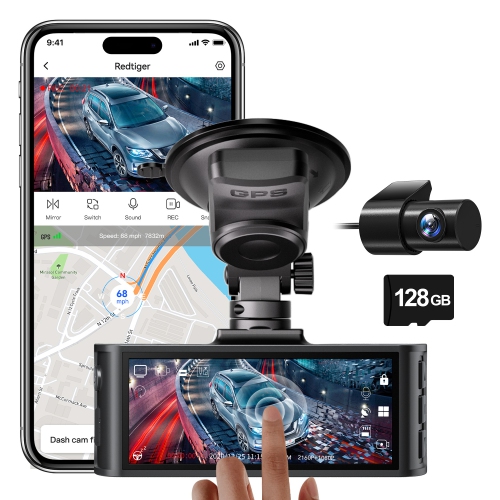
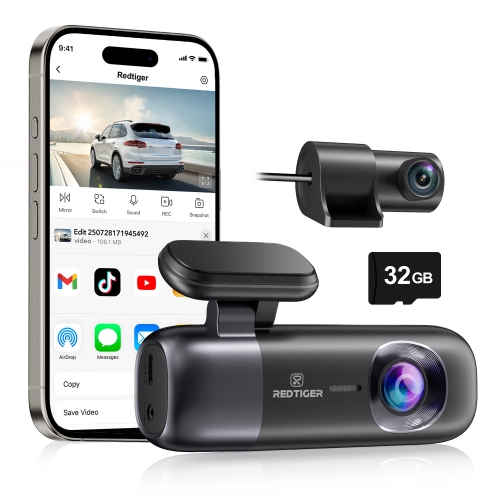
Dash cams with loop recording capture video in short, consecutive clips and automatically replace the oldest unprotected footage when the memory card fills up. This keeps recording going without requiring the driver to clear storage after every trip, provided the camera has power and a compatible, functioning card. Clip lengths commonly include one, three, or five minutes, although the settings vary by model. These segments make footage easier to locate and transfer than a single large video file. On a typical commute, the camera might capture a merge onto the highway, a stop at an intersection, and the approach to a parking garage as separate files within the same journey. Loop recording handles routine footage, while a manual save button or an impact sensor, often called a G-sensor, can protect selected clips from the normal overwrite cycle on supported cameras. That distinction matters: loop recording manages storage, but it does not mean every moment is saved permanently. Protected files still need attention because their storage space is limited, and the way a camera manages a full protected folder varies. Important footage is best copied to another device soon after an incident, including any neighbouring clips that show what happened beforehand or afterwards. For commuters, frequent road-trippers, delivery drivers, and families sharing a vehicle, this combination of automatic recording and selective file protection can provide a useful visual record of everyday travel. It can help document road conditions, vehicle movements, and the sequence of an unexpected event, though footage does not guarantee that every detail will be visible or that an insurance claim will be resolved a particular way. A dash cam can also be a practical gift for someone who spends plenty of time behind the wheel, especially when its controls, mounting requirements, and phone compatibility suit the recipient’s vehicle and comfort with technology.
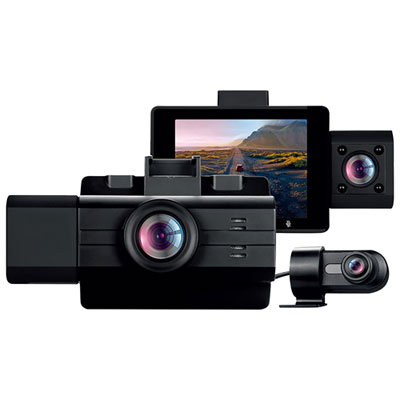
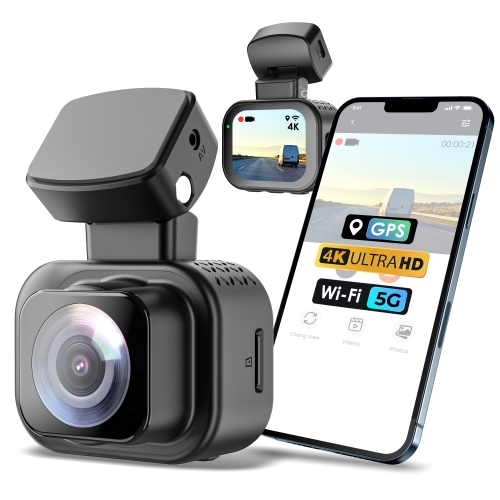
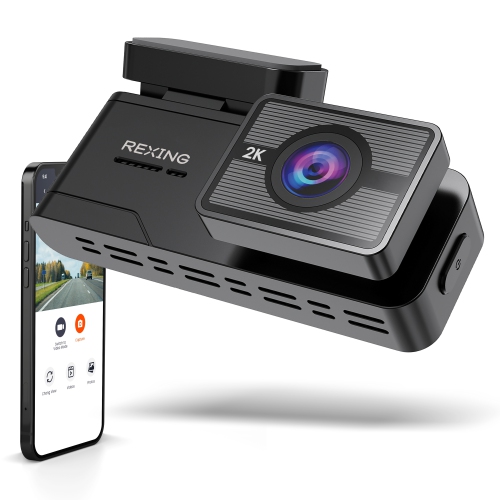
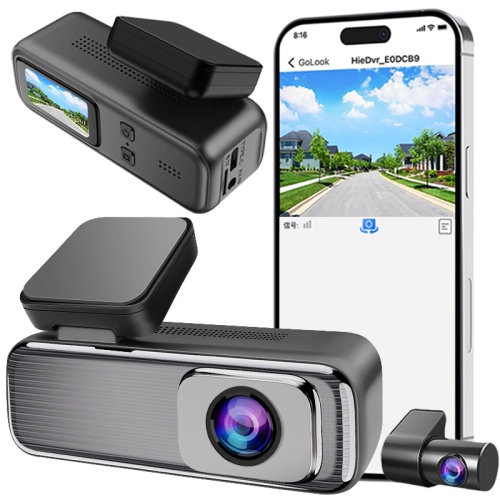
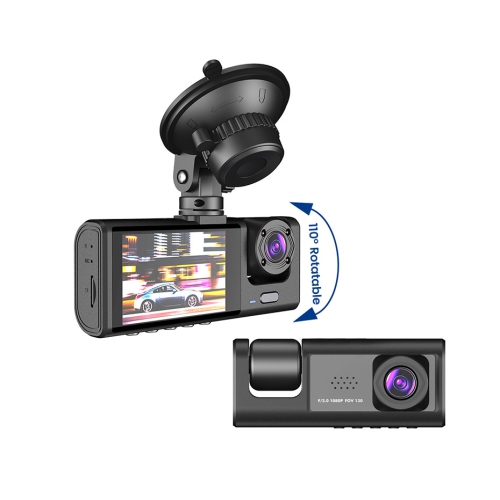
Video quality and camera coverage shape how useful those saved clips will be. Full HD, higher-resolution, and 4K recording options offer different levels of detail, but resolution alone does not determine whether a licence plate will be readable. Lighting, speed, distance, lens quality, video compression, and reflections from the windshield all affect the result. During the cooler months, an early commute may begin under streetlights and end in bright, low-angle sunlight, making low-light performance and balanced exposure particularly relevant. Wide dynamic range or similar image processing can help manage bright skies and darker areas in the same scene, while a compatible polarizing filter may reduce dashboard reflections. A wide field of view captures more of the lanes beside the vehicle, although very wide lenses can make distant details appear smaller or introduce distortion near the edges. Front-facing cameras focus on the road ahead; front-and-rear systems add a view behind the vehicle; and cabin-facing configurations can be relevant for drivers who need an interior record. Each additional camera channel also adds footage to store, so recording time depends on the number of cameras, their resolution and bitrate, and the memory card’s capacity. Loop recording works best with a card rated for repeated video writing, within the capacity and speed specifications supported by the camera. A larger supported card generally retains a longer history before older footage is overwritten, but higher video settings can shorten that history considerably. Built-in screens can make it easier to check the view and confirm recording status, while Wi-Fi and a compatible app can simplify clip review and transfers to a phone. GPS features, where included, may attach location or speed information to recordings. Clear menus, an accessible save control, and an obvious recording indicator are valuable everyday details, particularly when multiple drivers use the same car. Any interaction with the screen, app, or saved files belongs before departure or after parking safely.
Fit, installation, and durability are just as important as the footage itself. A compact camera mounted near the rear-view mirror can stay relatively unobtrusive, but its position must preserve the driver’s view and avoid interfering with airbags, vehicle sensors, or other equipment. Mounting rules vary by province or territory, and the lens needs a clear view through an area the wipers can keep clean. Adhesive mounts tend to provide a stable, low-profile attachment, while suction mounts may be more convenient for occasional removal or transfers between vehicles; either type depends on a clean mounting surface and appropriate installation. Housing materials, bracket strength, and cable connections all contribute to how well the camera handles daily vibration and repeated temperature changes. Published operating-temperature limits are especially relevant for vehicles parked outdoors, where cabin conditions can shift substantially between a frosty morning and an afternoon in direct sunlight. Some cameras use a supercapacitor rather than an internal battery to finish saving a file when external power stops; neither design should be assumed to provide extended recording without a suitable power supply. A vehicle power socket may switch off with the ignition or remain active, so power behaviour affects when recording starts and stops. Parking features can require a compatible hardwire kit or another supported power source, and low-voltage protection can help reduce the risk of draining the vehicle battery. Loop recording and motion detection serve different purposes: one manages stored footage, while the other can trigger recording when movement is detected. Dash Cameras With Motion Detection may suit shoppers interested in that additional capability, with parking operation depending on the camera’s features and installation. Routine care includes gently cleaning the lens, keeping the windshield clear, checking that the mount remains secure, and periodically reviewing a sample clip to confirm that footage is saving correctly. Memory cards wear with repeated use, so recording errors deserve prompt attention, and any formatting should follow the camera maker’s directions after important files have been backed up. Securely routed cables, a correctly set date and time, and thoughtful audio and privacy settings round out a dash cam setup suited to everyday driving.
Video quality and camera coverage shape how useful those saved clips will be. Full HD, higher-resolution, and 4K recording options offer different levels of detail, but resolution alone does not determine whether a licence plate will be readable. Lighting, speed, distance, lens quality, video compression, and reflections from the windshield all affect the result. During the cooler months, an early commute may begin under streetlights and end in bright, low-angle sunlight, making low-light performance and balanced exposure particularly relevant. Wide dynamic range or similar image processing can help manage bright skies and darker areas in the same scene, while a compatible polarizing filter may reduce dashboard reflections. A wide field of view captures more of the lanes beside the vehicle, although very wide lenses can make distant details appear smaller or introduce distortion near the edges. Front-facing cameras focus on the road ahead; front-and-rear systems add a view behind the vehicle; and cabin-facing configurations can be relevant for drivers who need an interior record. Each additional camera channel also adds footage to store, so recording time depends on the number of cameras, their resolution and bitrate, and the memory card’s capacity. Loop recording works best with a card rated for repeated video writing, within the capacity and speed specifications supported by the camera. A larger supported card generally retains a longer history before older footage is overwritten, but higher video settings can shorten that history considerably. Built-in screens can make it easier to check the view and confirm recording status, while Wi-Fi and a compatible app can simplify clip review and transfers to a phone. GPS features, where included, may attach location or speed information to recordings. Clear menus, an accessible save control, and an obvious recording indicator are valuable everyday details, particularly when multiple drivers use the same car. Any interaction with the screen, app, or saved files belongs before departure or after parking safely.
Fit, installation, and durability are just as important as the footage itself. A compact camera mounted near the rear-view mirror can stay relatively unobtrusive, but its position must preserve the driver’s view and avoid interfering with airbags, vehicle sensors, or other equipment. Mounting rules vary by province or territory, and the lens needs a clear view through an area the wipers can keep clean. Adhesive mounts tend to provide a stable, low-profile attachment, while suction mounts may be more convenient for occasional removal or transfers between vehicles; either type depends on a clean mounting surface and appropriate installation. Housing materials, bracket strength, and cable connections all contribute to how well the camera handles daily vibration and repeated temperature changes. Published operating-temperature limits are especially relevant for vehicles parked outdoors, where cabin conditions can shift substantially between a frosty morning and an afternoon in direct sunlight. Some cameras use a supercapacitor rather than an internal battery to finish saving a file when external power stops; neither design should be assumed to provide extended recording without a suitable power supply. A vehicle power socket may switch off with the ignition or remain active, so power behaviour affects when recording starts and stops. Parking features can require a compatible hardwire kit or another supported power source, and low-voltage protection can help reduce the risk of draining the vehicle battery. Loop recording and motion detection serve different purposes: one manages stored footage, while the other can trigger recording when movement is detected. Dash Cameras With Motion Detection may suit shoppers interested in that additional capability, with parking operation depending on the camera’s features and installation. Routine care includes gently cleaning the lens, keeping the windshield clear, checking that the mount remains secure, and periodically reviewing a sample clip to confirm that footage is saving correctly. Memory cards wear with repeated use, so recording errors deserve prompt attention, and any formatting should follow the camera maker’s directions after important files have been backed up. Securely routed cables, a correctly set date and time, and thoughtful audio and privacy settings round out a dash cam setup suited to everyday driving.
Top selling and popular products
-
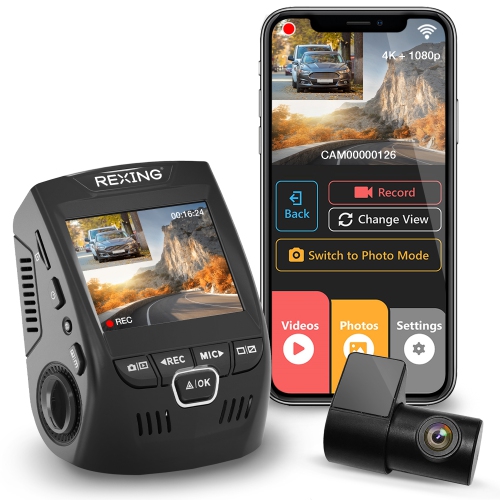 Your price for this item is $159.99
 -
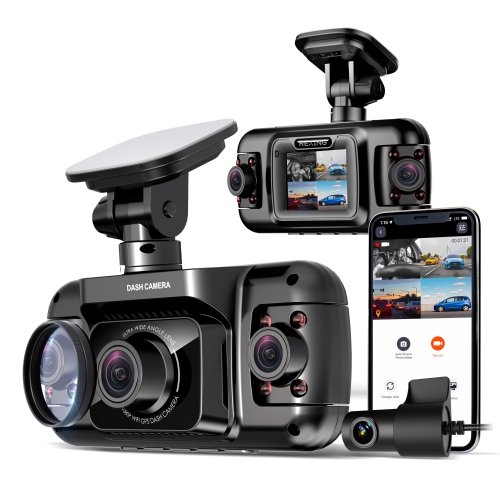 Your price for this item is $327.99
 -
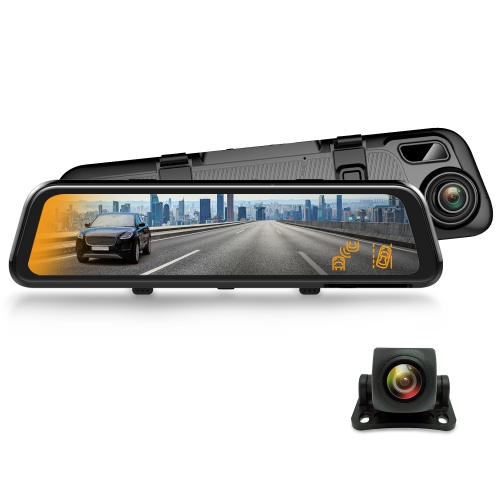 Your price for this item is $129.99
 -
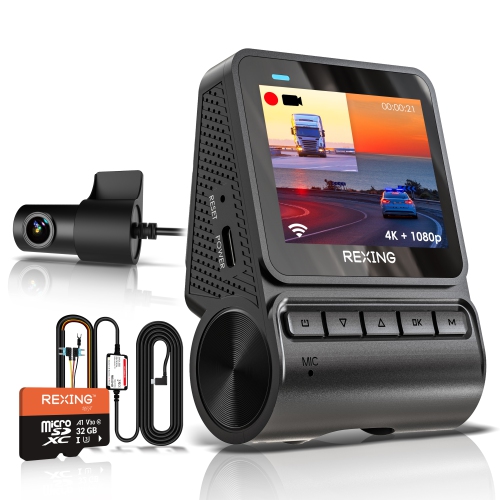 Your price for this item is $229.99
 -
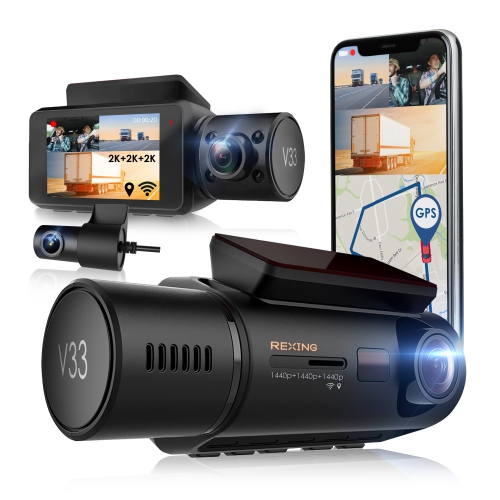 Your price for this item is $327.99
 -
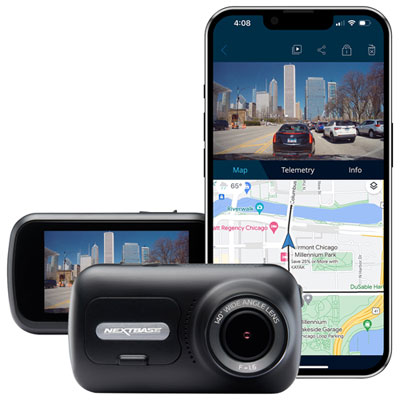 Your price for this item is $199.99
 -
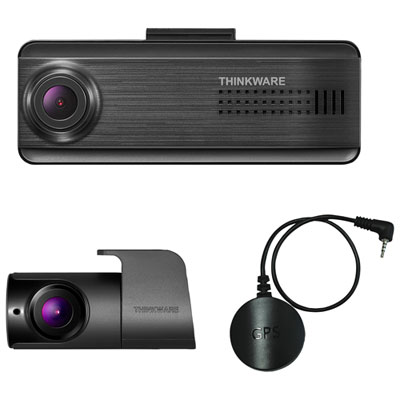 Your price for this item is $179.99
 -
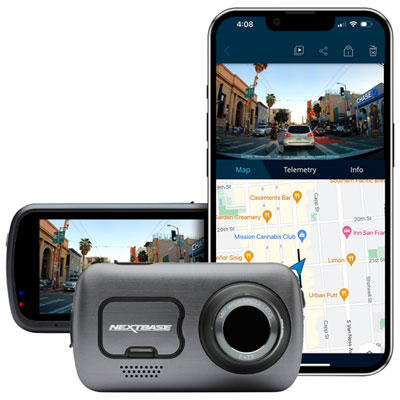 Your price for this item is $349.99
Discover more categories related to Dash Cams With Loop Recording

Top Collections:
Pokemon Centers, Kindle Devices, Best Budget Office Chairs, Apple iPhones 16, Best Laptops for Writers, iPhone 15 Apple, Canon G7X Cameras, Refurbished Apple Laptops, Alarm Clock, Motorola Razr Phones
Some products may be subject to Environmental Handling Fees
(EHF) depending on your province.
Learn more about EHFs.