Durable Cellphones for Elderly
Durable cellphones for elderly are designed to offer reliable performance and peace of mind for seniors and their loved ones. These phones combine straightforward usability with robust construction, making them ideal for daily use at home or on the go. Whether you’re looking for a simple device with easy-to-read displays or a model built to withstand everyday bumps and drops, durable cellphones for elderly provide practical solutions tailored to senior lifestyles. Explore options that make staying connected easier and more dependable than ever.
Sort
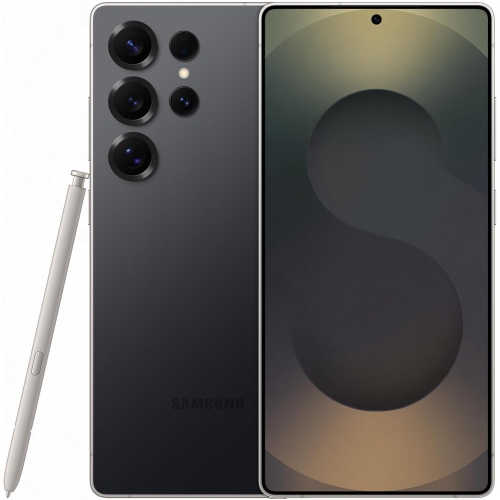
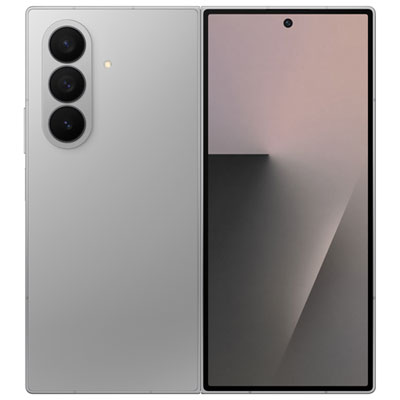
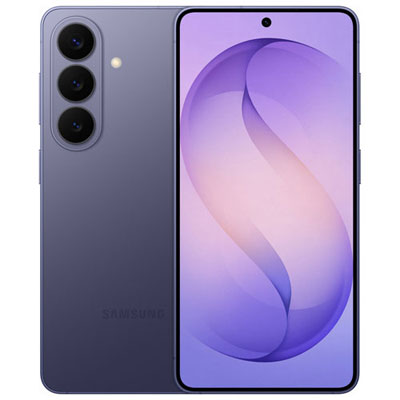
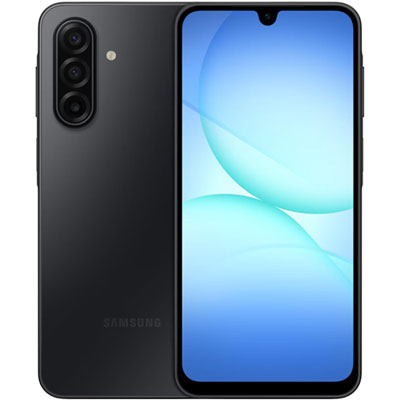

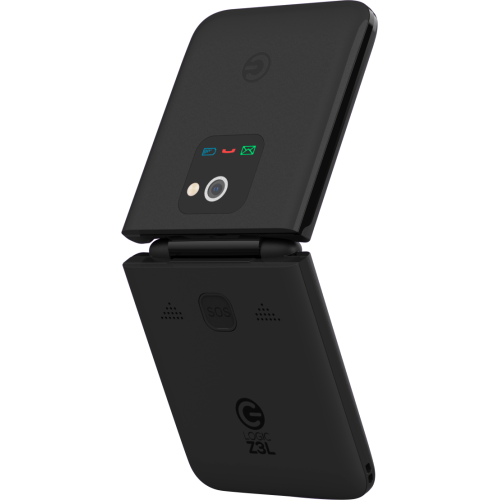
Why easy handling matters as much as phone strength
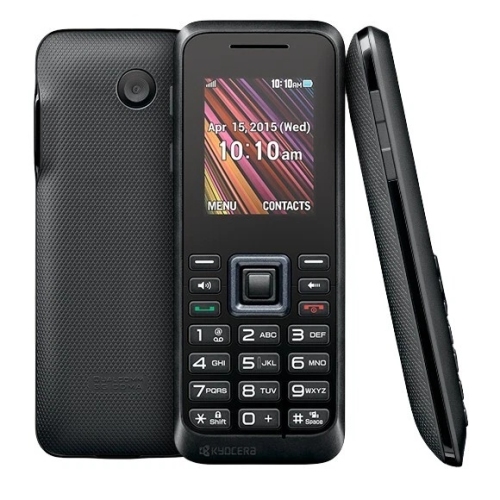
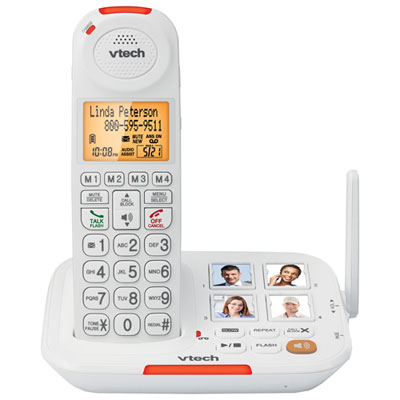
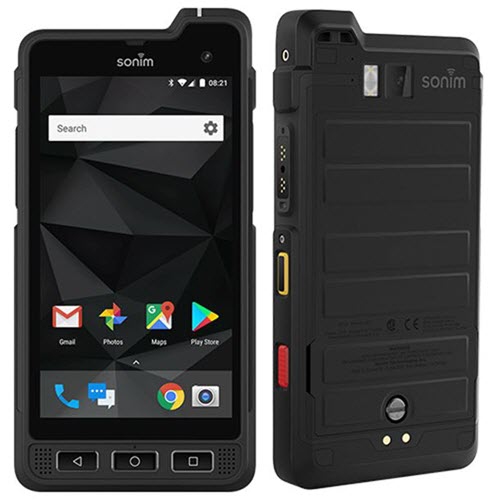
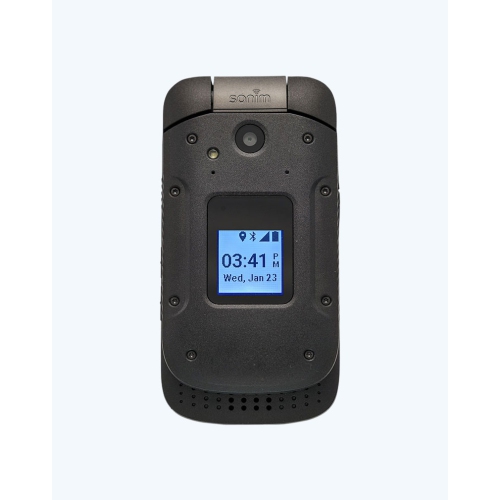
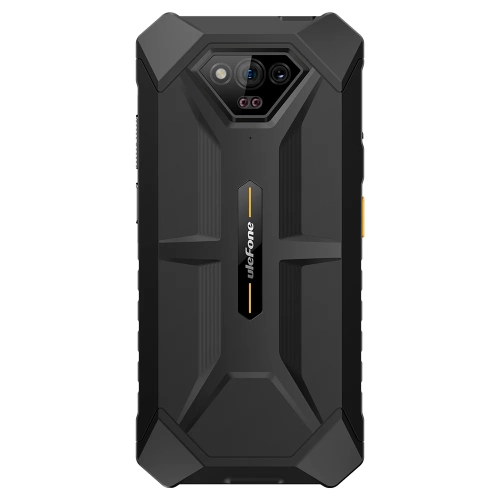
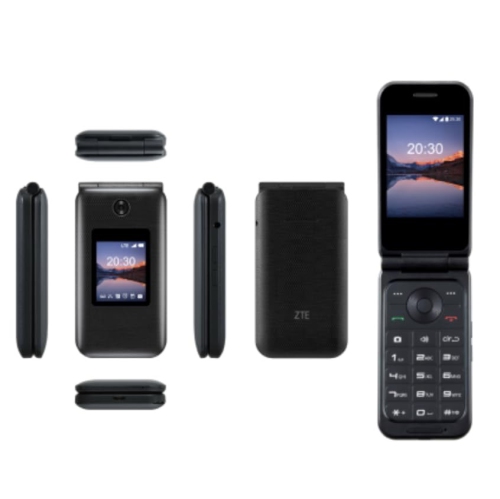
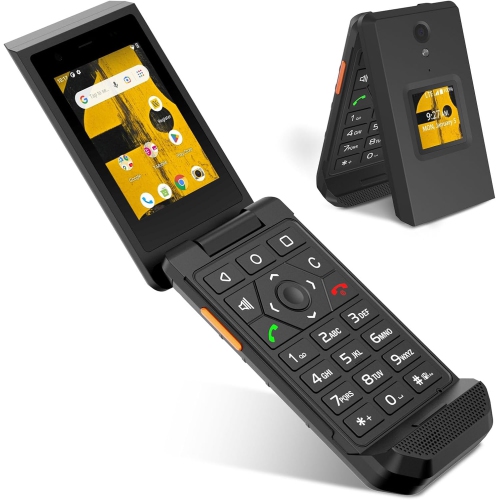
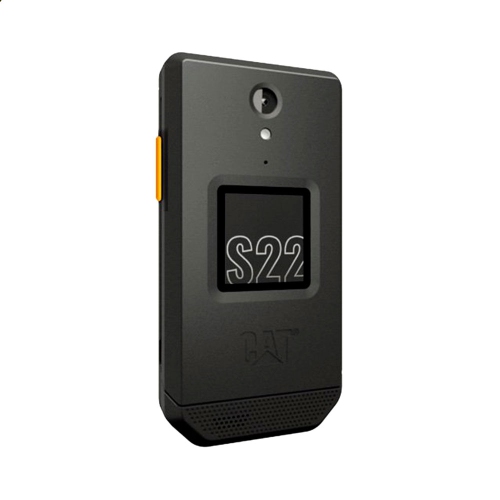
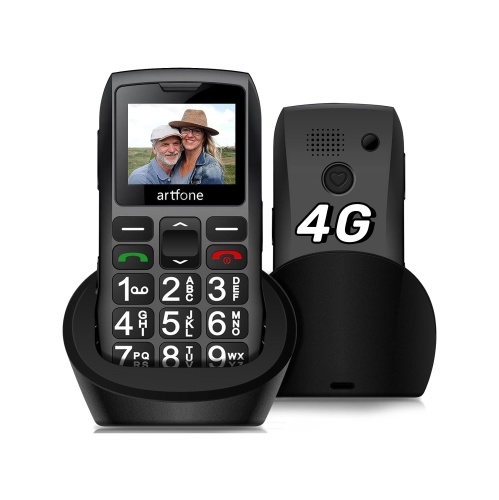
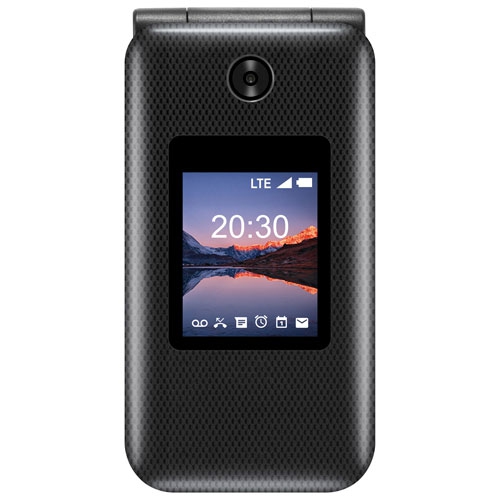
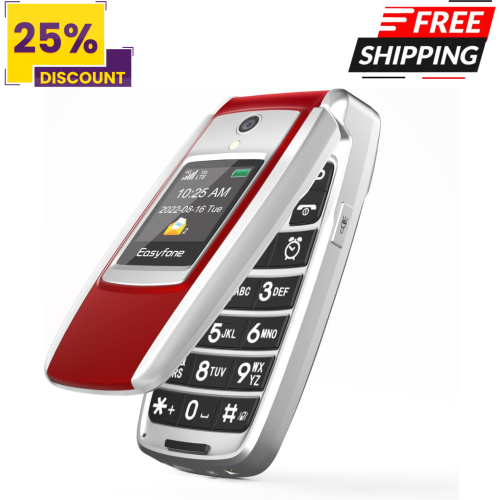
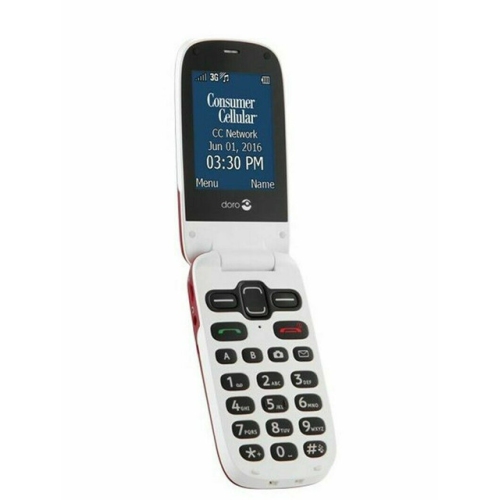
Durable cellphones for elderly users combine a sturdy build with controls that feel comfortable and familiar. The most useful features often include a secure grip, a clear display, easy-to-press buttons, dependable battery life, and protection against everyday bumps. For someone who mainly makes calls, a reinforced flip phone can keep the experience straightforward while shielding the main screen and keypad when closed. For someone who exchanges family photos, uses maps, or joins video calls, a smartphone with a protective case and adjustable accessibility settings may be a better fit. Neither style is automatically tougher: construction, documented testing, and the way the phone fits in the hand matter more than its shape alone. Rubberized edges and textured backs can help prevent slipping, while reinforced corners and raised edges around the screen can reduce exposure to knocks. A phone that stays secure while being lifted from a side table is often more practical than a heavily armoured model that feels too bulky to hold comfortably. Weight and balance deserve particular attention for anyone with arthritis, reduced grip strength, or limited movement in one hand. Physical buttons should have enough space between them to make dialling deliberate, with a distinct response that confirms each press. On a flip phone, the hinge should open smoothly without requiring an awkward pinch. Durability claims also need context. An IP rating describes tested resistance to dust and water under specified conditions; it does not establish resistance to drops or guarantee protection from every spill. Drop-test claims are separate and should be read alongside the stated test height, surface, and conditions. No cellphone is completely damage-proof. A compatible case, a suitable screen protector, and a comfortable grip can work together to help protect a device during ordinary use, whether it travels in a handbag, rests beside a favourite chair, or accompanies its owner on errands. Easy handling is part of durability because preventing a drop is just as valuable as limiting the damage afterwards.
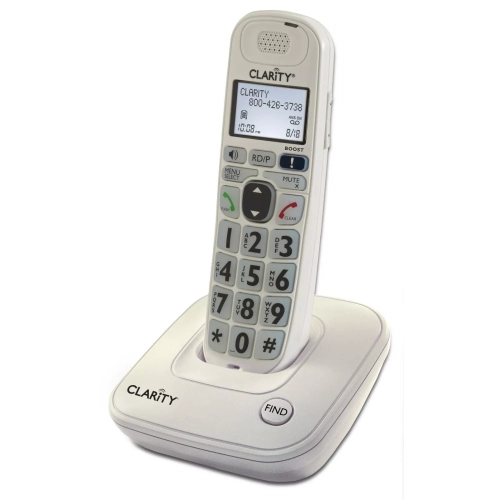
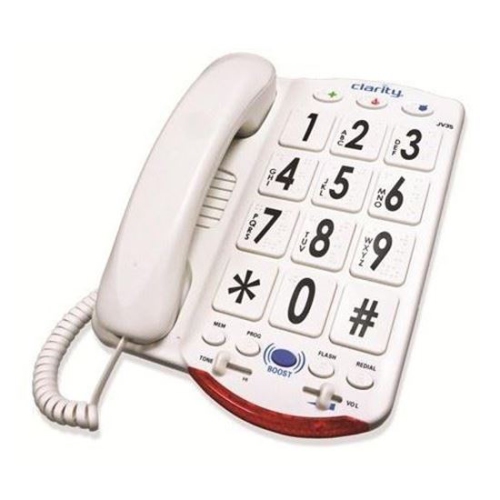
Accessibility makes a durable phone useful day after day, rather than simply hard to break. Large, high-contrast numbers can be easier to distinguish, but the clarity of contact names, menus, and incoming-call information matters too. Backlit keys help make the keypad visible in a dim room, while adjustable text size can make messages more comfortable to read. Touchscreen users may appreciate a simplified home screen with a few clearly labelled contacts and frequently used functions, rather than several pages of small icons. Those who prefer physical controls may find a dedicated answer key, end-call key, and volume rocker easier to manage by touch. For shoppers whose main priority is a less complicated calling experience, Simple Cell Phones for Seniors offers a related focus on straightforward everyday communication. Sound quality is another important consideration. An adjustable ringtone helps draw attention to an incoming call, while clear earpiece audio and accessible speakerphone controls support conversations without unnecessary fumbling. A loud speaker alone does not guarantee intelligible speech, and hearing aid compatibility varies by phone and hearing device. Confirming supported connections and compatibility is more useful than relying on a general claim about volume. Charging should feel equally manageable. A compatible charging cradle can give the phone a consistent place beside a chair or on a bedside table and reduce the need to align a small cable plug. Where a cradle is not supported, an accessible charging port and an easy-to-handle cable can still make the routine simpler. Battery figures should be considered in light of actual use: video calls, navigation, screen brightness, and signal strength all affect how long a charge lasts. A clear battery indicator and noticeable low-battery alert can help someone maintain a charging habit. Small details become especially valuable when a phone rings during meal preparation or needs to be answered quickly without searching through menus. The aim is a device that supports its owner's habits, not one that demands a new routine for every basic task.
Reliable communication also depends on network compatibility and thoughtful setup. For use in Canada, support for 4G LTE calling through VoLTE is an important consideration, but an unlocked phone is not automatically compatible with every carrier. The exact model, supported network bands, and the carrier's acceptance of its calling features should be confirmed before choosing a device. Wi-Fi calling can be useful where indoor cellular reception is weak, provided both the phone and carrier support it. Emergency features deserve the same careful attention. Some phones have a dedicated assistance or SOS button that can call or message saved contacts, and some can share location information when properly configured. These functions differ between models and may depend on an active service plan, cellular coverage, permissions, and available battery power. An assistance button should not be assumed to connect directly to emergency services or replace a dedicated medical alert service. For everyday reassurance, clearly labelled favourite contacts, accessible medical information, and a straightforward way to answer calls can be just as important. A durable cellphone can be a thoughtful gift for an older parent, grandparent, partner, or friend, especially when the recipient helps choose the controls and features. Some older adults want a familiar keypad; others are confident smartphone users who simply need a stronger case and a more comfortable grip. Setting up contacts together, adjusting the text size, and practising charging can make the gift more useful without taking away the owner's independence. Ongoing care helps preserve that usefulness. A soft cloth and cleaning methods approved by the manufacturer are preferable to harsh cleaners, and charging ports should be kept free of debris without inserting sharp objects. Cases should fit securely without obstructing microphones, speakers, buttons, or charging connections. Loose hinges, cracked screens, damaged charging cables, and an unusually swollen battery need attention rather than continued use. For smartphones, software and security support also contribute to a longer useful life. The strongest overall match balances physical protection, accessible operation, dependable calling, and the features its owner actually enjoys using.
Accessibility makes a durable phone useful day after day, rather than simply hard to break. Large, high-contrast numbers can be easier to distinguish, but the clarity of contact names, menus, and incoming-call information matters too. Backlit keys help make the keypad visible in a dim room, while adjustable text size can make messages more comfortable to read. Touchscreen users may appreciate a simplified home screen with a few clearly labelled contacts and frequently used functions, rather than several pages of small icons. Those who prefer physical controls may find a dedicated answer key, end-call key, and volume rocker easier to manage by touch. For shoppers whose main priority is a less complicated calling experience, Simple Cell Phones for Seniors offers a related focus on straightforward everyday communication. Sound quality is another important consideration. An adjustable ringtone helps draw attention to an incoming call, while clear earpiece audio and accessible speakerphone controls support conversations without unnecessary fumbling. A loud speaker alone does not guarantee intelligible speech, and hearing aid compatibility varies by phone and hearing device. Confirming supported connections and compatibility is more useful than relying on a general claim about volume. Charging should feel equally manageable. A compatible charging cradle can give the phone a consistent place beside a chair or on a bedside table and reduce the need to align a small cable plug. Where a cradle is not supported, an accessible charging port and an easy-to-handle cable can still make the routine simpler. Battery figures should be considered in light of actual use: video calls, navigation, screen brightness, and signal strength all affect how long a charge lasts. A clear battery indicator and noticeable low-battery alert can help someone maintain a charging habit. Small details become especially valuable when a phone rings during meal preparation or needs to be answered quickly without searching through menus. The aim is a device that supports its owner's habits, not one that demands a new routine for every basic task.
Reliable communication also depends on network compatibility and thoughtful setup. For use in Canada, support for 4G LTE calling through VoLTE is an important consideration, but an unlocked phone is not automatically compatible with every carrier. The exact model, supported network bands, and the carrier's acceptance of its calling features should be confirmed before choosing a device. Wi-Fi calling can be useful where indoor cellular reception is weak, provided both the phone and carrier support it. Emergency features deserve the same careful attention. Some phones have a dedicated assistance or SOS button that can call or message saved contacts, and some can share location information when properly configured. These functions differ between models and may depend on an active service plan, cellular coverage, permissions, and available battery power. An assistance button should not be assumed to connect directly to emergency services or replace a dedicated medical alert service. For everyday reassurance, clearly labelled favourite contacts, accessible medical information, and a straightforward way to answer calls can be just as important. A durable cellphone can be a thoughtful gift for an older parent, grandparent, partner, or friend, especially when the recipient helps choose the controls and features. Some older adults want a familiar keypad; others are confident smartphone users who simply need a stronger case and a more comfortable grip. Setting up contacts together, adjusting the text size, and practising charging can make the gift more useful without taking away the owner's independence. Ongoing care helps preserve that usefulness. A soft cloth and cleaning methods approved by the manufacturer are preferable to harsh cleaners, and charging ports should be kept free of debris without inserting sharp objects. Cases should fit securely without obstructing microphones, speakers, buttons, or charging connections. Loose hinges, cracked screens, damaged charging cables, and an unusually swollen battery need attention rather than continued use. For smartphones, software and security support also contribute to a longer useful life. The strongest overall match balances physical protection, accessible operation, dependable calling, and the features its owner actually enjoys using.
Top selling and popular products
-
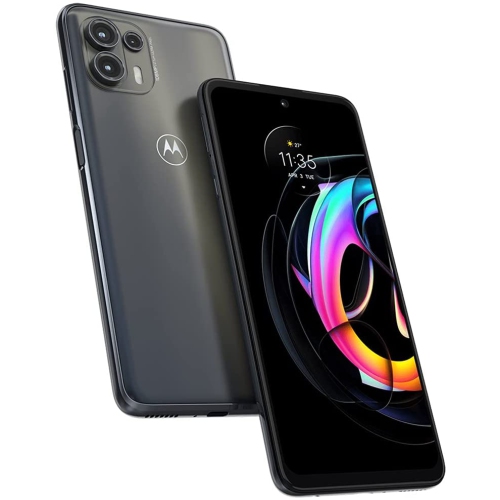 Your price for this item is $139
 -
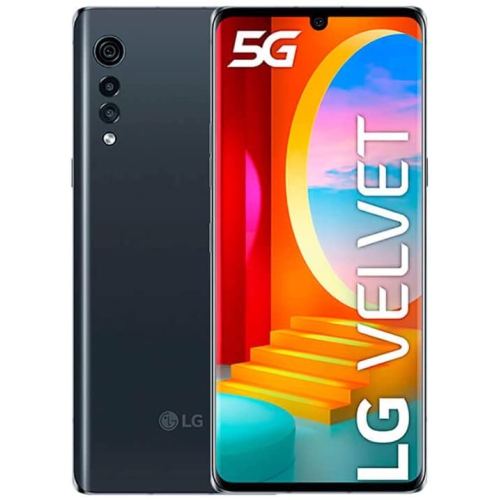 Your price for this item is $292.99
 -
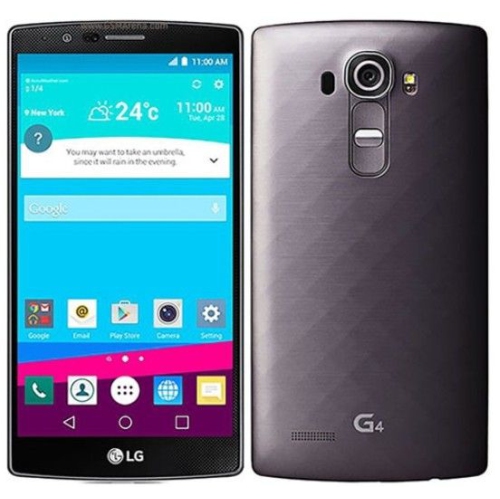 Your price for this item is $120
 -
 Your price for this item is $221.01
 -
 Your price for this item is $89.99
 -
 Your price for this item is $184.99
 -
 Your price for this item is $219
 -
 Your price for this item is $177.1
Discover more categories related to Durable Cellphones for Elderly
Top Collections:
Pokemon Centers, Best Cameras for Sports Photography, Kindle Devices, Samsung Galaxy Phones, Canon G7X Cameras, Pokémon 30th Celebration Cards, Refurbished Apple Laptops, iPhone 15 Apple, Laptops for Students, Budget Smartphones
Some products may be subject to Environmental Handling Fees
(EHF) depending on your province.
Learn more about EHFs.